$1-per-LoRA on RunPod: CPU Pod ($0.08/hr) + GPU Pod two-stage workflow, Network Volume trick, four sd-scripts gotchas
 Contents
2026-04-25 update: I wrote a follow-up that validates the “source cleanup is the real fix” hypothesis from the end of this article. Pulling 6 decoration-laden samples from the LoRA training set made the angry sweat drops disappear
In Testing WAI-Illustrious v17 I confirmed that an existing v16-trained LoRA still just barely works on v17. But the face was also drifting a little from the training source, so I decided to retrain with a higher dim on top of v17 — and while at it, rethink how I use RunPod.
Last time I trained a LoRA on RunPod, I had the 4090 running while I was doing apt install, pip install, and downloading a 6.5GB model. Burning 30-40 minutes of environment setup at $0.69/hr GPU pricing is pure waste. The two-stage pattern — build on a cheap CPU Pod ($0.08/h), then switch to the GPU Pod — is something I’d already used when running Qwen-Image-Layered on RunPod, and I’m applying the same flow to LoRA training this time.
The new trick this time is attaching the GPU Pod to the Network Volume before CPU-side work finishes (specifically, during the tail end of the model transfer). Normally you’d finish CPU work, then grab the GPU. But 4090 Community Cloud inventory is volatile — it can disappear while you’re waiting for the CPU side to wrap up. So I reserve the 4090 during the last few minutes of CPU work. Network Volumes can attach to multiple pods at the same time, so if both CPU and GPU pods see the same volume, training can start on the GPU almost immediately after the CPU transfer completes.
As a result, each training run cost around $1 total.
Prerequisites
Target reader: “I’ve trained LoRAs with sd-scripts before, but RunPod’s hourly cost bothers me.” I’ll keep the training data / training config / base model choice discussion minimal.
Dataset is the same 59 character images reused from the prior article “13 Failed LoRA Training Runs on Mac M1 Max, Then Success on RunPod”. Base model is WAI-Illustrious v17.
Cost breakdown (measured)
| Item | Rate | Duration | Subtotal |
|---|---|---|---|
| Network Volume 30GB | $0.003/h ($0.07/GB/month prorated hourly) | 4 hours | $0.01 |
| CPU Pod (2vCPU, 8GB RAM) | $0.08/h | 40 min | $0.05 |
| RTX 4090 (Secure Cloud, EU-RO-1) | $0.69/h | 60 min | $0.69 |
| Total | ~$0.75 |
RunPod’s dashboard shows “Monthly cost $2.10” for Network Volume, but the actual billing is prorated by the hour. A single training run wraps up in 3-4 hours from volume creation to deletion, so the volume cost is essentially noise (~$0.01). If Community Cloud 4090 ($0.44/h) had been available in the region, the whole thing would have been closer to $0.5. EU-RO-1 didn’t have Community inventory this time, so I fell back to Secure Cloud.
The simultaneous Network Volume attach matters because it let me secure the 4090 Pod while the CPU Pod was still working. 4090 availability is highly volatile — “finish CPU prep, then go hunting for a 4090” risks losing the GPU altogether. Parallel attach lets you lock in the 4090 during environment setup.
Overall workflow
flowchart LR
    A[CPU Pod<br/>$0.08/h] -->|venv, sd-scripts clone,<br/>pip install,<br/>model transfer| V[(Network Volume<br/>30GB)]
    V -.shared.-> G[RTX 4090 Pod<br/>$0.69/h]
    G -->|training only| V
    V -->|download artifacts| L[Local Mac]
Stop the CPU Pod the moment venv + model transfer are done. Rent the GPU Pod when training is about to start, and stop it the moment training finishes.
Why the two-stage split works
Anything that isn’t computation is wasted time on the GPU clock. Roughly:
apt update && apt install python3.10-venv→ a few minutespip install torch --index-url ... cu124→ 2-3 min (2.5GB download)pip install -r requirements.txt→ 2-3 minwget/rsyncmodel transfer → 10-20 min (6.5GB)git clone sd-scripts→ seconds (noise)
~30-40 minutes total. At $0.69/h that’s $0.35-0.45 wasted. On a CPU Pod: $0.05.
Phase 1: CPU Pod + Network Volume
Creating the pod
Settings in the RunPod dashboard:
| Field | Value |
|---|---|
| Template | runpod/base:1.0.2-ubuntu2204 (Ubuntu 22.04 ships with Python 3.10, the default sd-scripts Python) |
| GPU | None (CPU Pod) |
| CPU/RAM | 2 vCPU / 8GB (cheapest) |
| Network Volume | Create new, 30GB, region should match the GPU region you plan to use for training |
Anything below 20GB gets tight (venv 8.5GB + model 6.5GB + dataset 100MB + outputs 400MB + working headroom). 30GB at $0.003/h prorated is negligible for a single training run.
Environment setup
# System side
apt update && apt install -y python3.10-venv git wget

# venv lives on the Network Volume
cd /workspace
python3.10 -m venv venv
source venv/bin/activate
pip install --upgrade pip wheel

# sd-scripts
git clone --depth 1 https://github.com/kohya-ss/sd-scripts.git
cd sd-scripts

# PyTorch cu124 (match the CUDA version you'll use on the 4090)
pip install torch==2.4.0 torchvision --index-url https://download.pytorch.org/whl/cu124

# sd-scripts dependencies
pip install -r requirements.txt

# xformers (only 0.0.28+ is on pytorch.org's index now, so pull from pypi)
pip install xformers==0.0.27.post2 --no-deps
--no-deps on xformers is the trick. 0.0.27.post2 is gone from the pytorch.org index; if you let dependency resolution run, pip pulls 0.0.28 and force-upgrades torch to 2.5. Grabbing xformers from pypi with --no-deps keeps torch pinned at 2.4.
Transferring the model and dataset
Push them up from your local Mac via rsync. The CPU Pod’s volume is visible from the GPU Pod later, so stage everything now.
# Model
rsync -avz --progress -e "ssh -p PORT -i ~/.ssh/id_ed25519" \
  /path/to/waiIllustriousSDXL_v170.safetensors \
  root@CPU_POD_IP:/workspace/models/

# Dataset (sd-scripts directory layout)
rsync -avz --progress -e "ssh -p PORT -i ~/.ssh/id_ed25519" \
  /path/to/dataset/ \
  root@CPU_POD_IP:/workspace/train_data/10_kanachan/
The -z flag is actively counterproductive against safetensors (already-compressed random-looking bytes don’t compress further — you just burn CPU). Drop -z for large transfers. I got bitten by this.
sd-scripts directory layout
sd-scripts looks for subdirectories named {num_repeats}_{concept}/. To train on 59 images repeated 10 times:
/workspace/train_data/
└── 10_kanachan/
    ├── kanachan_angry.png
    ├── kanachan_angry.txt
    ├── kanachan_smile.png
    ├── kanachan_smile.txt
    └── ...
Phase 2: Attaching the GPU Pod in parallel
While the CPU Pod is mid-transfer, open a second tab and create the 4090 Pod. Select the same volume under Network Volume and both pods will see /workspace.
How simultaneous attach actually behaves (MooseFS)
RunPod’s Network Volume is backed by MooseFS (same family as Ceph — a distributed filesystem). The behavior:
- Multiple clients (pods) can mount at the same time
- POSIX semantics — writes to different files are fine in parallel
- Concurrent writes to the same file: last-writer-wins or corruption
- Reading a file being written can see torn (incomplete) data
In other words, “simultaneous attach” is safe at the filesystem level but easy to shoot yourself in the foot at the application level. The CPU→GPU model transfer works because rsync writes like this.
- Writes to a hidden tmpfile (e.g.
.waiIllustriousSDXL_v170.safetensors.YYsuVX) - Waits for the transfer to finish
- Does an atomic rename to the final filename
From the GPU Pod side, ls /workspace/models/ shows only the hidden tmpfile while the transfer is in flight — you can’t accidentally load a half-written model.
On the other hand, these patterns are dangerous.
- Direct writes like
cat > model.safetensors(readable mid-write) - Both pods writing the same output filename (checkpoint clobber)
- Both pods training in parallel (output collision)
Network Volumes are convenient, but use tools with atomic-write guarantees (rsync / mv / cp) for writes.
GPU Pod settings
- Template:
runpod/pytorch:2.4.0-py3.11-cuda12.4.1-devel-ubuntu22.04 - GPU: RTX 4090 (Community Cloud if available, otherwise Secure Cloud)
- Network Volume: same one the CPU Pod used
- Region: same as where the volume was created
Pick a template with CUDA 12.4. The torch 2.4.0+cu124 in the venv works as-is. Ubuntu 22.04 base means Python 3.10 is on the system too, so the venv built on the CPU Pod runs without issue.
Smoke test
SSH in as soon as the GPU Pod is up:
source /workspace/venv/bin/activate
python -c "import torch; print(torch.cuda.is_available(), torch.cuda.get_device_name(0))"
# True NVIDIA GeForce RTX 4090
If this prints, the whole stack is healthy.
Stopping the CPU Pod
Once the model transfer completes, stop the CPU Pod immediately. The volume contents persist.
Phase 3: Running training
train.sh
#!/bin/bash
set -euo pipefail

cd /workspace/sd-scripts
source /workspace/venv/bin/activate

accelerate launch --num_cpu_threads_per_process=1 sdxl_train_network.py \
  --pretrained_model_name_or_path=/workspace/models/waiIllustriousSDXL_v170.safetensors \
  --train_data_dir=/workspace/train_data \
  --output_dir=/workspace/output \
  --output_name=kanachan_v17_dim16 \
  --logging_dir=/workspace/logs \
  --caption_extension=.txt \
  --resolution=1024,1024 \
  --network_module=networks.lora \
  --network_dim=16 \
  --network_alpha=8 \
  --learning_rate=1e-4 \
  --unet_lr=1e-4 \
  --text_encoder_lr=5e-5 \
  --max_train_epochs=10 \
  --train_batch_size=1 \
  --mixed_precision=bf16 \
  --save_precision=bf16 \
  --optimizer_type=AdamW8bit \
  --lr_scheduler=cosine_with_restarts \
  --lr_warmup_steps=100 \
  --save_every_n_epochs=1 \
  --save_model_as=safetensors \
  --sample_prompts=/workspace/configs/sample_prompts.txt \
  --sample_every_n_epochs=1 \
  --sample_sampler=euler_a \
  --xformers \
  --no_half_vae \
  --cache_latents \
  --cache_latents_to_disk \
  --persistent_data_loader_workers \
  --max_data_loader_n_workers=2 \
  --seed=42
(The three sample_* lines — I forgot them on the first run. Details in gotcha #4.)
Running in the background
RunPod’s direct-pod SSH (not the ssh.runpod.io proxy) sends SIGHUP to child processes on disconnect. Detach long training runs with nohup.
nohup bash /workspace/configs/train.sh > /workspace/logs/train.log 2>&1 &
disown

# Watch progress
tail -f /workspace/logs/train.log
5,900 steps (59 images × 10 repeats × 10 epochs) → roughly 50 minutes on an RTX 4090.
Four gotchas with sd-scripts
I hit three at the same time on the first run. The fourth won’t throw an error, but you’ll regret it later.
Gotcha 1: --cache_text_encoder_outputs and --text_encoder_lr are mutually exclusive
The prior successful run had text_encoder_lr=5e-5 as a hard requirement (Illustrious doesn’t bind the trigger word to the character without text encoder training). Trying to also cache text encoder outputs for VRAM savings gets you:
AssertionError: network for Text Encoder cannot be trained with caching Text Encoder outputsIf you cache text encoder outputs, the training path for the text encoder LoRA network disappears. This is an explicit sd-scripts constraint.
So it’s effectively a two-way choice.
- Give up text encoder training and use
--cache_text_encoder_outputs(save VRAM) - Give up caching and keep
--text_encoder_lr=5e-5active (Illustrious-recommended)
24GB on the 4090 has room to spare, so I dropped the cache. Peak VRAM was 16.4GB.
Gotcha 2: caption_extension defaults to .caption
sd-scripts defaults the caption extension to .caption, not .txt. If you leave .txt files with no flag, all 59 captions get silently ignored and you get:
WARNING No caption file found for 59 images. Training will continue without captionsThe scary part is training doesn’t stop. It just learns with no captions, and you end up with a blurry generic character. This should really be an error.
Fix: pass --caption_extension=.txt explicitly.
Gotcha 3: --clip_skip=2 is ignored during SDXL training
Illustrious needs clip_skip=2 at inference time (matching training). With that in mind I put --clip_skip=2 in the training script:
WARNING clip_skip will be unexpected / SDXL学習ではclip_skipは動作しませんSDXL’s train_network.py just ignores clip_skip. Harmless but distracting — remove it. Keep clip_skip=2 at inference.
Gotcha 4: Without --sample_prompts and --sample_every_n_epochs you can’t see the training trajectory
sd-scripts can auto-generate sample images at each epoch, but it’s off by default. Run without them and all you get is .safetensors files — no way to see “which epoch was the peak” or “when did the character stabilize” without extra post-hoc work.
The flags you should include:
--sample_prompts=/workspace/configs/sample_prompts.txt \
--sample_every_n_epochs=1 \
--sample_sampler=euler_a \
sample_prompts.txt is one prompt per line:
kanachan, 1girl, solo, smile, portrait, white background --n low quality, bad hands --w 1024 --h 1024 --l 7 --s 28
kanachan, 1girl, solo, full body, standing, maid dress --n low quality --w 1024 --h 1024 --l 7 --s 28
Images drop into output/sample/ after each epoch, giving you a visual training trajectory. Effectively mandatory for serious runs.
If you forgot: the .safetensors files for each epoch survive, so you can generate the same comparison manually after the fact. Extra work — just include the flags up front.
Results
Since I tripped gotcha #4, there were no in-training samples. I generated them after the fact locally (Mac M1 Max + ComfyUI) by feeding each epoch’s checkpoint with the same prompt and seed, ten images total.
Prompt (identical across epochs):
kanachan, 1girl, solo, smile, portrait, front view, white background
negative: low quality, worst quality, bad hands, bad anatomy, blurry
seed: 42, steps: 28, cfg: 7, sampler: euler_a
Epoch 1 to 4: pre-character formation



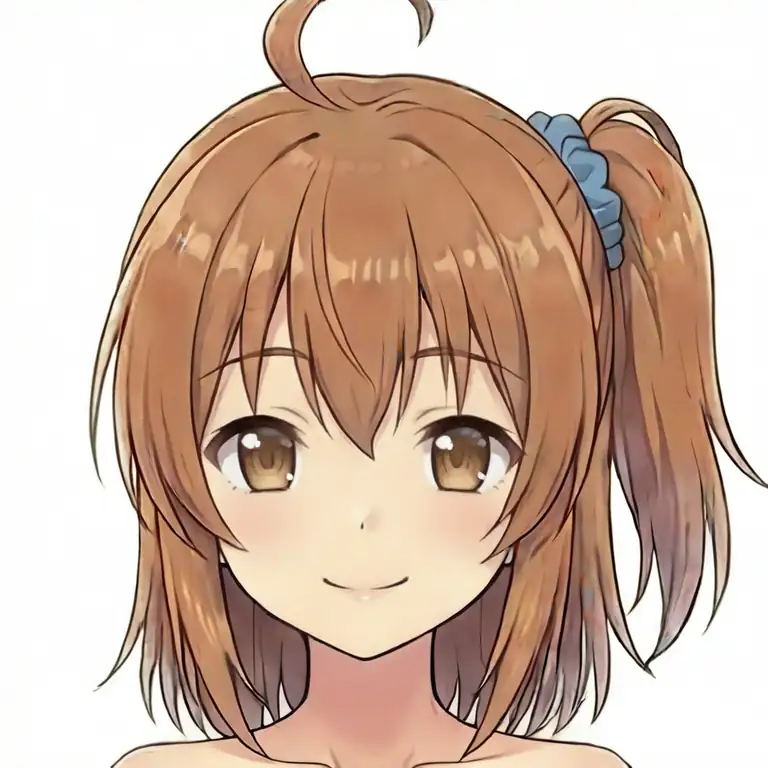
Character shape is already mostly there at ep01. The first few epochs are the “still converging toward the character” phase — just not at the precision where lining them up against the source material is meaningful yet. At ep02 the side ponytail + blue scrunchie lock in, and ep03-ep04 pulls the rest toward the character.
Epoch 5 onward (three-way compare with the v16 LoRA)
From ep05 on, each epoch goes next to the training source (kanachan_smile.png) and the existing v16 LoRA (dim=8) output. v16 is the previously trained LoRA for the same character — the benchmark for face fidelity against the new v17 dim=16. Source goes in the middle, LoRA outputs flank it left/right, which makes diffs the easiest to spot. Face sizes were normalized via lbpcascade_animeface detection. Left to right: “v16 LoRA (dim=8) / training source / v17 LoRA (dim=16)”.
The v16 column uses the exact same image in every row (a single inference from kanachan-waiv16-05.safetensors). It’s fixed as a stationary comparison target. Training source column is fixed the same way. Only the v17 column changes by row.
Epoch 5



Epoch 6
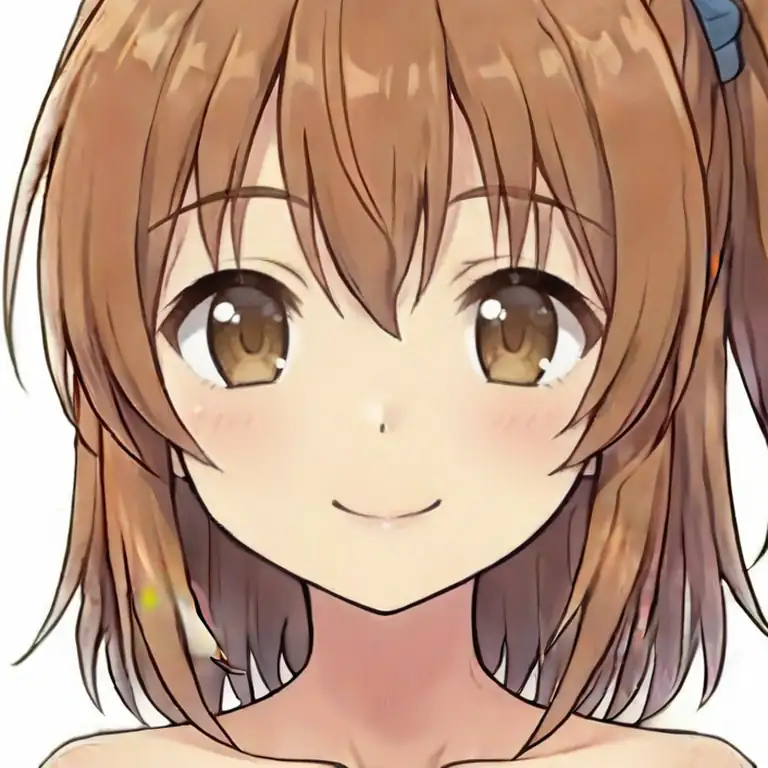
Epoch 7

Epoch 8

Epoch 9

Epoch 10 (final)

Observations
v17 (dim=16) is visibly closer to the training source than v16 (dim=8). v16 exaggerates eye size and smile width; v17 settles closer to the source. The combination of higher dim + more total steps paid off, using the same dataset.
On the other hand, the differences across ep5 through ep10 are barely distinguishable. I expected to see overfitting collapse somewhere, but at this level of comparison it’s not visible. If I had to pick, ep08 feels about right. I’ll tentatively call it the peak and probe further by feeding it other expression prompts in the next section.
If you run without sample_prompts and only keep the final epoch, there’s no way to recover if a middle epoch was actually better. Saving every epoch (save_every_n_epochs=1) is worth it just as a safety net.
ep08 expression-reproduction test
With only the smile close-up, the base model’s tendencies dominate and differences are hard to see. So I fed the other expression prompts from the training data to the ep08 LoRA and lined them up. Left is the training source, right is the ep08 output. Face sizes normalized with lbpcascade_animeface as before.
angry

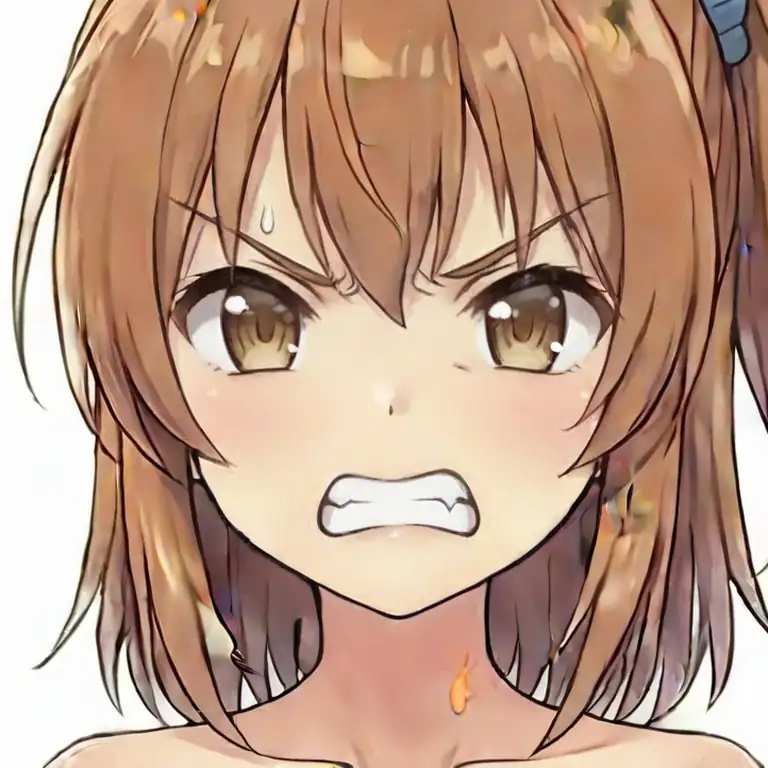
The source is a mouth-closed, restrained sulky look. ep08 is teeth-bared, closer to shouting. The character’s face is preserved, but the intensity interpretation of “angry” gets pulled toward the base model’s (WAI-Illustrious) tendency. And on closer inspection, ep08 has small sweat drops on the temple and neck — elements that shouldn’t be in the source. I dig into this separately later.
surprised


Source is a mild surprise. ep08 opens its mouth wide, widens the eyes, and a sweat drop shows up on the right cheek. Same pattern as angry: the base model’s typical “surprised” depiction pushes through.
wink


Close to the source. The asymmetry is reproduced naturally. Expressions where the base model’s typical depictions don’t strongly compete with the source show less drift.
closed eyes
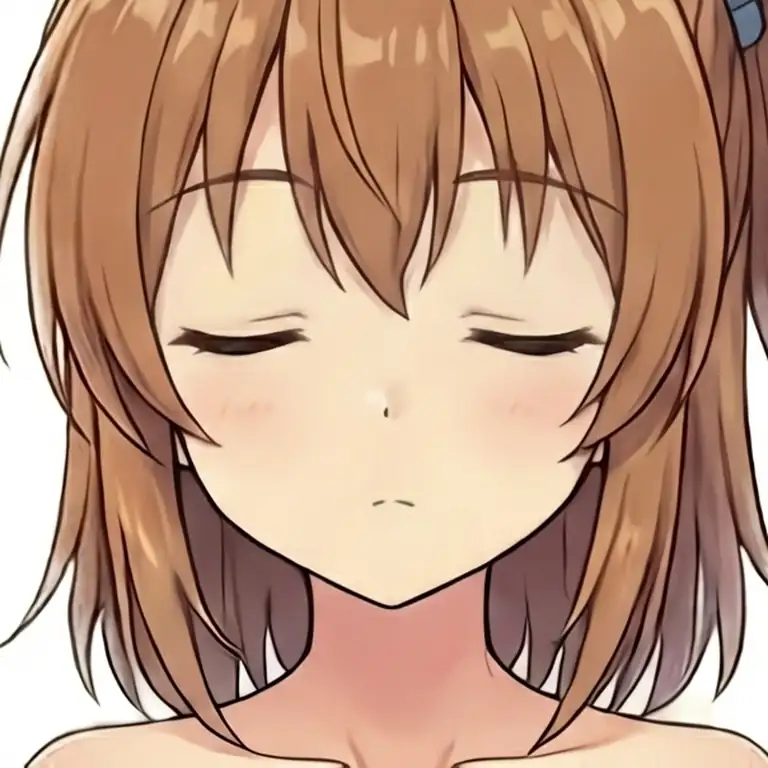
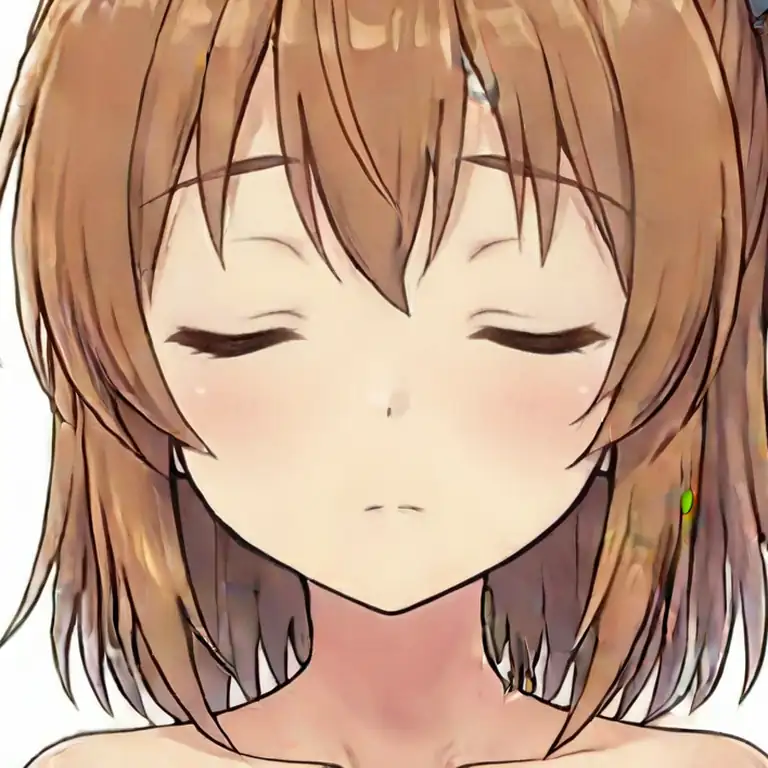
Also source-like. Simple static expressions (just closing the eyes) don’t seem to have a strong decorative preset on the base model side, so the LoRA reproduces them as-is.
yandere

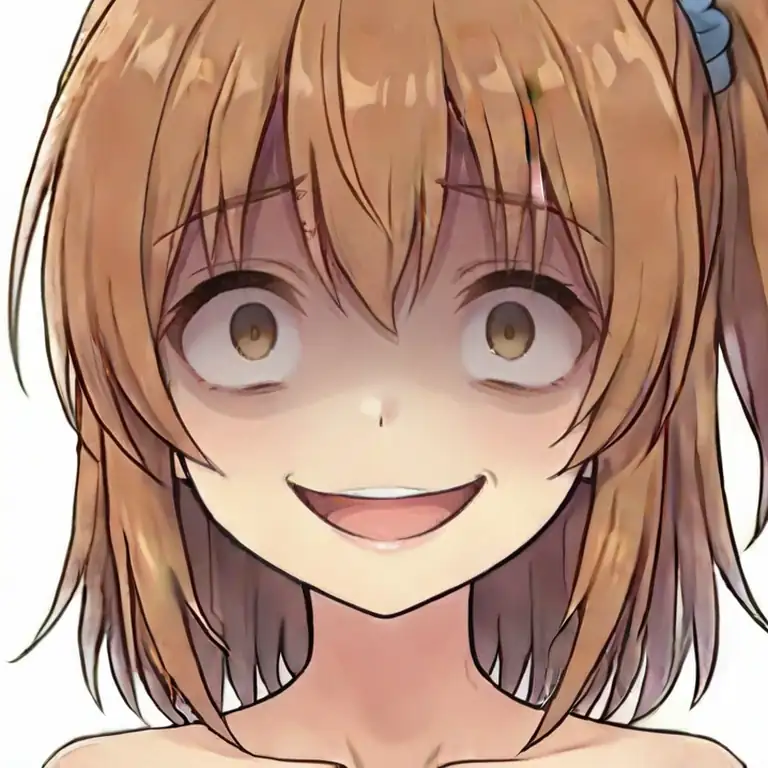
The source is already a fairly yandere expression, but ep08 pushes all the way to dead-eye highlights and a crazed grin. The yandere tag itself has a strong archetype on the anime side, and the base model’s vision of it wins out.
Across all five expressions: the expressions that drift away from the source are the ones where the base model has a strong archetypal depiction (angry / surprised / yandere). Tags without a locked-in archetype — wink / closed_eyes — stay closer to the source.
Digging into the sweat in ep08 angry
The sweat drops in ep08’s angry output — where do they come from? The source kanachan_angry.png doesn’t have sweat, so the LoRA is drawing them in on its own. Does it get stronger as training progresses, is it bleeding from somewhere, can it be suppressed with a negative prompt? Let’s check.
Tracking the sweat across epochs
Same angry prompt on ep05/06/07 as well. Left to right: ep05 / ep06 / ep07 / ep08.



ep05/06 show bared teeth but basically no sweat drops. ep07 starts producing small ones on the temple, and ep08 has more on the neck and hair. As the LoRA’s overall strength increases, it starts pulling in peripheral concepts beyond just the facial structure.
Another important observation: none of the epochs reproduce the source’s “closed-mouth, restrained anger”. Facial structure is learned, but the character-specific “emotional restraint style” doesn’t get picked up from 59 training images — the base model’s anime anger archetype wins.
The sweat traces back to a training-source image
Going back through all 28 training expressions: kanachan_nervous.png has explicit sweat drops. Open mouth, darting eyes, sweat on the forehead, cheeks, and neck — the “anxious / flustered” expression.
So the LoRA, while learning “kanachan + negative emotional expression,” has also been imprinting a “kanachan + sweat” association via the nervous sample. At higher emotional intensity in the angry prompt, the adjacent nervous concept gets pulled in and sweat appears.
Three-stage test: can we strip it with a negative prompt?
If it’s linked via nervous, there might be headroom to suppress it at inference time. Left to right: default negative / negative with sweat, sweat drop added / negative with nervous, sweat, sweat drop added.


Putting nervous explicitly in the negative reduces the sweat, but doesn’t fully remove it. The “kanachan + sweat” binding is strong enough inside the LoRA that the nervous CLIP token alone can’t fully decouple them.
Face close-up training sources should be stripped of decorations
When you train a LoRA on face close-up images, non-facial elements in the source (sweat, tears, effect lines, accessories, etc.) get bound to the character concept as epochs progress — and you can’t fully strip them via negative prompts.
The real fix is on the data side.
- Pre-process the source to remove non-face decorations (sweat, tears, effects) manually
- Or caption each source image explicitly (
"sweat drop, open mouth"etc.) so the concepts get separated during training - Full-body pose images are less interfering with decorations, but face close-ups need to be kept clean
For this dataset, retraining after removing the sweat from kanachan_nervous.png would likely help. Building complex negatives for every inference isn’t practical, so cleaning up the training source is the real solution.
Revisiting the epoch pick
Having gone in assuming ep08 was the peak, it turns out ep08 has a nervous-derived sweat-drop side effect. Meanwhile ep07’s hair balance was a bit off, so it’s not a slam-dunk either. Once side effects are in the picture, ep06 ends up as the most usable. The gap between the initial gut call (ep08) and the verification result (ep06) is exactly the kind of difference you don’t see until you try varied expression prompts.