Redrawing a B&W icon with a WAI-Anima LoRA, prompts beat i2i for the pose
 Contents
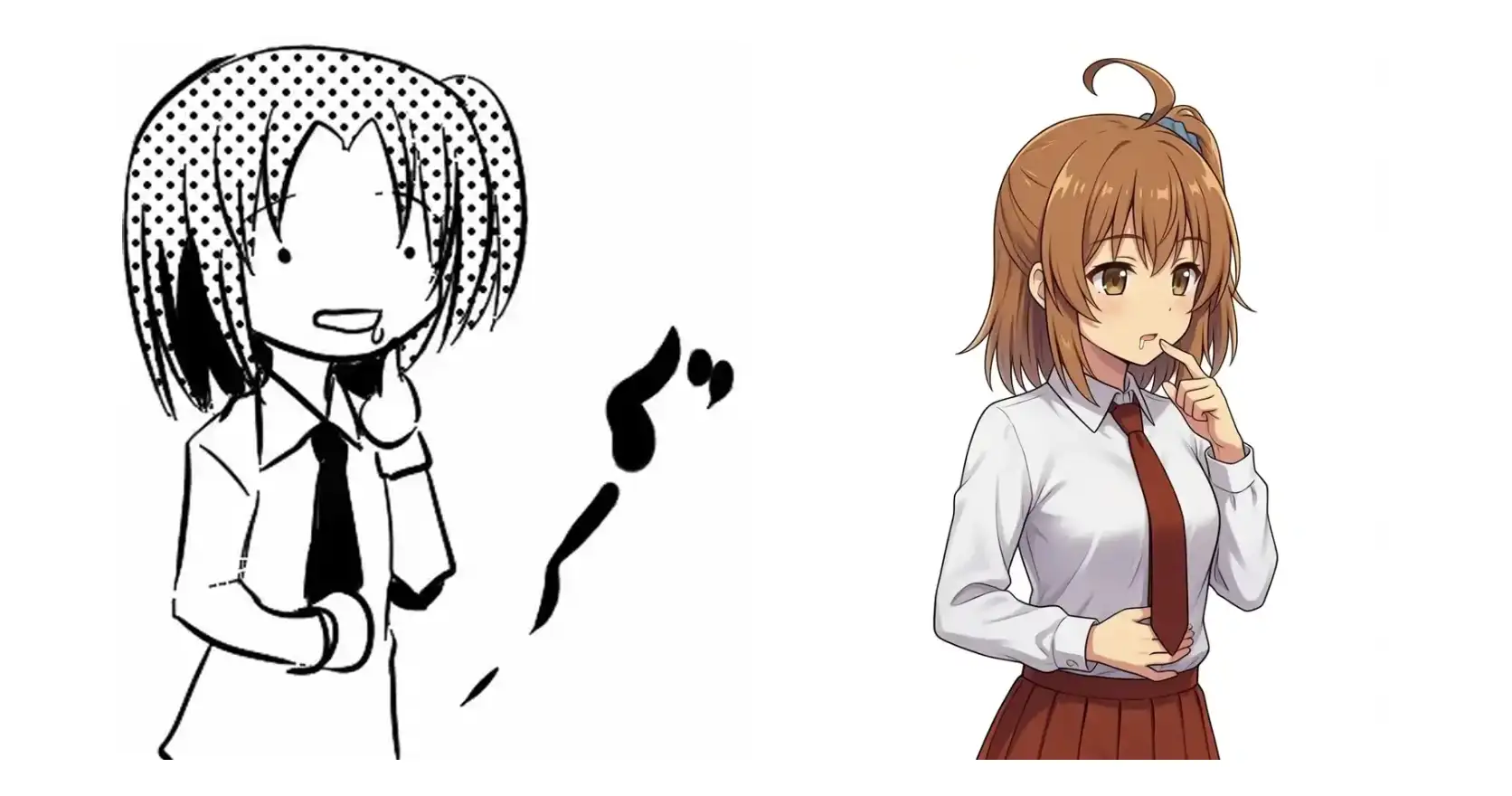
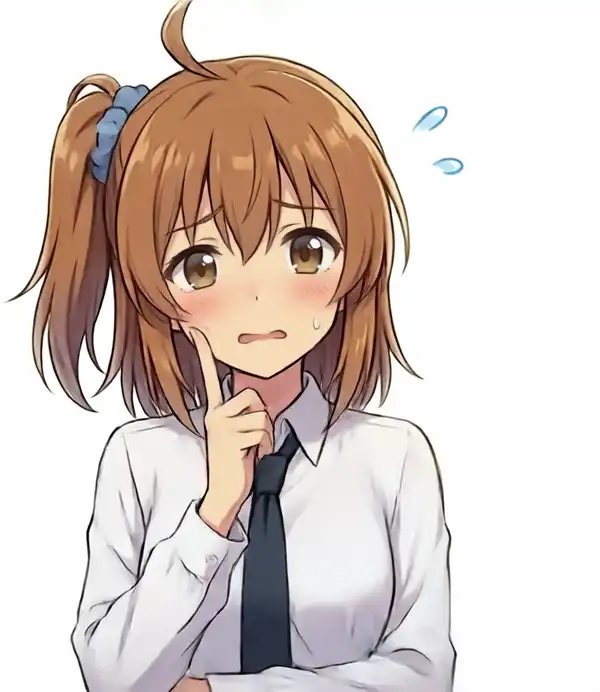
I use a black-and-white image as my avatar, and I wanted to see whether my Kana character LoRA on WAI-Anima could redraw it in color.
Short version: image-to-image and Qwen-Image-Edit both lost the character, so I went back to a prompt that reliably produces Kana and added the pose one tag at a time.
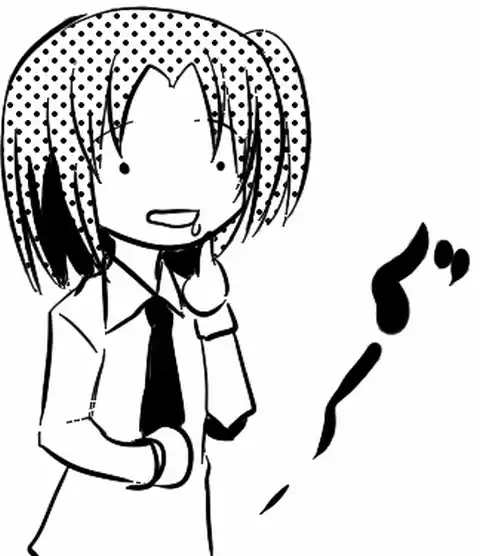
| Item | Original |
|---|---|
| Facing | Three-quarter, to the right |
| One hand | Index finger raised beside the mouth |
| Other hand | On the stomach |
| Mouth | Open |
Setup
| Item | Setting |
|---|---|
| Machine | M1 Max 64GB |
| ComfyUI | v0.30.1 |
| Invocation | Through my own generation server and the API directly |
| Base model | WAI-Anima v1.0 (waiANIMA_v10.safetensors) |
| Character LoRA | kanachan-waianima-rework-v4_epoch180 (model 1.0 / clip 0.8) |
| Speed-up | Anima Turbo LoRA v0.1, 10 steps, er_sde / simple |
| Resolution | 832×1024 |
| seed | 424246 / 424247 / 424248 fixed, then 12 random at the end |
| Used on the detours | Anima-Base v1.0 + kanachan-animabase-v2_epoch150 (30 to 40 steps, cfg 4.0), Qwen-Image-Edit AIO |
The reference for Kana is the LoRA’s own training images.
Feeding the original into i2i
I put the original straight into image-to-image, hoping it would come out in Anima’s style.
denoise from left to right: 0.6, 0.7, 0.8.
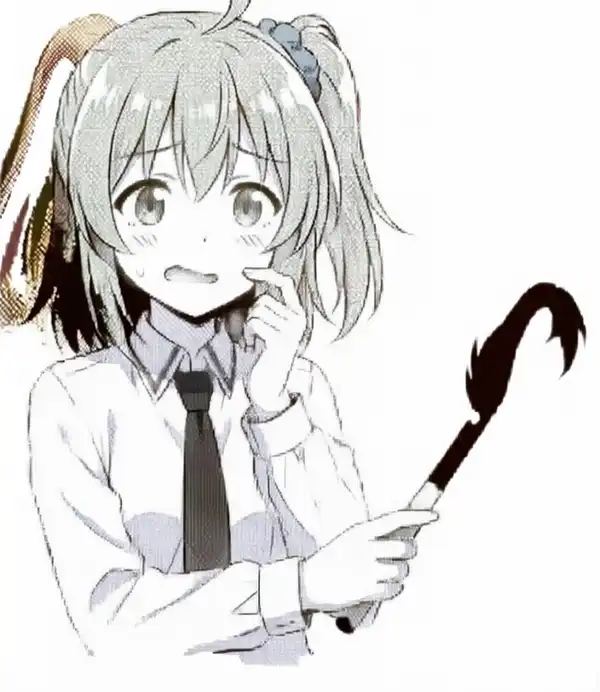
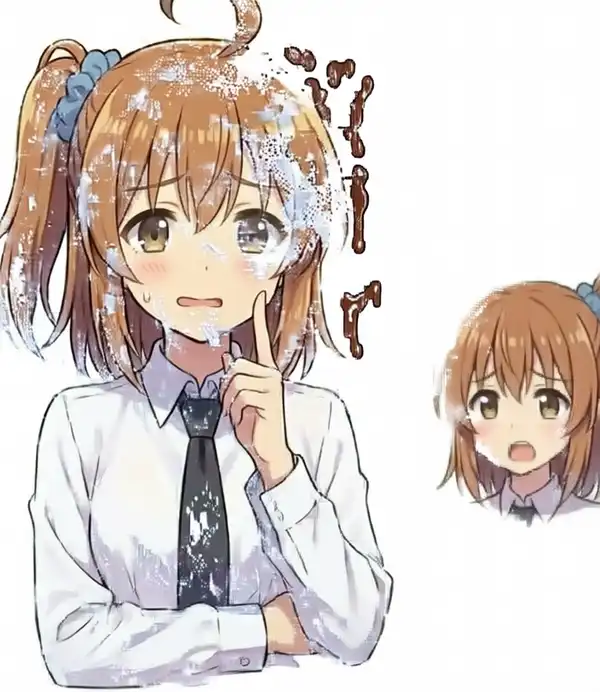
As you can see, all three failed. The only thing left is a trace of it trying to match the pose.
Describing the pose in Anima’s natural language
Writing her left hand or on the right side of the image did not change which hand went where.
Most likely the same thing that happened in the experiment on specifying poses and relations with the four-character LoRA, where the high-five partner could not be picked by name.
Switching to Anima-Base at cfg 4.0 and adding finger to mouth produced an image where someone else’s arm came in from the right of the frame and stuck its finger into her mouth.
Under this cfg 4.0 setup, neither solo nor another person, extra arm in the negative kept the extra output out.
A finger shoved into a mouth is a slightly sensitive image, so it is omitted here.
Converting the original with another model
I converted the original into a color anime image with Qwen-Image-Edit.
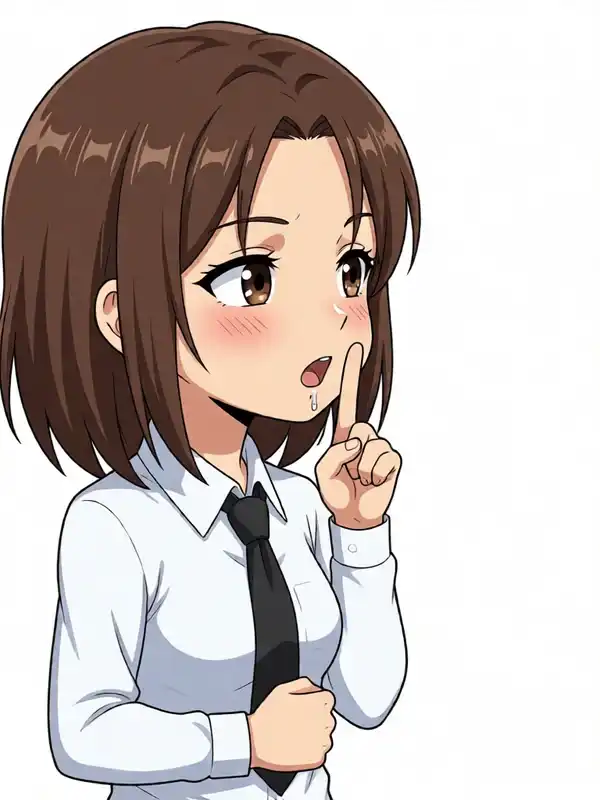
The pose is slightly off from the original, and this is not Kana either.
Running i2i with the Kana LoRA on top, or inpainting just the hair, did not bring Kana out, so I dropped this approach.
First, checking that Kana actually comes out
Is the current setup even producing Kana properly? I had not generated her cleanly in a while, so I decided to lock in Kana’s design first and add the prompt gradually, starting with a plain baseline.
Left two: training images. Right two: baseline outputs at seed 424246 and 424247.
masterpiece, best quality, safe, 1girl, solo, kanachan, side ponytail, ahoge, Her side ponytail with a blue scrunchie is visible on the right side of the image, white shirt, collared shirt, red necktie, upper body, looking at viewer, white background, simple background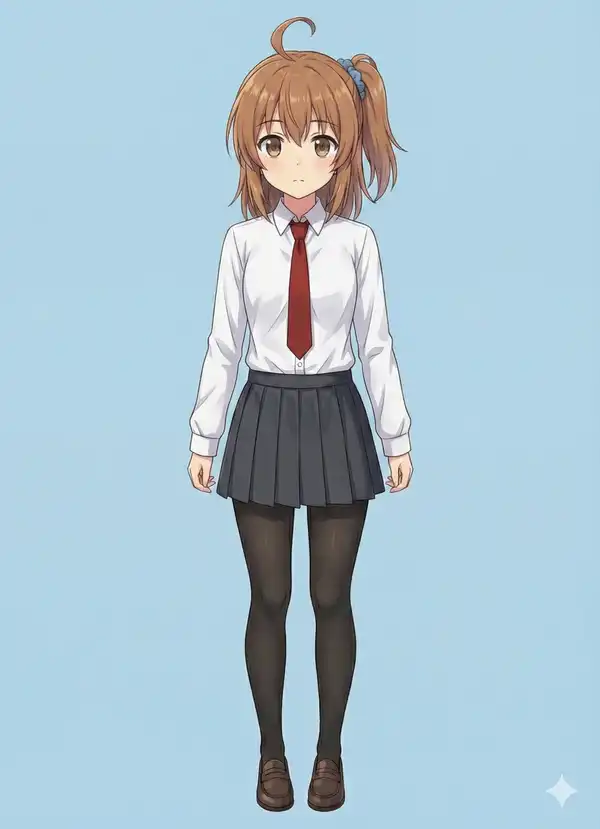
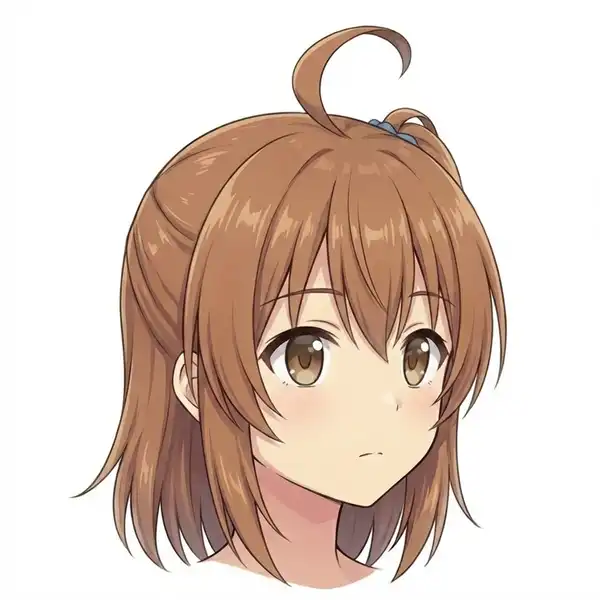
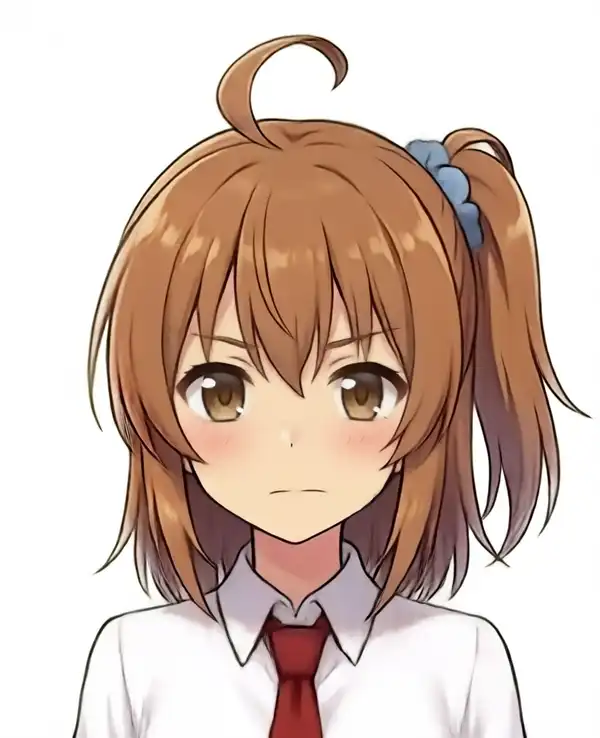
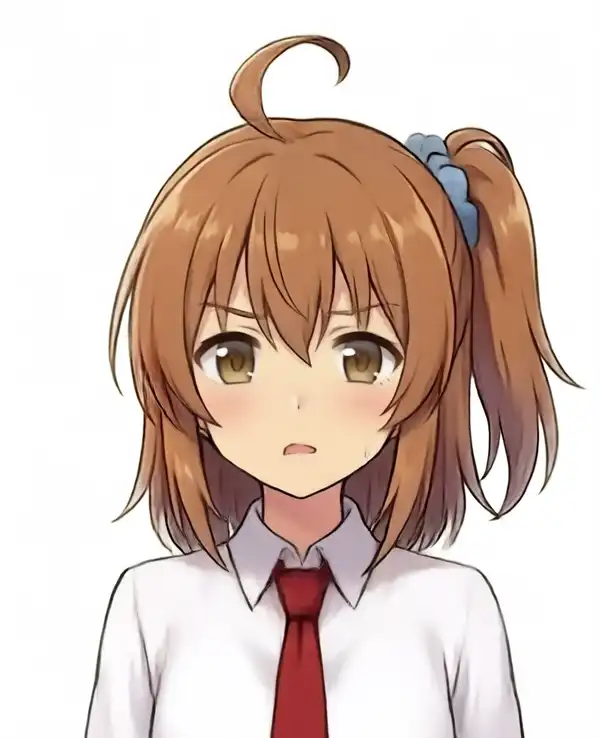
Hair structure, which side the ponytail is on, the scrunchie, the ahoge, eye color, and clothes all match.
The expression varies because nothing is specified, but that gets adjusted later, so I let it be and started adding to this prompt.
Starting with the facing direction
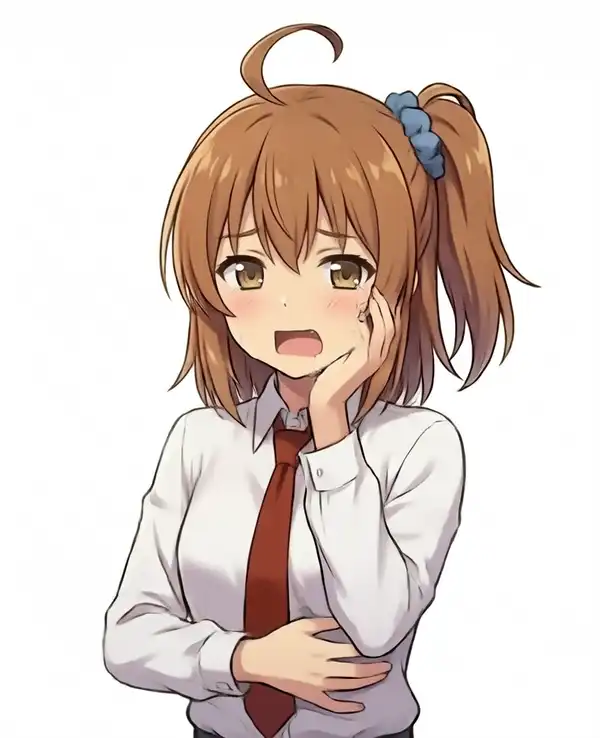
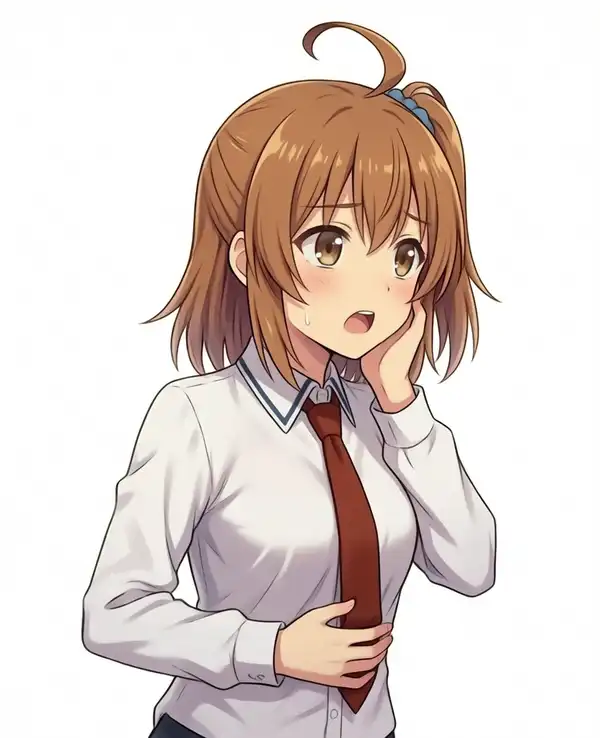
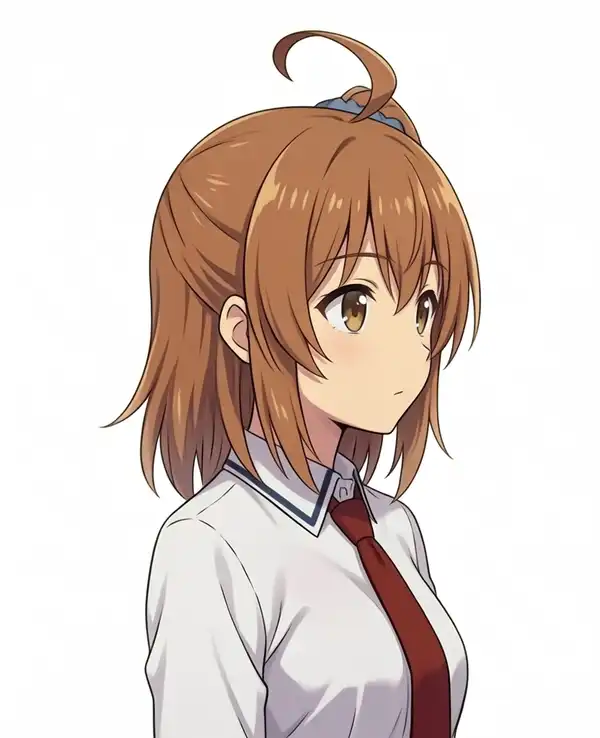
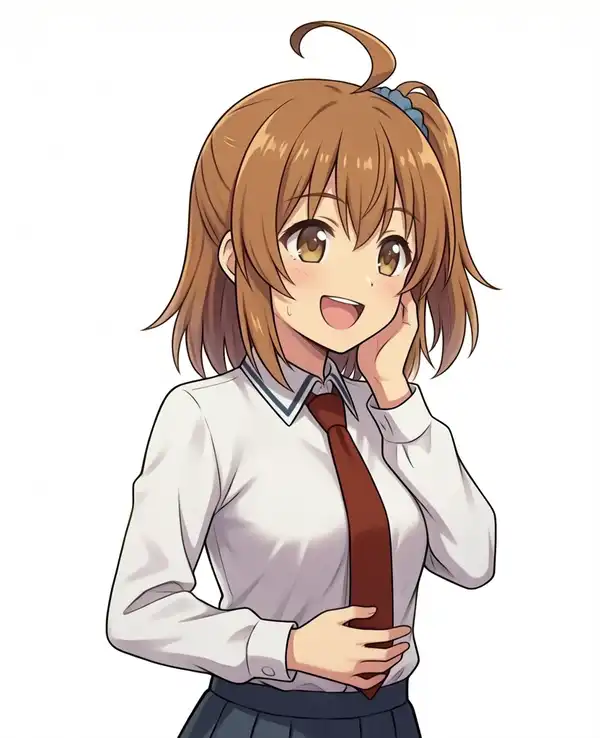
seed 424247, with three-quarter view shared across all three.
| Direction tag | Result |
|---|---|
| None | Front view, looking at the camera |
(facing right:1.3), (body turned to the right:1.3) | Three-quarter to the right. Adopted |
(facing right:1.5), (body turned to the right:1.5) | Close to a profile |
| Other tags tried | Result |
|---|---|
four-fifths view | Front view, same as no weight (no image) |
about 30 degrees | Same (no image) |
The head tilt changed from seed to seed, so I pinned it with one sentence: she stands upright with her head and spine in one straight vertical line, without tilting her head.
Adding the arms and hands
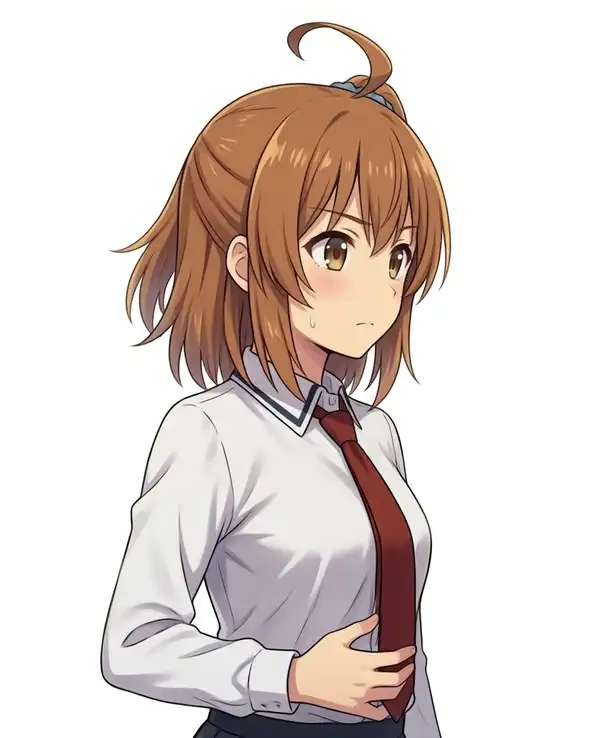
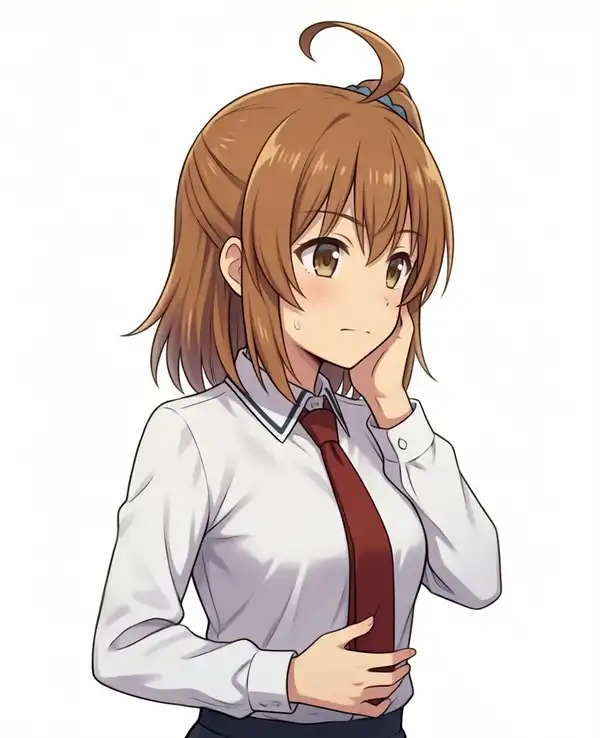
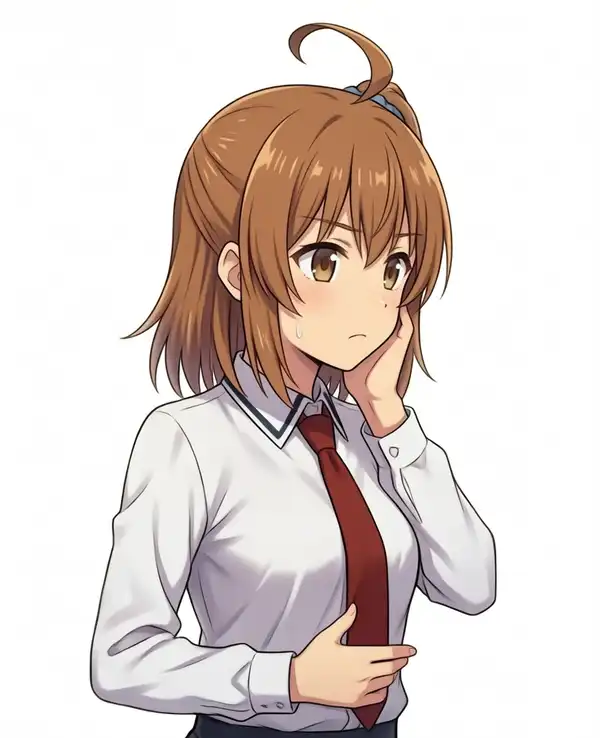
seed 424246. The wording for the stomach hand is one hand pressed to her stomach.
In the original she is holding her stomach because she is hungry, but I reused a training caption where she is holding it because it hurts.
| Hand tag | Result |
|---|---|
her right hand is pressed to her stomach | Right hand on the stomach. A sweat drop and a worried face came with it |
Add her left hand rests on her cheek on top | Left hand on the cheek |
Add closed in a fist with her left index finger extended upward for the cheek hand | The cheek hand stayed open. The stomach hand curled its fingers with only the index finger sticking out sideways |
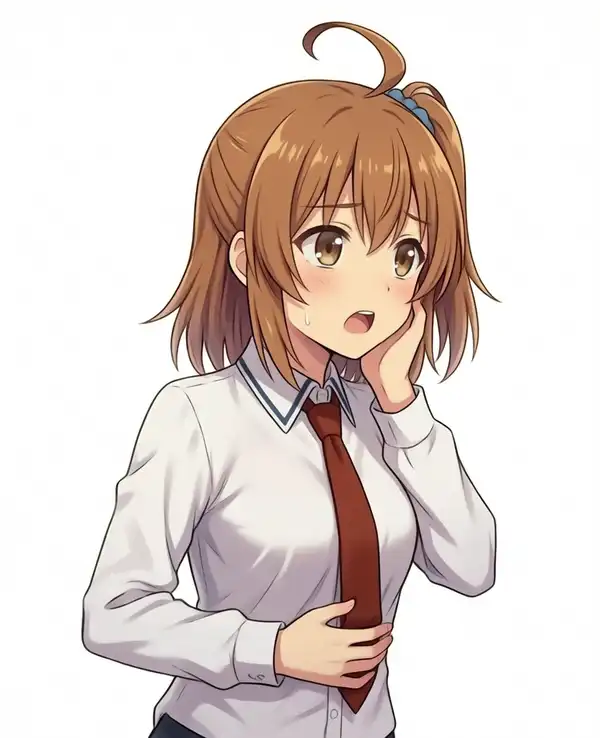
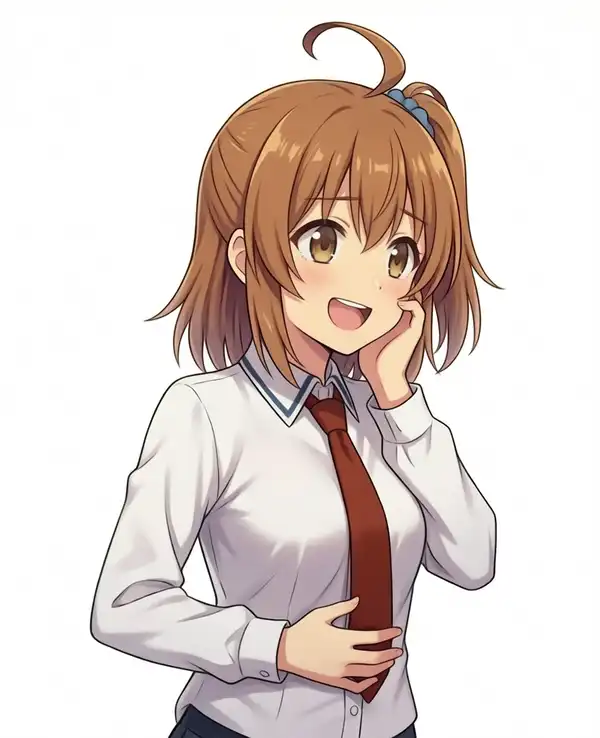
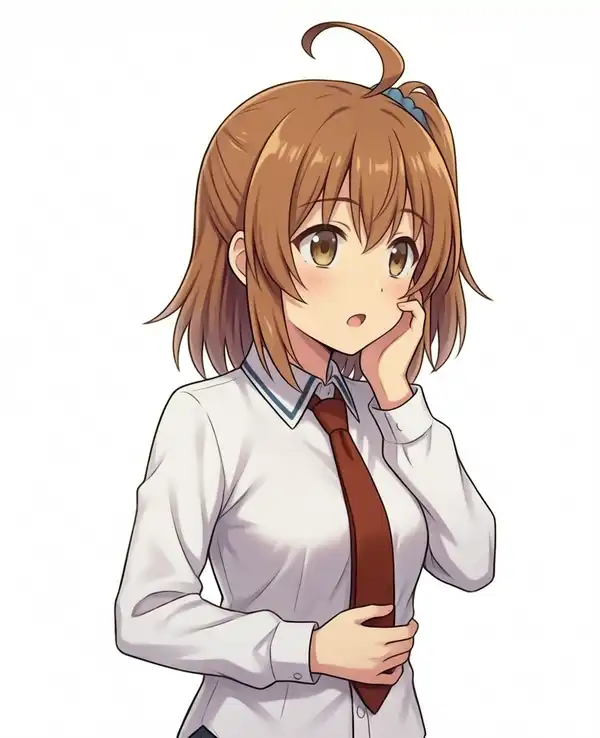
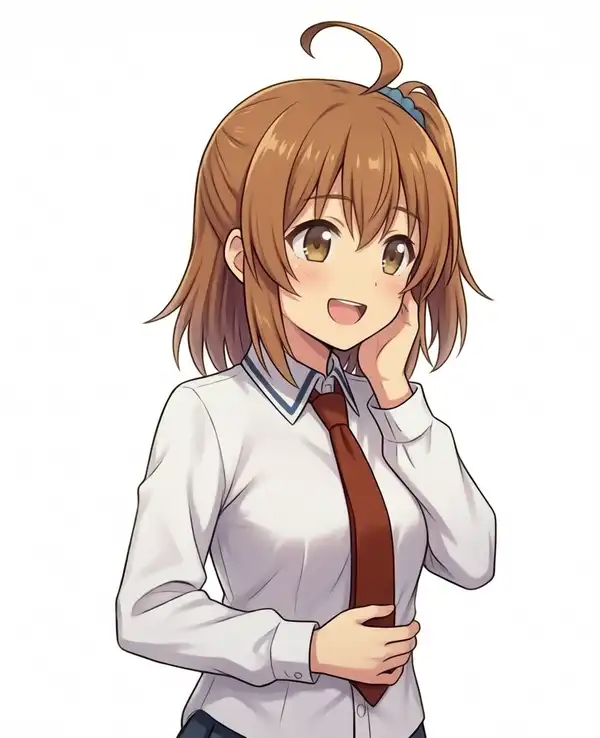
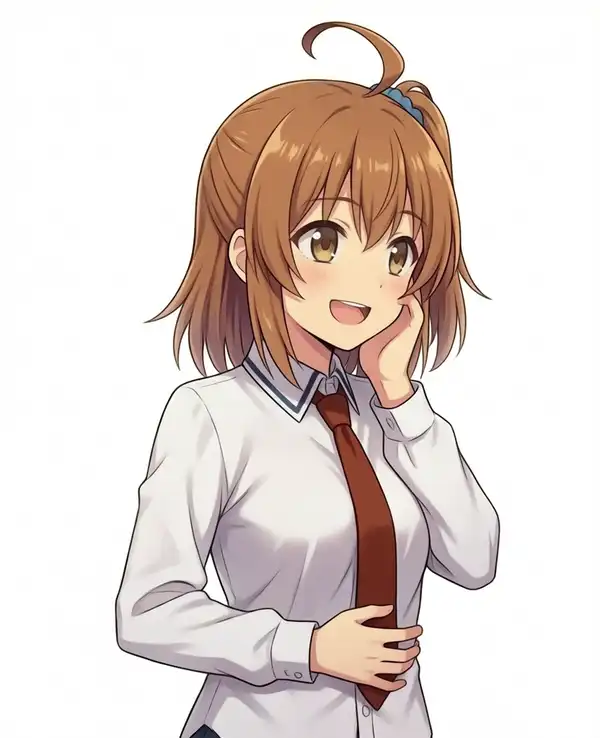
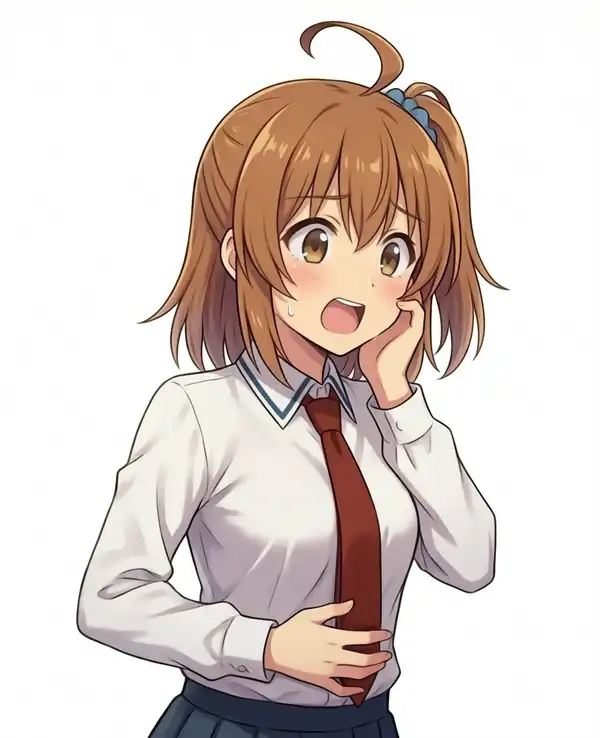
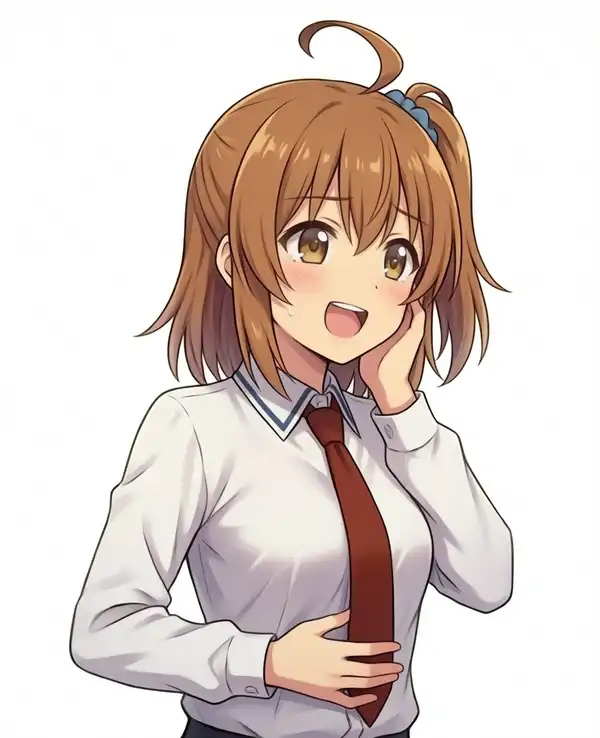
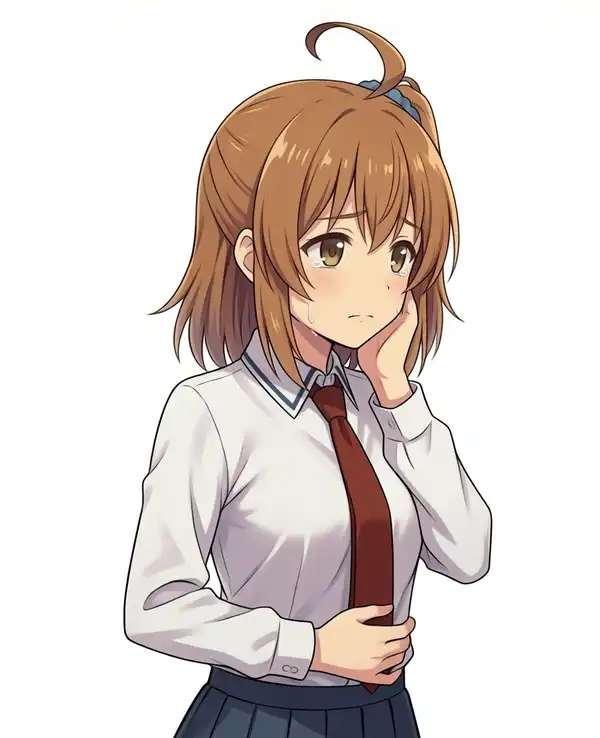
Checking the expression variants
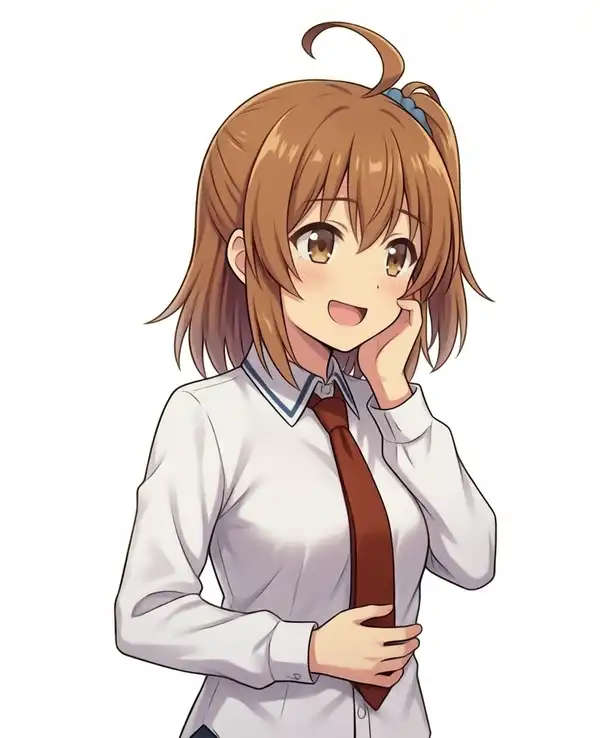
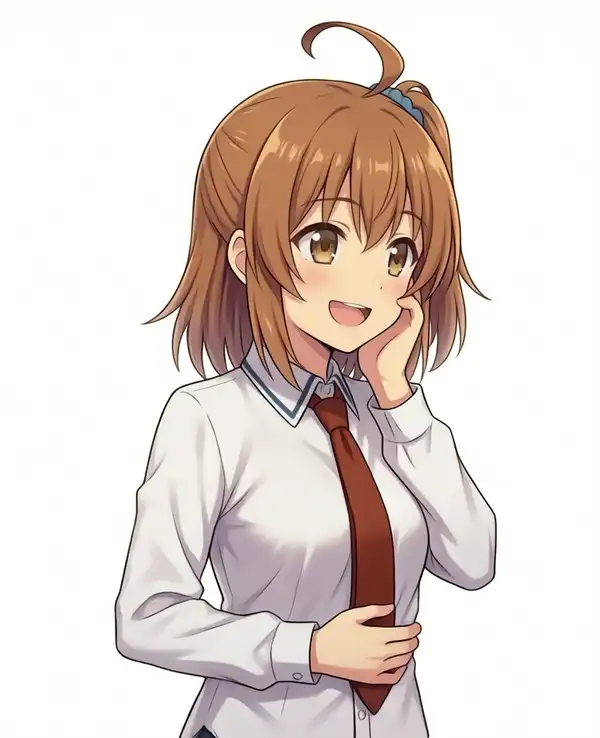
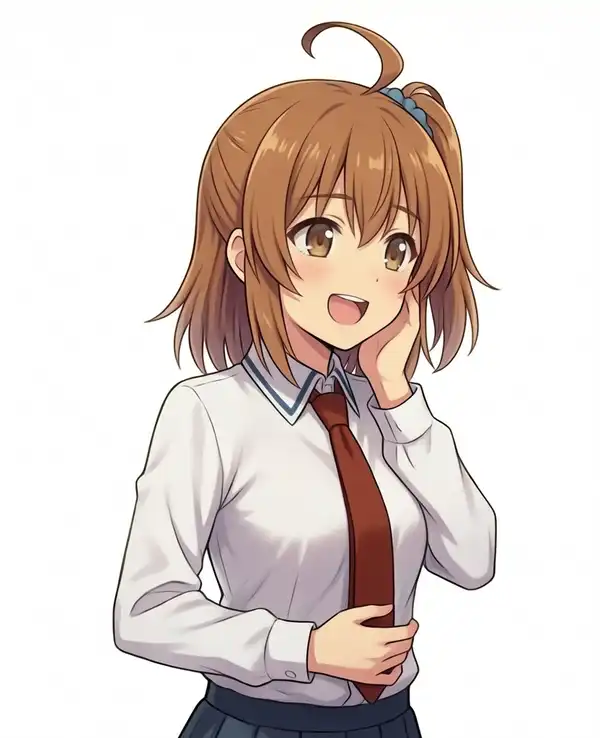
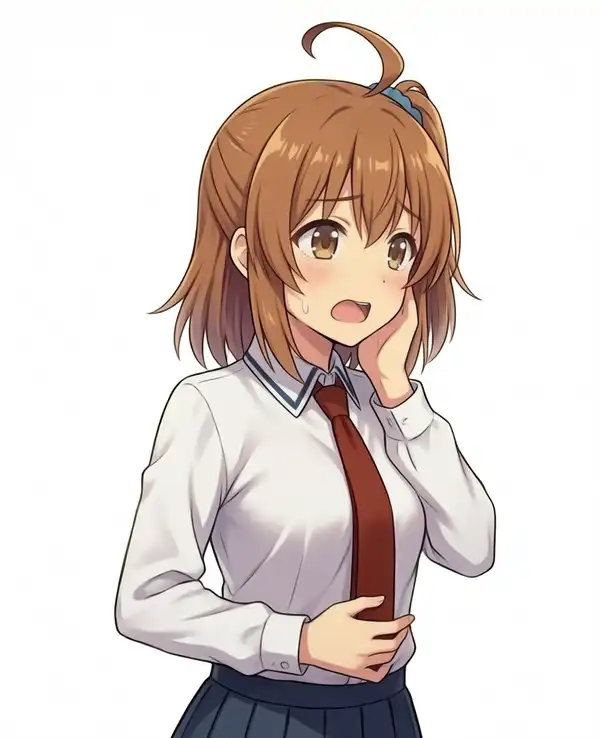
Shared: direction 1.3, right hand on the stomach, left hand on the cheek, seed 424247. Numbers 12 to 15 were generated at cfg 1.5 with crying and sweat negatives (next section).
| No. | Tags | Result |
|---|---|---|
| 1 | hungry, open mouth | Troubled face with a sweat drop. Matches the tag list, where it is grouped under sadness |
| 2 | excited, open mouth | Open-mouth smile |
| 3 | curious, open mouth | Mouth slightly open |
| 4 | cheerful, open mouth | Open-mouth smile |
| 5 | pleased, open mouth | Open-mouth smile |
| 6 | happy, open mouth | Open-mouth smile |
| 7 | joyful, open mouth | Open-mouth smile |
| 8 | great joy, open mouth | Anxious face with a round open mouth and a sweat drop |
| 9 | :d | Open-mouth smile |
| 10 | joyful, amazed, open mouth | Wide eyes and a round open mouth. Less “wow” and more “what is this” |
| 11 | joyful, sparkling eyes, open mouth | Open-mouth smile with highlights in the eyes |
| 12 | sad | Closed mouth, teary face |
| 13 | a little sad | Closed mouth, troubled face |
| 14 | neutral expression, closed mouth | Straight face. Adopted |
| 15 | expressionless | Straight face |
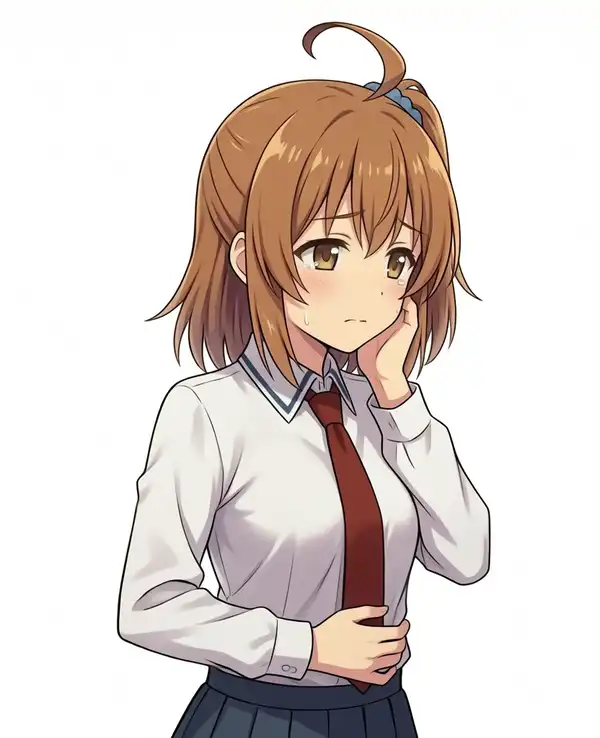
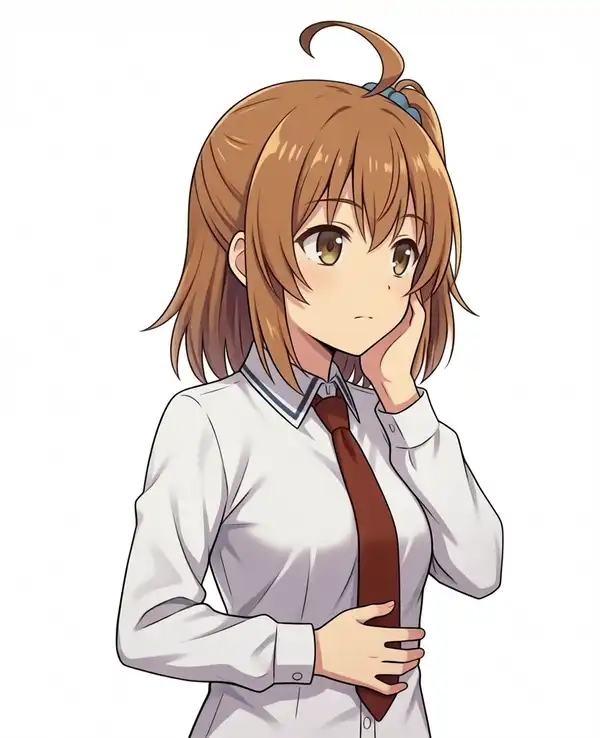
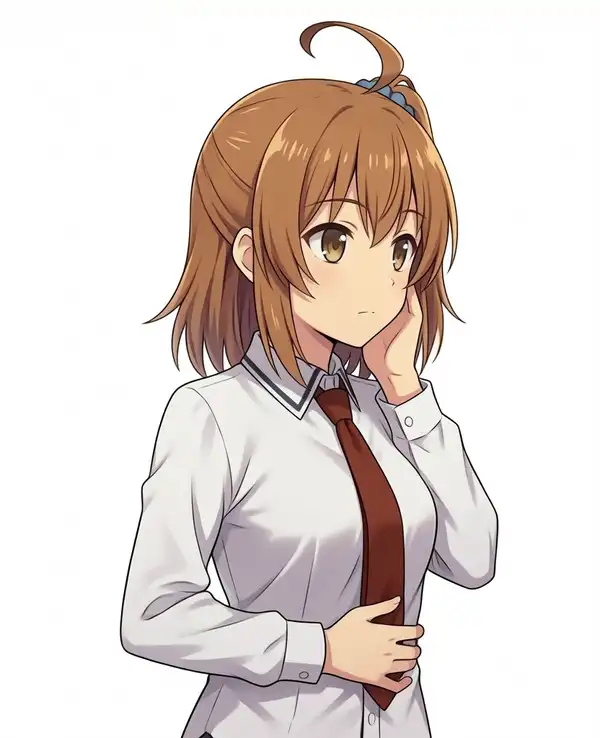
Removing the sweat with negatives
seed 424247, expression joyful, sparkling eyes, open mouth. Added sweat, sweatdrop, sweat drops, flying sweatdrops, tears, wet face to the negative.
| cfg | Result |
|---|---|
| 1.0 | The single drop on the left cheek stays. Pixel-for-pixel identical to the three images from before the negatives were added |
| 1.5 | On this seed the drop on the left cheek stays (raising it to (sweat:1.5) did not remove it). On the other two seeds it disappeared. cfg 1.5 from here on |
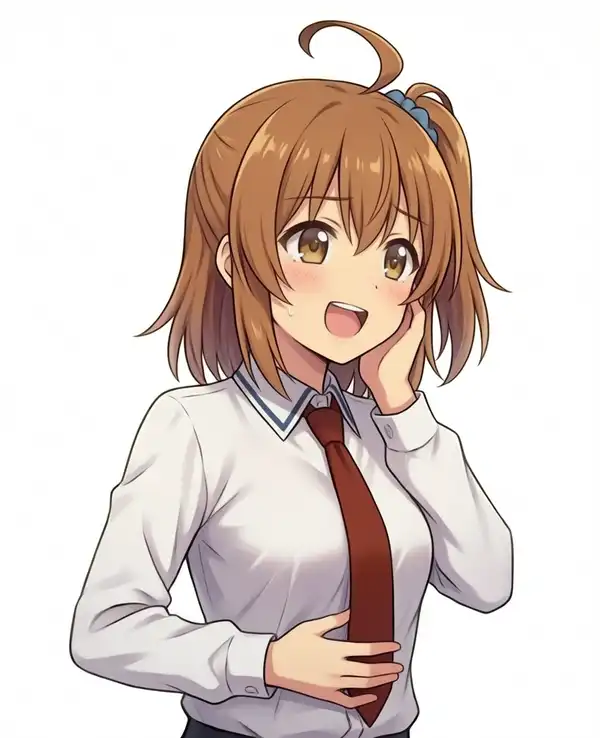
In ComfyUI v0.30.1’s normal KSampler (CFGGuider), when cfg is 1.0 and disable_cfg1_optimization is not set, the negative (unconditional) side is not computed at all (comfy/samplers.py L609-L627).
CFG++ samplers set that flag internally, so they are a separate case. er_sde, used here, runs through the normal KSampler, so it applies.
A bit of drool
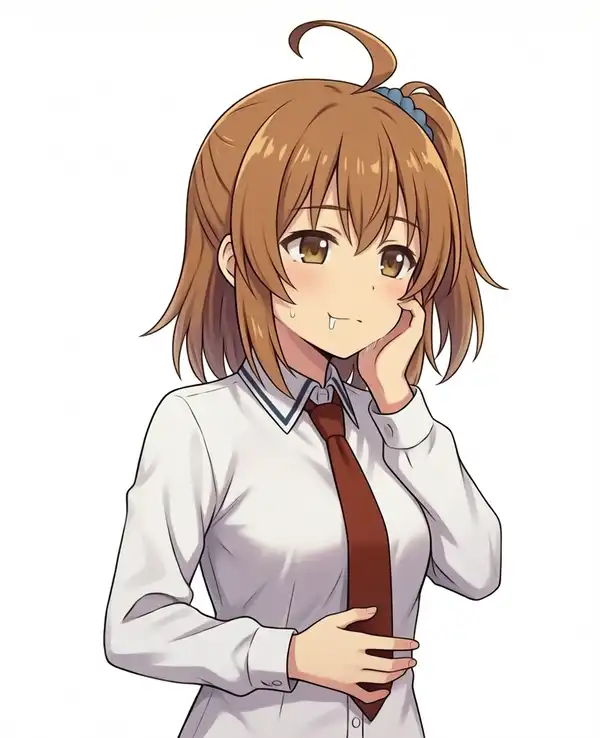
The original has drool at the corner of the mouth. Added to the end of neutral expression, closed mouth. seed 424247.
| Addition | Result |
|---|---|
| None | No drool |
drool | A small bead at the corner of the mouth. Adopted |
| Other tags tried | Result |
|---|---|
drooling | A single trail running down (no image) |
a small bit of drool leaking from the corner of her mouth | Ran down to the chin (no image) |
Is she wearing anything below the waist?
On a closer look she has a shirt on, but what is below it is unclear. The original has the same framing, but Kana as normally generated wears a skirt with the shirt tucked in. So I decided to put the skirt into the prompt.
| Clothing tag | Why |
|---|---|
Add red pleated skirt | The image did not make clear what was below the shirt hem |
Add shirt tucked in | If there is a skirt, the shirt should be tucked in |
Change upper body to (upper body:1.3) | Writing the skirt widened the framing down past the hips |
Index finger to the mouth
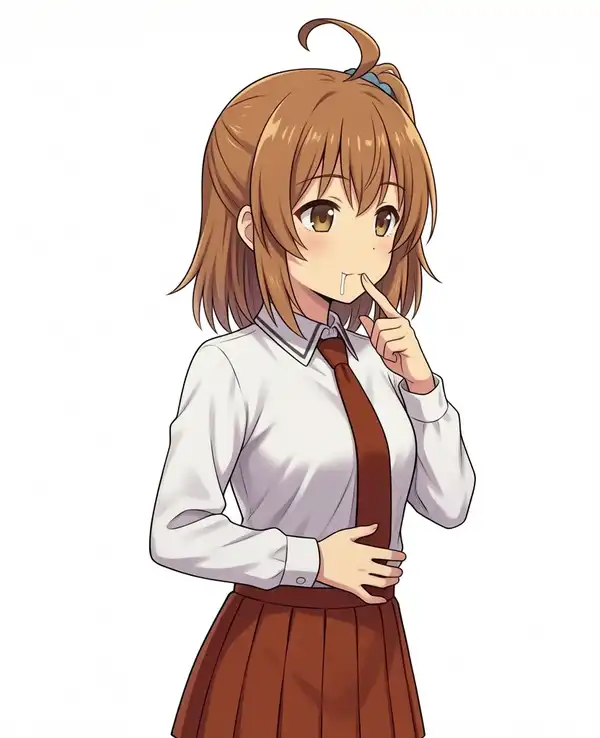
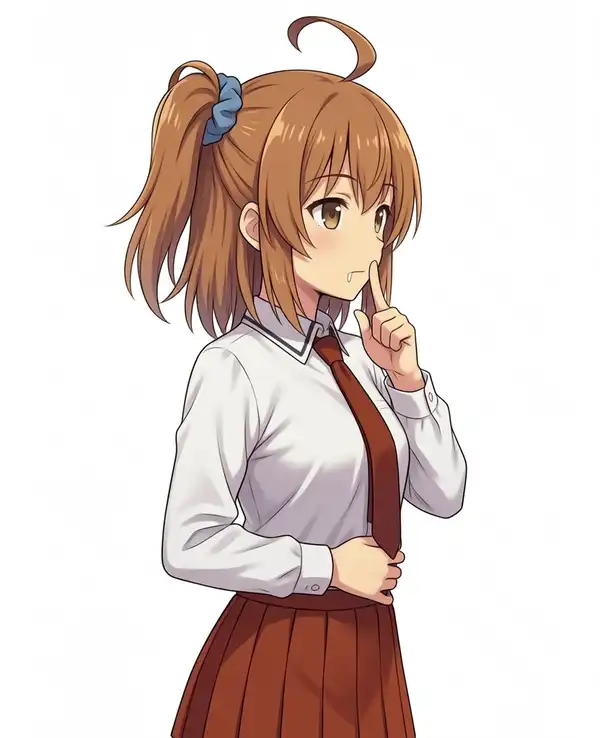
Replaced her left hand rests on her cheek with the Danbooru tags that correspond to “index finger beside the mouth” in the original. seed 424247.
| Replacement | Result |
|---|---|
finger to mouth | Fingertip at the corner of the mouth. Adopted. With WAI-Anima + Turbo at cfg 1.5, no second person’s hand appeared |
shushing | Finger standing in front of the lips |
index finger raised | The hand does not come up |
Random seed lottery
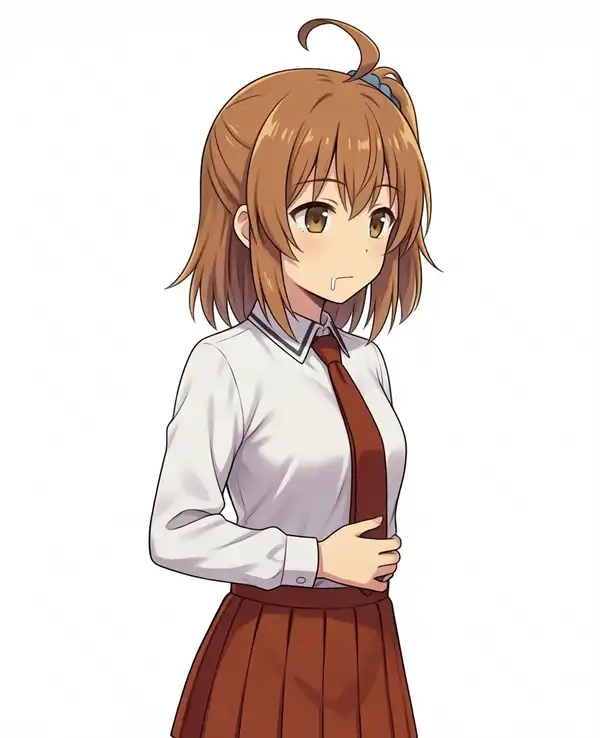
With fixed seeds the side ponytail wanders once she faces right, so I fixed the prompt and generated 12 images on random seeds.
After weeding out the ones that had drifted from the intended composition, one good one happened to be left.
| seed | Side ponytail |
|---|---|
| 1175128881 | Large, toward the back of the head |
| 2221789380 | Scrunchie on top of the head, slightly behind |
| 1654146746 | Scrunchie on top of the head |
| 3421689588 | Peeking out at the upper right of the head. Adopted |
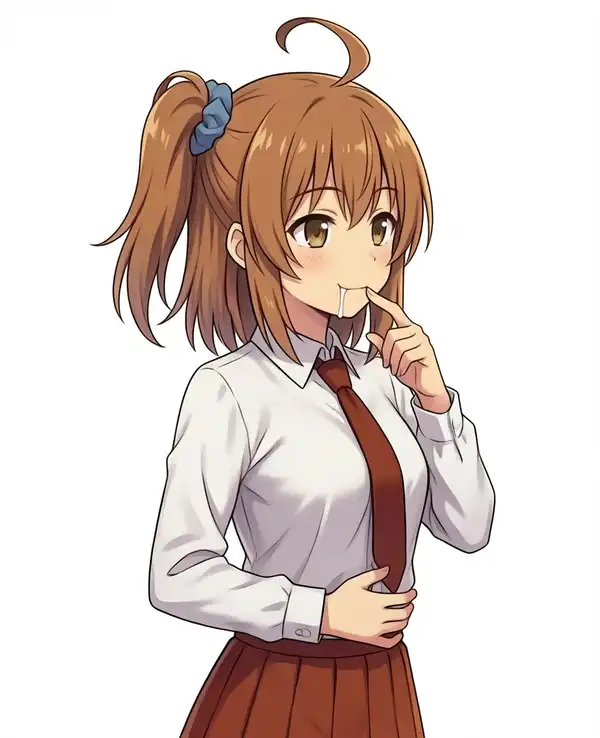
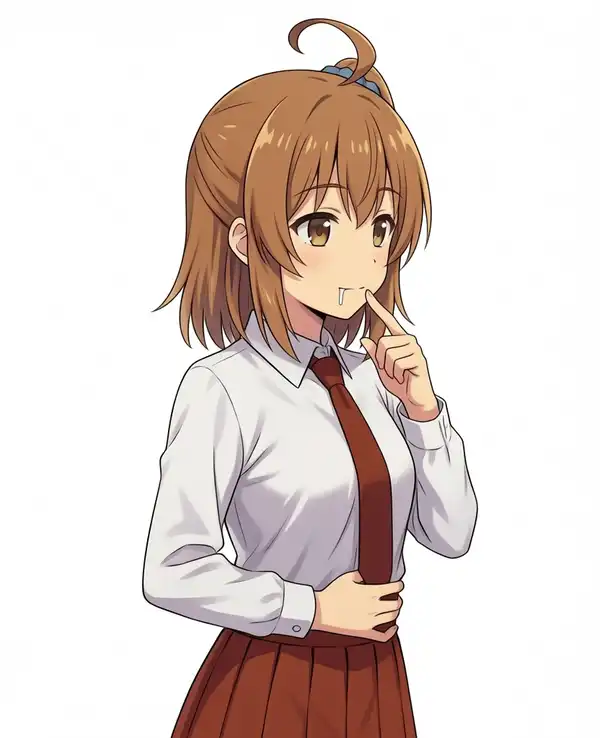
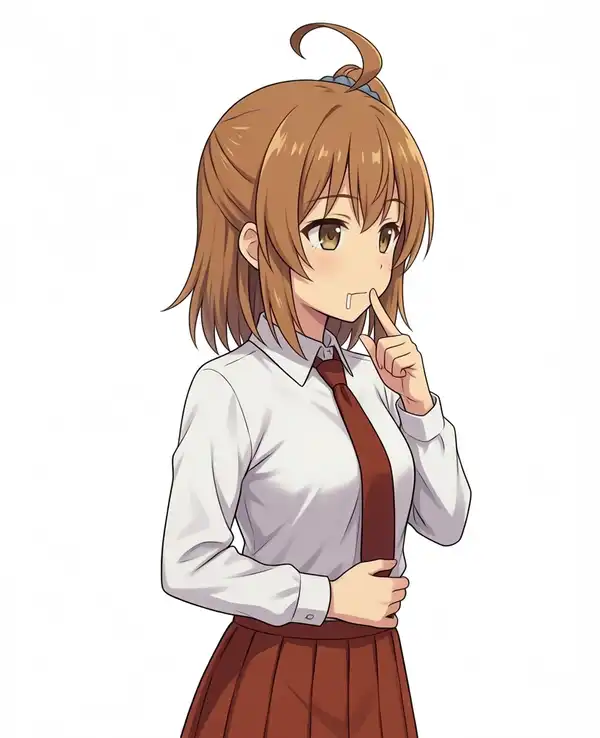
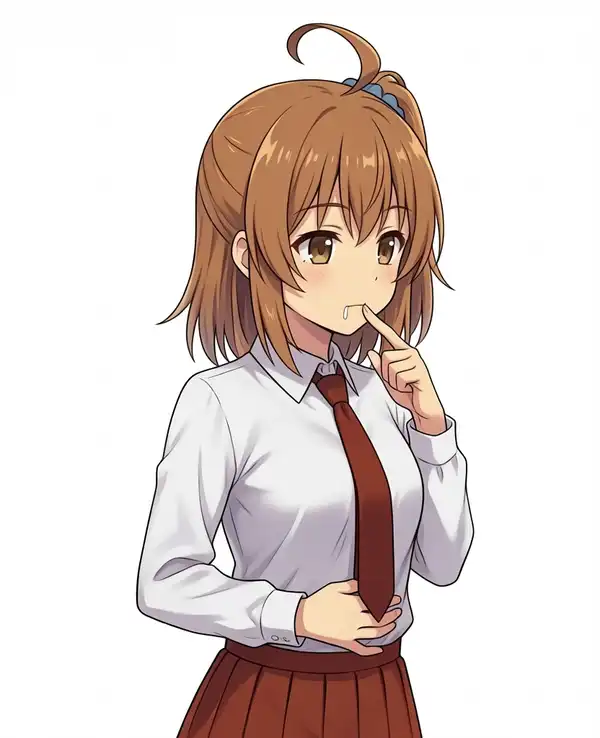
On this seed I swapped closed mouth for slightly parted lips and made that the final version.
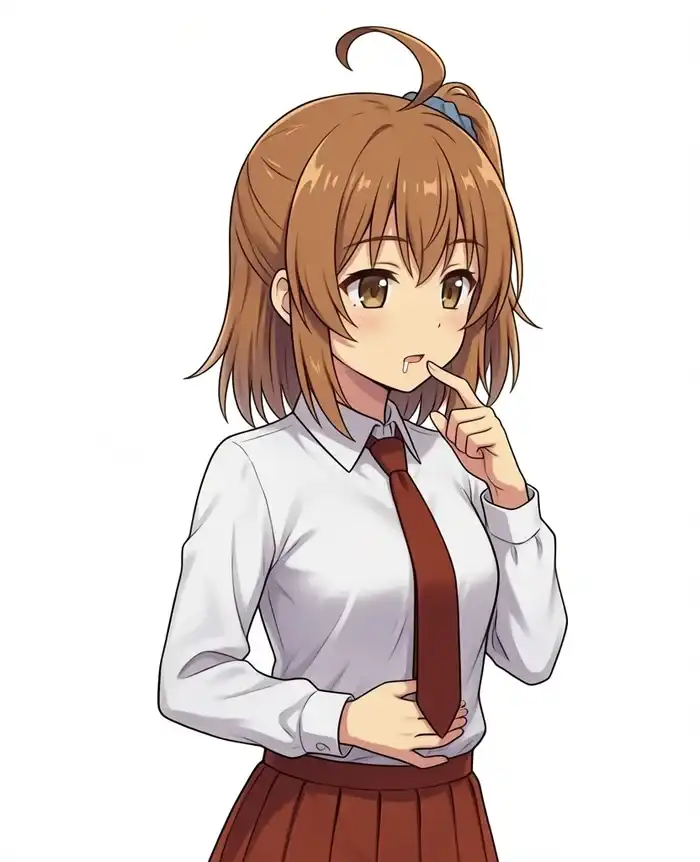
masterpiece, best quality, safe, 1girl, solo, kanachan, side ponytail, ahoge, Her side ponytail with a blue scrunchie is visible on the right side of the image, pure white shirt, collared shirt, red necktie, red pleated skirt, shirt tucked in, (upper body:1.3), three-quarter view, (facing right:1.3), (body turned to the right:1.3), her head and body are both turned toward the viewer's right, she stands upright with her head and spine in one straight vertical line, without tilting her head, looking to the side, looking away, her right hand is pressed to her stomach, finger to mouth, neutral expression, slightly parted lips, drool, white background, simple background, anime coloring, cel shading, clean sharp lineartNegative (cfg 1.5):
worst quality, low quality, score_1, score_2, score_3, blurry, jpeg artifacts, lowres, censor, twin tails, twintails, two side up, half updo, right side up, bowtie, bow tie, ribbon, red ribbon, sweat, sweatdrop, sweat drops, flying sweatdrops, tears, wet face, crying, sobbing, streaming tears, tearfulDoes the shirt get whiter without Turbo?
A test of whether the shirt could come out a little brighter, closer to white. Compared by the median RGB of the left chest.
| Change | Median RGB, left chest | Result |
|---|---|---|
white shirt | (238, 236, 232) | A slightly warm gray against the background’s 255 |
pure white shirt | (238, 236, 232) | No change |
| Turbo removed, 30 steps, cfg 4.0 | (241, 243, 243) | Whiter, but the cheek hand vanished on 2 of 3 seeds, so dropped |
Upscaling
At 300 dpi, 832×1024 is only 7.0×8.7 cm. The only upscale model I have on hand is 4x-UltraSharp.pth.
| Step | Result |
|---|---|
| 4x with 4x-UltraSharp | Lines survive, unlike bicubic interpolation |
| Downscale to 2x (1664×2048), then i2i at denoise 0.3 with the same prompt and seed | MPSGraph does not support tensor dims larger than INT_MAX |
| Downscale to 1.5x (1248×1536), then the same i2i at denoise 0.3 | Went through. Lines get redrawn and tighten up |
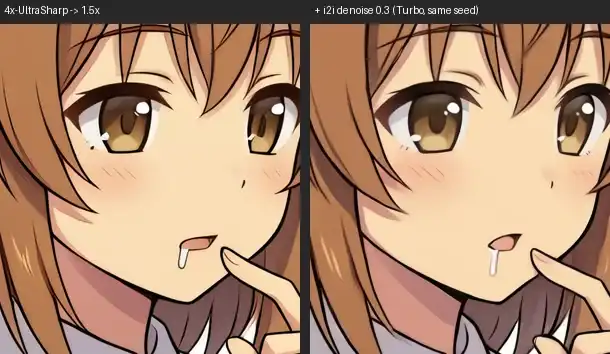
I upscaled the original 4x with 4x-UltraSharp, downscaled it to 1.5x, redrew it with i2i at denoise 0.3, ran 4x-UltraSharp again, then LANCZOS-downscaled to the target size.
| Output | Pixels | Size at 300 dpi |
|---|---|---|
| Original | 832×1024 | 7.0×8.7 cm |
| 4x-UltraSharp only, 4x | 3328×4096 | 28.2×34.7 cm |
| 1.5x i2i then 4x | 4992×6144 | 42.3×52.0 cm |
| Same, downscaled to the A4 short edge | 2480×3053 | 21.0×25.8 cm |
The composition is unchanged, and it now fits the short edge of A4.