Anima 3.8B with Qwen3.5-4B passes from-behind, gets worse at out-of-frame crops
 Contents
A follow-up to the article on whether existing character LoRAs still work on the 40-layer Anima-2.9B. This time Anima-3.8B came out.
It expands 2.9B further to 52 blocks, and if that were all, the story would end at “they made it bigger again”, but this one also adds Qwen3.5-4B on the text encoder side.
In the article where I tried to draw a 4-girl band with Anima’s 4-character LoRA, I tried swapping the encoder to Qwen3-4B, hit a shape error, and gave up after writing that “the LLMAdapter itself has to be retrained on the image-generation loss.” The community went and did exactly that.
The goals are stated plainly on the model card: prompt adherence, multi-character binding, character interactions, spatial instructions.
Anima has always been weak at composition prompts. Whether I wrote them in detail or kept them rough, the output ignored them. That’s what the article compiling 4-character role prompts and the band article both showed, and my image-generation server’s composition presets still have entries where no amount of retries produced a usable thumbnail.
Rather than whether the pictures got prettier, I checked whether those prompts finally pass. And along the way I dug into how the encoder was added, from the code and the weights.
Test environment
| Item | Details |
|---|---|
| Machine | M1 Max 64GB MacBook Pro (macOS 26.5) |
| ComfyUI | v0.33.3 (separate instance on port 8189) + custom node comfyui-anima-3-8B |
| Baselines | Anima-Base v1.0, Anima-2.9B preview v1 |
| Target model | Anima-3.8B preview 0.1 (DiT 7.50GB) + progressive cross adapter (88MB) + Qwen3.5-4B encoder (4.78GB) |
| Text encoders | Qwen3-0.6B (unchanged) plus Qwen3.5-4B |
| VAE | Qwen-Image VAE |
| LoRAs applied | 4-character LoRA, pair LoRA, Turbo LoRA (all trained on Anima-Base, keys remapped to 52 blocks) |
How the experiment runs
graph TD
    A[Check how Qwen3.5-4B was added<br/>from code and weights] --> B[Tensor compare<br/>are the original 40 blocks identical to 2.9B?]
    B --> C[Compare raw output across 4 conditions<br/>Base / 2.9B / 3.8B native / expanded]
    C --> D[10 composition presets]
    C --> E[Complex multi-character<br/>compositions]
    C --> F[Remap character LoRAs<br/>to 52 blocks]
    D --> G[Record generation time and memory]
    E --> G
    F --> G
How the encoder was added, I checked by cross-referencing the model card, the custom node’s code, and the adapter and DiT weights. I also used Codex in read-only mode.
The composition presets are 10 entries: from above, from below, from behind, from the side, wide shot, negative space, and so on. Every generation comparison sends the same prompt to all 4 conditions; only the band test ran multiple seeds.
What’s inside Anima-3.8B
This is what the model card and the adapter’s safetensors metadata say.
| Item | Anima-2.9B preview v1 | Anima-3.8B preview 0.1 |
|---|---|---|
| DiT blocks | 40 | 52 (2.9B’s 40 frozen, only the 12 inserted blocks trained) |
| Text encoder | Qwen3-0.6B | Qwen3-0.6B (unchanged) + Qwen3.5-4B (via a new adapter) |
| Trained parts | 12 inserted layers | 12 inserted blocks + 44.06M cross adapter |
| Extra training data | 1.7M images | booru dataset (all tags above 5% occurrence), captions 25% natural language / 25% tags / 50% mixed |
| Training setup | 8×RTX 5080 | one RTX 4090 for 40 hours (10h at 256px, 30h at 512px), step 3220 |
| Distribution | single safetensors | 3 files: DiT 7.50GB + adapter 88MB + Qwen3.5-4B 4.78GB. DiT and adapter only work as a set |
| ComfyUI | v0.33.1+ as is | custom node required (a 52-block detection patch and 2 dedicated nodes) |
Recommended settings are 832×1216 (1MP), CFG 7–8, 28–50 steps, res_multistep + beta.
The 3.8B additions (the 12 inserted blocks and the adapter) were only trained up to 512px, so artifacts can appear at 1MP, and the model card recommends running the second (highres) pass on the original 0.6B conditioning.
Prompts were trained in a format that puts a tag list first, then natural-language text after a Description: separator.
Are the original 40 blocks untouched?
The adapter metadata states the insertion positions outright: trainable_dit_blocks = [3, 7, 11, 15, 19, 23, 27, 31, 35, 39, 43, 47].
One block inserted every 4, 12 in total, with the final 48–51 left as they were. Same 4-layer cycle as 2.9B’s insertion_positions.
The mapping from old numbers to new numbers looks like this.
| 2.9B block | 3.8B block | 2.9B block | 3.8B block |
|---|---|---|---|
| 0–2 | 0–2 | 21–23 | 28–30 |
| 3–5 | 4–6 | 24–26 | 32–34 |
| 6–8 | 8–10 | 27–29 | 36–38 |
| 9–11 | 12–14 | 30–32 | 40–42 |
| 12–14 | 16–18 | 33–35 | 44–46 |
| 15–17 | 20–22 | 36–39 | 48–51 |
| 18–20 | 24–26 |
Tensor-comparing the 2.9B and 3.8B weights with this mapping, all 40 original blocks matched exactly. The DiT’s built-in LLMAdapter (the original 0.6B connection), the final layer, and the embeddings matched too.
So the 3.8B DiT is “2.9B plus 12 trained inserted blocks,” with not a single bit of the 2.9B part changed.
For the inserted blocks, the metadata says interleaved_deep_copy_zero_residual_outputs, with the origin listed as Anima-2.9B / LLaMA-Pro block expansion: copy the neighbor, zero the output, the same recipe as 2.9B. Except these have been trained, so by now they are nothing like their neighbors.
How was Qwen3.5-4B added?
Back in the band article I got stuck on how to feed 2560 dimensions into an LLMAdapter built for 0.6B’s 1024. 3.8B doesn’t swap anything out. It adds the encoder from the side.
Anima’s original path takes Qwen3-0.6B’s hidden states (1024 dims) and has the 6-block LLMAdapter reshape them to the T5 token layout before handing them to the DiT.
3.8B keeps those 6 blocks frozen and wedges a new cross-attention right after each one, 6 in total.
Each cross-attention uses the adapter’s internal sequence as the query, Qwen3.5-4B’s mid-layer hidden states (2560 dims) as keys and values, and adds the result as a residual.
The 2560→1024 conversion is handled by its k_proj and v_proj (1024×2560). Instead of converting into 0.6B’s representation the way the linear bridge tried to, it lets the image-generation loss teach the model to pick out only what’s useful.
The initialization is straight LLaMA Pro as well:
| New parameter | Initialization |
|---|---|
| q_proj, q_norm, k_norm, query-side norm | copied from the frozen neighboring native block |
| k_proj, v_proj | Xavier uniform |
| o_proj | all zeros |
With o_proj at zero, nothing gets added to the residual before training, so the conditioning matches the original exactly. The DiT’s inserted blocks use the same identity initialization as in the layer-expansion article.
In other words, this model builds both the DiT layer expansion and the adapter’s cross-attention insertion out of the same “copy, wedge in, zero the output” trick.
On the Qwen3.5-4B side, it’s a 32-layer hybrid (24 layers of linear-attention GatedDeltaNet, 8 layers of full attention), and features are taken from 4 of the full-attention layers: 7, 15, 23, and 31.
Each adapter block mixes those 4 layers with learnable (softmax) coefficients.
The generation-time parameter adapter_strength is a linear interpolation against the original conditioning: 0 is fully original, 1 is the strength used in training.
The custom node’s Qwen3.5 implementation writes GatedDeltaNet’s delta rule as a plain PyTorch loop with no CUDA kernels, so it runs as-is on Apple Silicon’s MPS. Having Codex read the whole codebase came to the same conclusion.
Traces of the adapter’s training
I also peeked inside the adapter file (49 tensors, 44.06M). o_proj is nonzero in all 6 blocks, updated by training from its zero init. Meanwhile the norms of k_proj and v_proj sit almost exactly at the Xavier-init expectation, barely changed. The 4-layer mixing coefficients layer_mix_logits are identical across all 6 blocks at their initial values (0.14 / 0.20 / 0.28 / 0.39 after softmax, deeper layers weighted more), without a trace of a single training step. The source-side RMSNorm weights are also all exactly 1.000, untouched.
The metadata says fp32_master_training = 0, so it was trained straight in bf16. bf16’s step size near 1.0 is 0.0078, so any update smaller than that gets rounded away. That would explain why the mixing coefficients and RMSNorm never moved.
The learning rate is also a modest 1e-5 (DiT side) for 3220 steps, so of the 44M adapter, what actually changed is probably just o_proj and the (copy-initialized) q_proj area.
Quite a way to train a model. Whether it does anything, I honestly can’t tell.
Generation settings
| Condition | Model | conditioning | Sampler |
|---|---|---|---|
| Base | Anima-Base v1.0 | Qwen3-0.6B (original) | euler / sgm_uniform / CFG 4 / 28 steps (same as the 2.9B article) |
| 2.9B | Anima-2.9B preview v1 | same | same |
| 3.8B native | Anima-3.8B DiT | Unified Prompt node, strength 0 (= identical to original conditioning) | res_multistep / beta / CFG 8 / 40 steps (model card recommendation) |
| 3.8B expanded | Anima-3.8B DiT | same node, strength 1 (Qwen3.5-4B path on) | same |
The two 3.8B conditions share the same DiT and sampler settings; the only difference is the Qwen3.5-4B path.
3.8B prompts follow the model card format (tag list + Description: + natural text), and Base and 2.9B get the same content as tags plus sentences. Negatives follow the model card recommendation on the 3.8B side too, including expanded.
Raw output
As a baseline for the pictures themselves, before getting into composition, I generated the same robe-girl prompt as the 2.9B article (seed 42) on all 4 conditions.
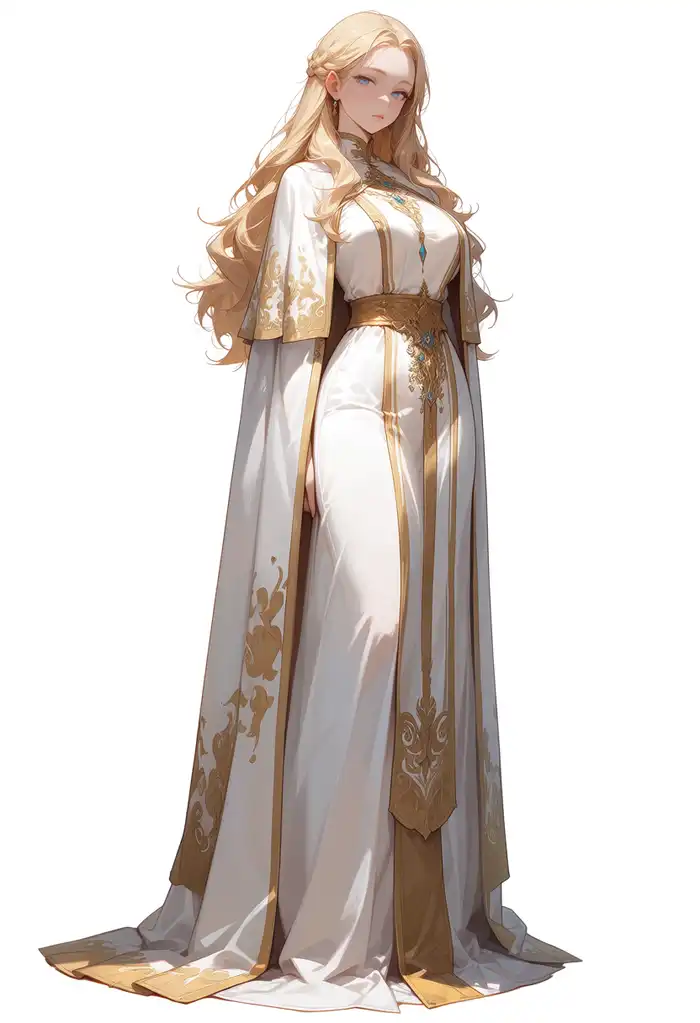
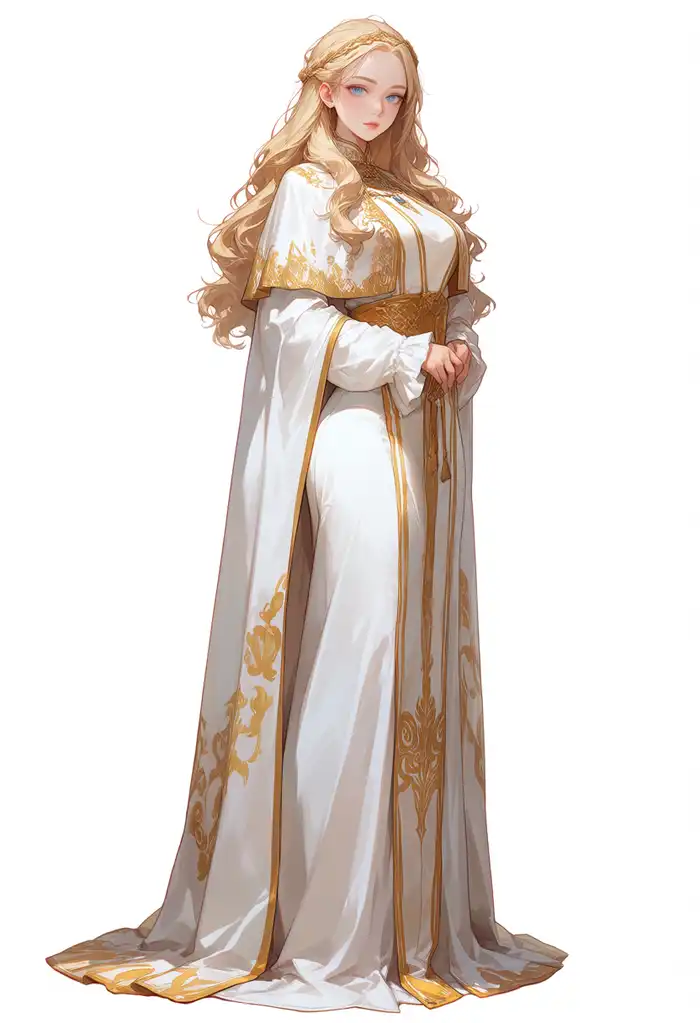
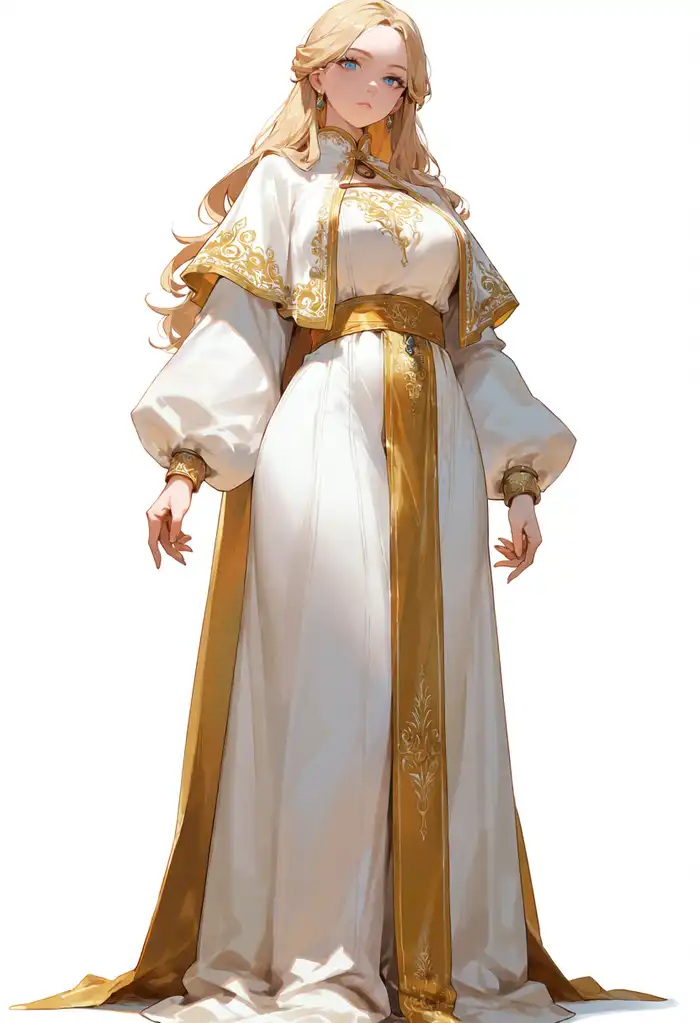
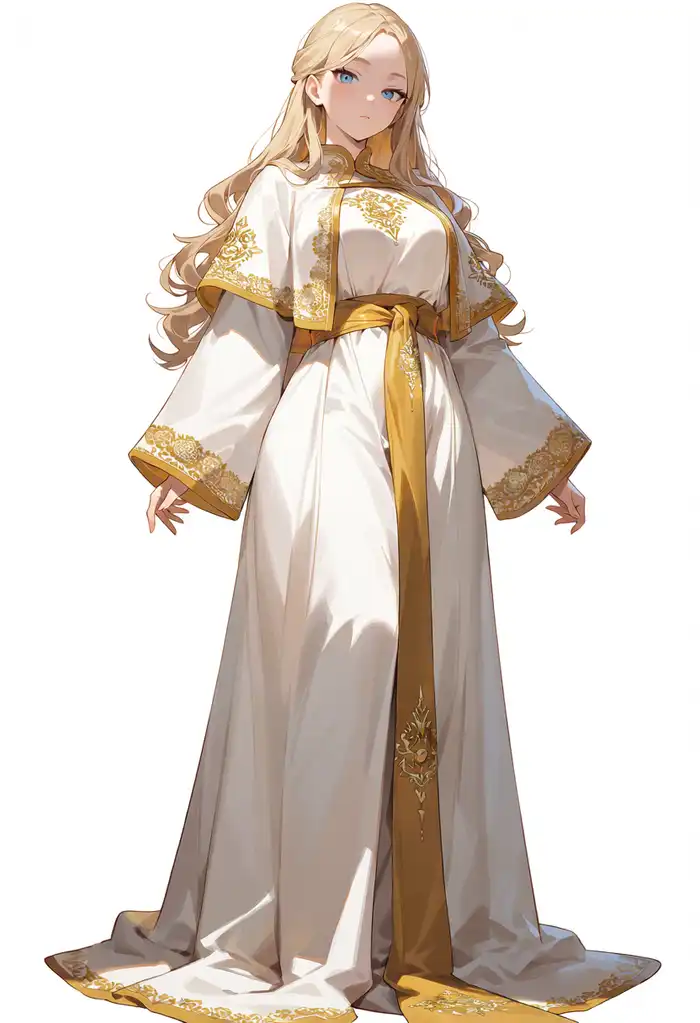
No breakage in any of the 4. The two 3.8B images came out with heavier gold embroidery, but they also run different CFG and samplers, so I can’t tell whether that’s the model.
The 1MP artifacts I was bracing for, given that the extra training stops at 512px, didn’t show up in this standing pose.
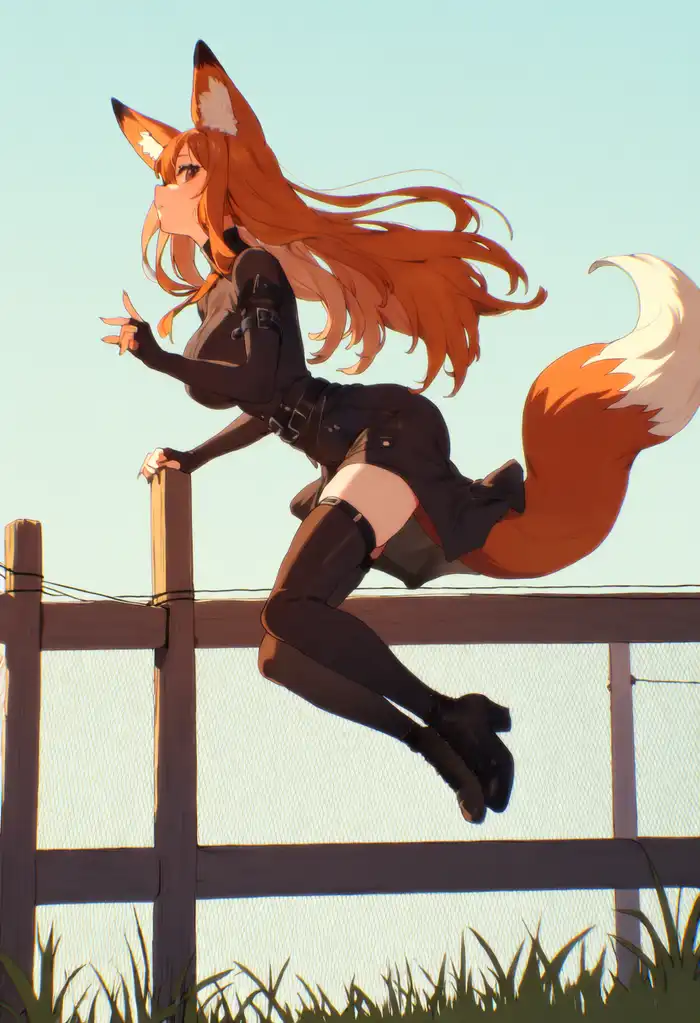
The very first image I generated to confirm the node and MPS worked (a fox girl jumping over a fence, 20 steps) also came out with the jumping pose and the fence intact.
Do the composition prompts that never worked on Anima pass now?
I sent 10 composition presets from my image-generation server to the 4 conditions with identical content (seed fixed at 42).
The preset prompts are long English texts that pile on reinforcement to force the composition. The overhead one, for example, goes as far as “The image must unmistakably read as an overhead view.” The thumbnails are saved as prompt-and-image pairs from earlier runs with composition prompts on Anima-Base. The ones that never worked simply never worked, so entries without a thumbnail stayed in limbo, with no telling whether that text can produce the shot at all.
Judging is broad-strokes: only whether the image matches the camera angle and framing that was asked for.
| Preset | Base | 2.9B | 3.8B native | 3.8B expanded |
|---|---|---|---|---|
| from above | misread | misread | close | close |
| from below | pass | pass | pass | pass |
| from behind | pass | fail | fail | pass |
| from side | pass | broken | close | fail |
| dutch angle | weak | weak | weak | weak |
| wide shot | pass | pass | close | close |
| negative space | close | pass | pass | close |
| cowboy shot | fail | fail | close | close |
| head out of frame | broken | close | close | fail |
| lower body only | broken | fail | fail | fail |
From above

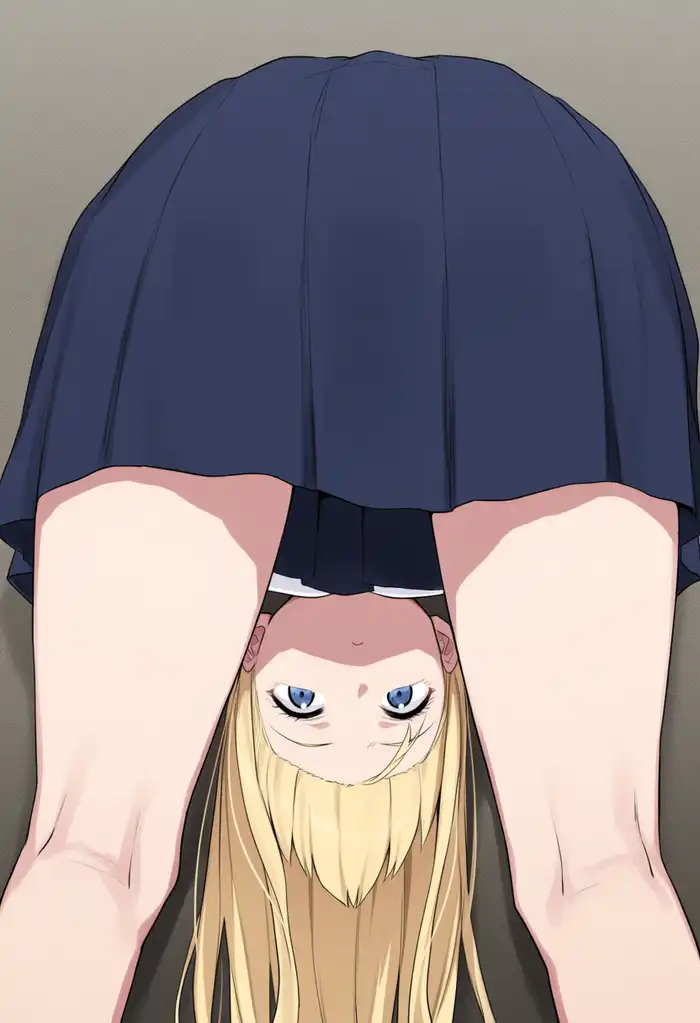

Base and 2.9B misread it as “bending forward and peeking through her own legs”, not even an overhead view.
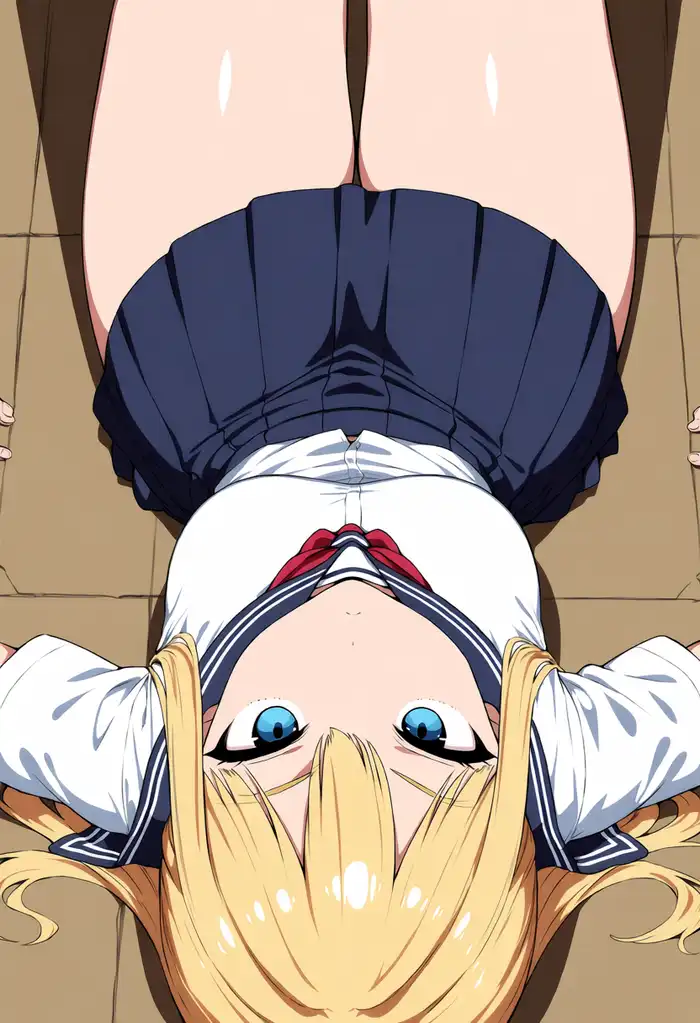
Both 3.8B images give “a girl lying on her back, shot from directly above, face to camera,” which does match the overhead camera and the eye-line instruction. It never became a standing figure seen from above, so it stops at close.
From below
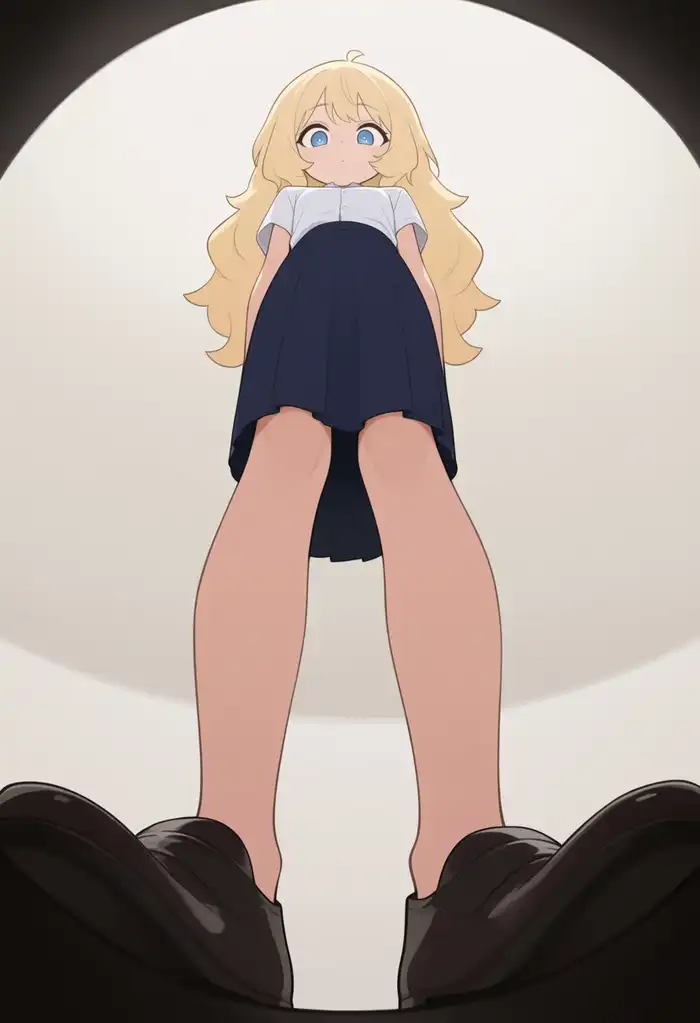
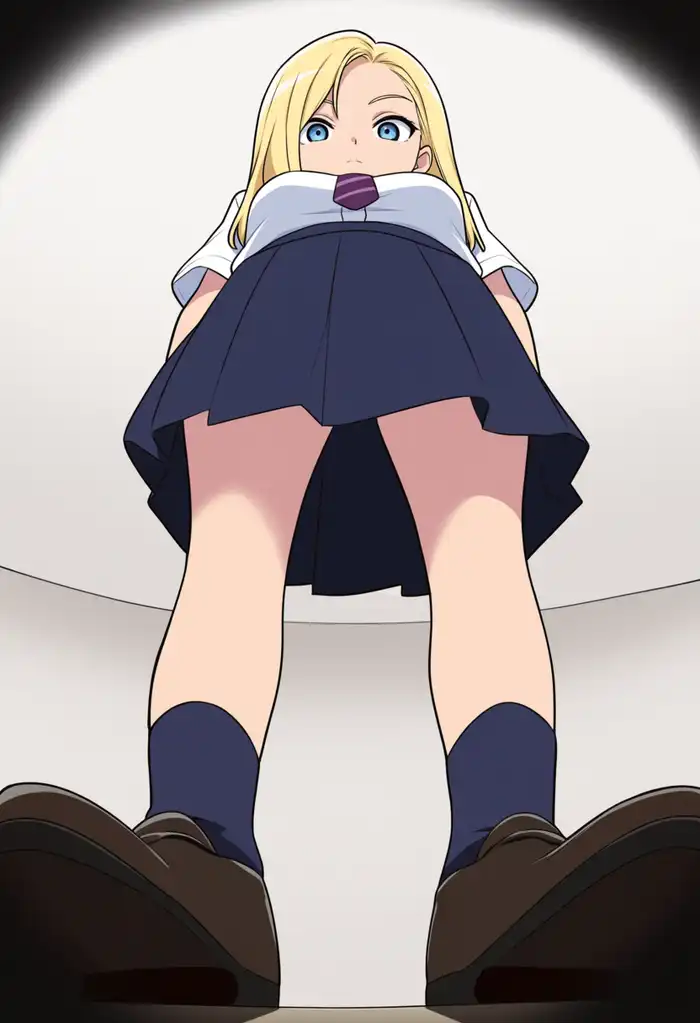
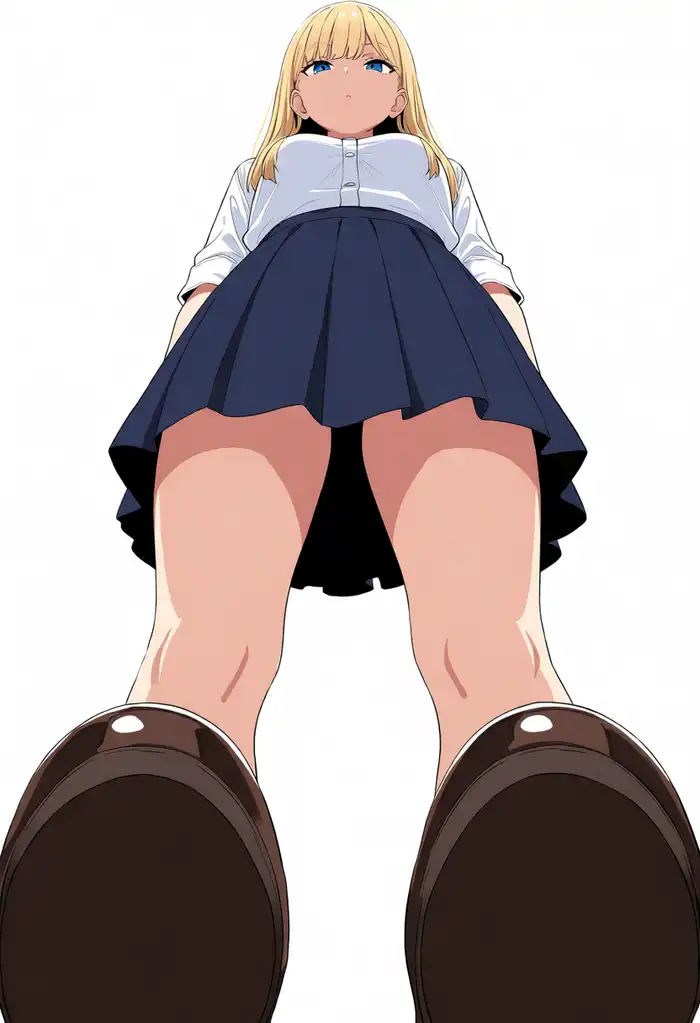
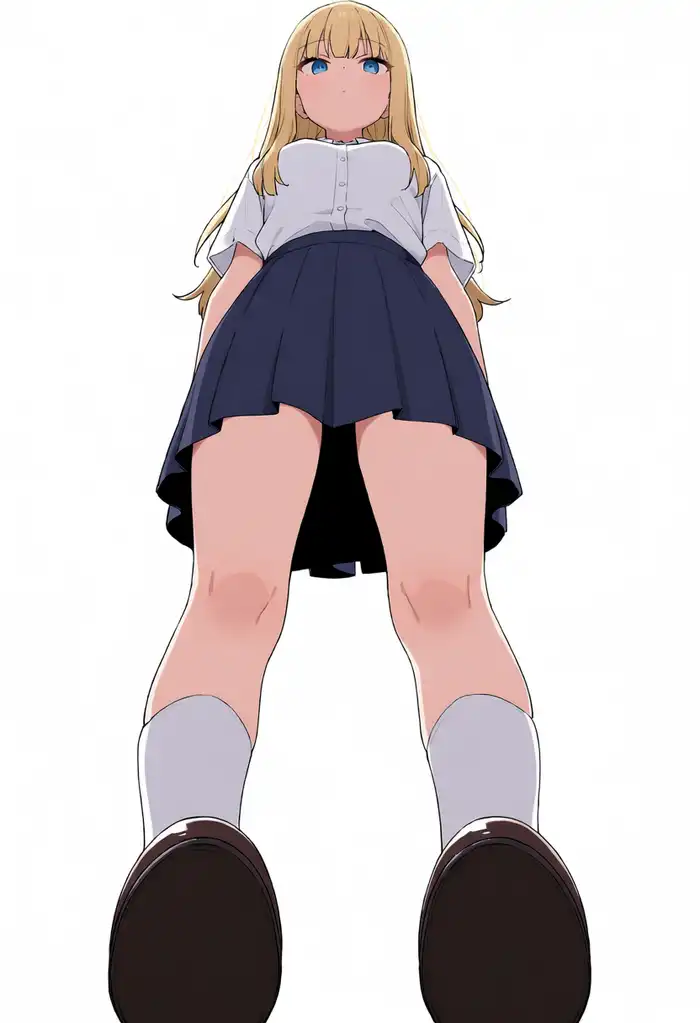
This preset always worked. All 4 are looking up from below, and the two 3.8B images push the perspective harder, with the shoes drawn large.
From behind
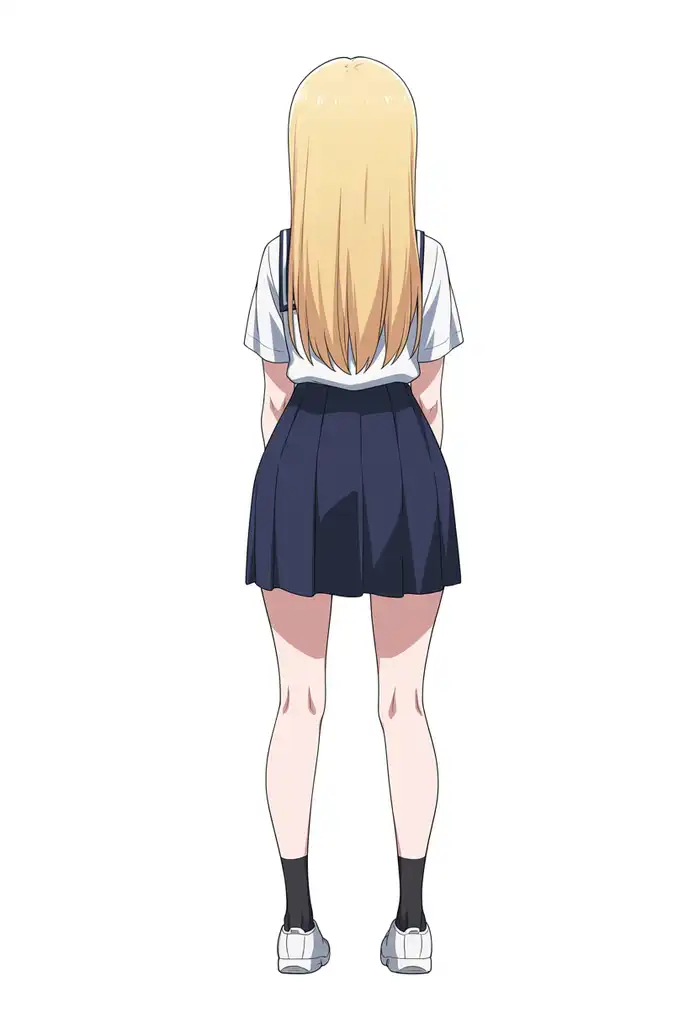
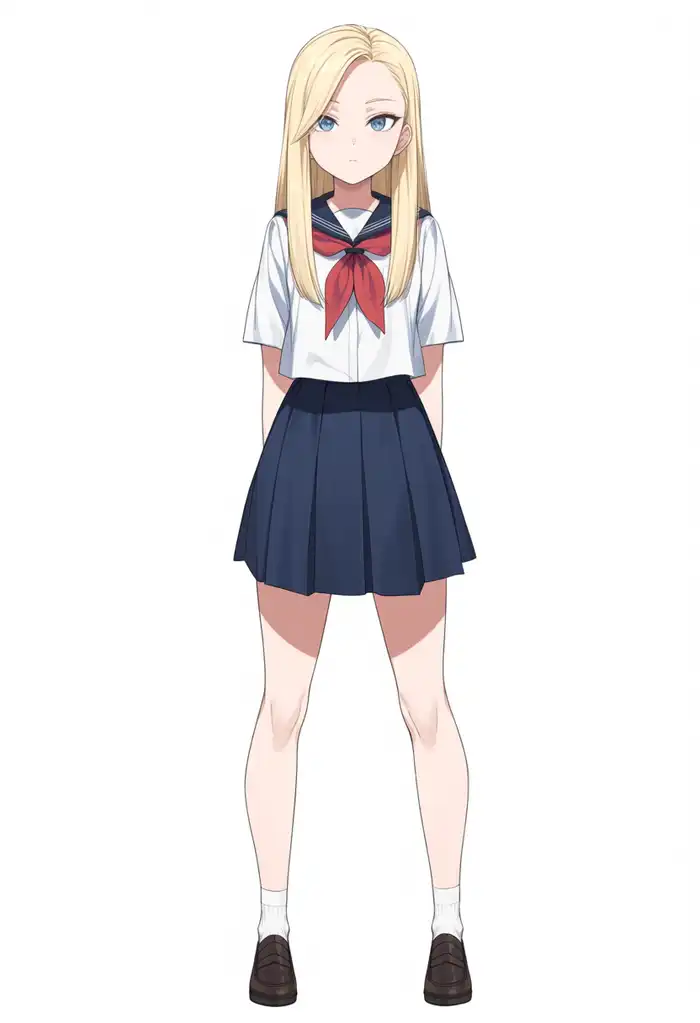
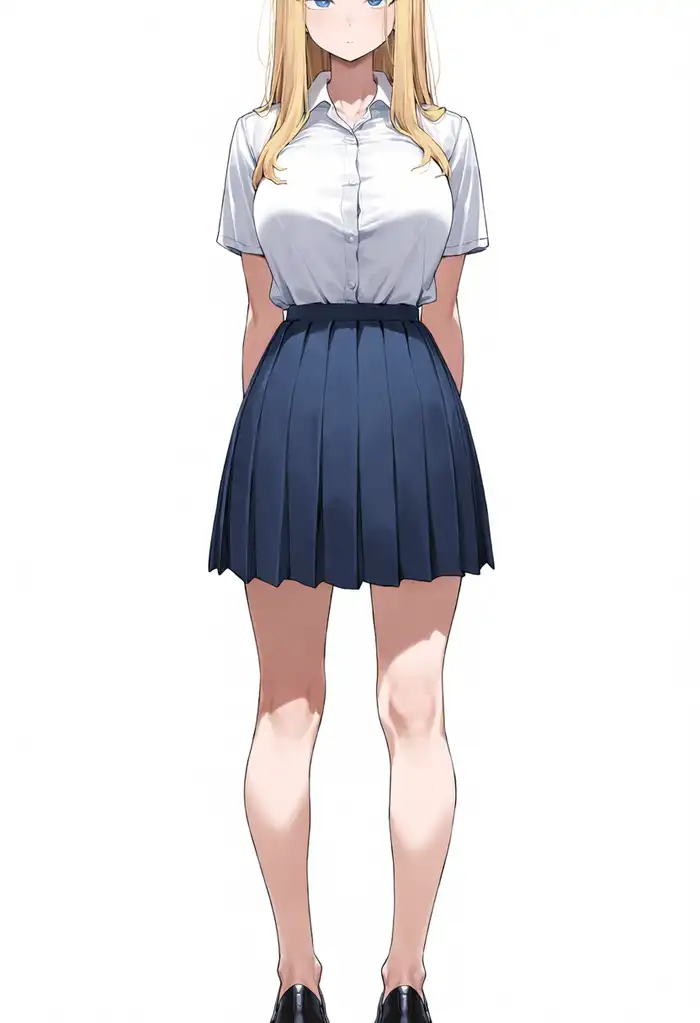
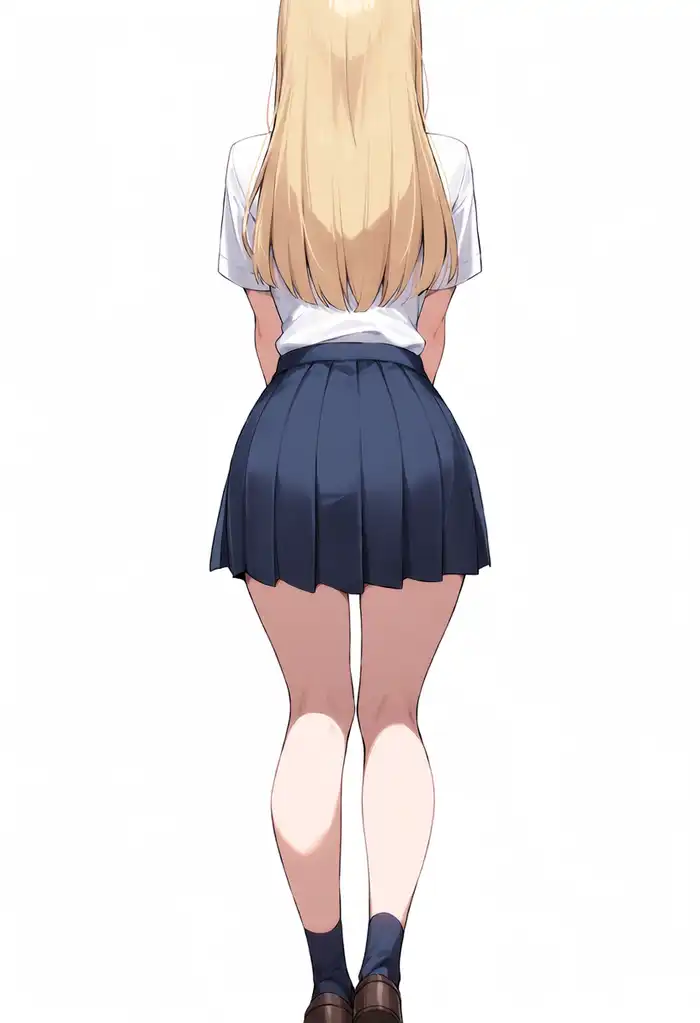
Base passed, but 2.9B and 3.8B native turned to face the camera.
Expanded (same DiT, same settings, just the Qwen3.5 path enabled) faced away. The “don’t show the face” instruction never registered through the 0.6B path but got through on the Qwen3.5 path.
From side
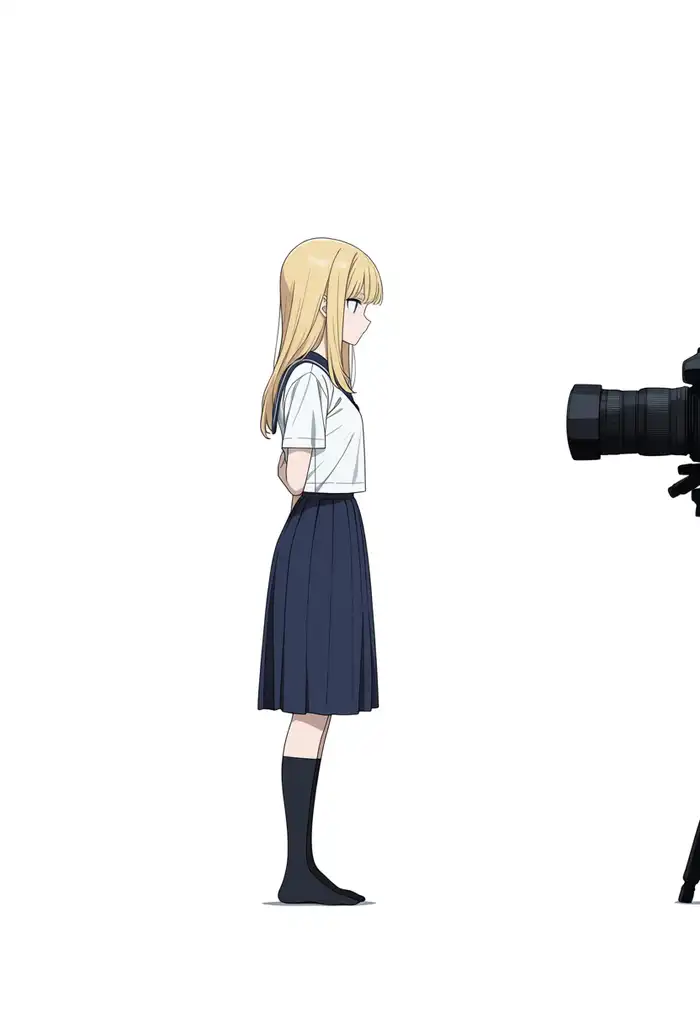


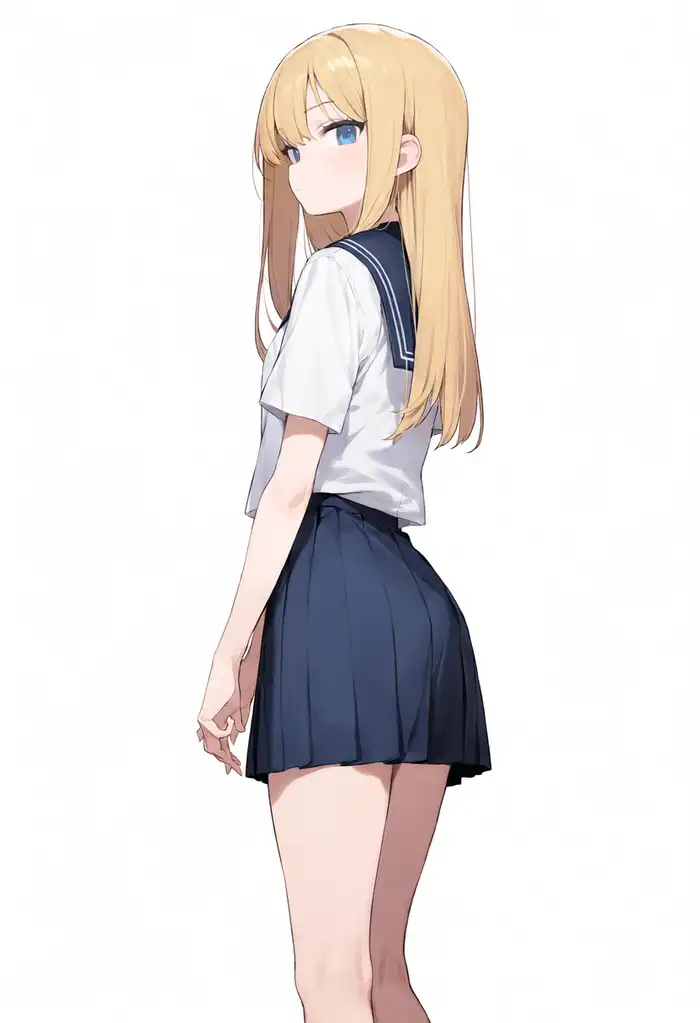
Base gives the upright profile as instructed, but it drew the prompt’s “camera” as a physical camera in the frame. 2.9B is also in profile, but with shrunken, child-like proportions.
3.8B native stops at a 3/4 view, and expanded turns around to make eye contact. The prompt even says not to look at the camera, and it did the opposite.
Dutch angle




All 4 became street-corner cowboy shots with barely any tilt. No separation here.
Wide shot
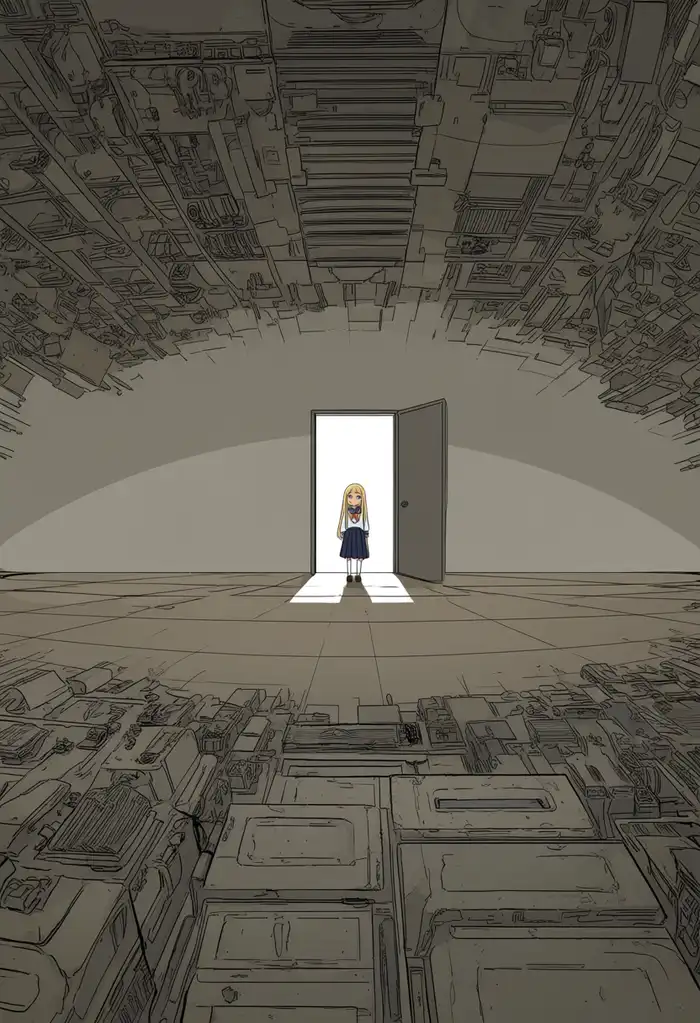
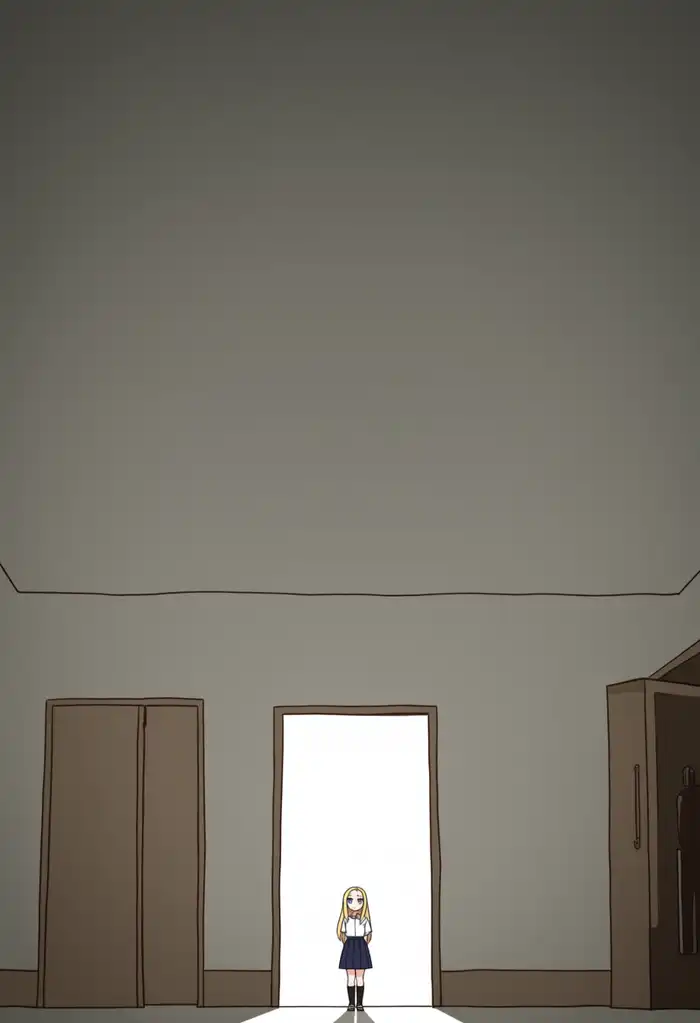
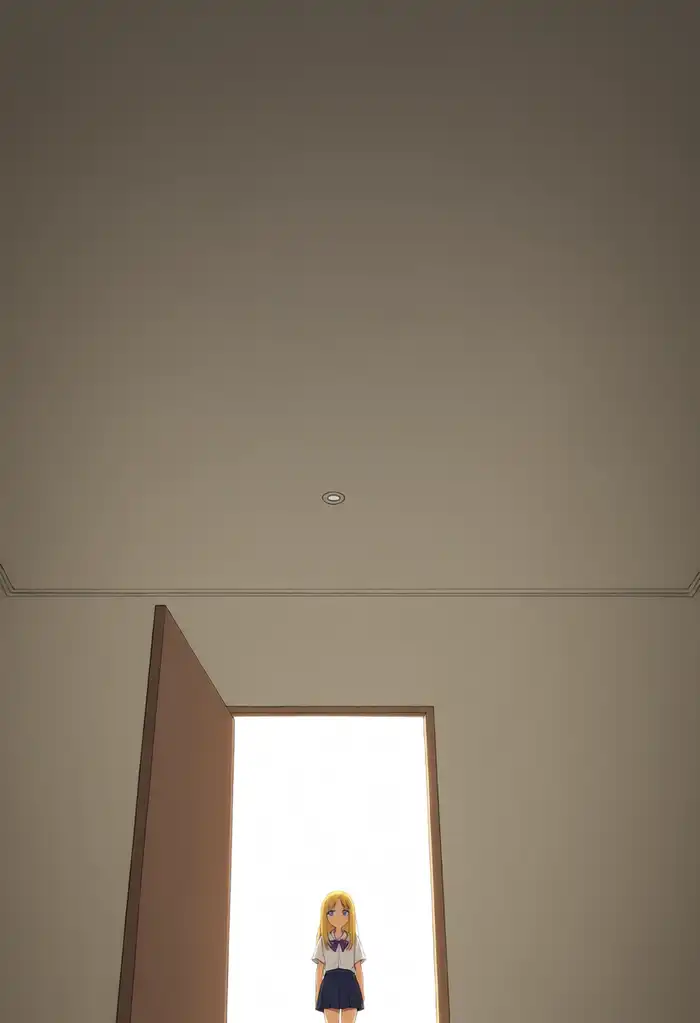
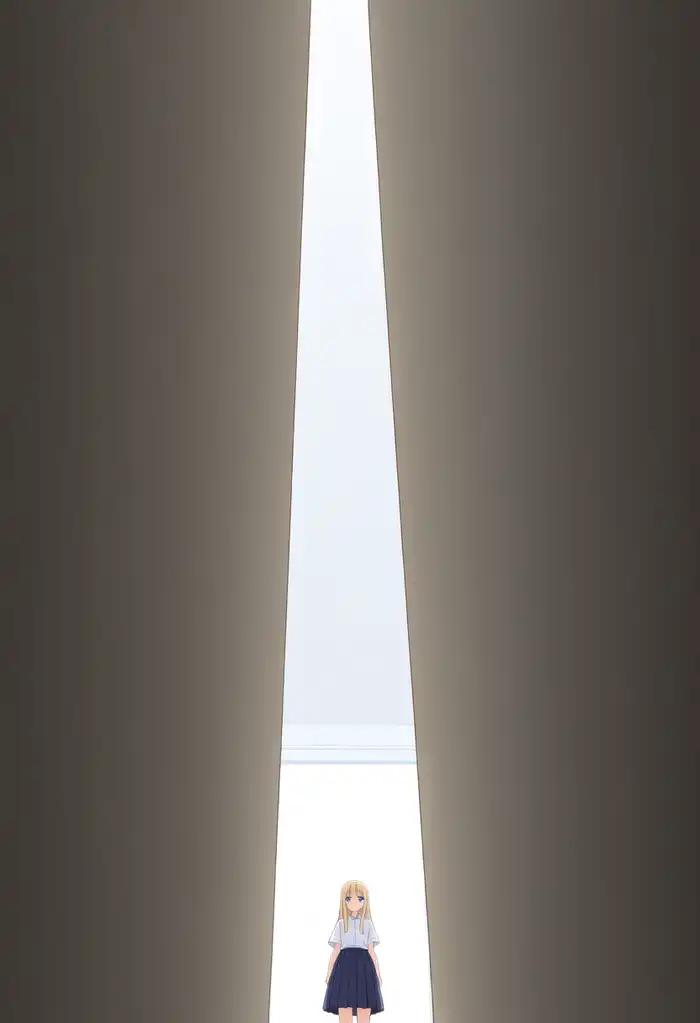
Base has a questionable background, but you can tell she’s standing small at a distant entrance. 2.9B also stands at an entrance in the back. 3.8B native turns into a big door with a small character, tilting toward a low-angle shot, and with expanded I can’t even tell whether it’s an entrance.
Negative space
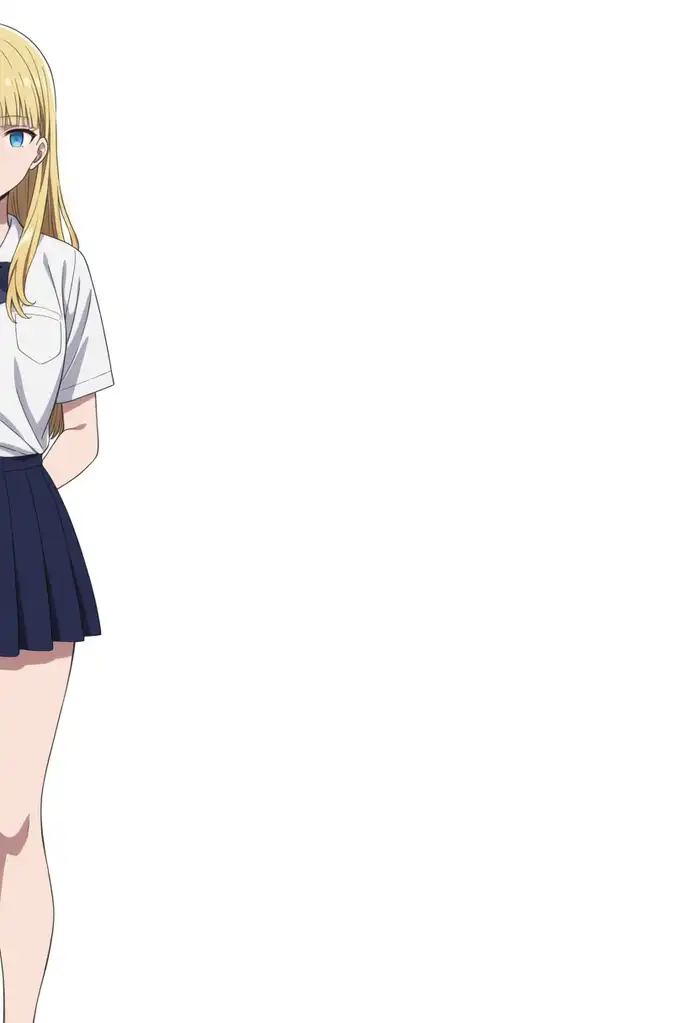
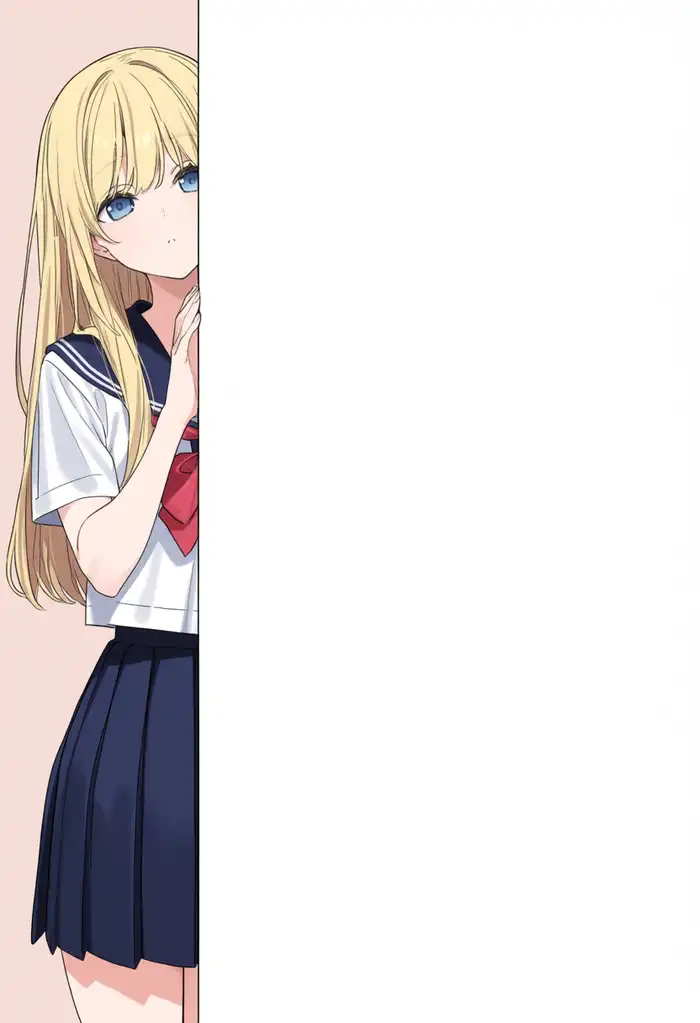
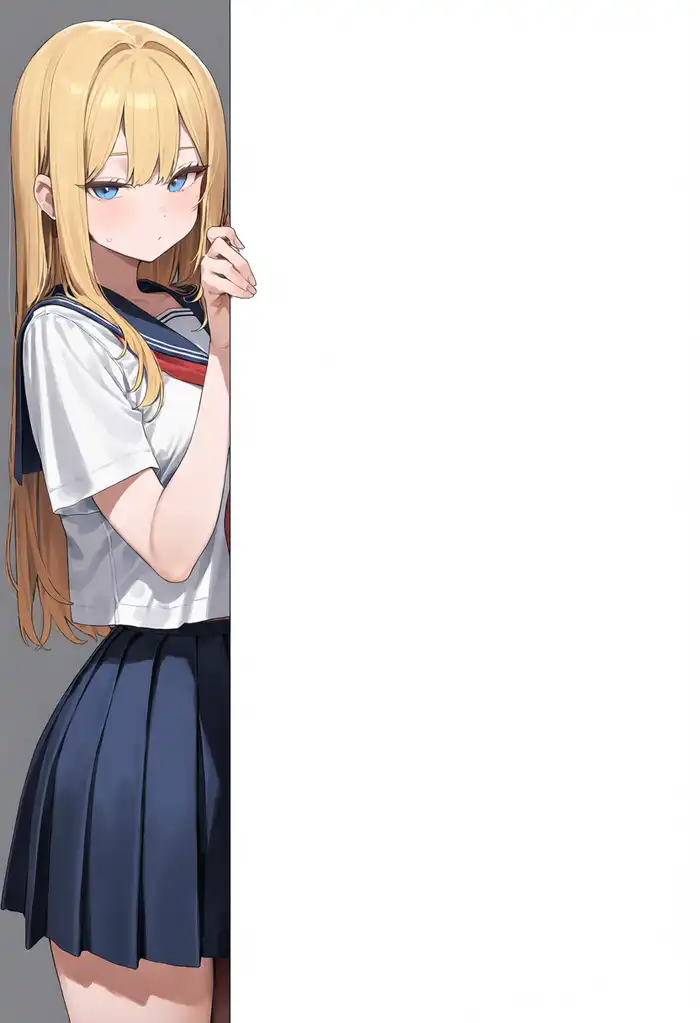
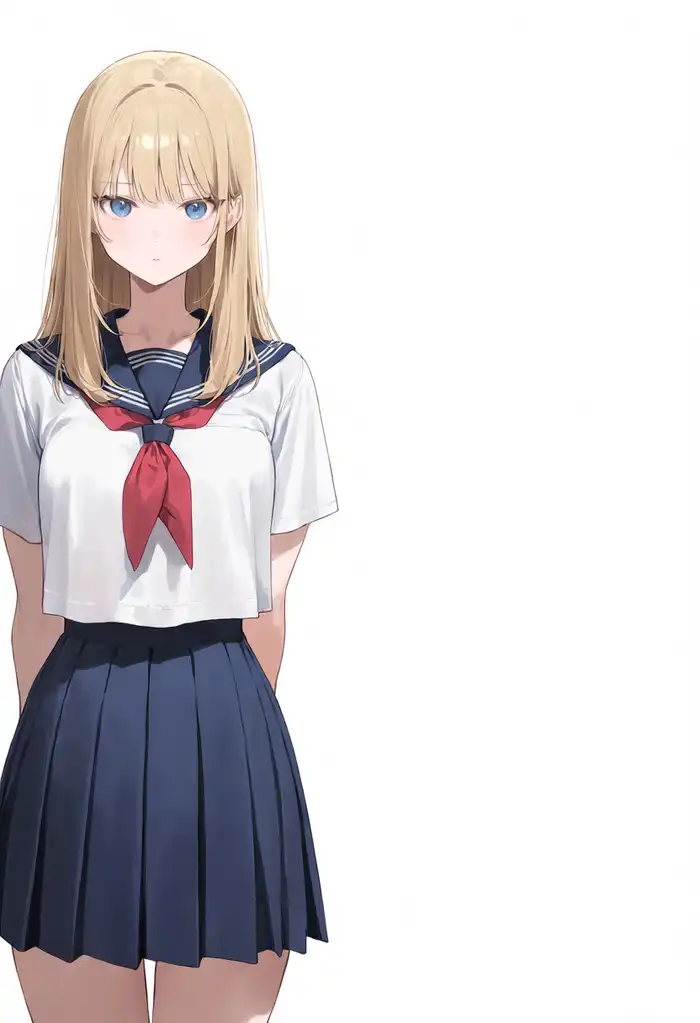
The prompt asks for the figure in the left third with the right half empty. Base simply clips the character at the left third. 2.9B and 3.8B native share the same composition concept with slightly different poses. Expanded stands the character in the left half, not a third.
Cowboy shot

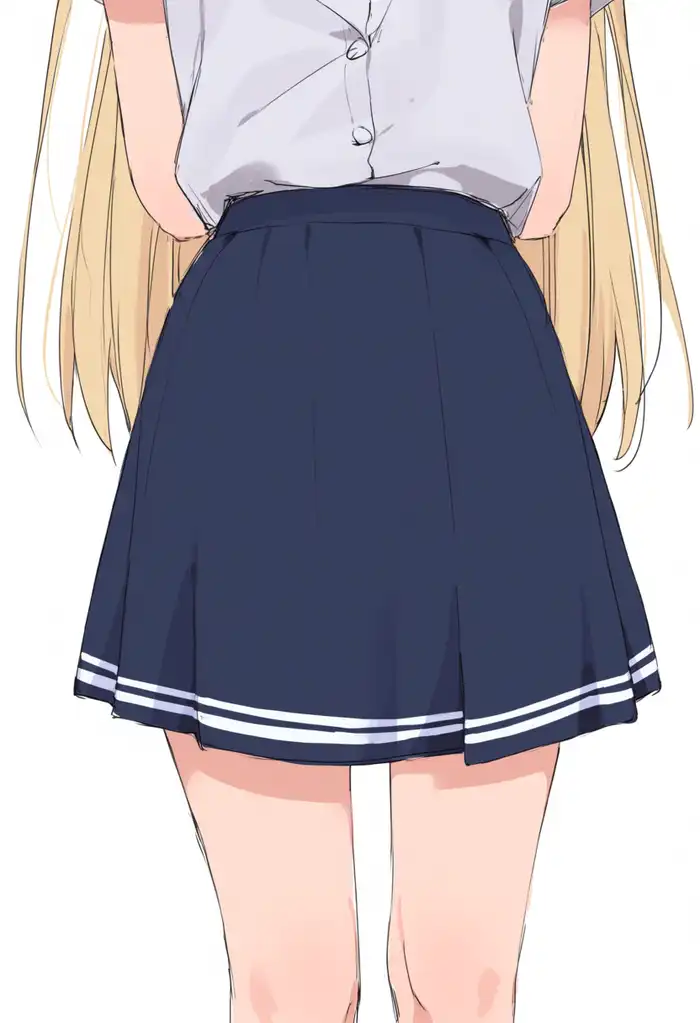
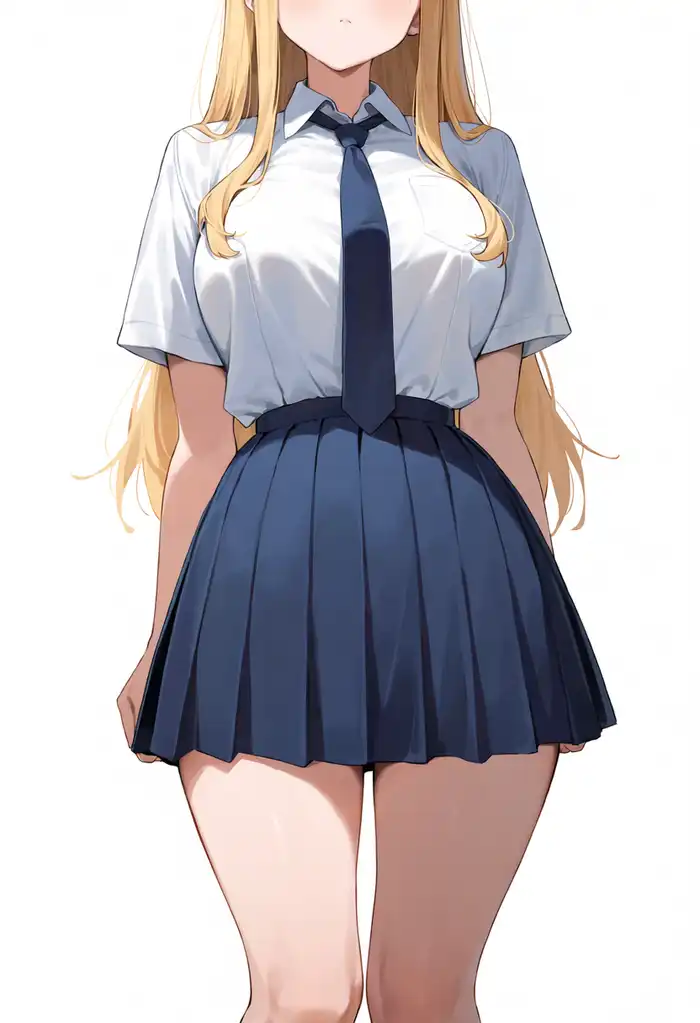
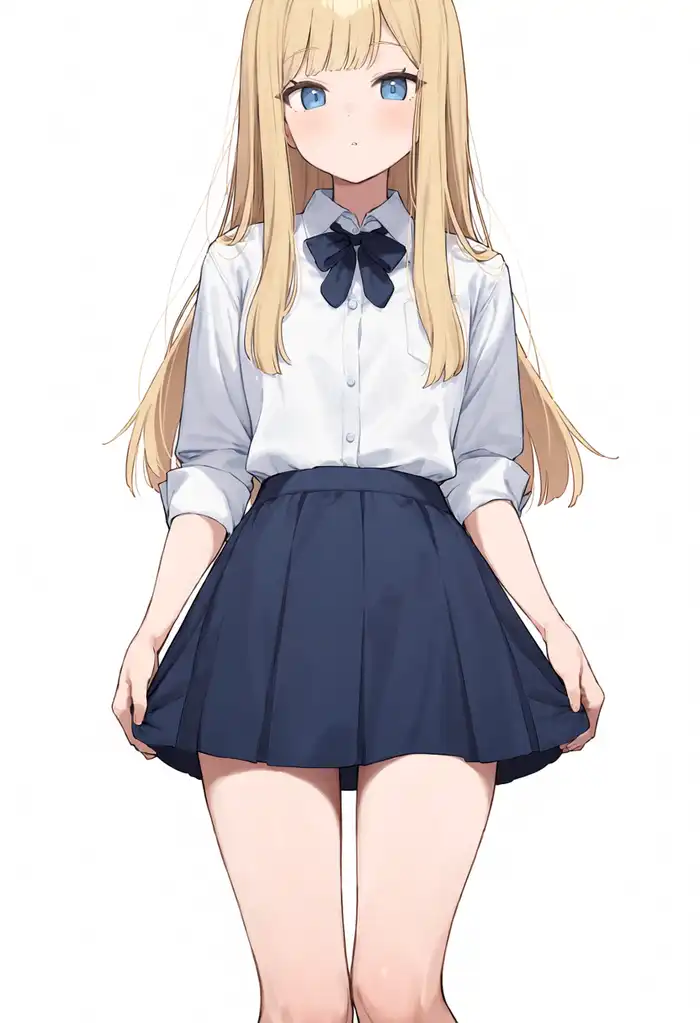
The prompt asks for crown of the head down to mid-thigh. Base and 2.9B show only belly, hips, and thighs. 3.8B native clips the face; expanded clips the top of the head.
Head out of frame
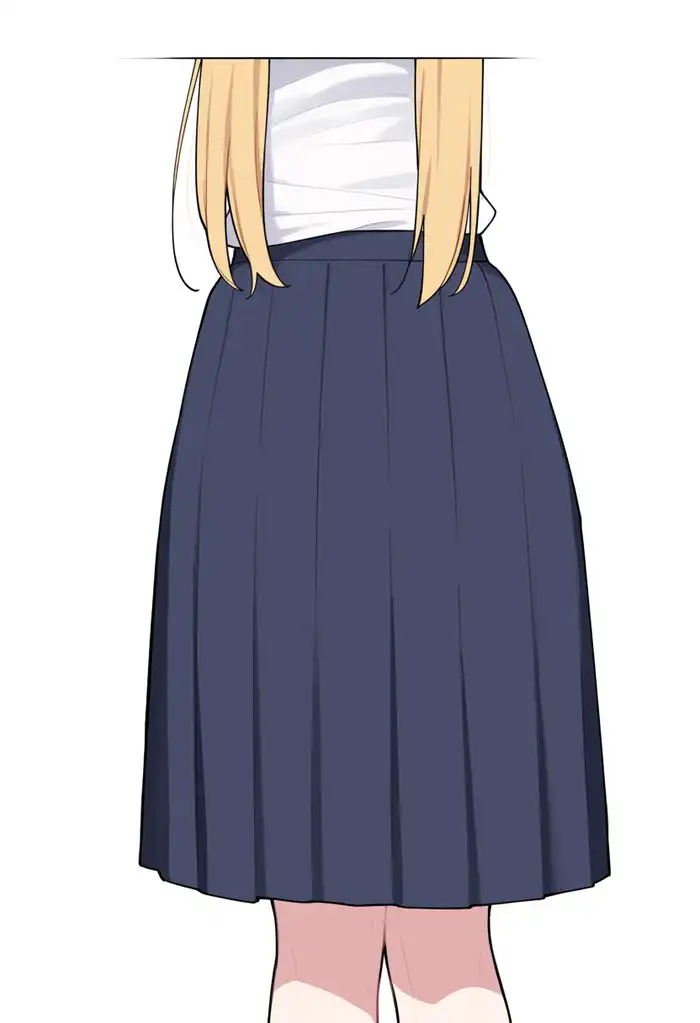



This one is the reverse: keep the head out of the frame. Base breaks down anatomically. What’s in frame is roughly a belly, a skirt, and part of the legs. 2.9B cuts above the eyes, 3.8B native cuts above the nose, and expanded shows a bit of both eyes and nose.
Lower body only
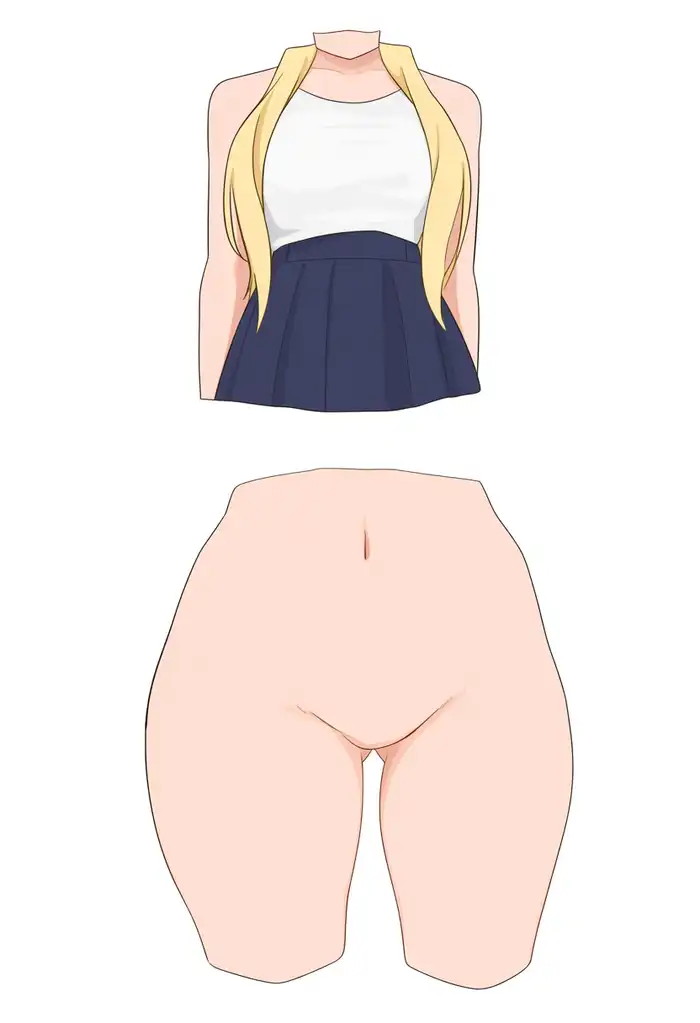
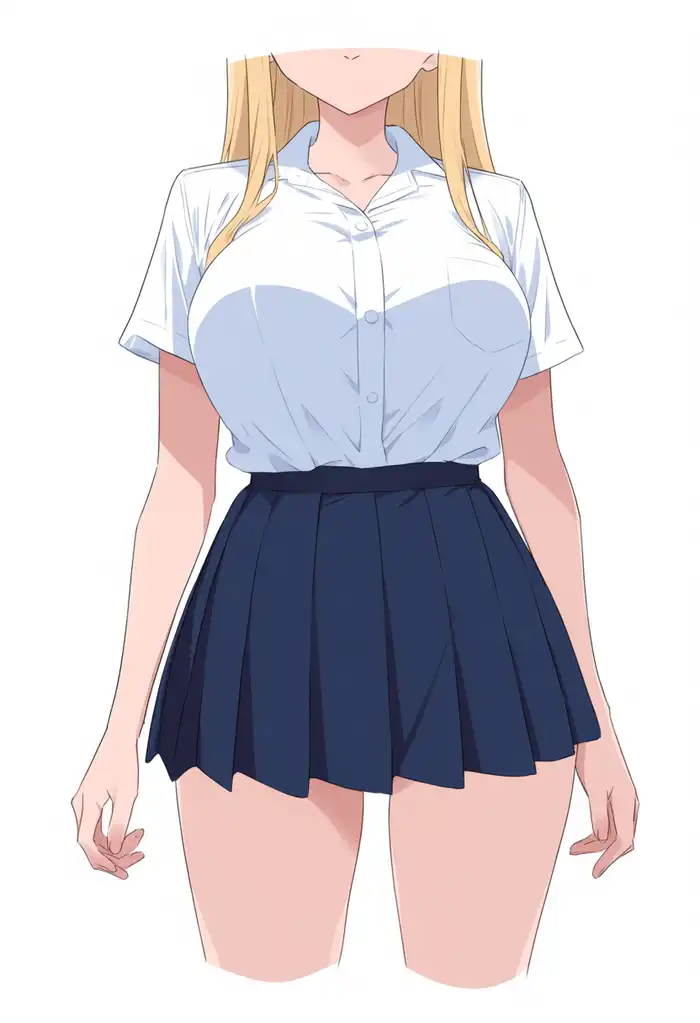
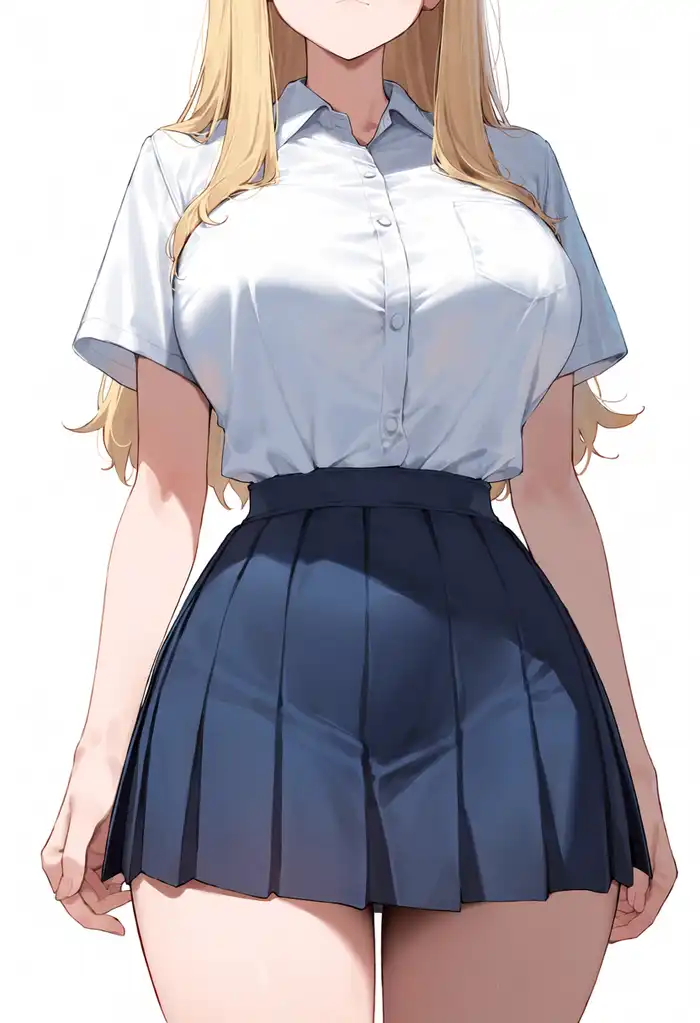
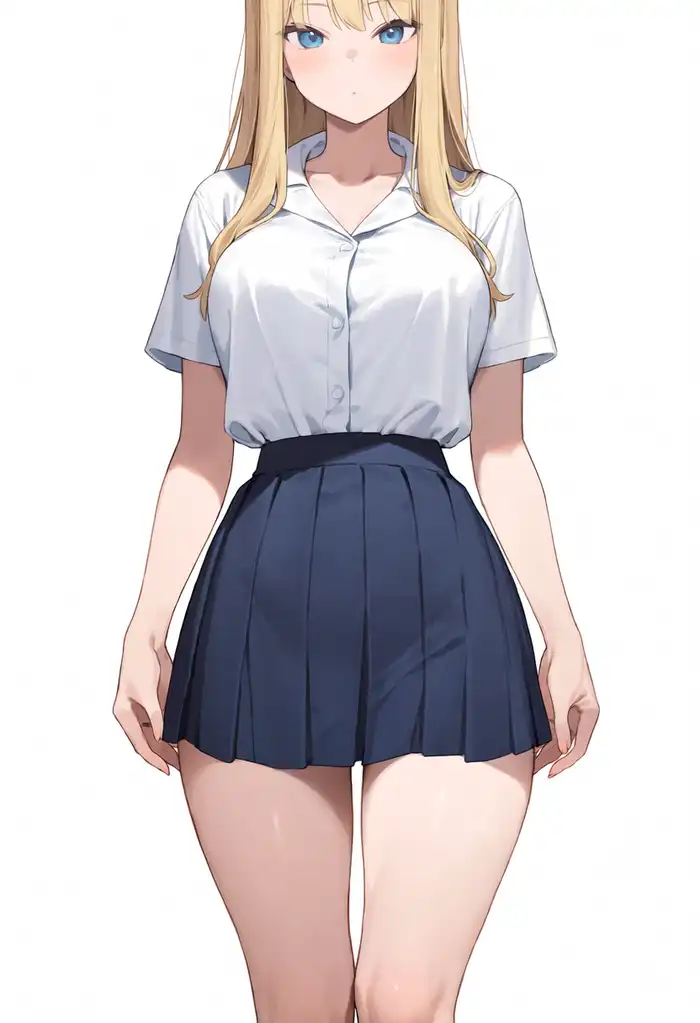
Waist-down only: none of the conditions managed it. Expanded clips the head but keeps the face visible down to the thighs, nearly a cowboy shot. Base breaks the anatomy.
What passed and what didn’t
Comparing all 10, the only prompt expanded clearly fixed is from behind. Cowboy shot also landed inside the spec except for the clipped crown.
On the flip side, for prompts that push part of the body out of the frame (head out of frame, lower body only), expanded is the one that keeps the most face in frame. Negative space also stopped at the left half instead of the requested left third.
If the training data is sub-512px booru images where characters mostly appear in full body, then prompts that crop the body with the frame failing this way is exactly the training distribution showing through.
Complex multi-character compositions
I redid the role prompts that the 4-girl band article couldn’t produce, with generic characters and no LoRA.
Bass on the left, vocal with a white guitar in the center, red guitar on the right, drums in the back row. I ran 3 seeds; the images shown are seed 42.
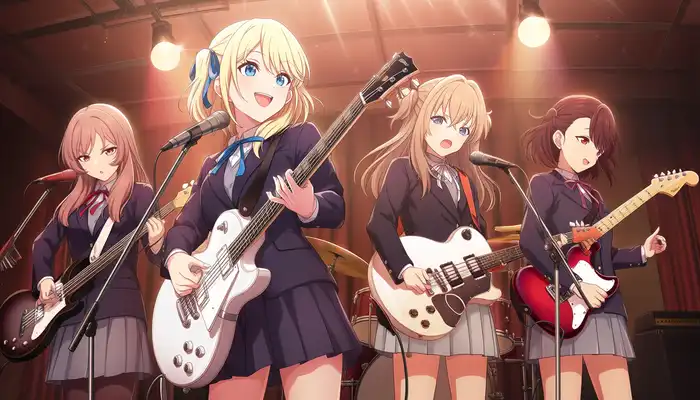

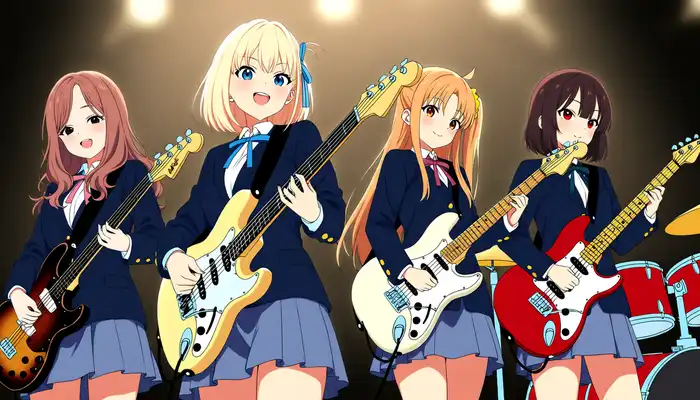
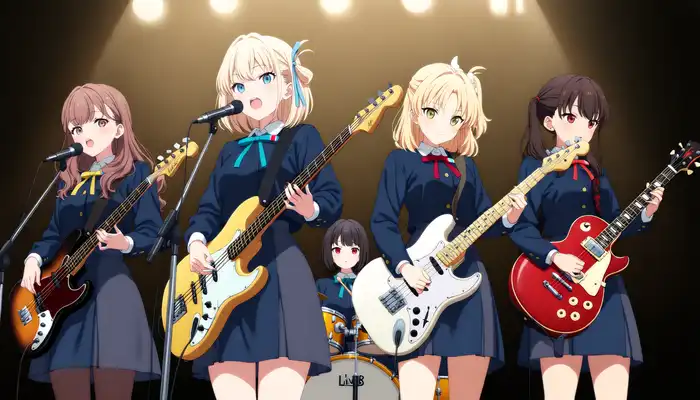
Base and 2.9B just line up 4 girls in the front row on all 3 seeds. Even when a drum kit shows at the edge of the frame, there’s no drummer. When I had 14B write the prompt in the band article, the back-row drummer never appeared either.
3.8B expanded, on all 3 seeds, seats a small black-haired girl at the drum kit in the back row. That’s much closer to the requested composition, but all 3 seeds still have 4 in the front row, making 5 once you count the drummer.
The bass on the left and the mic in the center mostly show up, but the red-guitar girl on the right changes hair color and hairstyle from seed to seed.
The band scene itself appears, yet the headcount and each member’s looks don’t follow the prompt. Same trend as the composition presets.
The flower hand-off (girl on the left offers it with her right hand, girl on the right receives with her left) looks like this.



All 3 conditions produce two girls handing a flower over in a flower field, with the left-right placement kept.
But which girl is offering it flips between seeds, and expanded can’t pin that down either. Interactions between two characters worked even before; the differences start with complex prompts like 4 people plus a back row.
Do character LoRAs work after remapping the block numbers?
I took my Anima-Base LoRAs, and on top of the 40-block remap made for the 2.9B article, remapped them one more time to 52 blocks using the insertion positions [3, 7, …, 47] (two hops: Base→2.9B→3.8B).
Since the 40 DiT blocks are confirmed identical to 2.9B, in theory they should work the same way as on 2.9B if the mapping is right.
First, the 4-character LoRA generating Kana with a light prompt (trigger + standing pose only, no outfit specified).
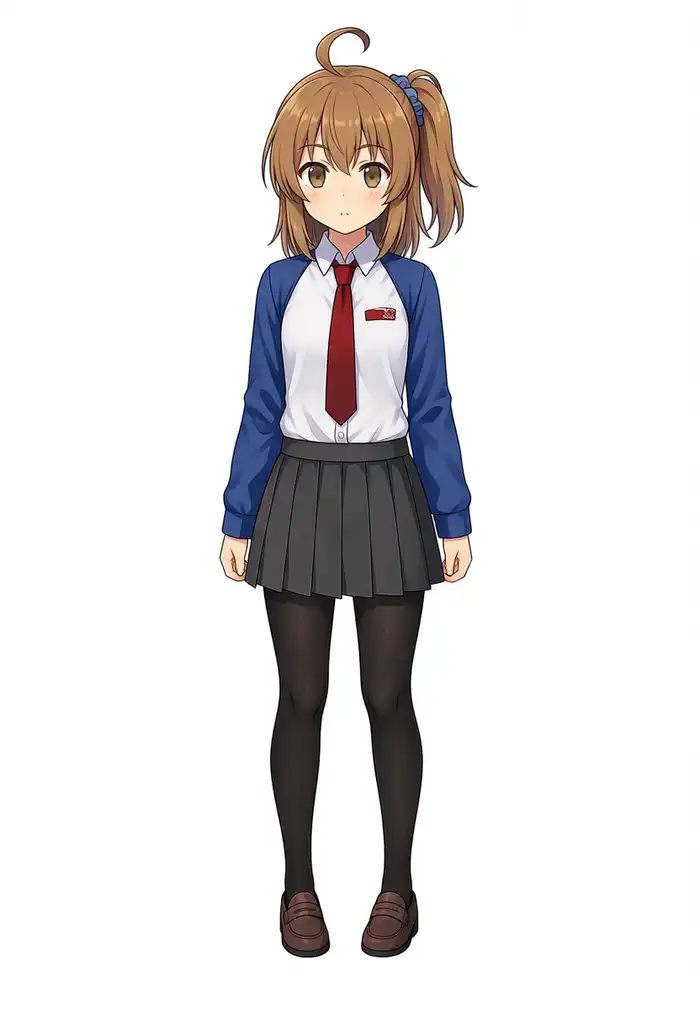
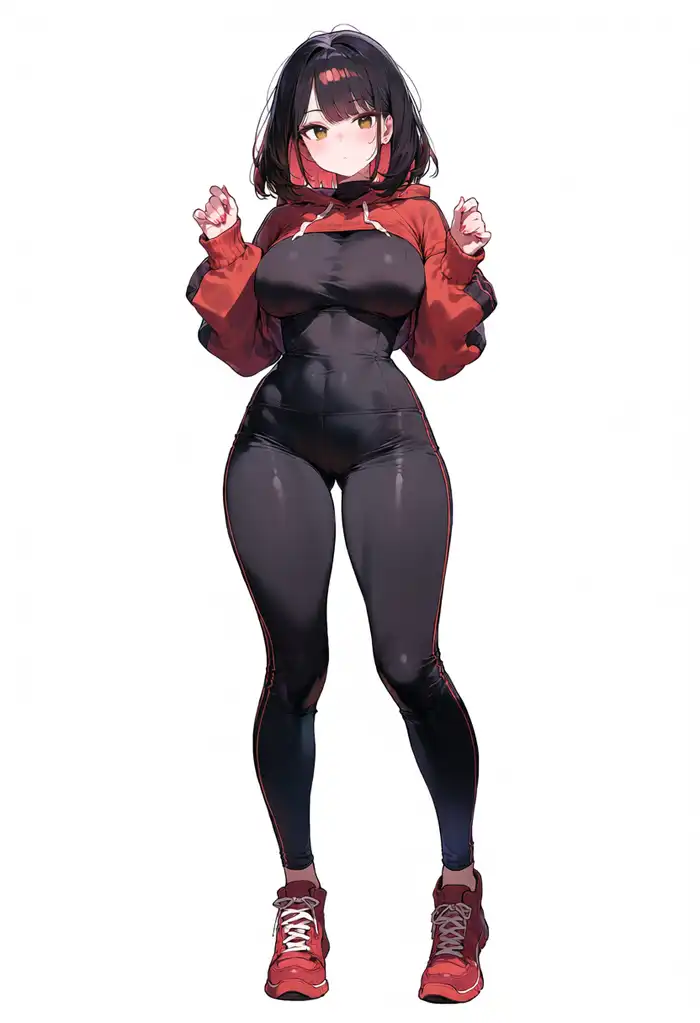
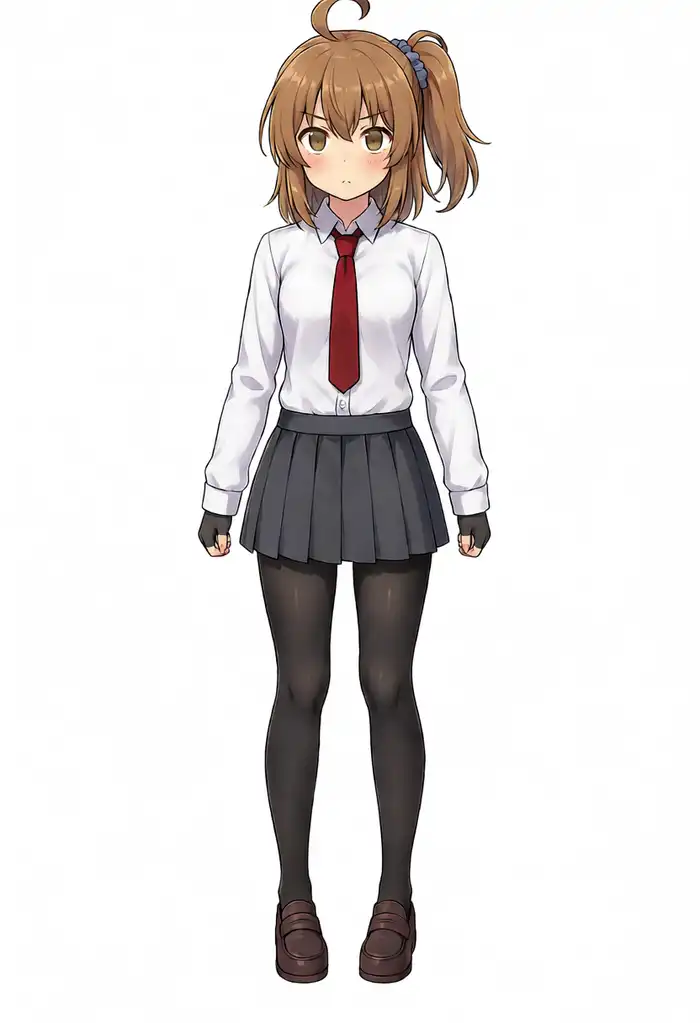
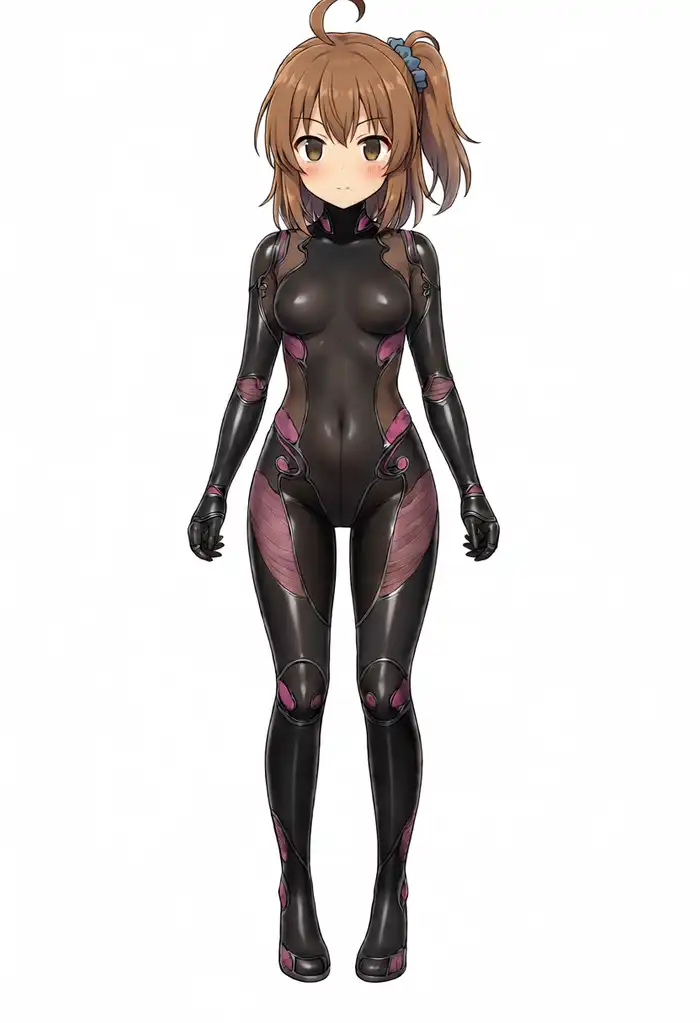
Applying the 40-numbered version to 3.8B gives a black-haired stranger on all 3 seeds. The same thing that happened on 2.9B happened again.
Remapped to 52, native produces Kana herself on all 3 seeds: side ponytail, ahoge, brown eyes, right down to her usual uniform.
With expanded, the face and hair stay hers on all 3 seeds, but the outfit turns into a black bodysuit on all 3. With no outfit in the prompt, the uniform baked into the LoRA apparently doesn’t survive. Whether this black suit comes from the Qwen3.5 path or from the extra training data, I can’t tell.
I also generated the 4-girl lineup with every outfit fully specified.
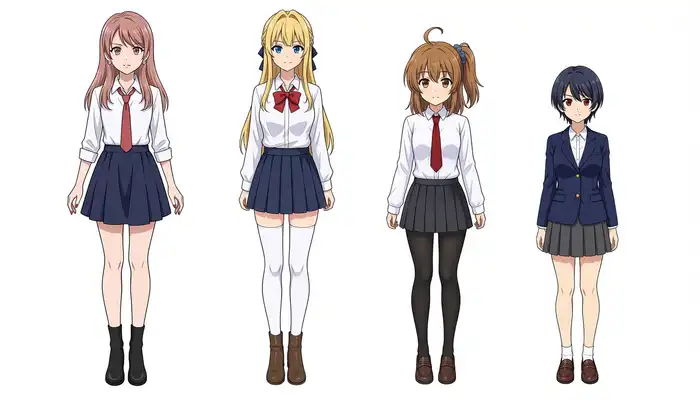
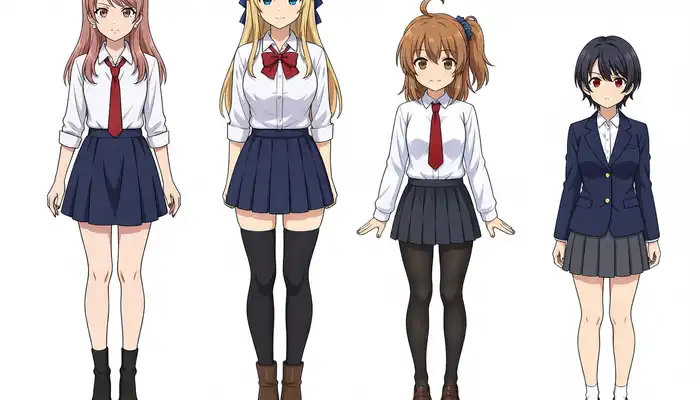
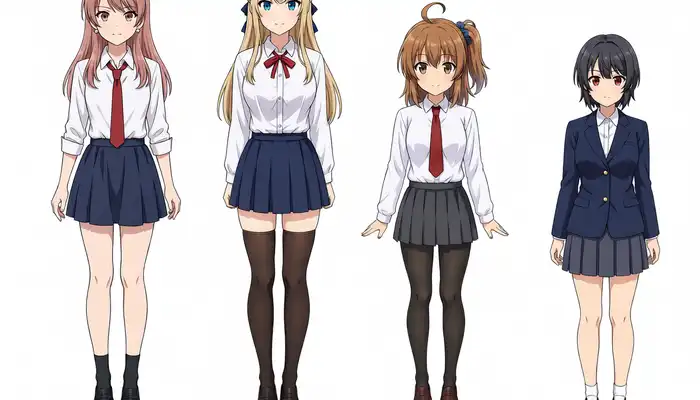
All 3 conditions, on all 3 seeds, keep Kurara, Kei, Kana, and Koharu in order with their faces intact. But on 3.8B, native and expanded alike, every seed clips the top of the head, so the full body never fits in frame. With the uniforms specified, even expanded doesn’t produce bodysuits.
The Kei-Kana pair LoRA (remap 52) also produced both girls without mixing them up, on native and expanded.
The Turbo LoRA remapped to 52 works too, generating cleanly at 8 steps and bringing generation down to 78 seconds.
Purely on whether the character appears, LoRA compatibility follows the same logic as 2.9B: remap the numbers and you get the character, skip the remap and you get a stranger.
Only with expanded, elements not specified in the prompt (the outfit, this time) got replaced on their own. It didn’t happen in the fully-specified 4-girl lineup, so if you pair character LoRAs with expanded, you’ll probably end up specifying everything.
The clipped heads and the swapped outfits both make the bigger model feel like it runs extra processing whenever something isn’t specified, with defaults inserted somewhere different from Anima’s or the LoRA’s. Whether that’s the extra training or the Qwen difference, again, I can’t tell.
Generation time and memory
| Condition | Resolution / steps | Median per image |
|---|---|---|
| Base (28 steps) | 832×1216 | 241s |
| 2.9B (28 steps) | 832×1216 | 343s |
| 3.8B (40 steps, native/expanded) | 832×1216 | 637s |
| 3.8B (40 steps) | 1344×768 | 650s |
| 3.8B + remapped Turbo LoRA (8 steps) | 832×1216 | 78s |
3.8B at 40 steps runs about 1.9× the 2.9B 28-step time. Accounting for the step count, the 52 blocks and CFG 8 make each step about 1.3× heavier.
Qwen3.5-4B encoding takes 20–30 seconds per prompt despite GatedDeltaNet running as an fp32 Python loop, which is noise compared to the whole generation. The expanded-vs-native gap is around 20 seconds per image.
Memory held the 7.9GB DiT plus both encoders with no problems inside 64GB. 93 images straight, zero errors.