Anima-Base v1.0 on M1 Max: kana LoRA at 22% light prompt, 67% heavy prompt
 Contents
CircleStone Labs published the formal version of the Anima series, Anima-Base v1.0, on HuggingFace.
split_files/diffusion_models/anima-base-v1.0.safetensors, 4.18GB (same size as preview3-base), same architecture (Cosmos-Predict2-2B + Qwen3 0.6B TE + Qwen Image VAE).
The preview label is gone in this release, but the README still states “Anima-Base is a true base model, not aesthetic-tuned”. Without quality or artist tags it falls back to a plain default style — same as the preview era.
A sister version Anima-Turbo is announced as “Coming soon”, and the Turbo LoRA is already up on CivitAI.
Short version of comparing preview3-base / WAI-Anima v1 / Anima-Base v1.0 on M1 Max 64GB ComfyUI:
- Generation time is 275–285s across all three — architecture and inference cost haven’t changed from preview3-base
- Raw output (same prompt) keeps the character composition roughly similar across models, with differences mostly in costume details and background
- The existing WAI-Anima-trained kanachan LoRA breaks on v1.0 with light prompts in all 3 tested seeds (blue nude / straight hair / brown wreck). WAI-Anima and preview3-base keep the character even when the ponytail direction is wrong; v1.0 loses the character outright
- A spec/format-T heavy-constraint prompt does get the main kanachan features out on v1.0, but ponytail direction is seed-bound across models, and preview3-base × seed 100/200 have anatomically missing arms
- Turbo LoRA at strength 1.0 gives a 5.7× speedup (275s → 48s). Turbo 1.0 × kana 0.75 is the matrix sweet spot on light prompts (K=1.0 makes the side ponytail disappear)
- Measured hit rate at T=1.0 × K=0.75 over 9 seeds: 22% (seeds 42, 200 keep the kanachan main features; the rest go straight-hair, fox ears, or military gear with blood stains)
- Heavy prompt (costume parts and colors explicit) + Turbo + kana 1.0 over 9 seeds: 6/9 ≈ 67% kanachan-recognizable. Adding the prompt content crosses the threshold
- The gap is that WAI-Anima’s aesthetic tuning + WAI’s extra training data keeps the LoRA “in a state that’s easy to pick up”. Once you go back to raw v1.0 base, the same LoRA needs much heavier conditions to activate. For real use you need a v1.0-base retrain — that’s the conclusion
Model lineup
| Item | Anima-Base v1.0 | Anima preview3-base | WAI-Anima v1 |
|---|---|---|---|
| Released | 2026-05 | 2026-04 | 2026-04 |
| Size | 4.18GB | 4.18GB | 4.18GB |
| Character | CircleStone Labs official true base model | Latest preview | WAI tune over preview3-base |
| Aesthetic tuning | none | none | yes |
| Architecture | Cosmos-Predict2-2B + Qwen3 0.6B TE + Qwen Image VAE | same | same |
| Training data | Several million anime + 800k non-anime art | same | preview3-base + WAI extra tune |
| Anime knowledge cutoff | 2025-09 | same | inherited from preview3-base |
| License | CircleStone Labs Non-Commercial (Cosmos-Predict2 derivative) | same | same (derivative) |
The README’s “base = not aesthetic-tuned” point ties directly to the test scope here. WAI-Anima is the louder, aesthetic-tuned derivative, which makes it the LoRA reference axis in this article.
About the LLM adapter
What sets Anima apart from SDXL is the LLM adapter layer in the middle.
The README says: “The LLM adapter processes the text embeddings before they reach the diffusion model, and has an outsized influence on the generated image. The adapter itself contains a surprising amount of knowledge and is easy to degrade through training.”
That’s why LoRA training officially recommends llm_adapter_lr=0 — fix the adapter, train only the DiT side. The kanachan LoRA used here was trained that way. When the base swaps from preview3-base to v1.0, the shared adapter is the structural reason the LoRA’s compatibility tends to survive.
That said, “structurally loadable” and “actually lands well” are different problems — this article checks that in practice.
Anima prompting rules (vs SDXL)
Driving WAI-Anima feels close to driving an SDXL model, but re-reading the official Anima README, there are rules that differ from SDXL.
Fixed tag order
[quality/meta/year/safety tags] [1girl/1boy/1other etc] [character] [series] [artist] [general tags]Within each section order is free. The format-T prompt from the 12,000-step verification post follows this layout.
Artist requires @ prefix
You must put @ in front of the artist. The effect will be very weak if you don’t.
You need @nnn yryr; without the @ the artist learning barely fires.
Prompt weights are stronger than SDXL
(chibi:2) style. Where SDXL would use (chibi:1.3), Anima needs higher weights.
Dataset tags (non-anime images)
LAION-POP and DeviantArt images were trained with ye-pop / deviantart dataset tags on the first line, followed by alt-text or work title on the second line. This is the special syntax for non-anime output.
Tag dropout assumed
The model was trained with random tag dropout, so you don’t have to list every related tag. This is different from SDXL where listing everything is the usual stability hack.
Two quality tag families
- Human score:
masterpiece, best quality, good quality, normal quality, low quality, worst quality - PonyV7 aesthetic:
score_9, score_8, ..., score_1
Either one, both, or neither all work.
Install and setup
curl -L -o ~/ComfyUI/models/diffusion_models/anima-base-v1.0.safetensors \
  "https://huggingface.co/circlestone-labs/Anima/resolve/main/split_files/diffusion_models/anima-base-v1.0.safetensors"
Text encoder (qwen_3_06b_base.safetensors) and VAE (qwen_image_vae.safetensors) are unchanged since the preview era.
Official README recommended values (shared with preview3-base):
| Item | Value |
|---|---|
| Resolution | 512²–1536² |
| Steps | 30–50 |
| CFG | 4–5 |
| Sampler (neutral) | er_sde |
| Sampler (soft, allows higher CFG) | euler_a |
| Sampler (variety) | dpmpp_2m_sde_gpu |
| Scheduler | simple, or beta57 (RES4LYF, painterly) |
| LoRA training | rank 32, lr 2e-5, llm_adapter_lr=0 |
The anima_comparison.json workflow
The repo root also ships a ComfyUI workflow called anima_comparison.json.
It produces a grid output with “model = column, seed = row” to compare multiple models side by side. Default config compares Anima / NetaYume / Newbie-Image; supported architectures are Anima / SDXL / Lumina / Chroma / Newbie-Image.
v1.0 and preview3-base raw output comparison
Generation conditions kept identical between the two models in ComfyUI.
| Item | Value |
|---|---|
| Resolution | 832×1216 |
| Steps | 30 |
| CFG | 4.0 |
| Sampler | er_sde |
| Scheduler | simple |
| seed | 42 (fixed) |
| Negative | worst quality, low quality, score_1, score_2, score_3, blurry, jpeg artifacts |
Test 1 (standing, white background)
Prompt: 1girl, solo, long blonde hair, blue eyes, white robe, gold embroidery, capelet, gold sash, long sleeves, long dress, standing, looking at viewer, full body, white background
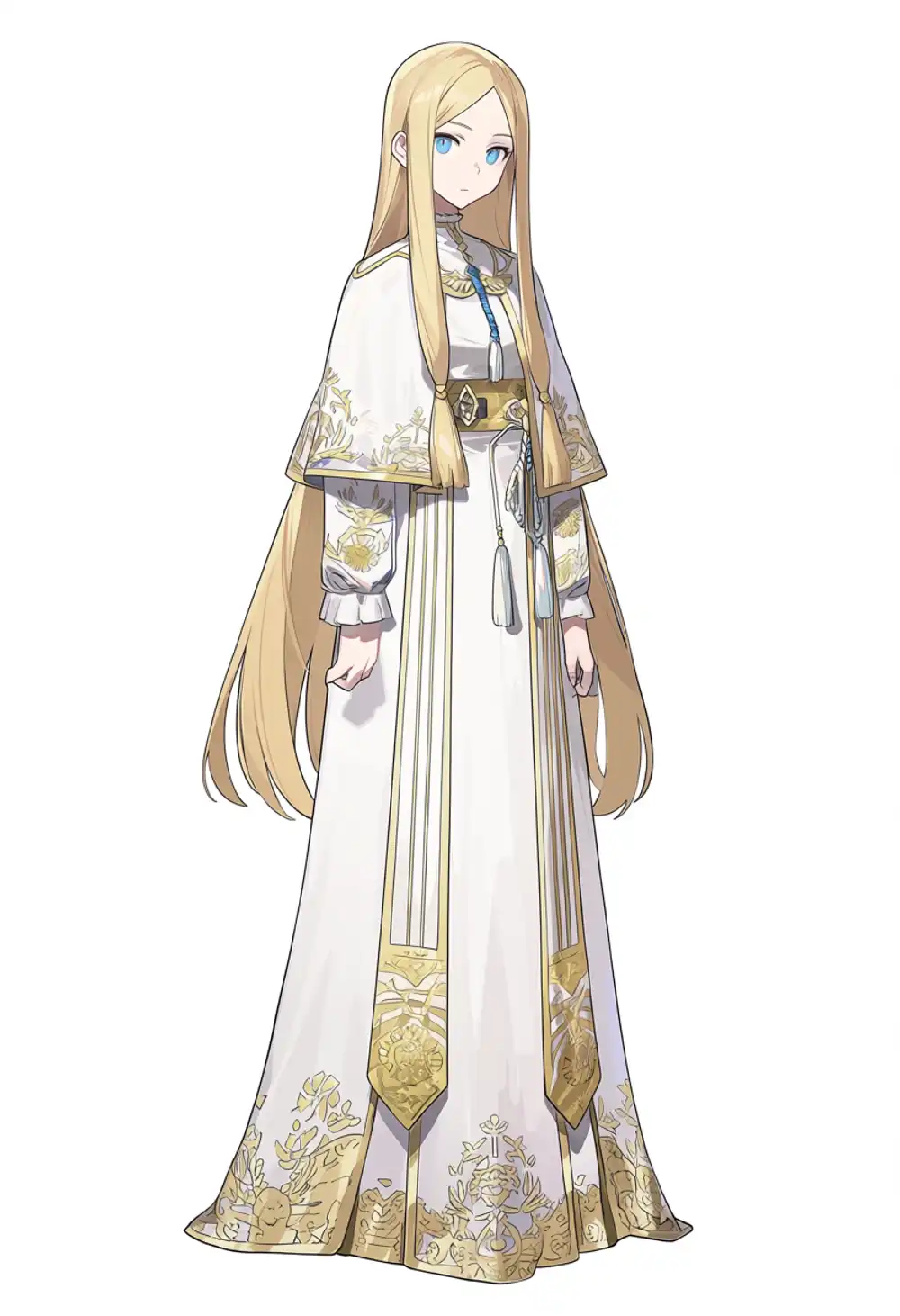
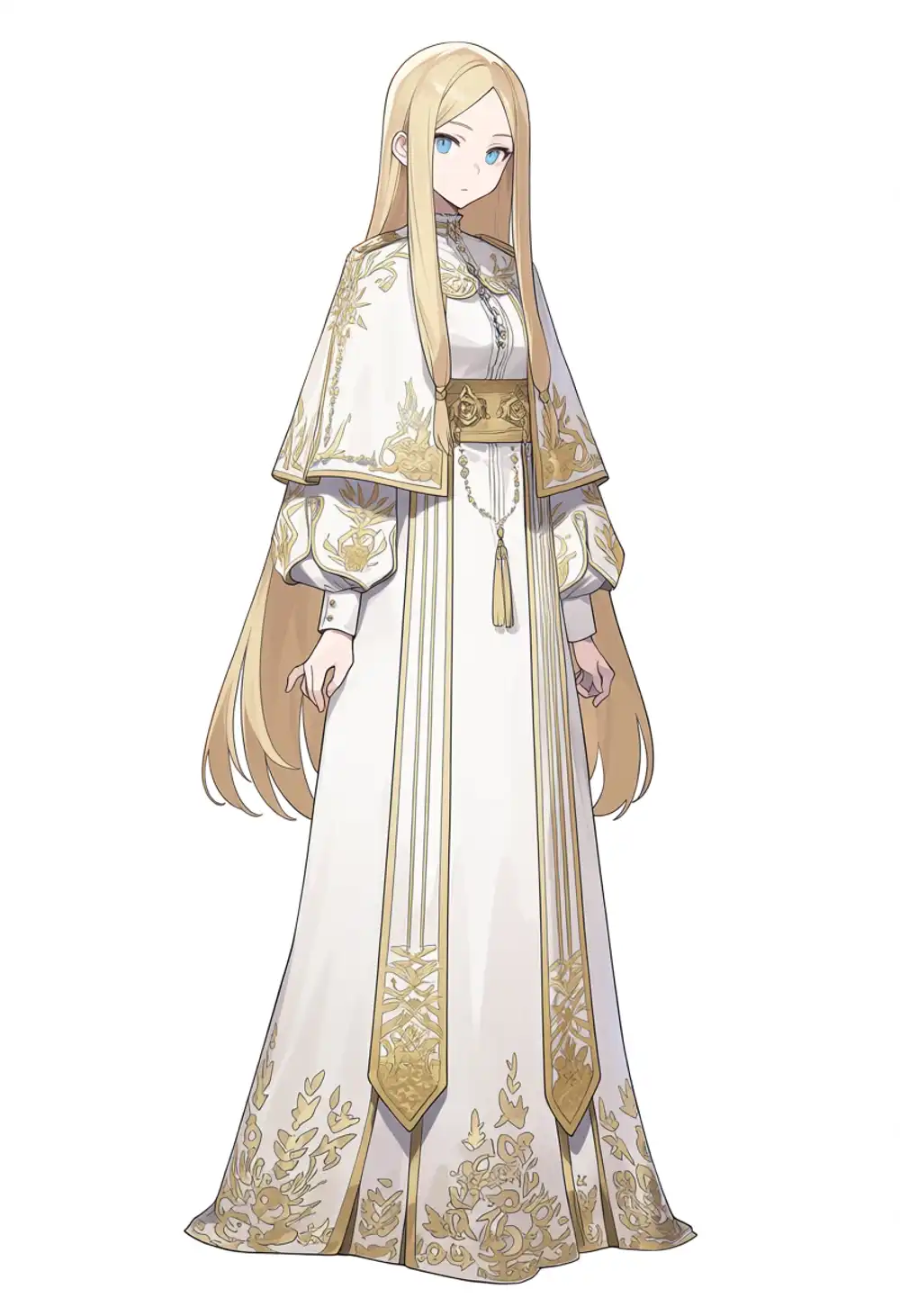
Costume details differ but the overall composition is similar. preview3-base shows slightly finer detail; at preview-tier output like this, either one is fine depending on taste.
Test 2 (dynamic scene with background)
Prompt: 1girl, solo, long blonde hair, blue eyes, white robe, gold embroidery, capelet, gold sash, long sleeves, long dress, running, wind, hair blowing, dynamic pose, fantasy landscape, castle in background, sunset sky, dramatic clouds, grass field
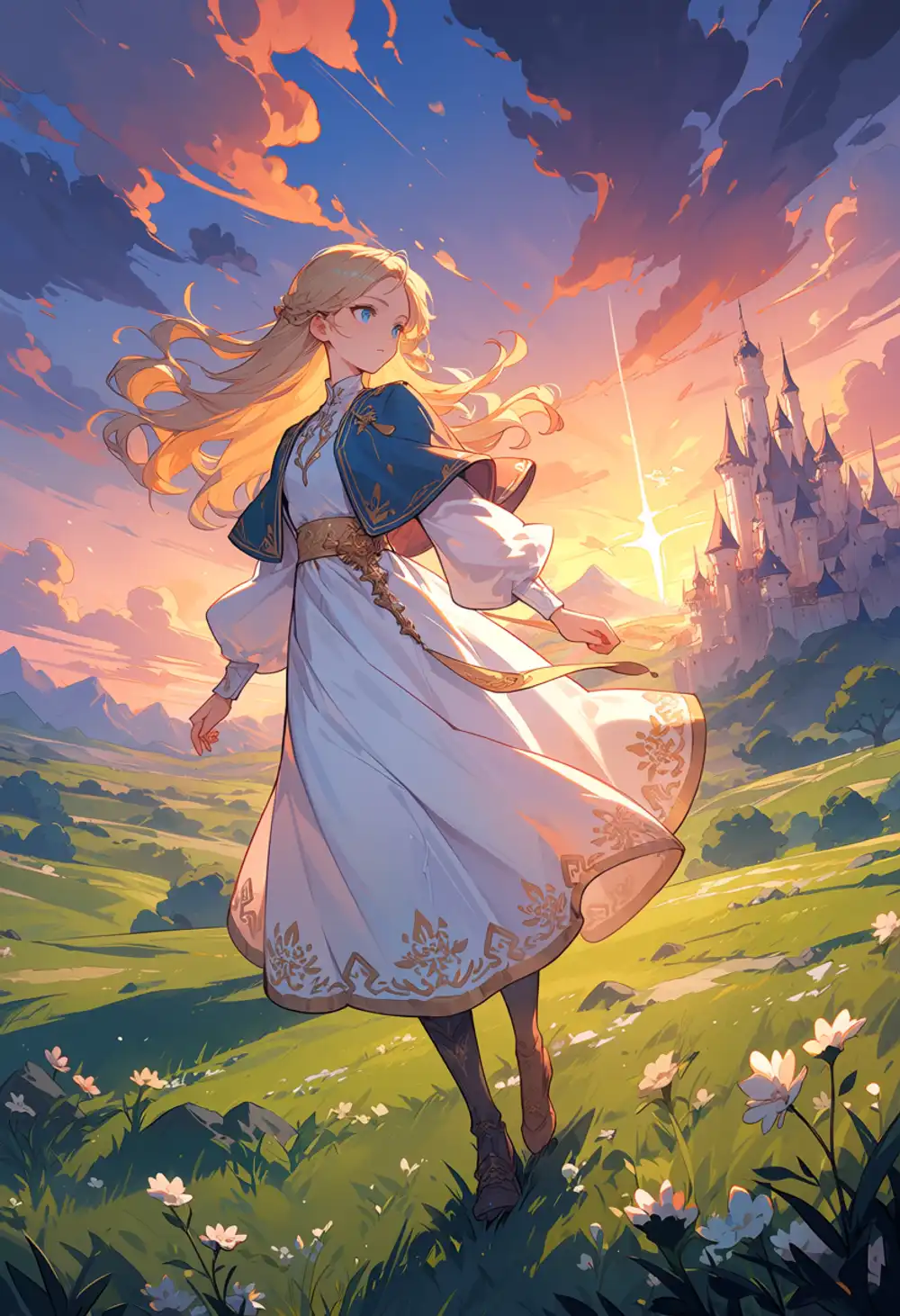
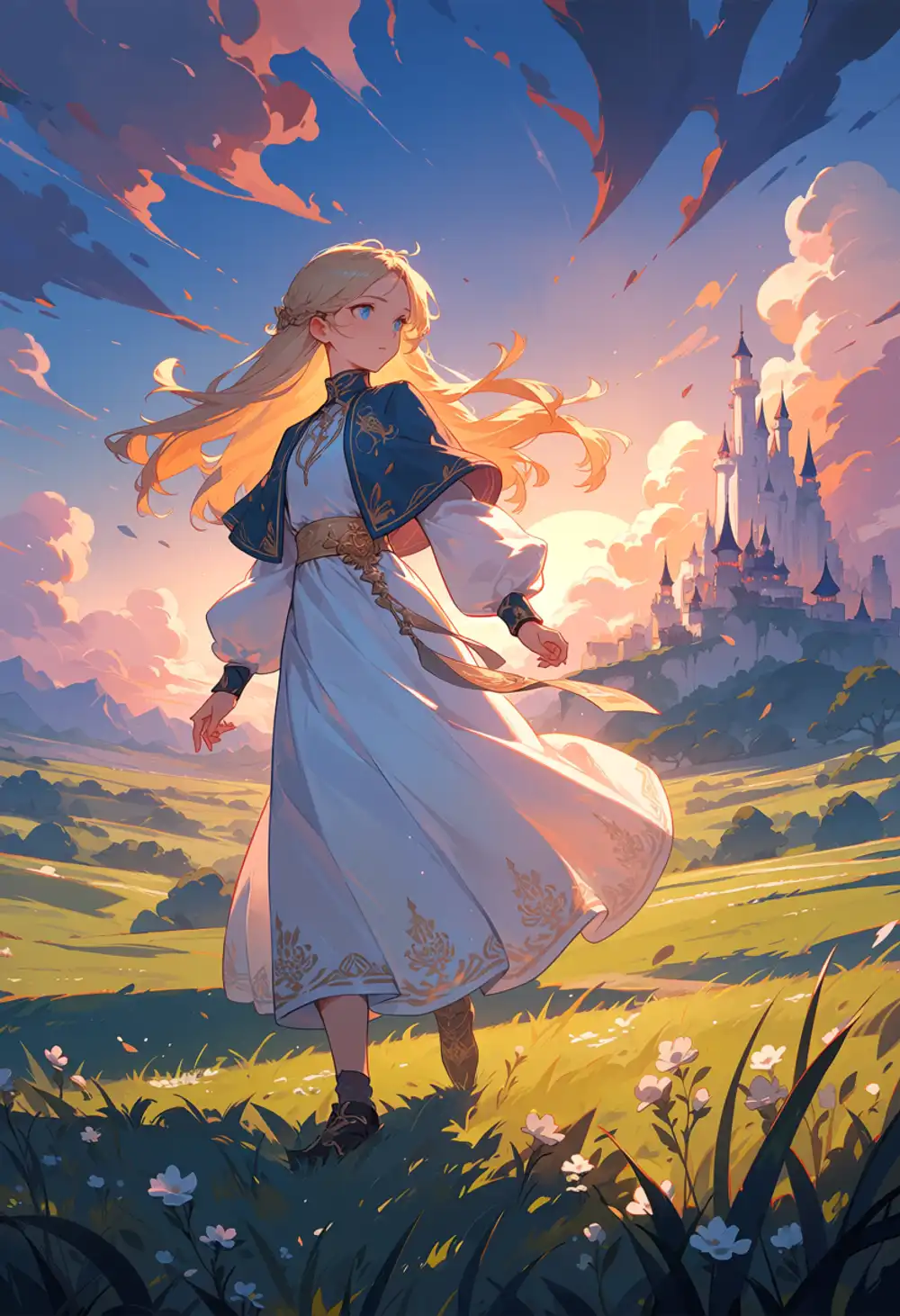
Character composition is roughly the same; the differences are in the background. I prefer preview3-base’s castle, while v1.0’s grass field is slightly more detailed. Toss-up.
Generation speed (M1 Max 64GB)
| Model | Standing | Dynamic |
|---|---|---|
| preview3-base | 285s | 277s |
| Anima-Base v1.0 | 275s | 275s |
Roughly the same. Same architecture, resolution, and steps mean no real difference.
Existing kanachan LoRA compatibility on 3 models
This is the core of the article.
WAI-Anima is a fine-tune over preview3-base, so I take the LoRA trained on top of WAI-Anima — kanachan-waianima-rework-v4_epoch180.safetensors (rank 32, llm_adapter_lr=0, the sweet-spot epoch from the 12,000-step verification) — and apply it as-is to waiANIMA_v10 / preview3-base / Anima-Base v1.0.
As discussed in the previous article, the Anima architecture has structural constraints — CLIP-less design + catastrophic forgetting from Qwen3 0.6B TE — that make a LoRA alone bad at locking down character form.
So this comparison isn’t “does the LoRA fully transfer when the base changes” but “how much can the LoRA suppress each base’s drift”.
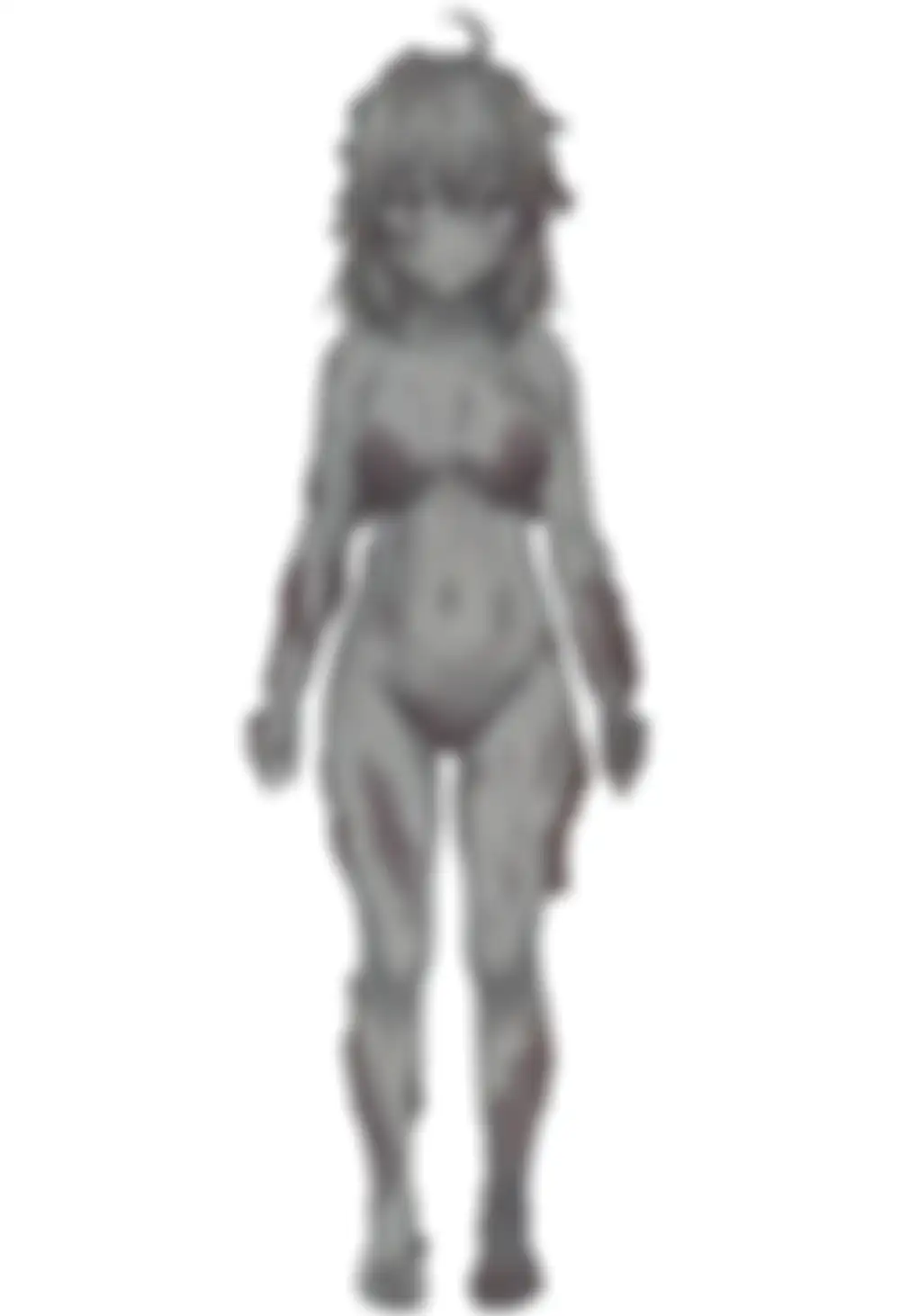
Note: The blue-skin and grey-skin breakdown outputs below came out as nude-skinned blobs even without completely nude in the prompt. They are humanoid but borderline as human-classification cases (blue/grey skin, no sexual intent). Still, to avoid getting flagged by platform filters, the breakdown images in the body are lightly blurred (lighter than the NSFW verification images at the very end).
Light prompt (visualizing base behavior)
Prompt: kanachan, 1girl, solo, standing, looking at viewer, full body, white background
LoRA strength: 1.0
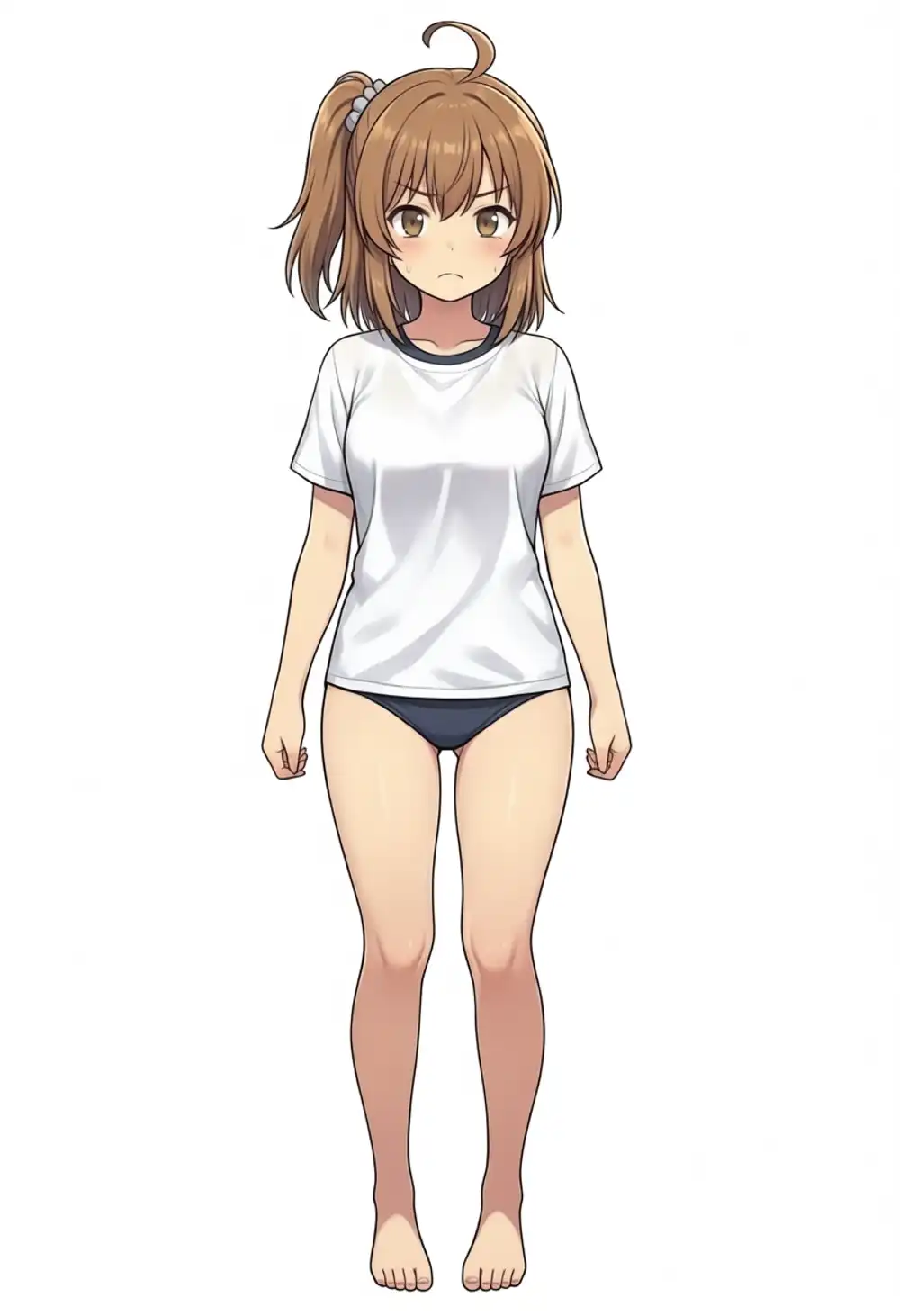
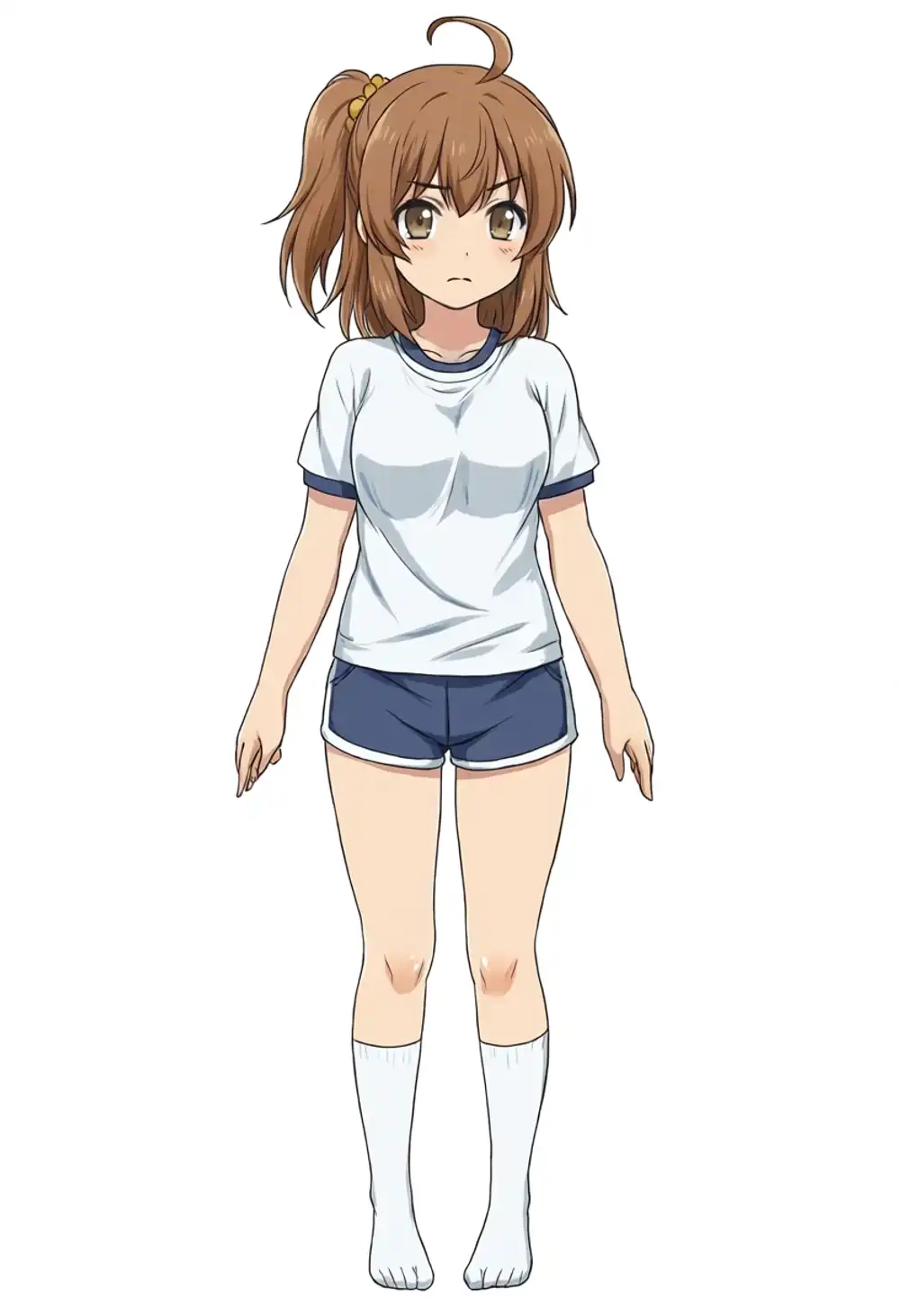
All three models confirm that “the kanachan keyword alone doesn’t fully pull out the training-canon character” — but the drift sizes differ.
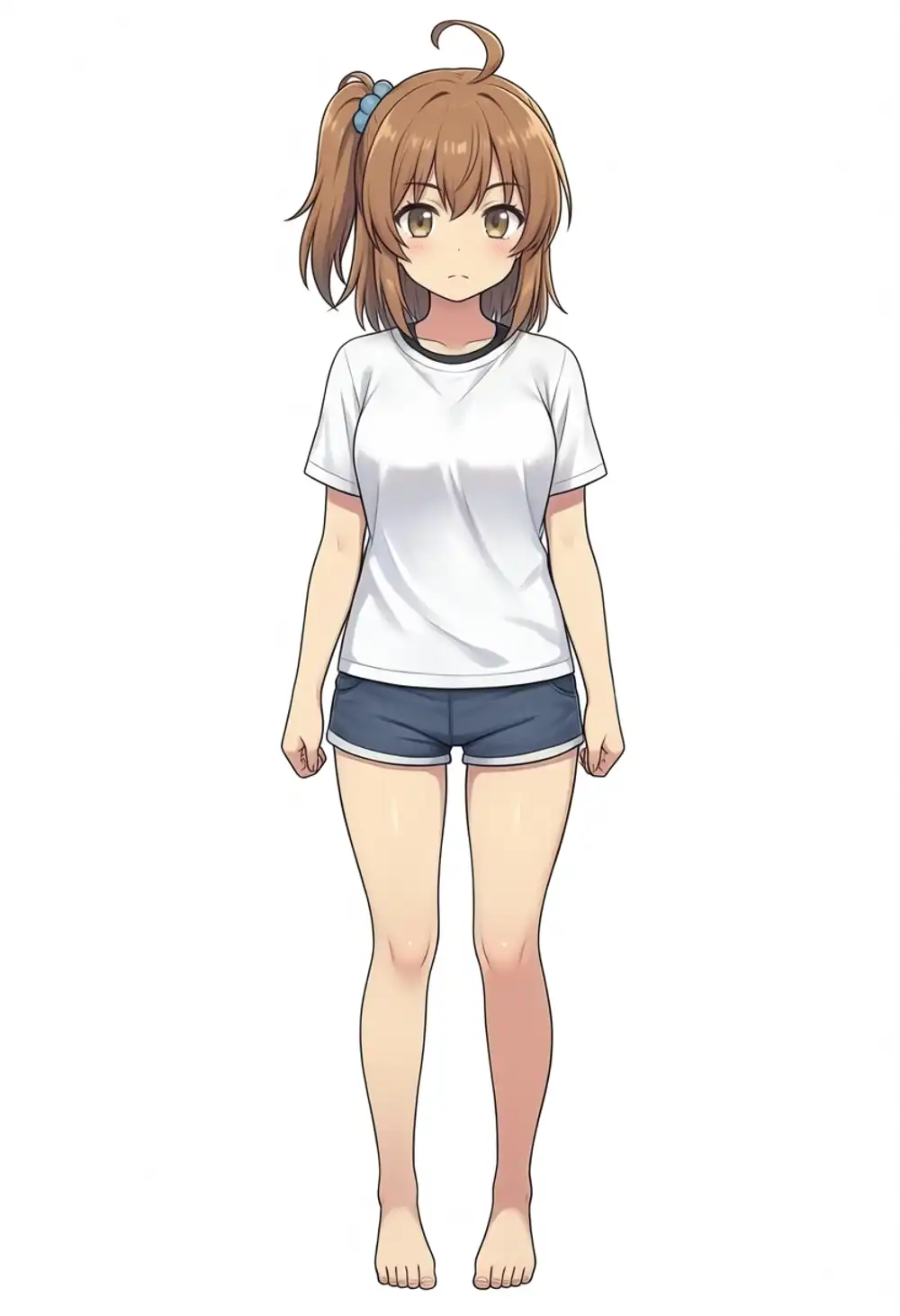
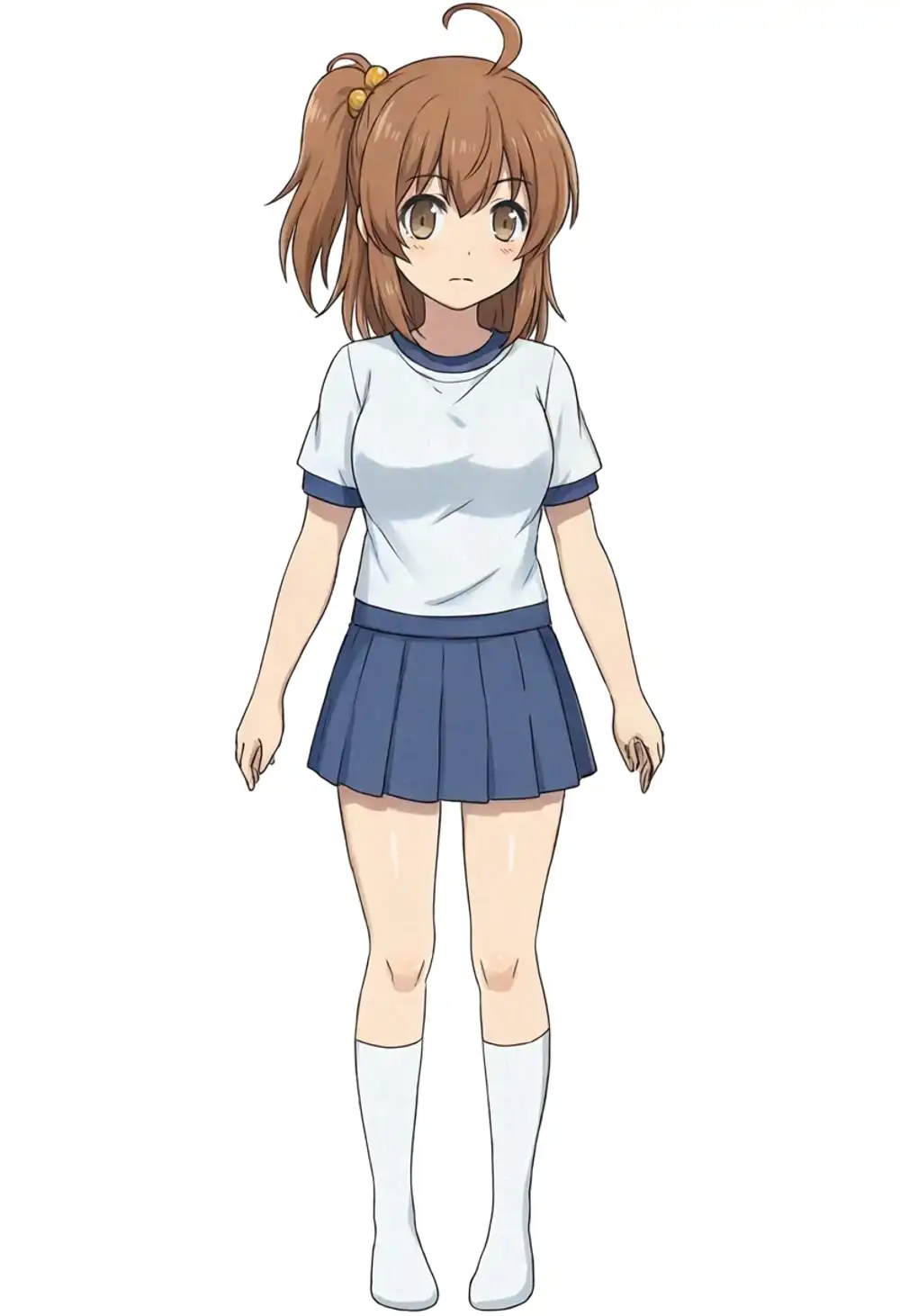
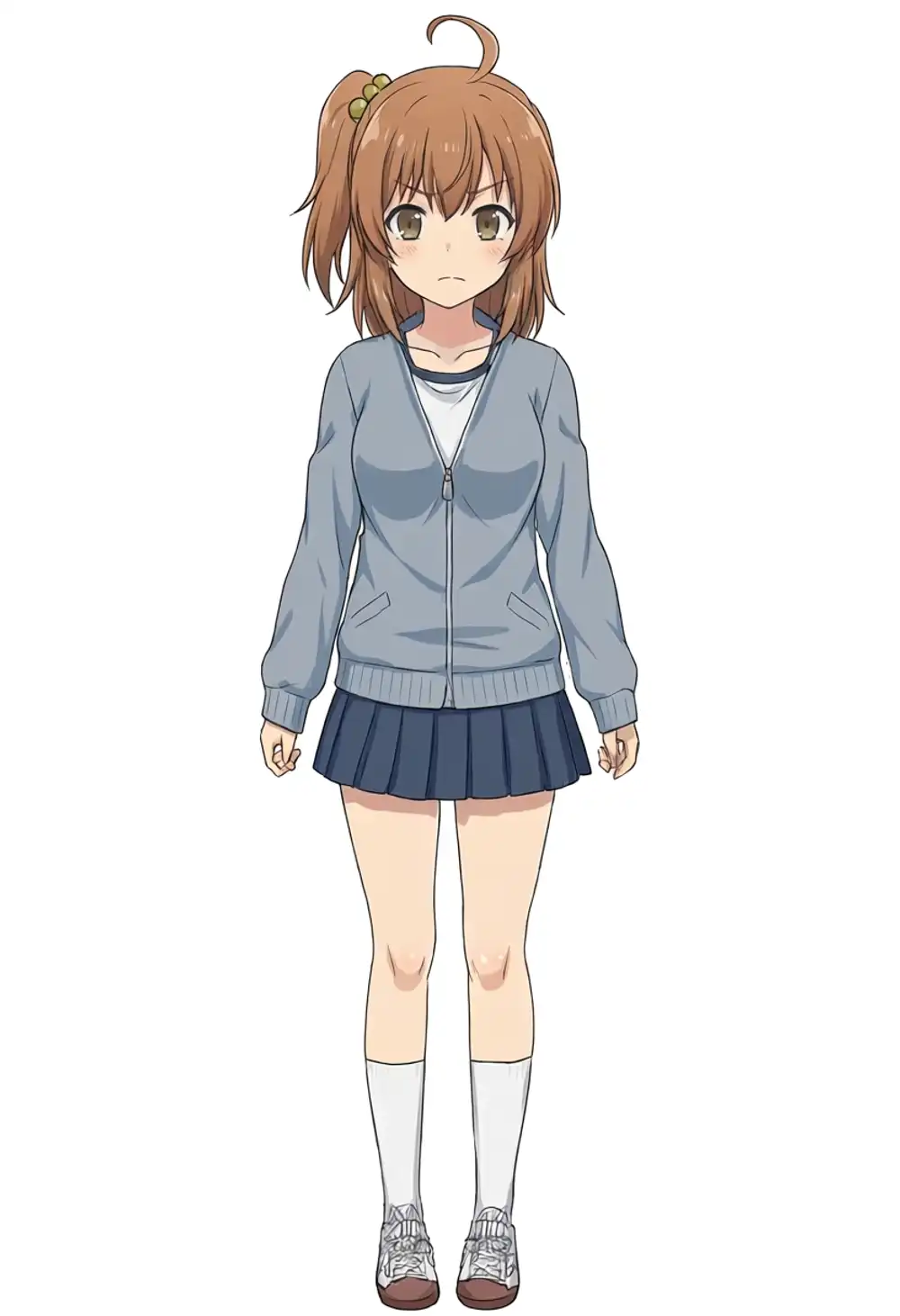
WAI-Anima gives brown hair + ahoge + side ponytail (position is on viewer’s LEFT, opposite of the training-canon right) + yellow scrunchie — the kanachan vibe is there. preview3-base also gives brown hair + ahoge + side ponytail (also viewer-left, wrong direction), but the outfit drifts to T-shirt + dark blue shorts + white knee-high socks. v1.0 at seed 42 is a completely different thing: blue skin, blue hair, side ponytail gone — a broken output (lightly blurred per the note above).
What this stage shows: WAI-Anima and preview3-base keep the character even when the ponytail direction is wrong, while on v1.0 the character itself disappears.
v1.0 + kanachan seed sensitivity (light prompt breaks across 3 seeds)
To check whether the v1.0 breakdown is seed-specific or constant, I tried different seeds.
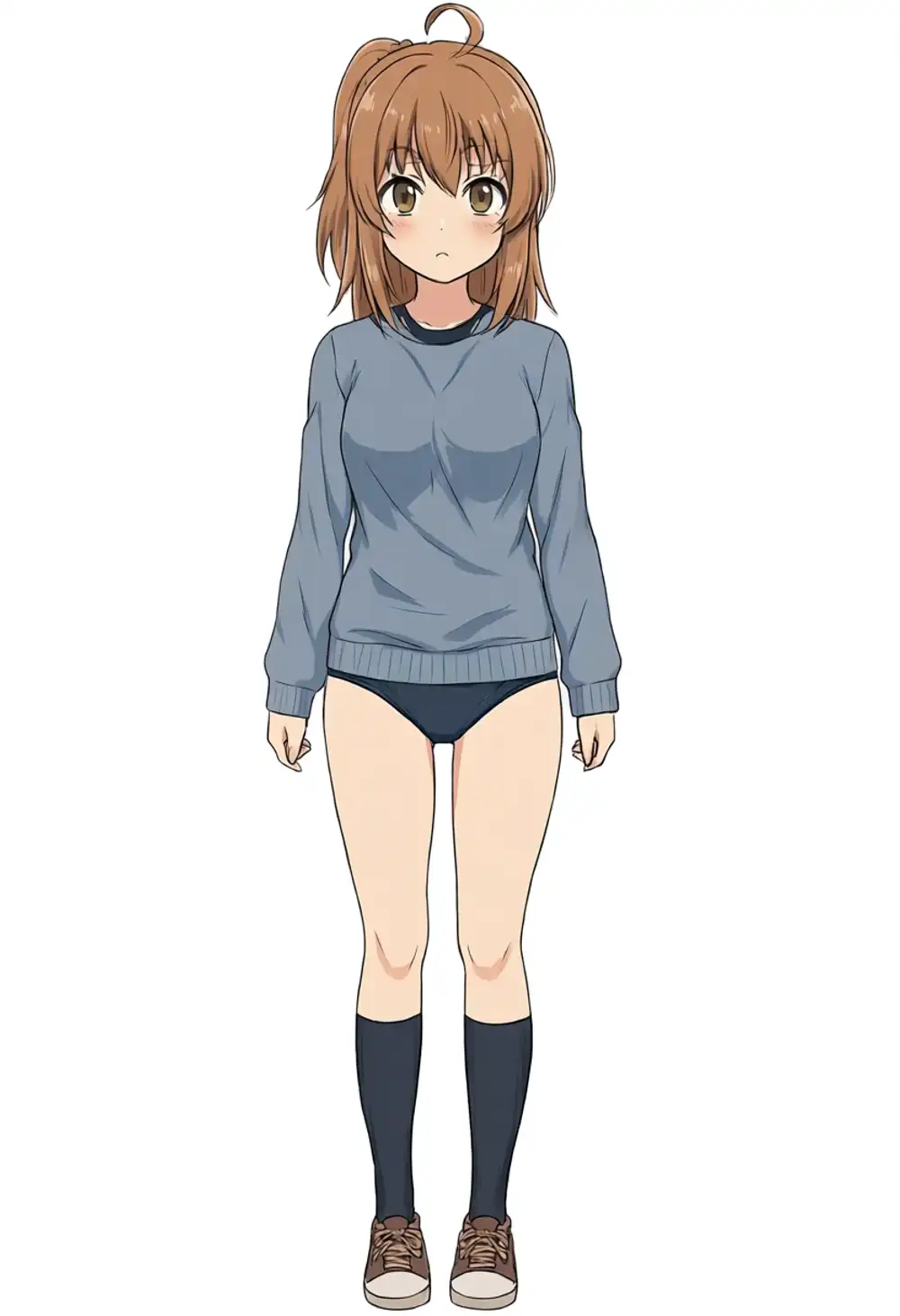
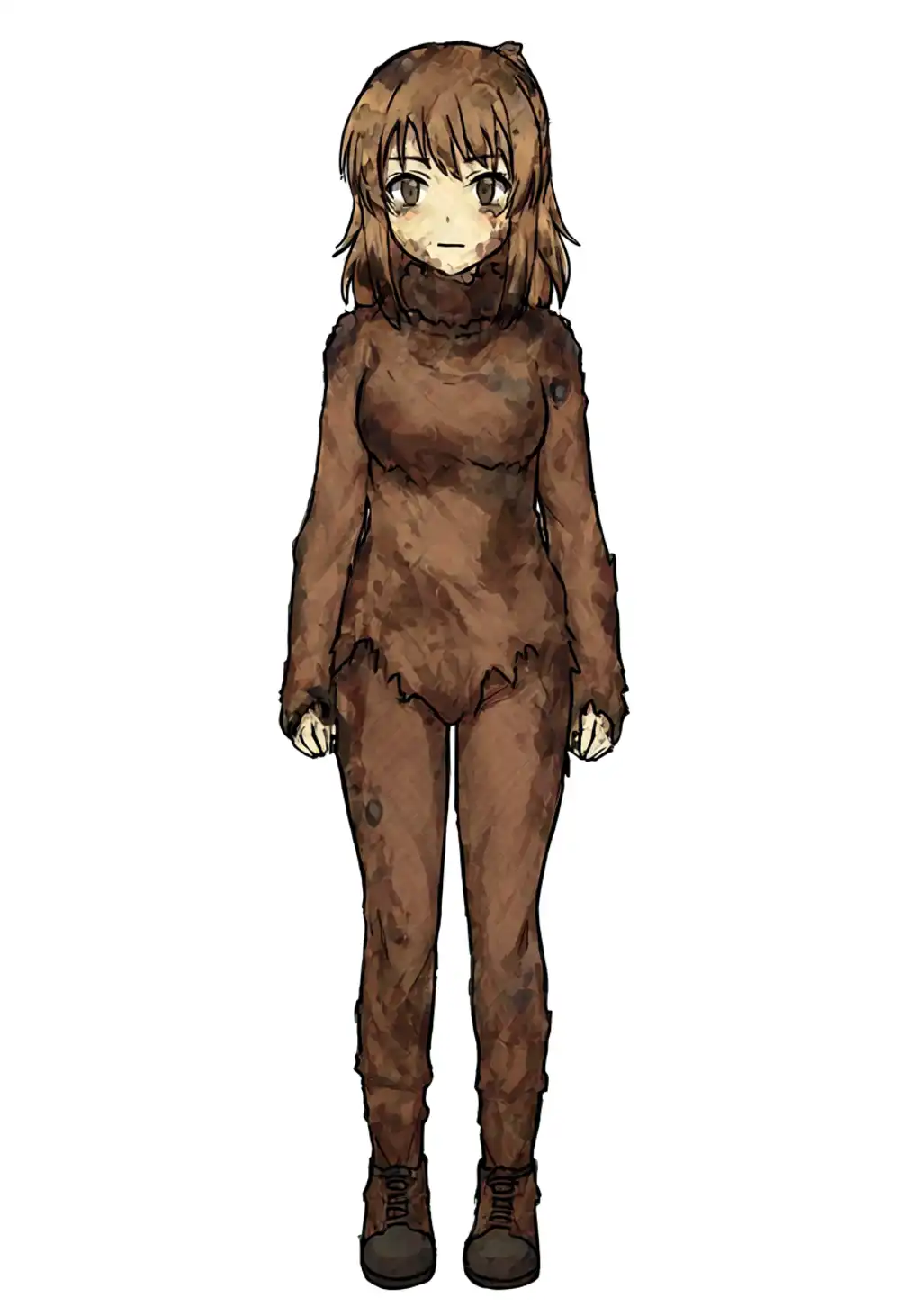
All three seeds break.
- seed 42: blue-skinned nude output (blurred)
- seed 100: ahoge survives but the side ponytail is gone, straight hair — one of kanachan’s defining traits is lost
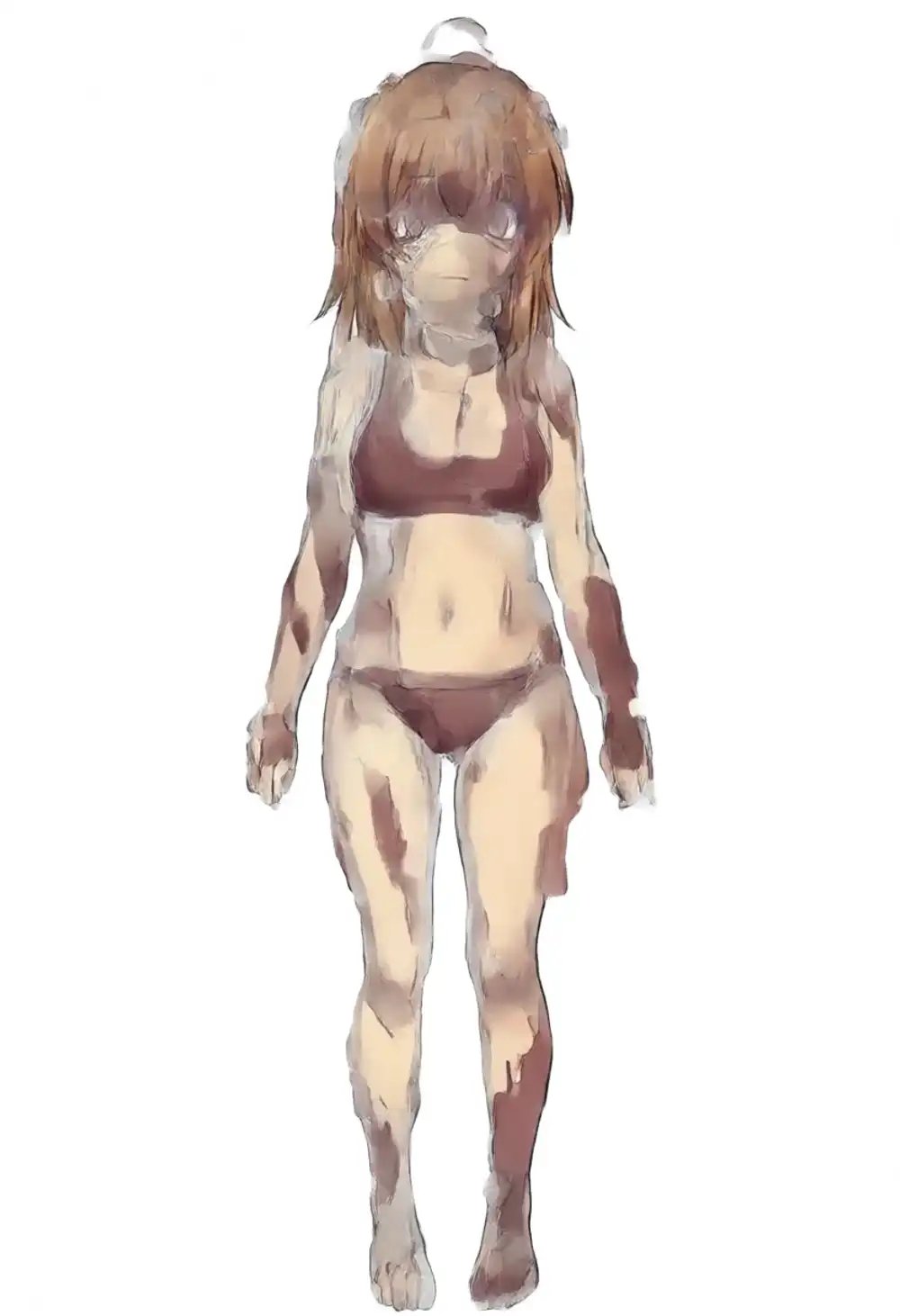
- seed 200: grey/brown wreck that’s hard to look at
So v1.0 + WAI-Anima-trained LoRA reliably breaks on light prompts — it can’t even reach the “wrong direction but character survives” state that WAI-Anima / preview3-base manage. That’s the v1.0-specific risk.
Strength sweep on v1.0 (light prompt)
Varying LoRA strength on v1.0 to see if light prompts can be salvaged.
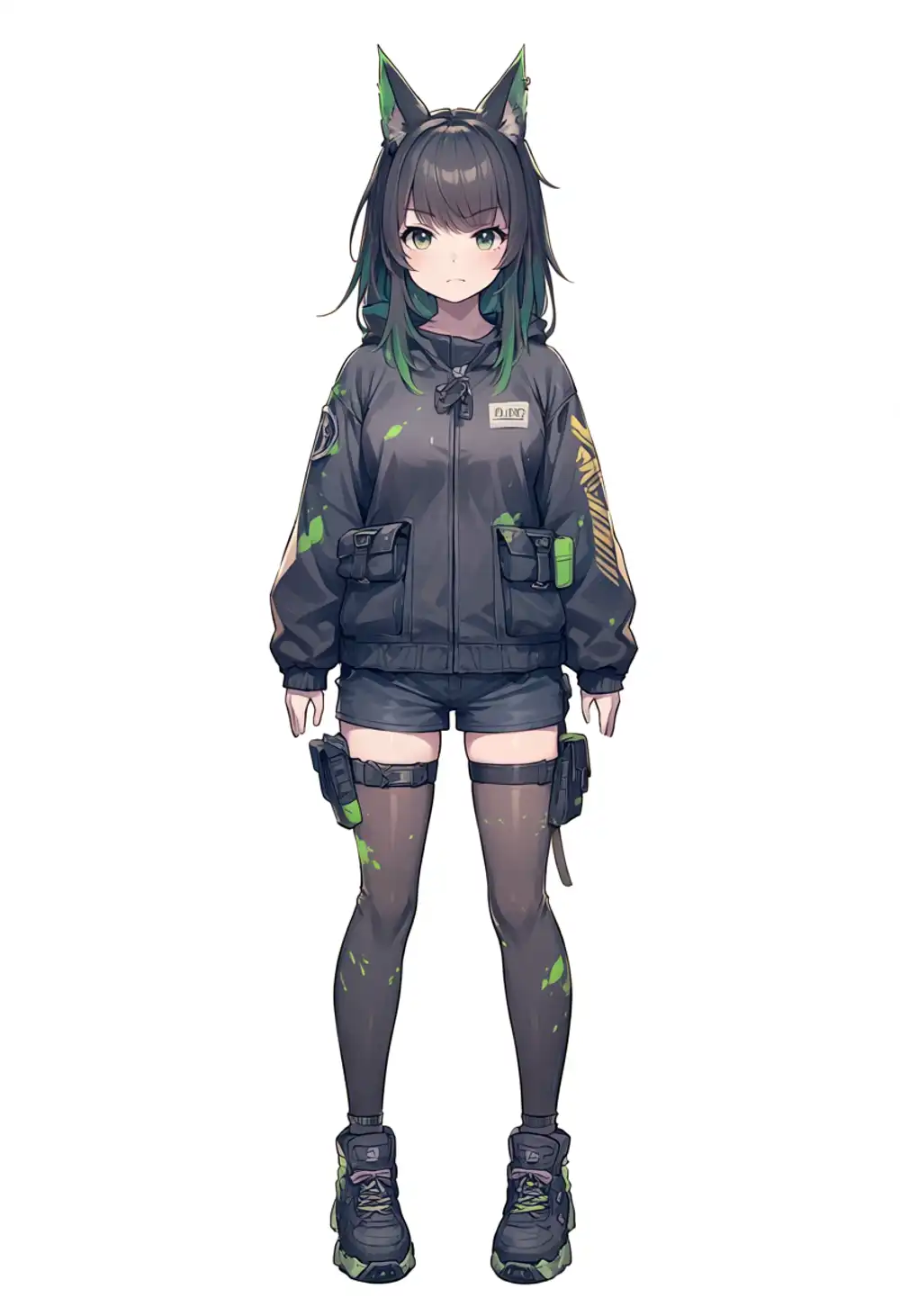
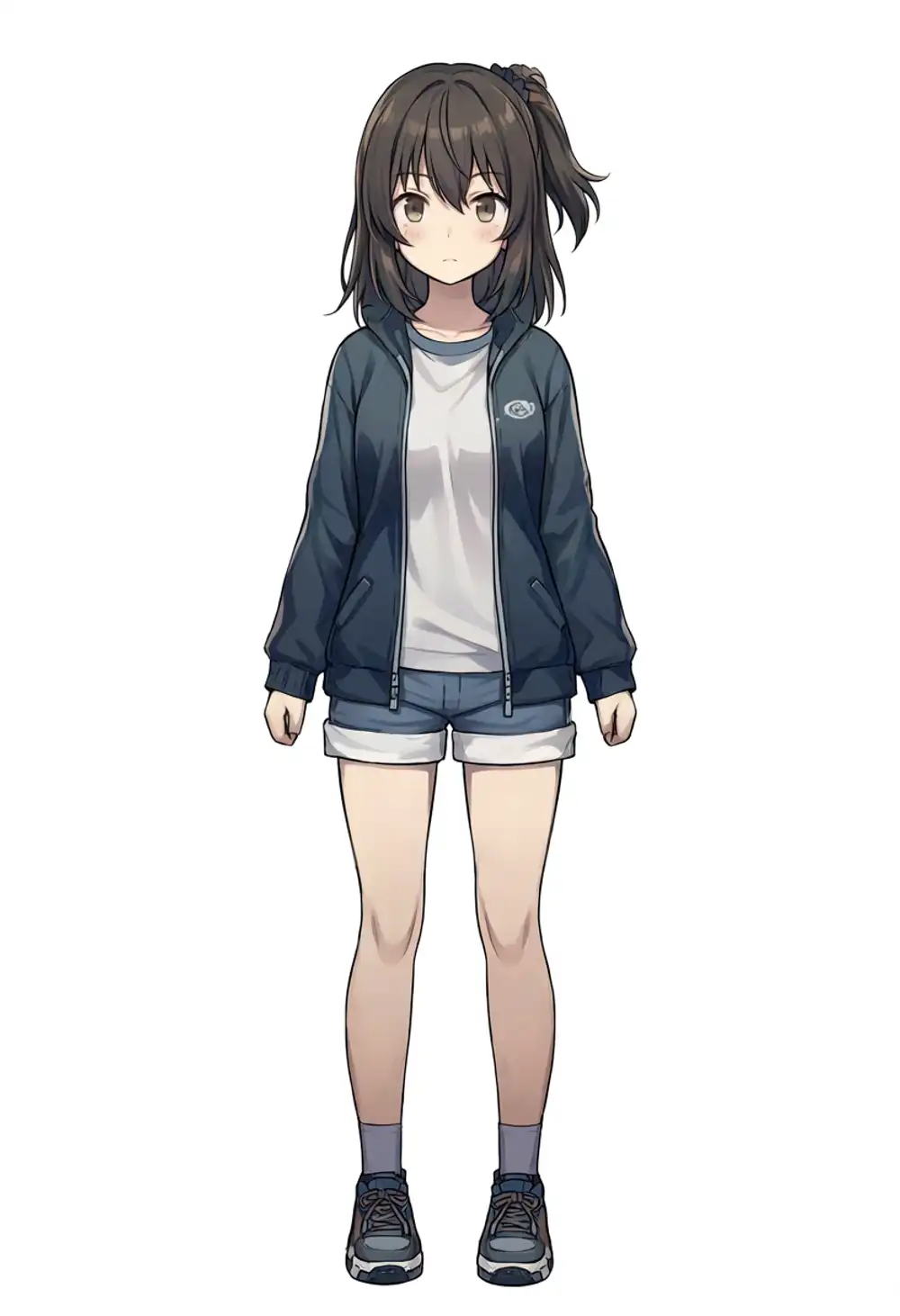
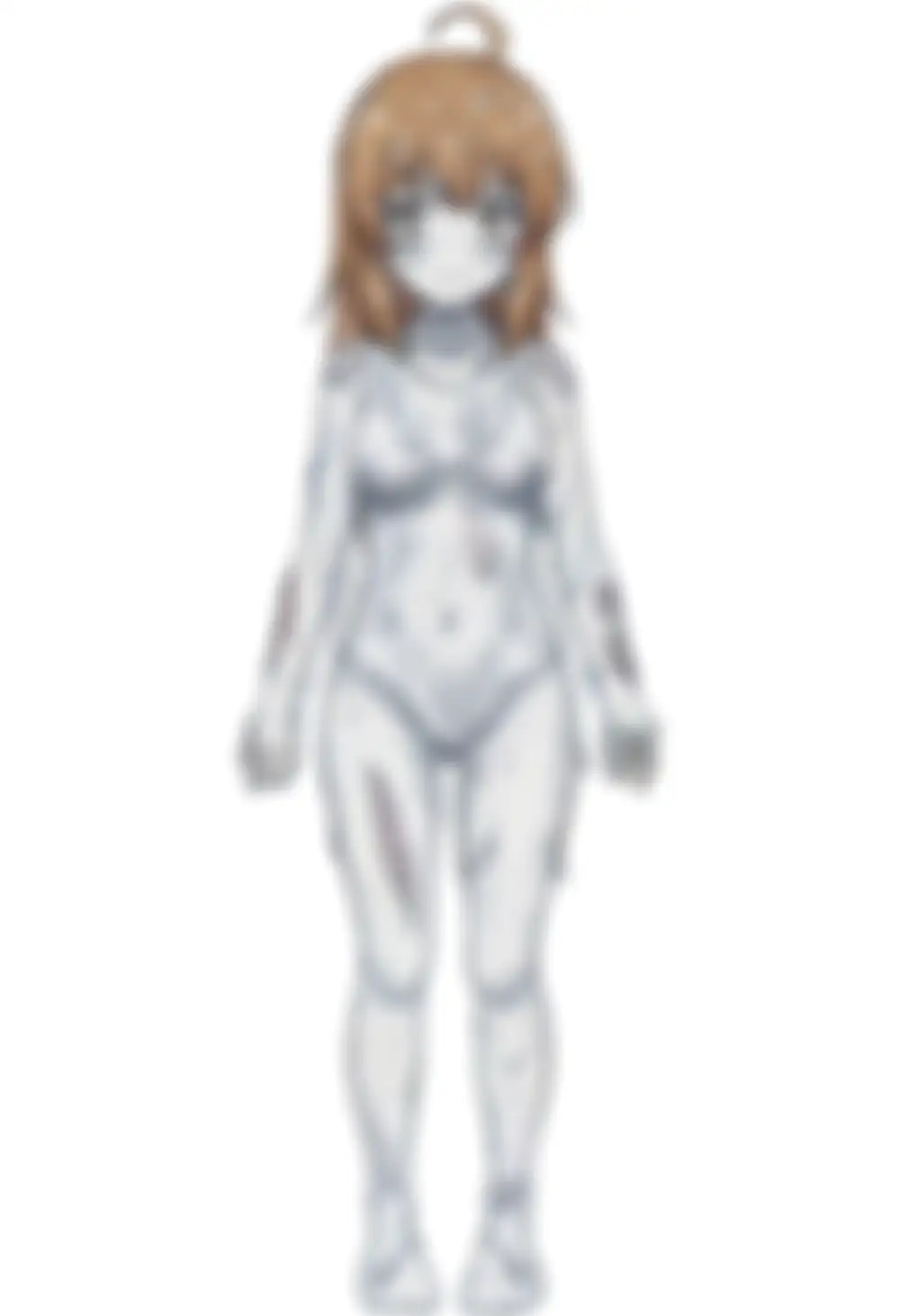
Strength varies but light prompts collapse non-monotonically.
At 0.5 the base wins outright (black hair + animal ears + military gear, different character). At 0.75, character output starts leaning toward kanachan (small side-ponytail-like tie + ahoge + brown eyes, though hair color is darker than the training source). At 1.0 it collapses into the seed-42 blue-skin output, and at 1.25 it becomes a grey, dirty-skin output in a swimsuit-leotard artifact.
The salvage window from strength sweep is only the “less broken” output at 0.75. To raise the hit rate you have to push on the prompt side.
Mid-constraint prompt (spec) with explicit physical traits
If light prompts break on v1.0, check whether spelling out hair style and color recovers it.
Prompt: kanachan, 1girl, solo, brown hair, side ponytail, yellow scrunchie, brown eyes, standing, looking at viewer, full body, white background
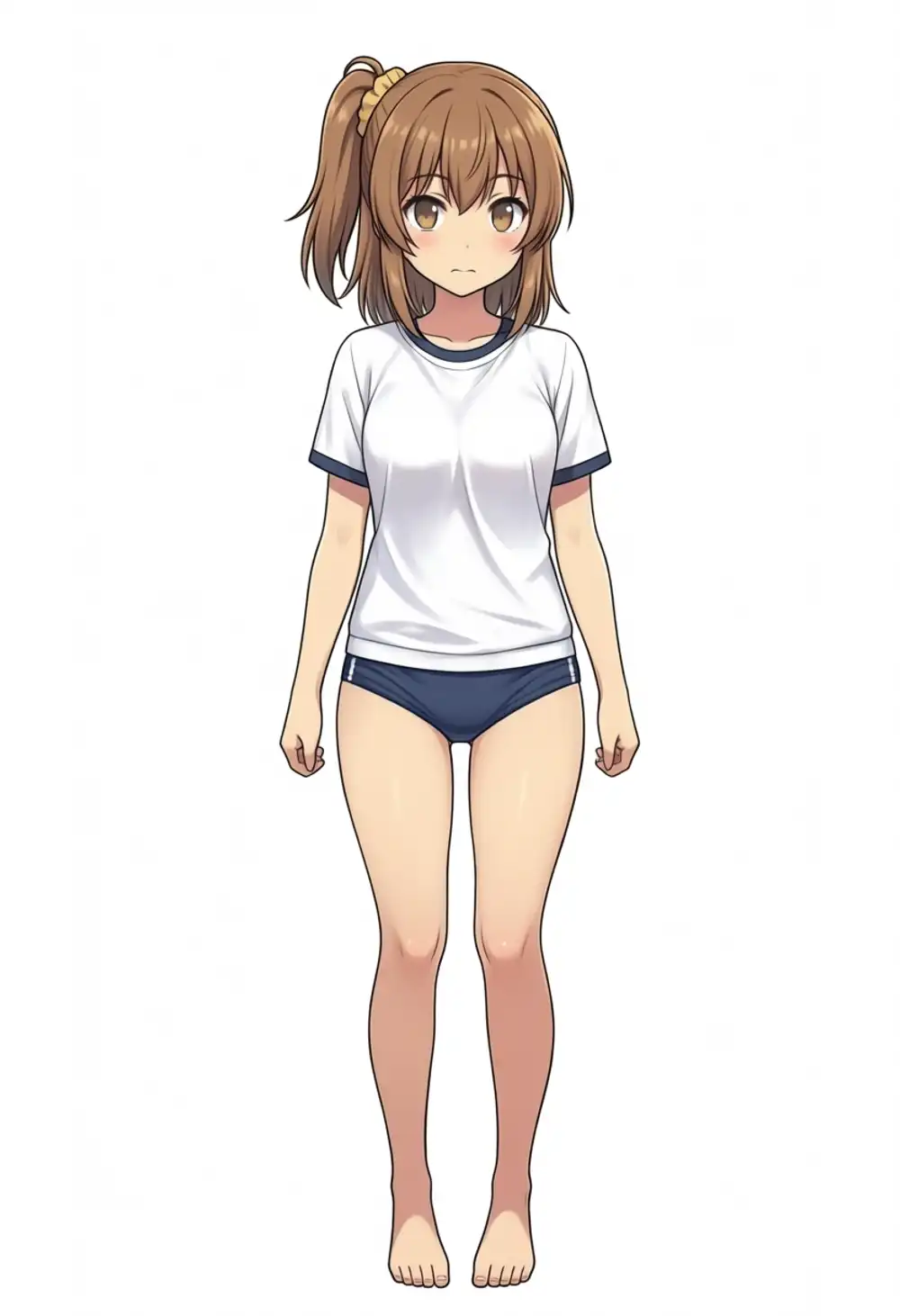
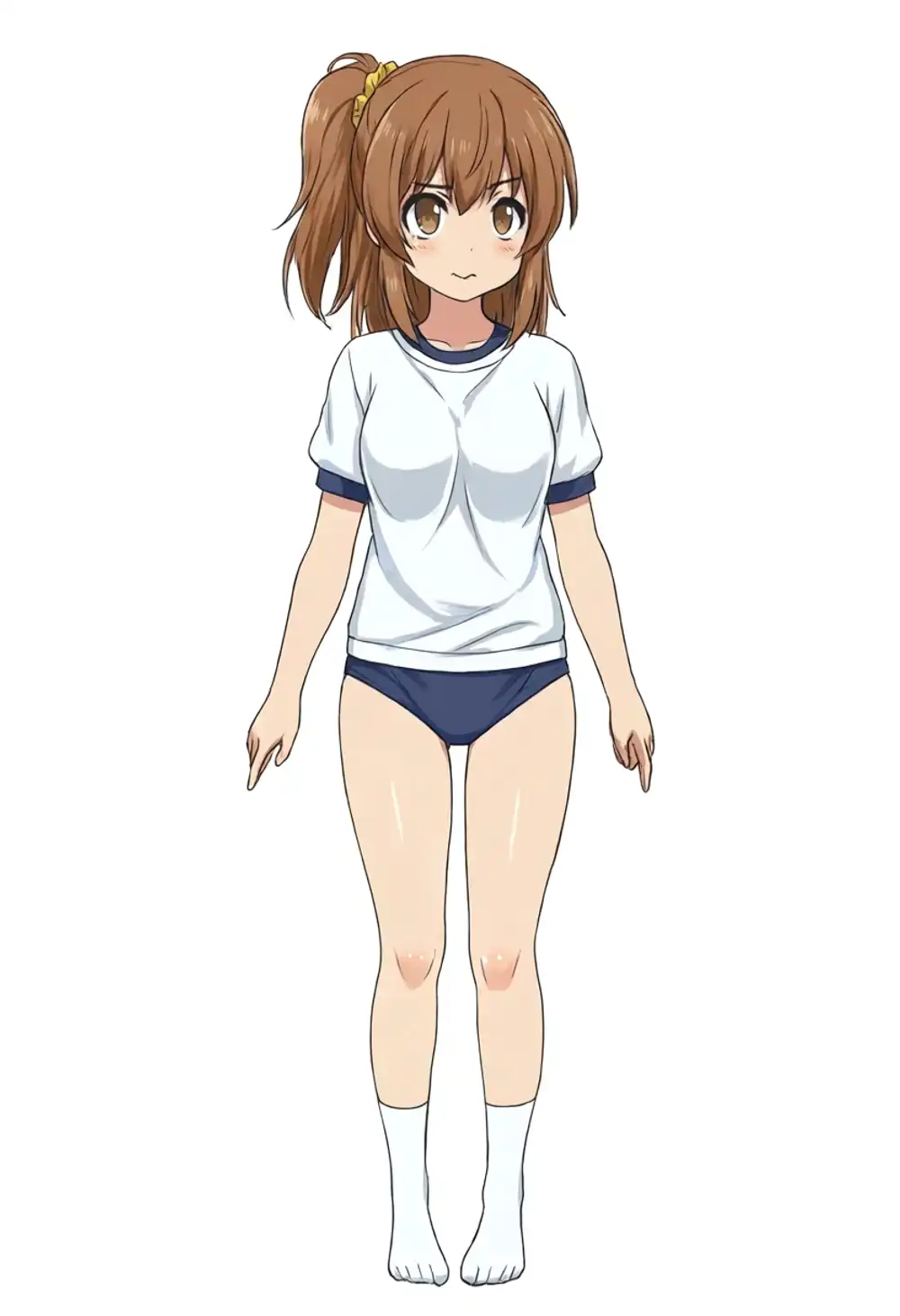
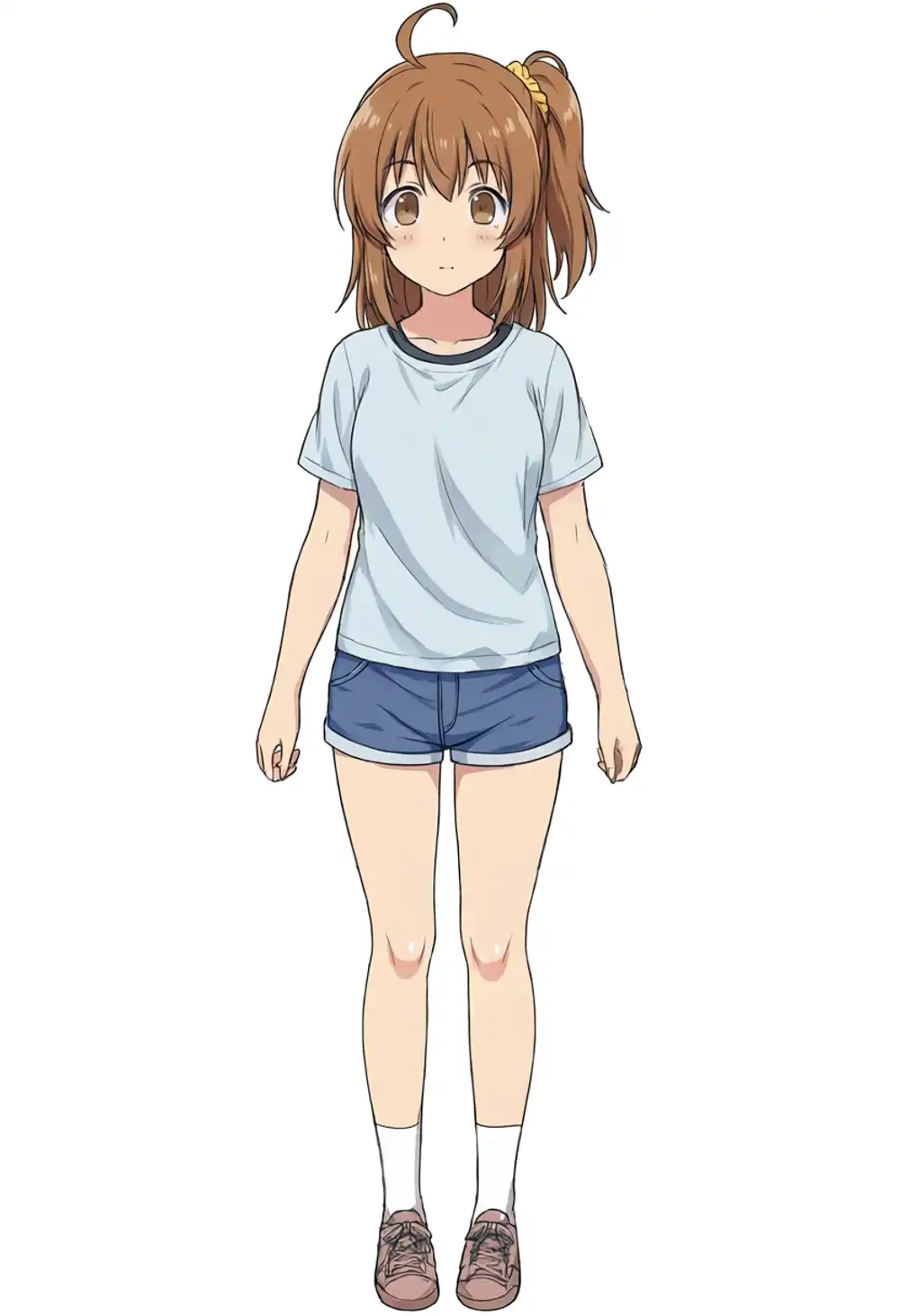
All three models give brown hair + side ponytail + ahoge + gym-uniform-ish outfit, recovered from the light-prompt collapse.
On ponytail position, only v1.0 puts it on the training-canon right side; WAI-Anima and preview3-base drift to viewer’s left. Spell out the physical features and v1.0 will pick up the LoRA properly.
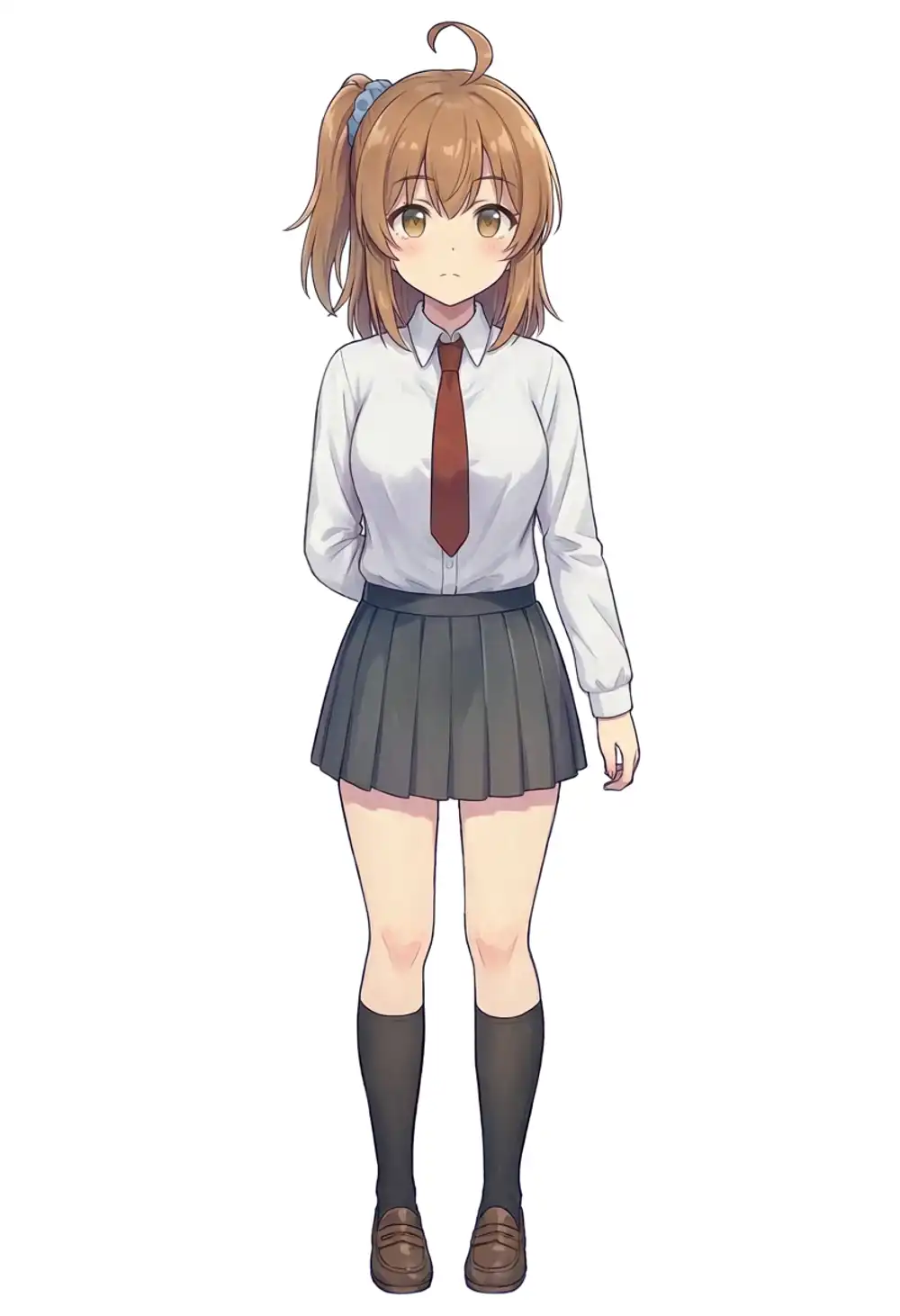
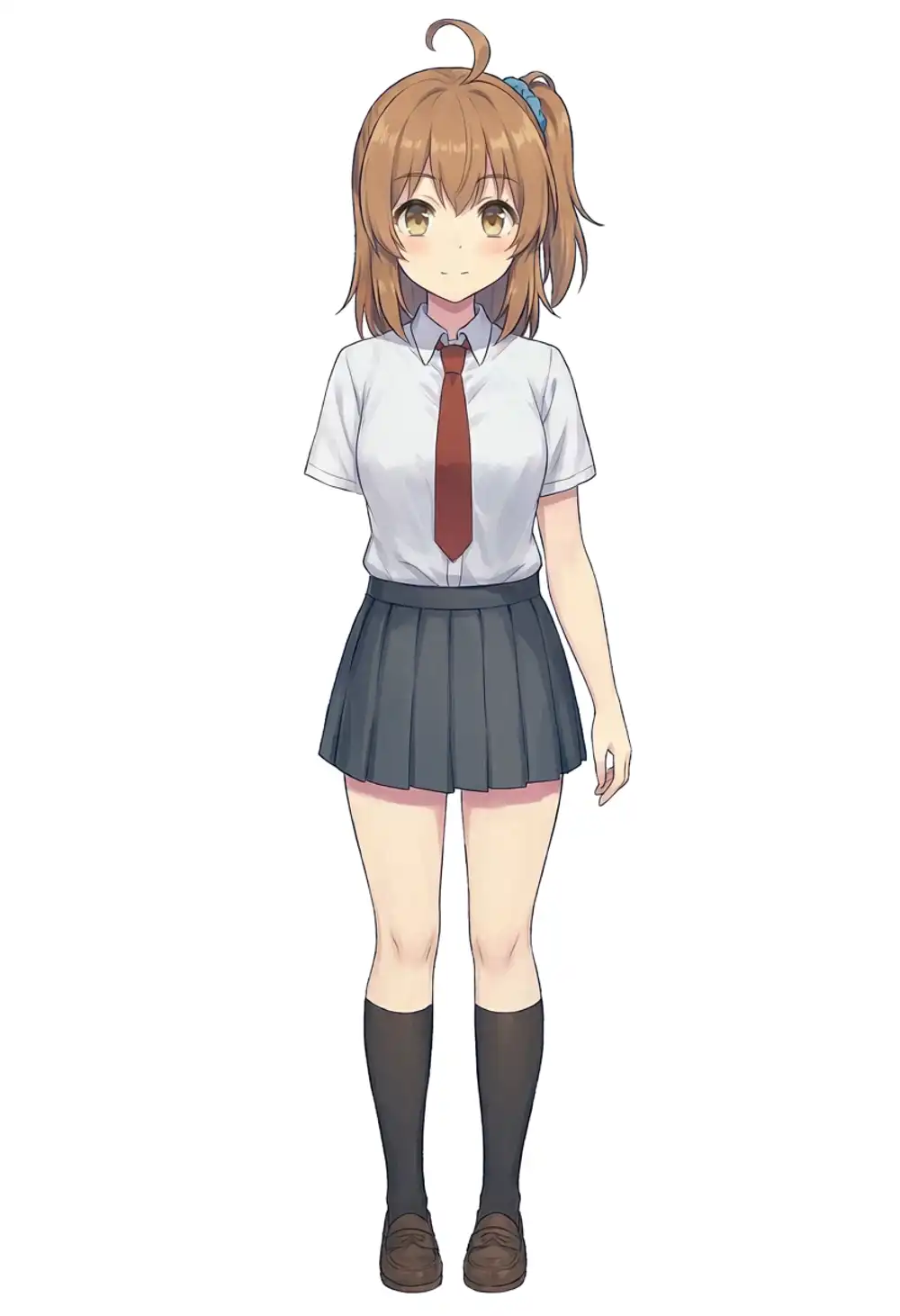
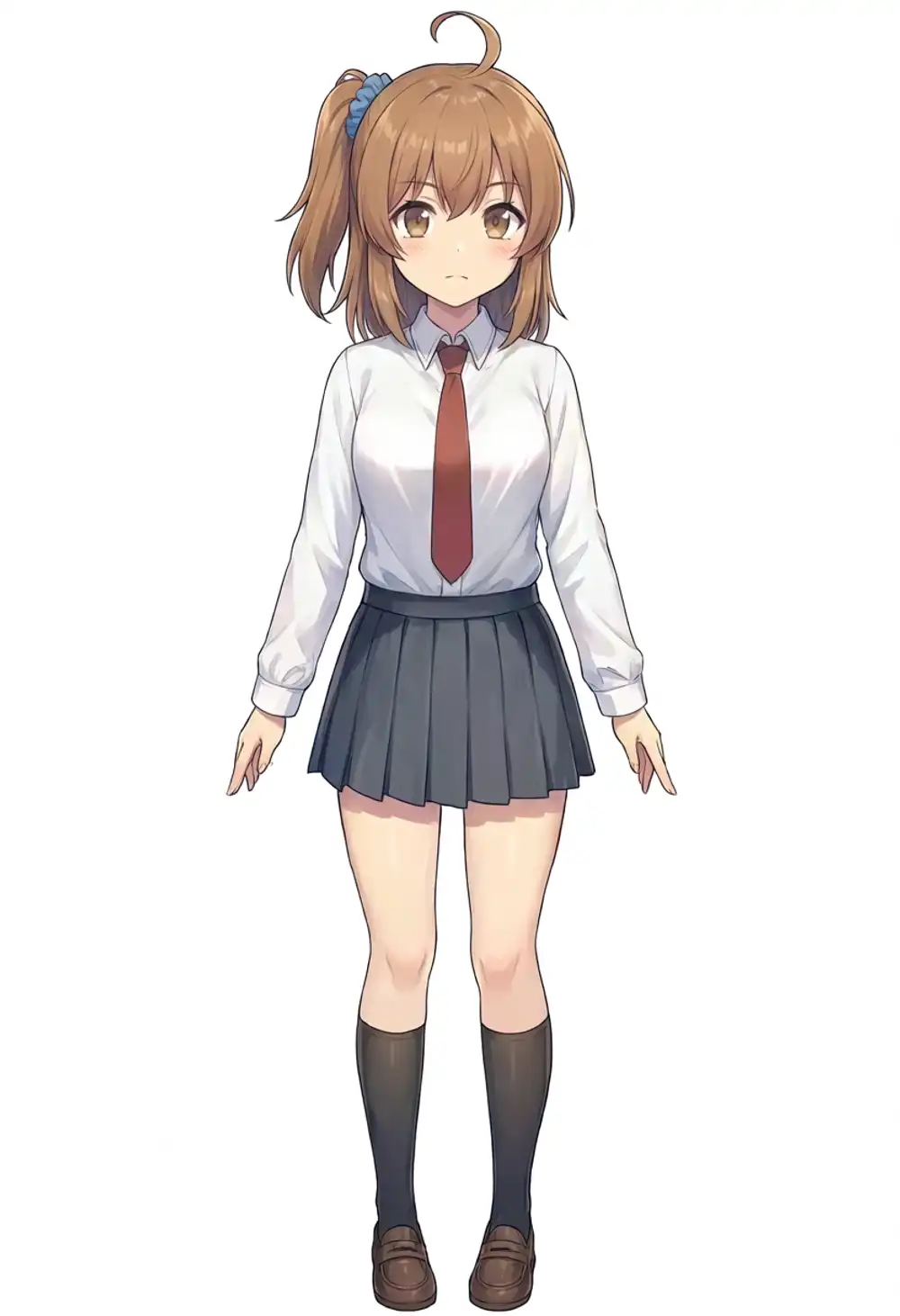
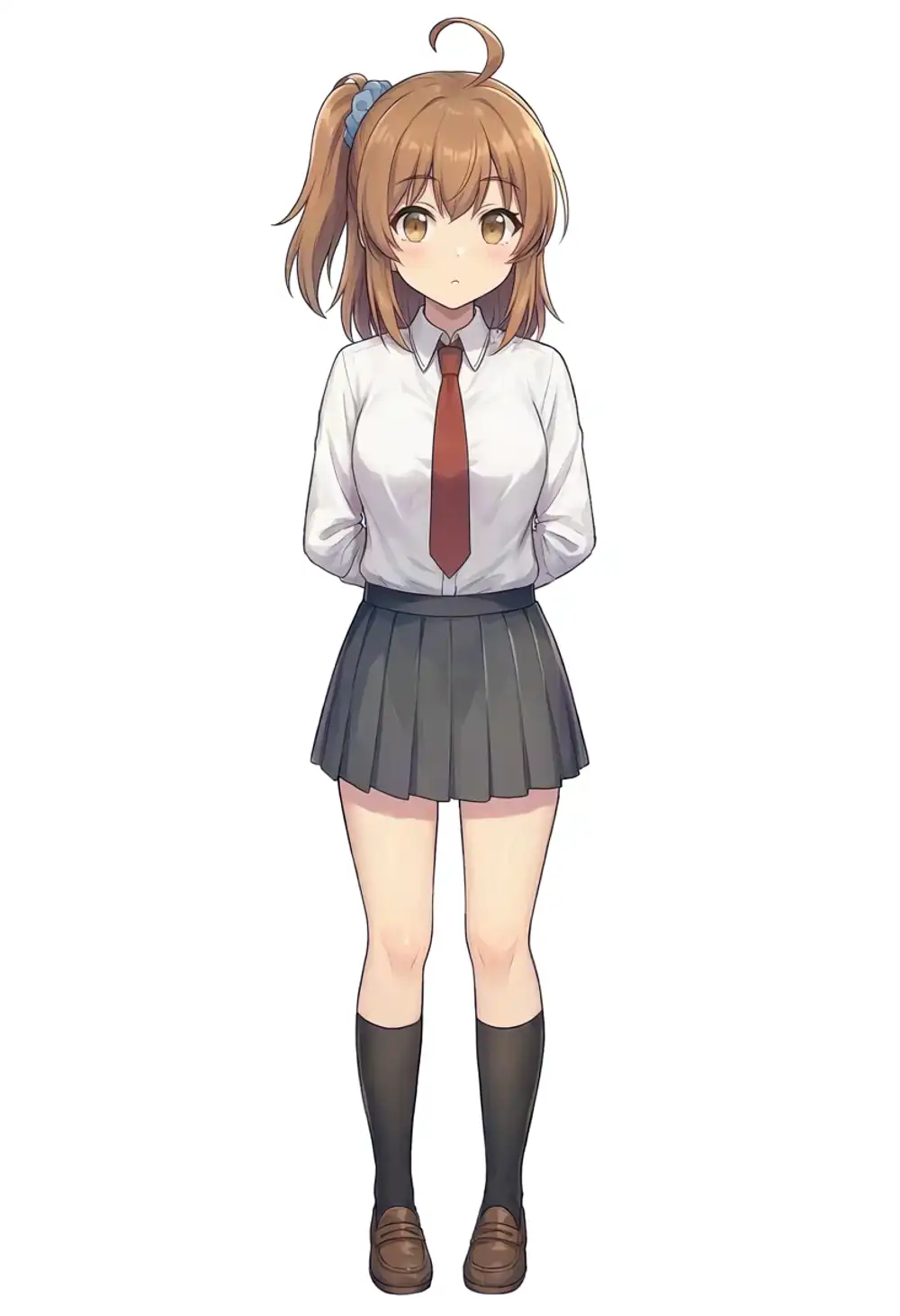
Heavy constraint prompt (the format-T from the previous article) across 3 models × 3 seeds
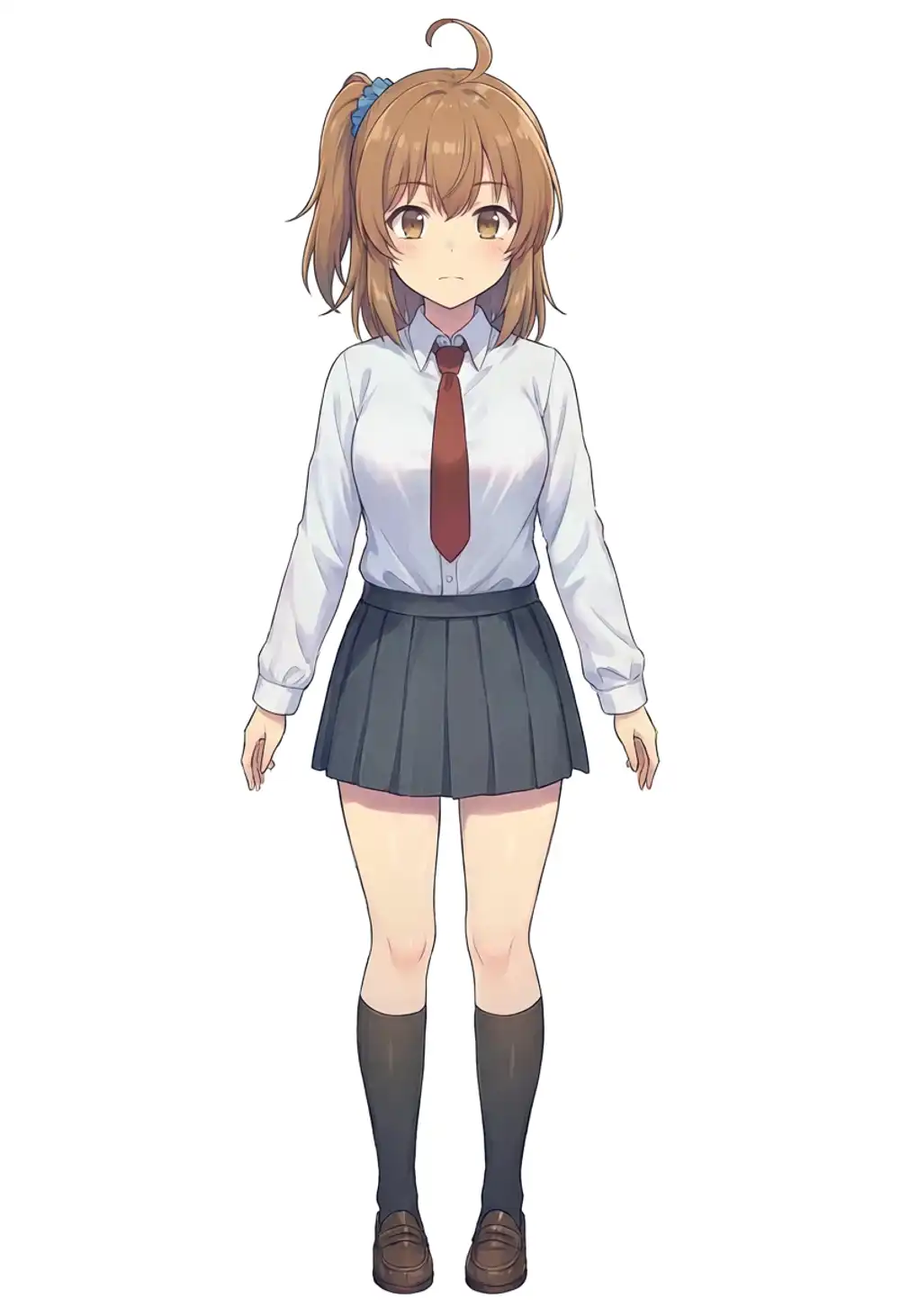
This is the “does it work if you tie it down” test. I used the same format-T as in the previous article.
masterpiece, best quality, score_7, safe, 1girl, solo, kanachan,
side ponytail, ahoge, double parted bangs, medium hair, blue scrunchie,
white collared shirt, red necktie, looking at viewer, front view,
white background, simple background, full body, standing
v1.0 × seed 42 / 100 / 200
preview3-base × seed 42 / 100 / 200
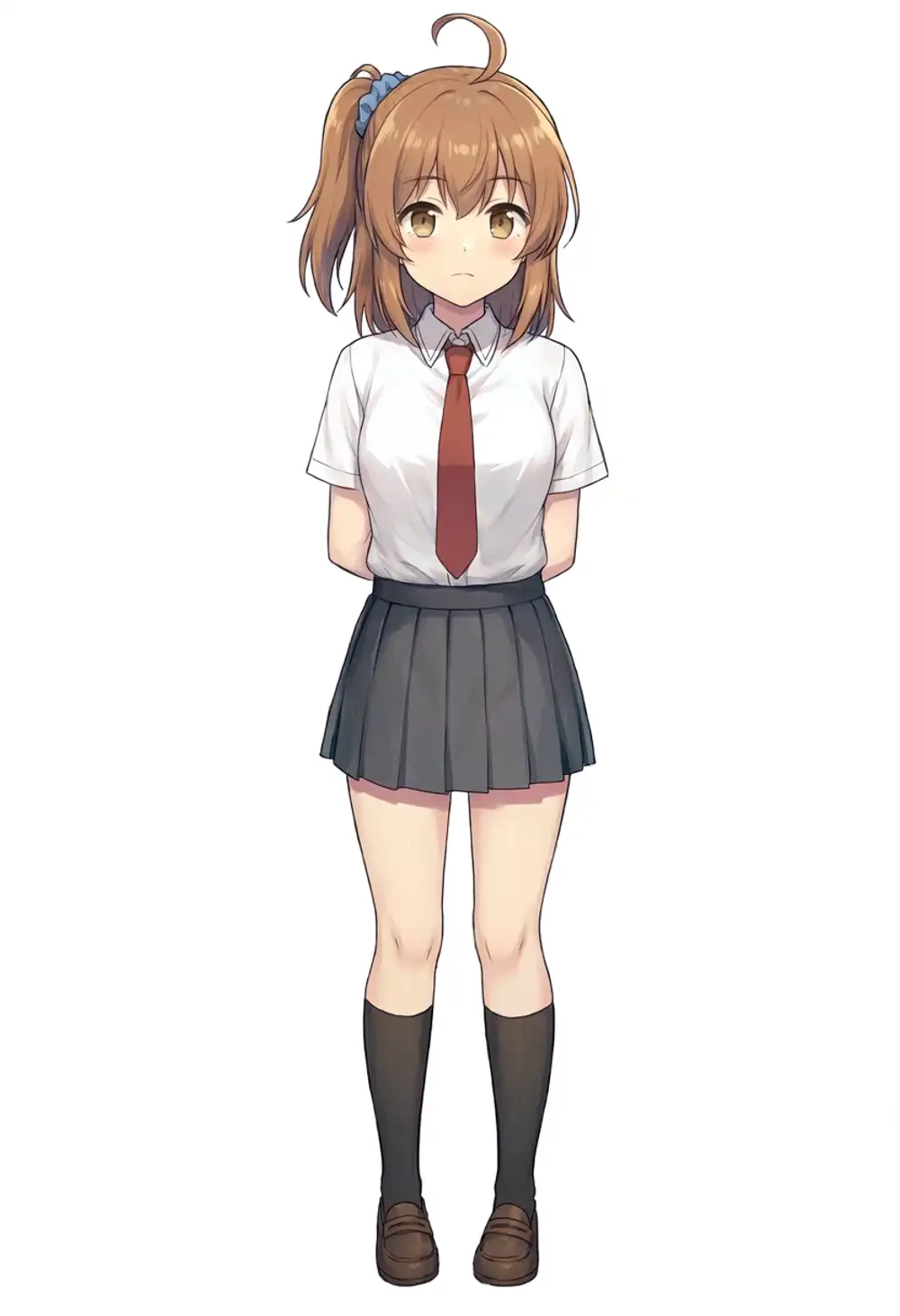
WAI-Anima v1 × seed 42 / 100 / 200
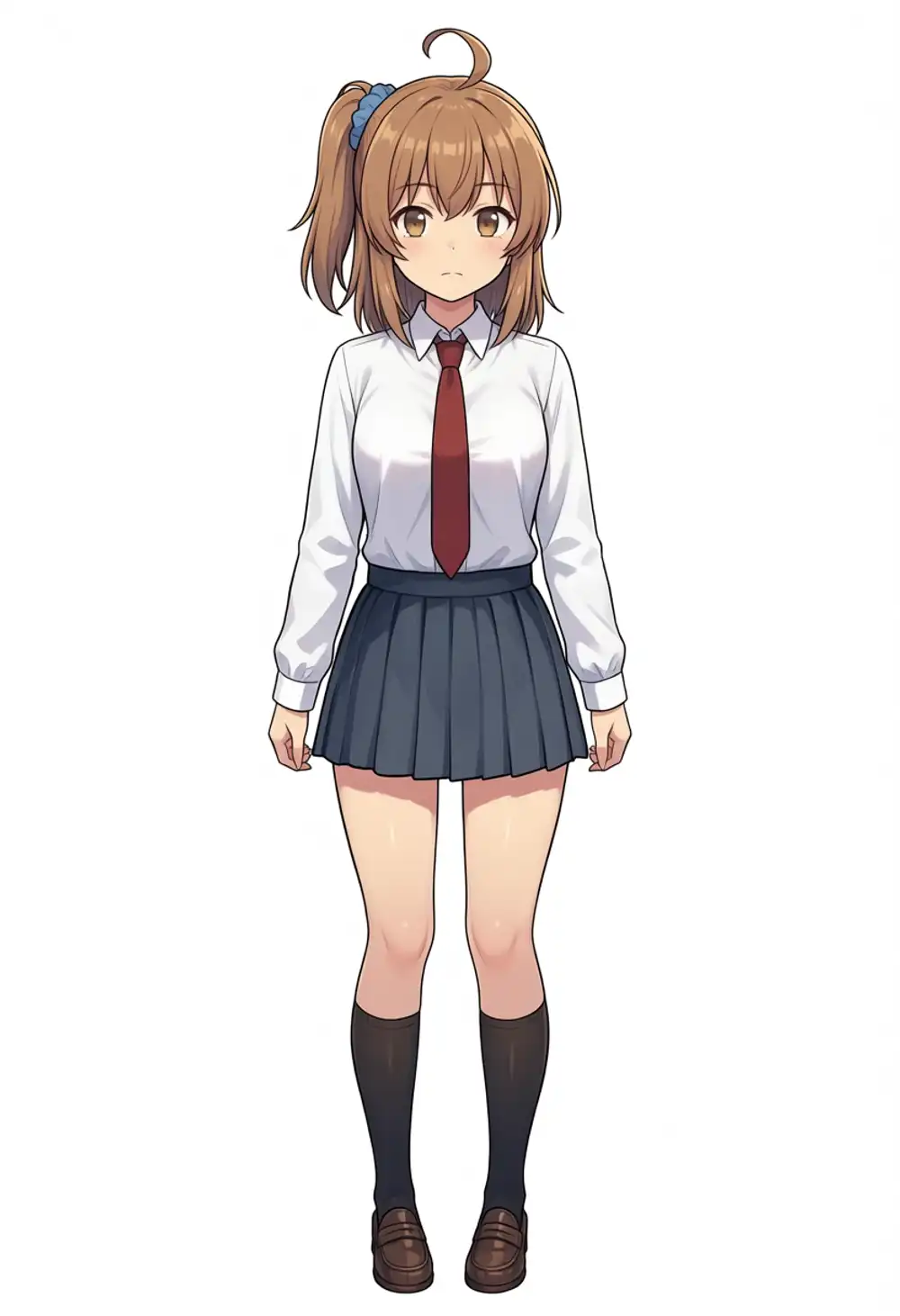
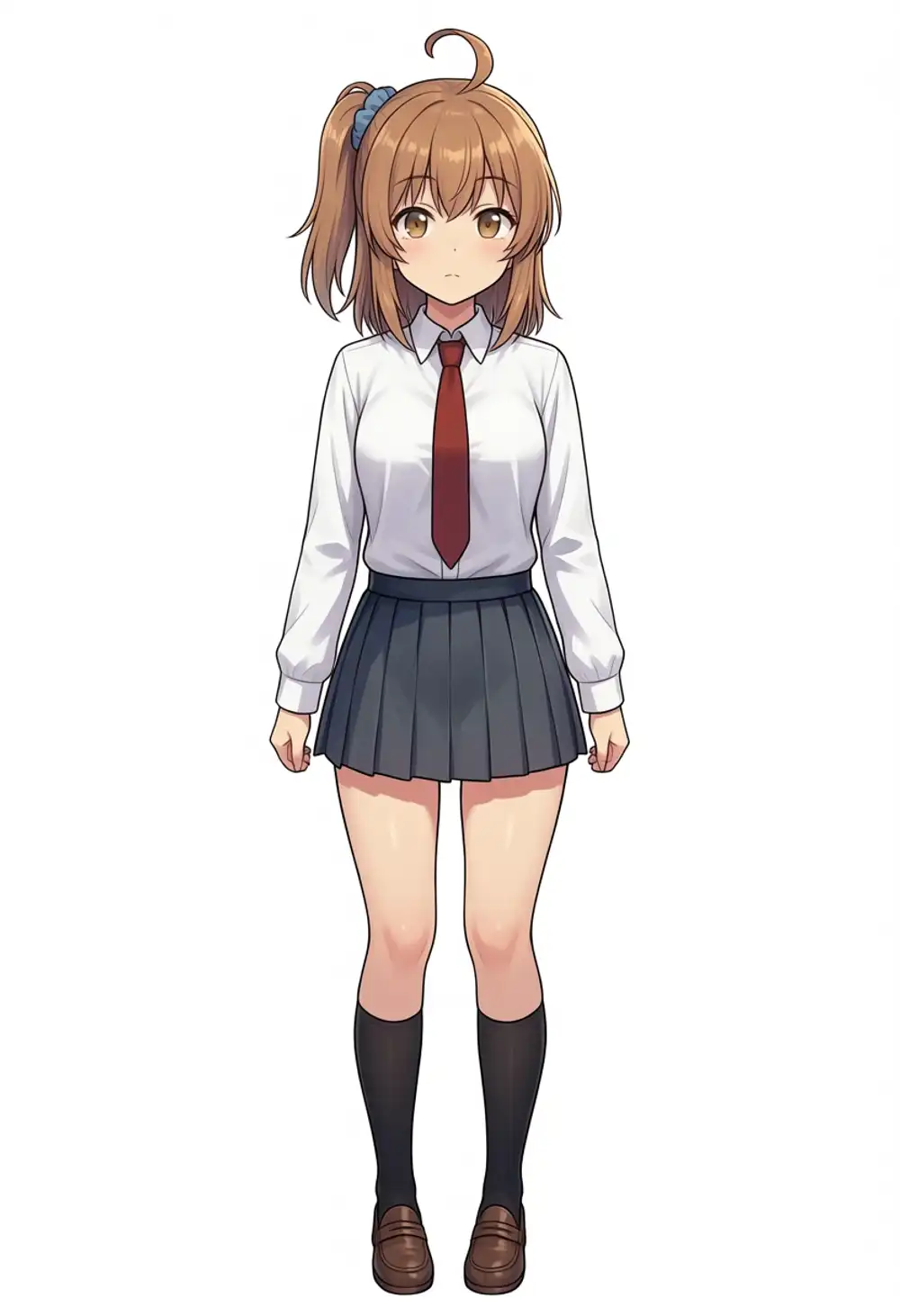
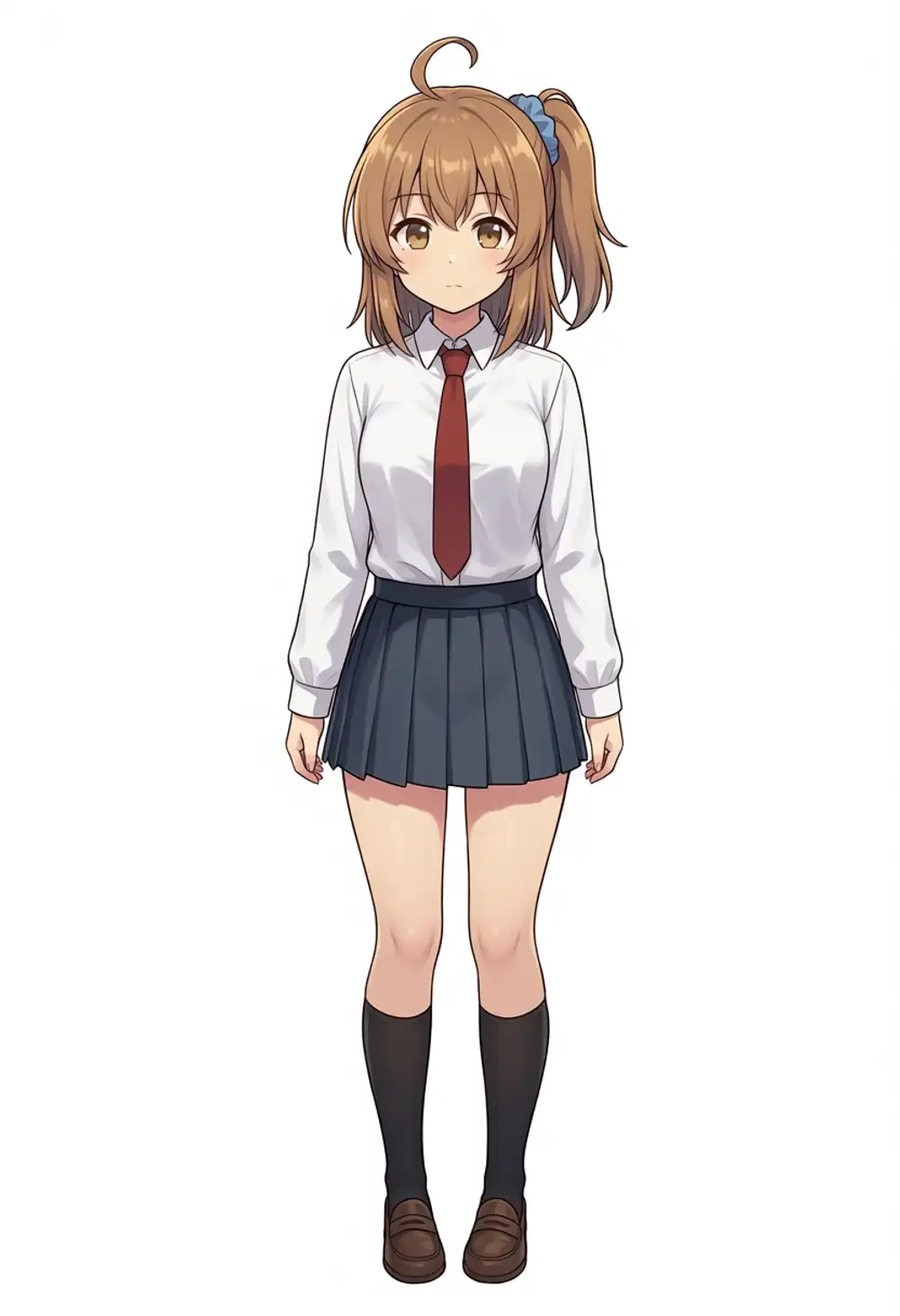
All 9 produce the brown hair + ahoge + blue scrunchie + uniform skeleton, but they don’t all line up with the training canon.
| Axis | Observation |
|---|---|
| Ponytail direction | seed-bound. seed 42 / 100 give viewer-left on all 3 models; only seed 200 gives viewer-right (canon). The seed, not the model, decides direction |
| Hair color | Slight variation across the 9 from lighter to darker brown |
| Anatomy | preview3-base × seed 100 / 200 have both arms vanishing behind the back — it’s not a pose, the arms aren’t being drawn |
| Expression | Varies seed-by-seed |
Heavy constraint pulls the main kanachan features, but not “stable across 3 models × 3 seeds”. The non-monotonic curve the previous 12,000-step verification found on WAI-Anima — ponytail direction hitting ≈49% — isn’t improved or worsened on v1.0. Same curve, different base.
Direction control test (side ponytail on the left/right side)
Explicitly forcing the side-ponytail position in the prompt. Prompts: kanachan, 1girl, solo, side ponytail on the (left|right) side, standing, ..., 3 models × LEFT/RIGHT.
LEFT specified
RIGHT specified
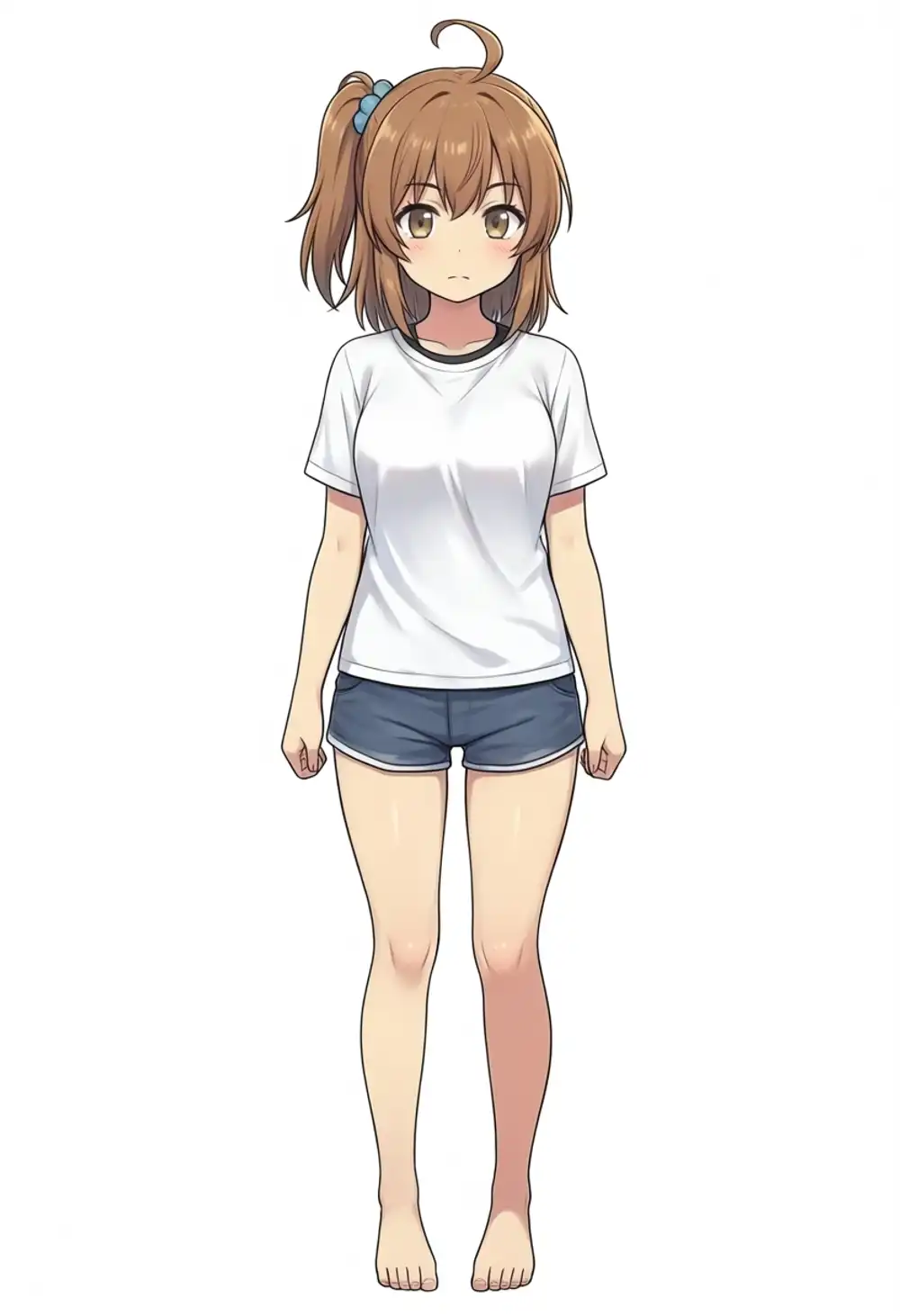
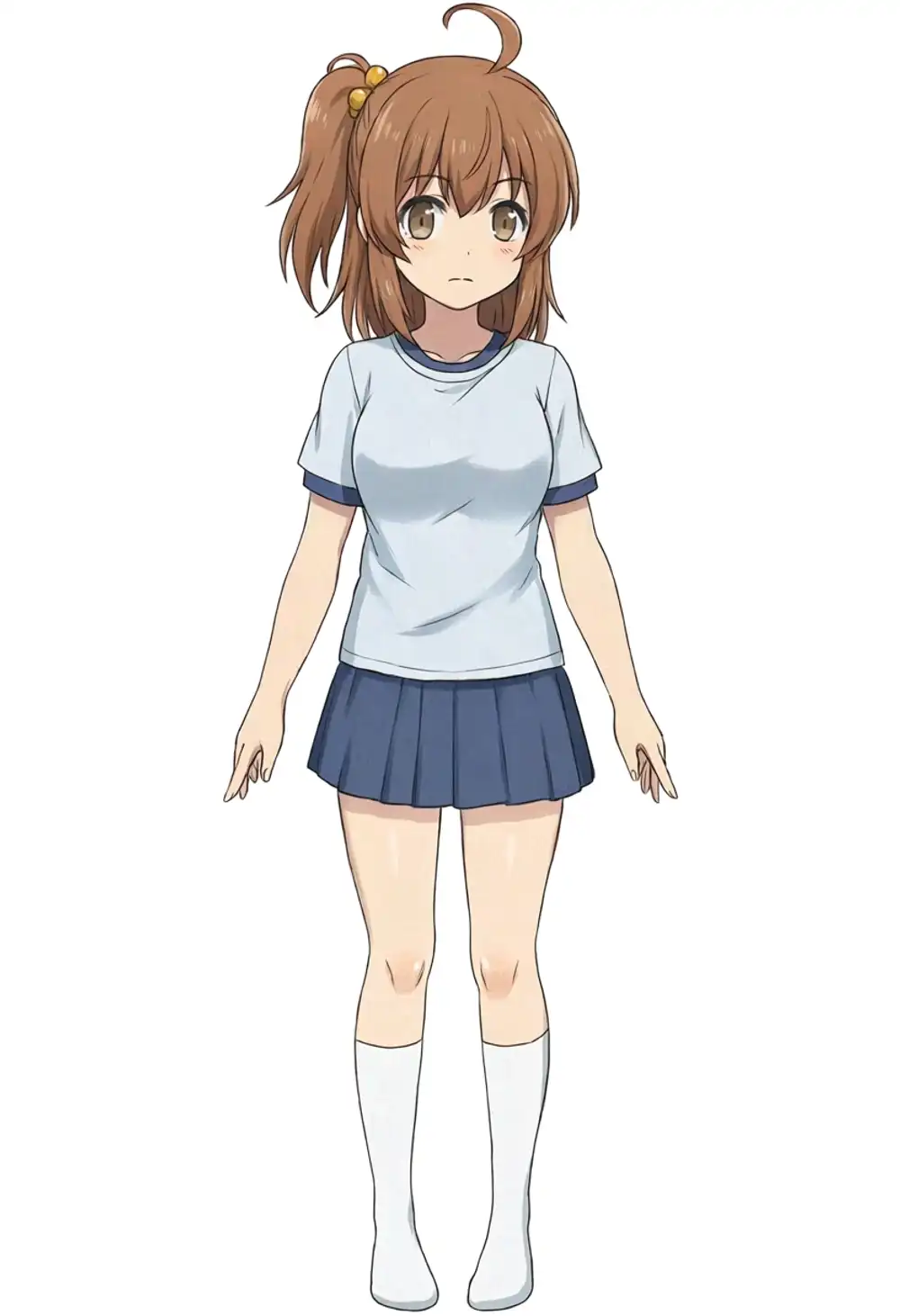
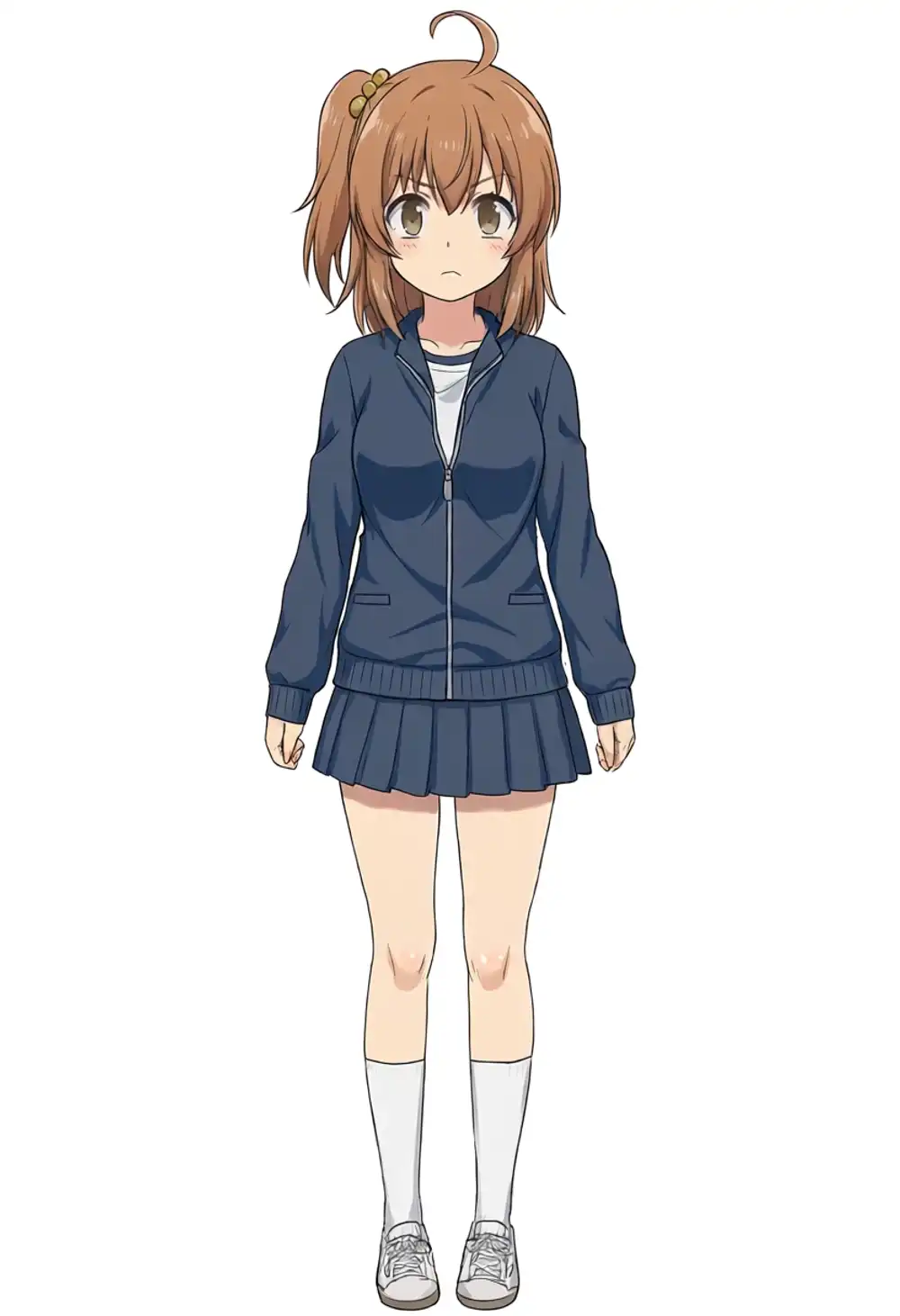
The previous article measured ≈49% direction hit rate on WAI-Anima (a coin flip). On v1.0, explicit direction prompts don’t stabilize it either — that’s expected, not v1.0-specific worsening.
Applying Turbo LoRA
Anima-Turbo is announced but not released yet; the Turbo LoRA v0.1 is up on CivitAI in advance.
CivitAI’s recommended values:
| Item | Value |
|---|---|
| Steps | 8–12 |
| CFG | 1 |
| LoRA strength | 1.0 (lower for more variety) |
| Targets | Works on Anima checkpoints beyond just Anima-Base |
Turbo alone
v1.0 + Turbo 1.0, 8 steps, CFG 1.
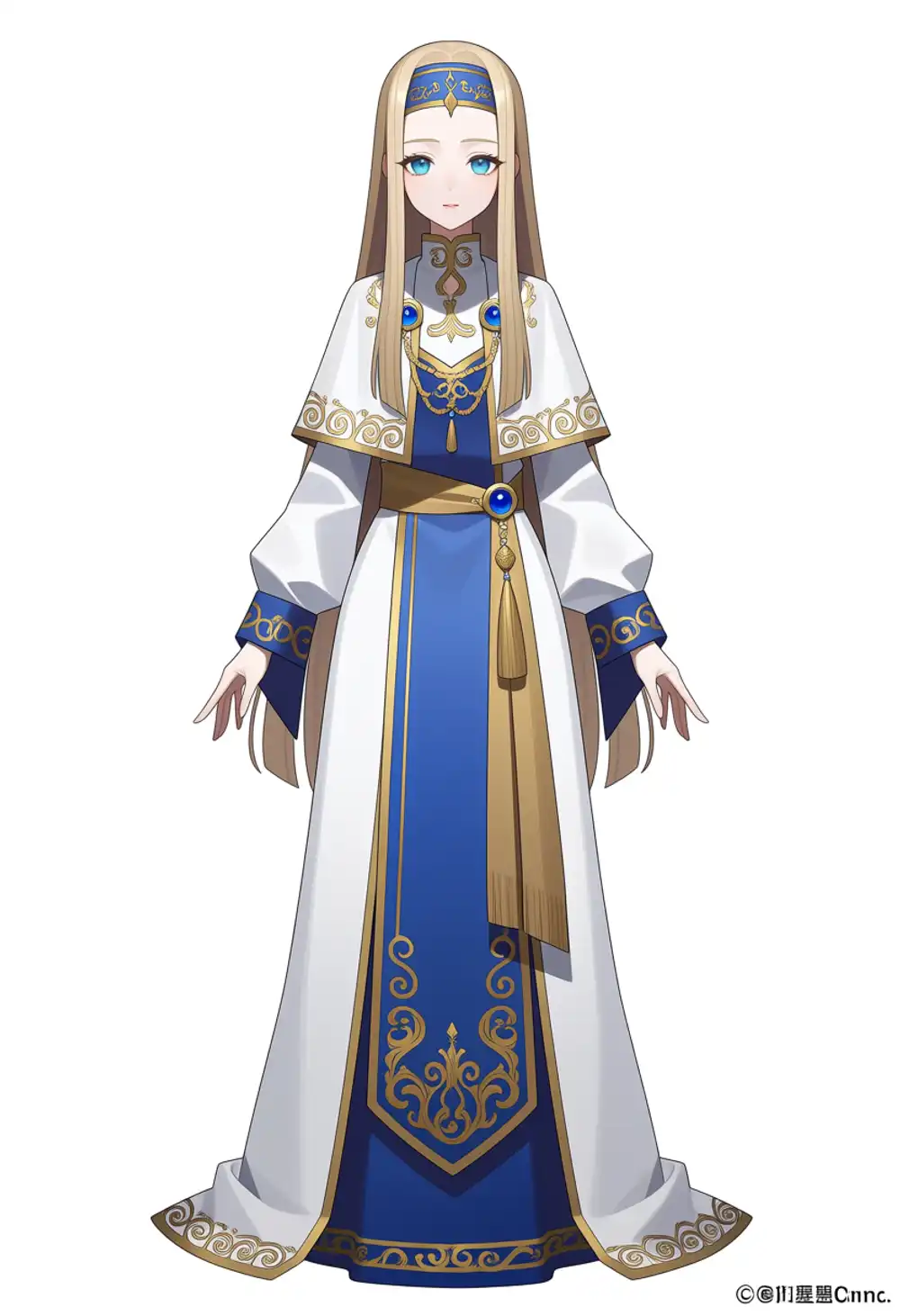
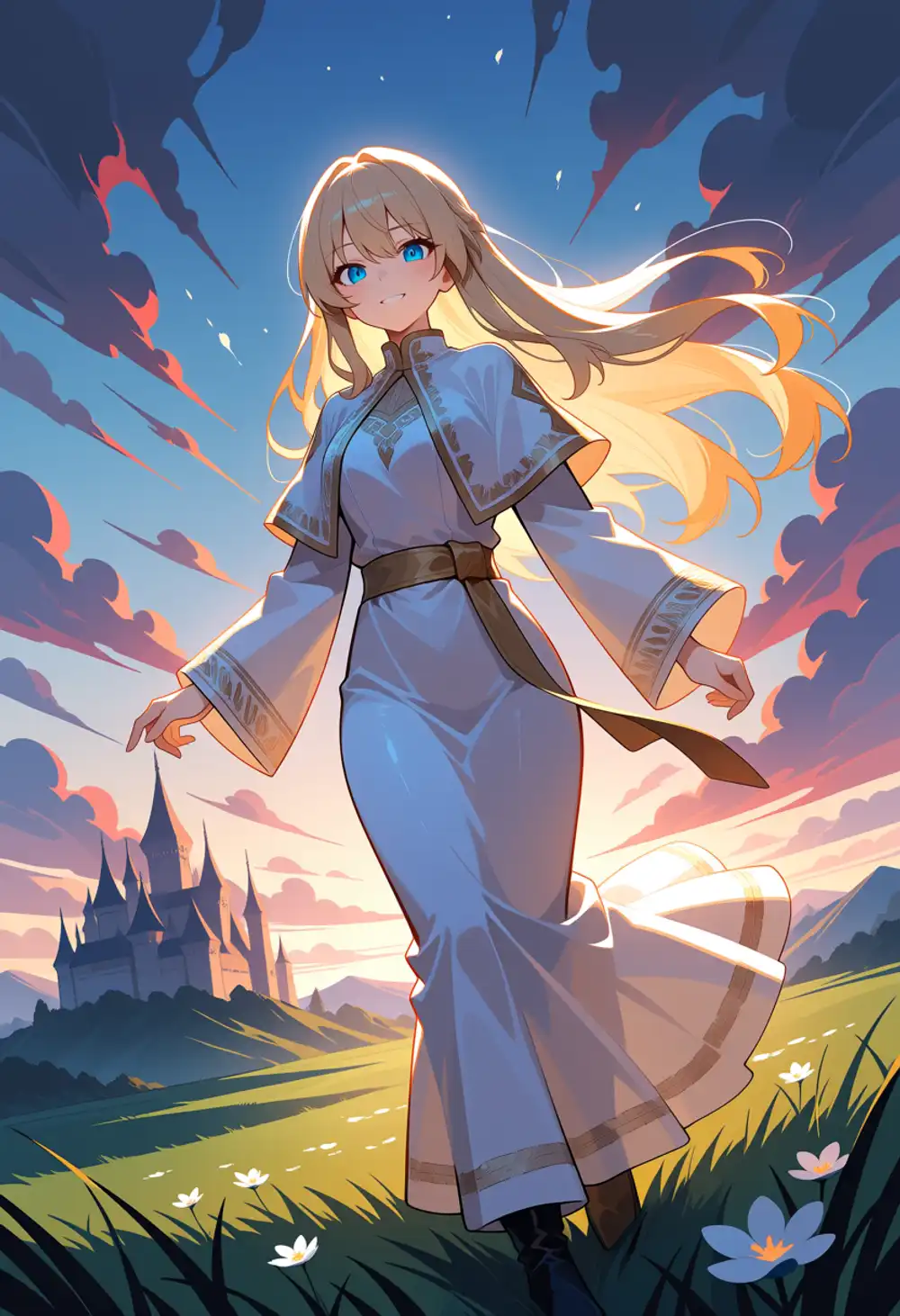
275s drops to 46–48s, about 5.7× faster.
Quality matches CivitAI’s note — fine detail drops slightly but the overall composition holds. A practical option for iteration speed on M1 Max.
Turbo + existing kanachan LoRA (hypothesis: fast LoRA suppresses v1.0 base bias)
Stacking Turbo on top of kanachan-prompted generation makes v1.0 produce kanachan ponytails on 2 of 4 seeds — even though kana alone at seed 42 with light prompt completely collapsed.
Hypothesis: with a fast LoRA (fewer steps, lower CFG), each denoising step weights the character LoRA more relatively, so the v1.0 base tendency (which would normally activate over 30 steps at CFG 4) gets overpowered by the LoRA’s guidance before the image locks in.
The numerical check is in the strength matrix + 9-seed measurement below.
Turbo × kanachan strength matrix on v1.0
Combining Turbo and kanachan strengths to search the sweet spot under light prompts. Prompt fixed to light, seed 42 fixed.
| K=0.5 | K=0.75 | K=1.0 | K=1.25 | |
|---|---|---|---|---|
| T=0.5 | image 1 | image 2 | image 3 | image 4 |
| T=0.75 | image 5 | image 6 | image 7 | image 8 |
| T=1.0 | image 9 | image 10 | image 11 | image 12 |
T=0.5 row
T=0.75 row
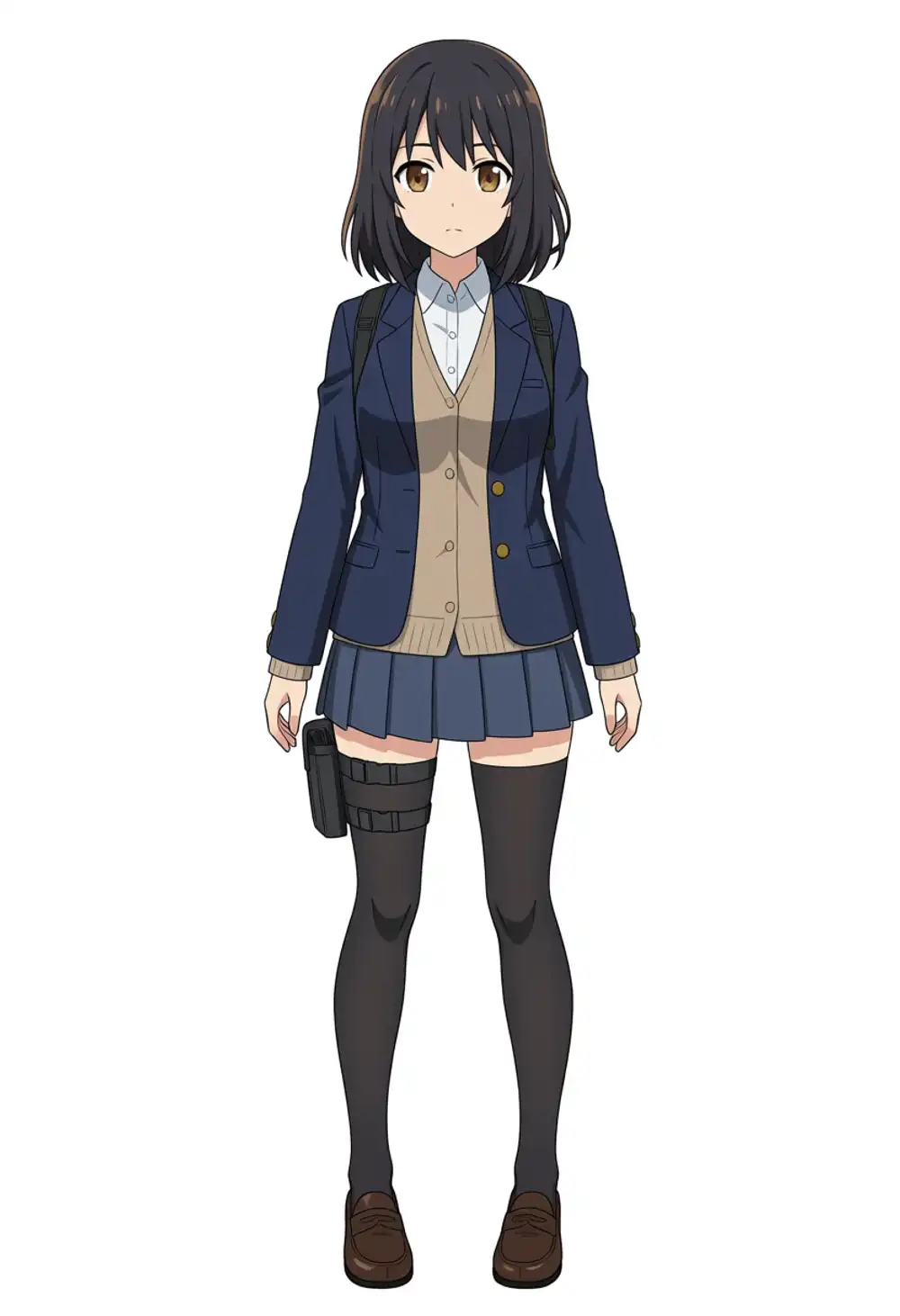
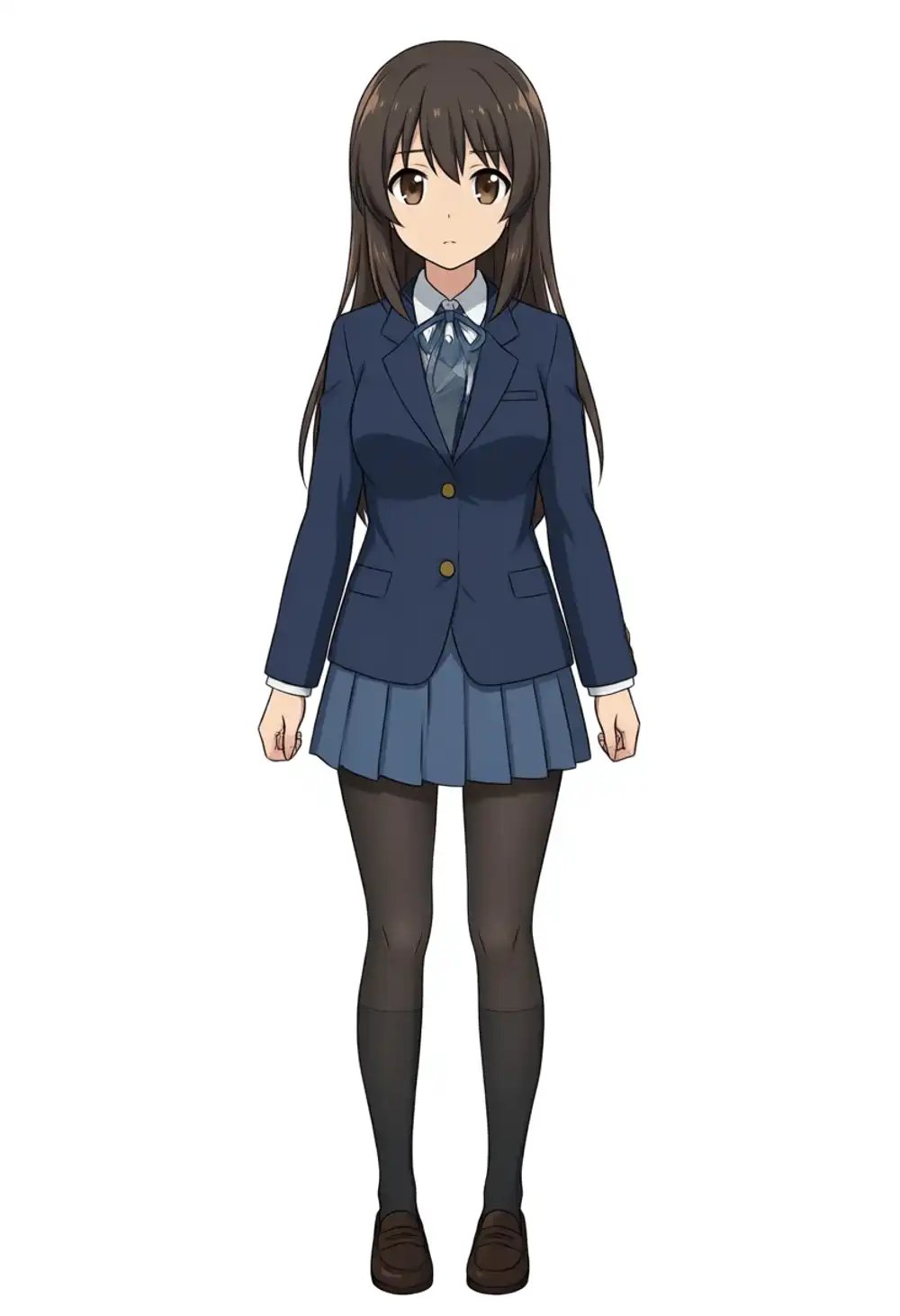
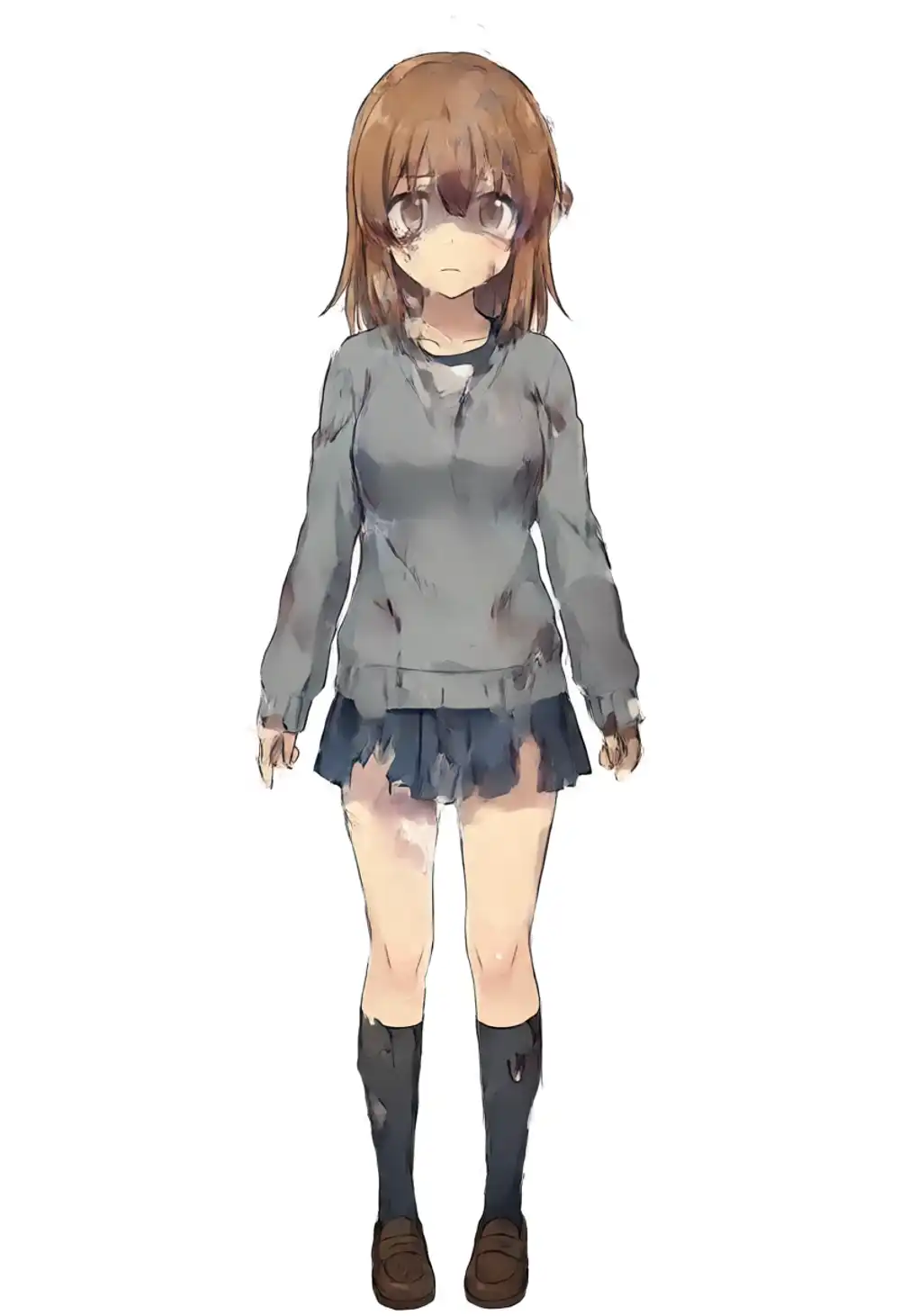
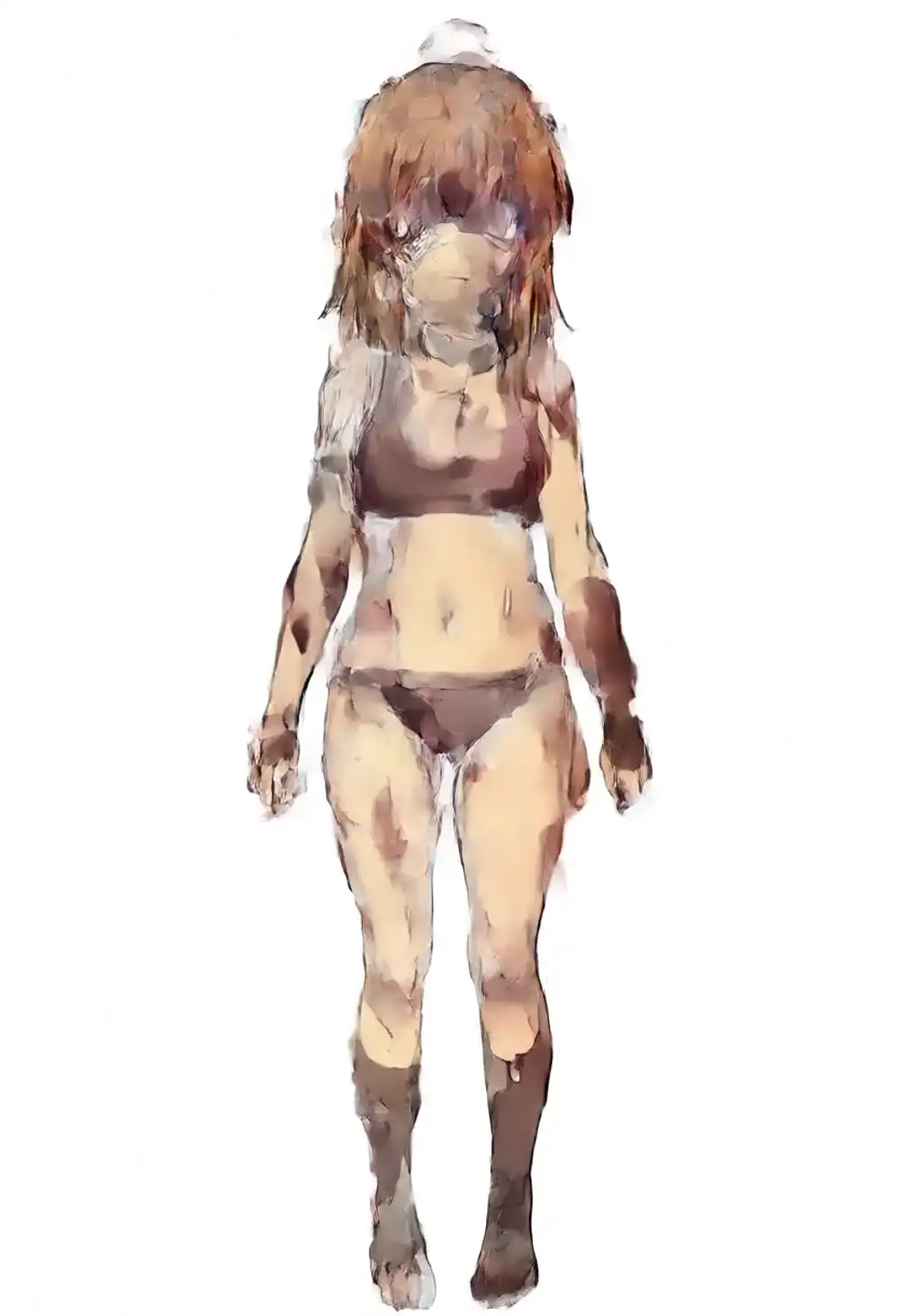
T=1.0 row
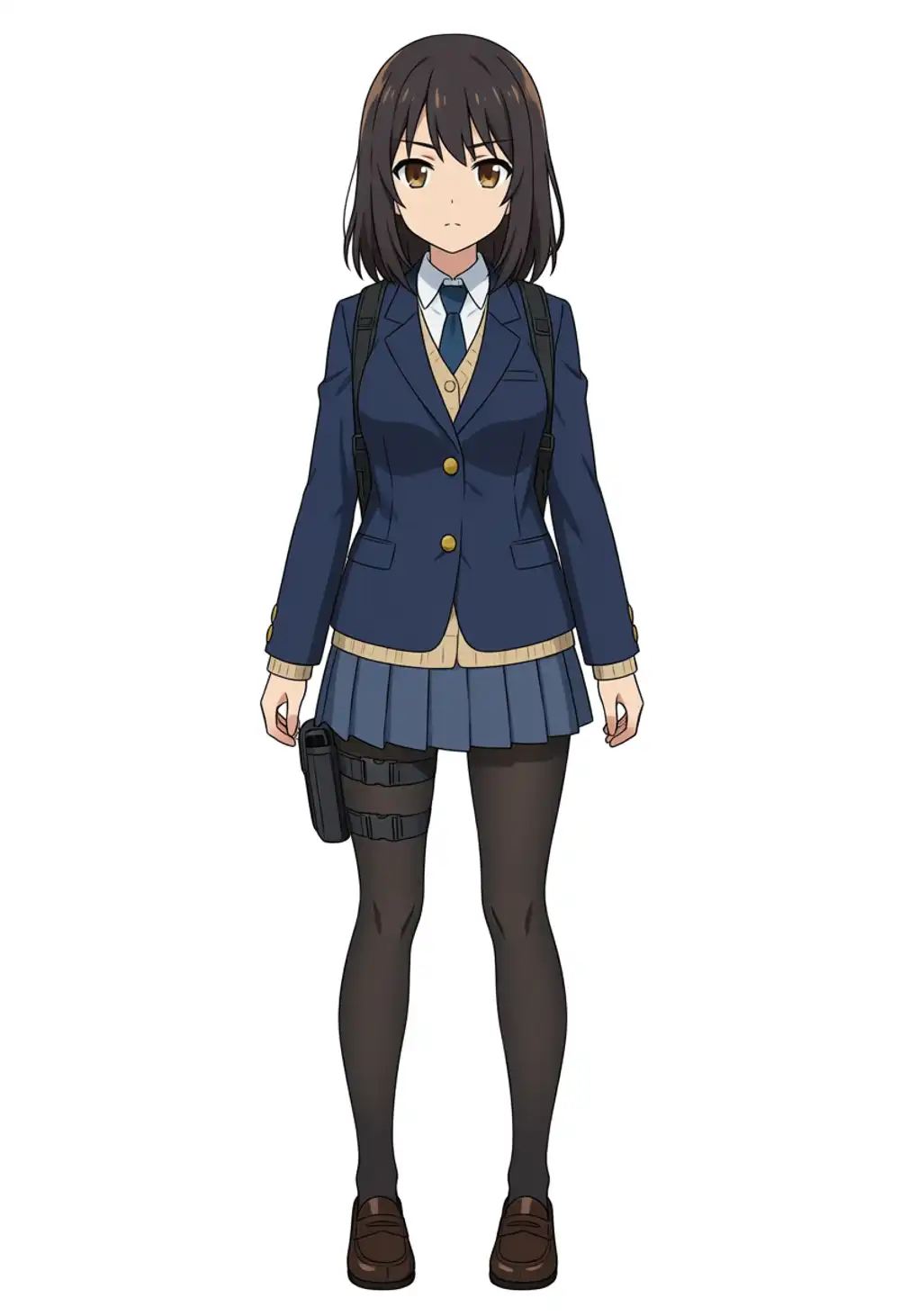
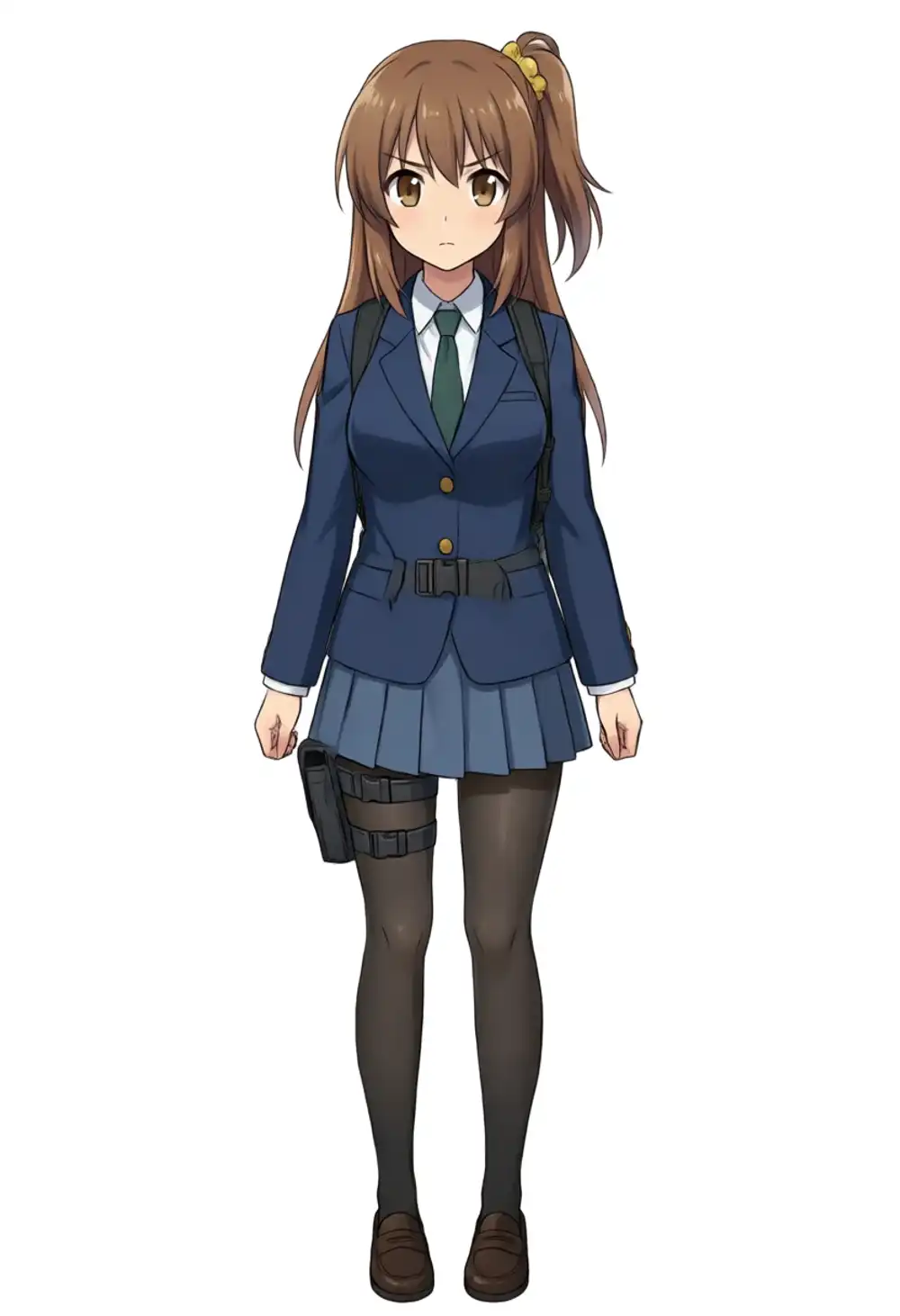
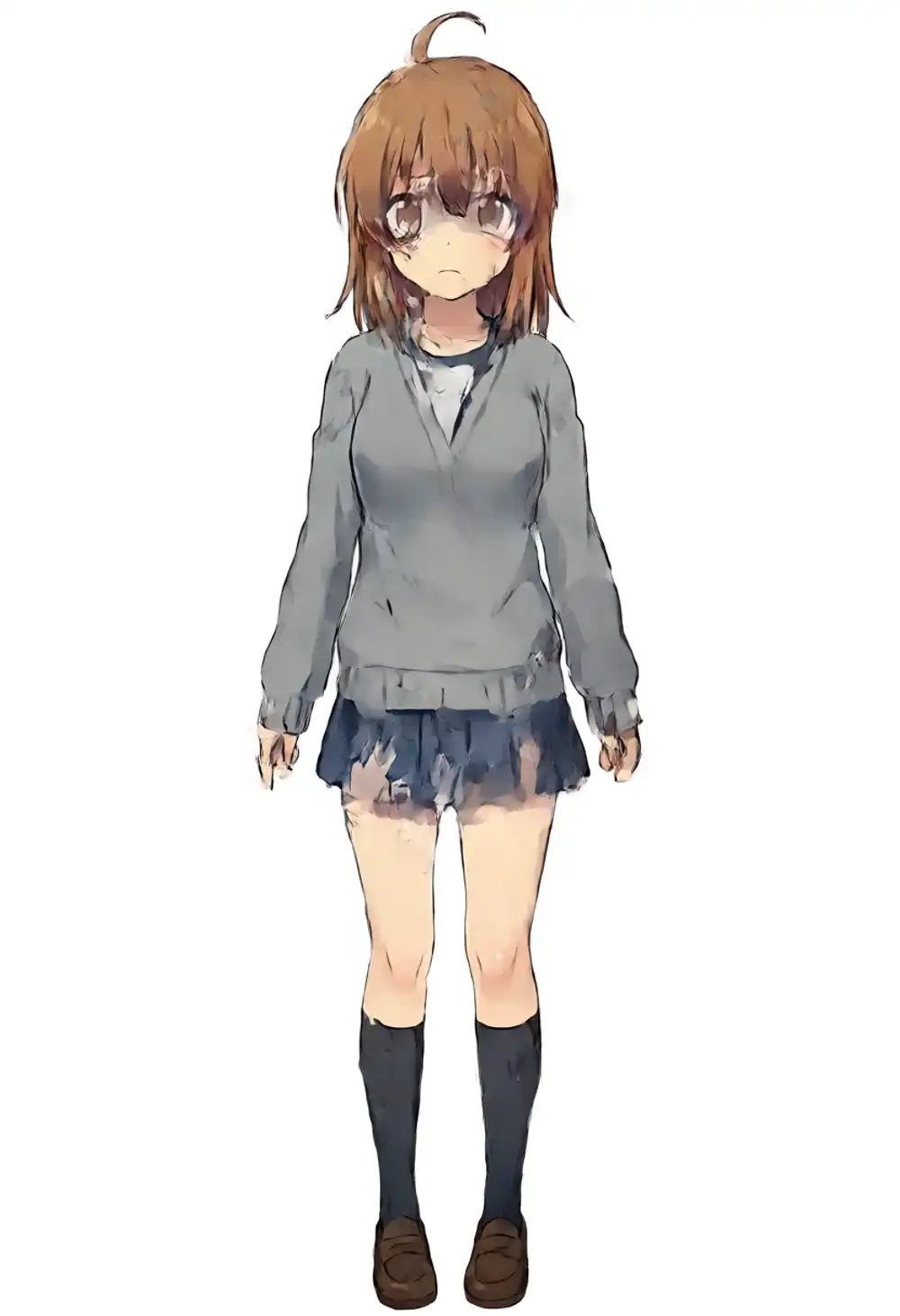
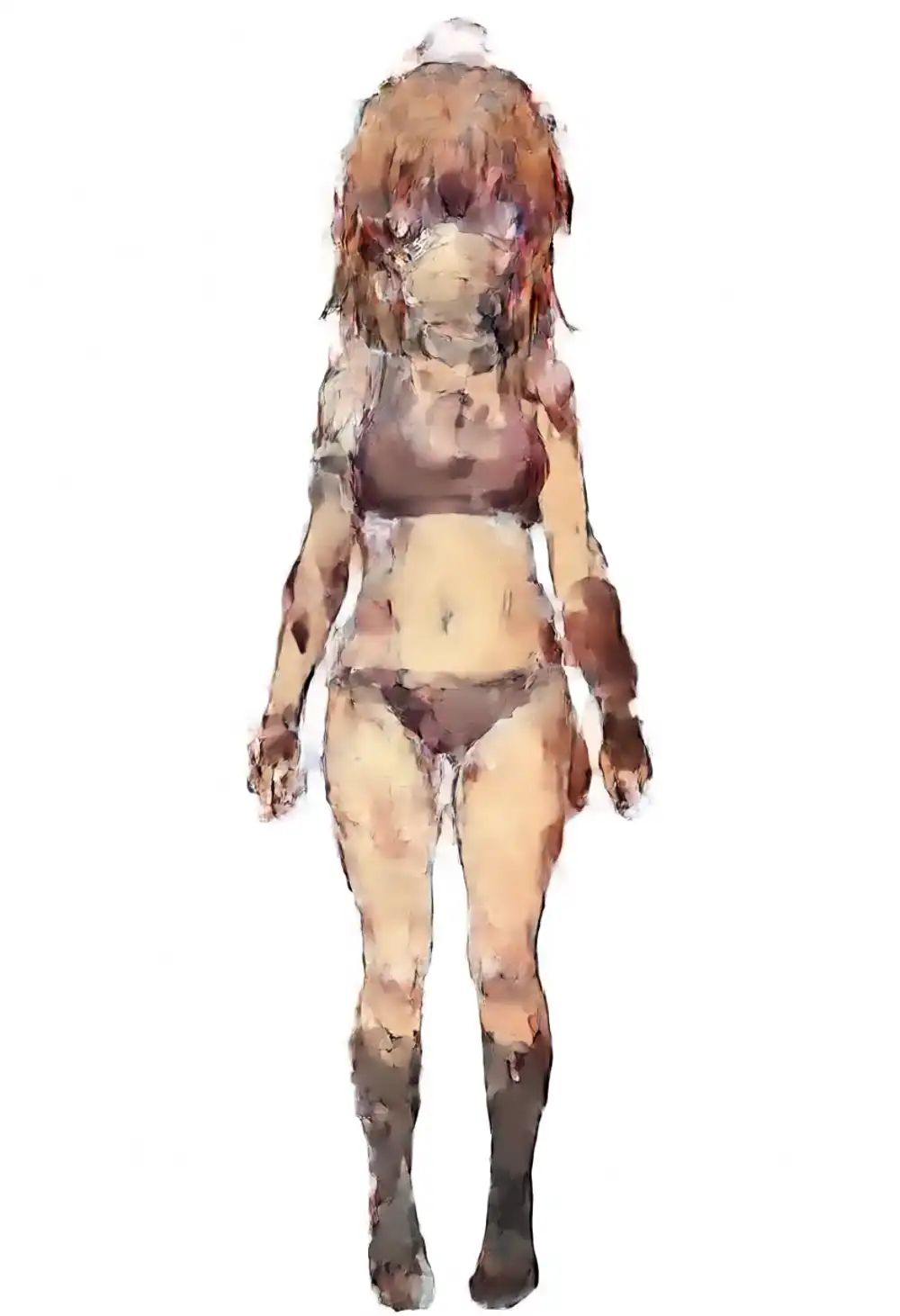
Behavior from the matrix (seed 42, single sample):
| Turbo \ kana | 0.5 | 0.75 | 1.0 | 1.25 |
|---|---|---|---|---|
| 0.5 | base wins, different character | base wins | grey nude breakdown | oil-painting artifact |
| 0.75 | base wins, different character | base-leaning | straight hair, no ponytail | artifact |
| 1.0 | kana thin, base-leaning | kanachan features land | ahoge survives but no ponytail | oil-painting artifact |
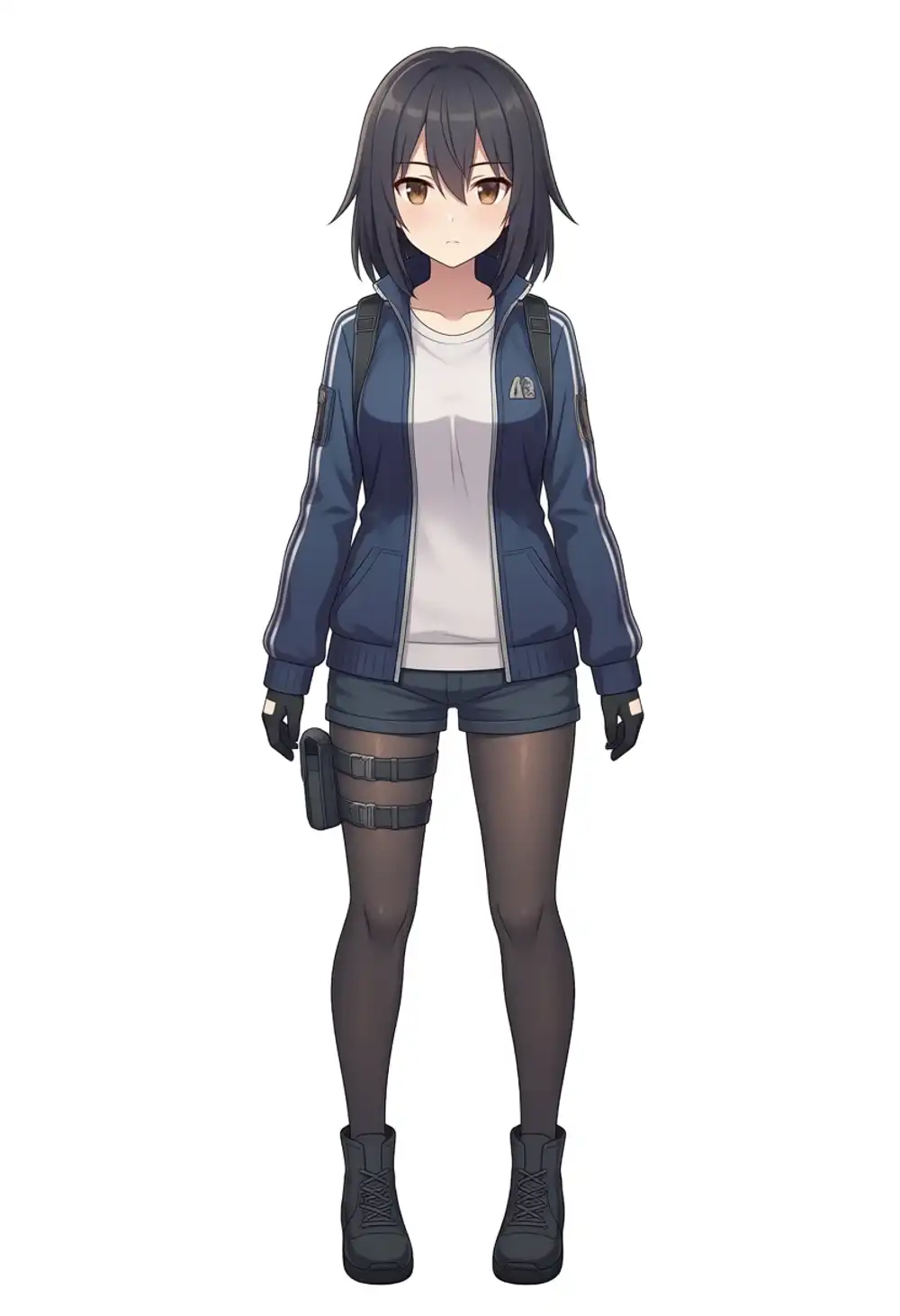
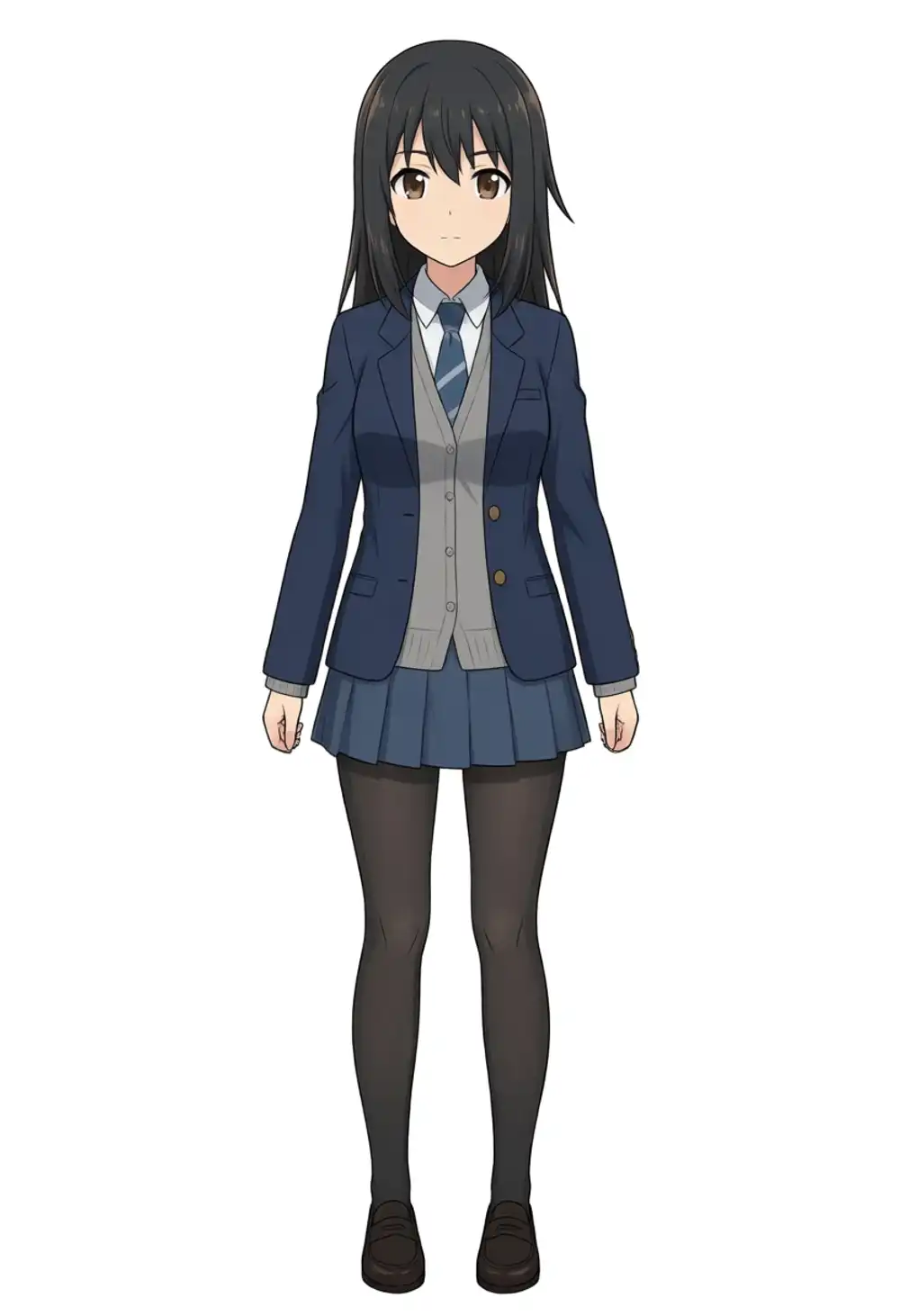
The only combination under light prompts where the main kanachan features (brown hair, side ponytail, scrunchie, ahoge) all show up is T=1.0 × K=0.75. Push K to 1.0 and the side ponytail vanishes into a grey sweater, K=1.25 turns into oil-painting artifacts, and lowering T keeps the kana influence from registering.
Then I measured gacha rate over 9 seeds (42 / 7 / 100 / 200 / 300 / 400 / 500 / 600 / 700) at T=1.0 × K=0.75.
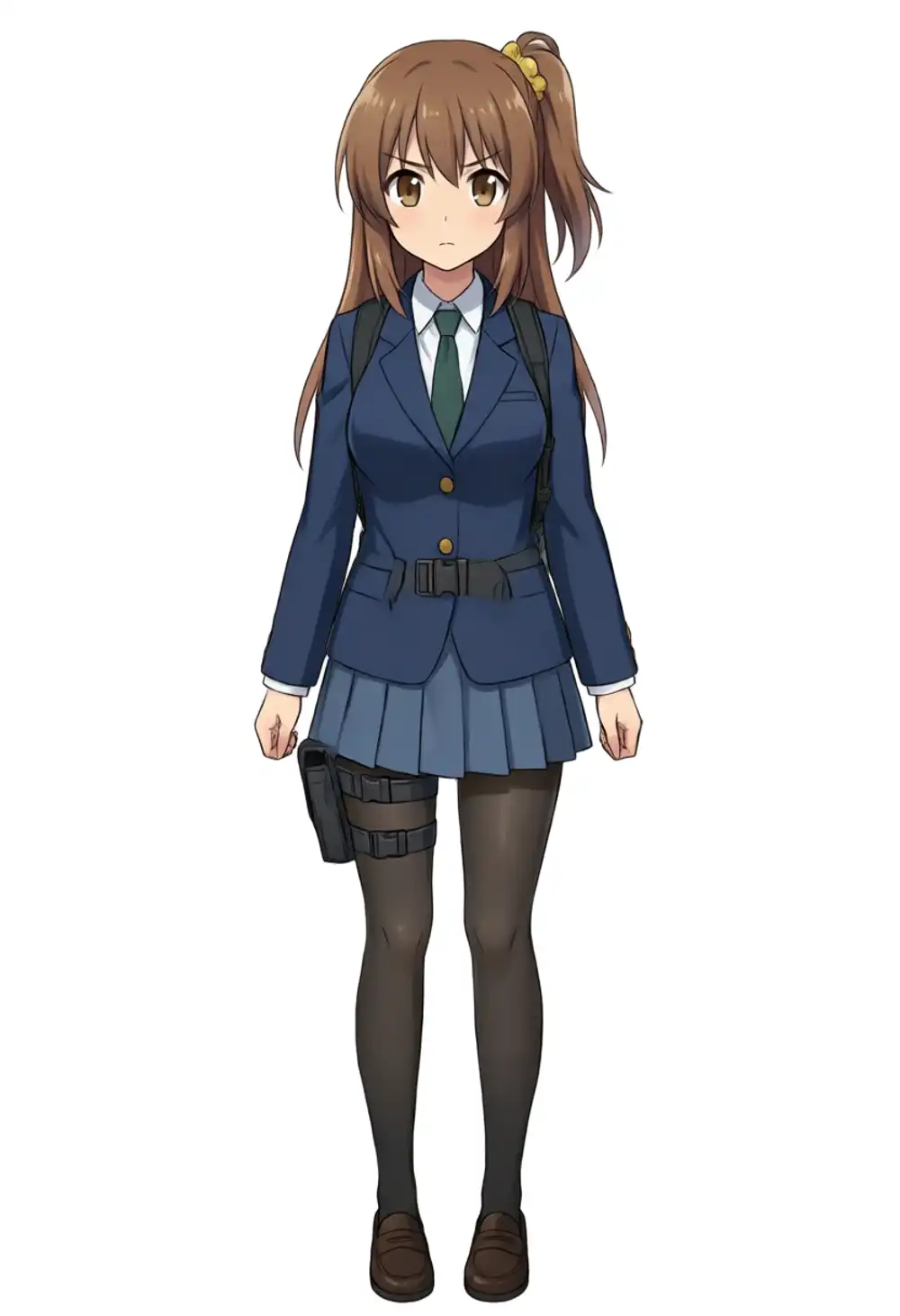
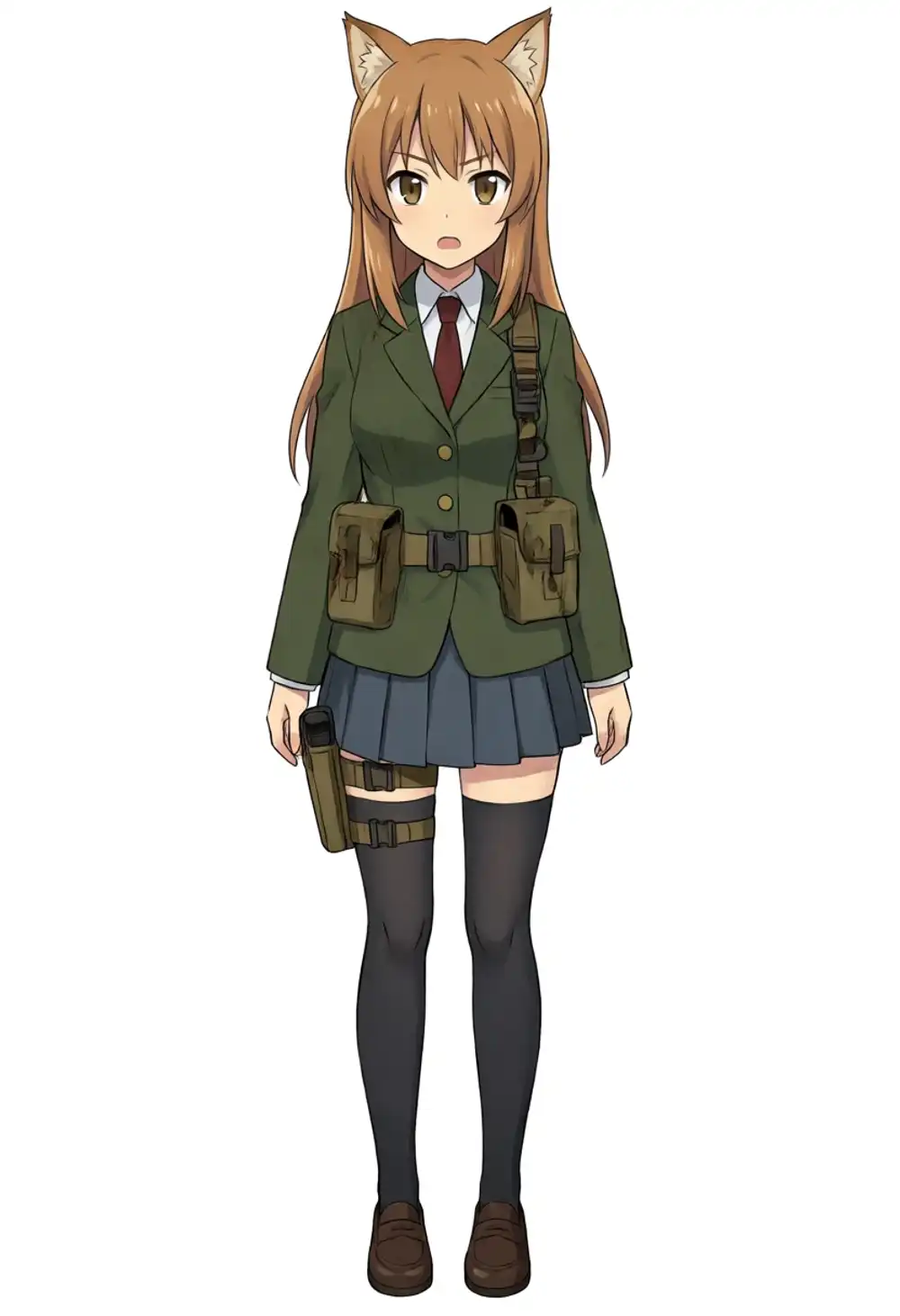
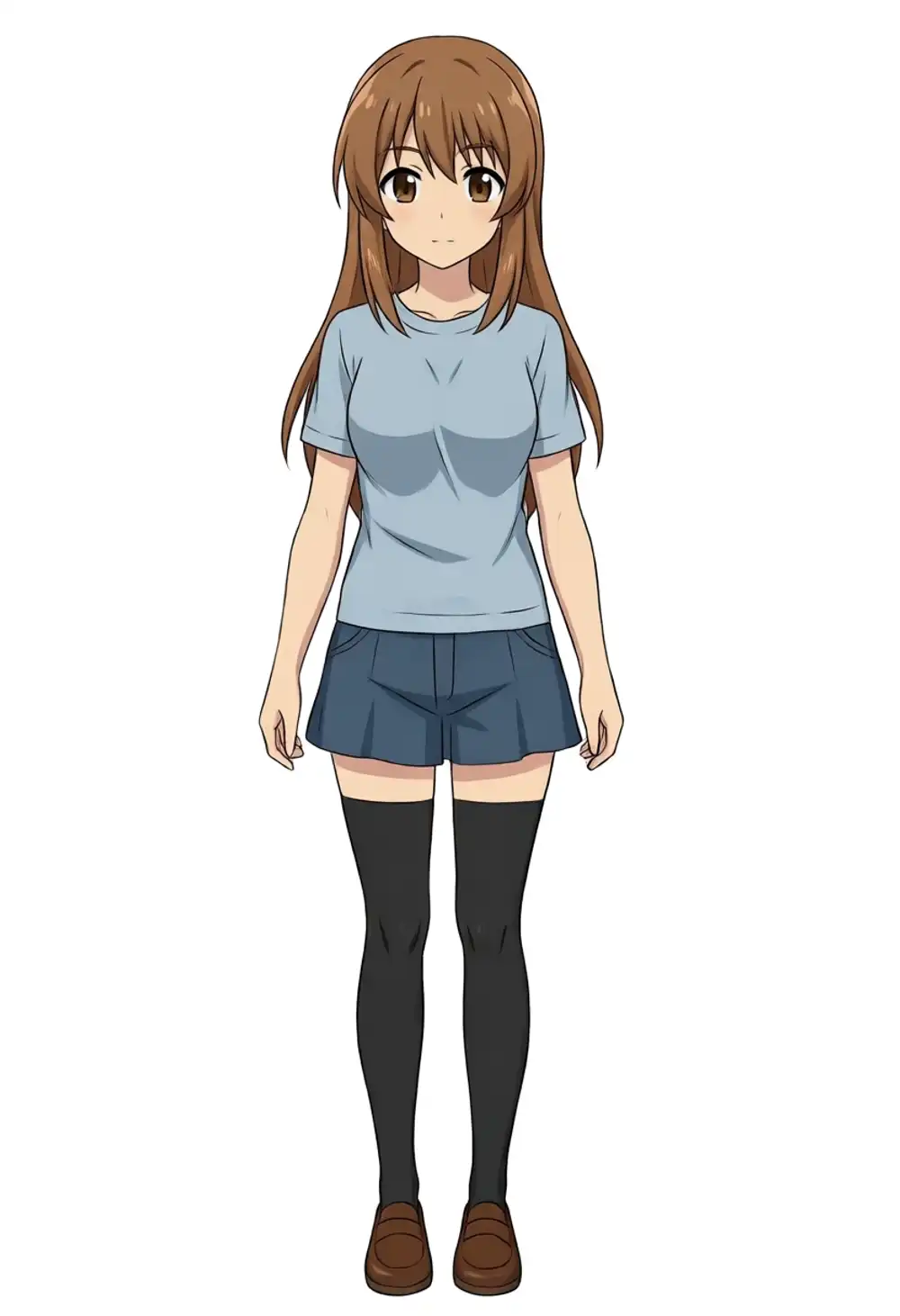
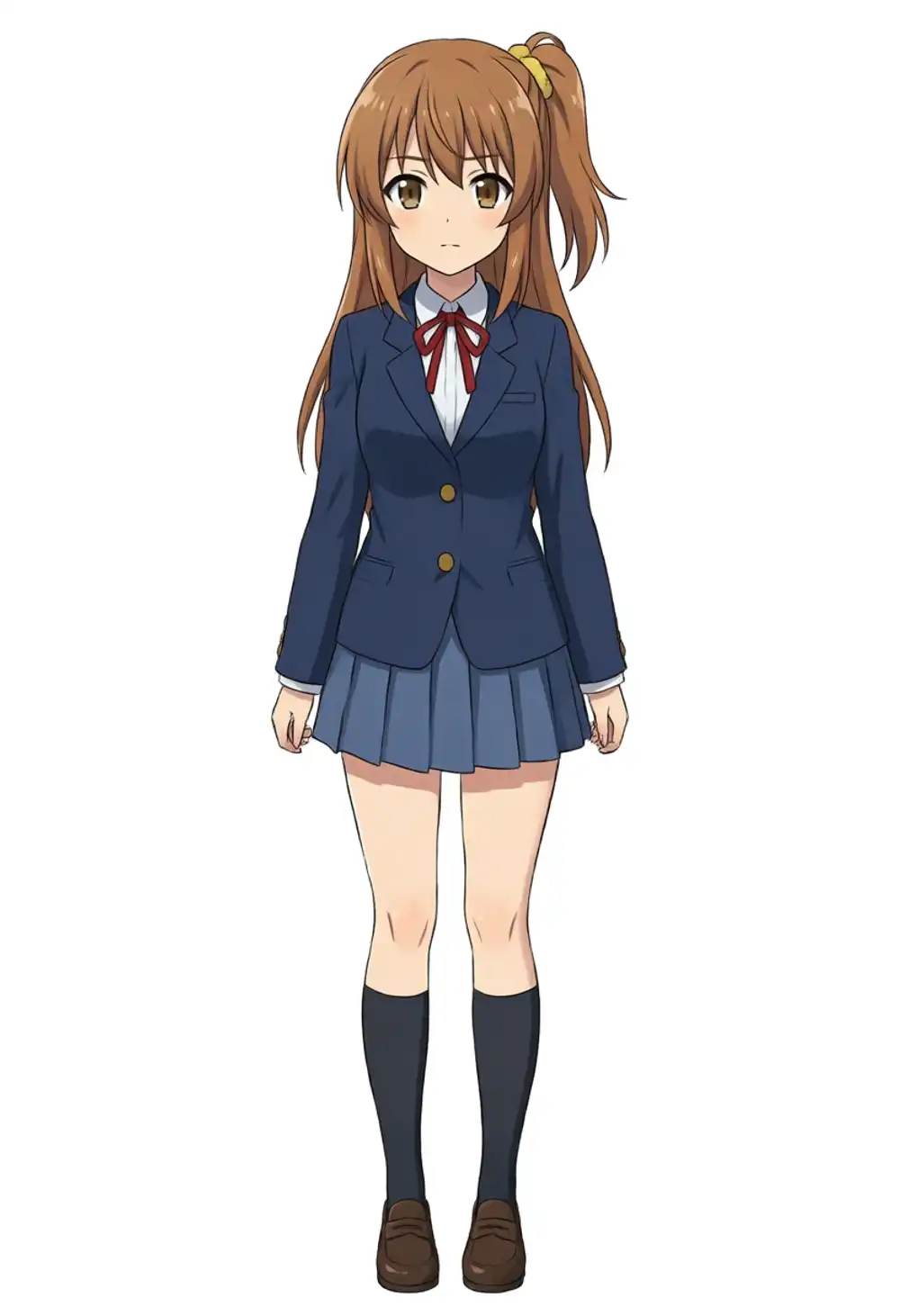
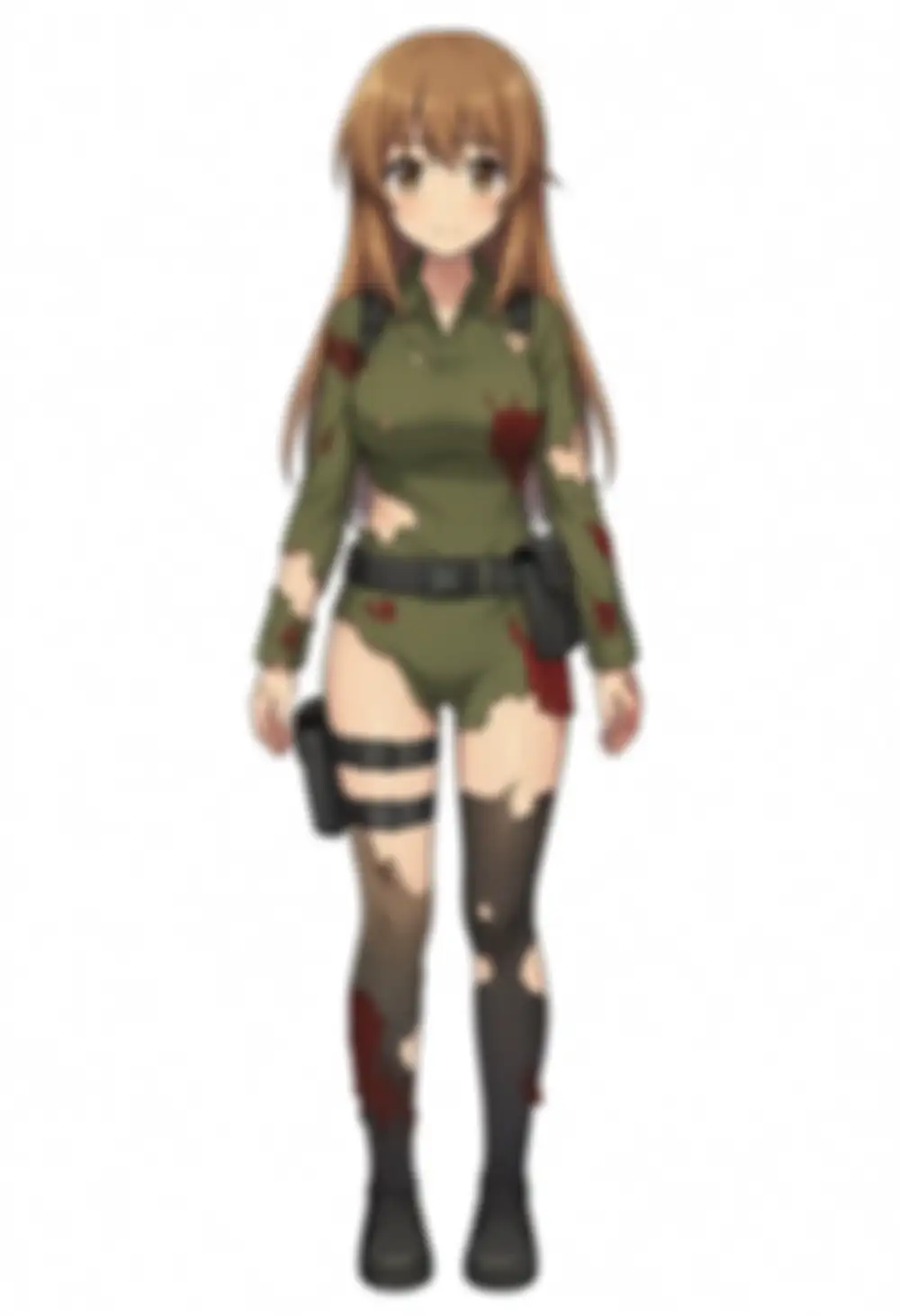
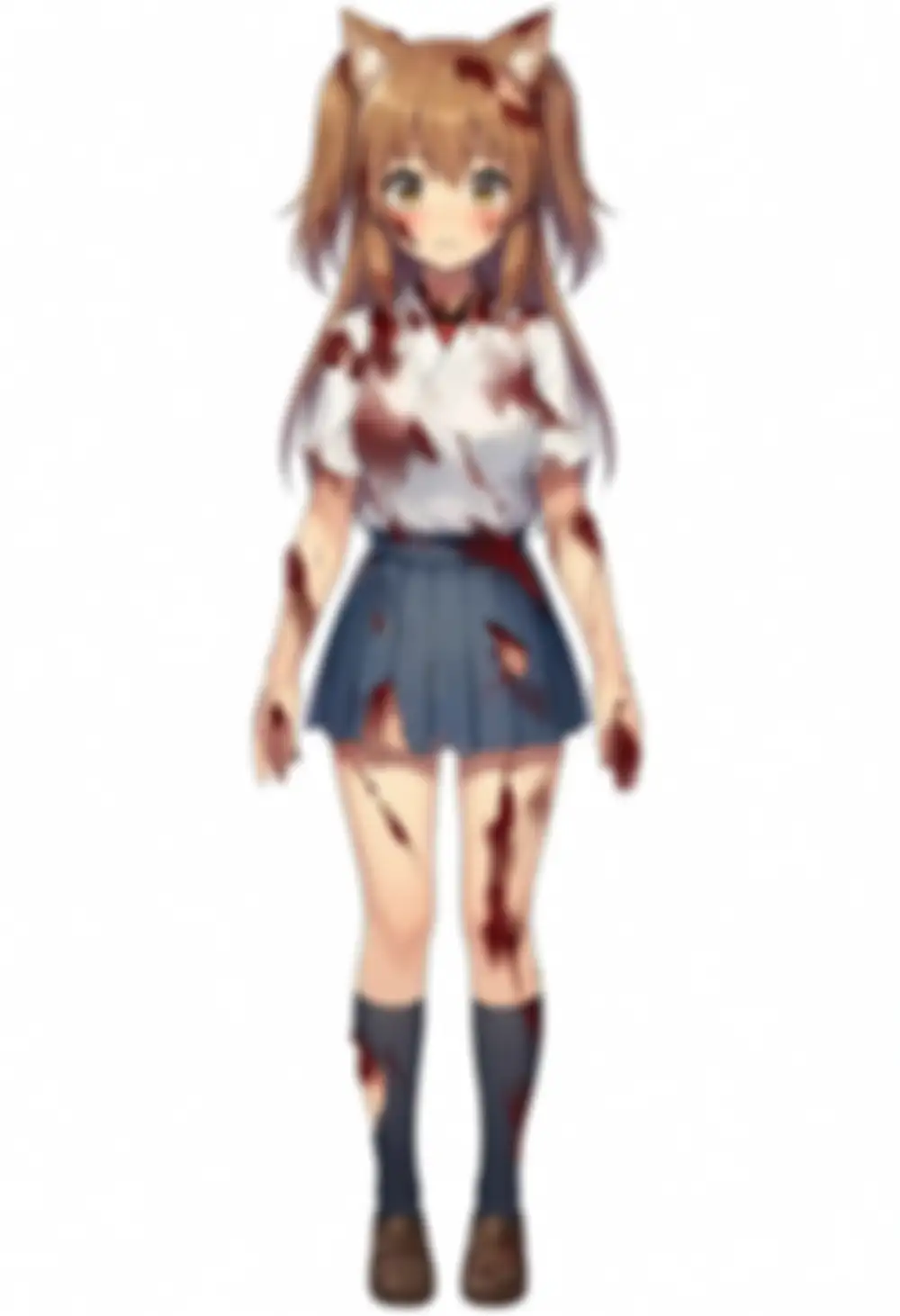
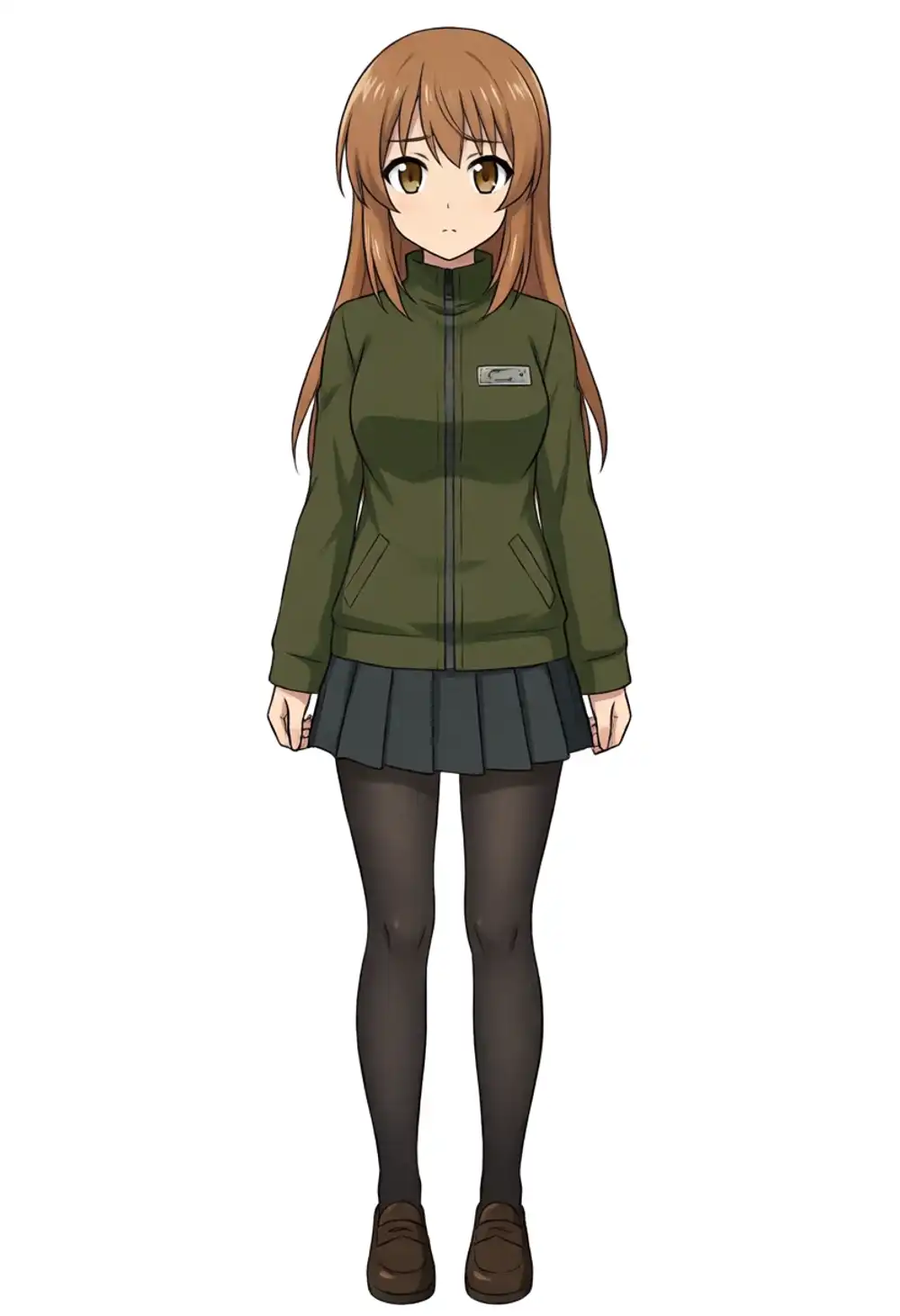
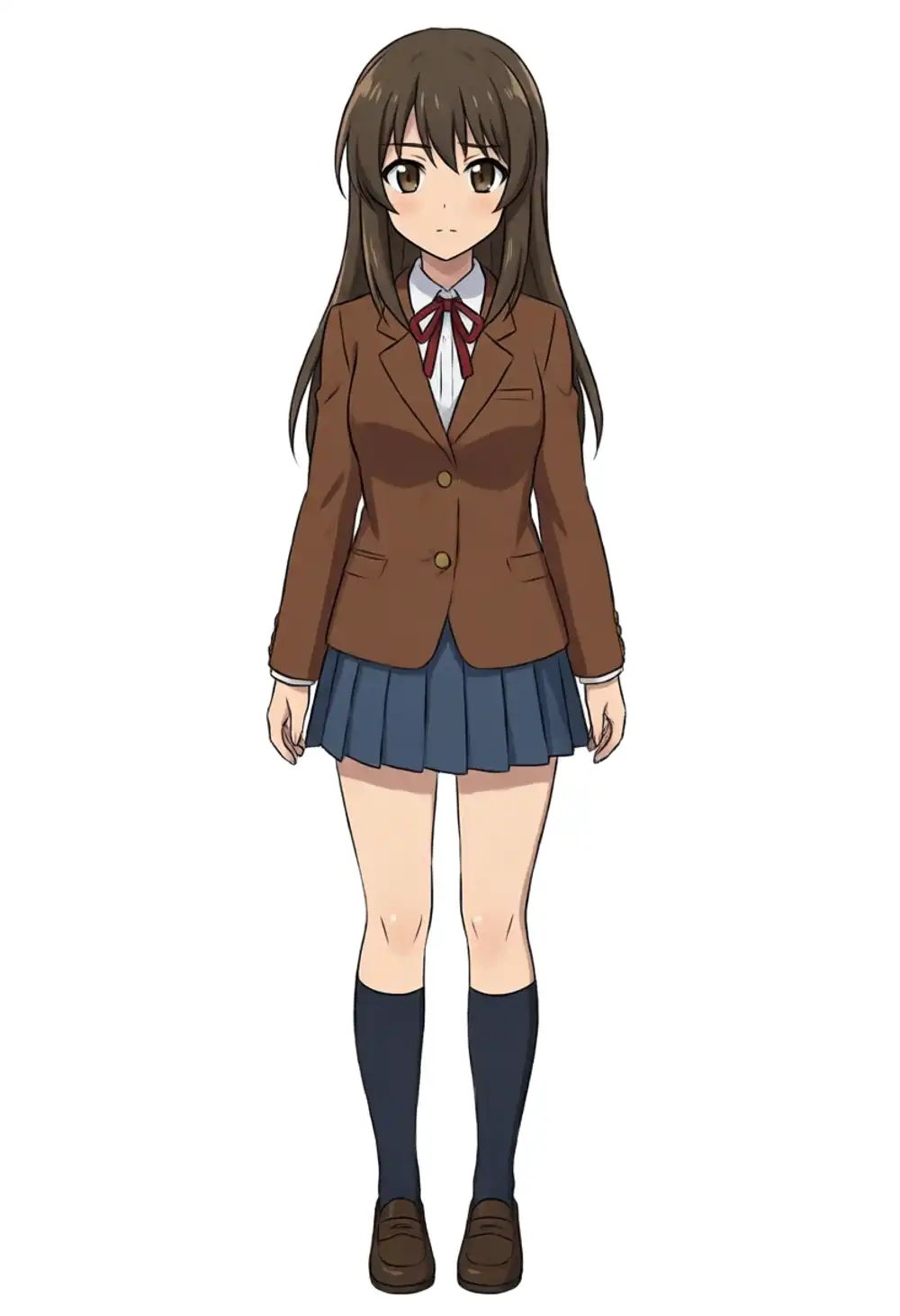
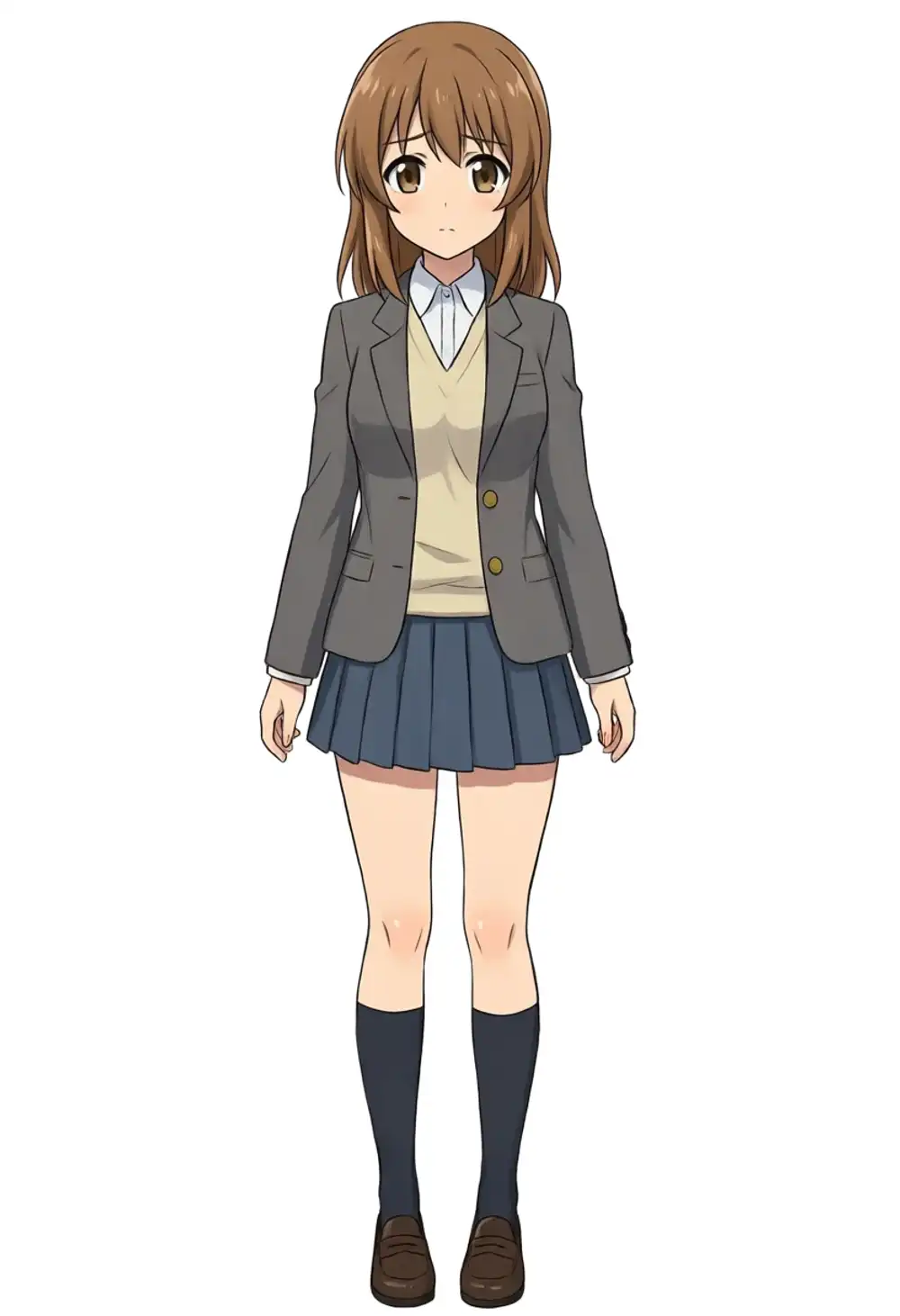
Side ponytail + scrunchie + ahoge + uniform — recognizable as kanachan — shows up only on seed 42 and seed 200. Hit rate 2/9 ≈ 22%. The other 7 break in different ways: straight hair (4), fox ears (2, one with blood stains), military gear with blood (1).
Training-canon gym uniform: 0 in 9 (the prompt has no outfit constraints, so output drifts toward uniform-style outfits). The output is recognizable as kanachan, but details like holsters and belt pouches on the uniform are base-side bias bleeding through.
The previous 12,000-step verification measured ≈49% direction hit rate on WAI-Anima; this is less than half. With Anima-Base v1.0 as the base, the existing LoRA’s hit rate under light prompts is around 22%. That’s the matrix conclusion.
Heavy prompt + Turbo + kana stack (9-seed reproducibility)
Heavy prompt with explicit costume parts and colors + Turbo 1.0 + kana 1.0, measured against the same 9 seeds (42 / 7 / 100 / 200 / 300 / 400 / 500 / 600 / 700) as the light-prompt run.
Prompt: kanachan, 1girl, solo, long blonde hair, blue eyes, side ponytail, scrunchie, hood, white robe, gold embroidery, standing, looking at viewer, full body, white background, 8 steps CFG 1.
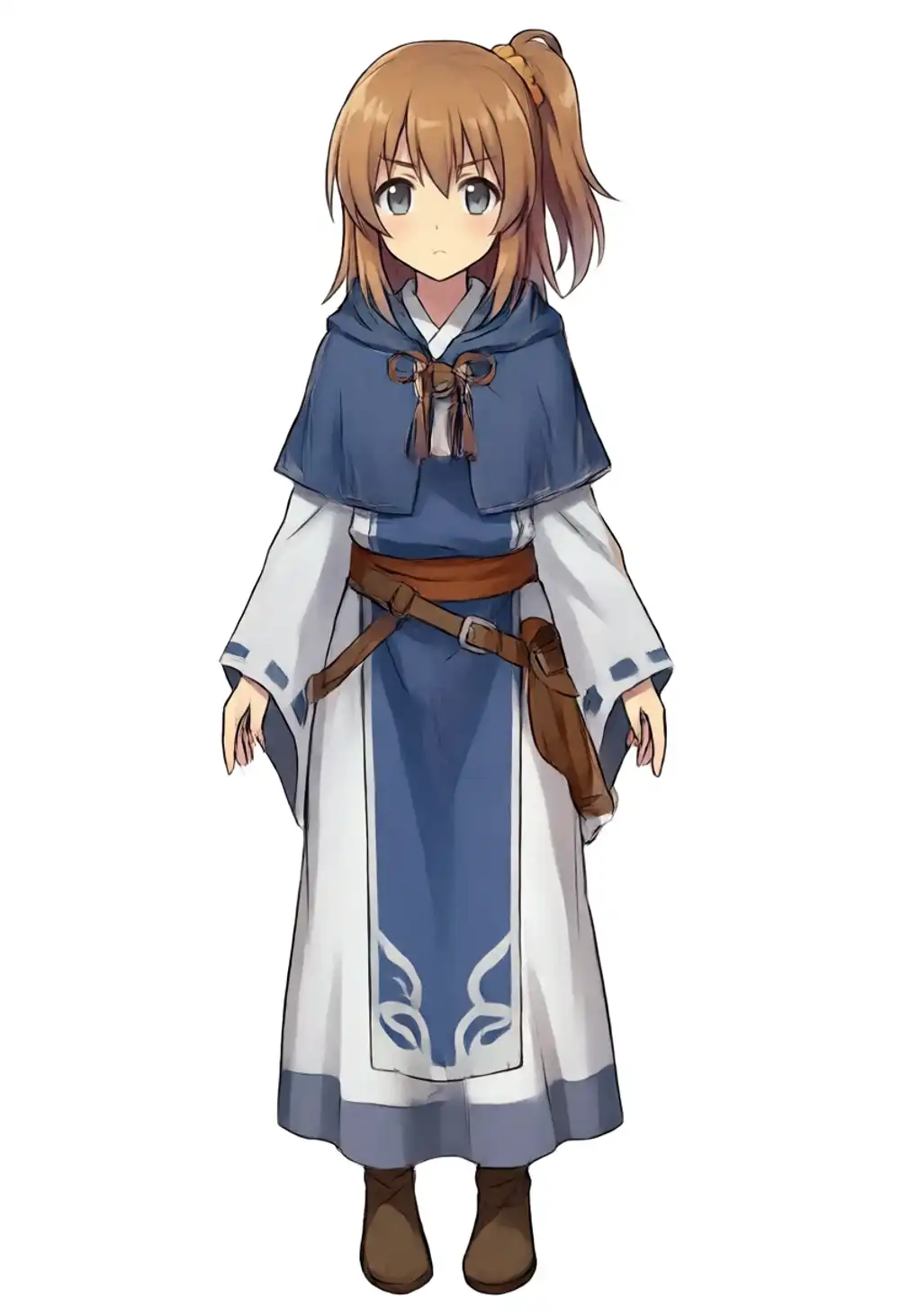
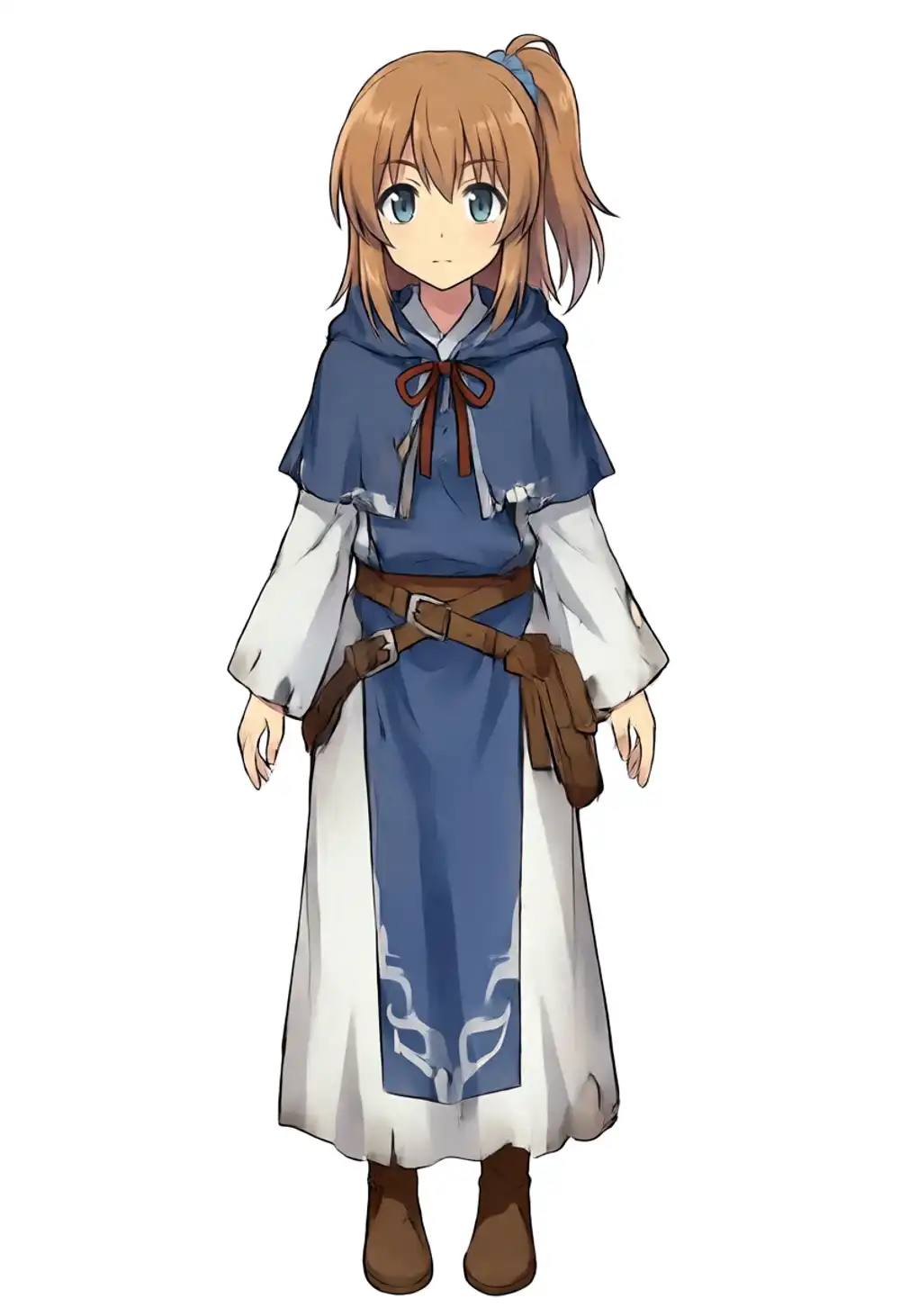
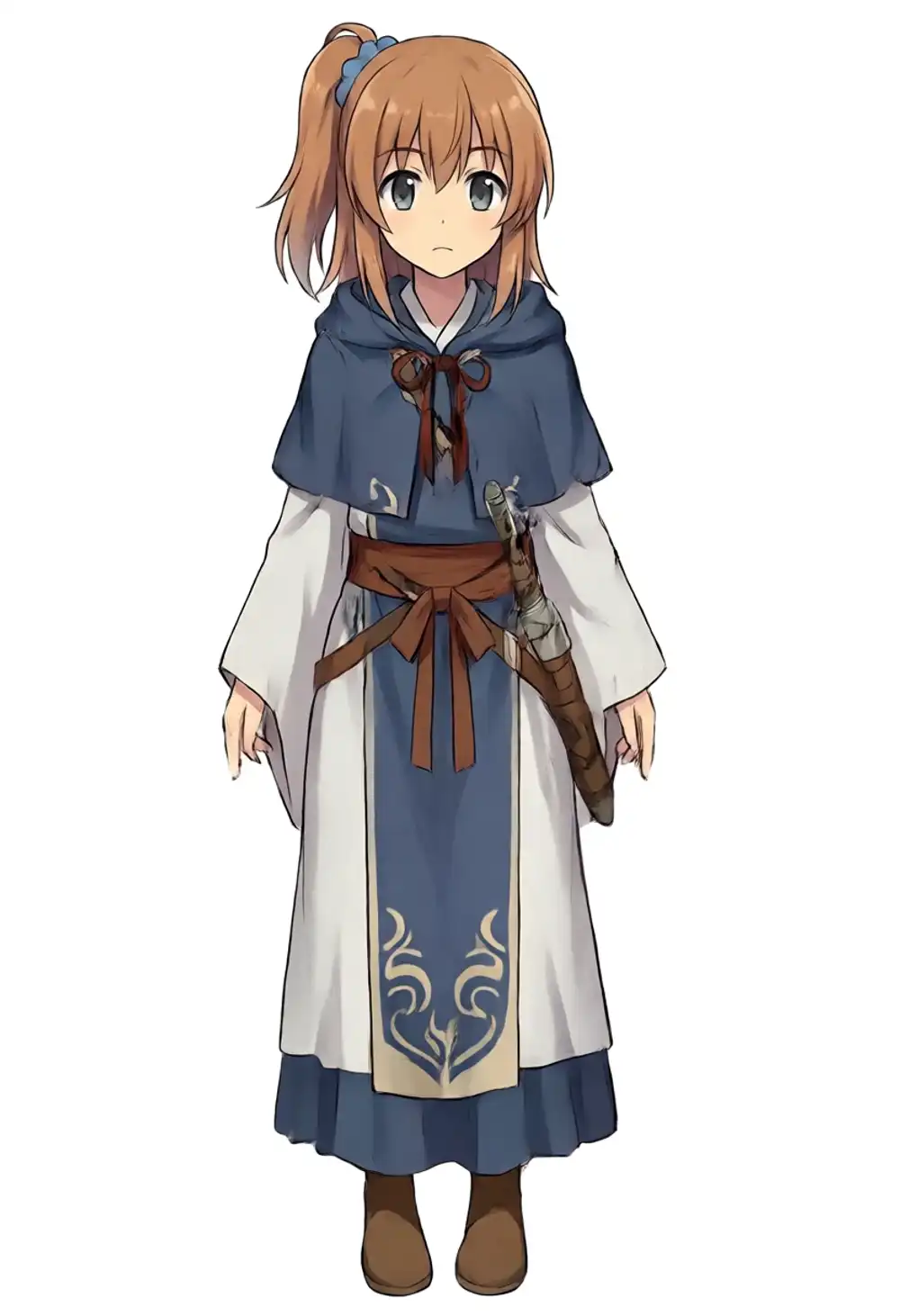
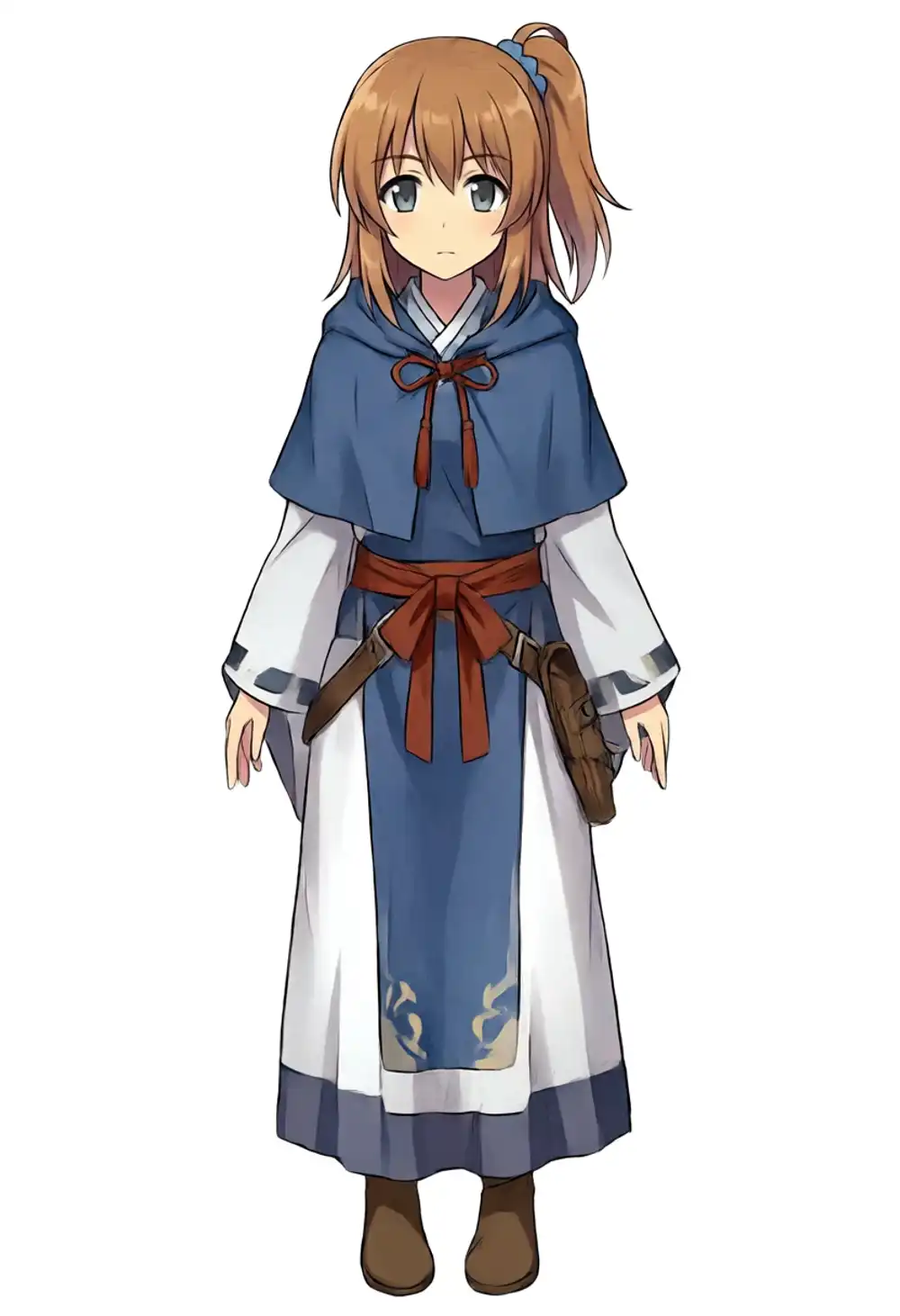
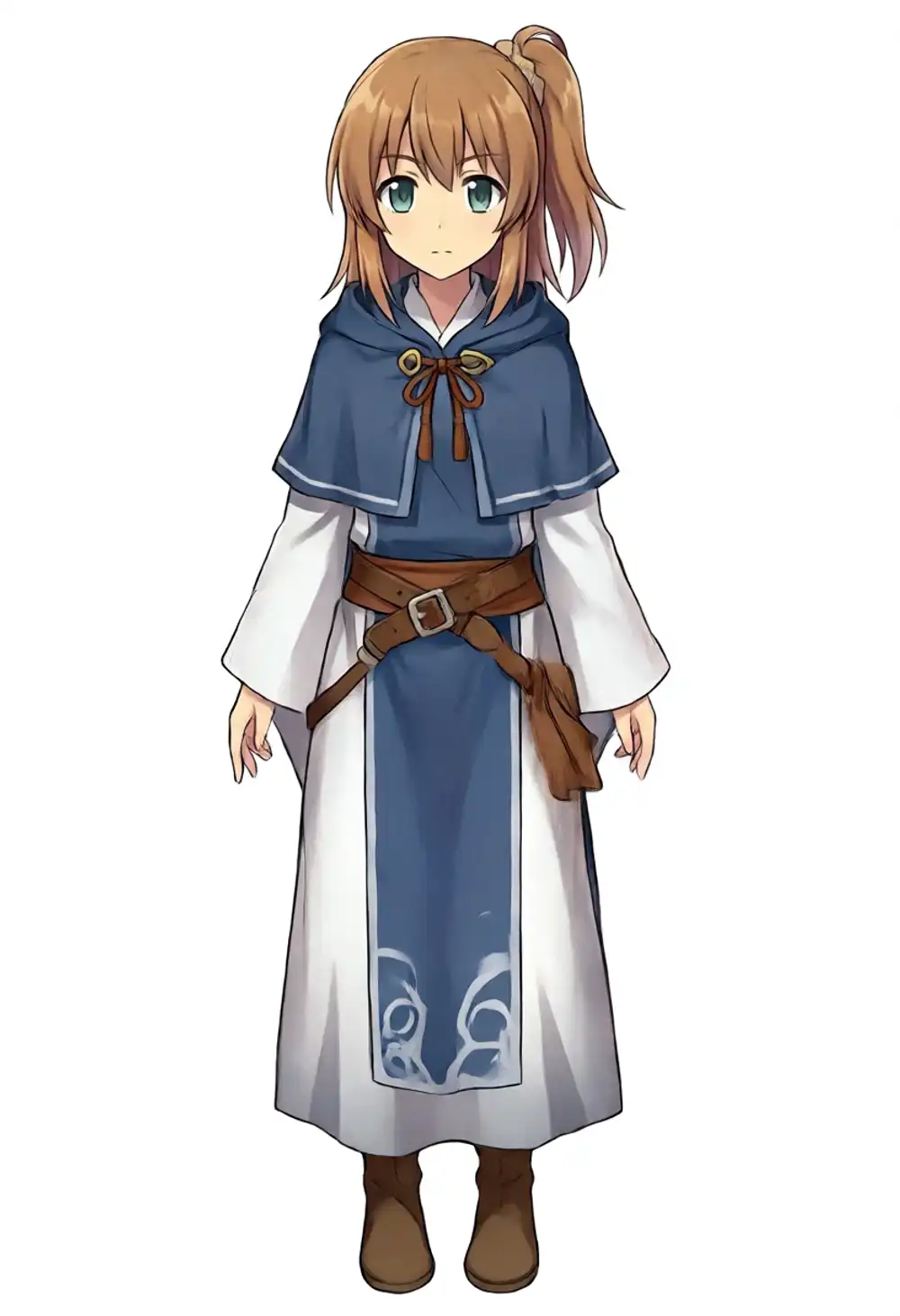
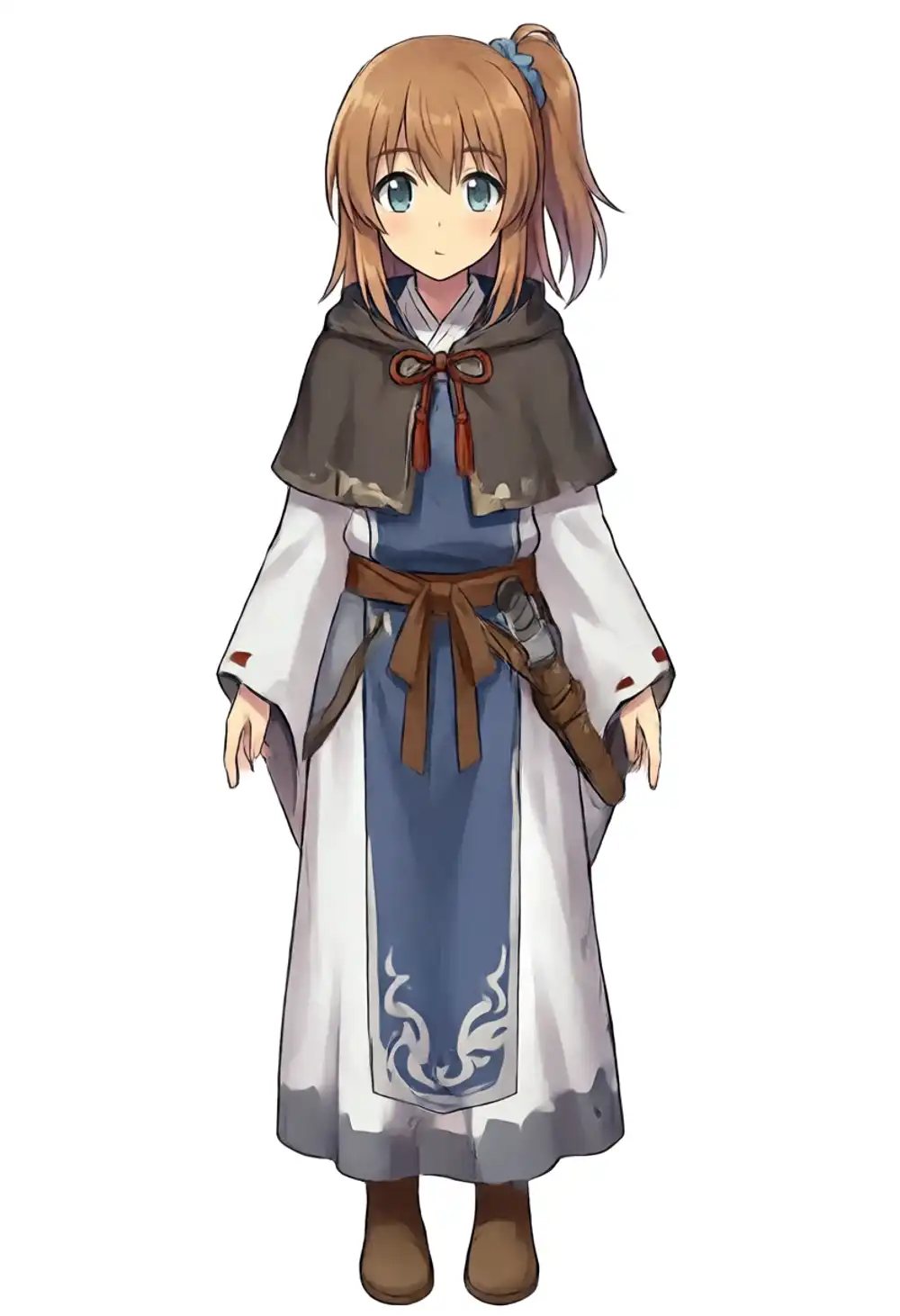
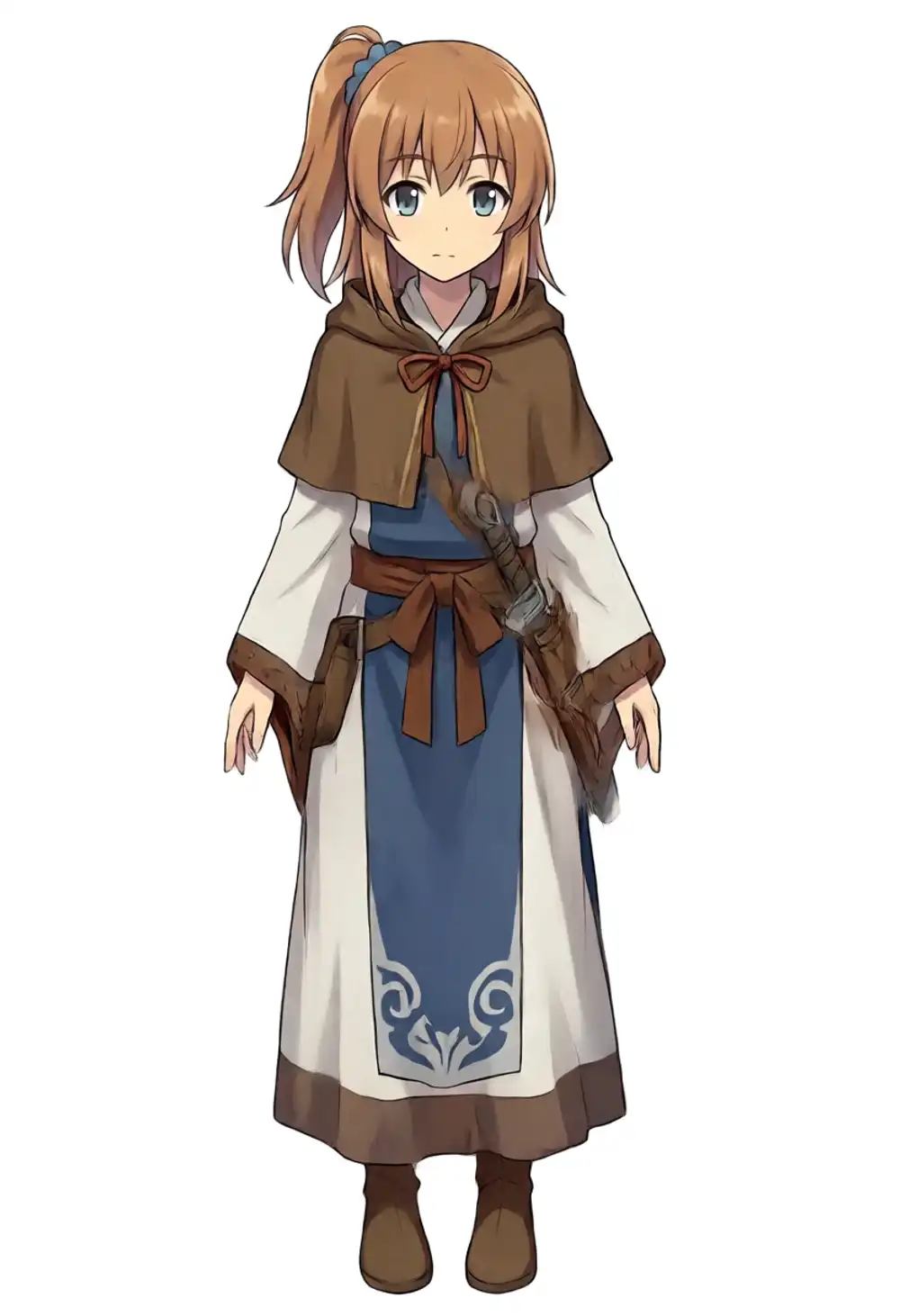
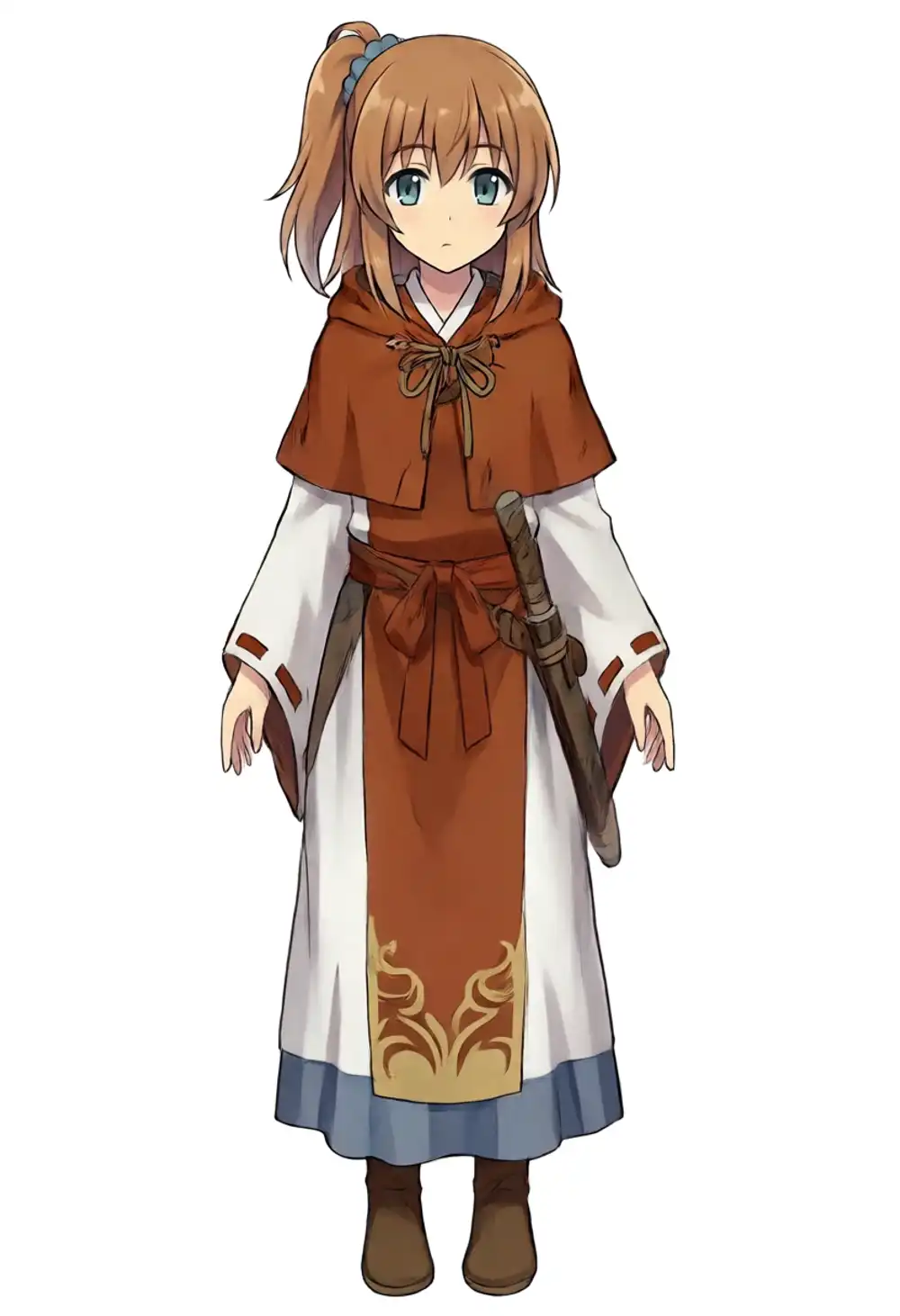
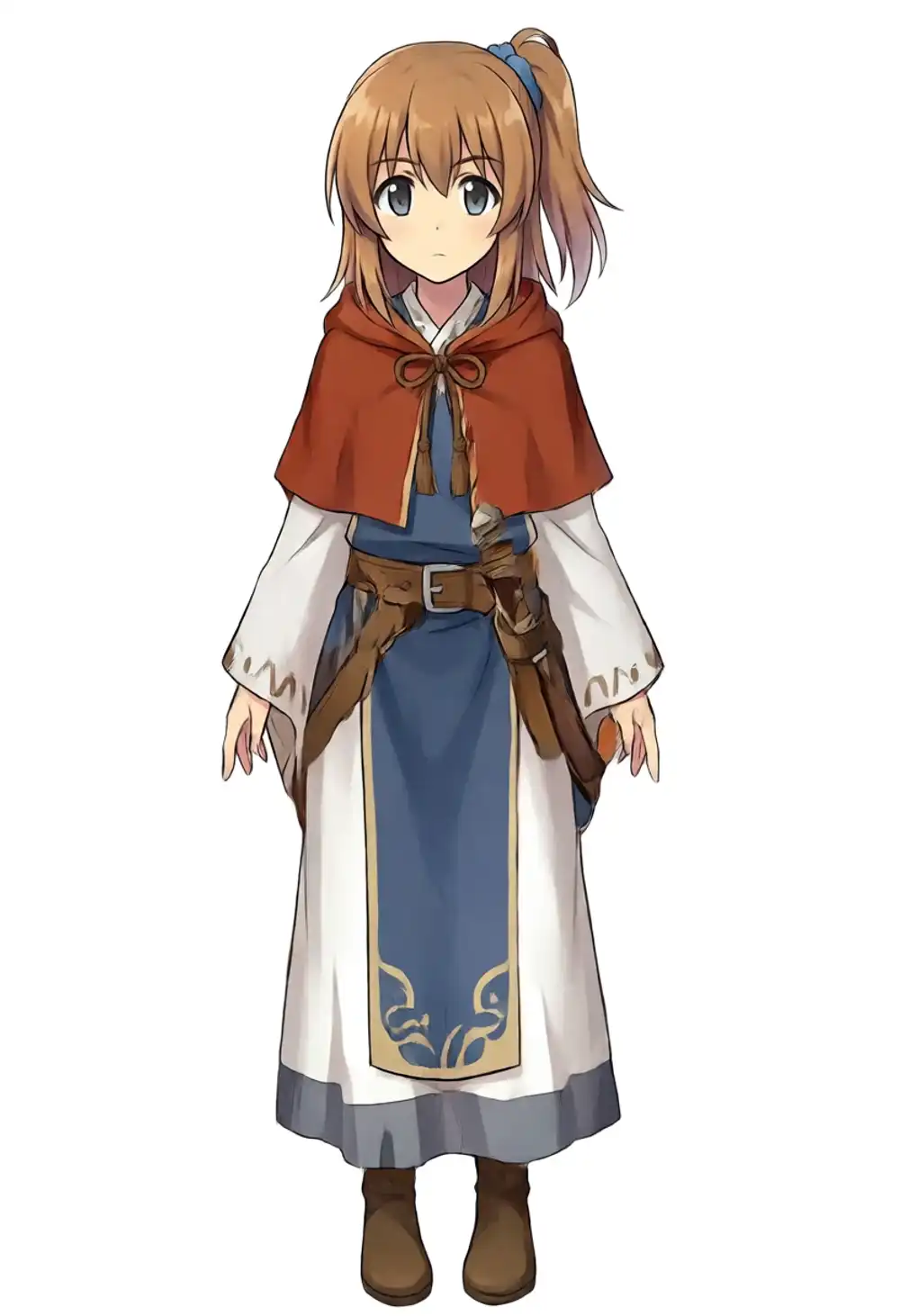
6/9 ≈ 67%. Brown hair + side ponytail (training-canon viewer-right) + ahoge + cleric/priestess-style outfit comes out on 6 seeds (42, 7, 200, 300, 400, 700). The other 3 (100, 500, 600) lose the kanachan recognition line — hidden under the hood, ponytail not standing up, or hair just flowing without a tie.
Still, the K=0.75 light-prompt hit rate of 2/9 = 22% jumps to 6/9 ≈ 67% just by piling on hood, white robe, gold embroidery etc. “v1.0 base’s rawness can be compensated for by piling on prompt content” — that’s the threshold.
The trade-off is that the outfit locks in (no gym uniform from training canon; the prompt’s cleric outfit takes over). If you want both costume variety and high hit rate, you end up back at retraining on v1.0 base.
NSFW output test (bonus)
Beyond this point the test outputs may be sensitive, so the images themselves are blurred. If you want the unblurred result, please try it locally.
3 models × nsfw tag on/off — checking that v1.0 produces NSFW at the same rate as preview3-base or WAI-Anima. Prompts mirror the structure of the previous WAI-Anima article.
nsfw tag off
Prompt: kanachan, 1girl, solo, long blonde hair, blue eyes, completely nude, naked, bare skin, standing, looking at viewer, full body, white background
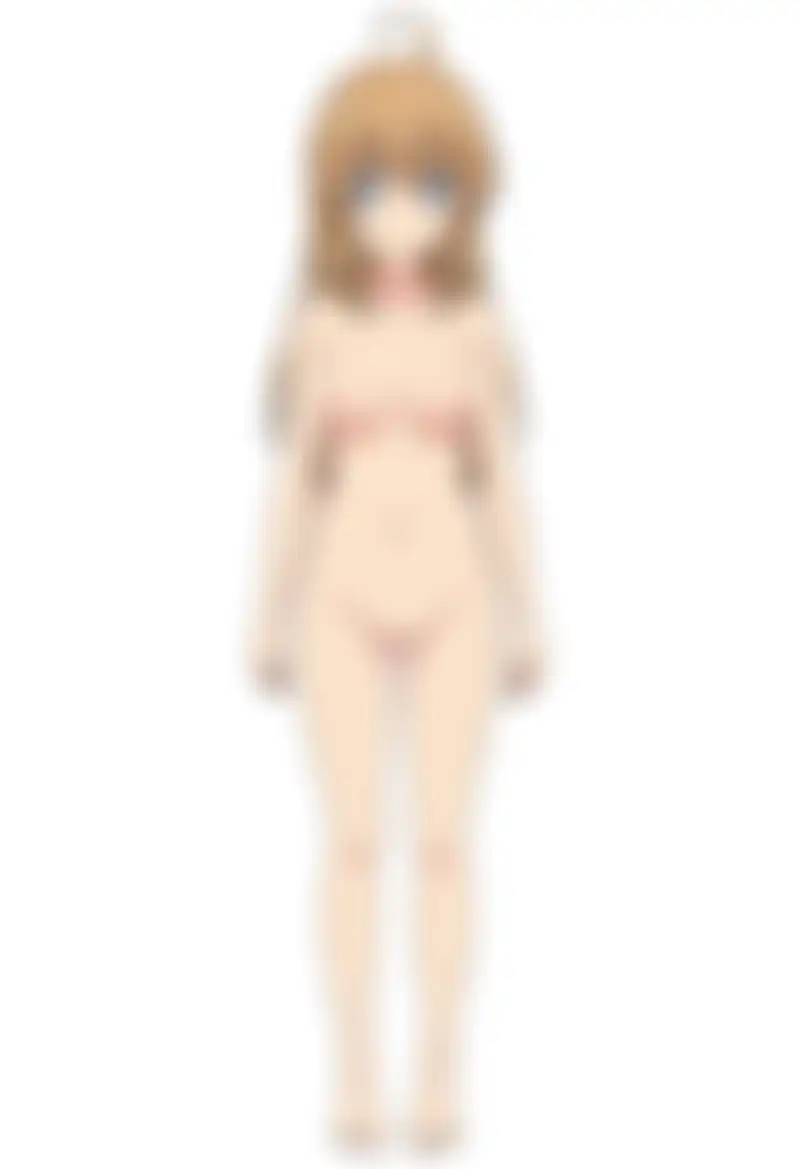
All 3 models output nude even without nsfw, on the direct completely nude, naked instructions. The previous article’s preview3-base era tendency of “without nsfw the model hides nudity” doesn’t reproduce; all 3 here output bare. Treat it as an example of how the prompt strength shifts behavior.
nsfw tag on
Prompt: kanachan, 1girl, solo, long blonde hair, blue eyes, completely nude, naked, bare skin, nsfw, straight-on, full body, standing, white background

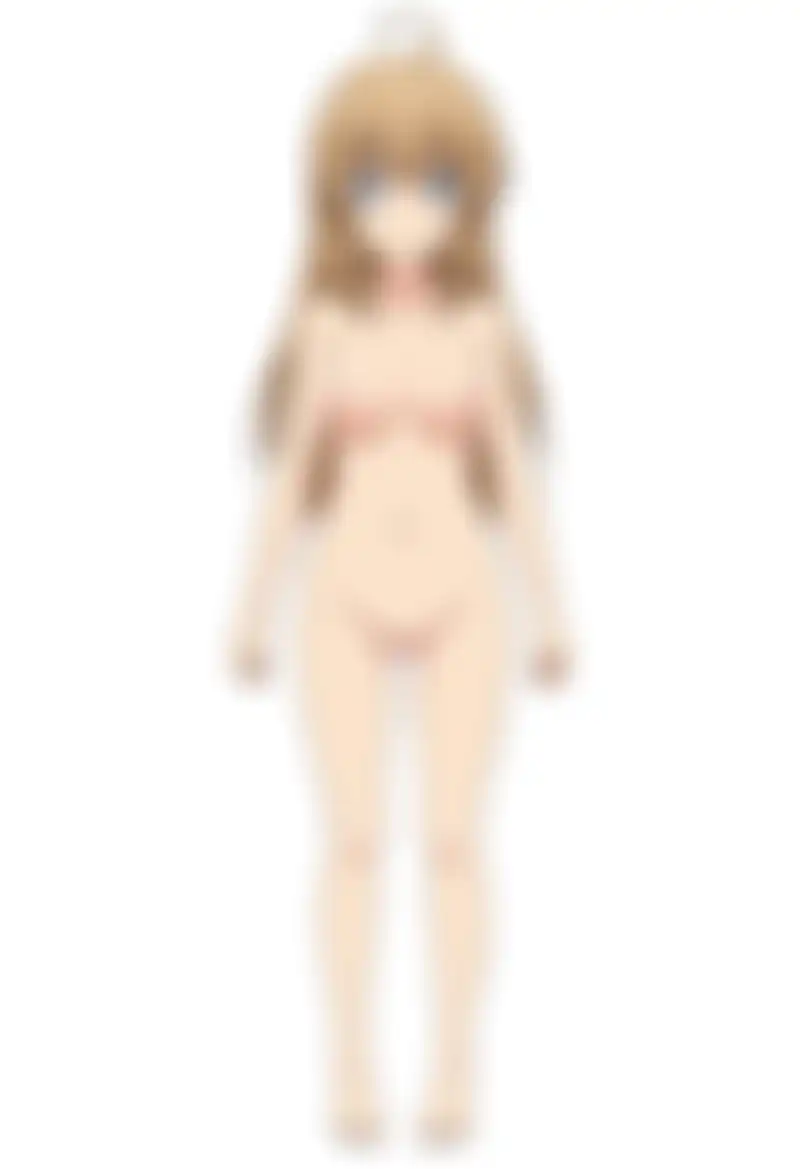
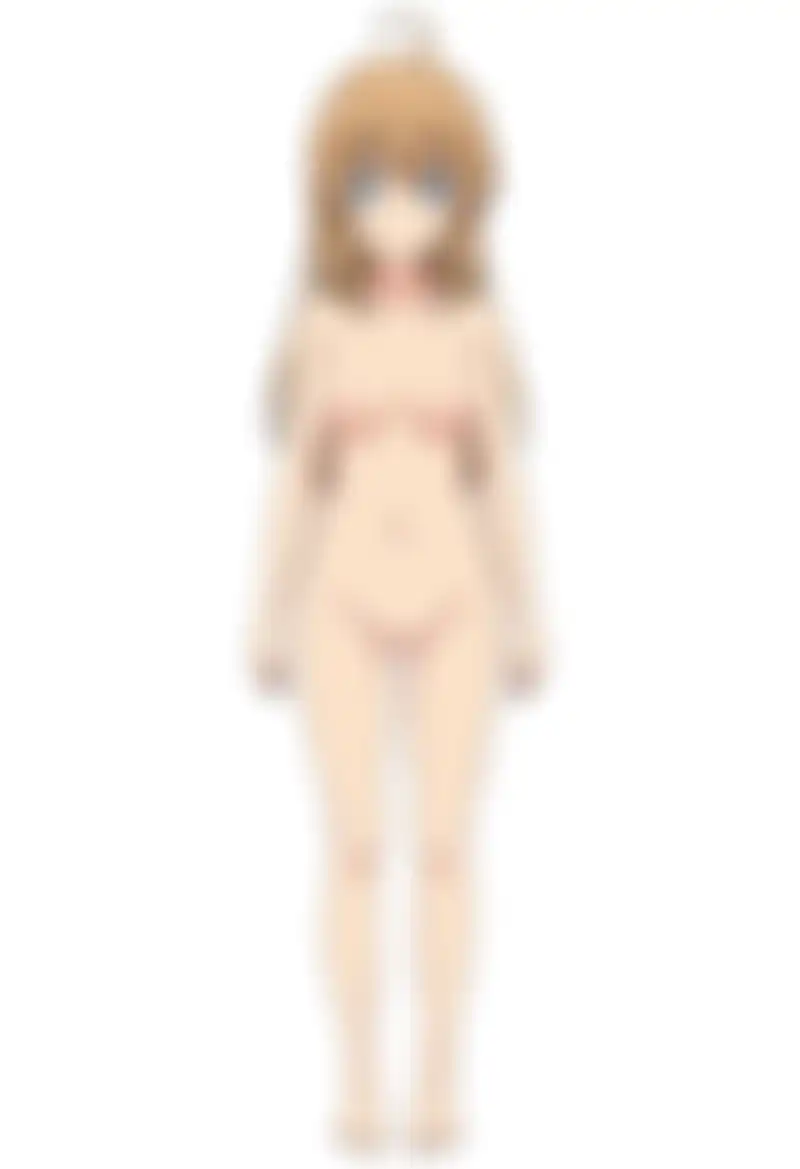
With nsfw on, the output isn’t significantly different from off — all 3 models output nude. There’s no sign of an added safety filter on v1.0 in this 3-model comparison.
Remaining work and follow-up
What’s visible at this point:
- v1.0’s raw output hasn’t changed significantly from preview3-base (small differences in costume and background)
- Applied to v1.0, the WAI-Anima-trained existing LoRA collapses on all 3 light-prompt seeds. On WAI-Anima / preview3-base the ponytail direction is wrong but the character survives — on v1.0 the character is lost
- Heavy constraints (spec / format-T) bring out the main kanachan features, but ponytail direction is seed-bound and on preview3-base × seed 100/200 the arms aren’t drawn — anatomical breakdowns appear
- Strength sweep follows a non-monotonic curve; the most salvageable light-prompt setting is strength 0.75 (small side-ponytail-like tie + ahoge), but it doesn’t reach training-canon
- Turbo LoRA is effective for 5.7× speedup. Turbo 1.0 × kana 0.75 is the matrix sweet spot; 9-seed hit rate at 2 (seeds 42, 200) ≈ 22% for “kanachan main features land”
- Heavy prompt (costume parts and colors explicit) + Turbo + kana 1.0 over 9 seeds gives 6/9 ≈ 67% kanachan-recognizable. The threshold lives on the prompt side
- NSFW behavior hasn’t changed from the preview3-base era
WAI-Anima keeps kanachan’s character even from just the kanachan keyword, while v1.0 collapses. The reading: WAI-Anima’s aesthetic tuning + WAI’s extra training data helps the LoRA fire, so going back to raw base makes the same LoRA much harder to activate.
Inference-side tuning alone can’t close this gap (light prompt is 22% even at K=0.75, heavy prompt is seed-bound direction gacha), so the follow-up is to retrain kanachan LoRA on v1.0 base and see if the character fires reliably on light prompts, and whether the direction-control non-monotonic curve clears up. Same setup as the previous WAI-Anima training: RunPod with rank 32 / lr 2e-5 / about 12,000 steps. M1 Max doesn’t have the local training environment set up, so this one can’t be answered locally.
For practical use in the meantime, one of these three is realistic:
- Keep using WAI-Anima v1 (aesthetic-tuned model over preview3-base)
- If you have to use v1.0, push the prompt to spec level or higher (at minimum spell out hair style and color)
- For speed, stack v1.0 + Turbo LoRA, but secure character LoRA stability separately through the prompt
References
- Anima (HuggingFace)
- Anima-Base v1.0 direct file
- Anima Turbo LoRA (CivitAI)
- Anima Style LoRA reference (CivitAI)
- NVIDIA Open Model License
- I found WAI-Anima while looking for a new WAI-Illustrious release and tried it
- Pushing my WAI-Anima character LoRA to the officially recommended 12,000+ steps made direction control worse — ep150 hits 100% at half the training