Running Qwen Image Edit (NSFW Version) Locally on M1 Max 64GB
 Contents
In the previous article I ran Qwen Image Edit on RunPod. This time I tried it locally on an M1 Max 64GB.
The Limits of SD1.5 + IP-Adapter
My first attempt was pose-changing with ComfyUI + SD1.5 + IP-Adapter.
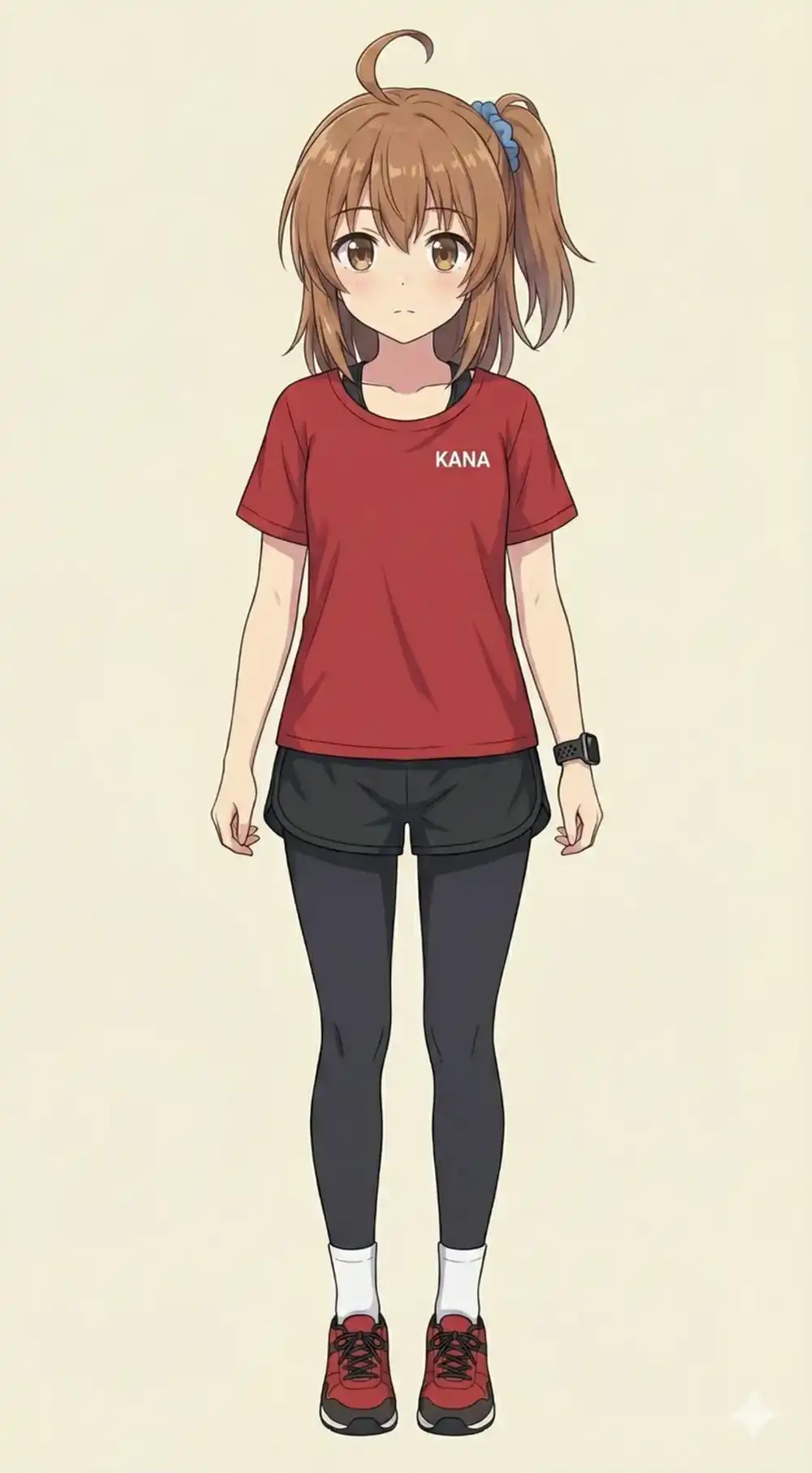
The results were dismal. Even with IP-Adapter weight pushed to 0.95, I only got “similar vibes” — not the actual character.
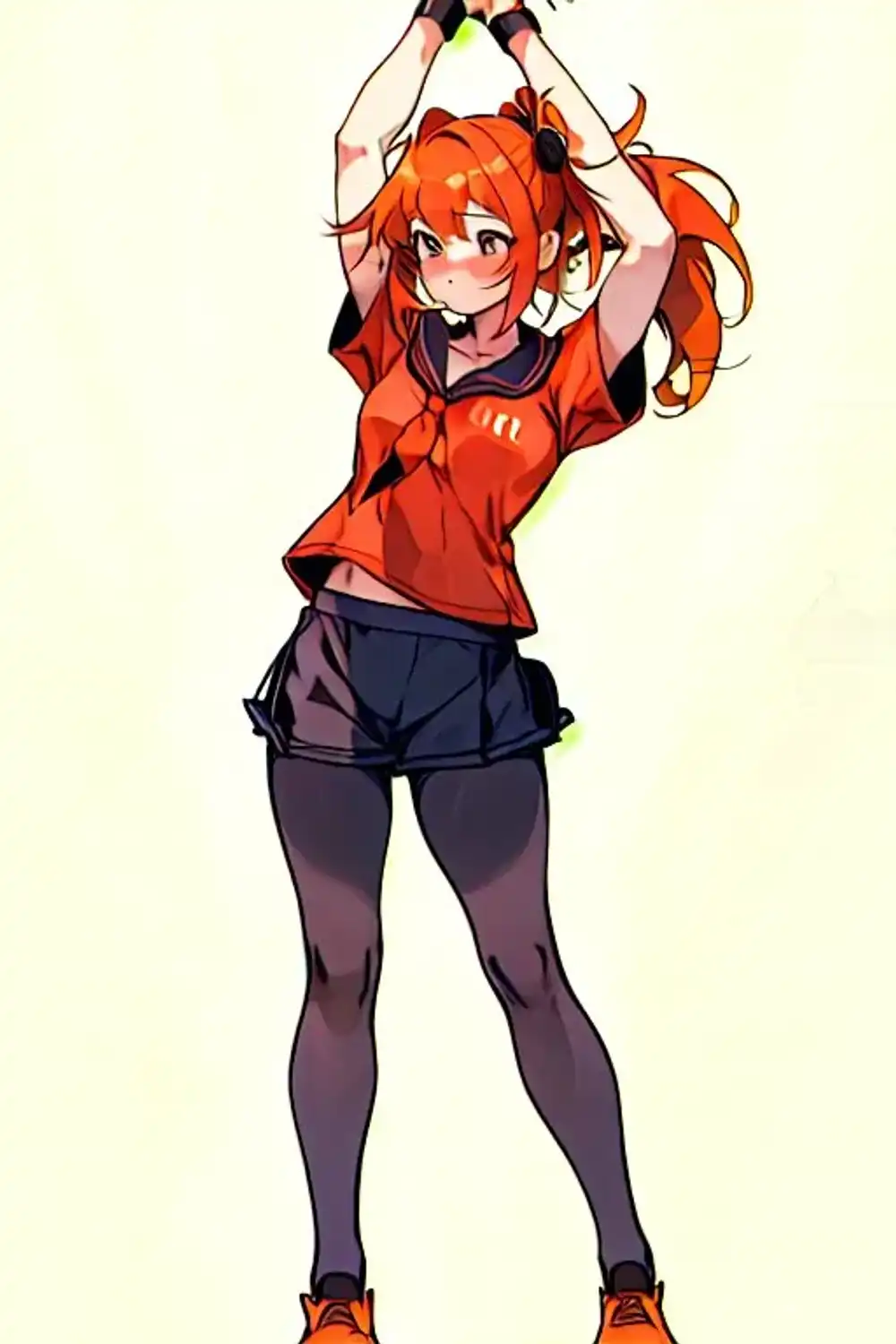
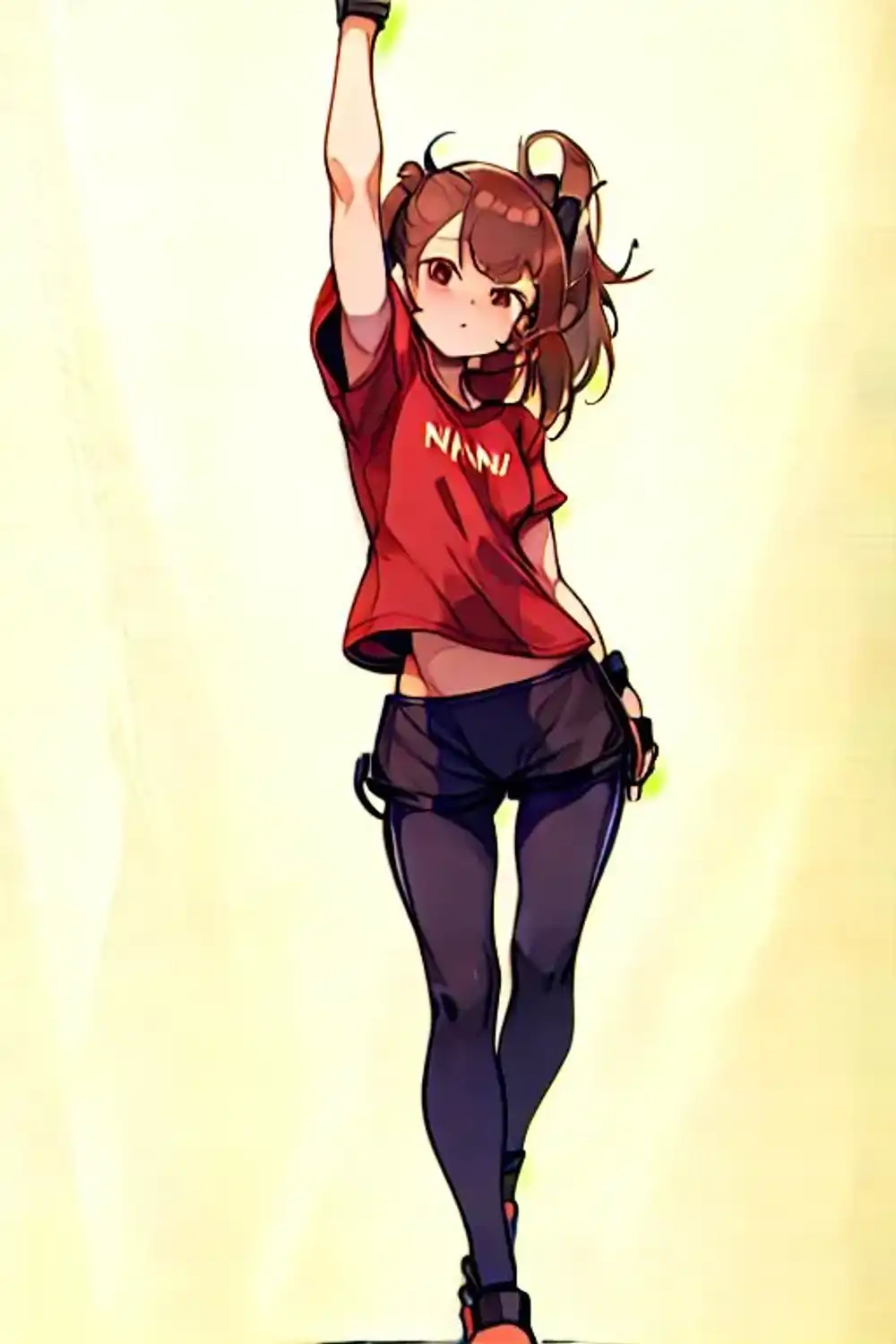
This approach just doesn’t work for changing poses while keeping a specific character intact.
Training a LoRA was another option, but I’d already tried LoRA training on SeaArt and failed. Distinctive hairstyles like a side ponytail are especially hard to reproduce.
Switching to Qwen Image Edit
When I tried it on RunPod, Qwen Image Edit showed strong character consistency. Time to see if it works locally.
Model Used
Using v16 of Phr00t/Qwen-Image-Edit-Rapid-AIO. I chose v16 because v18 tends to drift away from the original character.
- Model size: 28.4GB
- M1 Max 64GB handles this easily
Download
Downloading directly in the browser is the most reliable:
https://huggingface.co/Phr00t/Qwen-Image-Edit-Rapid-AIO/tree/main/v16
Download Qwen-Rapid-AIO-NSFW-v16.safetensors and place it:
mkdir -p ~/ComfyUI/models/checkpoints/v16
mv ~/Downloads/Qwen-Rapid-AIO-NSFW-v16.safetensors ~/ComfyUI/models/checkpoints/v16/
Custom Node
You need the text encode node modified by Phr00t:
cd ~/ComfyUI/comfy_extras
curl -L -O https://huggingface.co/Phr00t/Qwen-Image-Edit-Rapid-AIO/resolve/main/fixed-textencode-node/nodes_qwen.py
Workflow
Download the official workflow:
https://huggingface.co/Phr00t/Qwen-Image-Edit-Rapid-AIO/blob/main/Qwen-Rapid-AIO.json
macOS Notes
On macOS you can’t pip install directly into the system Python. ComfyUI needs to run inside a virtual environment (venv).
cd ~/ComfyUI
python3 -m venv venv
source venv/bin/activate
pip install -r requirements.txt
From now on, always run source venv/bin/activate before launching ComfyUI.
Also, Python 3.14 is too new — some packages don’t support it yet. Python 3.12 is recommended. To install via Homebrew:
brew install python@3.12
/opt/homebrew/opt/python@3.12/bin/python3.12 -m venv venv
Launching on M1 Max
This is the critical part. Running it normally produces a completely black image.

cd ~/ComfyUI
source venv/bin/activate
python main.py --fp16-vae
The --fp16-vae flag is required.
Why
By default, the VAE runs in torch.bfloat16, which doesn’t play well with Apple Silicon’s MPS backend. The VAE output becomes NaN (not a number), resulting in the black image.
Forcing the VAE to fp16 with --fp16-vae works around this.
Usage
Only One Input Image
The workflow has two image inputs, but only use one.
Feeding two images creates a chimera and becomes unusable. Delete the second LoadImage node or disconnect it.
Prompting
Describe the pose in natural language:
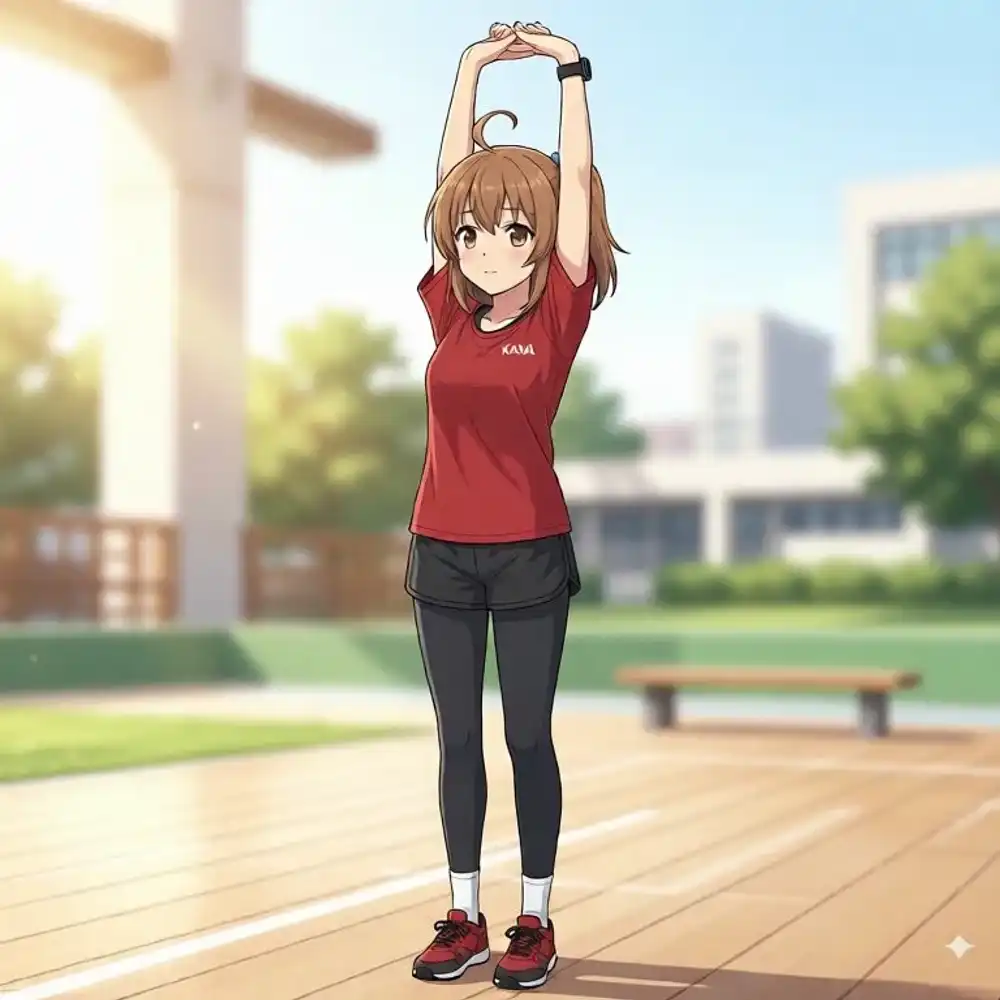
The girl is stretching with arms raised above her head, warming up exercise pose, same character, same outfitWrite in sentences, not SD-style tag lists. Qwen has strong language comprehension, so the prompt actually lands.
Settings
| Parameter | Value |
|---|---|
| steps | 4 |
| cfg | 1.0 |
| sampler | euler_ancestral |
Results
The character’s features stay intact while the pose changes — completely different from SD1.5 + IP-Adapter. Outfit, body shape, and face carry over almost unchanged.
Generation Speed
About 80 seconds per image. That’s heavy for just 4 steps.
| Environment | Speed |
|---|---|
| M1 Max 64GB | ~80 sec/image |
| RTX 5090 (RunPod) | A few sec/image |
The realistic workflow is: use local for checking and fine-tuning, RunPod for bulk generation.
Unresolved Issue
The side ponytail hairstyle is inconsistent. Even with negative prompts to exclude symmetrical hairstyles and specific prompt descriptions, I can’t fully reproduce it.
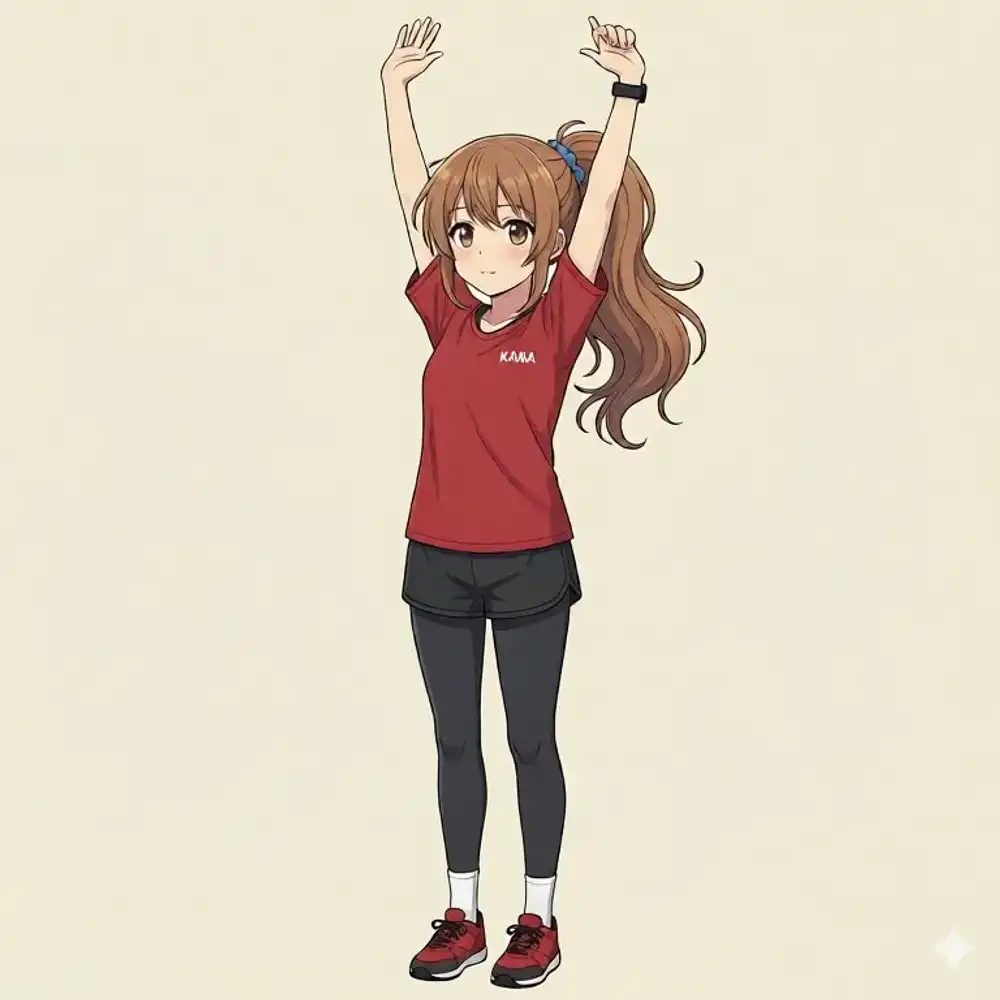
twintails, double ponytail, center ponytail, symmetrical hair, pigtailsI think this is less a Qwen problem and more that side ponytails are underrepresented in training data.
Next Steps
Using ControlNet Union for Qwen (InstantX/Qwen-Image-ControlNet-Union) should allow more precise pose control — detecting a pose with DWPose and specifying it via ControlNet.
Compatibility with the Phr00t AIO version is unconfirmed, but it’s worth trying. That’s the next experiment.