Refining Anima Character Art with MOSS-Image 4-Step I2I on M1 Max
 Contents
In previous image generation workflows on this Mac, I created illustrations of my original character “Kana” using the anime-focused waiANIMA base model paired with custom character LoRAs.
While MOSS-Image excels at legible typography and photographic rendering, there are currently no dedicated character LoRAs trained for it. Because LoRA adapters target specific transformer layer architectures, Anima LoRAs cannot be directly attached to MOSS-Image.
To generate this character with MOSS-Image, an alternative approach is image-to-image (I2I) translation: first generating the composition in Anima, encoding the resulting image into latent space, and having MOSS-Image redraw it.
On an M1 Max, default 25-step MOSS-Image generation takes approximately 10 minutes per image.
However, with a 4-step distilled LoRA configuration, generation latency drops to roughly 50 seconds. This makes multi-pass I2I workflows and parameter tuning practical on Apple Silicon.
I evaluated feeding Anima character illustrations into the 4-step MOSS-Image pipeline across three tasks: adding legible text to a sign, 1.5x upscaling, and photorealistic stylistic conversion.
Verification Environment
| Item | Details |
|---|---|
| Hardware | MacBook Pro M1 Max, 64GB Unified Memory, macOS 27.0 |
| GPU Backend | MPS (Apple Silicon GPU) |
| ComfyUI | v0.43.0, Python 3.12.12, PyTorch 2.15.0 |
| Custom Nodes | HaDeS MOSS Suite 88839e0 (using MOSS KSampler) |
| Diffusion Model | moss_image_sft_bf16 (Comfy-Org/MOSS-Image) |
| 4-step LoRA | akhaliq/MOSS-Image-SFT-4-steps (moss_image_sft_4step_v2.0.safetensors, strength 1.0) |
| Text Encoder | qwen3.5_9b_bf16 |
| VAE | flux2-vae |
| Sampler | MOSS KSampler, euler, simple, 4 steps, CFG 1 |
| Input Images | waiANIMA + Kana LoRA (rework-v4 ep150) + Turbo LoRA (832×1024). Three scenes: holding sign, bust portrait, full body (2 images each) |
| Seeds | 1000, 1001 (2 input images × 2 seeds = 4 generations per condition) |
The workflow passes the Anima image from LoadImage into VAE Encode, routing the latent representation into MOSS KSampler.
Generation took ~38 seconds for 832×1024 inputs and ~102 seconds for 1.5x upscaled (1248×1536) passes.
Peak physical RAM usage reached 47GB during inference.
Discrete Noise Coarseness in 4-Step Denoise
When sweeping the standard denoise parameter across 0.3, 0.5, 0.6, 0.7, 0.8, and 0.9, outputs at 0.7 and 0.8 were bitwise identical across all 16 test pairs.
When denoise is less than 1.0, ComfyUI’s internal sampler schedule constructs int(steps / denoise) total discrete steps and executes only the trailing steps portion (comfy/samplers.py:set_steps).
For a 4-step target schedule, this produces the following discrete thresholds:
| denoise | Constructed Schedule | Initial Starting Noise |
|---|---|---|
| 0.3 | 13 steps | 0.69 |
| 0.5 | 8 steps | 0.83 |
| 0.6 | 6 steps | 0.91 |
| 0.7, 0.8 | 5 steps | 0.95 |
| 0.9 | 4 steps | 1.00 |
Initial noise values are derived from the simple scheduler with shift 5.0, where 1.0 represents complete noise (pure text-to-image).
At denoise 0.9, the sampler executes the full 4-step schedule, discarding the input image entirely. In testing with the sign illustration at seed 1000, outputs generated from an empty latent and from denoise 0.9 matched pixel-for-pixel.
Because schedule lengths must be integers, in a 4-step model, 5 scheduled steps (starting noise 0.95) jumps directly to 4 scheduled steps (noise 1.00). Any intermediate noise level cannot be dialed in using standard denoise inputs alone.
Adding Text to Signs
Using an illustration of the character holding a blank white wooden board, I prompted MOSS-Image to inscribe the phrase “LILTING CHANNEL”.
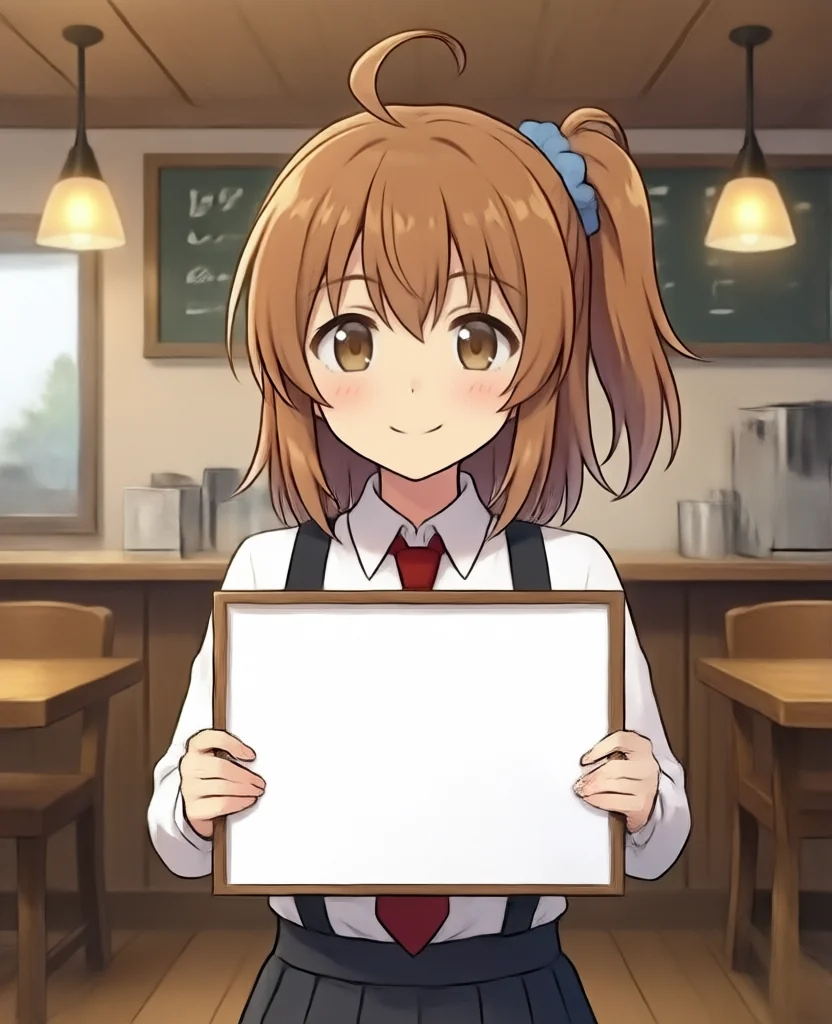
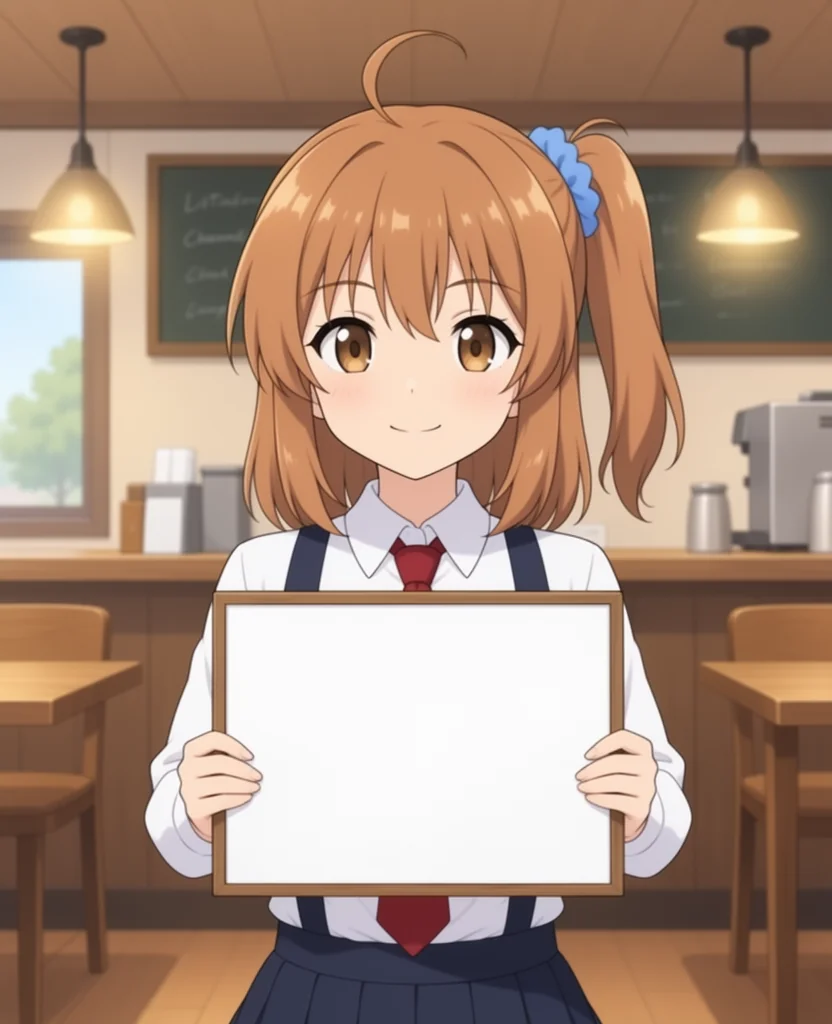
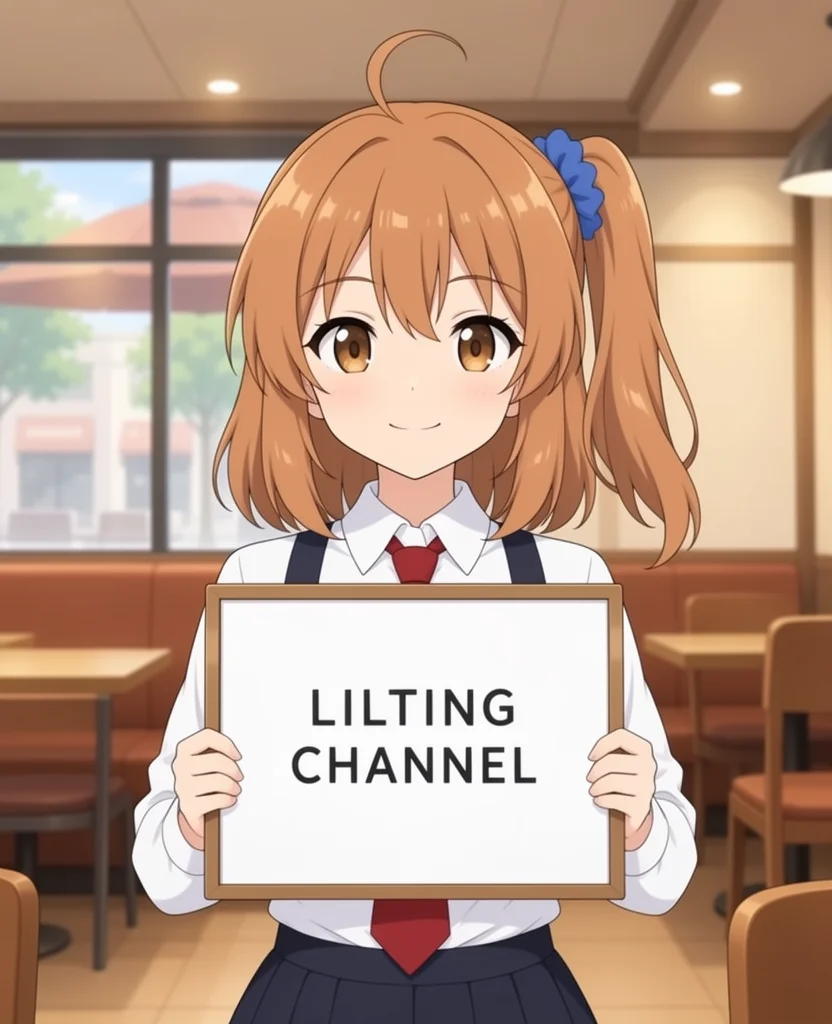
At denoise 0.6 or lower, the sign remained completely blank across all 4 images.
At denoise 0.7 (starting noise 0.95), the text “LILTING CHANNEL” was rendered with exact spelling on all 4 outputs.
Key character traits—side ponytail, blue hair scrunchie, cowlick (ahoge), and collar/tie attire—were preserved, while the background cafe interior gained realistic architectural texture.
1.5x Upscaling
A full-body street scene was upscaled 1.5x (to 1248×1536) using Lanczos filtering via ImageScaleBy, re-encoded to latent space, and redrawn at denoise 0.3, 0.5, 0.7, and 0.9.
The facial region was cropped and compared against simple Lanczos interpolation.

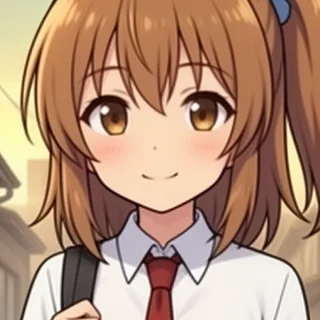
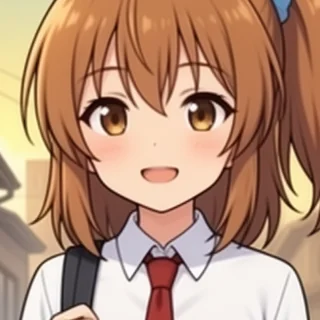
At denoise 0.3 (starting noise 0.69), line art softened by interpolation became sharp and well-defined without shifting facial expression or anatomy.
At denoise 0.5, the closed mouth opened into a different smile. Above 0.7, background buildings and lighting conditions altered significantly.
Photorealistic Stylistic Transfer
A bust portrait illustration was passed into MOSS-Image with a photorealistic prompting style.
Under standard KSampler with denoise between 0.3 and 0.8, all generations remained anime-styled drawings. At denoise 0.9, character identity was lost due to pure text-to-image fallback.
Because the transition to photographic rendering occurs between noise levels 0.95 and 1.00, it cannot be dialed in through the standard denoise parameter in a 4-step schedule.
To bypass this limitation, I used ComfyUI’s standard ManualSigmas and SamplerCustom nodes to directly specify the starting sigma values at 0.96, 0.97, 0.98, and 0.99. Setting 0.952 confirmed equivalence to denoise 0.7 (only 0.6% of pixels deviated by more than 10 brightness steps).
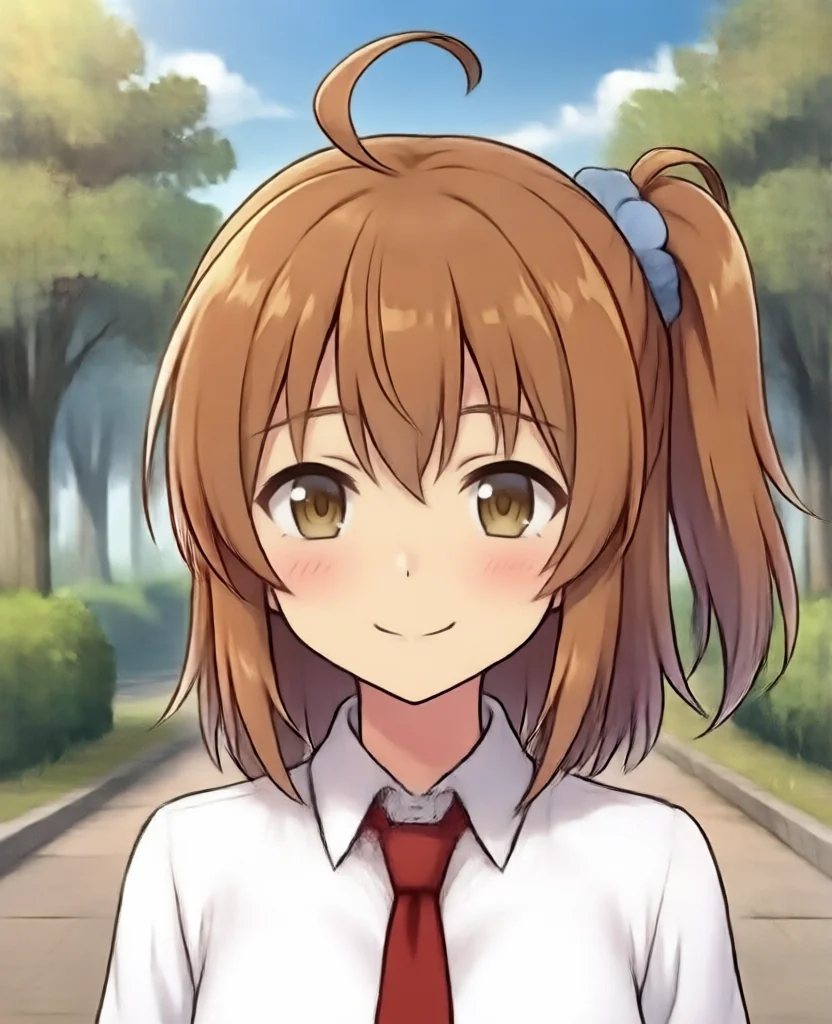
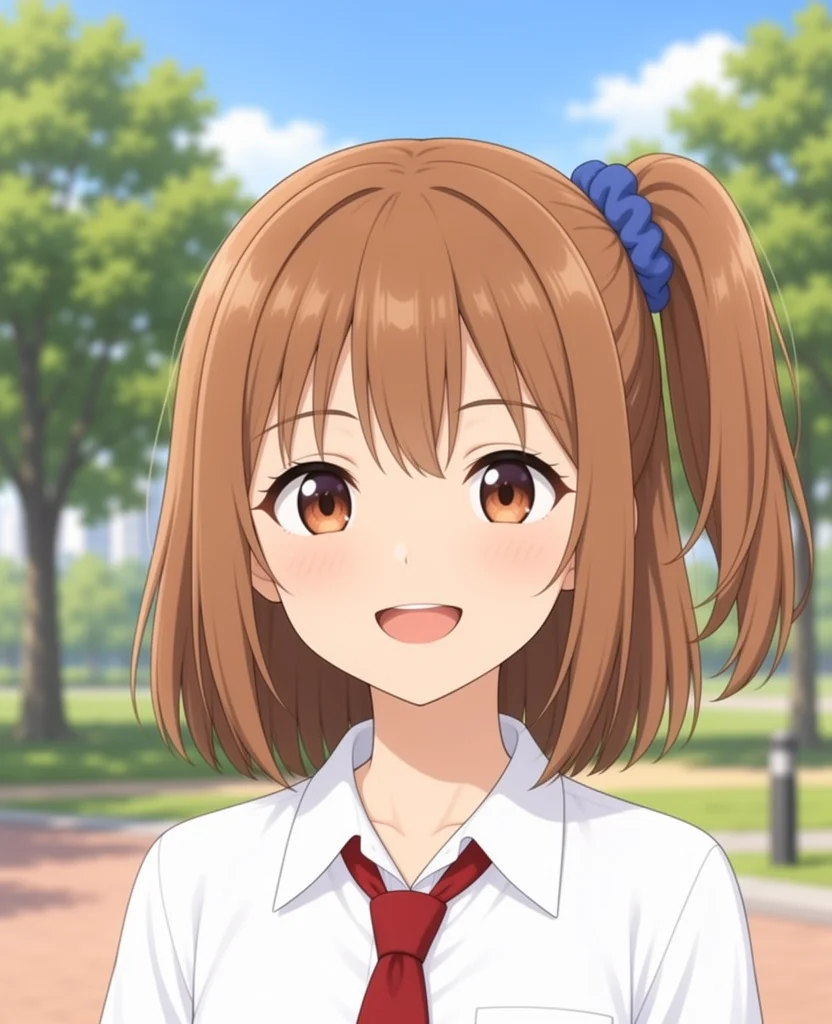
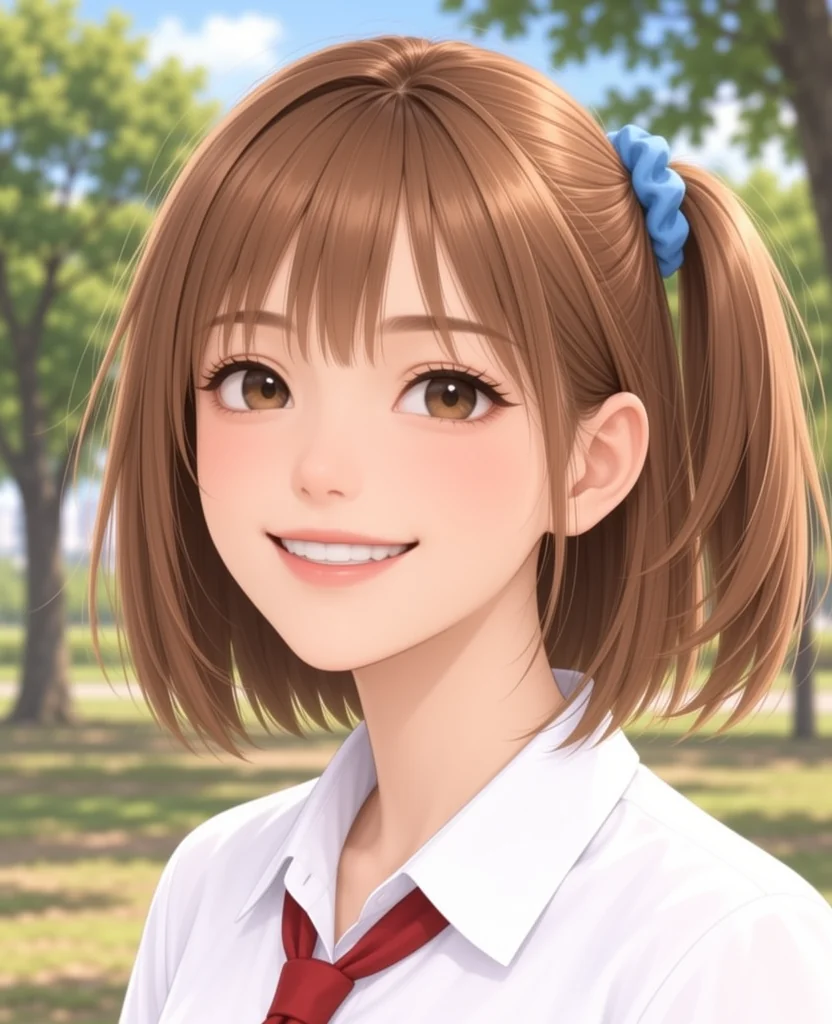
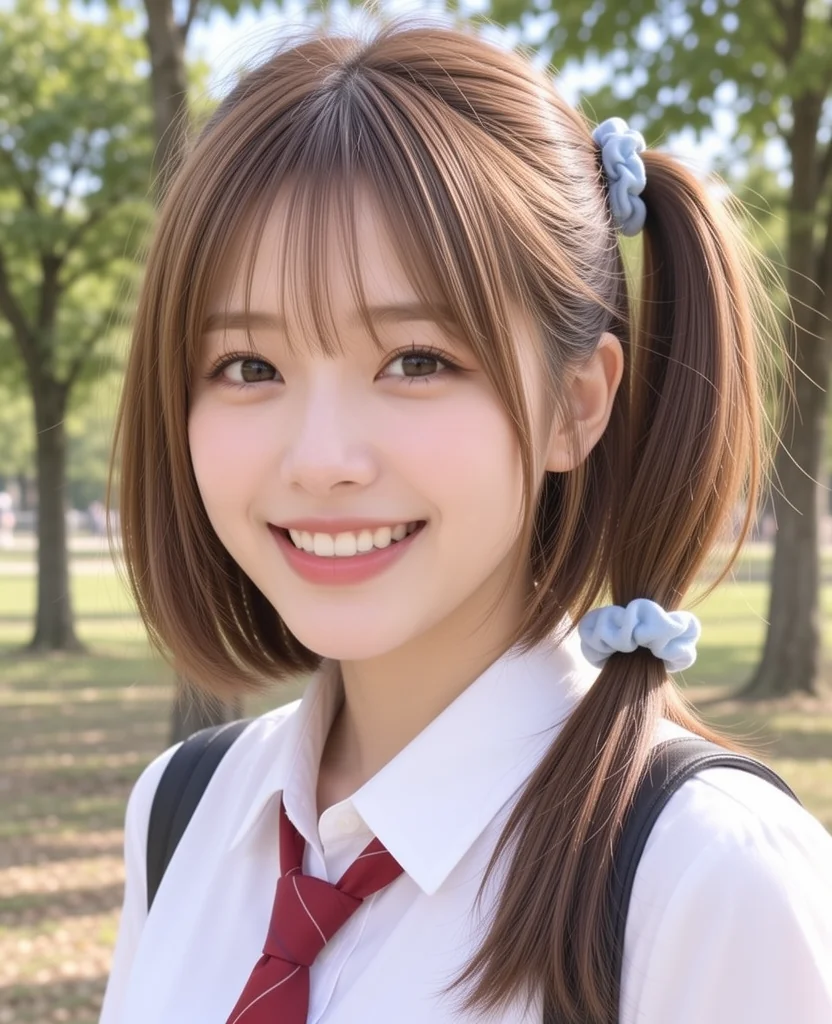
The shift from 2D illustration to photography occurred abruptly across the 0.97 to 0.98 boundary.
Out of 4 test runs, 2 converted at 0.97 and the remaining 2 converted at 0.98.
Immediately upon switching to photography, the character’s side ponytail, blue hair scrunchie, white blouse, and red necktie remained identifiable. However, the prominent anime cowlick (ahoge) vanished, replaced by standard realistic bangs. Pushing noise further to 0.99 shifted facial anatomy entirely to an unrelated person.
Summary of Settings and Results
| Objective | Effective Setting | Preserved Elements | Altered Elements |
|---|---|---|---|
| Inscribe text on signs | denoise 0.7 (noise 0.95) | Composition, hair style, scrunchie, ahoge, attire | Background interior redrawn with MOSS texture |
| 1.5x upscaling | denoise 0.3 (noise 0.69) | Facial expression, pose, sharp line contours | Above 0.5 alters expression; above 0.7 alters background |
| Photorealistic transfer | Start noise 0.97–0.98 (ManualSigmas) | Side ponytail, scrunchie, blouse, necktie | Ahoge removed; realistic bangs synthesized |
Using 4-step MOSS-Image enables effective typography inpainting and clean upscaling on existing anime character art while keeping generation times under one minute on Apple Silicon.
Stylistic conversion to photography is also achievable, but requires ManualSigmas to access the narrow 0.97–0.98 noise band that 4-step scheduling skips over in standard denoise controls.