Official Anima Turbo v1.1 and Aesthetic v1.1 Run About 4x Faster on a Radeon 8060S Than on an M1 Max
 Contents
My recent comparison of official Anima Turbo v1.1 and Aesthetic v1.1 ran on an M1 Max 64GB, where each image took about 38 s on the Turbo models and about 260 s on Base and Aesthetic v1.1 once the model was loaded.
Ten images on the 30-step models takes more than 40 minutes.
I also have an EVO-X2 with 48GB allocated to VRAM (the memory the GPU uses).
The PyTorch environment from when I ran FastWan and Wan 14B in June is still there, so I ran the same five setups on it.
The prompts, seeds (the starting value for the random numbers), and resolutions are the same, and I compared the times.
I also counted again how often a character LoRA (extra weights for drawing a specific character) trained on Base produces the intended character under the same conditions.
Test Environment
| Item | EVO-X2 (this article) | M1 Max (previous article) |
|---|---|---|
| Machine | GMKtec EVO-X2 | MacBook Pro (M1 Max) |
| GPU | Radeon 8060S (ROCm) | M1 Max (Metal) |
| Memory | 64GB (split in BIOS into 48GB VRAM / 16GB RAM) | 64GB (shared by CPU and GPU) |
| OS | Windows 11 Pro 26200 | macOS |
| PyTorch | 2.11.0+rocm7.13.0 | Not recorded |
| ComfyUI | 0.43.0 (commit b5a4321) | Not recorded |
The ComfyUI and PyTorch versions are not matched between the two machines.
Setup
PyTorch does not officially ship a ROCm build (ROCm is AMD’s GPU compute stack) for Windows, so I reused the AMD TheRock wheel (a package file installed with pip) for gfx1151 from the June article.
To keep the video generation environment intact, I copied the conda environment (a self-contained set of Python and packages) before installing the dependencies for ComfyUI (a tool that runs image generation by connecting nodes).
conda create -y -n comfyui --clone fastwan
git clone --depth 1 https://github.com/comfyanonymous/ComfyUI
cd ComfyUI
conda run -n comfyui pip install -r requirements.txt
conda run -n comfyui python main.py --listen 127.0.0.1 --bf16-vae --bf16-unet
Installing requirements.txt did not overwrite torch, which stayed at 2.11.0+rocm7.13.0.
The startup log shows Device: cuda:0 AMD Radeon(TM) 8060S Graphics : native and Total VRAM 55161 MB, total RAM 16023 MB.
The ROCm build of PyTorch handles the GPU under the CUDA name torch.cuda, so the device still appears as cuda:0.
The models for Anima, an anime-style image generation model, came from circlestone-labs/Anima on Hugging Face, and the Turbo LoRA came from Civitai.
Compared Models
These are the same five setups as last time. The character LoRA is applied in the Character LoRA, LoRA Results Across 4 Seeds, and Background Detail sections.
| Label | Model | Role |
|---|---|---|
| Base + Turbo LoRA | anima-base-v1.0 + anima-turbo-lora-v0.1 (strength 1.0) | Baseline for Turbo |
| Turbo v1.0 | anima-turbo-v1.0 | First official Turbo |
| Turbo v1.1 | anima-turbo-v1.1 | New official Turbo |
| Base | anima-base-v1.0 | Baseline for 30 steps |
| Aesthetic v1.1 | anima-aesthetic-v1.1 | Official style-tuned version |
Generation Conditions
| Item | 3 Turbo setups | Base / Aesthetic v1.1 |
|---|---|---|
| Resolution | 832×1216 (bust shots 832×1024, two characters 1216×832) | Same |
| Steps | 8 | 30 |
| CFG (how strongly the prompt is followed) | 1.0 | 4.5 |
| Sampler / scheduler | er_sde / simple | Same |
| Seed | 42 (also 100 and 200 to check speed variation, and 100, 200, and 300 for the LoRA counts) | Same |
| Character LoRA | keikana-animabase-v2_epoch140 (strength_model 1.0, strength_clip 1.0) | Same |
| Words added to the start of the prompt | masterpiece, best quality, safe | Same |
| Startup options | --bf16-unet --bf16-vae | Same |
Generation Speed
These are the processing times from ComfyUI’s execution records. The Mac numbers come straight from the table in the previous article.
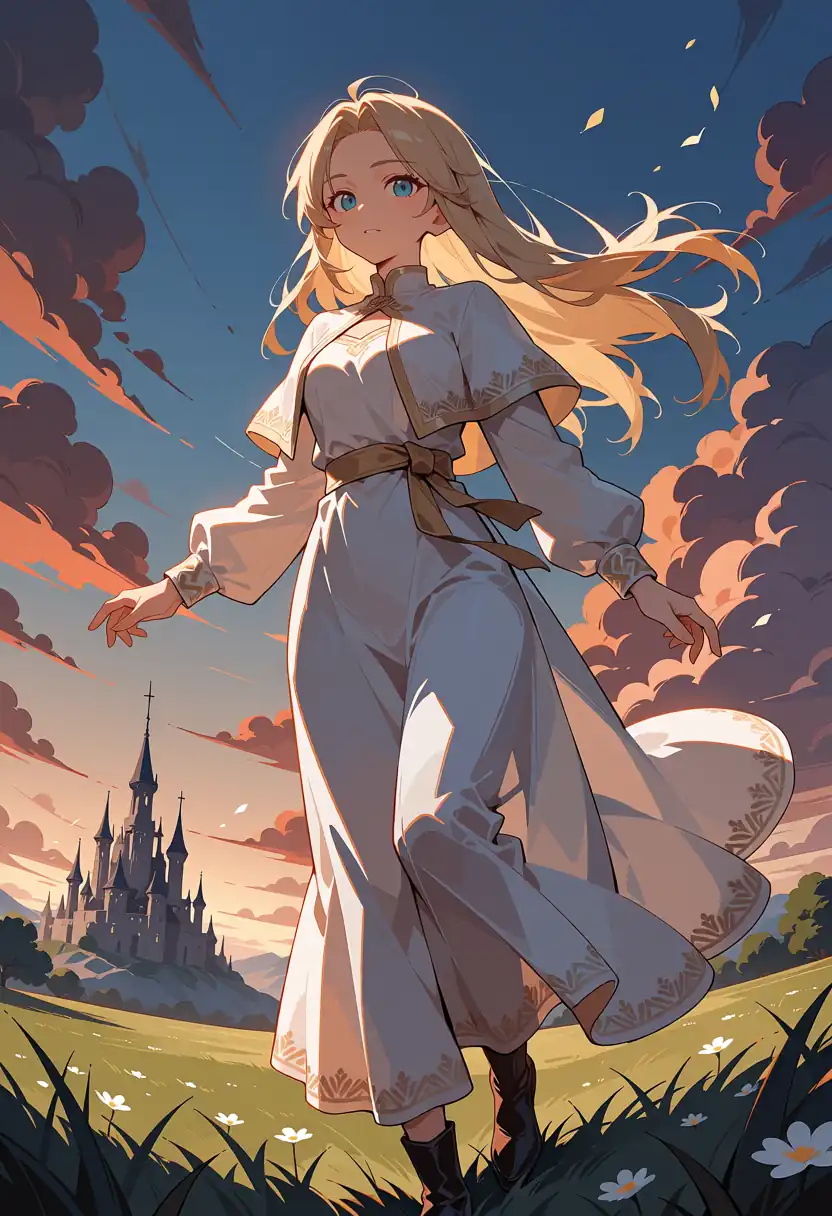
Test 1 (full body on a white background) is the first image for each model and includes model loading. Test 2 (a running scene in a meadow) runs after loading at the same resolution.
| Model | Steps | Test 1 M1 Max → EVO-X2 | Test 2 M1 Max → EVO-X2 | Character LoRA bust shot M1 Max → EVO-X2 |
|---|---|---|---|---|
| Base + Turbo LoRA | 8 | 42.3 s → 18.0 s | 38.1 s → 9.0 s | 30.2 s → 7.4 s |
| Turbo v1.0 | 8 | 40.2 s → 13.3 s | 38.1 s → 9.0 s | 30.2 s → 7.4 s |
| Turbo v1.1 | 8 | 40.2 s → 13.4 s | 38.2 s → 9.1 s | 30.2 s → 7.5 s |
| Base | 30 | 262.8 s → 68.9 s | 258.7 s → 64.9 s | 210.7 s → 52.3 s |
| Aesthetic v1.1 | 30 | 261.2 s → 69.3 s | 259.1 s → 64.8 s | 208.9 s → 52.2 s |
Once loaded, the EVO-X2 was about 4x faster than the M1 Max on every model.
That is 4.2x on Turbo and 4.0x on the 30-step models. Per hour, Base goes from about 14 images to about 55.
Bust shots are 832×1024, and the EVO-X2 number is the second image, after the character LoRA has been applied once.
The ratio stayed at about 4x with the character LoRA.
Only the first image with the LoRA took 2 to 3 s longer, at 9.45 to 10.23 s on Turbo and 54.20 to 54.28 s on the 30-step models.
With the character LoRA at 832×1216 and 1216×832, Turbo took 9.06 to 9.17 s and the 30-step models took 64.86 to 65.08 s, close to Test 2 without a LoRA.
To check how much the times vary, I also ran Test 2 with seeds 100 and 200. Turbo took 8.97 to 9.06 s and the 30-step models took 64.81 to 64.99 s.
Generating 76 images in a row with the character LoRA did not make the times any longer.
On the EVO-X2, the 30-step models took about 7.2x as long as Turbo.
At CFG 1.0 the calculation for the negative prompt (what you do not want drawn) is skipped, and at CFG 4.5 each step calculates both the prompt and the negative prompt, so the model runs 8 times on Turbo and 60 times on the 30-step models.
As in the previous article’s calculation, about 7.2x roughly follows that ratio.
Base Style Without LoRA
I used the same prompts as last time to check that the images do not fall apart.
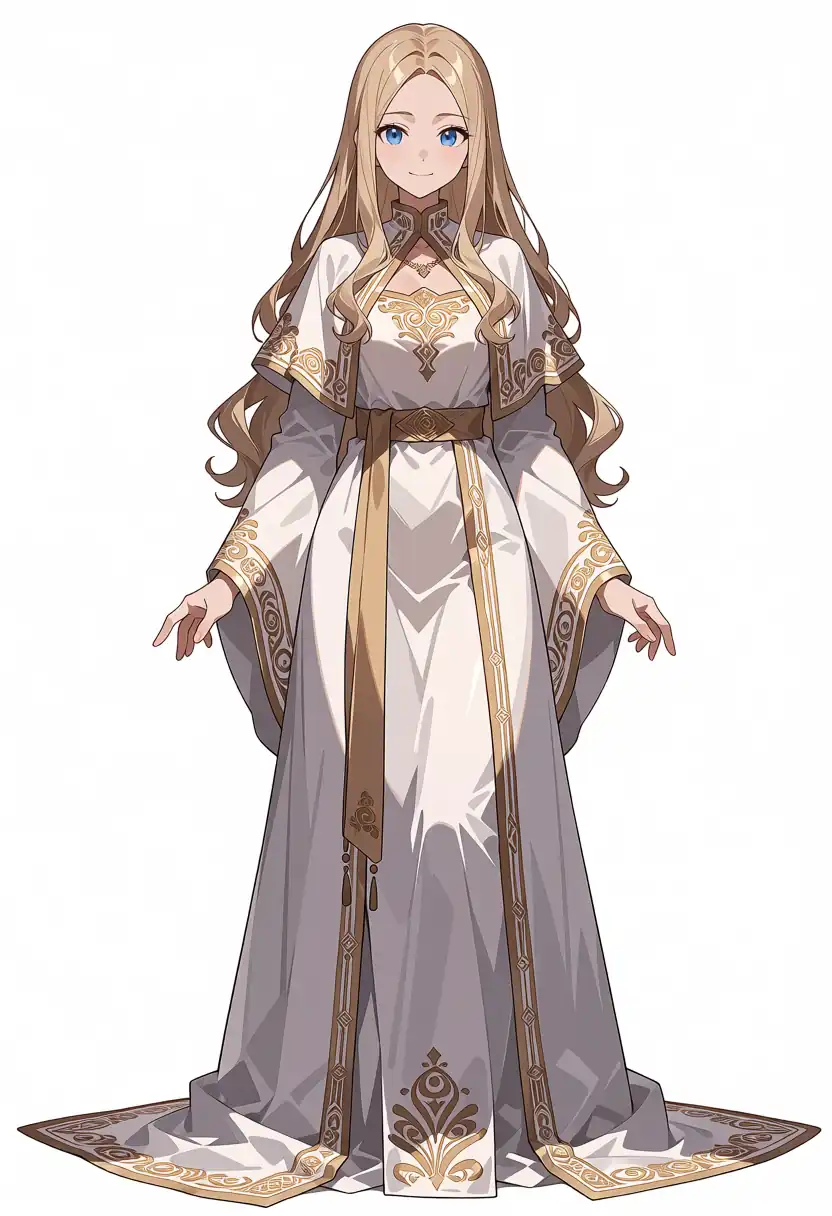
Test 1: Full Body on a White Background
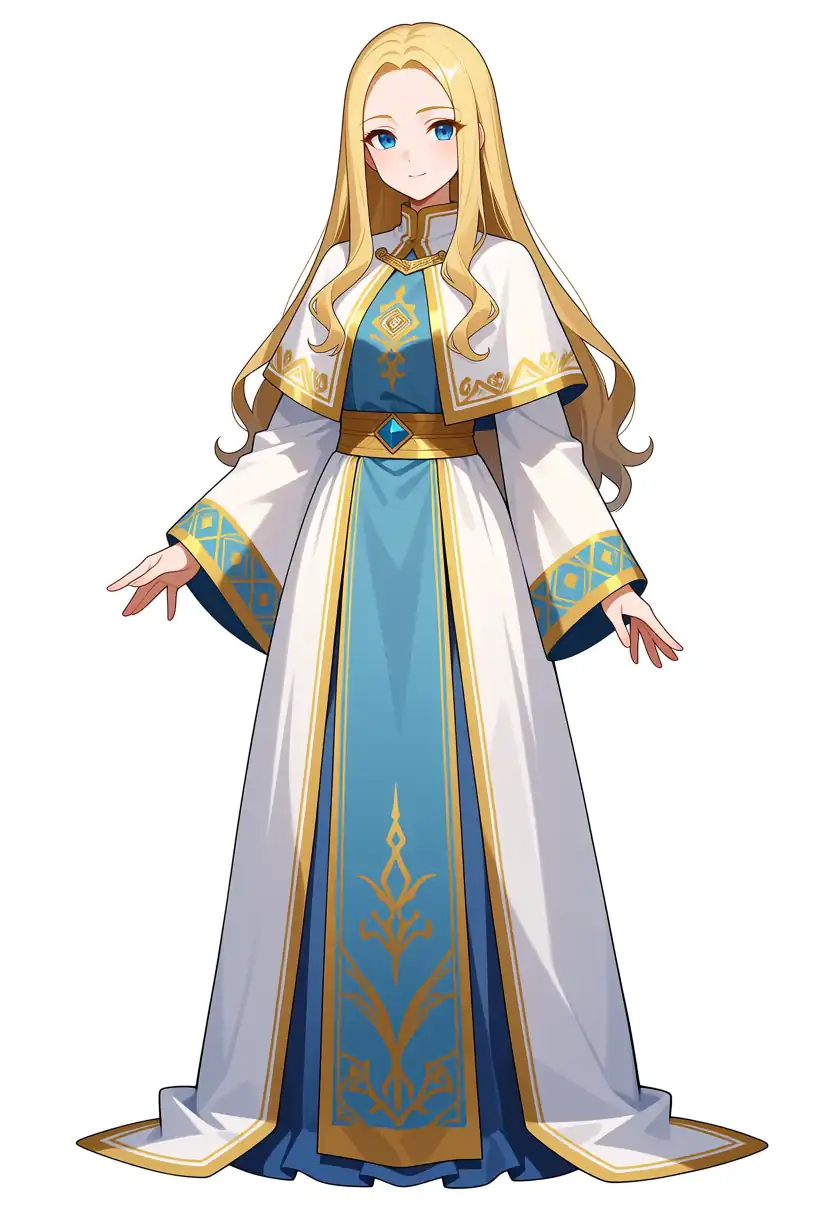
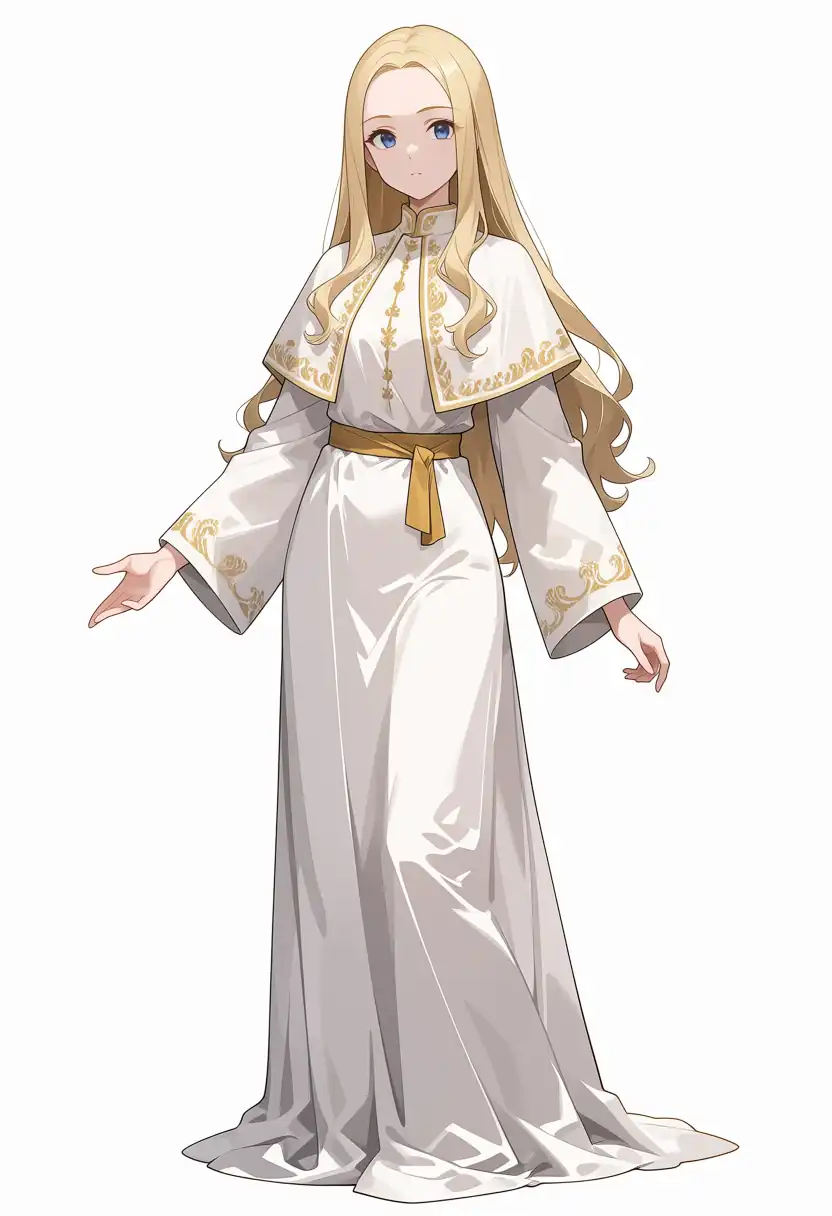
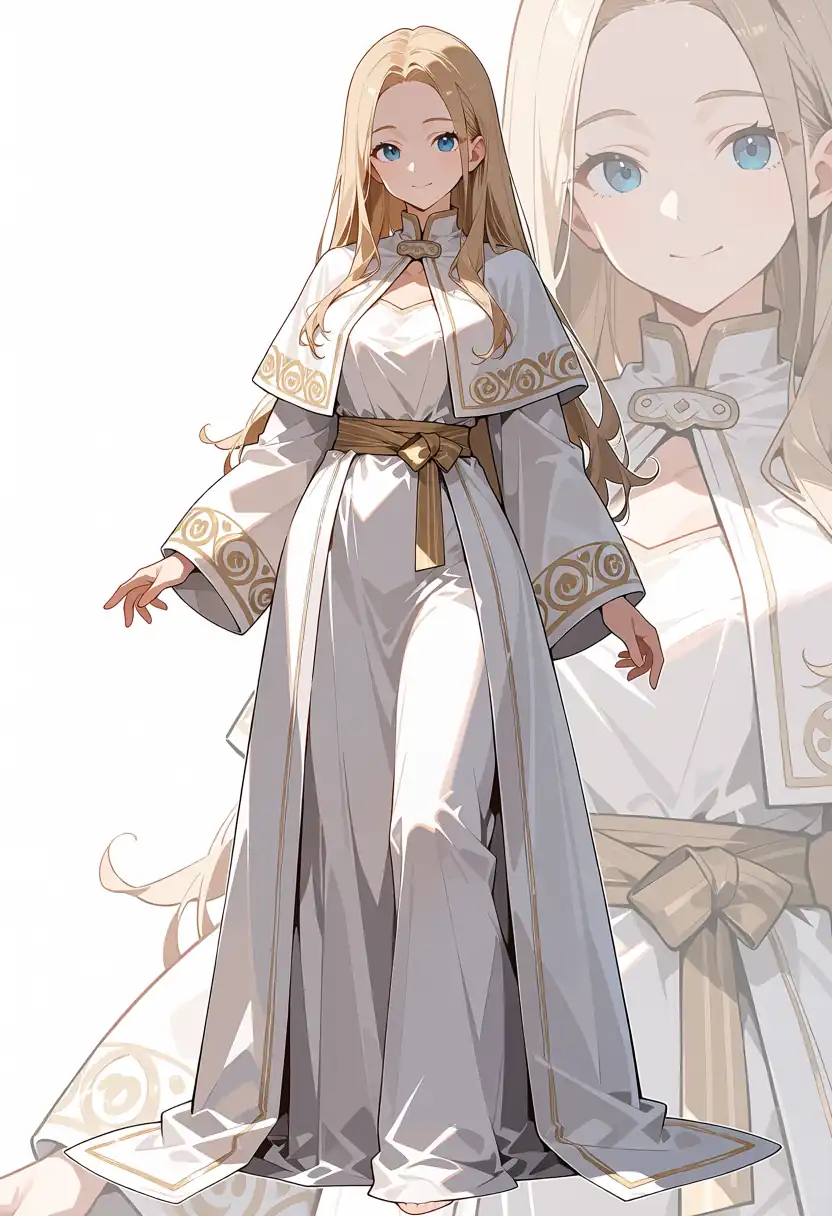
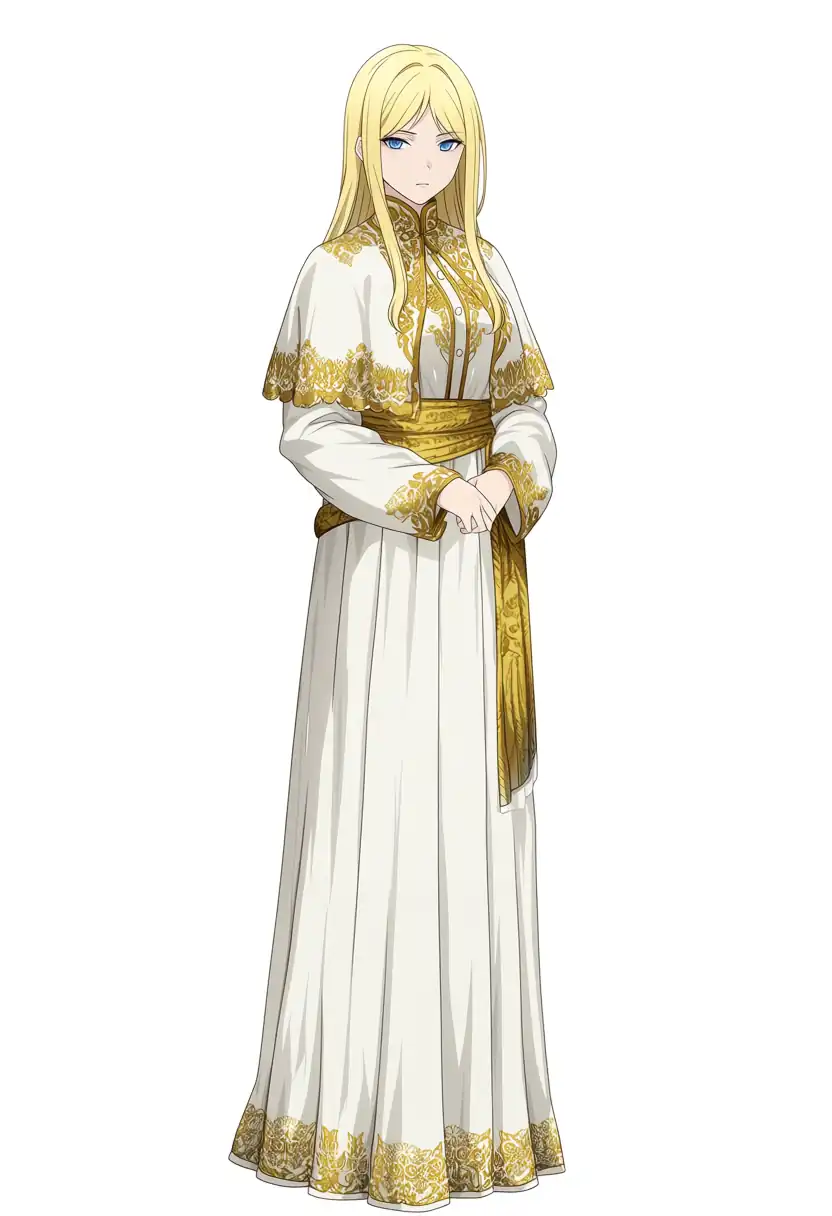
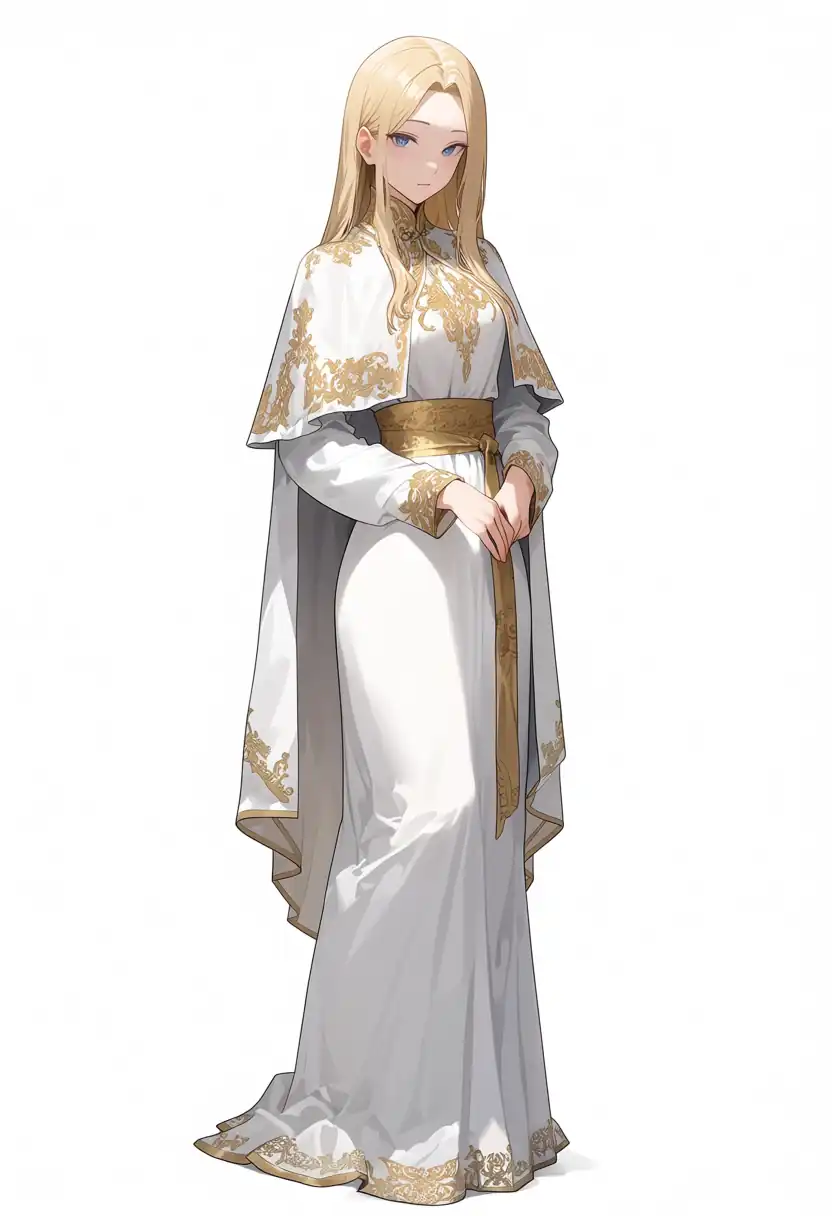
| Model | What I confirmed in the image |
|---|---|
| Base + Turbo LoRA | Blue front panel with gold trim, the most colors of the five. The previous Mac output leaned the same way |
| Turbo v1.0 | Only white and dull gold, pale overall |
| Turbo v1.1 | Dark shading and visible embroidery, but a large face of the same person overlaps the background |
| Base | Strong yellow gold, with both hands lowered in front of the body |
| Aesthetic v1.1 | Dull gold and a long cape, with both hands in front of the body |
Each model’s color tendency matches the Mac output, but the direction the person faces, the hand positions, and the costume details differ from the Mac images.
The er_sde sampler (the calculation that turns noise into an image) adds noise at every step, and ComfyUI’s default_noise_sampler creates that noise with random numbers on the GPU.
I think the images differ because the same seed gives a different sequence of random numbers on a different GPU.
On the same machine the output does reproduce: 49 images I regenerated on the EVO-X2 matched the earlier output on every pixel.
I checked whether the large face in Turbo v1.1 at seed 42 came from a settings problem.
Changing the data type gave the same composition (the images are in the Speed by Data Type section later on), and changing the type of CLIPLoader (the node that loads the text encoder) gave the same result.
It did not appear at seed 100, so I think it is a chance composition from this seed.
That is only two seeds, though, and I have not counted how often this overlap appears on Turbo v1.1.
Prompt
masterpiece, best quality, safe, 1girl, solo, long blonde hair, blue eyes, white robe, gold embroidery, capelet, gold sash, long sleeves, long dress, standing, looking at viewer, full body, white backgroundNegative
worst quality, low quality, artist name, blurry, jpeg artifacts, chromatic aberrationTest 2: Running Scene in a Meadow
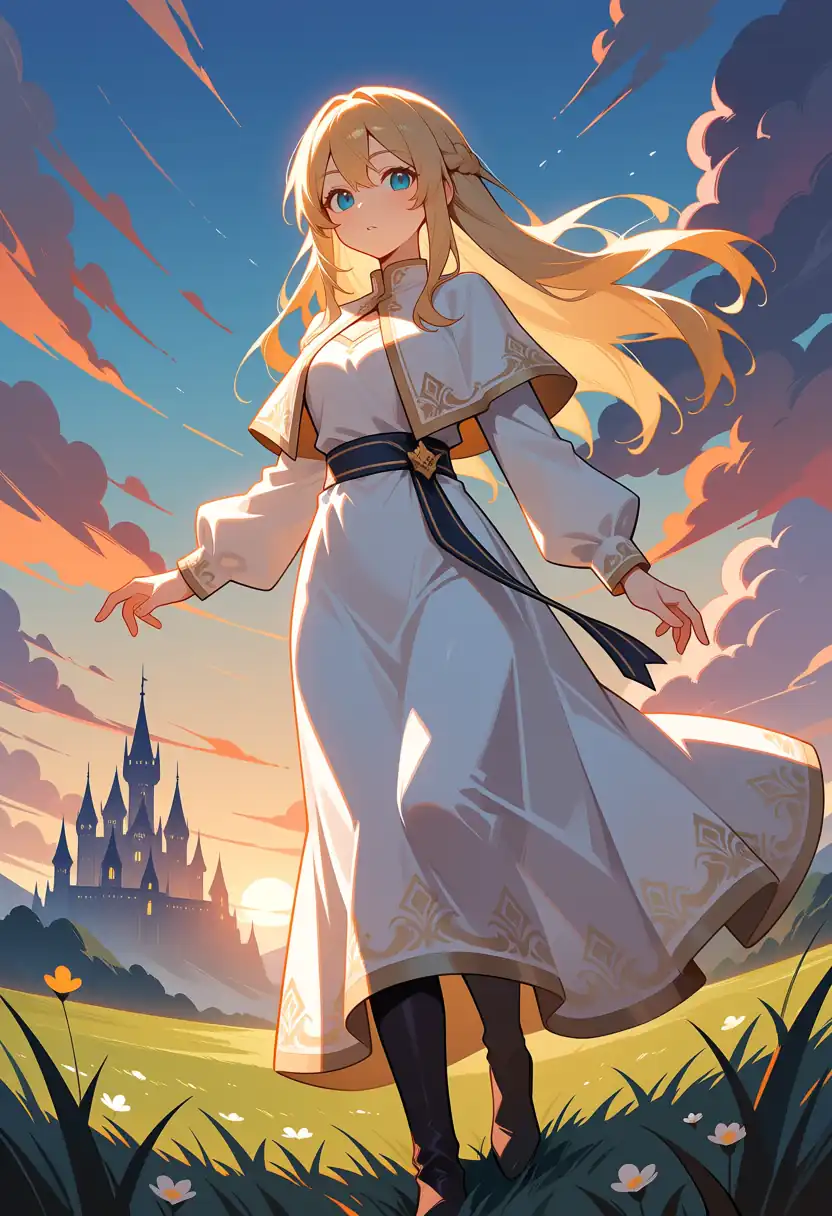
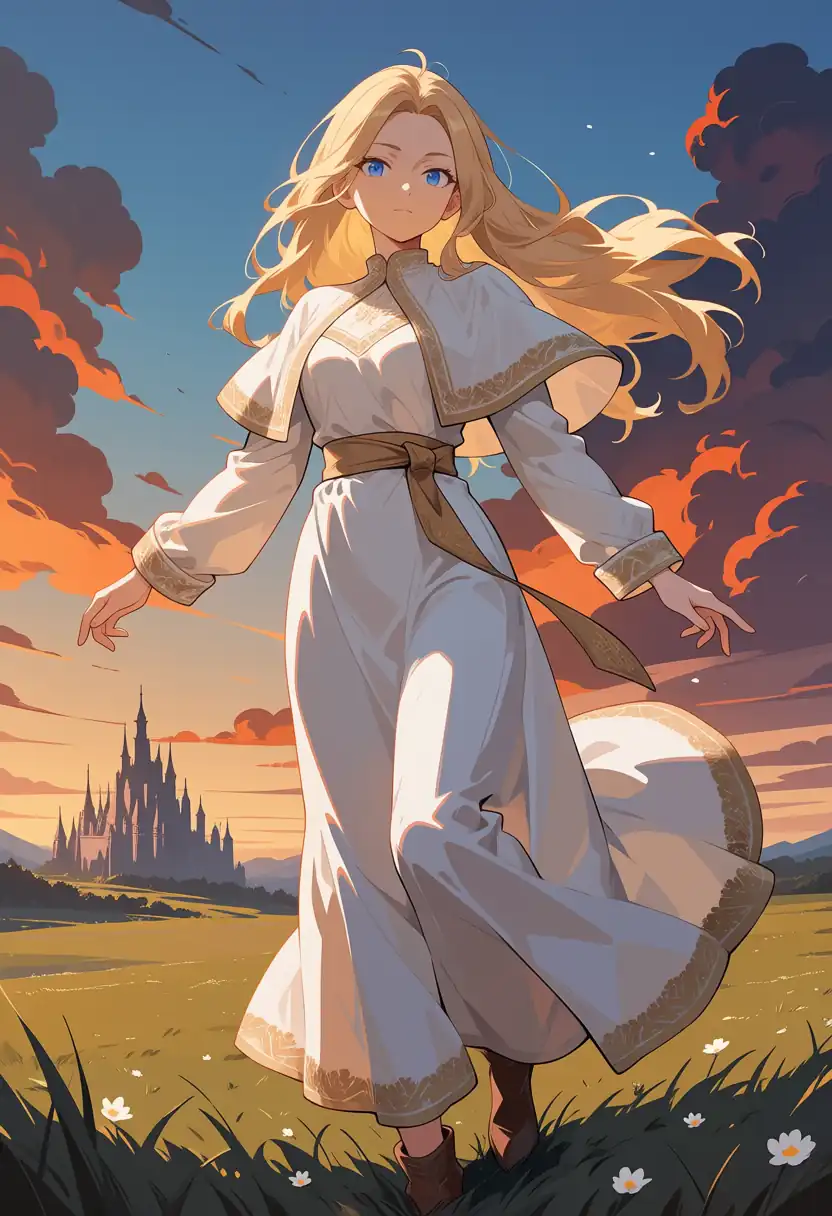
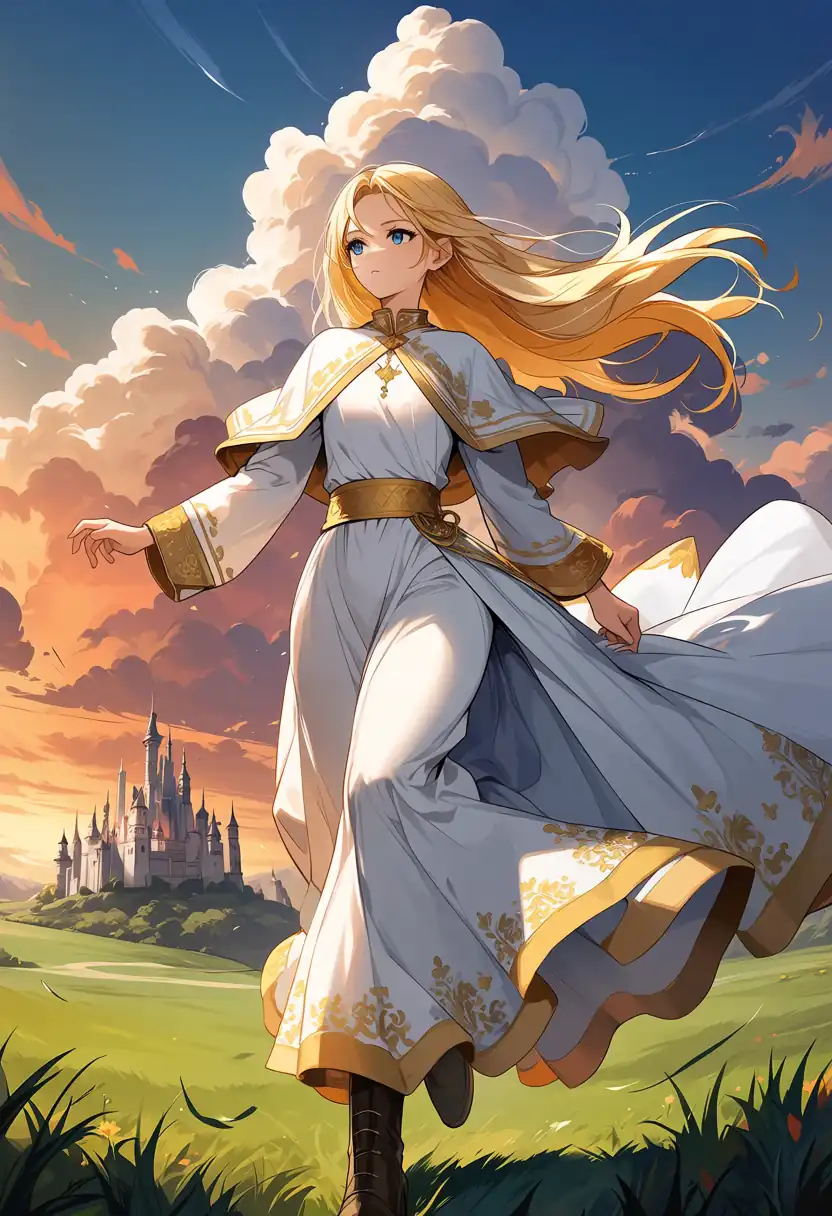
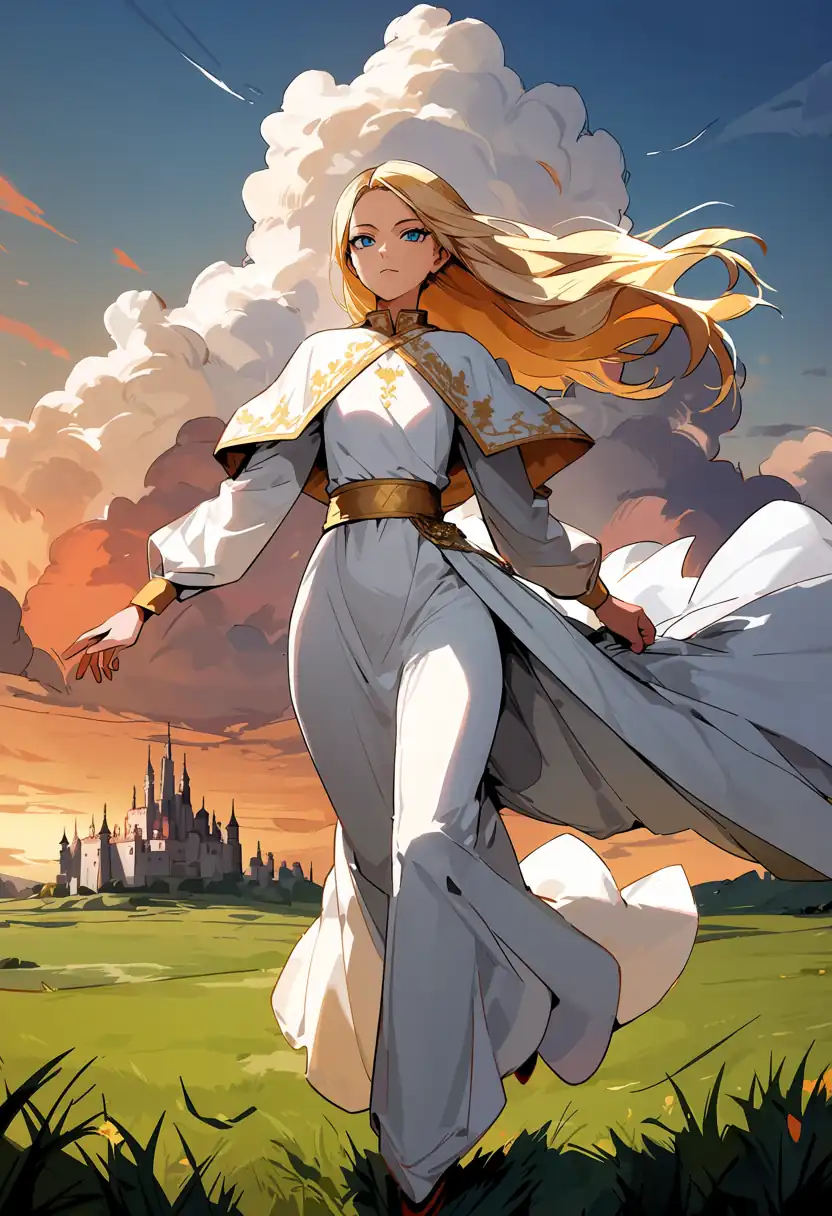
| Model | What I confirmed in the image |
|---|---|
| Base + Turbo LoRA | Dark castle on the lower left, sunset clouds, grass in the foreground |
| Turbo v1.0 | Castle in the far left, with a large person near the center |
| Turbo v1.1 | Castle placed like Base + Turbo LoRA, with sharper outlines |
| Base | Large white cumulus clouds behind, castle in the far left, person running to the right |
| Aesthetic v1.1 | Nearly the same composition as Base, with the cape and hem streaming out |
The three Turbo setups have similar layouts, and the two 30-step models share the same composition.
Those groupings match the Mac, while the images themselves differ for the same reason as Test 1.
Prompt
masterpiece, best quality, safe, 1girl, solo, long blonde hair, blue eyes, white robe, gold embroidery, capelet, gold sash, long sleeves, long dress, running, wind, hair blowing, dynamic pose, fantasy landscape, castle in background, sunset sky, dramatic clouds, grass fieldThe negative prompt is the same as Test 1.
Character LoRA
I applied the dual-character LoRA v2, trained on Base, at the same strength as last time, 1.0.
For each image, I checked whether these features appeared.
| Character | Features |
|---|---|
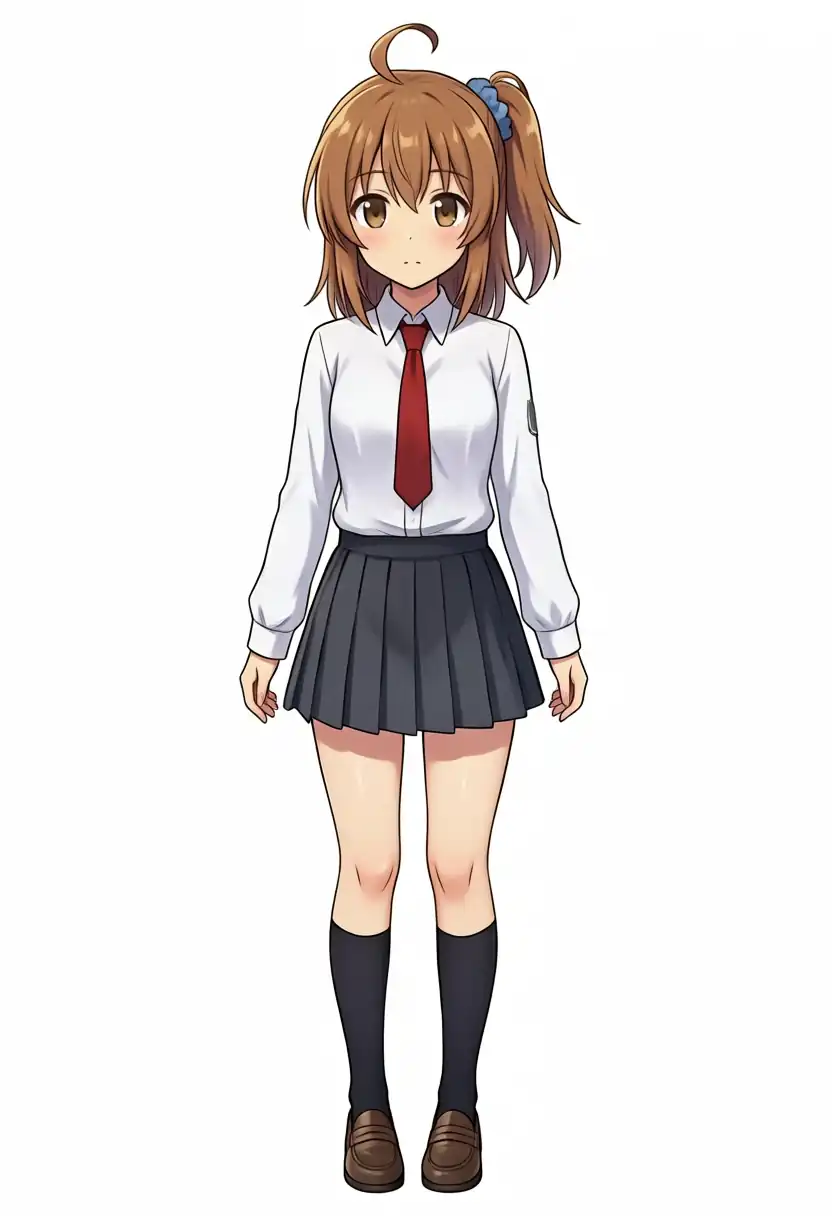
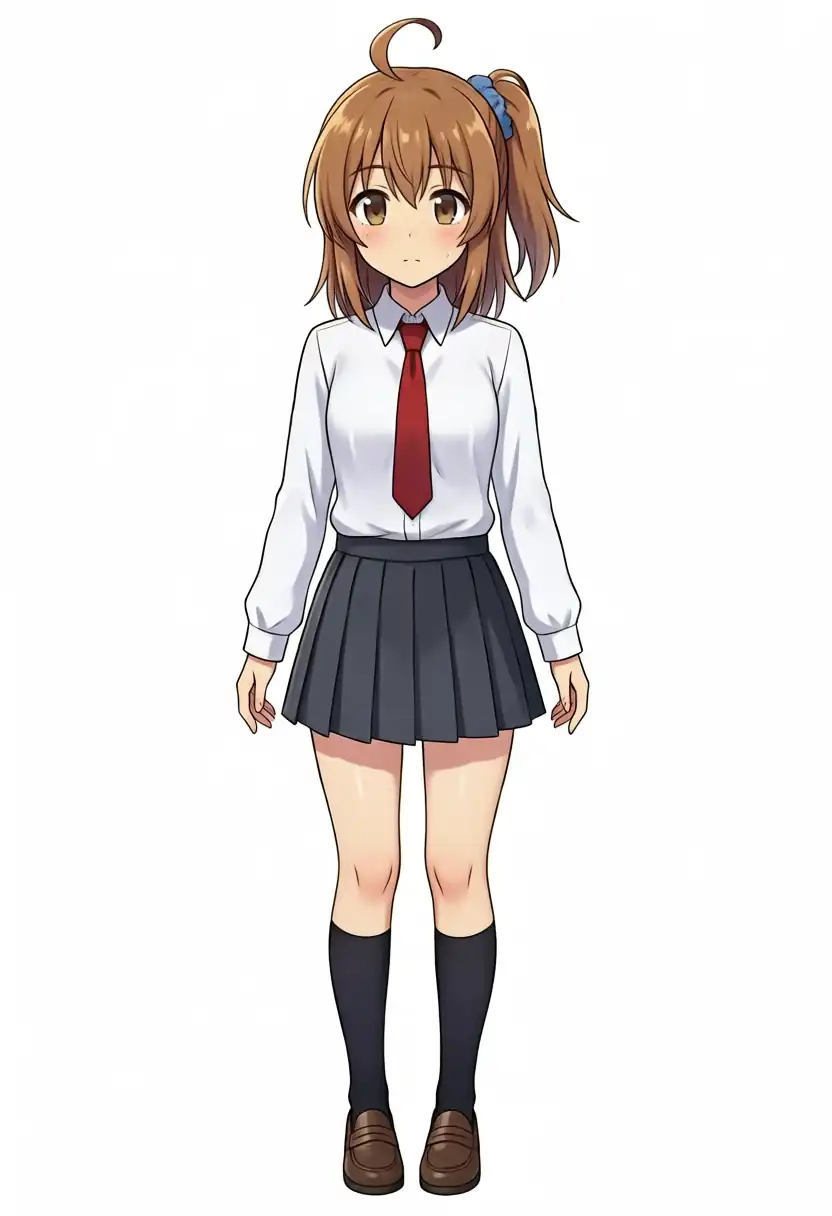
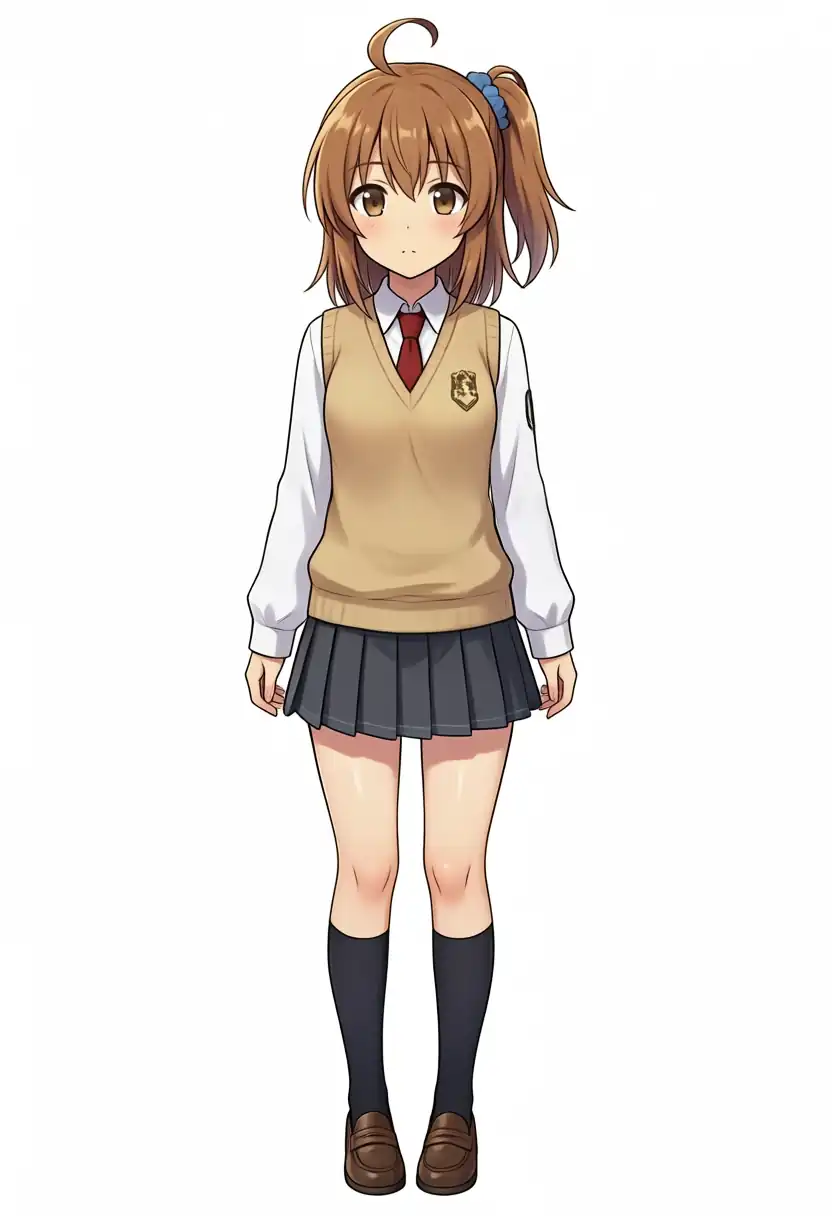
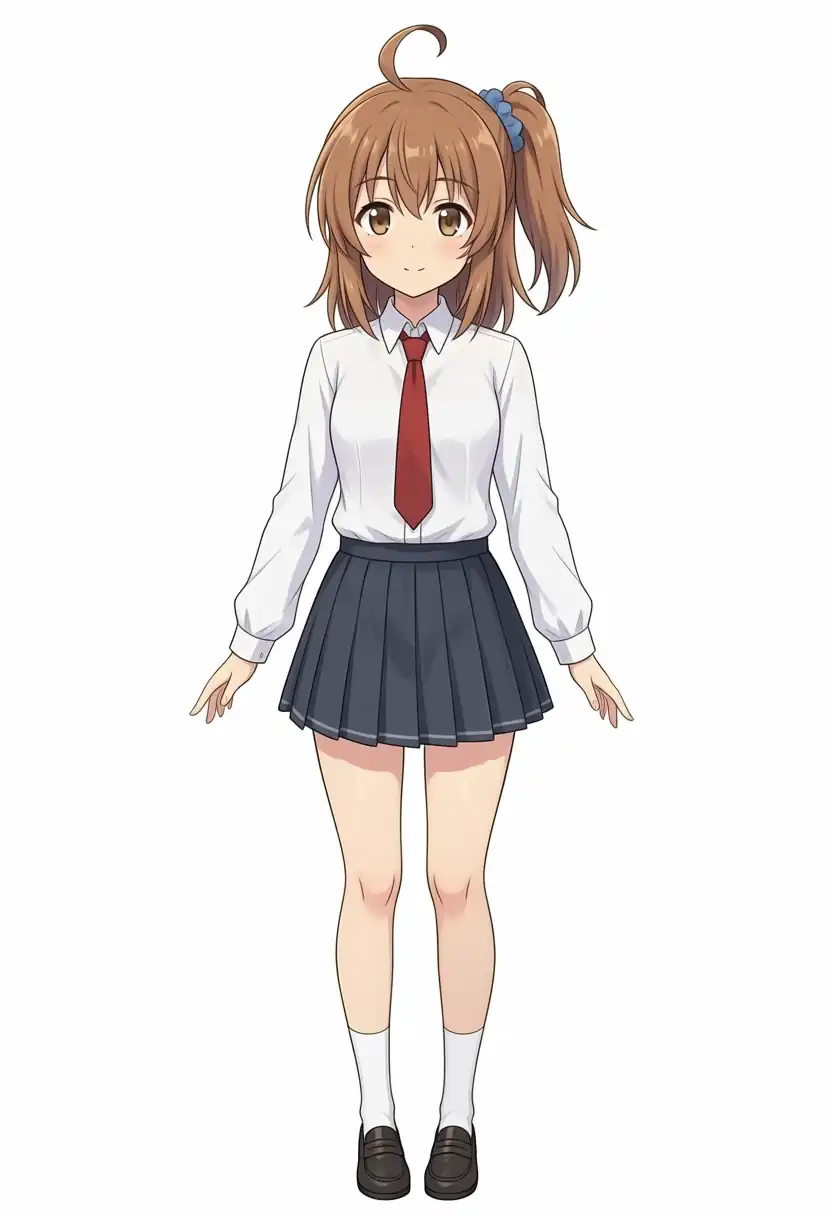
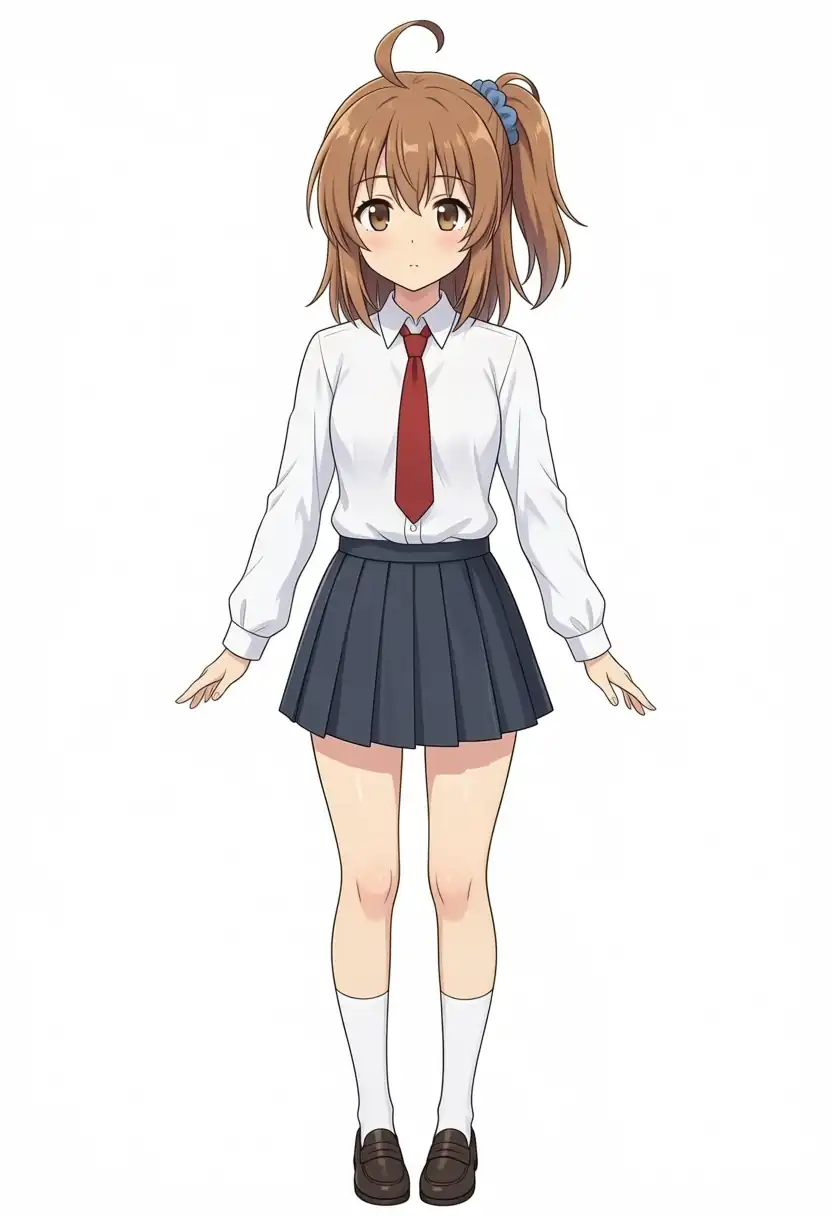
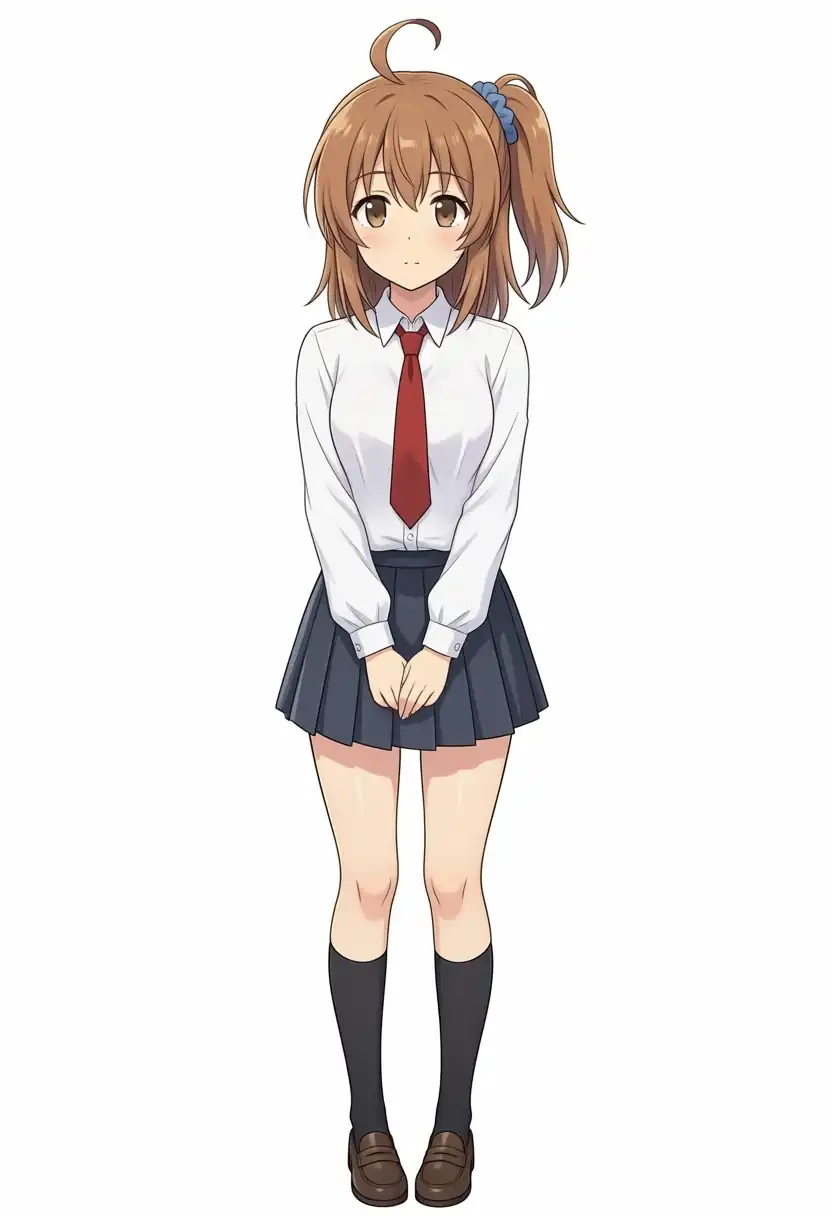
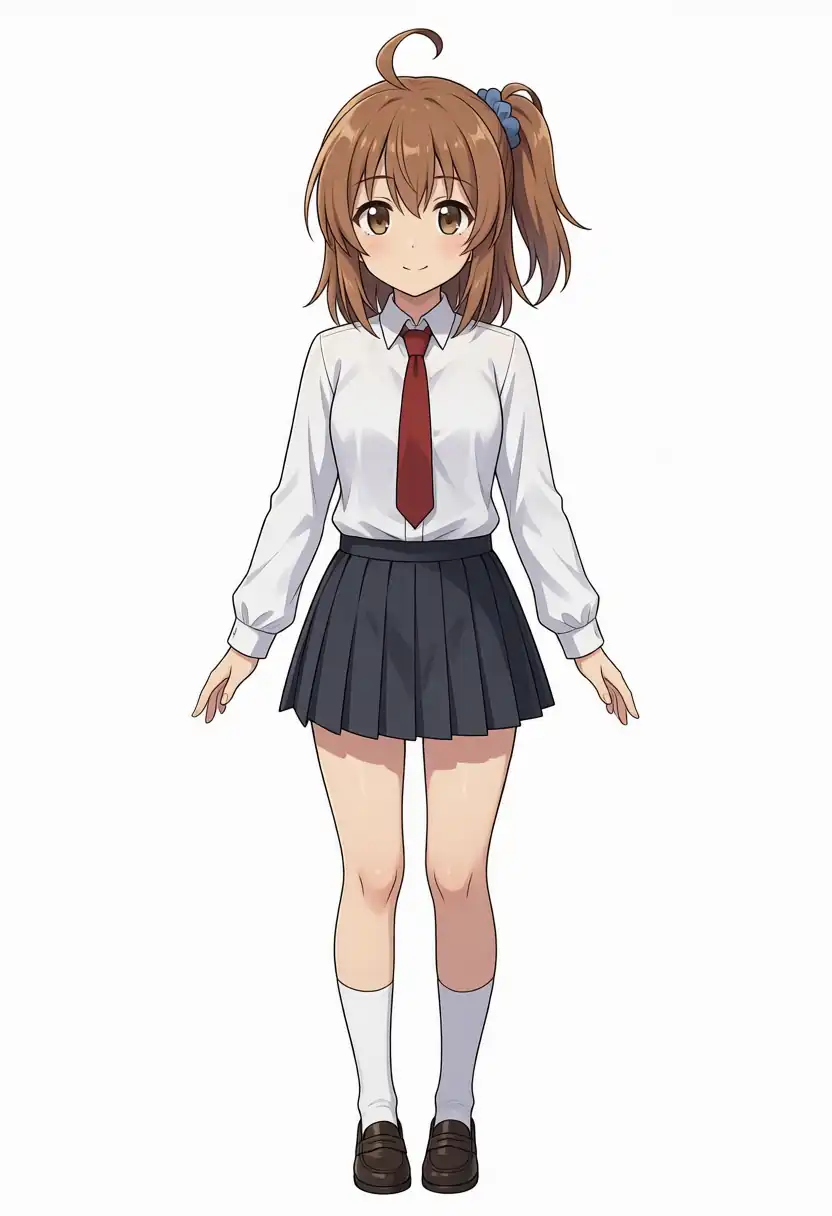
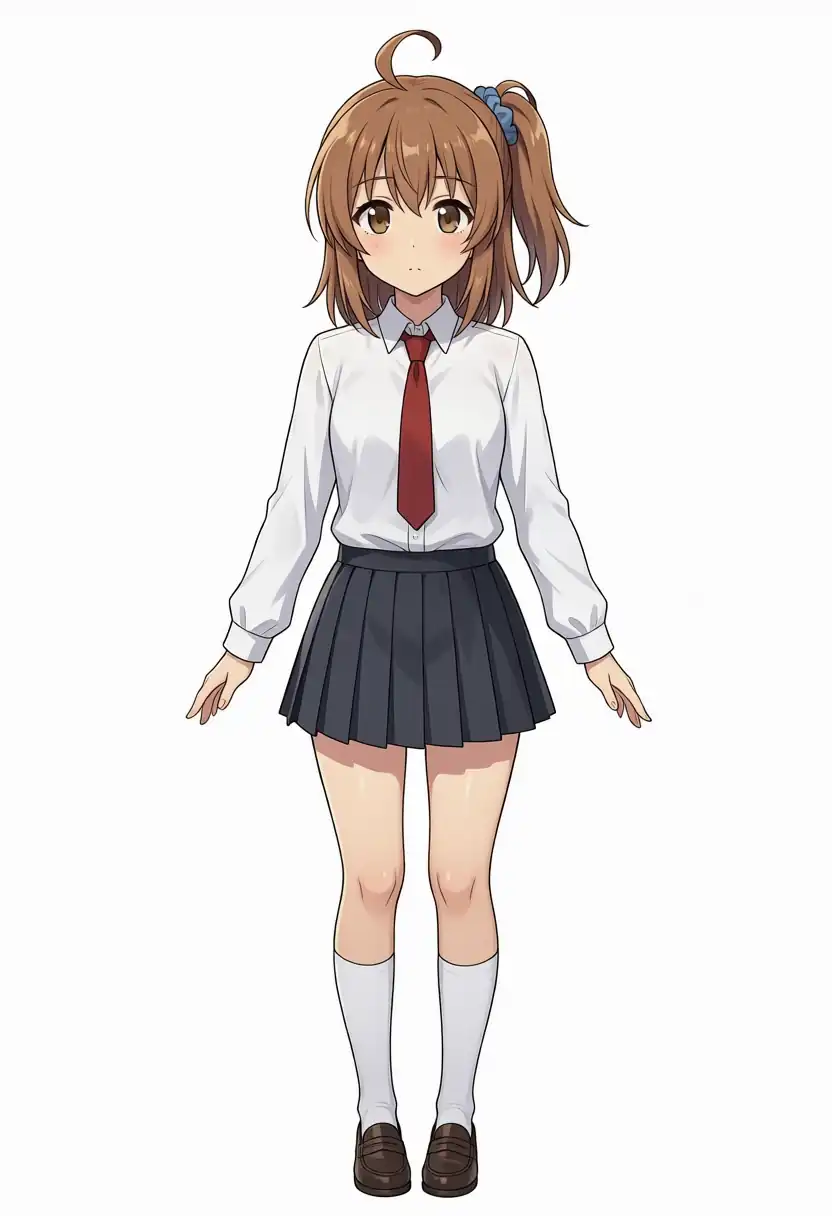
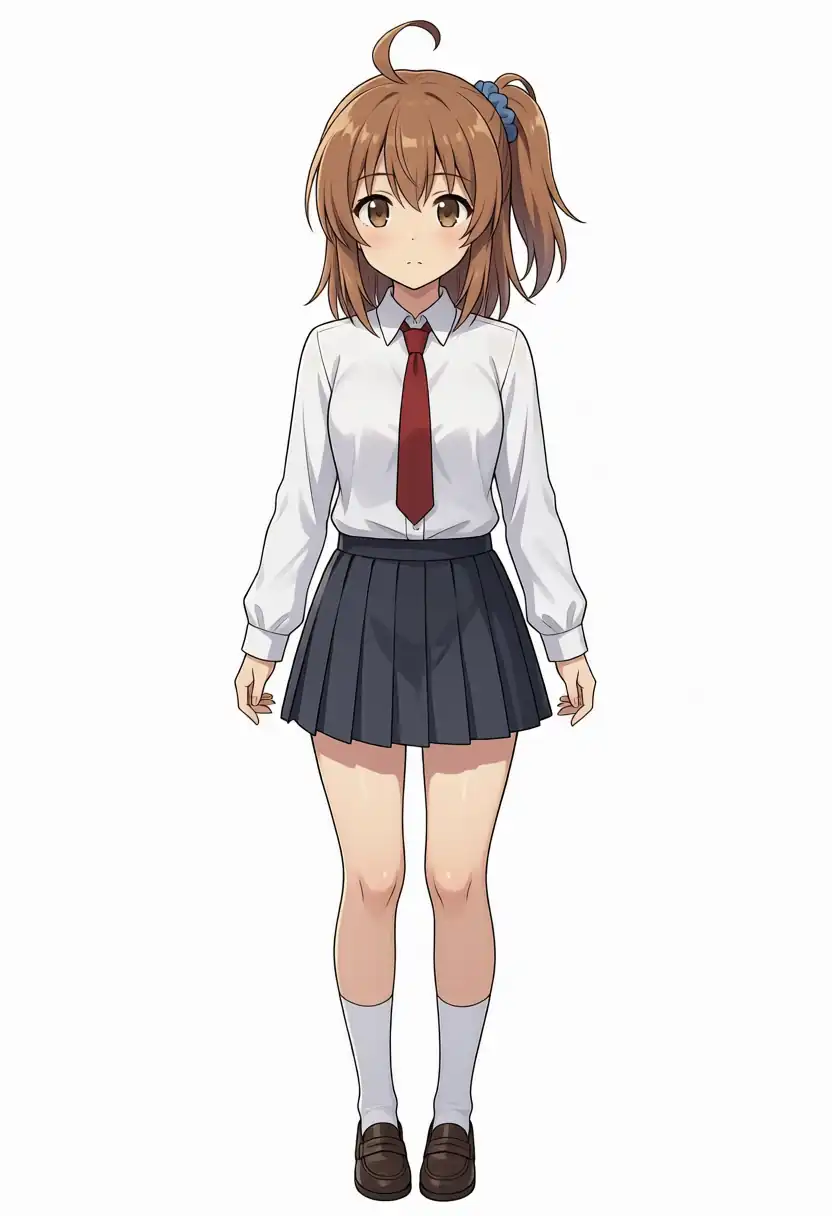
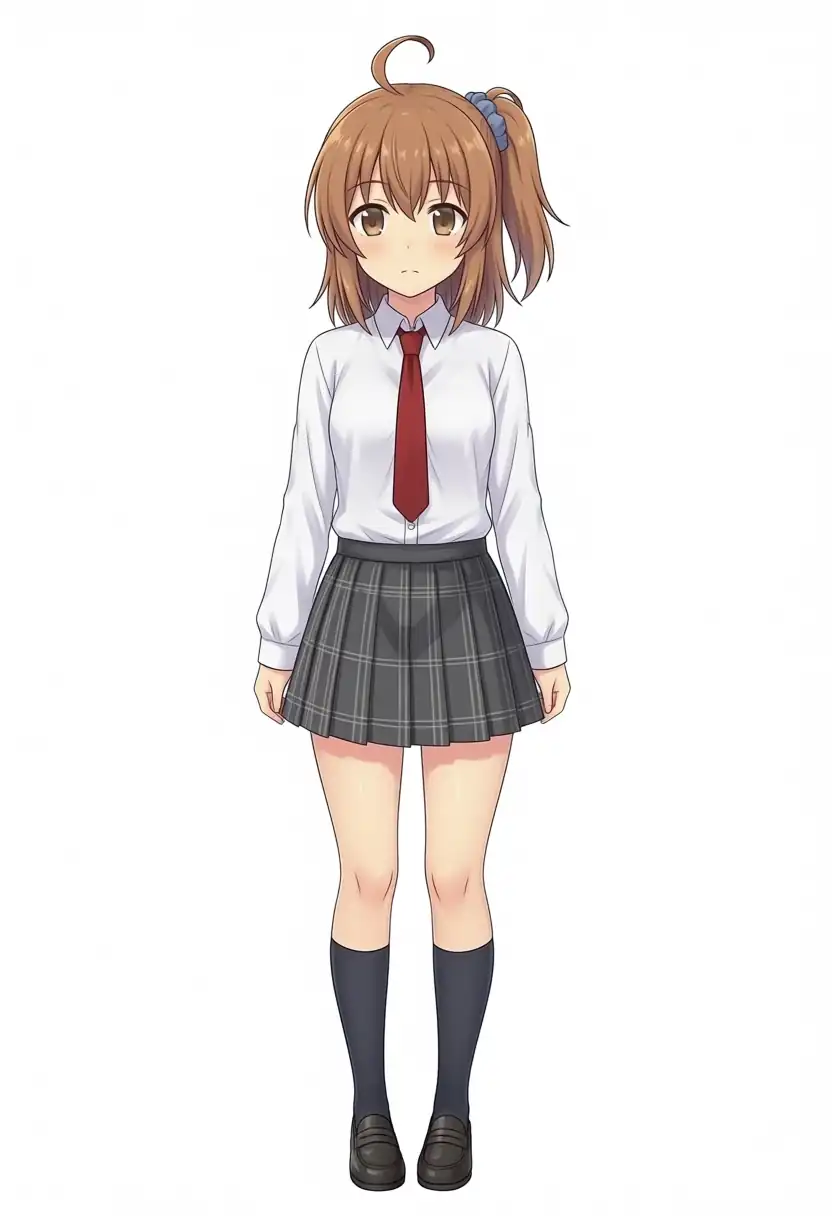
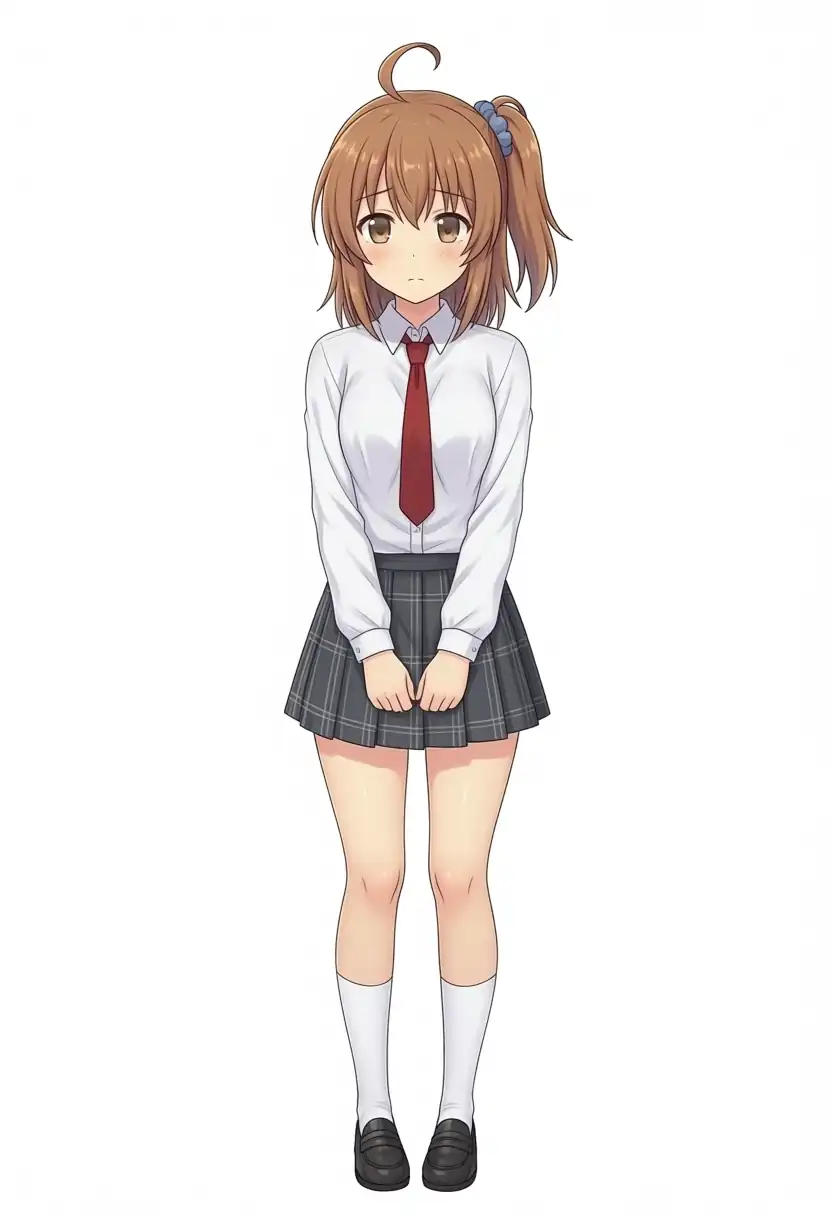
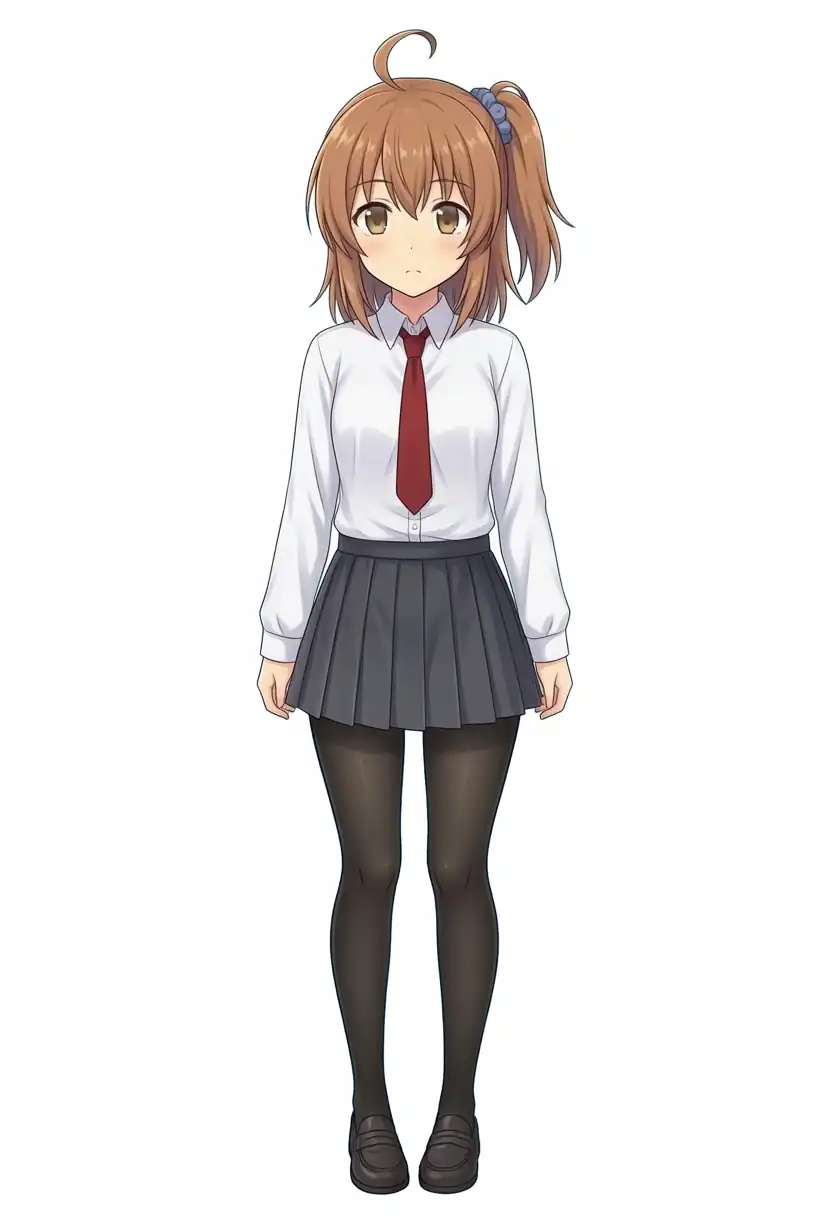
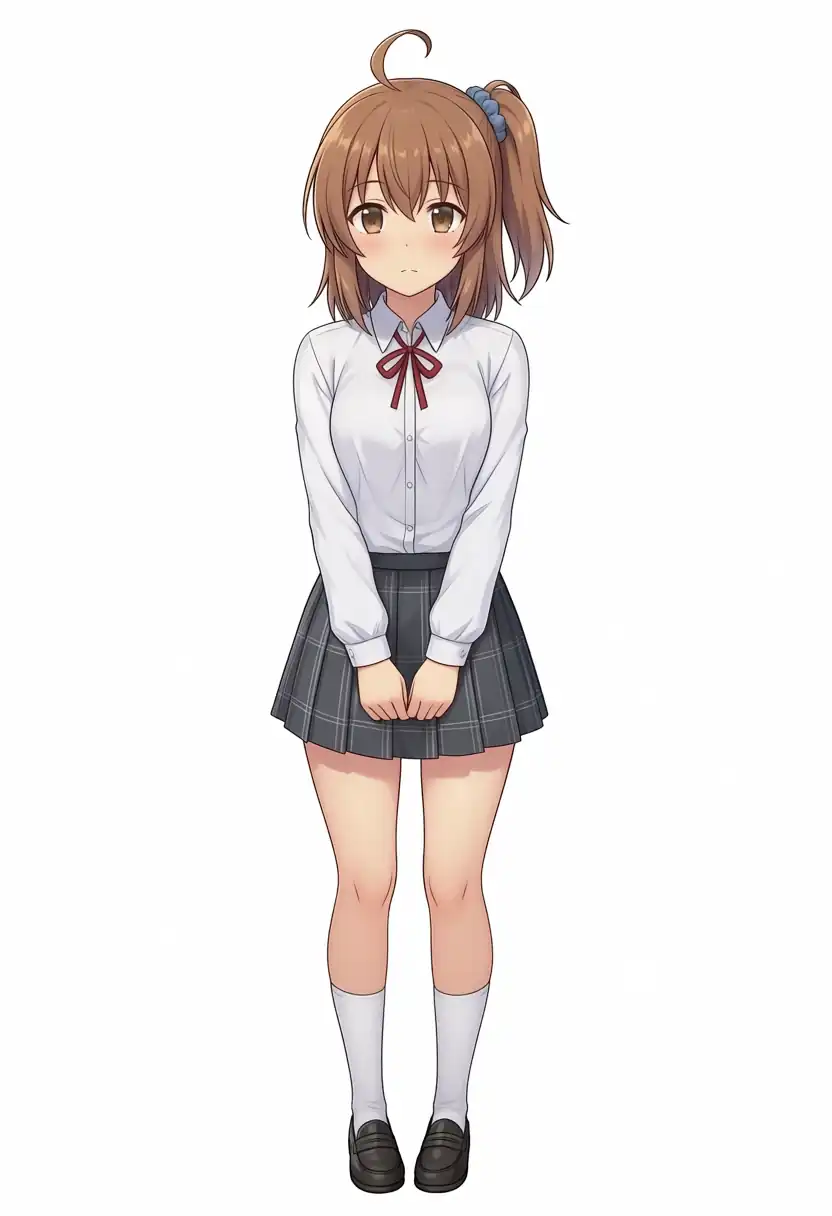
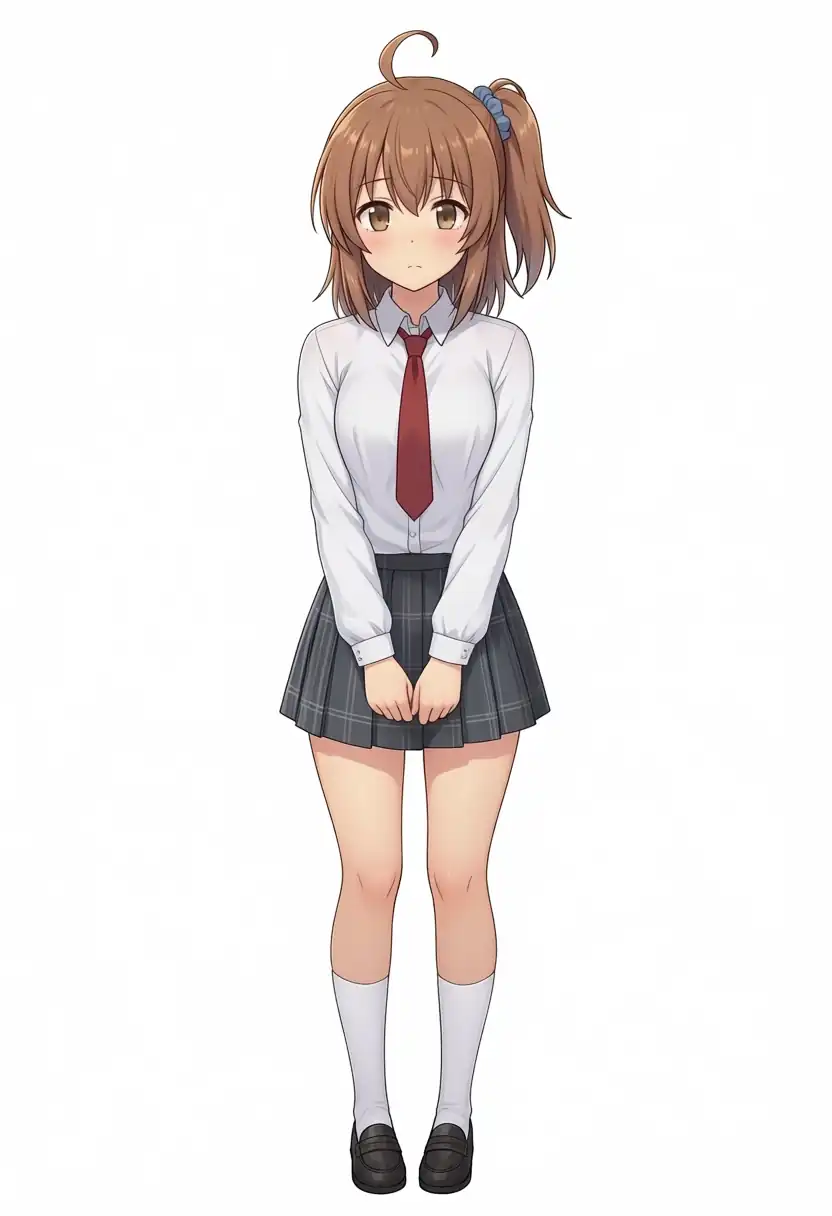
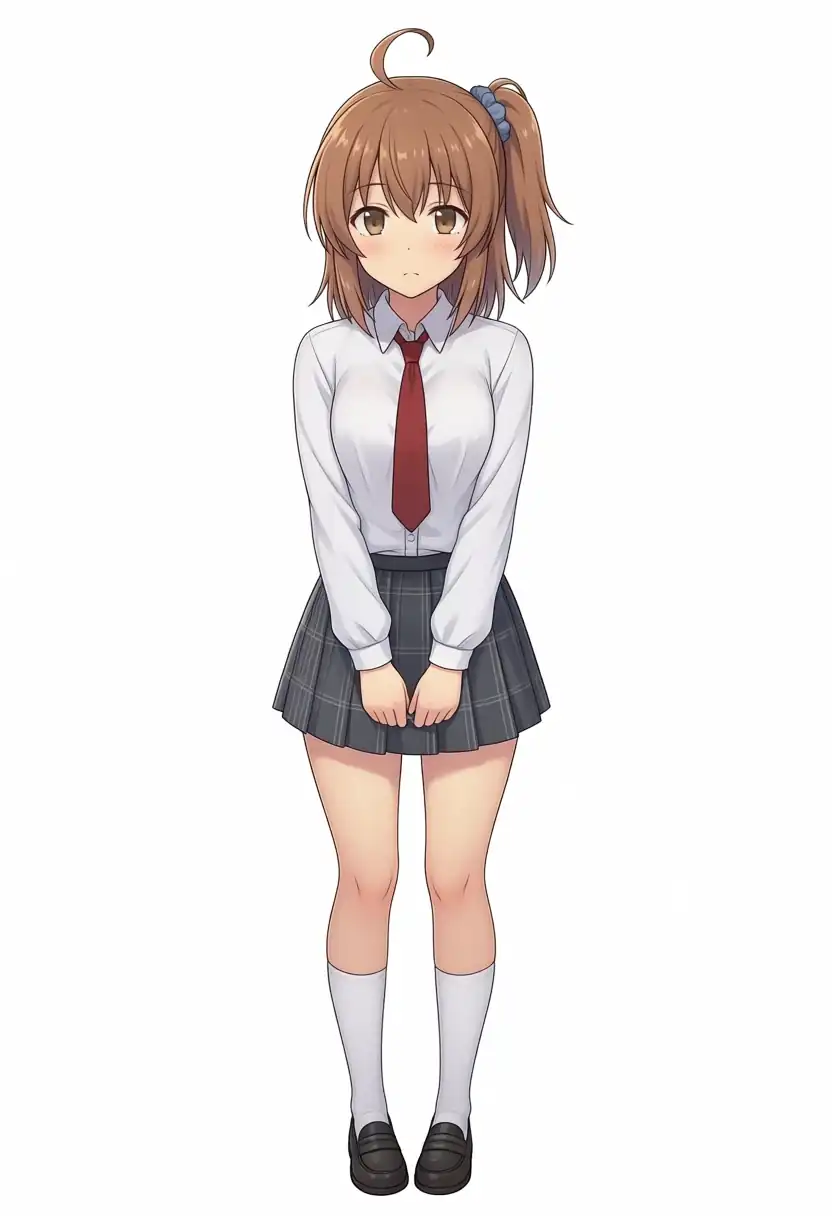
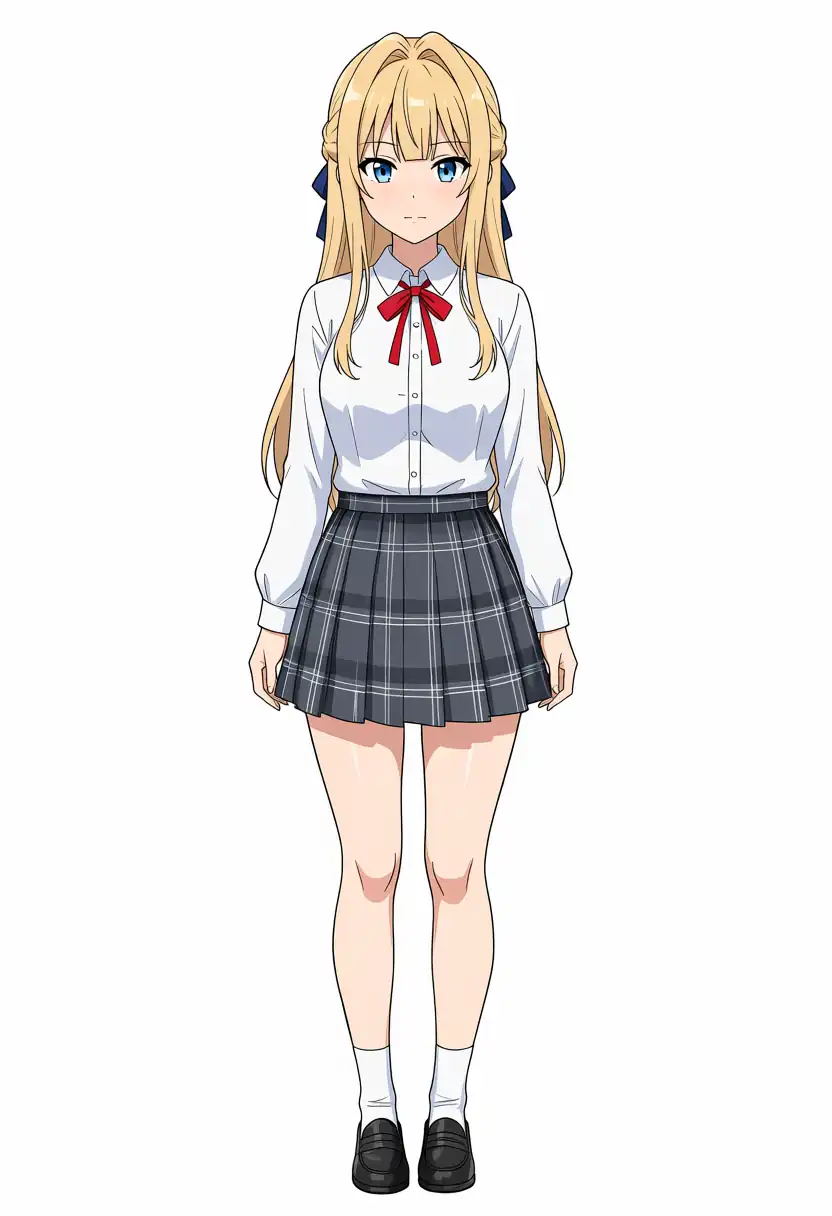
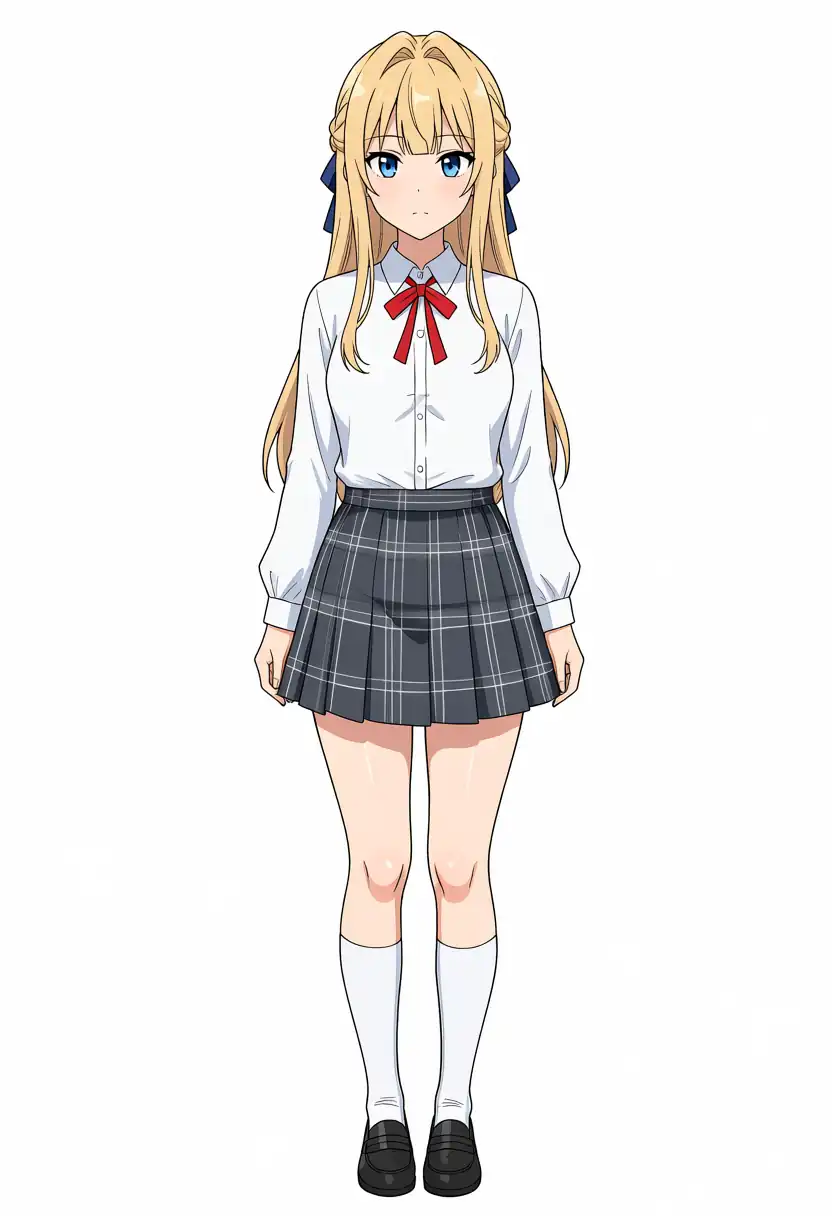
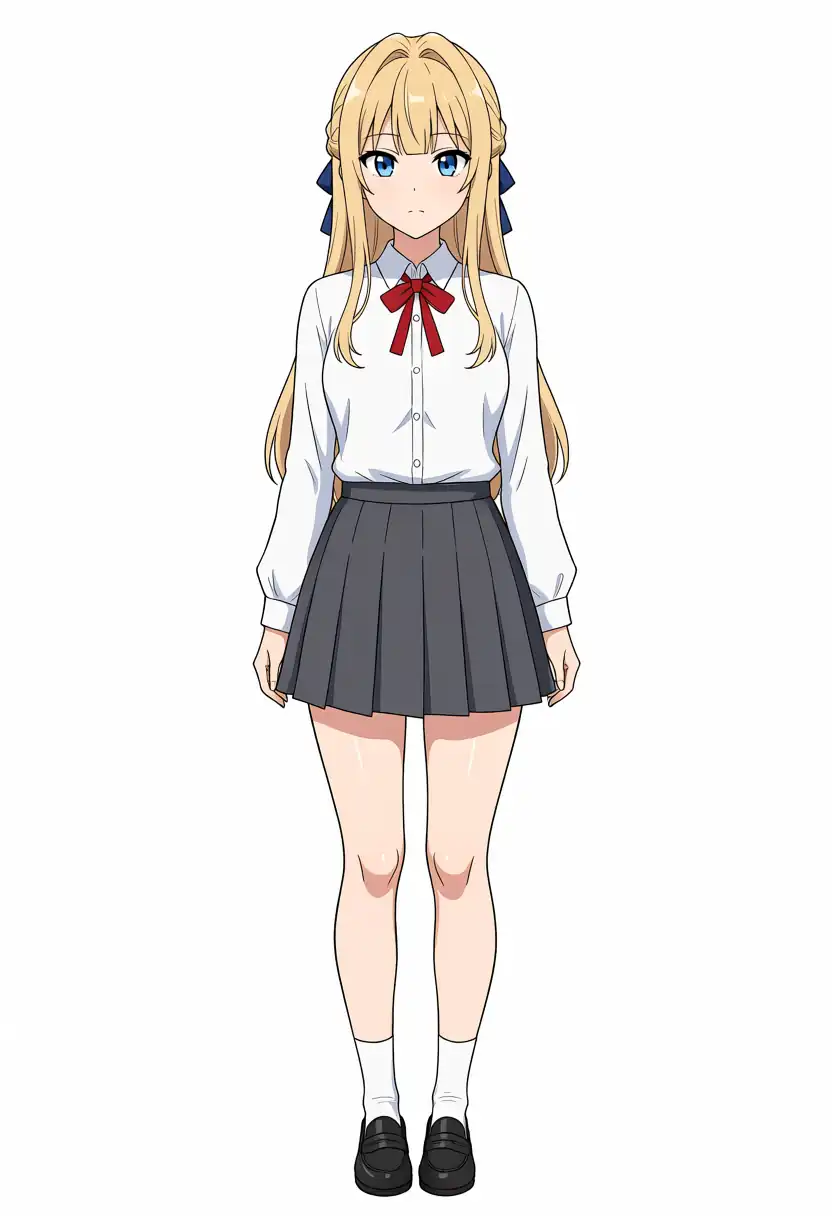
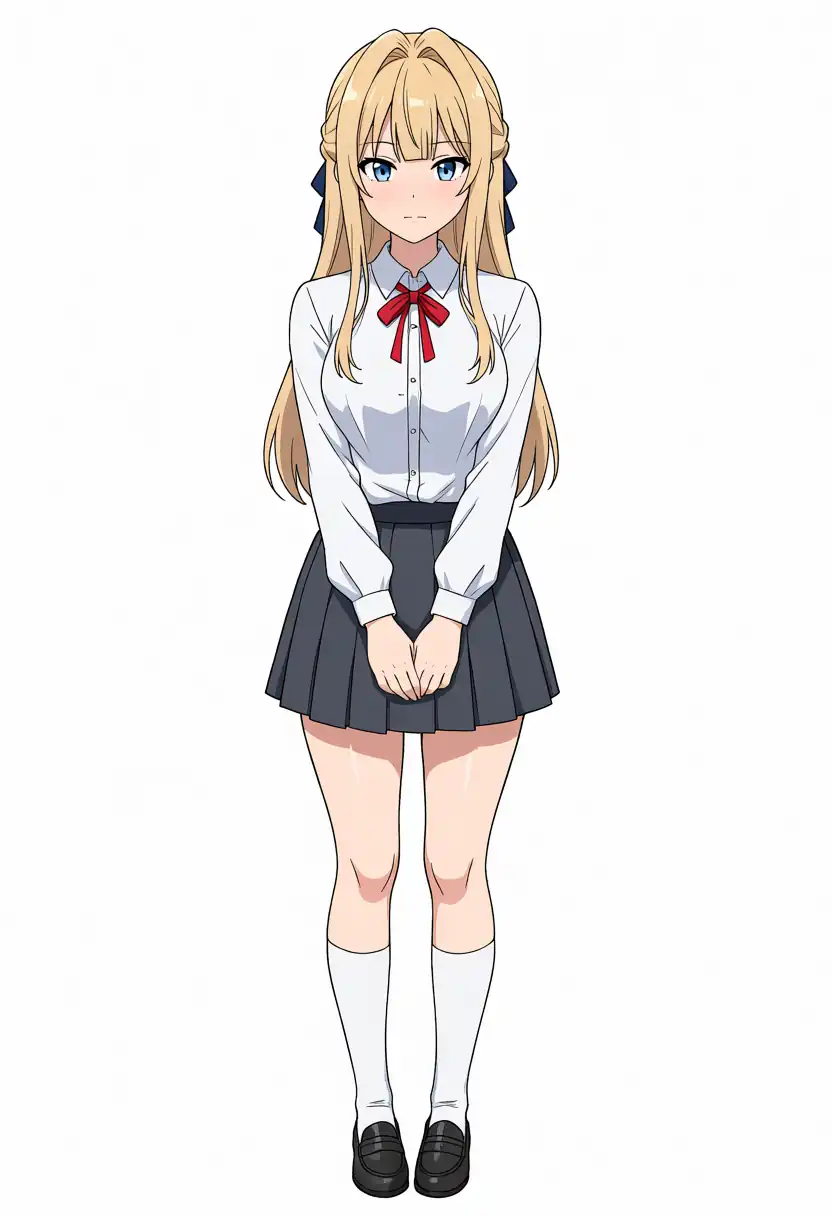
| Kana-chan | Brown hair, ahoge, right-side ponytail, blue scrunchie, brown eyes, white shirt, red tie |
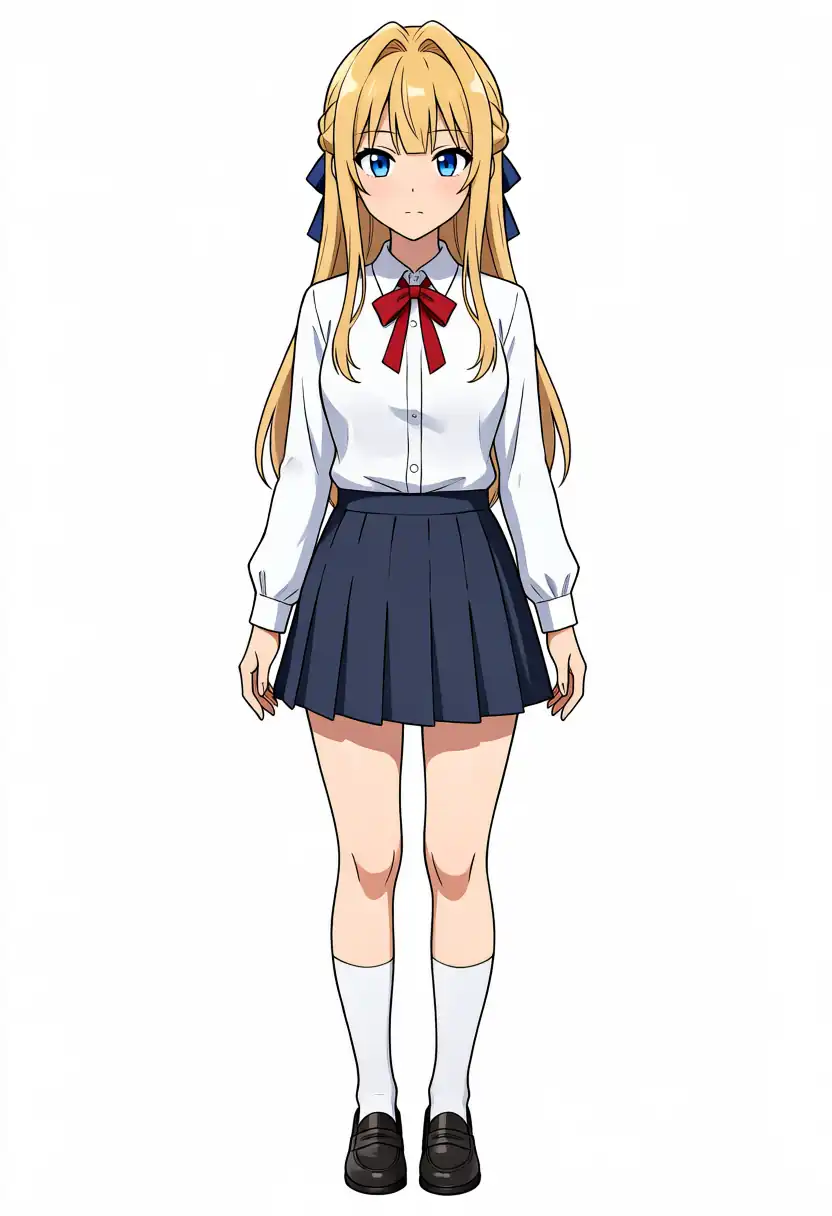
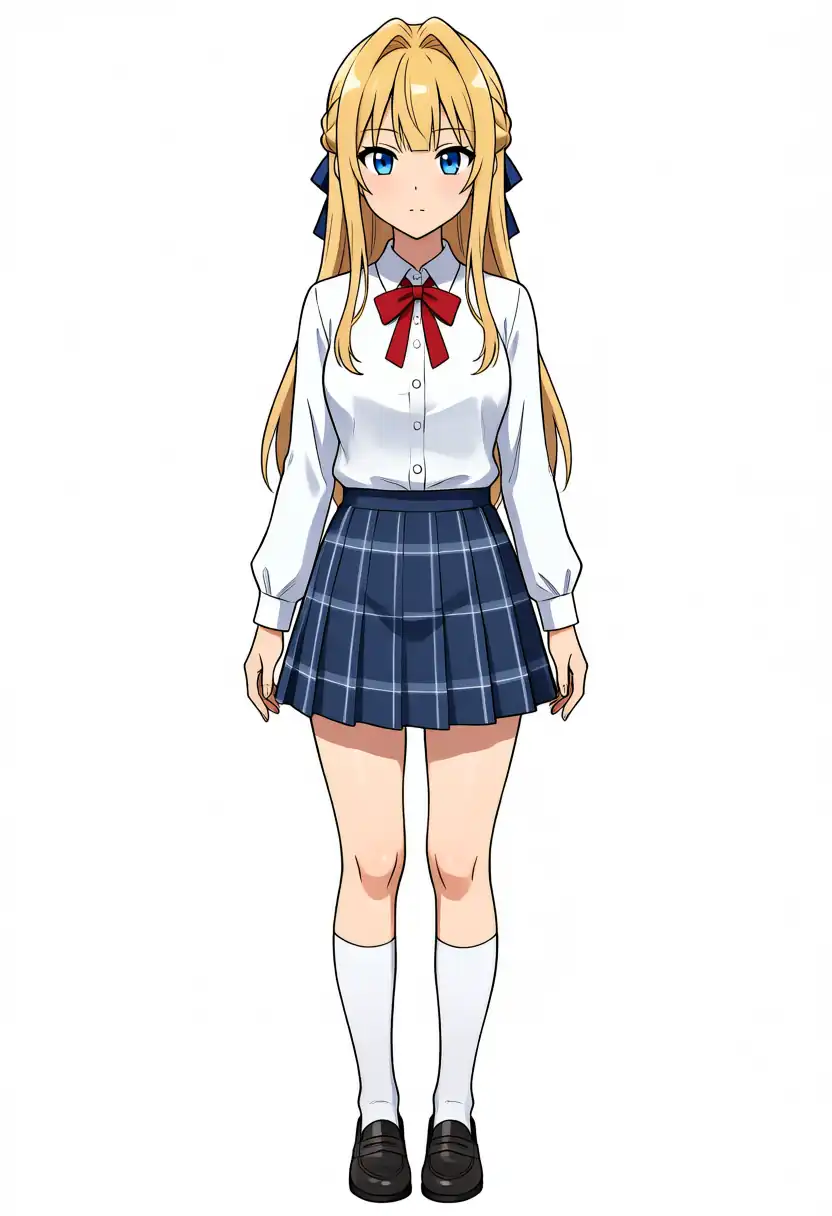
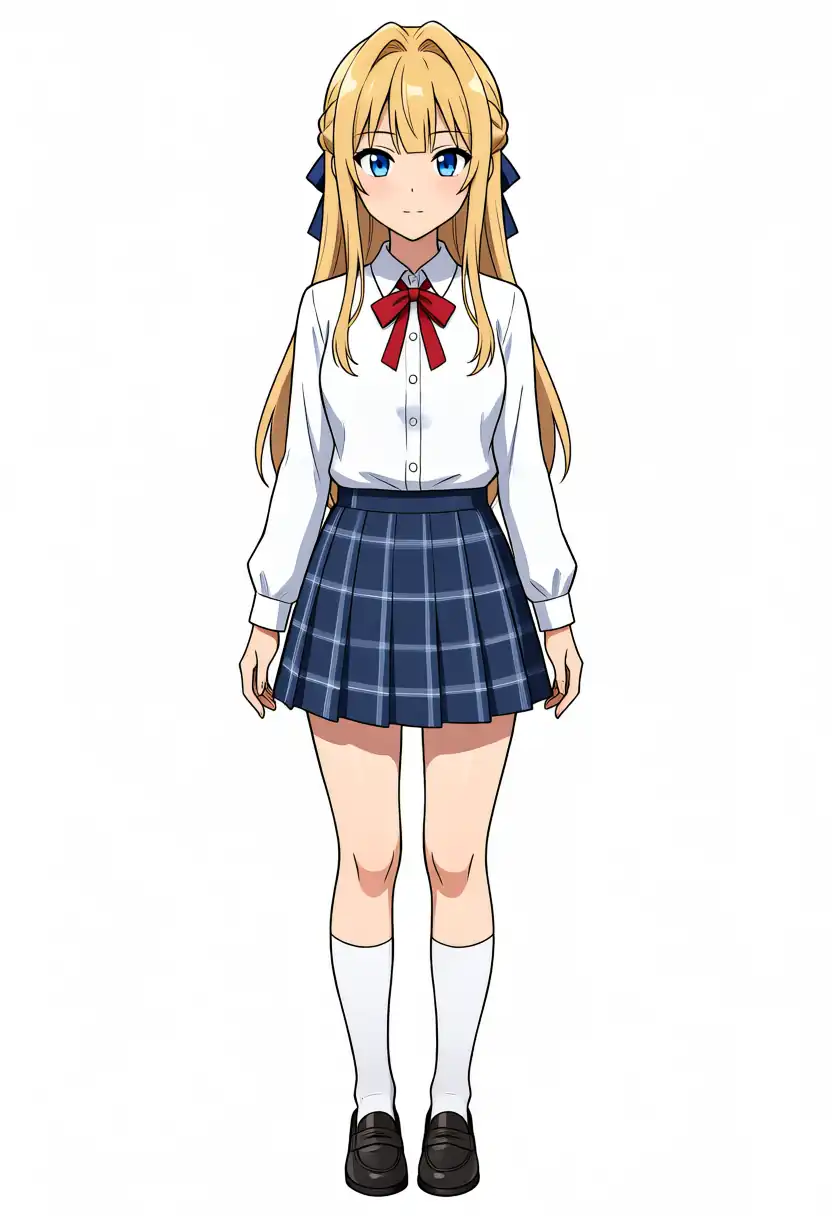
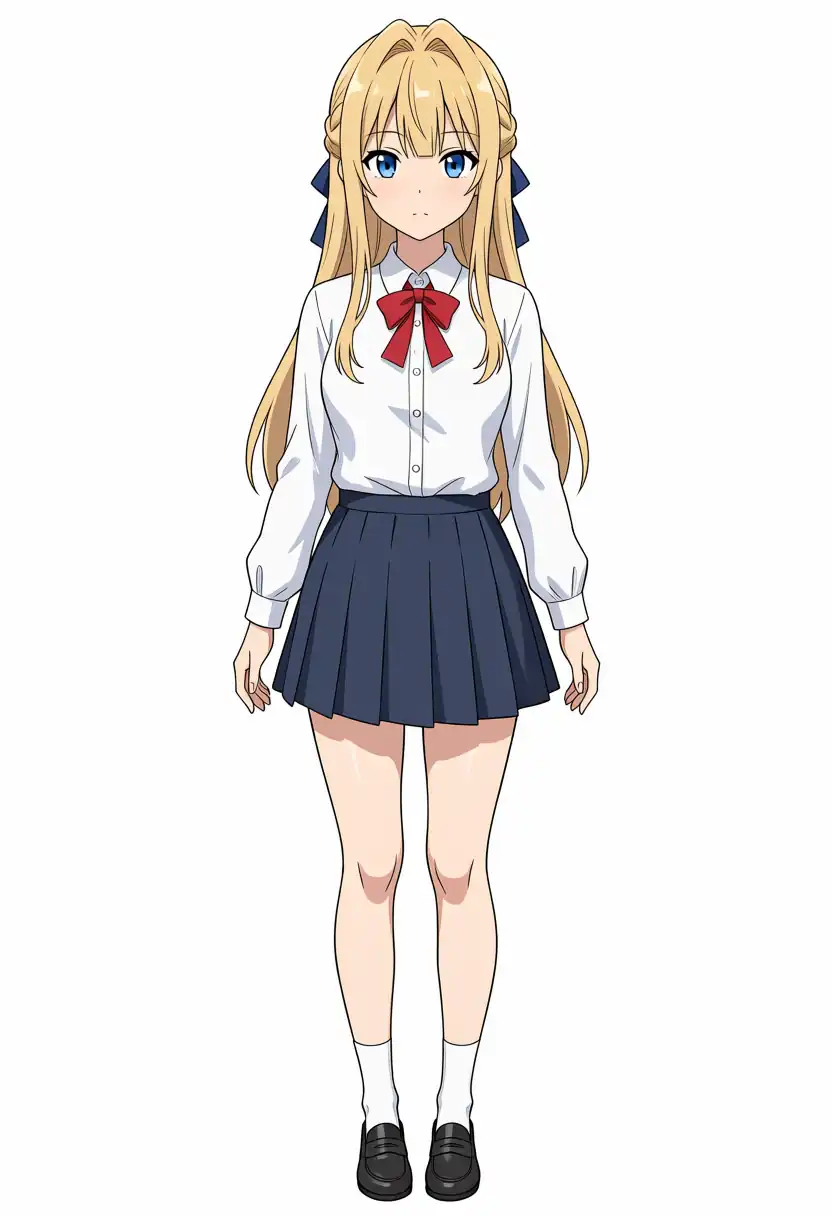
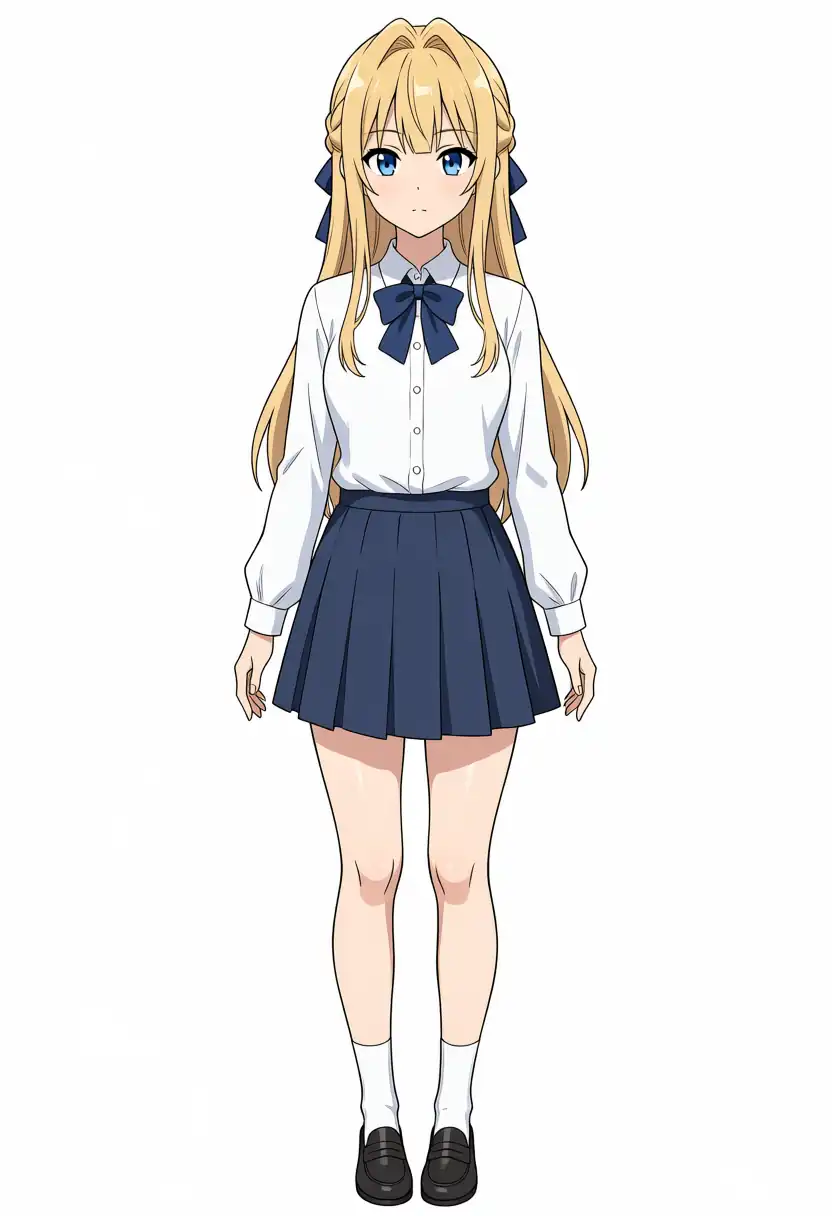
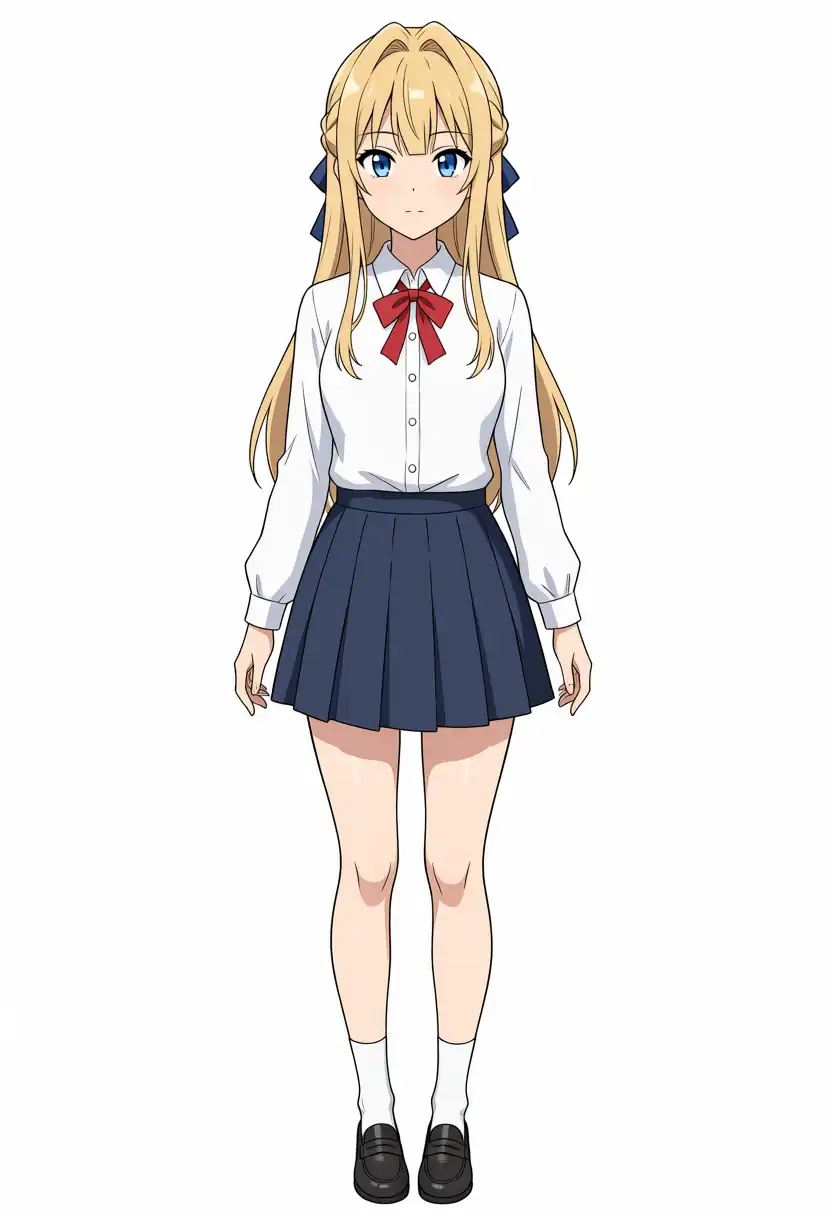
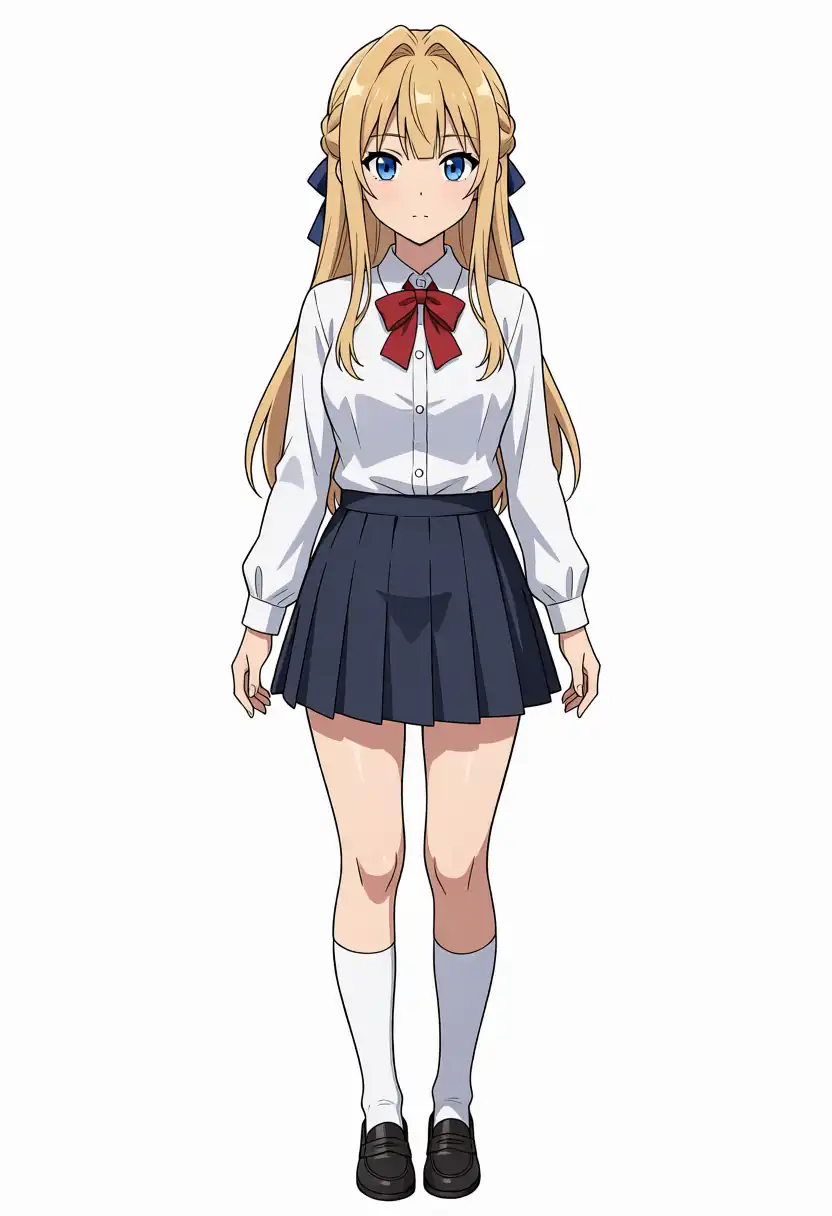
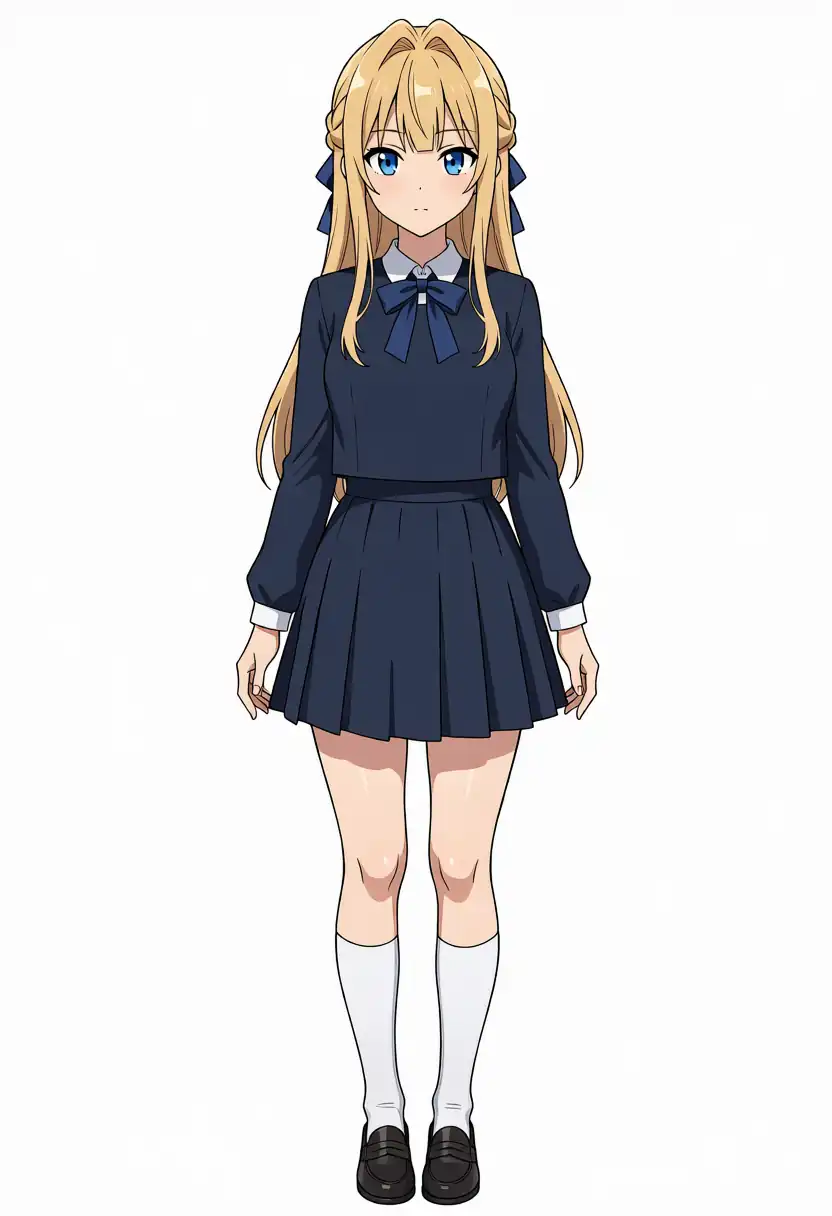
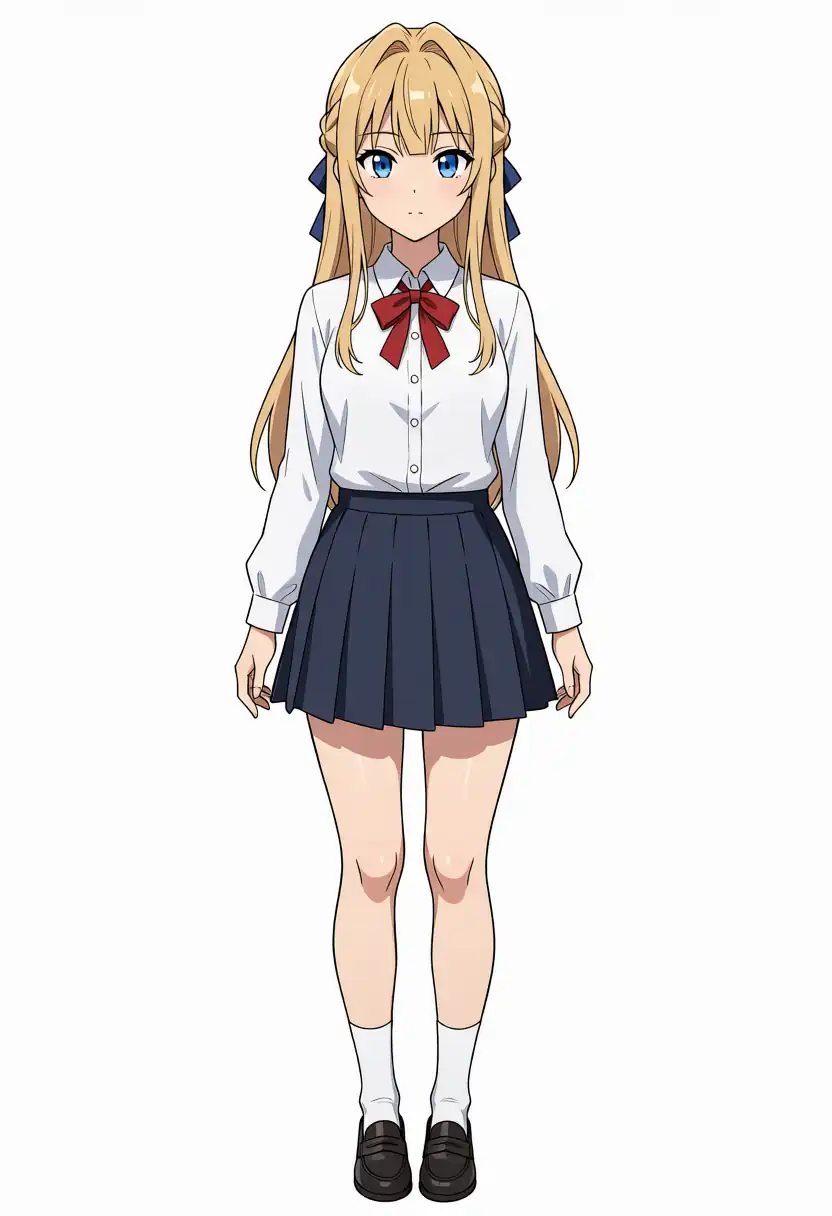
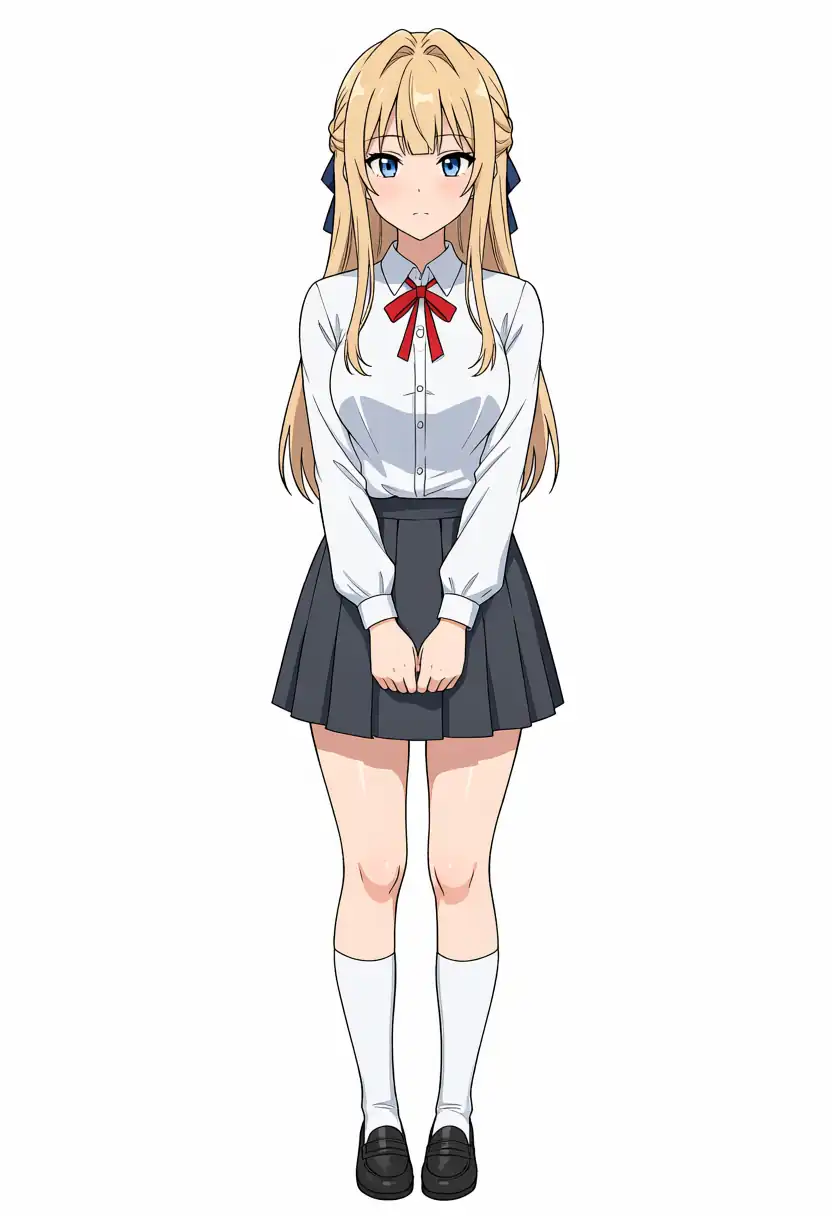
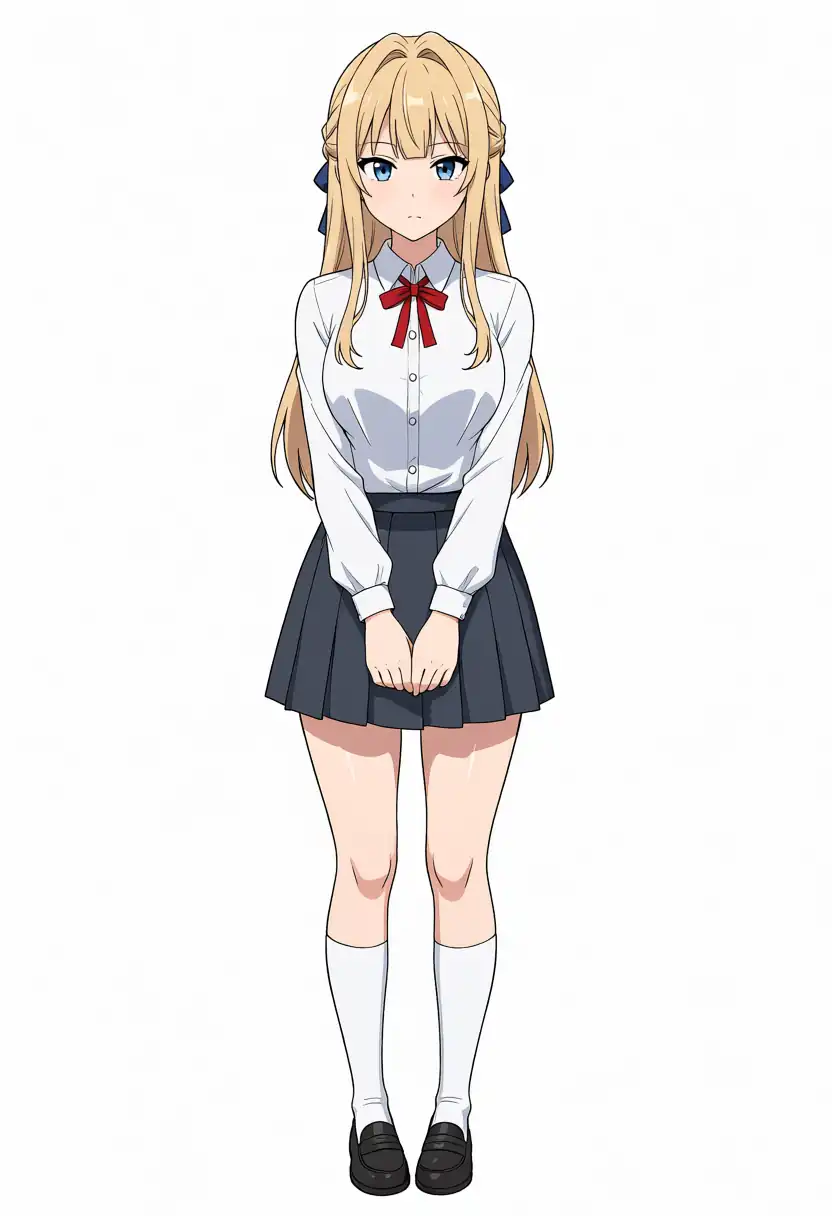
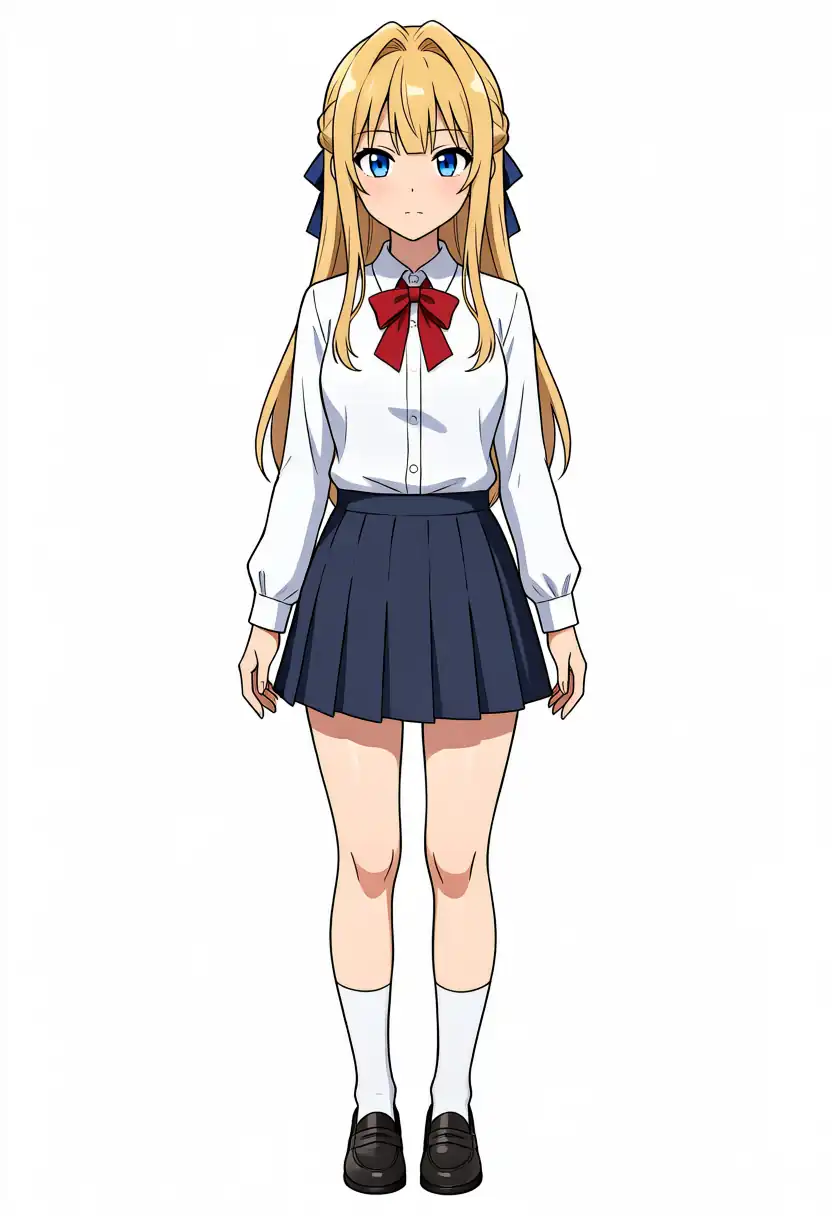
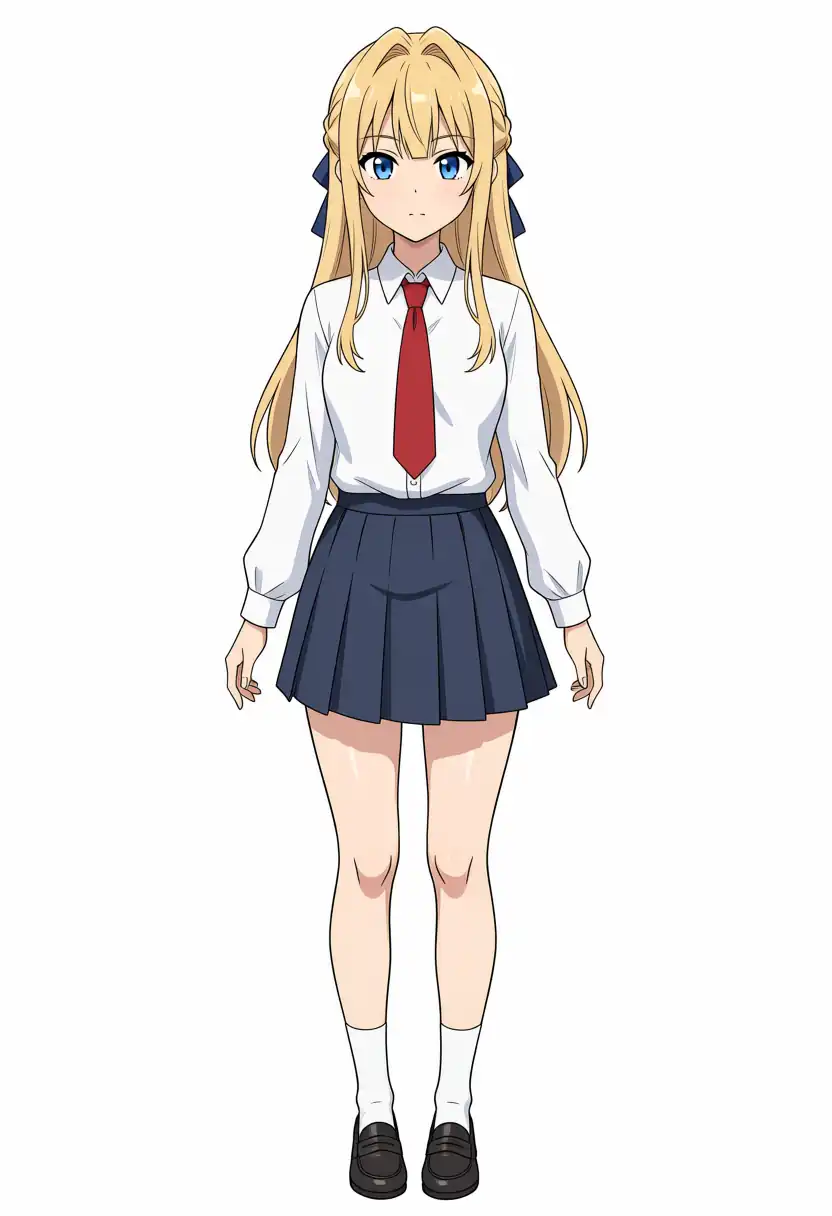
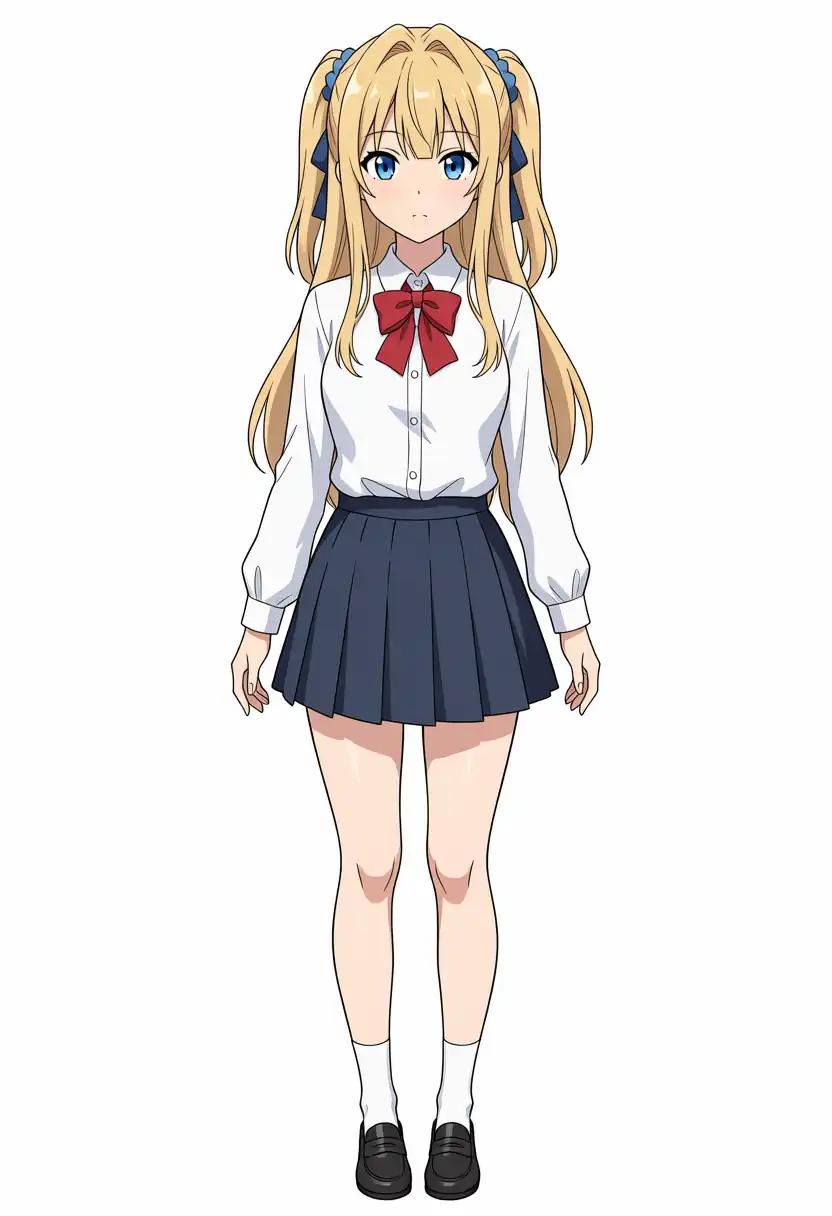
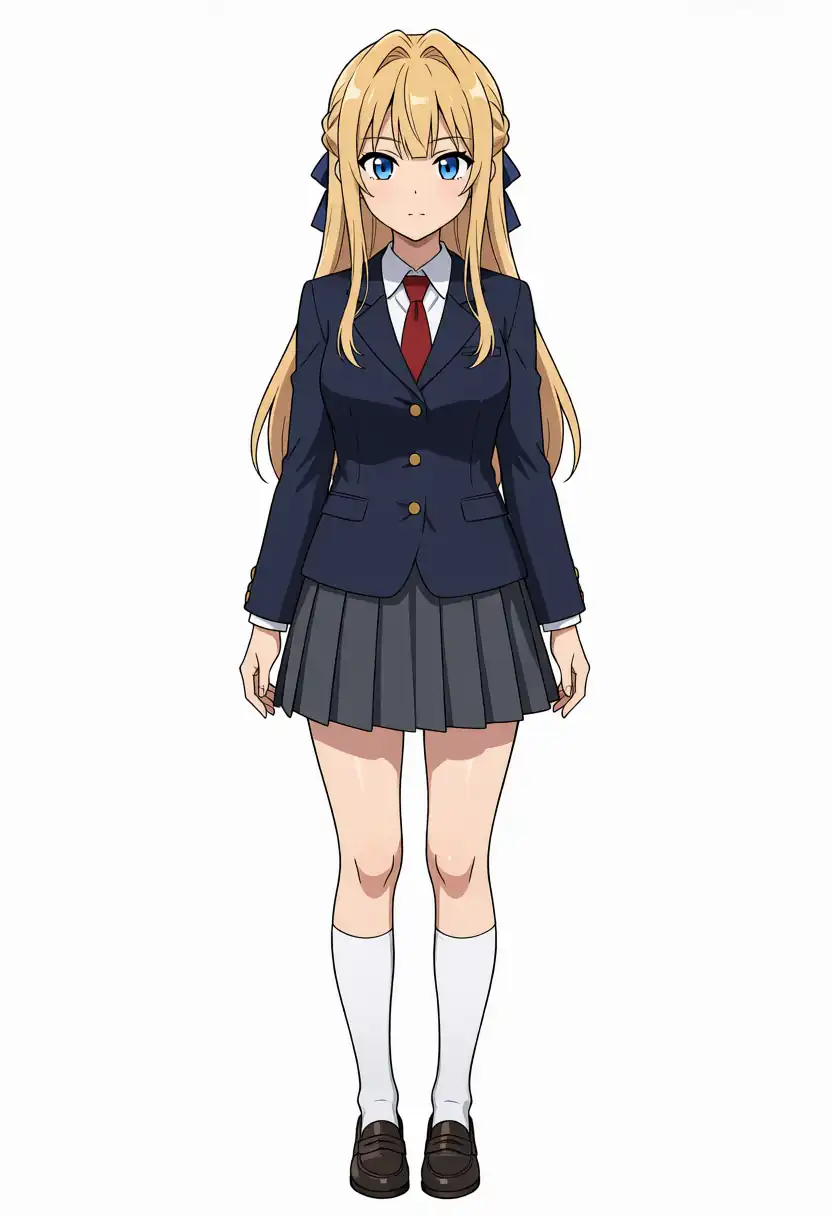
| Kei-chan | Long blonde hair, blunt bangs, side braids, blue ribbon in the back hair, blue eyes, red ribbon tie |
Kana-chan
I generated full body standing images.
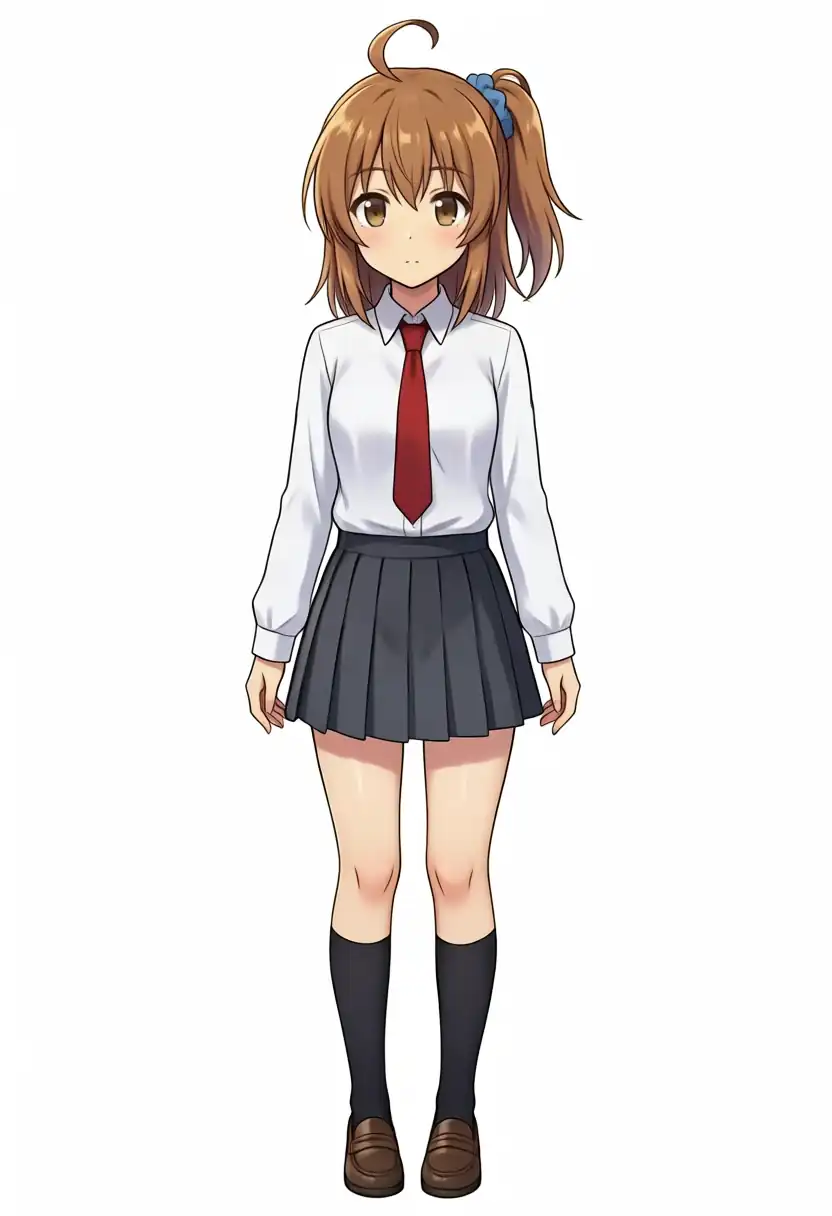
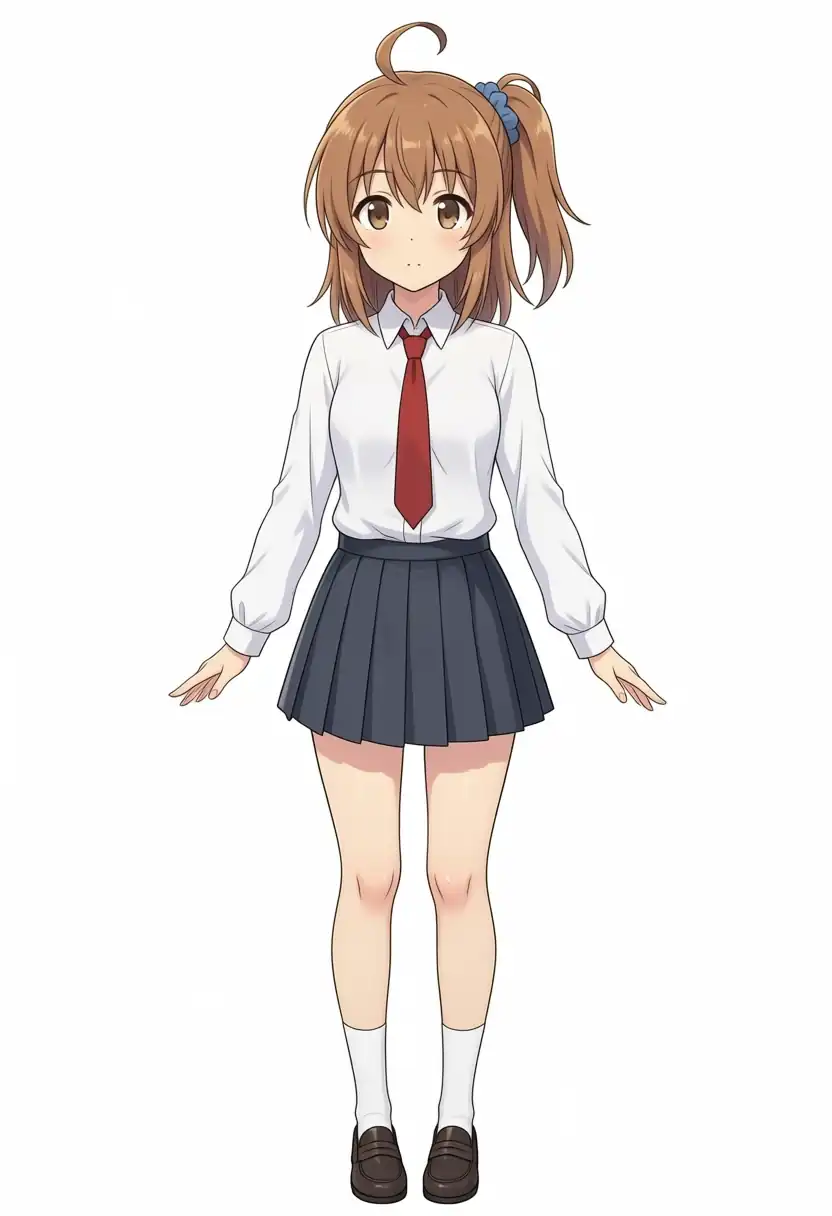
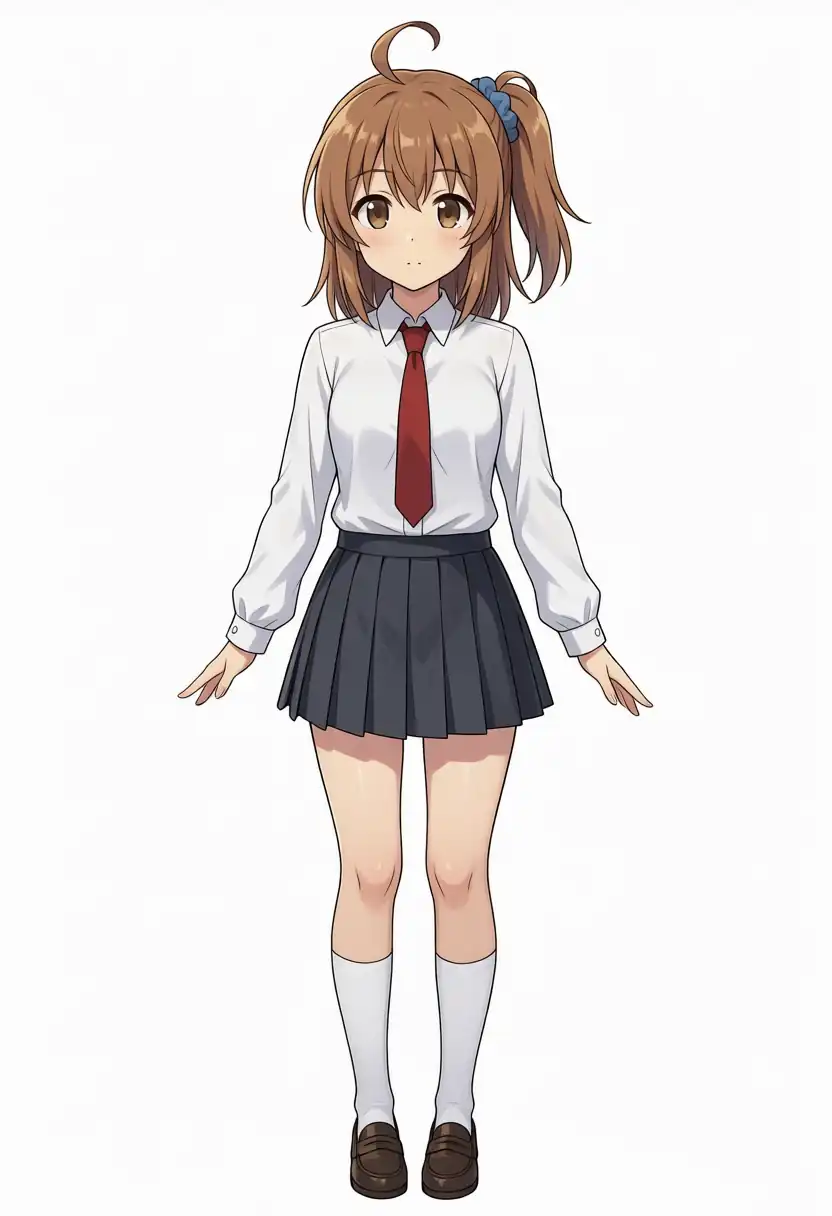
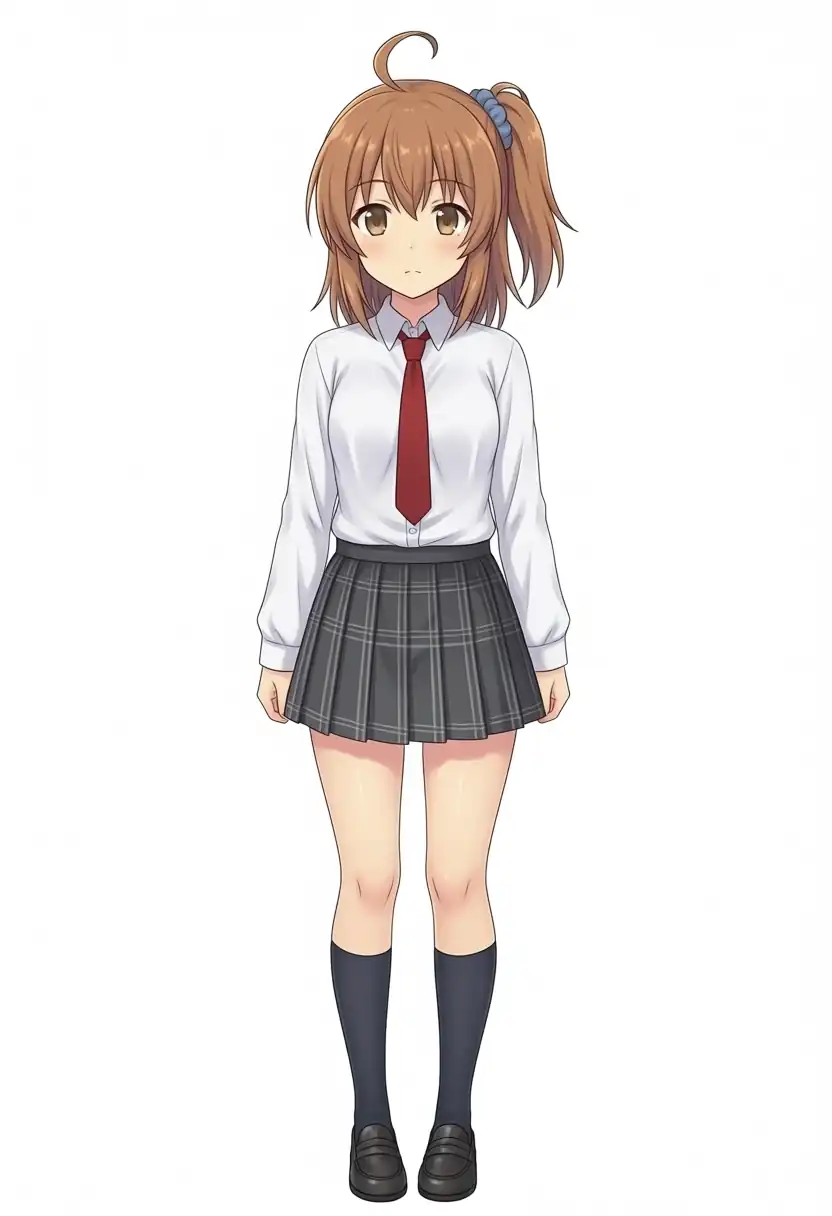
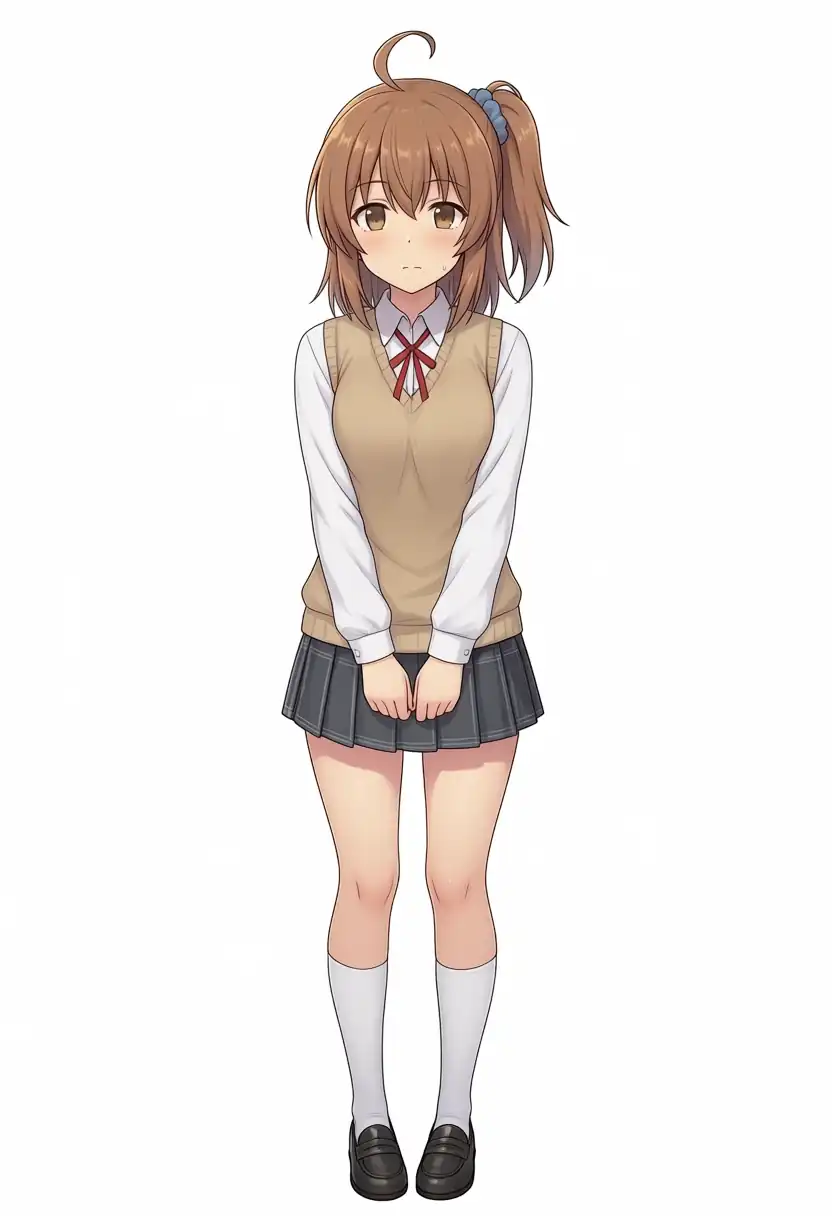
For the bust shots, I changed the prompt to upper body, portrait.
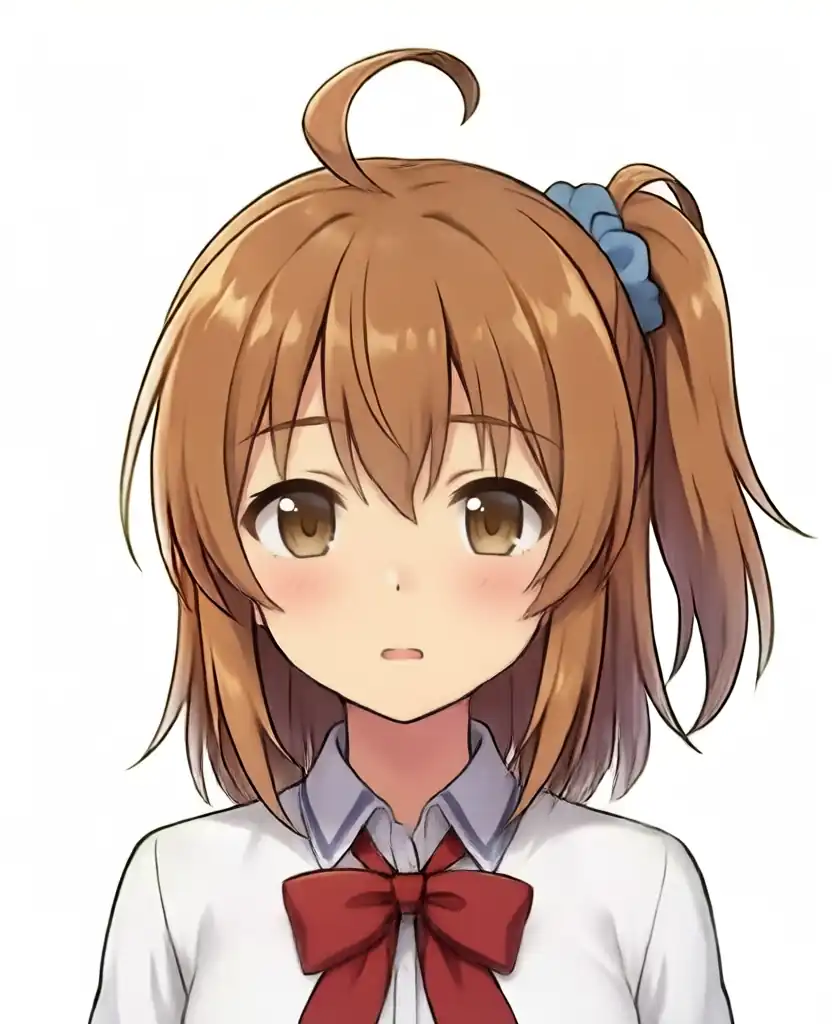
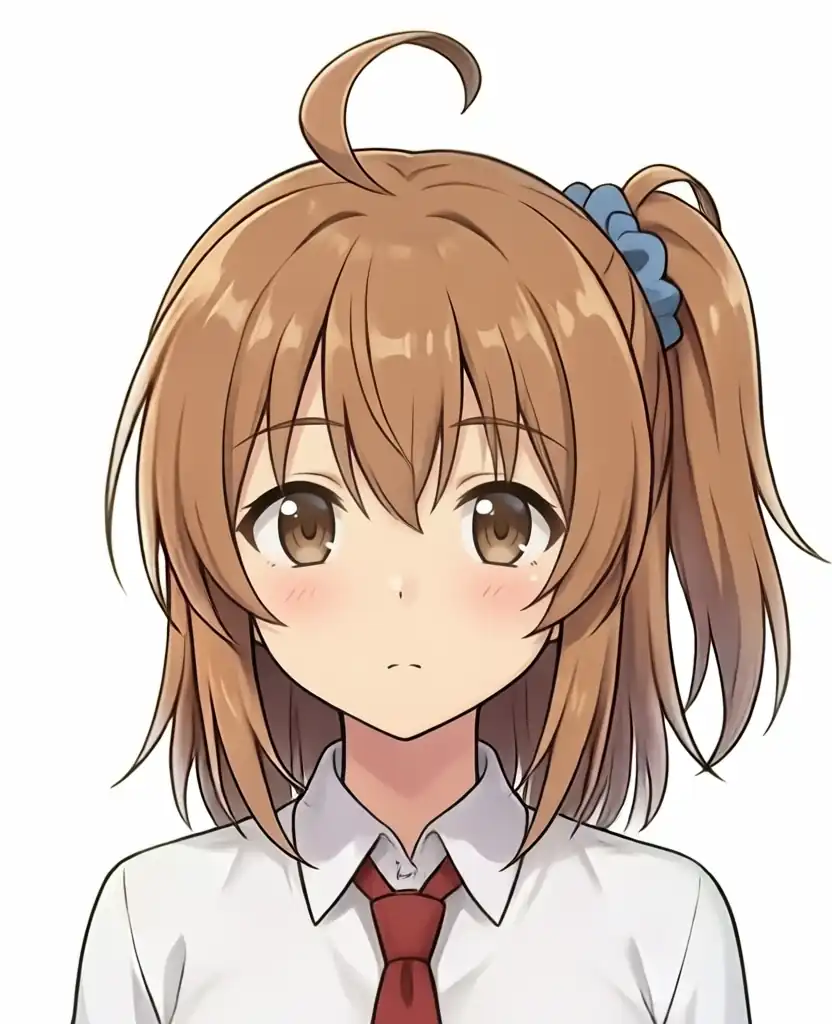
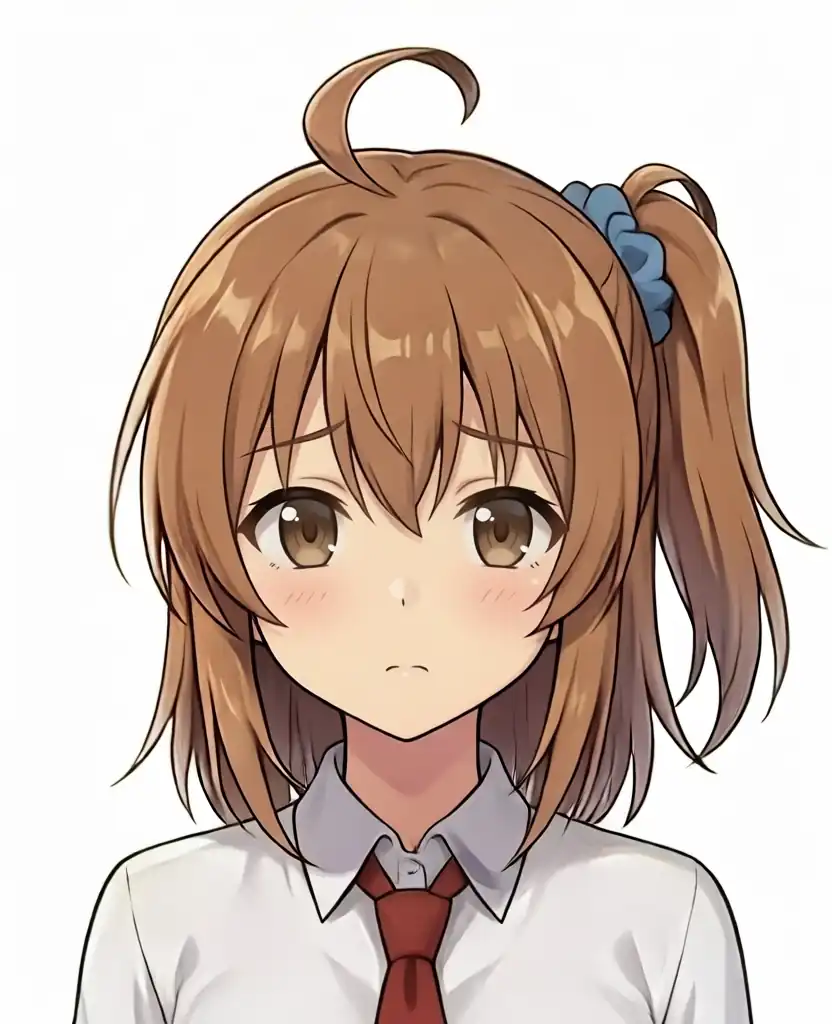
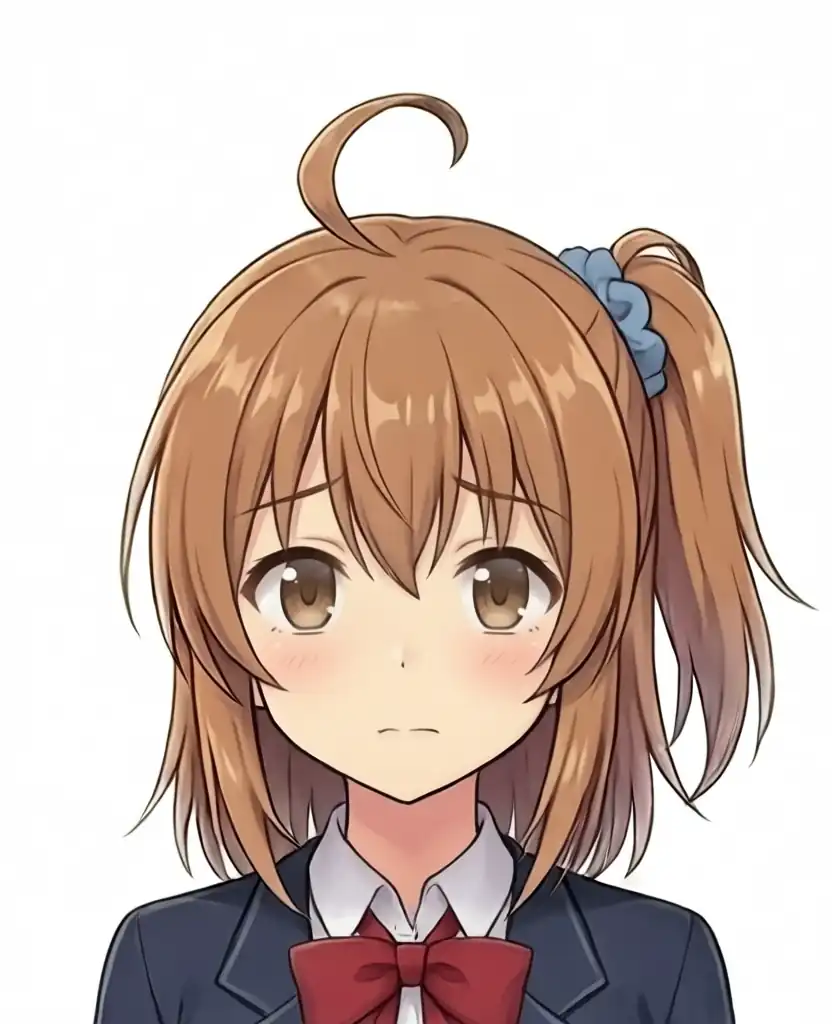
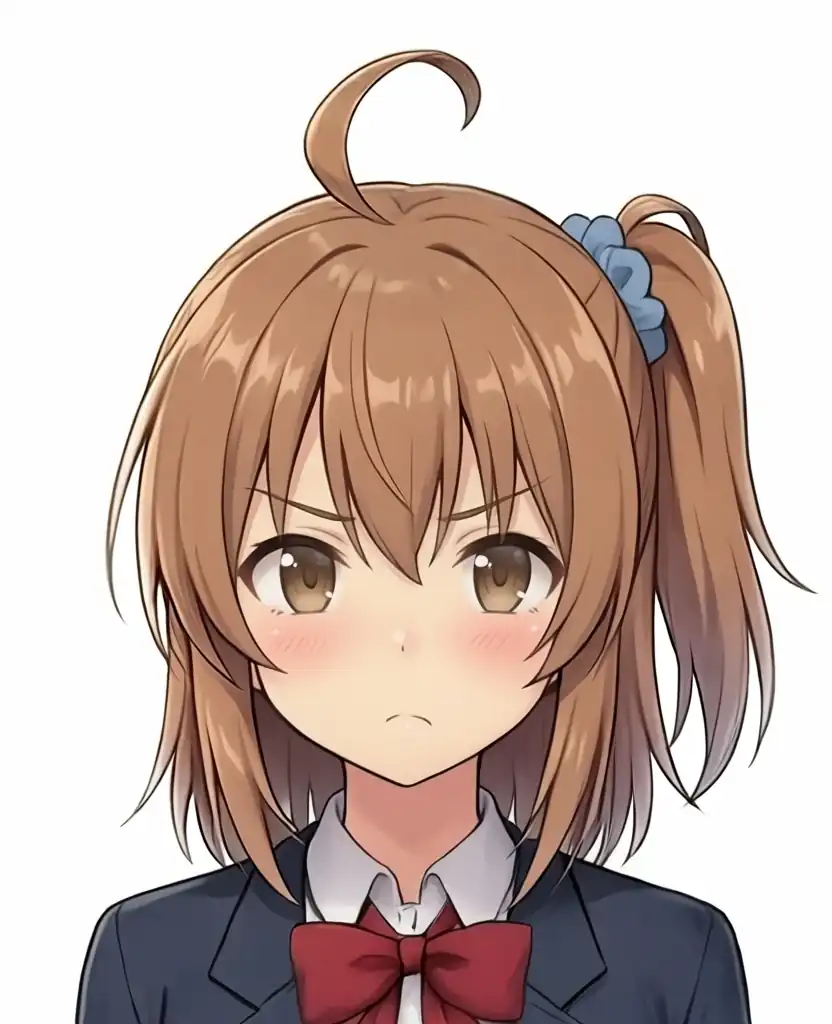
| Model | What I confirmed in the image |
|---|---|
| Base + Turbo LoRA | Full body shows every feature, with black knee socks. In the bust shot the tie becomes a large red ribbon |
| Turbo v1.0 | Every feature appears. Full body has short white socks and slightly open arms |
| Turbo v1.1 | Every feature appears. Full body has white below-the-knee socks |
| Base | Full body shows every feature, with a checked skirt. The bust shot has a navy blazer and a large red ribbon |
| Aesthetic v1.1 | Hair and eye features appear. Full body has a vest and a thin red ribbon, with hands clasped in front. The bust shot has a navy blazer and a red ribbon |
Kei-chan
I generated full body standing images.
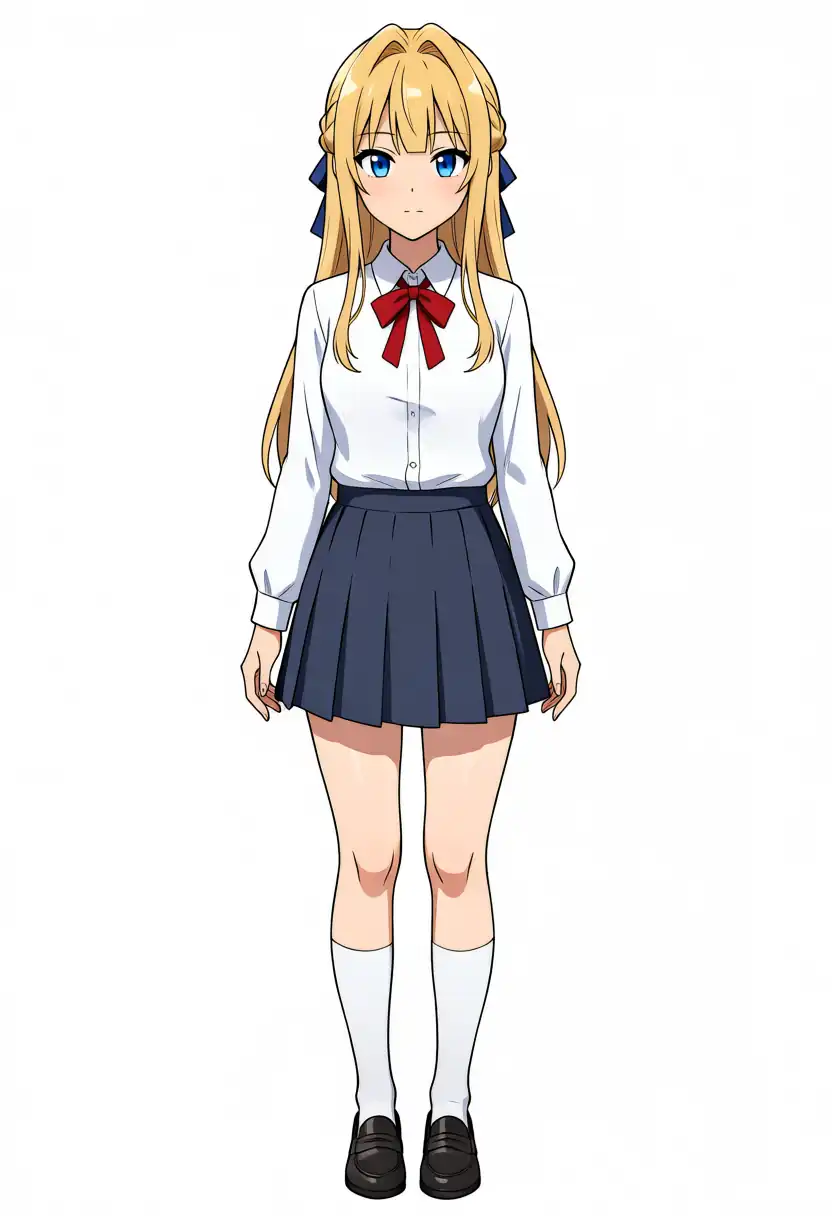
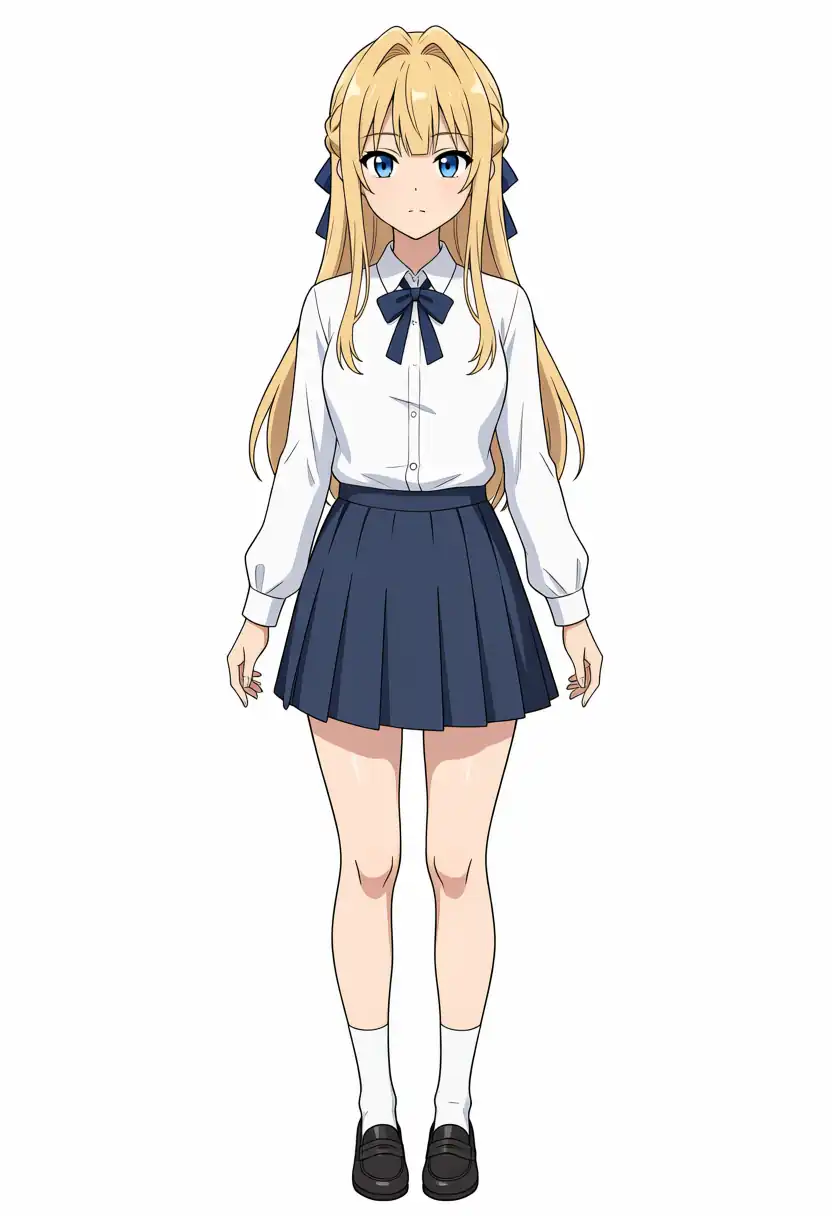
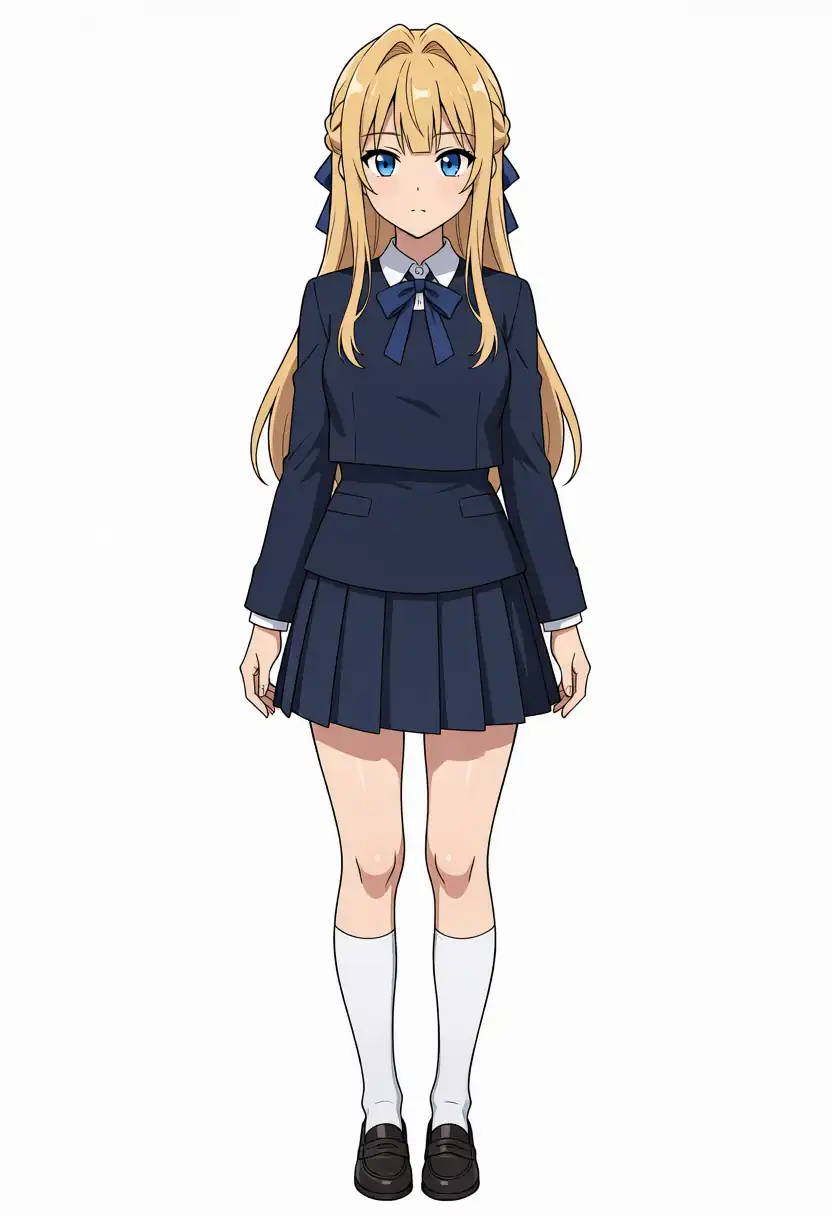
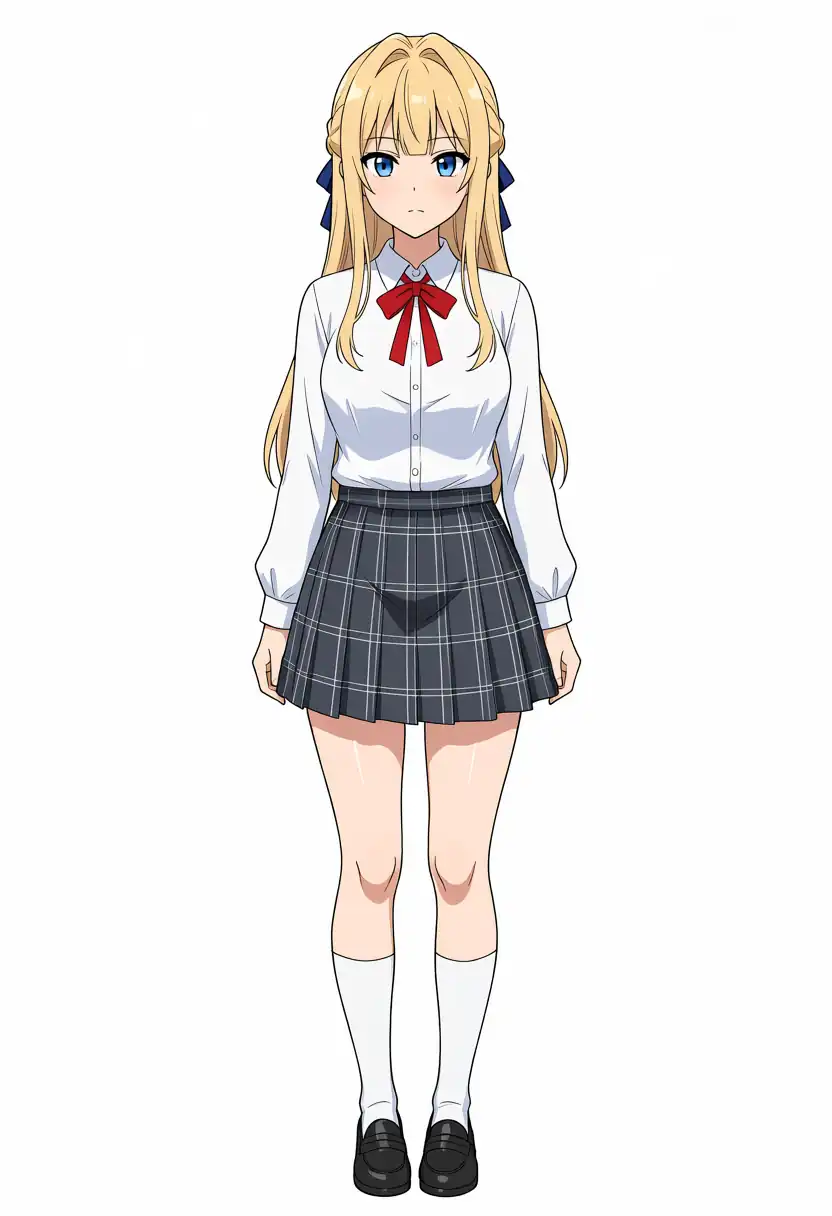
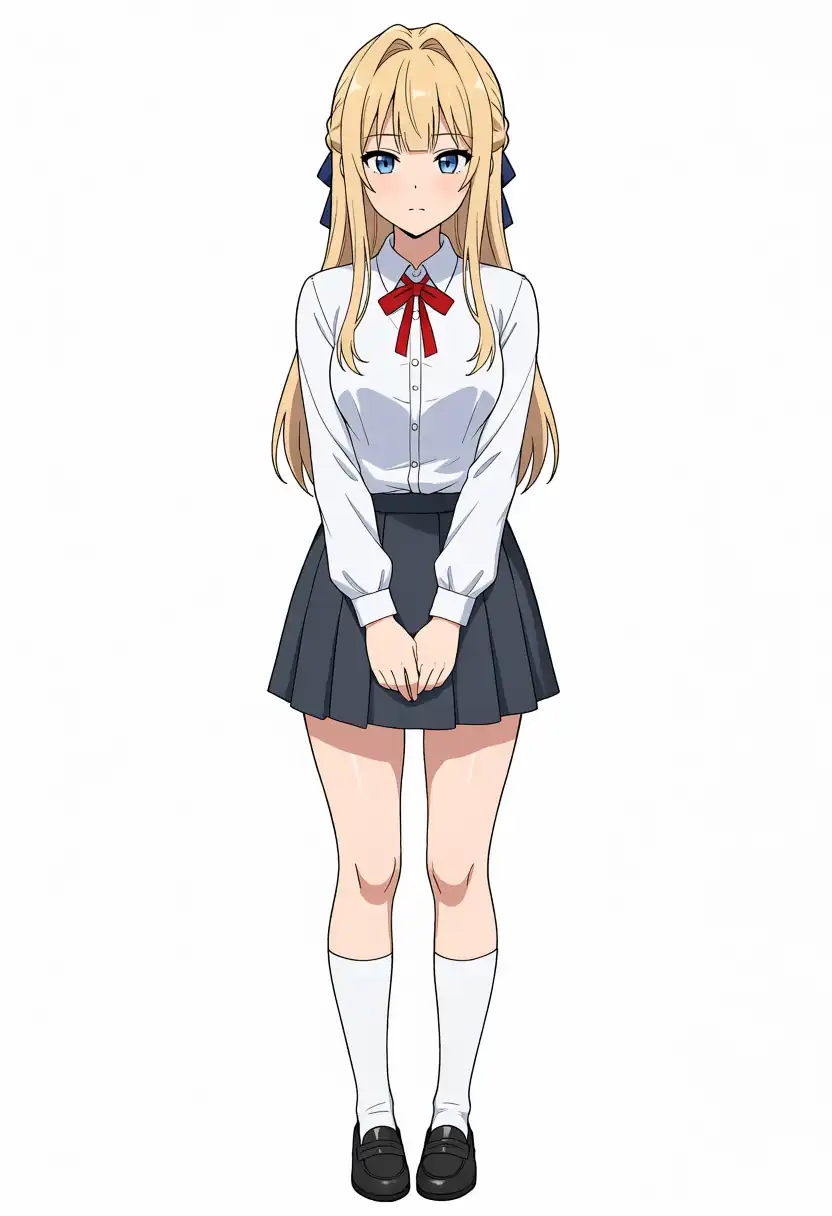
For the bust shots, I changed the prompt to upper body, portrait.
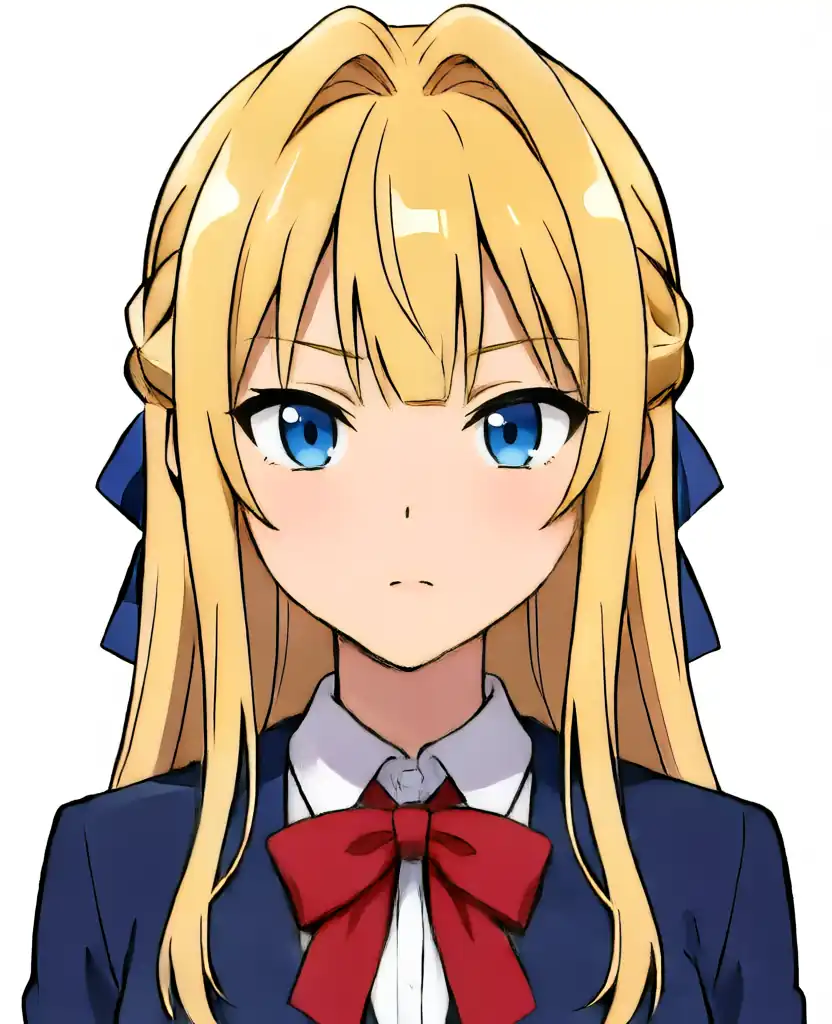
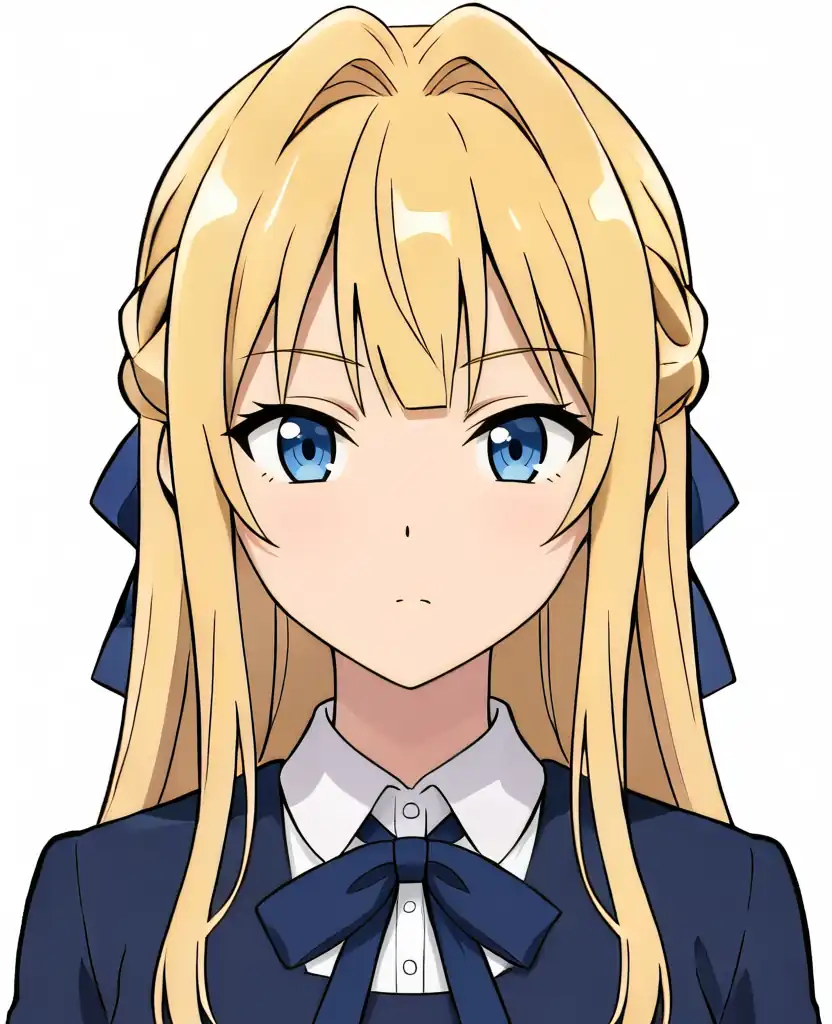
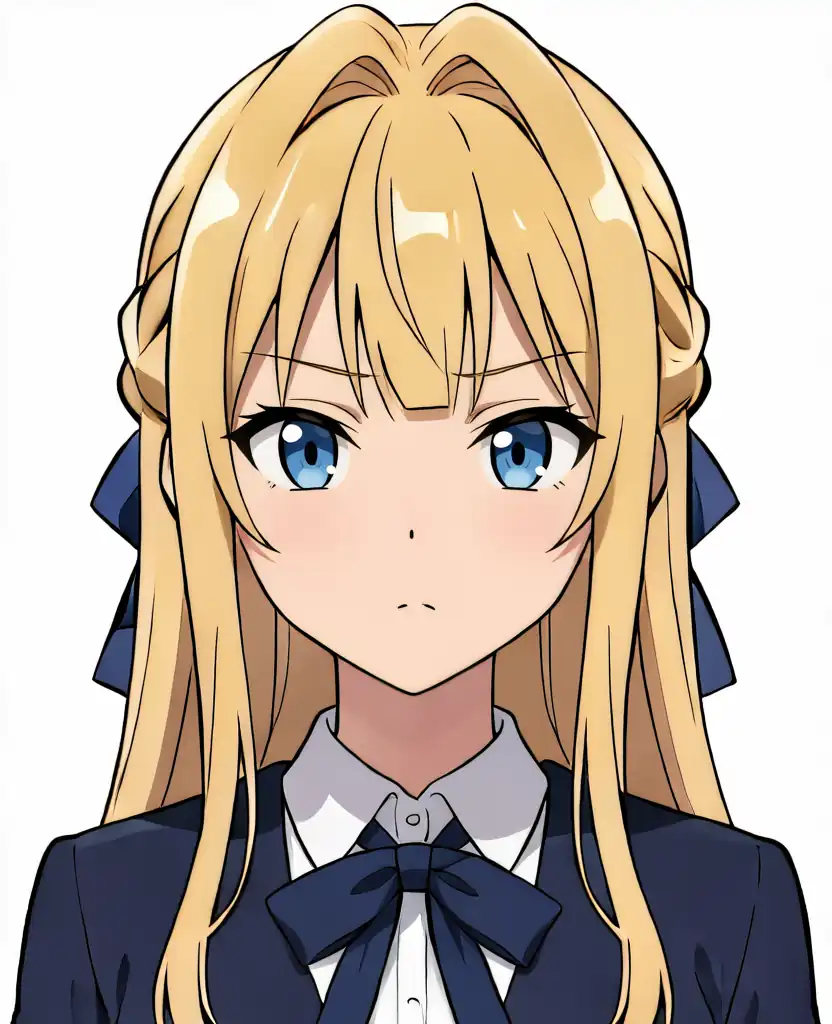
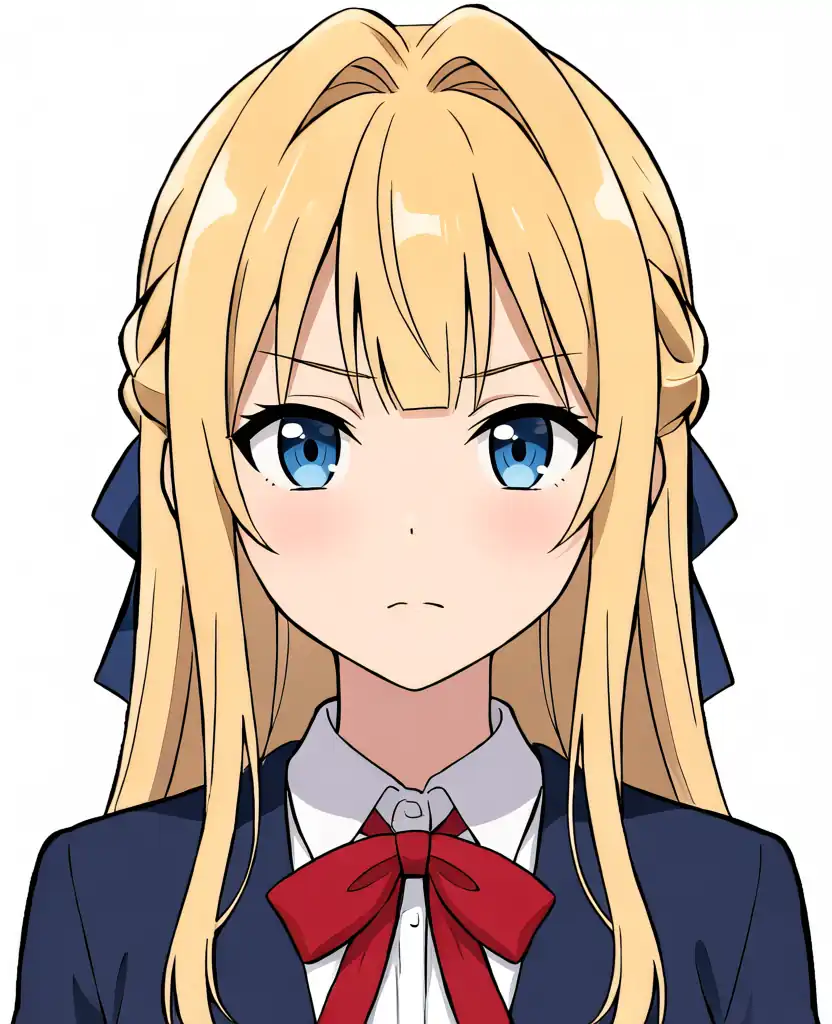
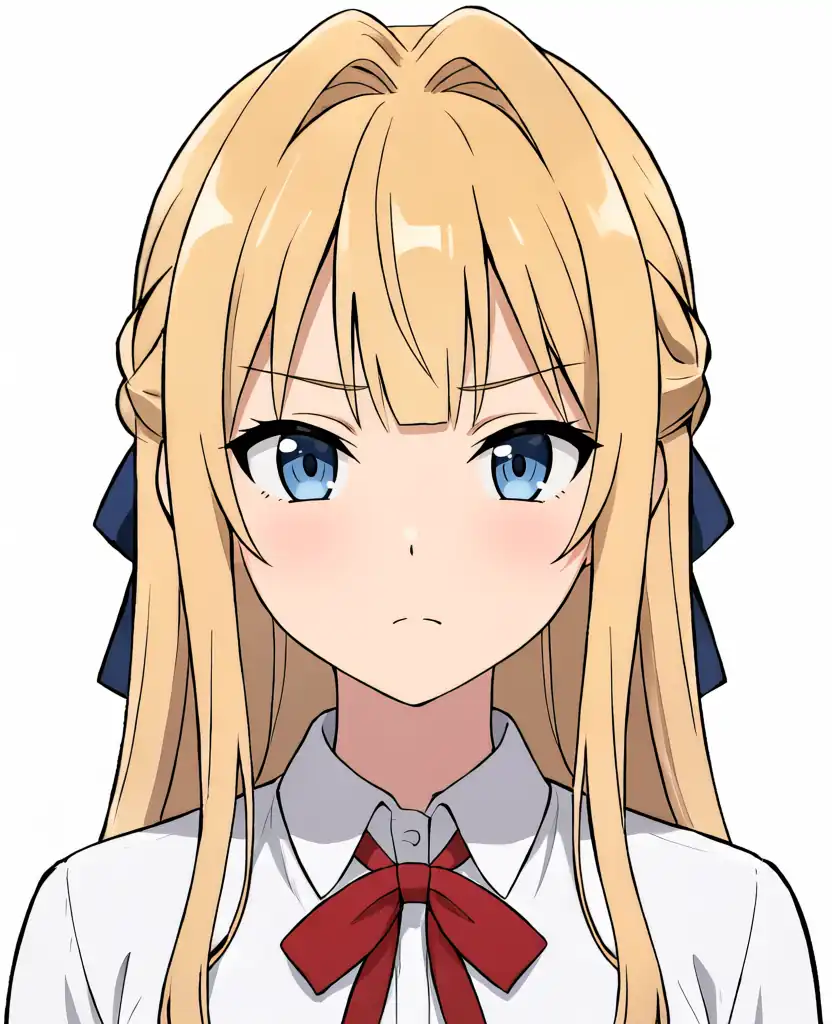
| Model | What I confirmed in the image |
|---|---|
| Base + Turbo LoRA | Hair features and red ribbon tie all appear. The bust shot has a navy blazer |
| Turbo v1.0 | Hair appears, but the ribbon at the neck is navy in both the full body and the bust shot |
| Turbo v1.1 | Hair appears, but the ribbon at the neck is navy. The full body also has a navy jacket |
| Base | Hair features and red ribbon tie all appear. The skirt is checked |
| Aesthetic v1.1 | Hair features and red ribbon tie all appear. Full body has hands clasped in front. The bust shot is a white shirt with no jacket |
At seed 42, only the two Turbo-specific models turn the neck ribbon navy. That was also true last time, even though the images on the EVO-X2 are completely different.
Prompts (Kana and Kei)
Kana, full body
masterpiece, best quality, safe, 1girl, solo, kanachan, brown hair, side ponytail, ahoge, brown eyes, school uniform, full body, standing, looking at viewer, white background, simple backgroundKei, full body
masterpiece, best quality, safe, 1girl, solo, keichan, blonde hair, long hair, blunt bangs, blue ribbon, blue eyes, school uniform, full body, standing, looking at viewer, white background, simple backgroundFor bust shots, I replaced full body, standing with upper body, portrait and added full body, knees, feet, lower body to the negative prompt.
Negative
worst quality, low quality, blurry, lowres, jpeg artifacts, bad hands, bad anatomy, fused fingers, fused legs, fused limbs, extra arms, extra legs, conjoined twins, deformed faceTwo Characters
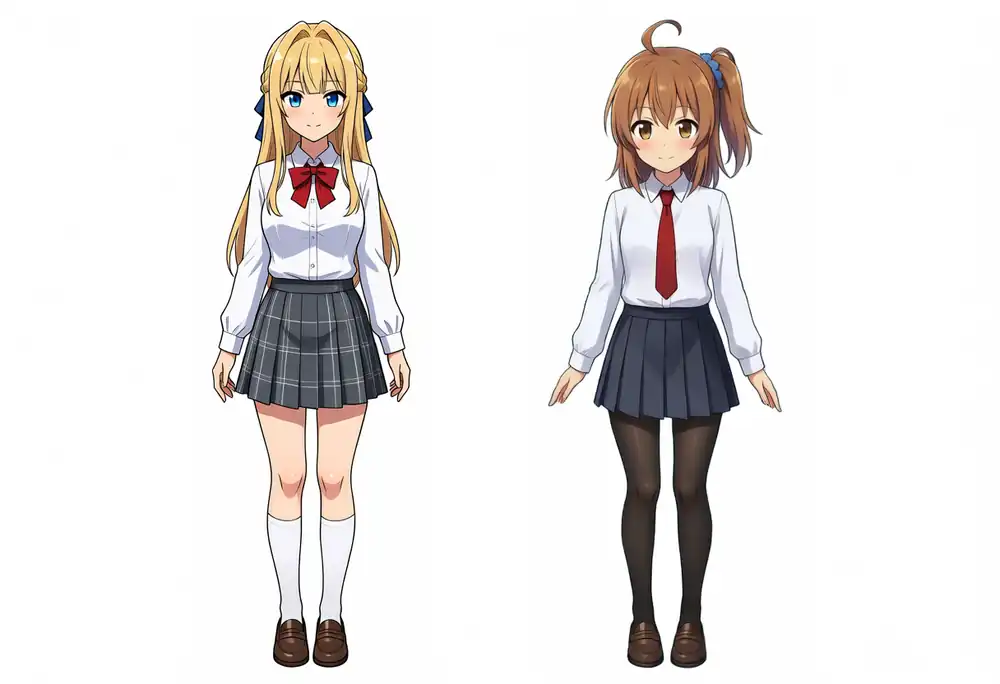
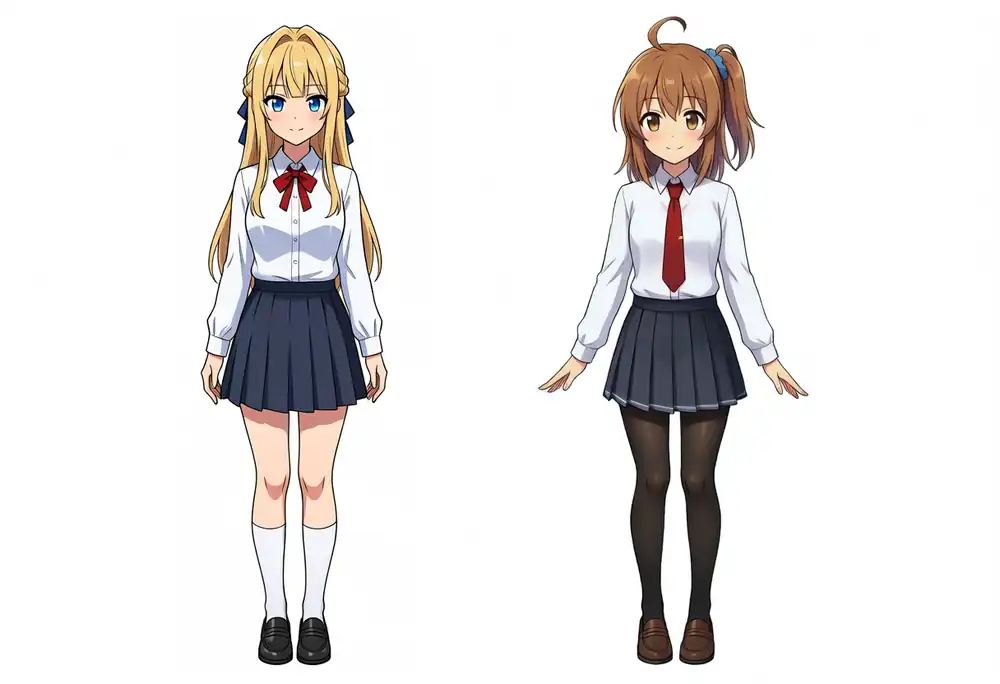
I avoided poses with contact and placed them side by side with standing side by side, full body.
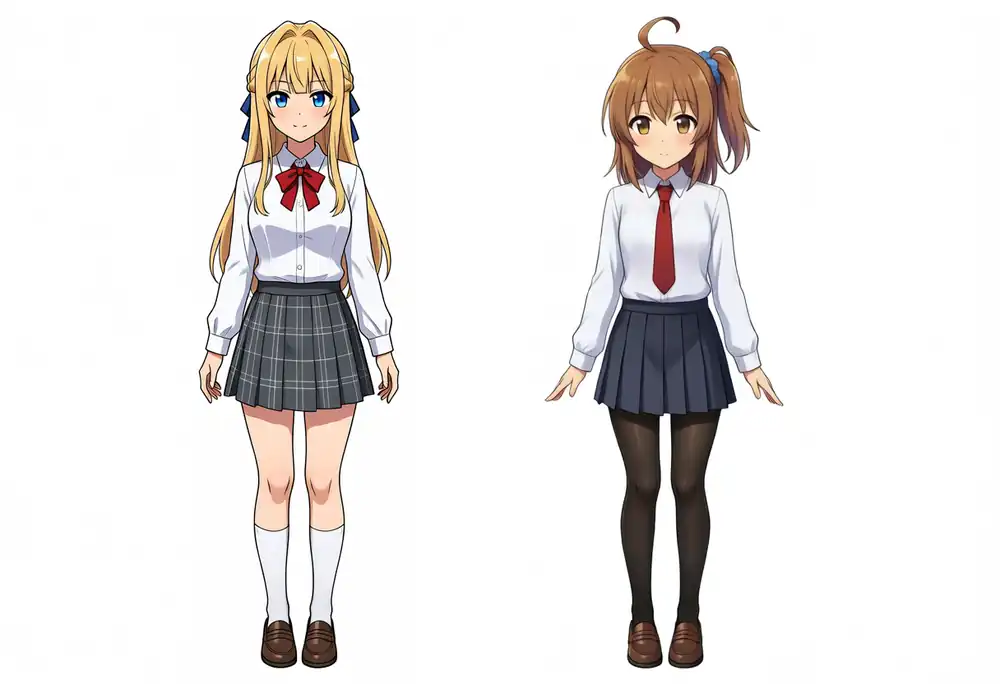
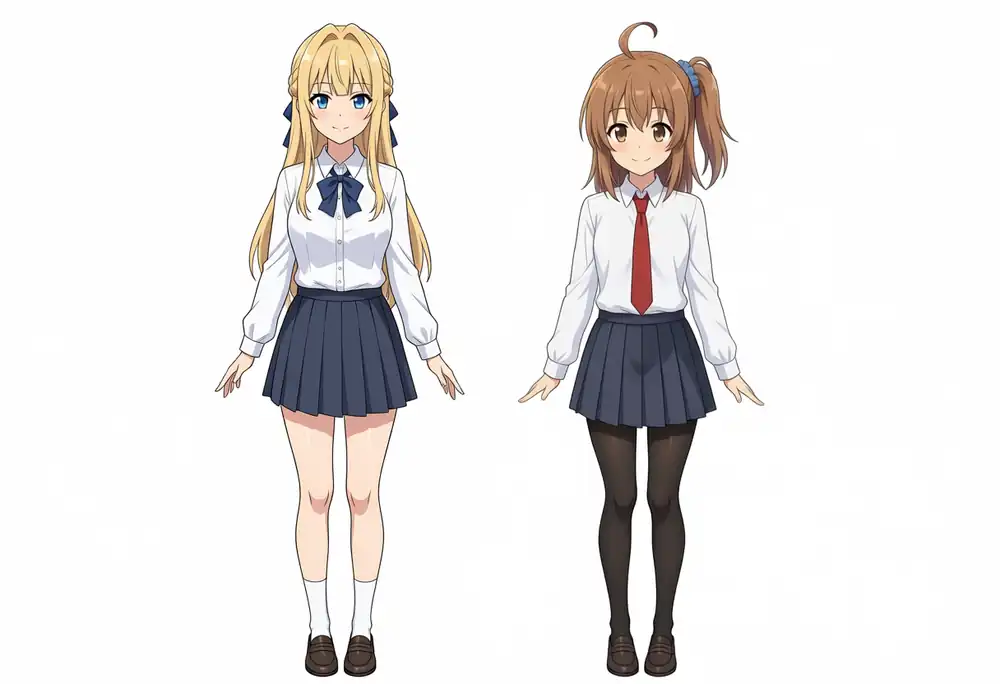
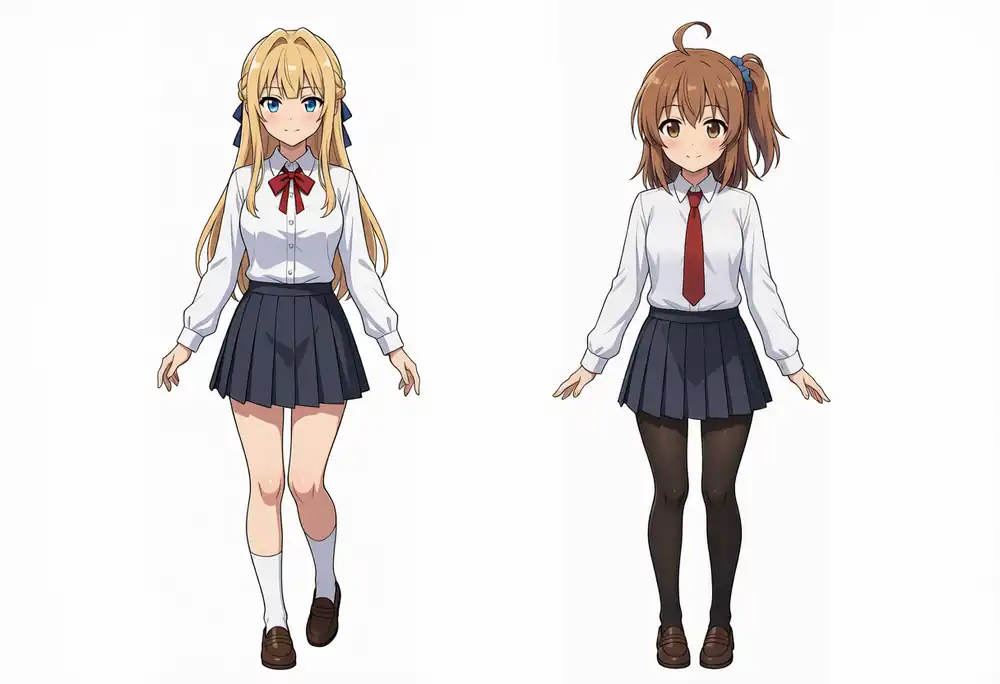
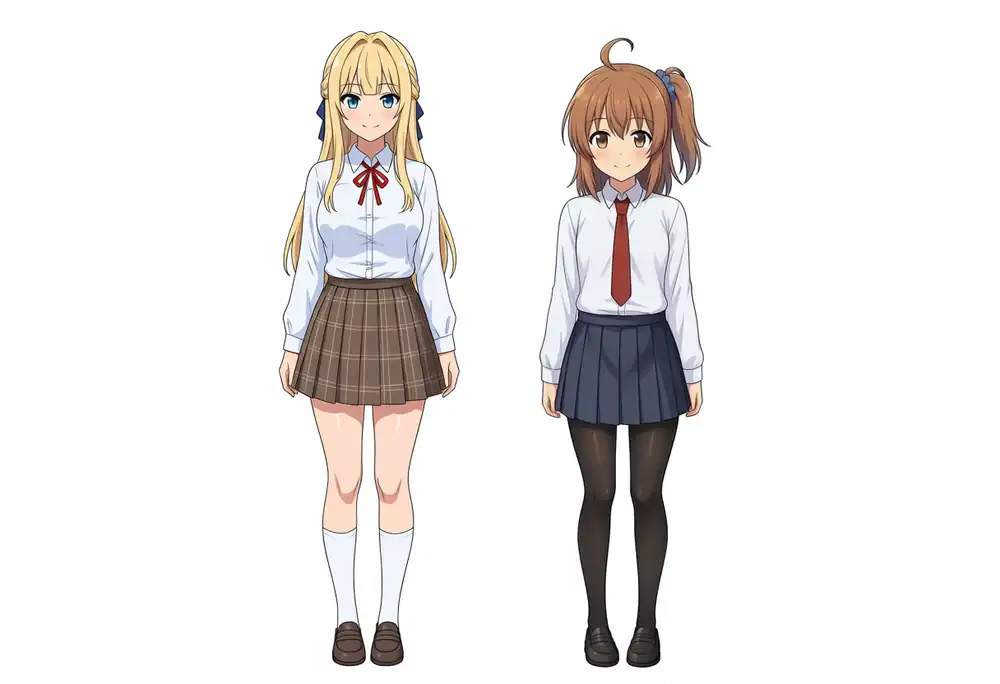
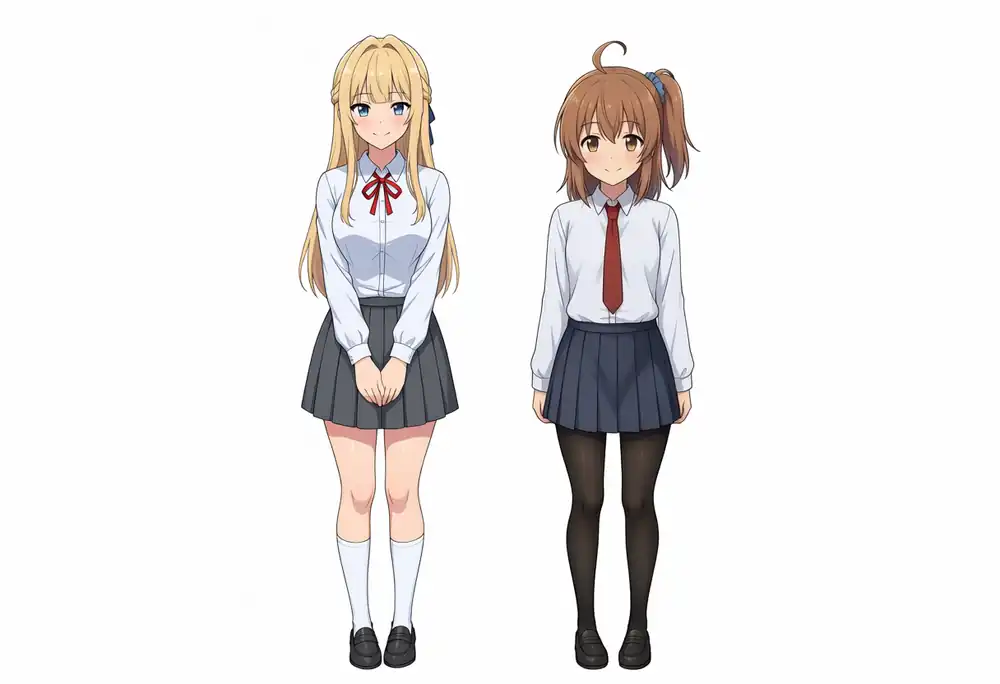
| Model | What I confirmed in the image |
|---|---|
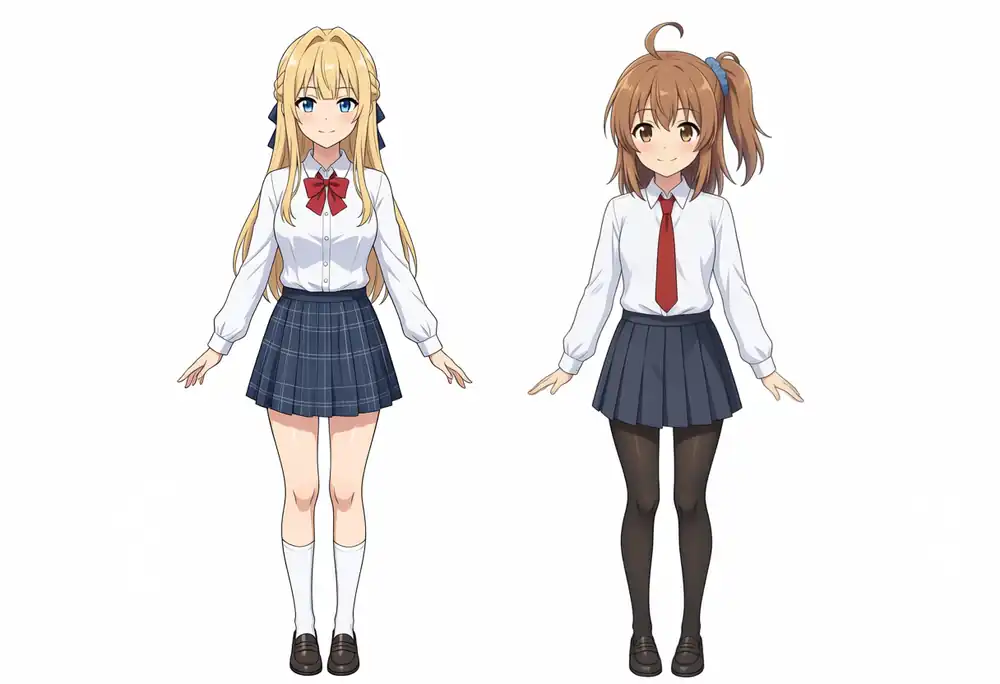
| Base + Turbo LoRA | Kei on the left and Kana on the right, no ahoge mix-up. Kei has a red ribbon, Kana has black tights |
| Turbo v1.0 | Same separation and ahoge. Kei’s ribbon is navy |
| Turbo v1.1 | Same separation and ahoge. Kei has a red ribbon |
| Base | Same separation and ahoge. Kei has a red ribbon and a brown checked skirt |
| Aesthetic v1.1 | Same separation and ahoge. Kei has a thin red ribbon and hands clasped in front |
Prompt
masterpiece, best quality, safe, 2girls, multiple girls, two different girls, kanachan, keichan, standing side by side, full body, looking at viewer, smile, school uniform, keichan on the left has long blonde hair with blunt bangs and a blue ribbon, kanachan on the right has brown hair with a side ponytail and an ahoge, white background, simple backgroundThe negative prompt is the same as for Kana and Kei, plus 1girl, solo.
LoRA Results Across 4 Seeds
I generated four images each at seeds 42, 100, 200, and 300, opened them, and counted how many came out as the intended character.
Kana’s outfit change and Kei’s hairstyle change use two images each at seeds 42 and 100. Numbers in parentheses are the previous M1 Max results.
| Item | Base + Turbo LoRA | Turbo v1.0 | Turbo v1.1 | Base | Aesthetic v1.1 |
|---|---|---|---|---|---|
| Kana (features specified: brown hair, ahoge, right side ponytail, blue scrunchie, red tie) | 4/4 (4/4) | 4/4 (4/4) | 4/4 (4/4) | 4/4 (4/4) | 2/4 (4/4) |
| Kei (features specified: blonde hair, blunt bangs, braids, blue ribbon) | 4/4 (4/4) | 4/4 (4/4) | 4/4 (4/4) | 4/4 (4/4) | 4/4 (4/4) |
| Kei (red ribbon tie at the neck) | 4/4 (4/4) | 2/4 (1/4) | 2/4 (3/4) | 4/4 (4/4) | 4/4 (4/4) |
| Two characters (count: exactly 2 people) | 4/4 (4/4) | 3/4 (4/4) | 4/4 (4/4) | 4/4 (4/4) | 3/4 (1/4) |
| Two characters (separation: left and right distinct, no ahoge mix-up) | 4/4 (4/4) | 4/4 (4/4) | 4/4 (4/4) | 4/4 (4/4) | 4/4 (4/4) |
| Kei’s neck ribbon in the two-character image (red ribbon tie) | 4/4 (4/4) | 1/4 (1/4) | 4/4 (4/4) | 4/4 (4/4) | 4/4 (4/4) |
| Kana outfit change (requested outfit, features kept) | 2/2 (2/2) | 2/2 (2/2) | 2/2 (2/2) | 2/2 (2/2) | 2/2 (2/2) |
| Kei hairstyle change (twin tails, features kept) | 0/2 (1/2) | 1/2 (2/2) | 1/2 (2/2) | 2/2 (1/2) | 2/2 (1/2) |
I did not try prompts with only the trigger word (a word like kanachan that calls up the character) this time.
They specify no clothing, and that condition produced nude and underwear images with the LoRA last time.
With Features Written in the Prompt
Kana-chan
Base + Turbo LoRA
Turbo v1.0
Turbo v1.1
Base
Aesthetic v1.1
Kei-chan
Base + Turbo LoRA
Turbo v1.0
Turbo v1.1
Base
Aesthetic v1.1
Two characters
Base + Turbo LoRA
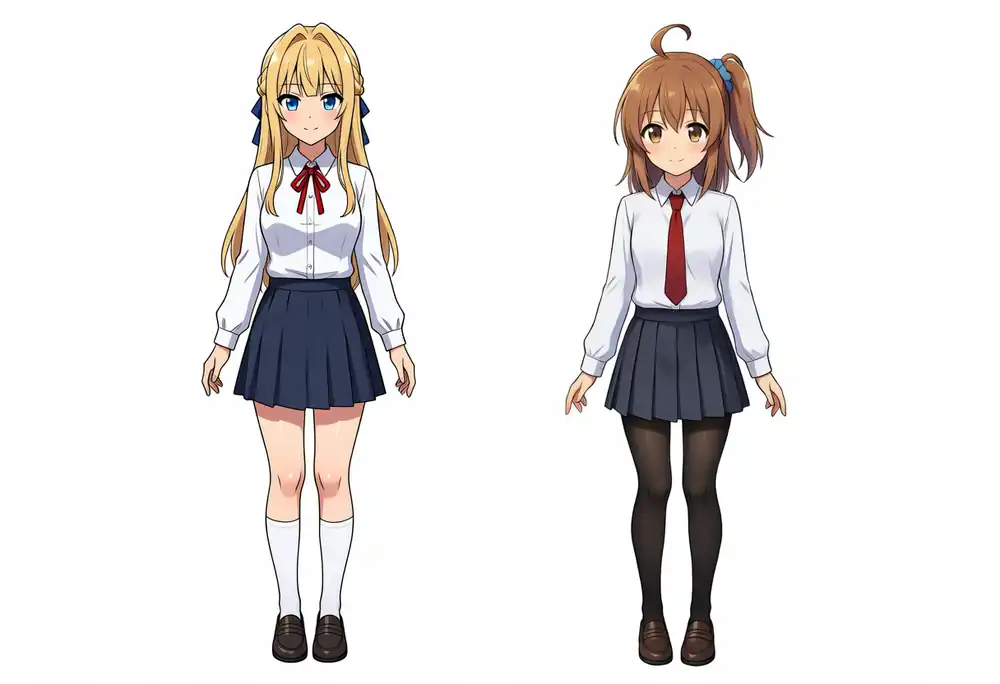
Turbo v1.0
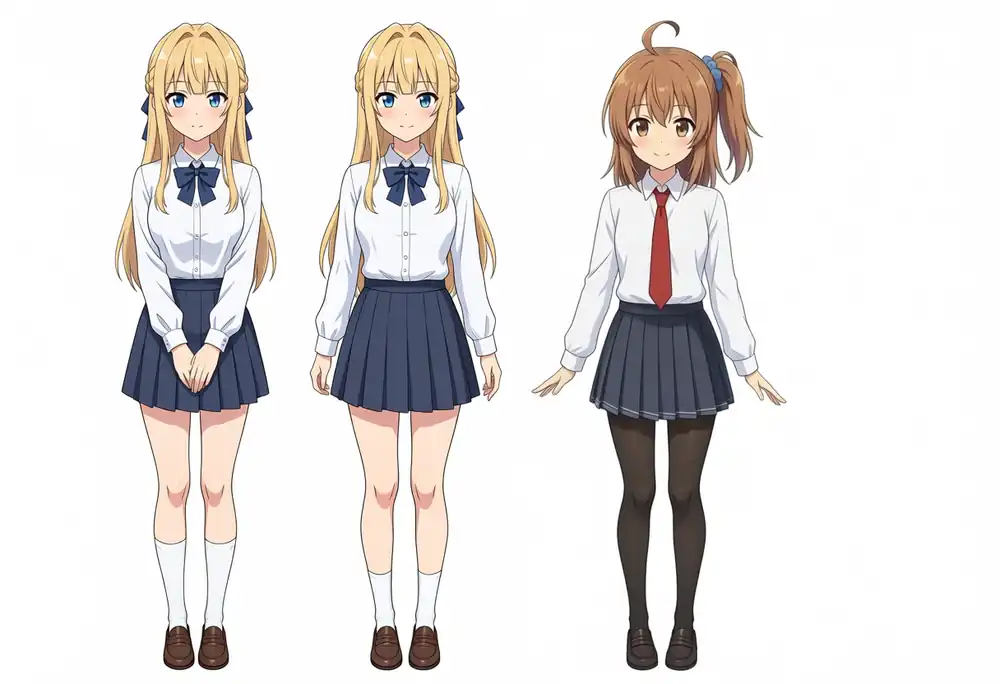
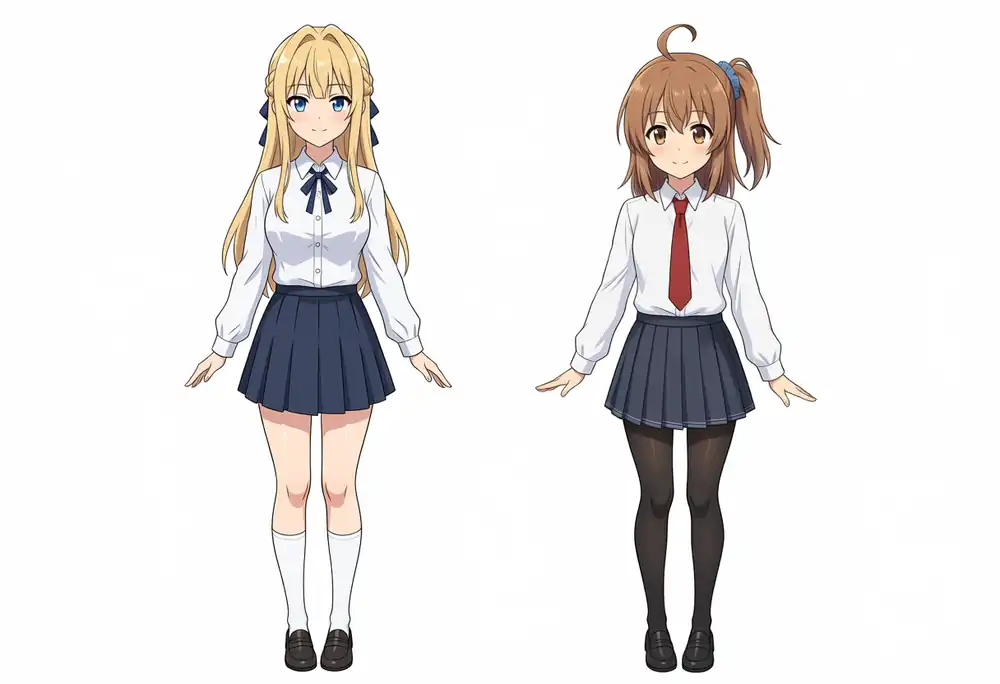
Turbo v1.1
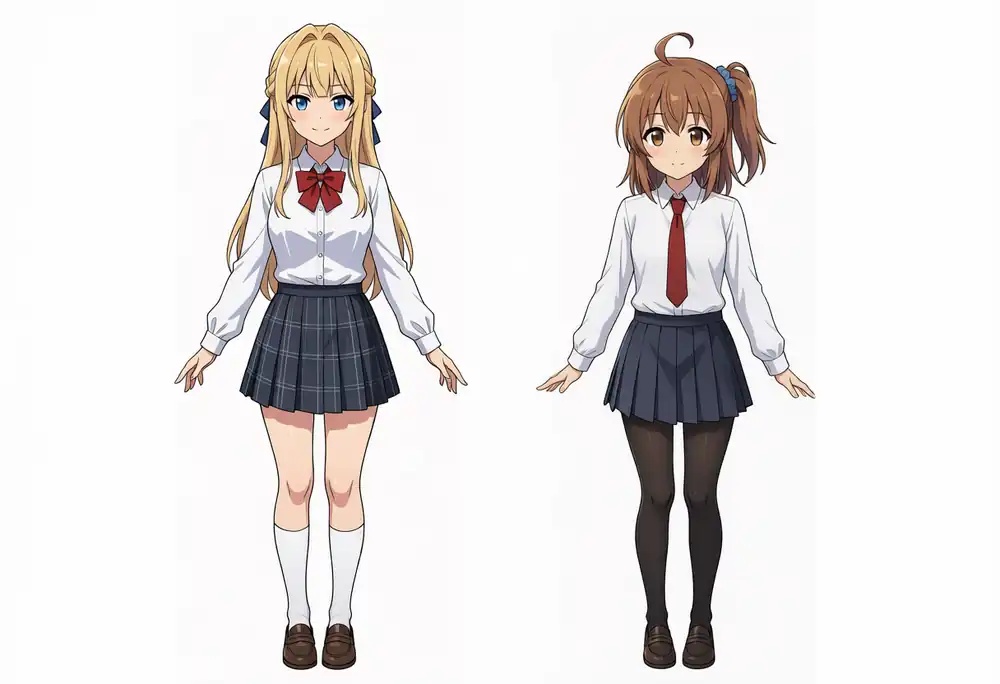
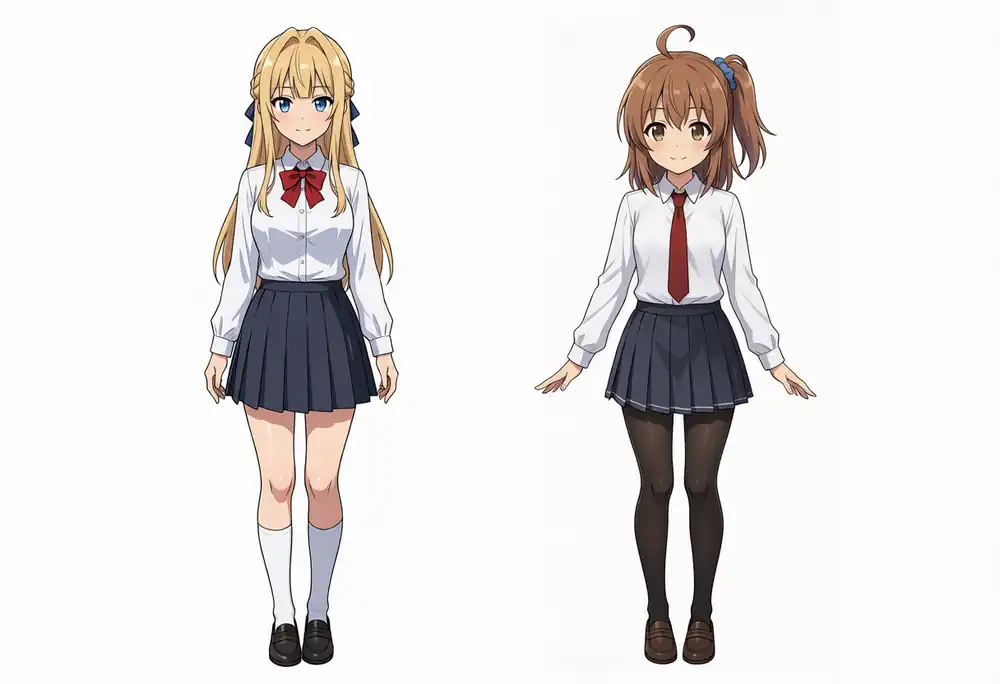
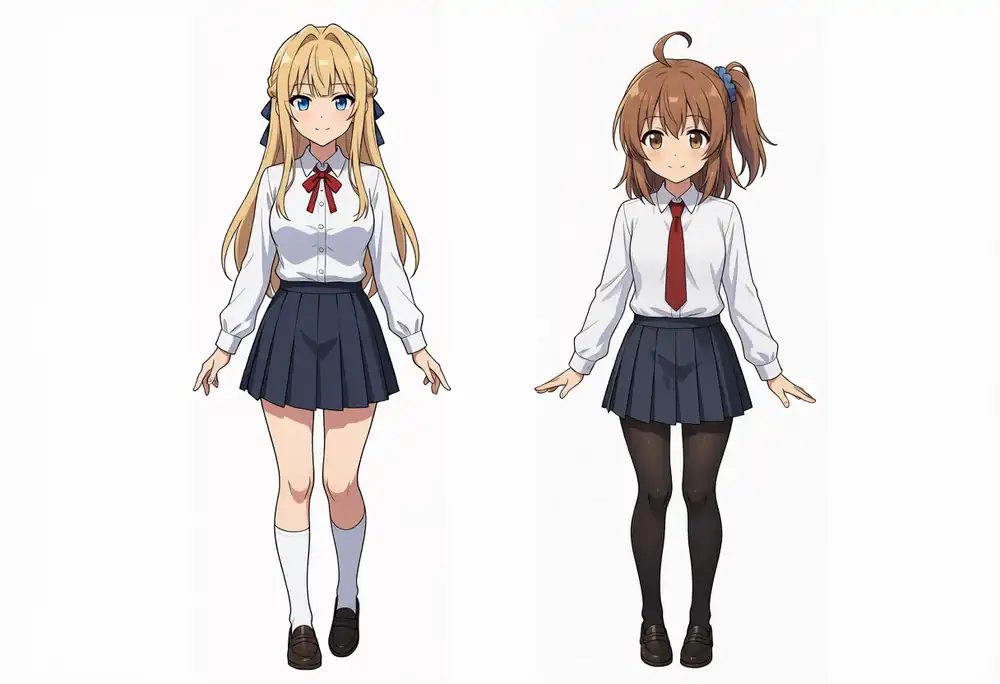
Base
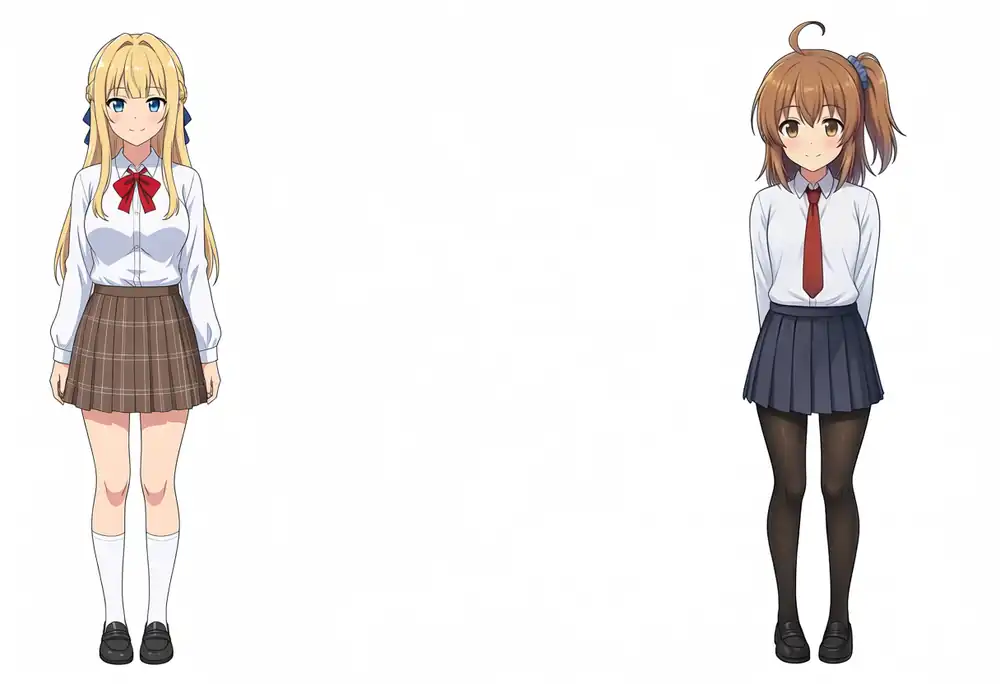
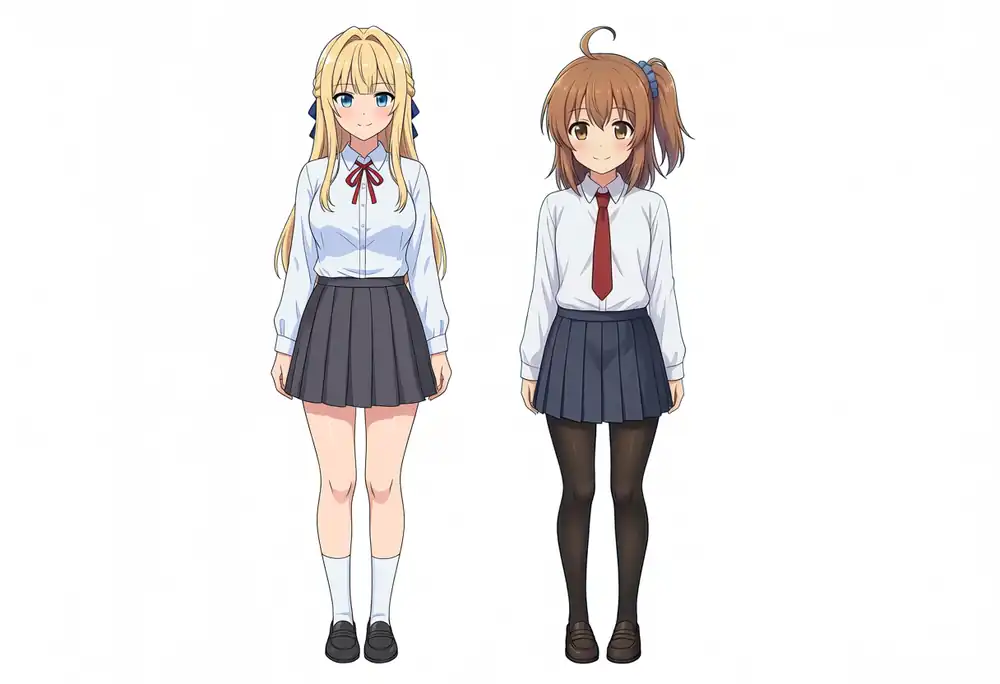
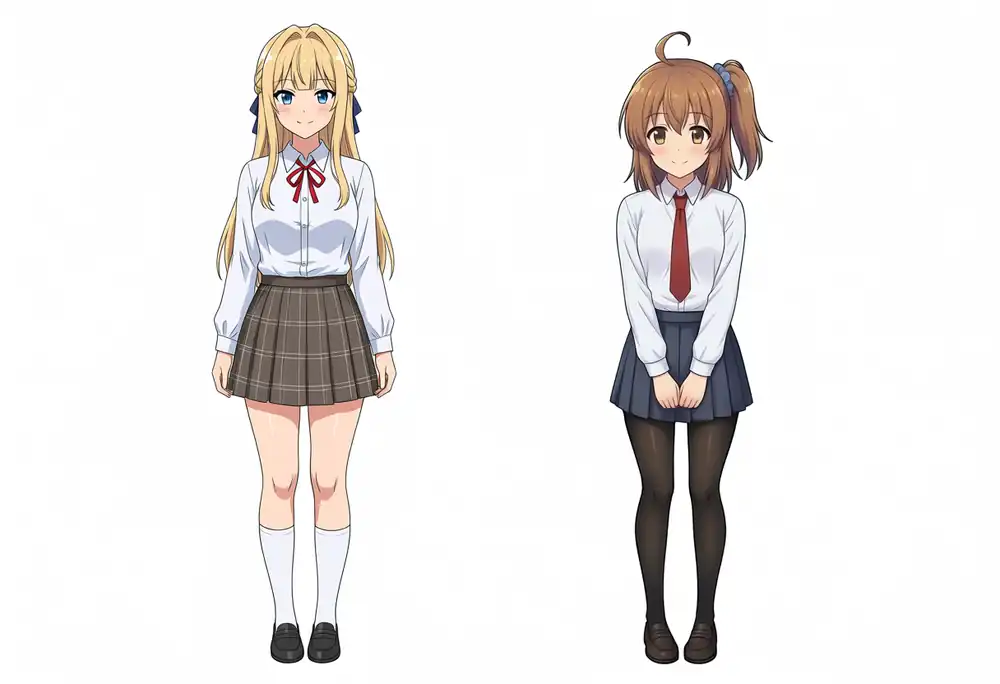
Aesthetic v1.1
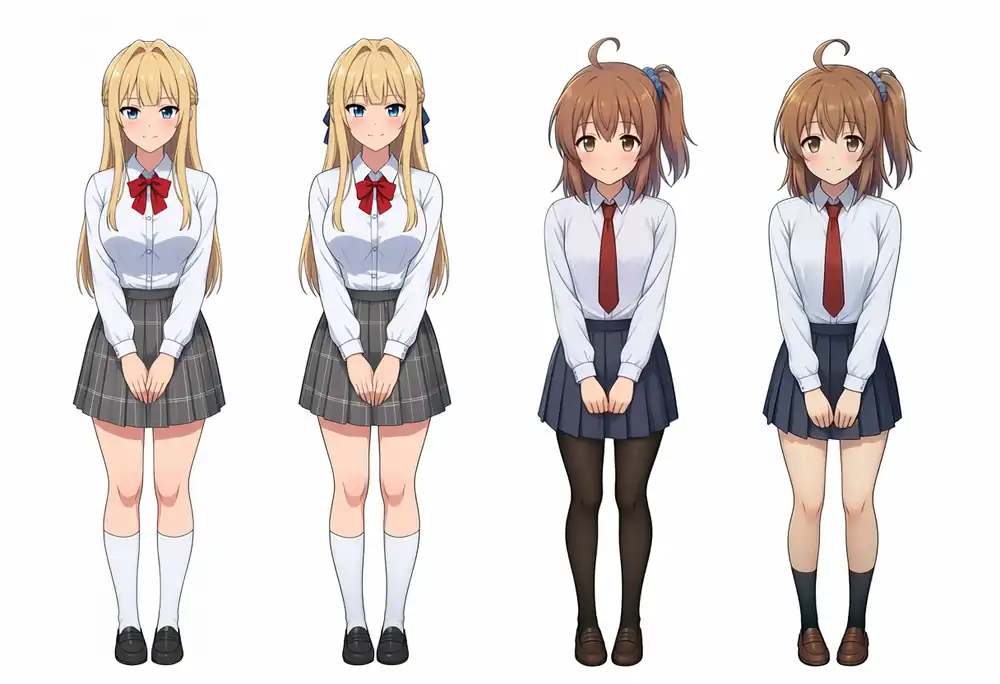
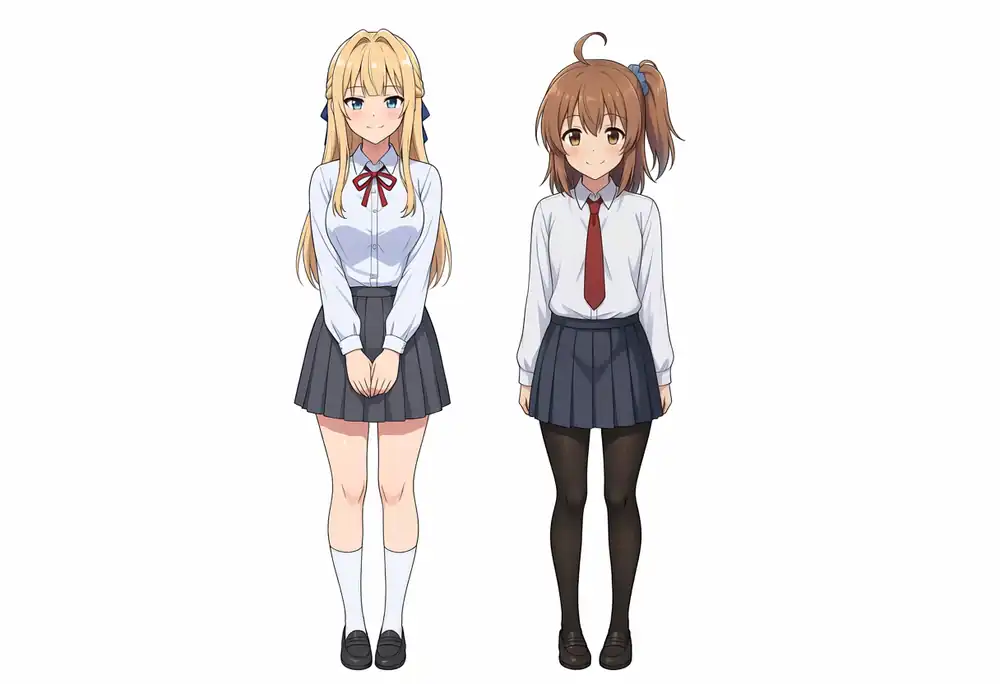
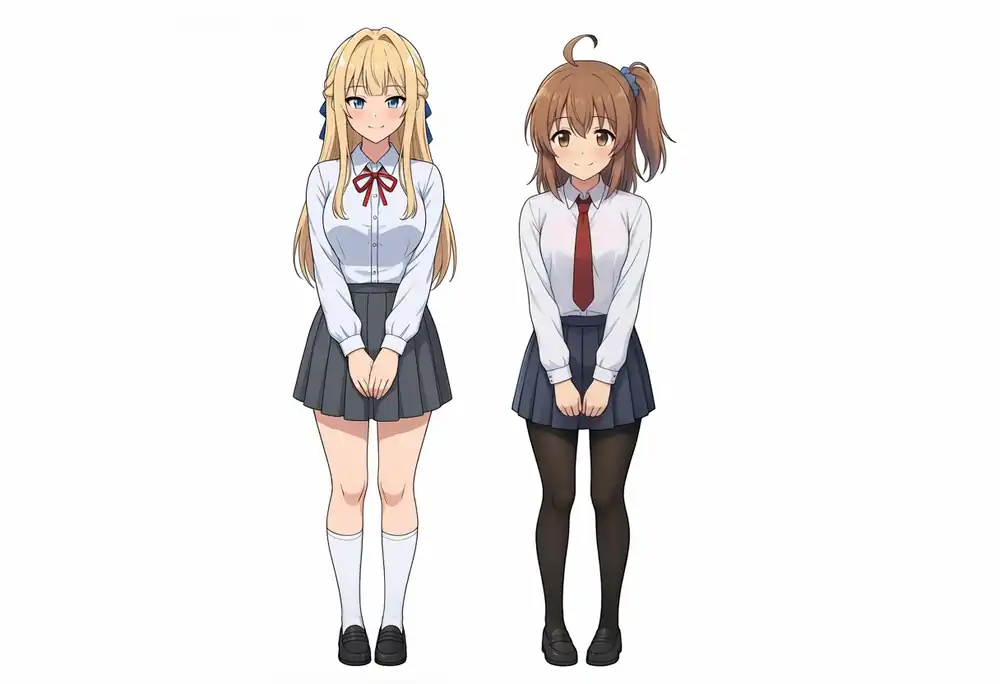
With hair and eyes specified, hairstyle and face came out as the intended character in every image for both Kana and Kei.
Kana’s 2/4 is Aesthetic v1.1 at seeds 42 and 100, where the red tie became a thin red ribbon.
On Aesthetic v1.1, a pose with both hands clasped in front of the body appeared in all 8 single-character images of Kana and Kei, even though the prompt does not ask for it.
Last time, 7 of 8 images had this pose.
The difference showed up in the neck ribbon. Base + Turbo LoRA, Base, and Aesthetic v1.1 had red in 4/4 both alone and in the two-character images.
Turbo v1.0 had 2/4 alone and 1/4 with two characters, and Turbo v1.1 had 2/4 alone and 4/4 with two characters. Navy showing up on the Turbo-specific models is the same as last time.
Turbo v1.0 at seed 200 produced three people: two Keis and one Kana.
Aesthetic v1.1 produced four people at seed 100 only: two Keis and two Kanas.
Compared with the previous M1 Max results, images with extra people went from 0 to 1 on Turbo v1.0 and from 3 to 1 on Aesthetic v1.1.
Even in the images with extra people, checking each person showed the characters did not blend together.
Both results come from only four images, so this count could not confirm my earlier guess that “Aesthetic v1.1’s additional training may have made the person count harder to control.”
Changing the Outfit and Hairstyle
I changed the prompt for Kana’s outfit and Kei’s hairstyle and generated two images each at seeds 42 and 100.
Outfit Change (Kana-chan)
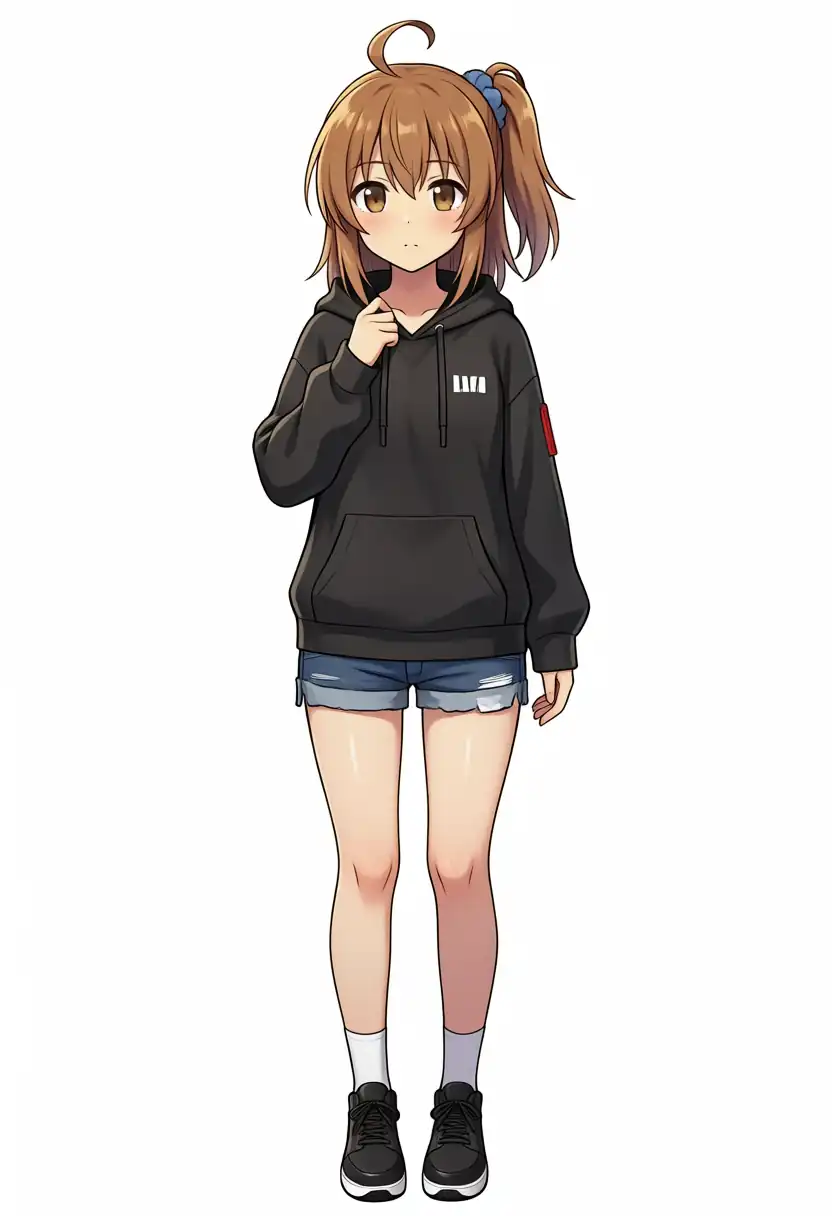
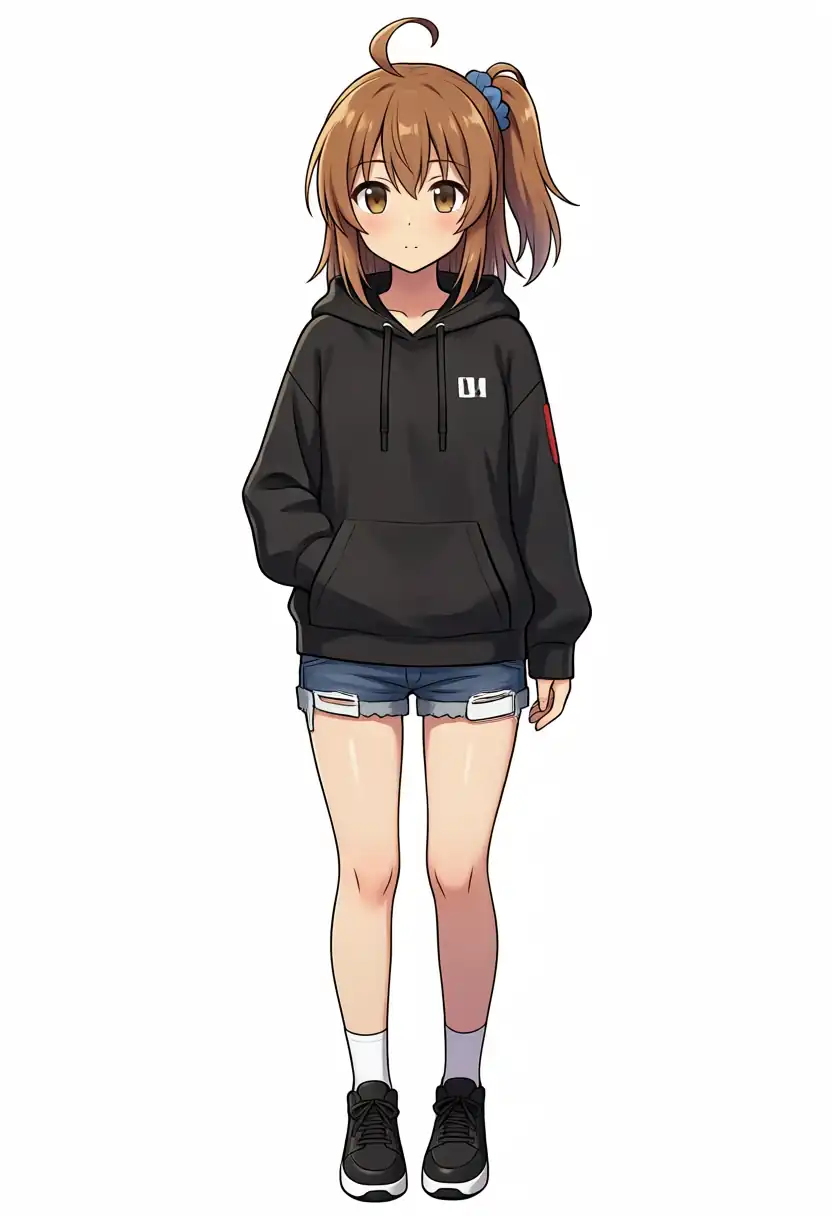
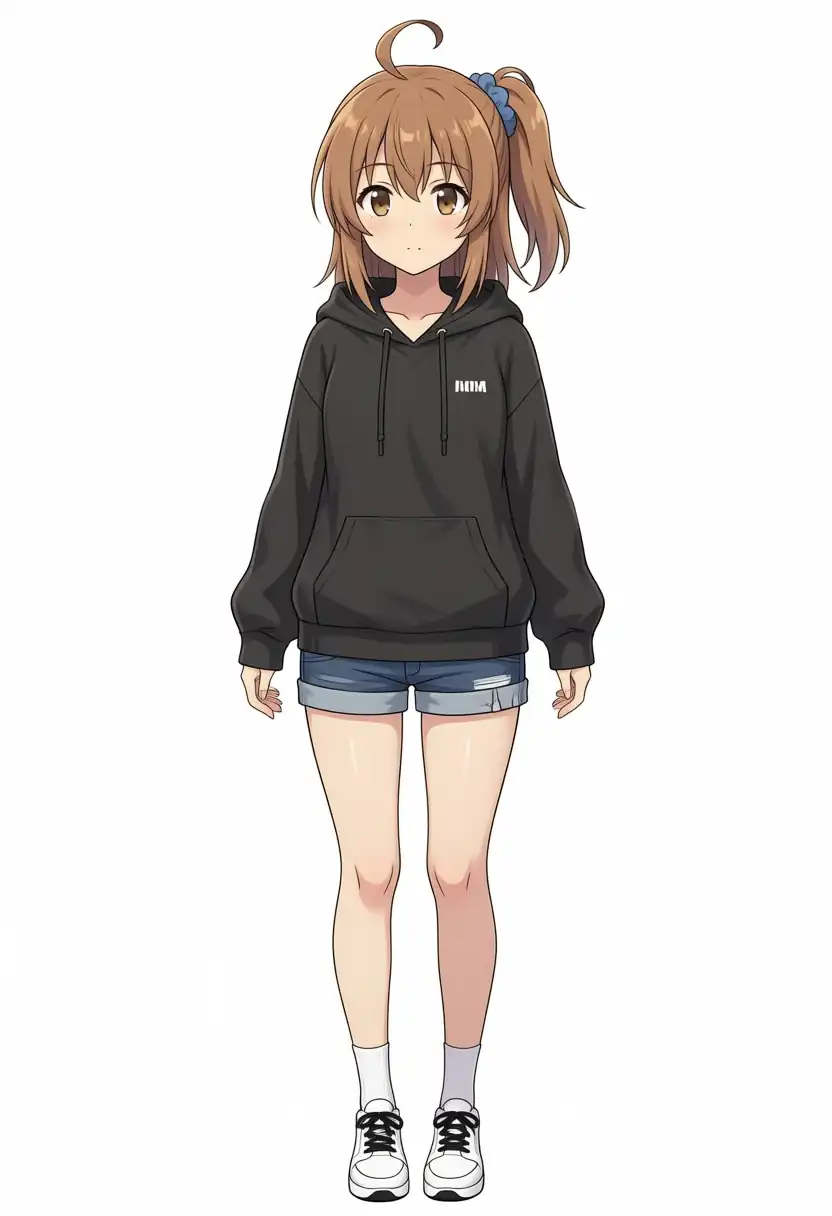
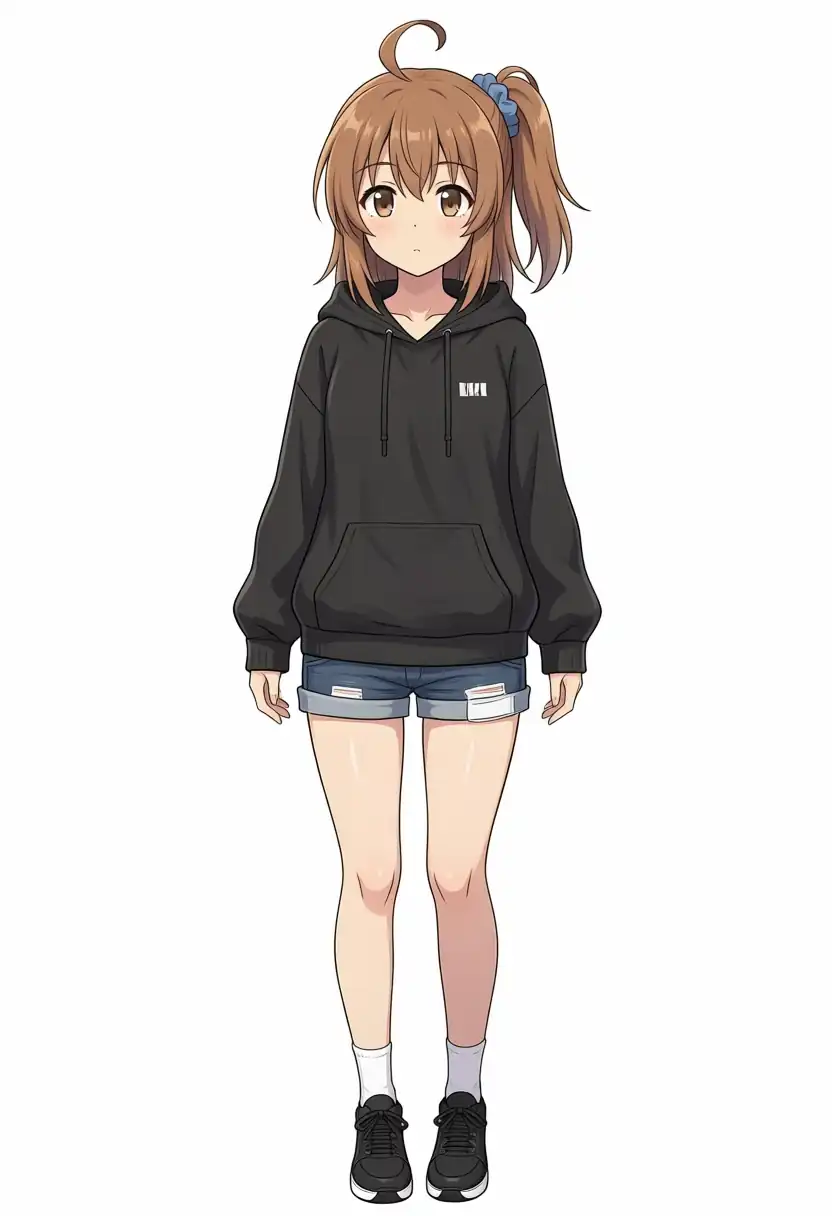
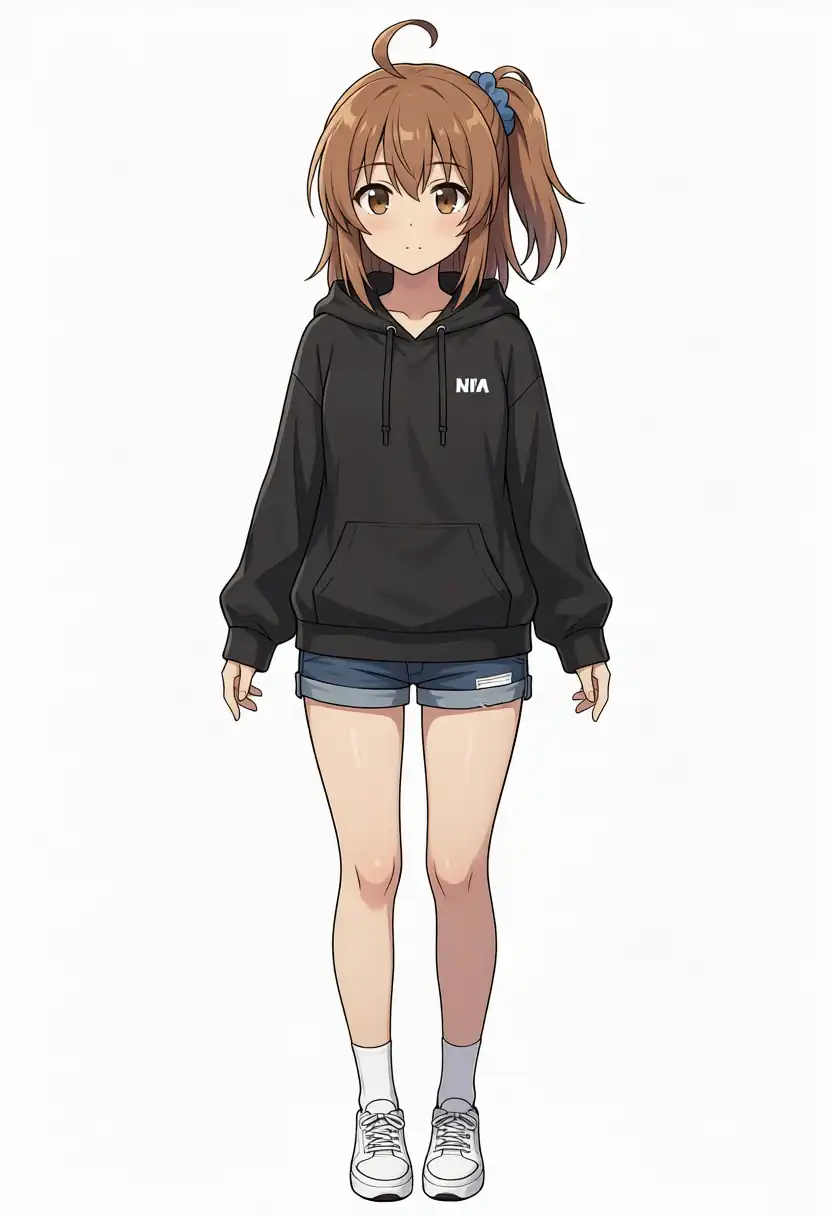
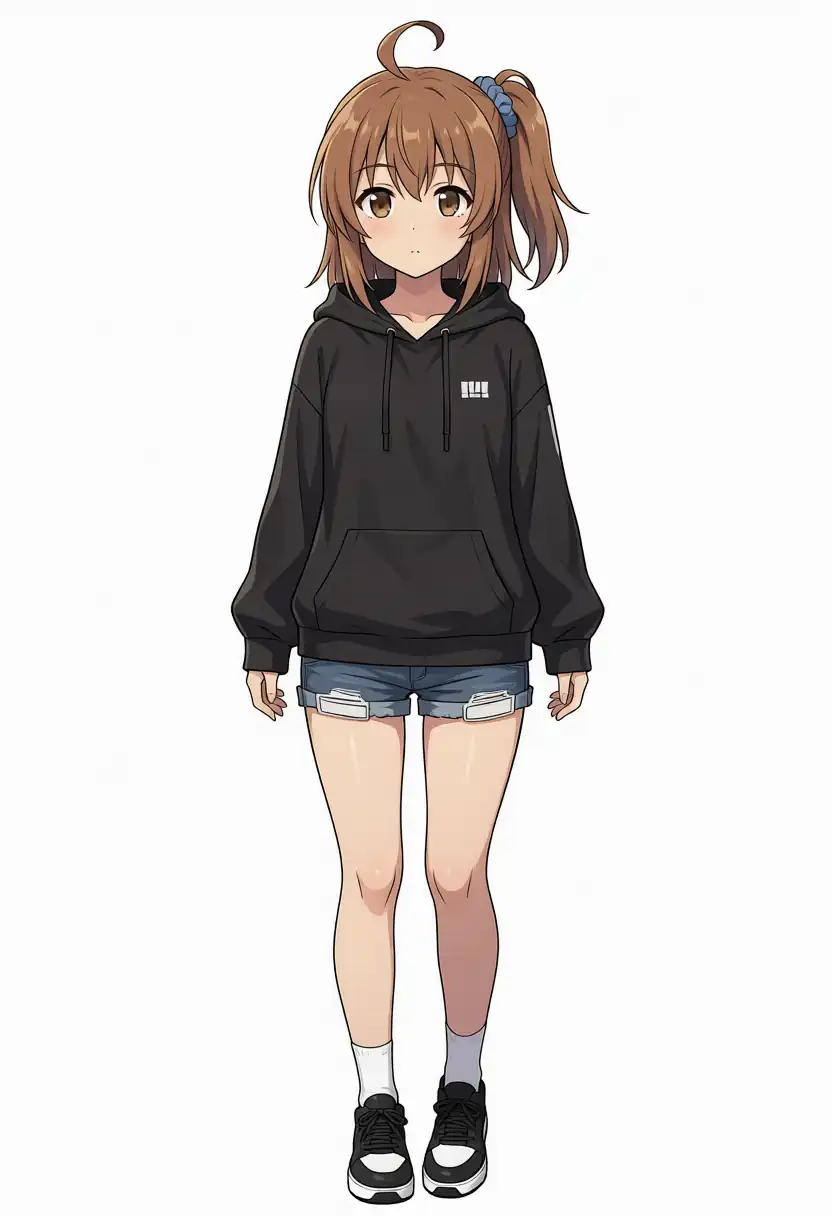
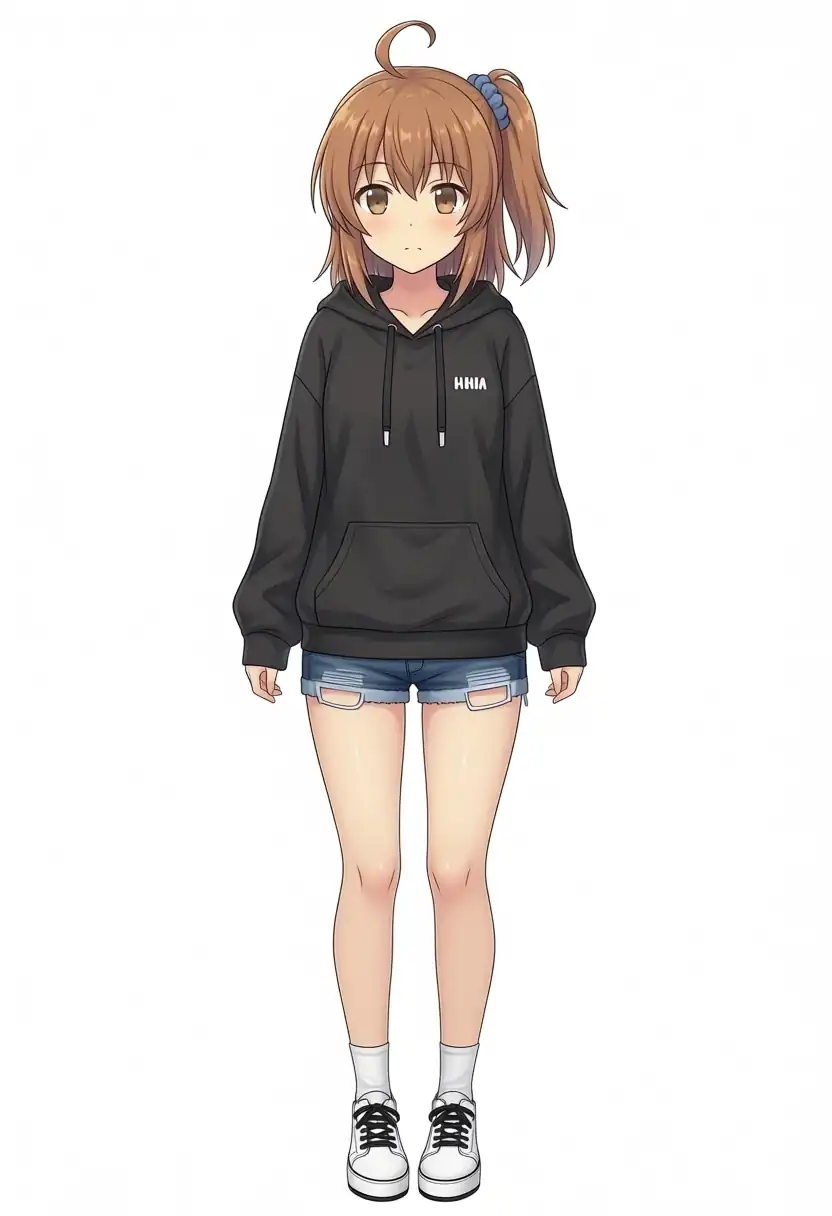
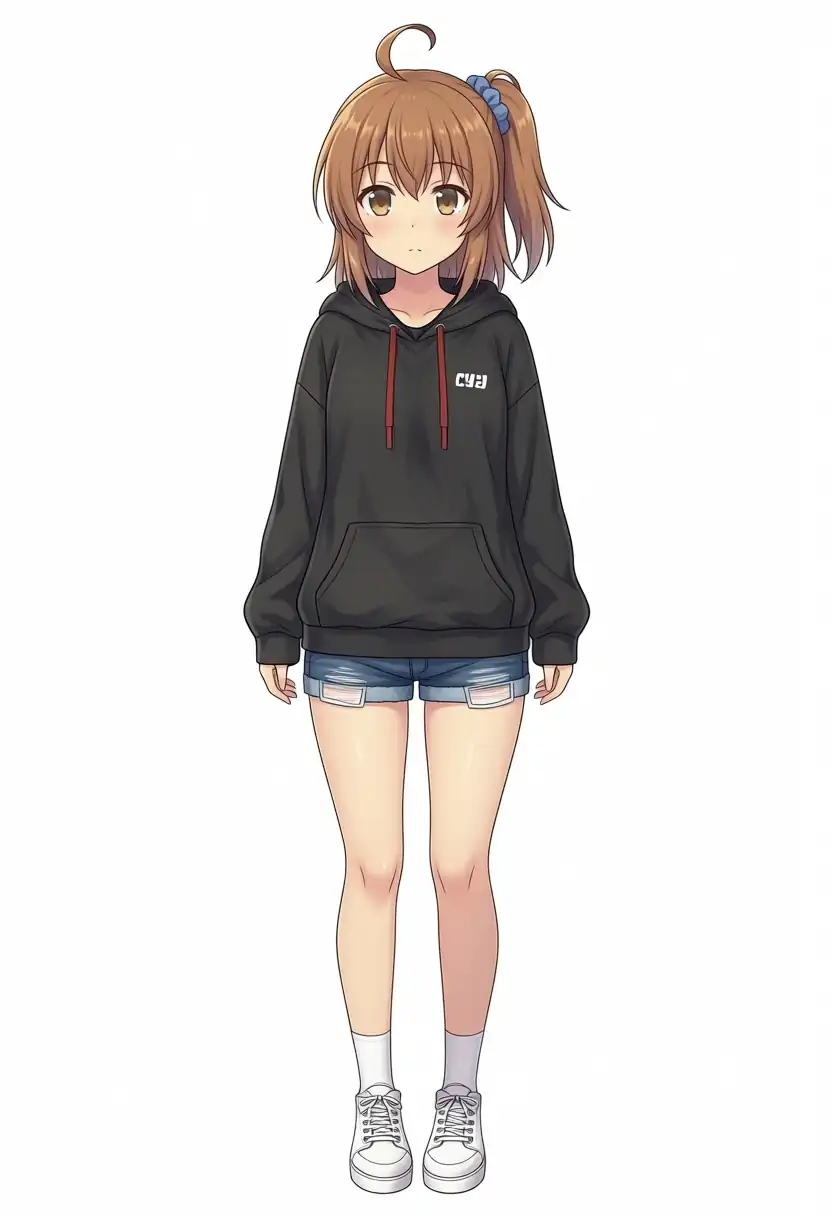
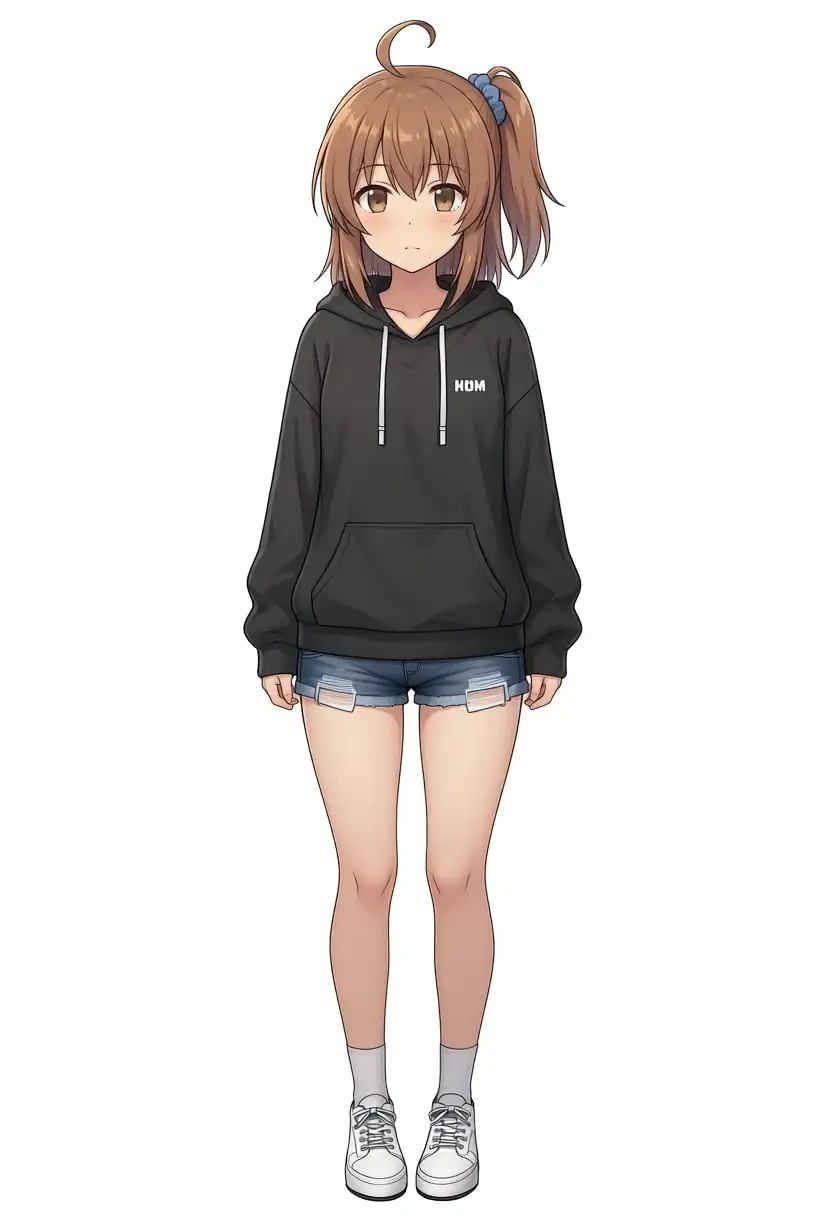
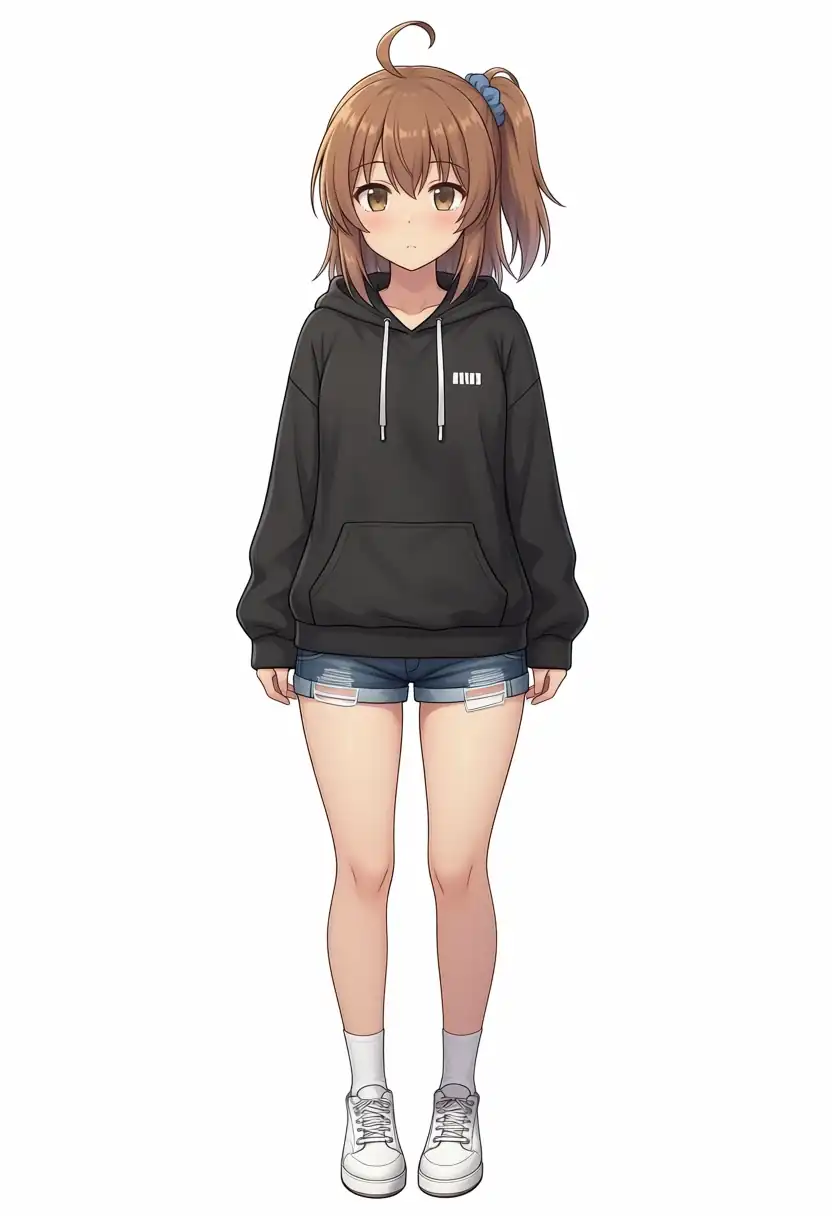
I specified a black hoodie, denim shorts, and sneakers.
Base + Turbo LoRA
Turbo v1.0
Turbo v1.1
Base
Aesthetic v1.1
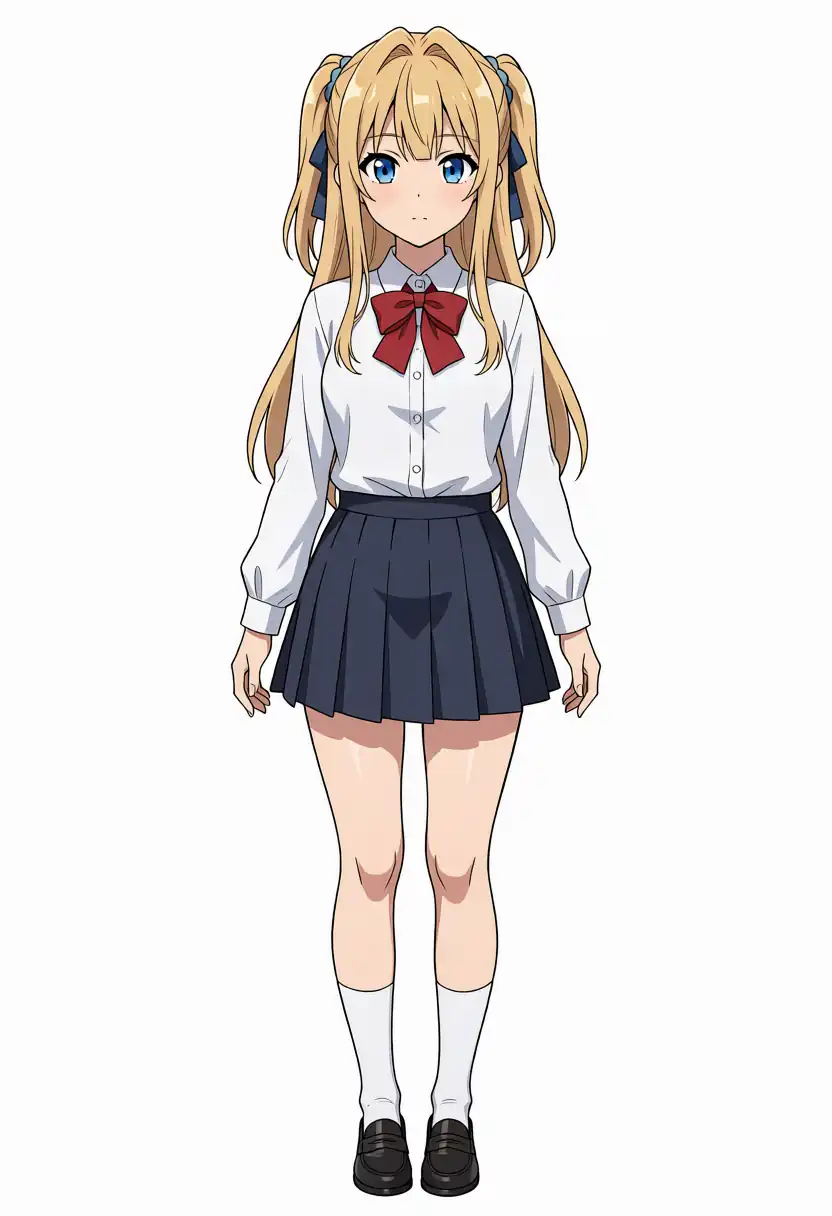
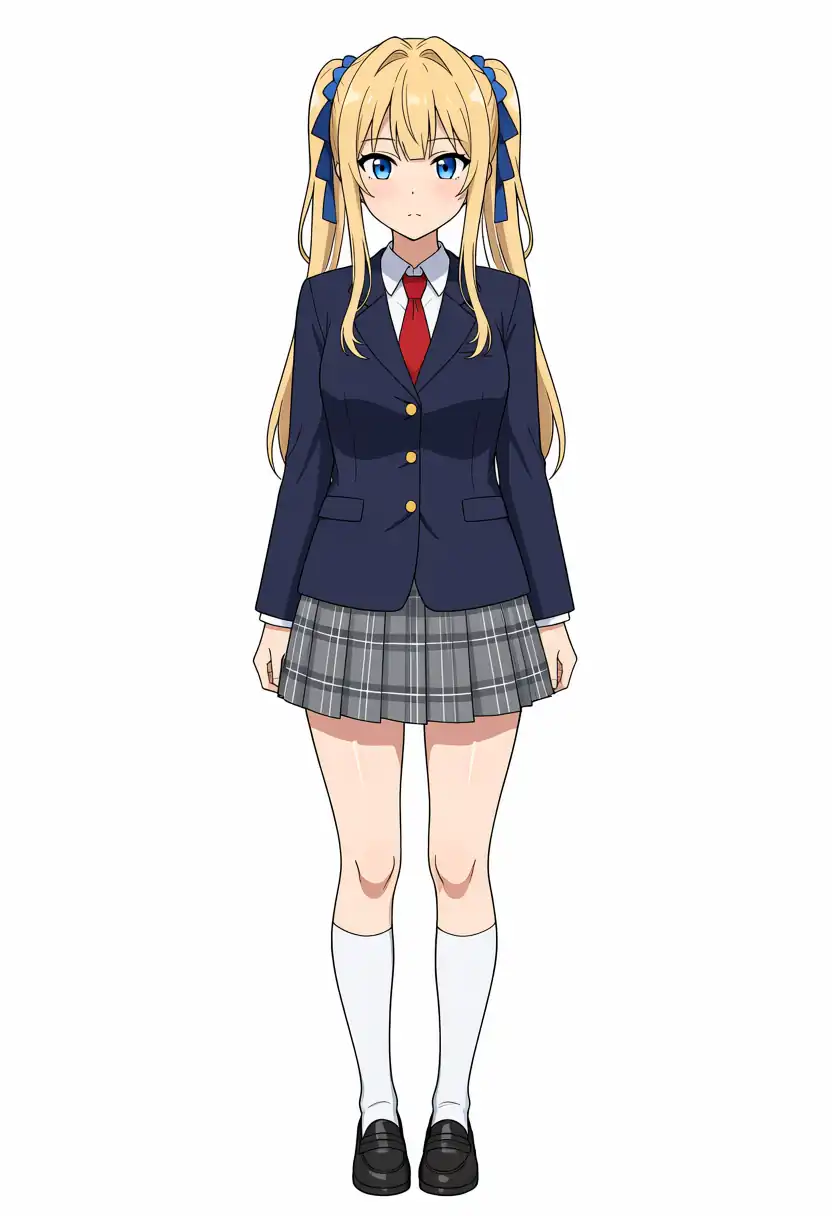
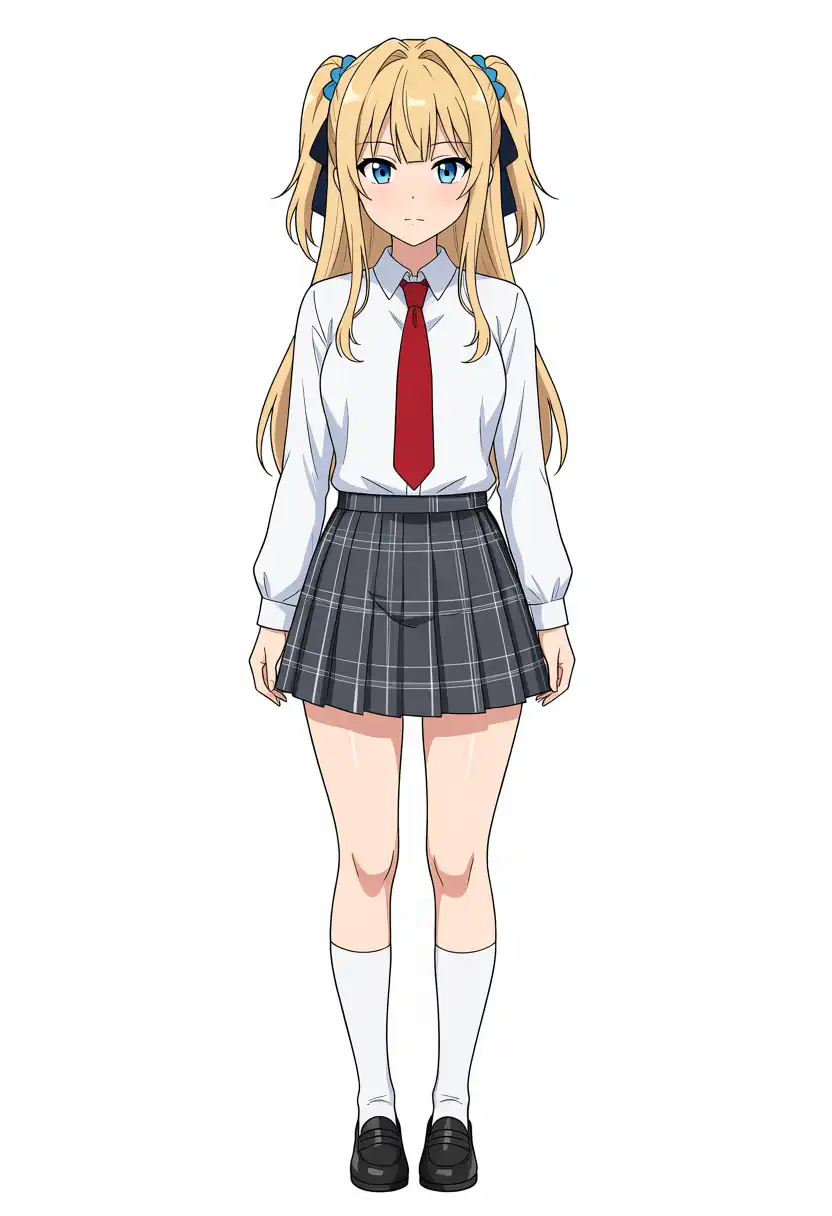
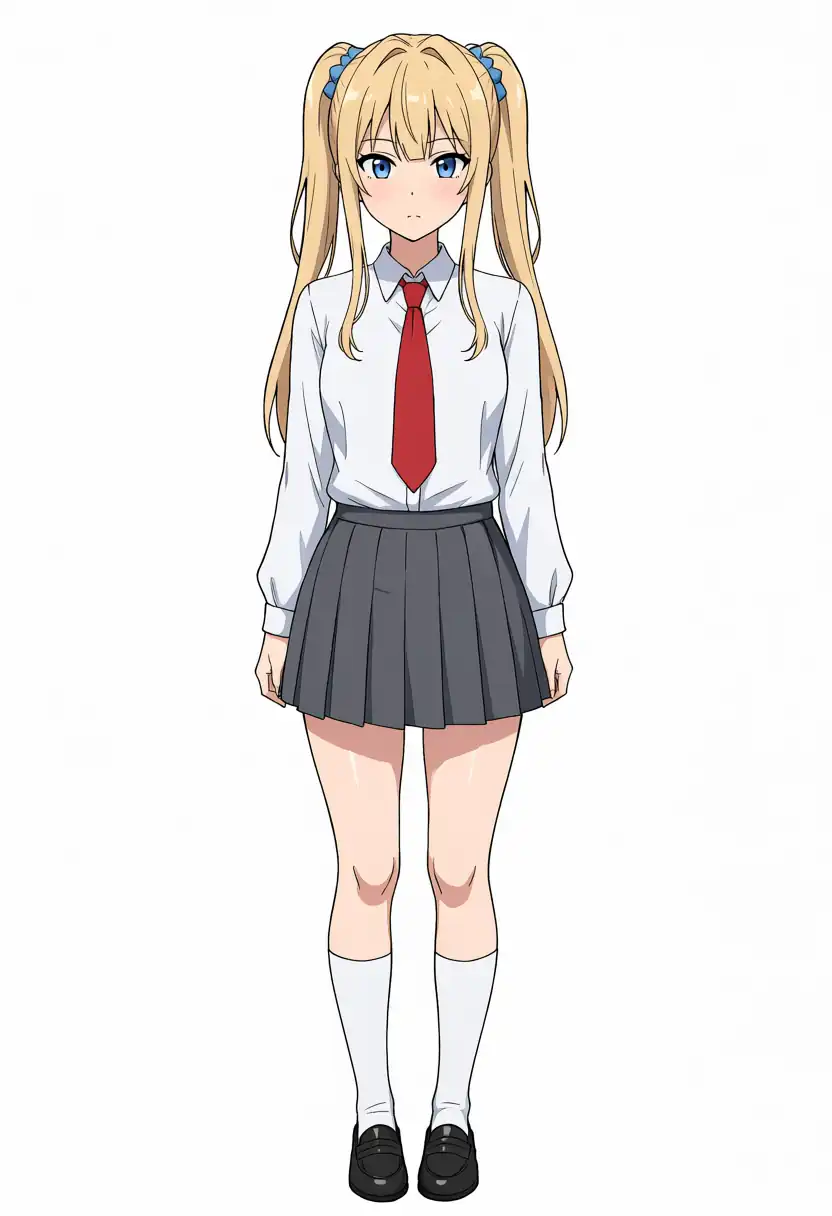
Hairstyle Change (Kei-chan)
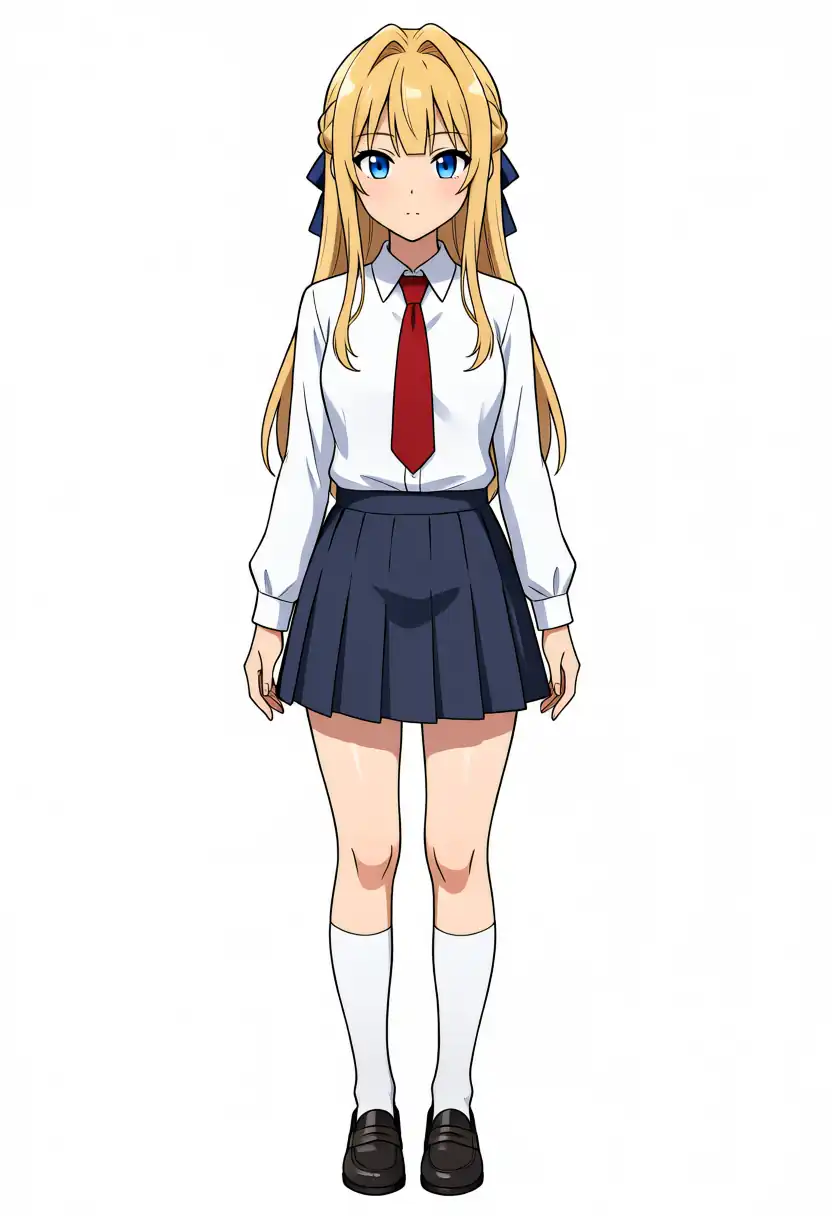
I specified twin tails.
Base + Turbo LoRA
Turbo v1.0
Turbo v1.1
Base
Aesthetic v1.1
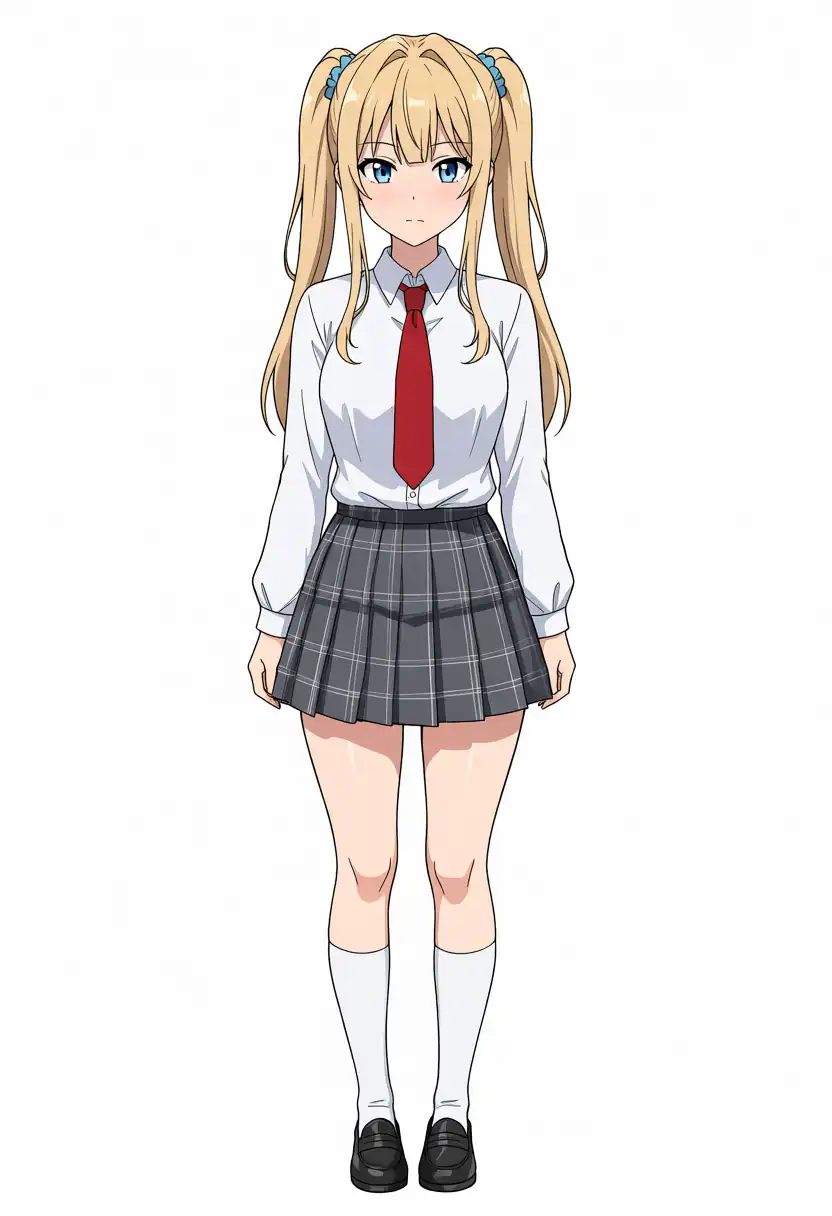
The outfit appeared in all 10 images, and the brown hair, ahoge, side ponytail, and blue scrunchie all stayed.
The hairstyle results flipped from last time: Base and Aesthetic v1.1 got 2/2, Turbo v1.0 and v1.1 got 1/2, and Base + Turbo LoRA got 0/2.
Turbo v1.0 and v1.1 at seed 100 leaned toward a high two-side-up style, but I counted them as twin tails to match how I counted last time.
Last time both Turbo-specific models produced twin tails in both images. This time each got one, so the same tendency did not appear.
With two images per item, I think this is seed variation more than a difference between models.
Prompts (changes)
Changing Kana’s outfit
masterpiece, best quality, safe, 1girl, solo, kanachan, brown hair, side ponytail, ahoge, brown eyes, black hoodie, denim shorts, sneakers, full body, standing, looking at viewer, white background, simple backgroundChanging Kei’s hairstyle
masterpiece, best quality, safe, 1girl, solo, keichan, blonde hair, twintails, blue eyes, school uniform, full body, standing, looking at viewer, white background, simple backgroundThe negative prompt is the same as for Kana and Kei.
Background Detail
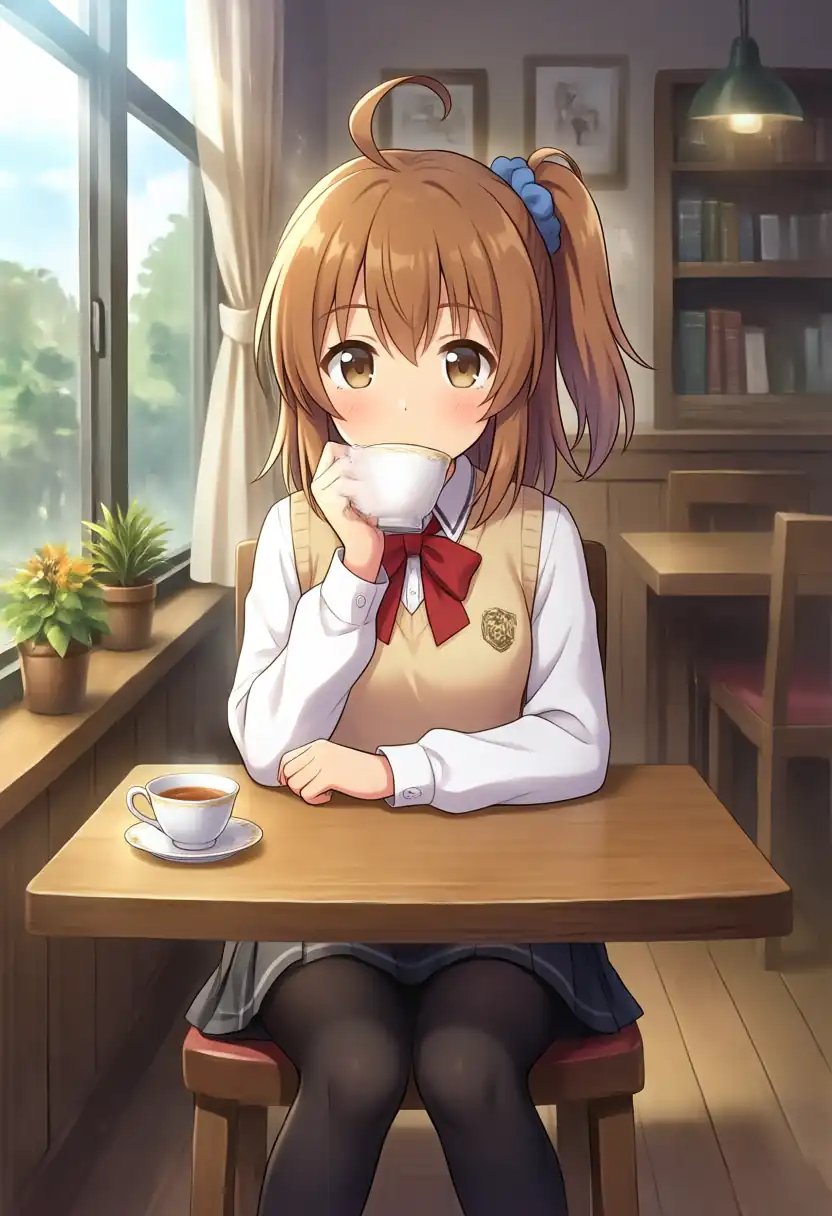
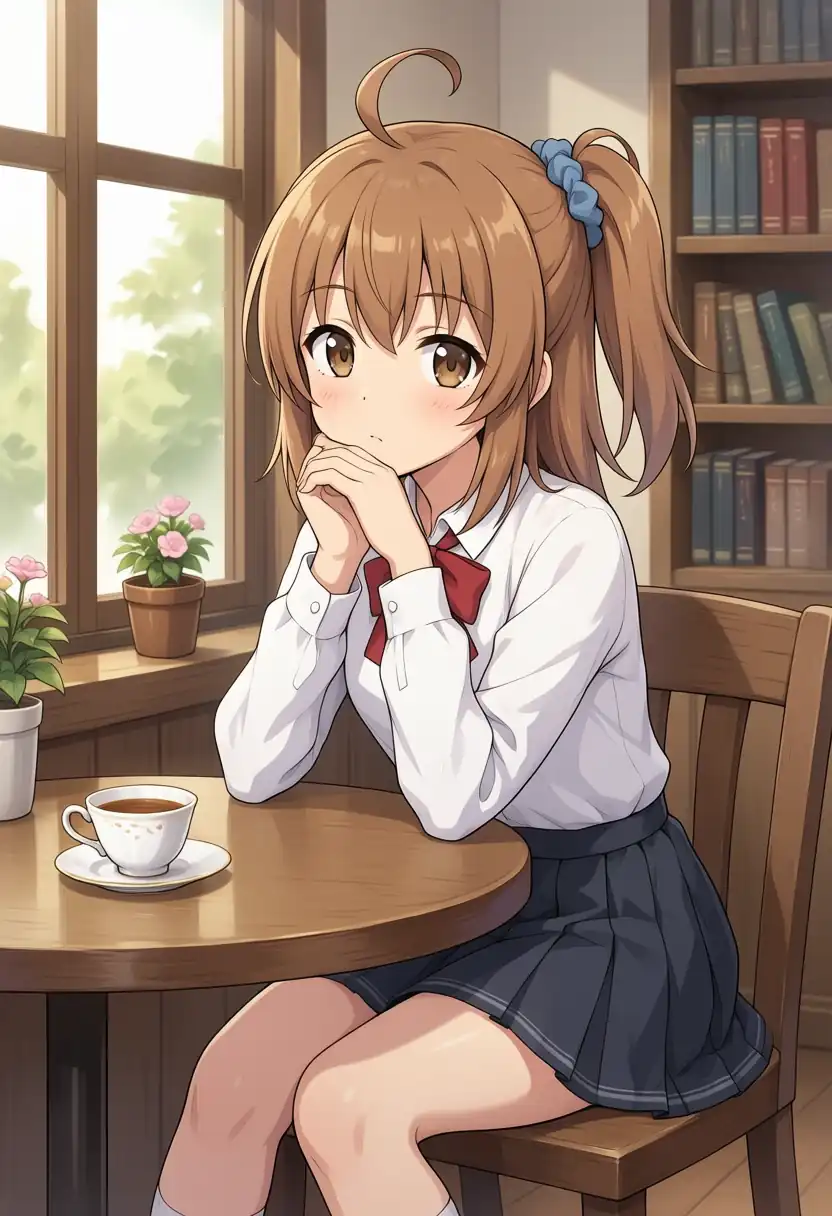
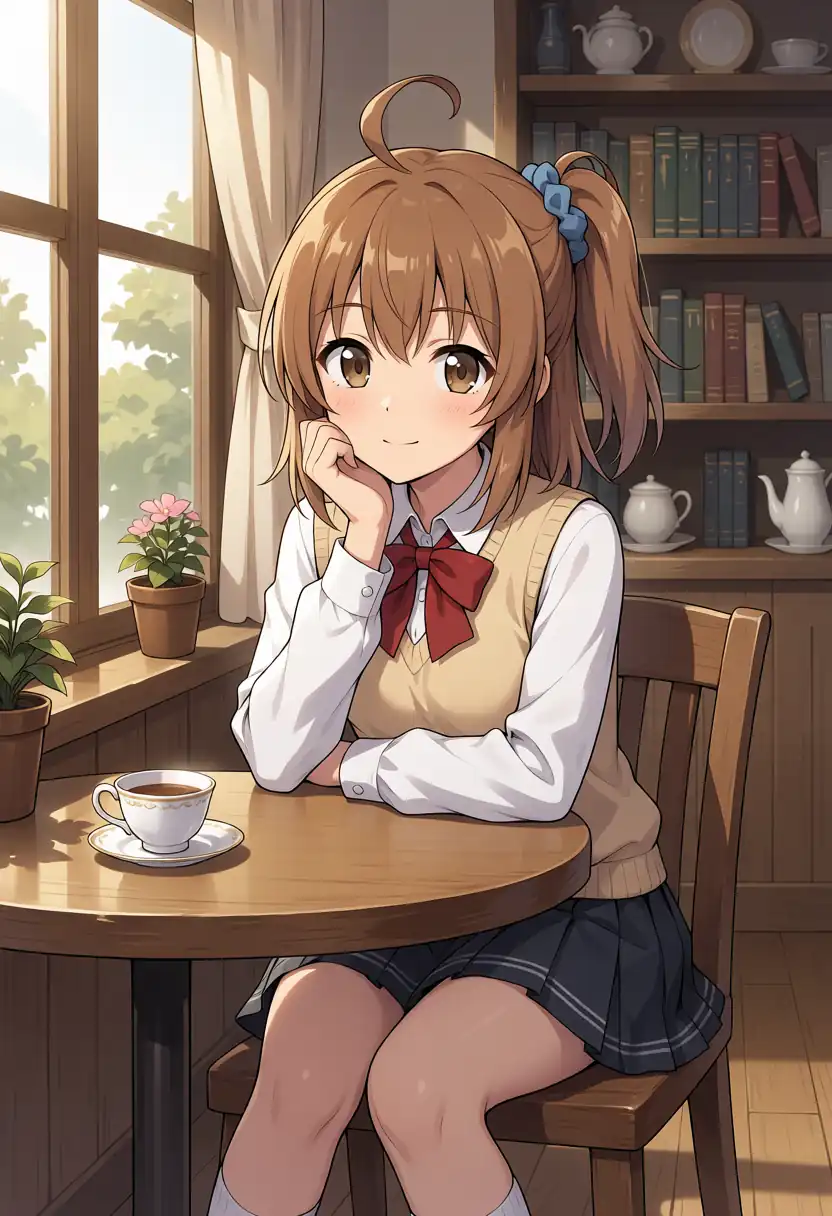
I seated Kana-chan by the window in a cafe.
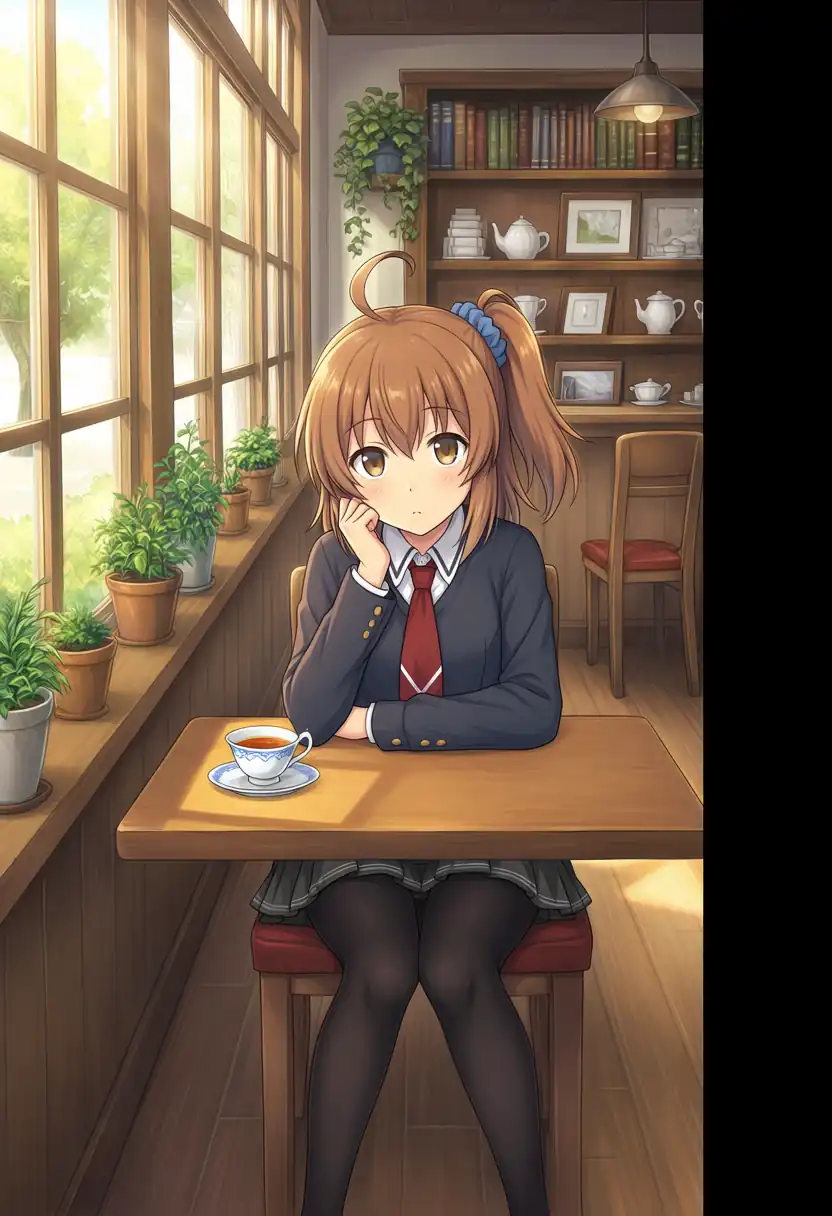
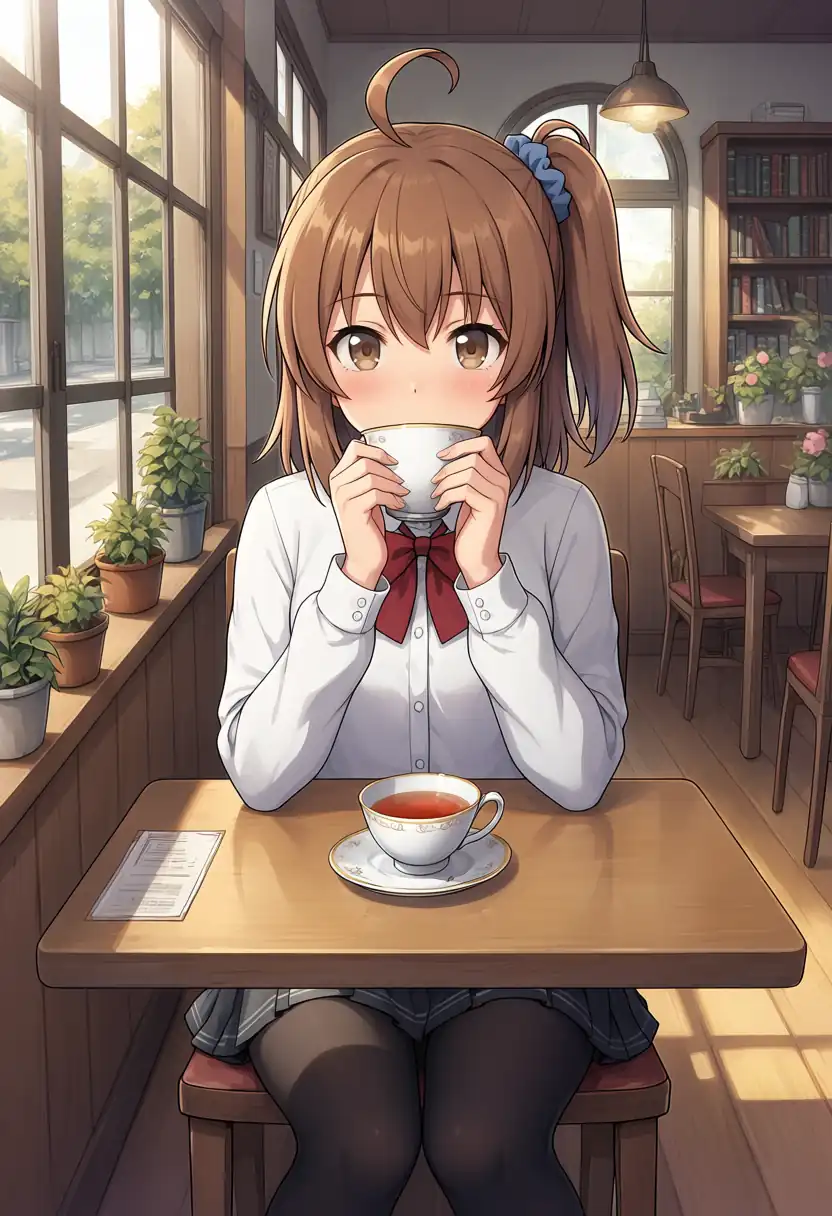
| Model | What I confirmed in the image |
|---|---|
| Base + Turbo LoRA | Window, plants, bookshelf, and teacup, plus a ceiling lamp and chairs in the back. She lifts the cup to her mouth |
| Turbo v1.0 | Close composition with clasped hands. Flowers in the window and a bookshelf, with fewer objects |
| Turbo v1.1 | Close composition with her chin in her hand. Teapots on the bookshelf |
| Base | Chin in her hand. Potted plants along the window, small items on shelves, a lamp, and chairs in the back, but a black band runs down the right edge |
| Aesthetic v1.1 | Front-facing composition holding a cup with both hands. Potted plants by the window, a bookshelf and lamp in the back, and another table with chairs |
The black band on the right edge of the Base image is 128 pixels wide, and this was the only one of the 133 saved images with it.
After restarting ComfyUI and generating under the same conditions, I got the same image, matching on every pixel.
The band does not come and go between runs, and this seed produces it every time.
Seeds 100 and 200 under the same conditions had no band, so I think the model drew it as part of this composition, but I have not confirmed the cause.
Prompt
masterpiece, best quality, safe, 1girl, solo, kanachan, brown hair, side ponytail, ahoge, brown eyes, school uniform, sitting at a cafe table by the window, potted plants, bookshelf, teacup, warm afternoon sunlight, detailed background, intricate details, looking at viewerNegative
worst quality, low quality, blurry, lowres, jpeg artifacts, bad hands, bad anatomy, deformed faceImage-to-Image (i2i)
I ran the same source image as last time, made with WAI-Illustrious v160 and a Kana-chan LoRA, at a denoise (how much of the source image gets redrawn) of 0.5.
No character LoRA is applied here.
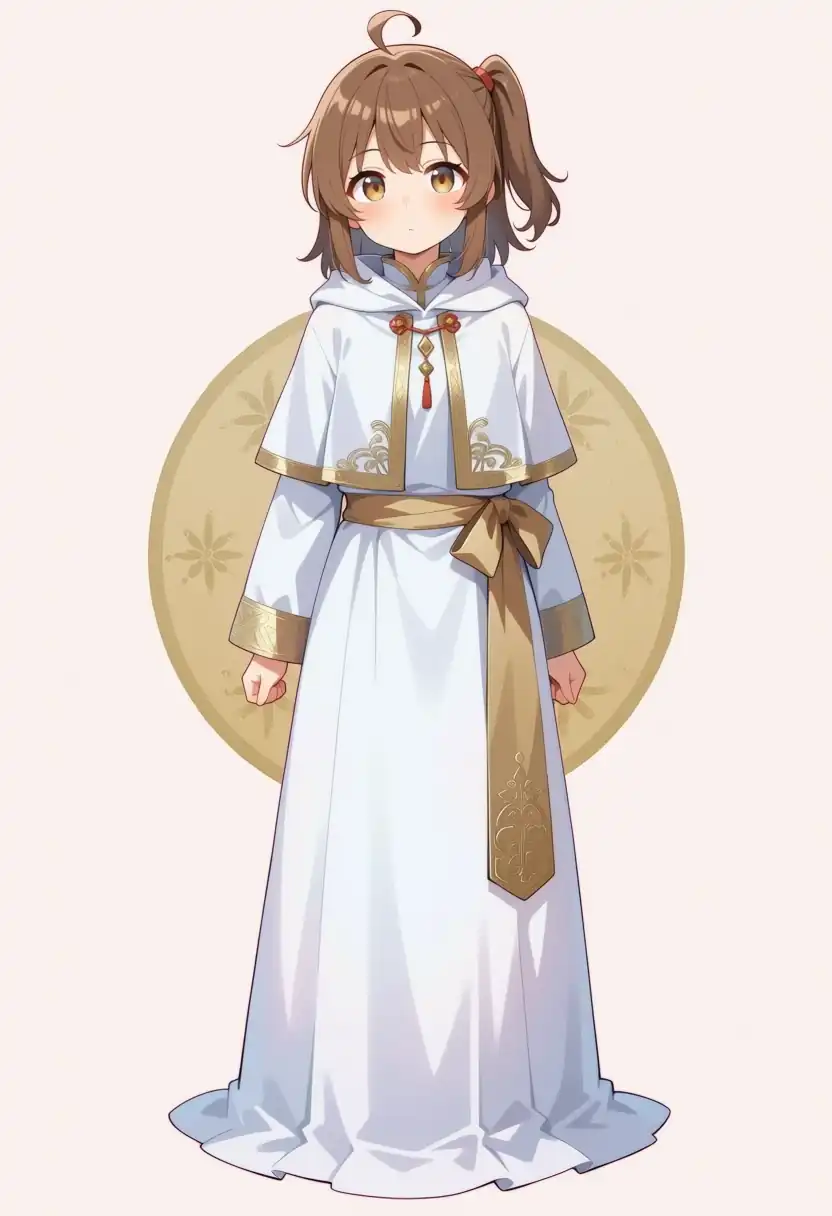
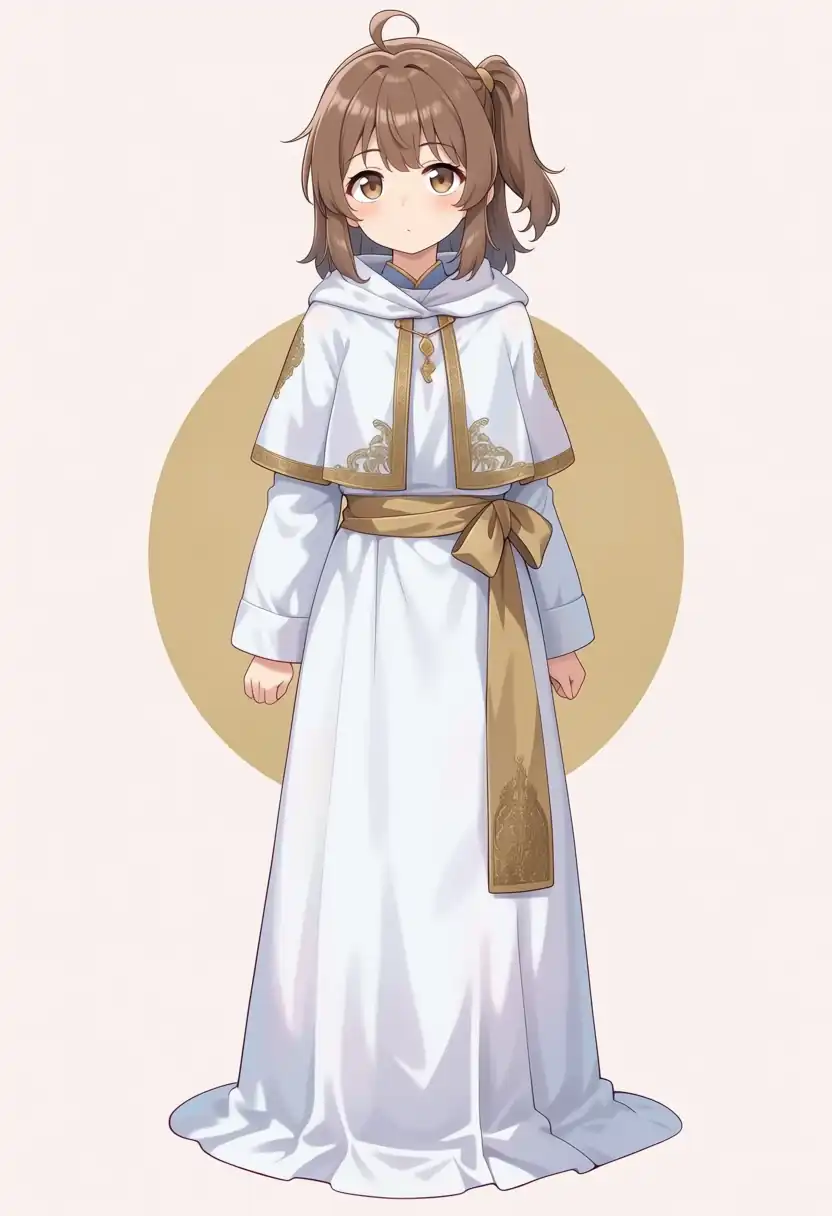
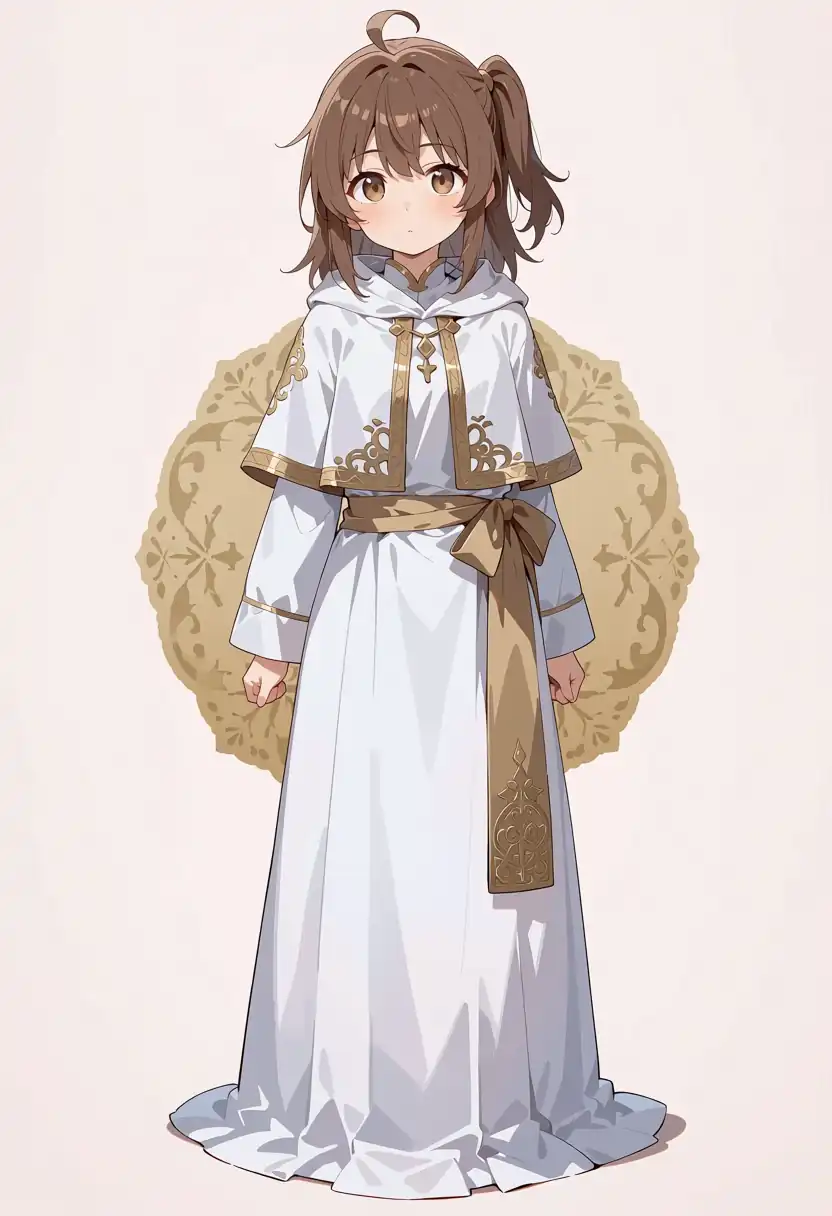
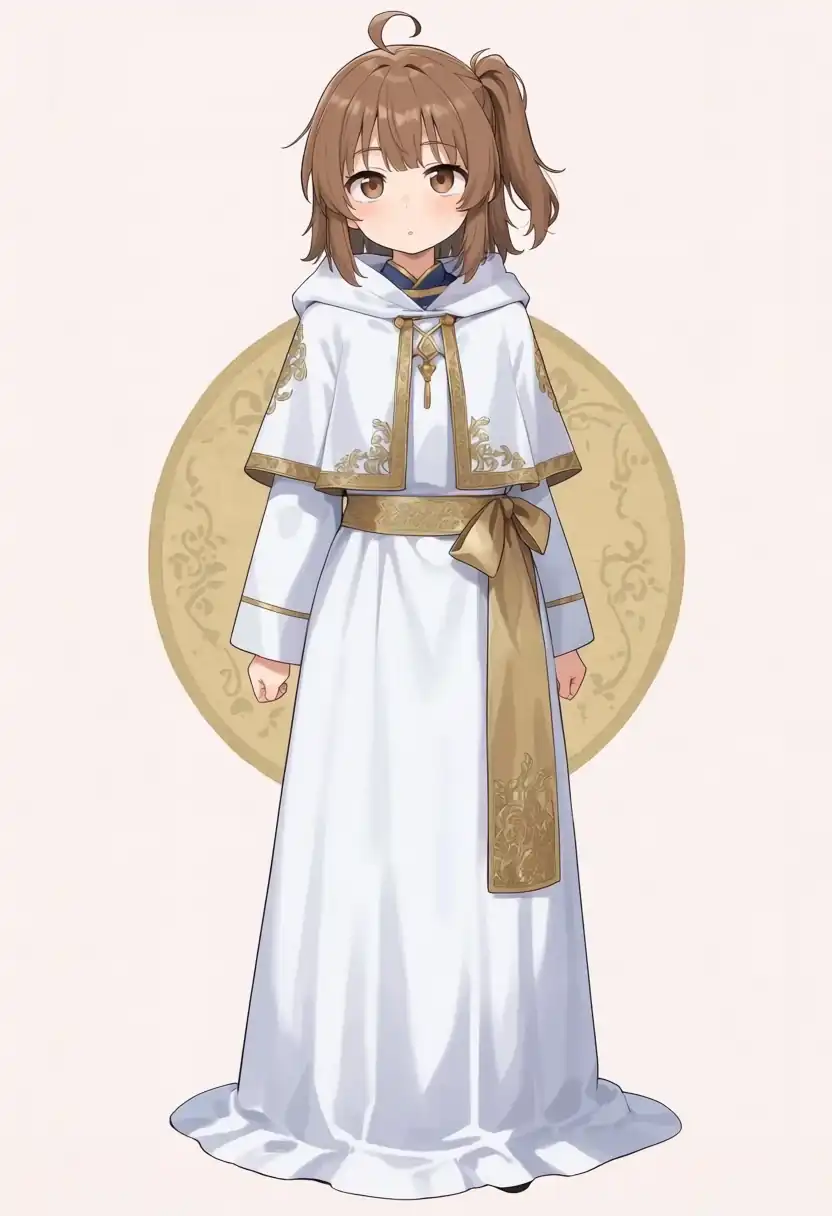
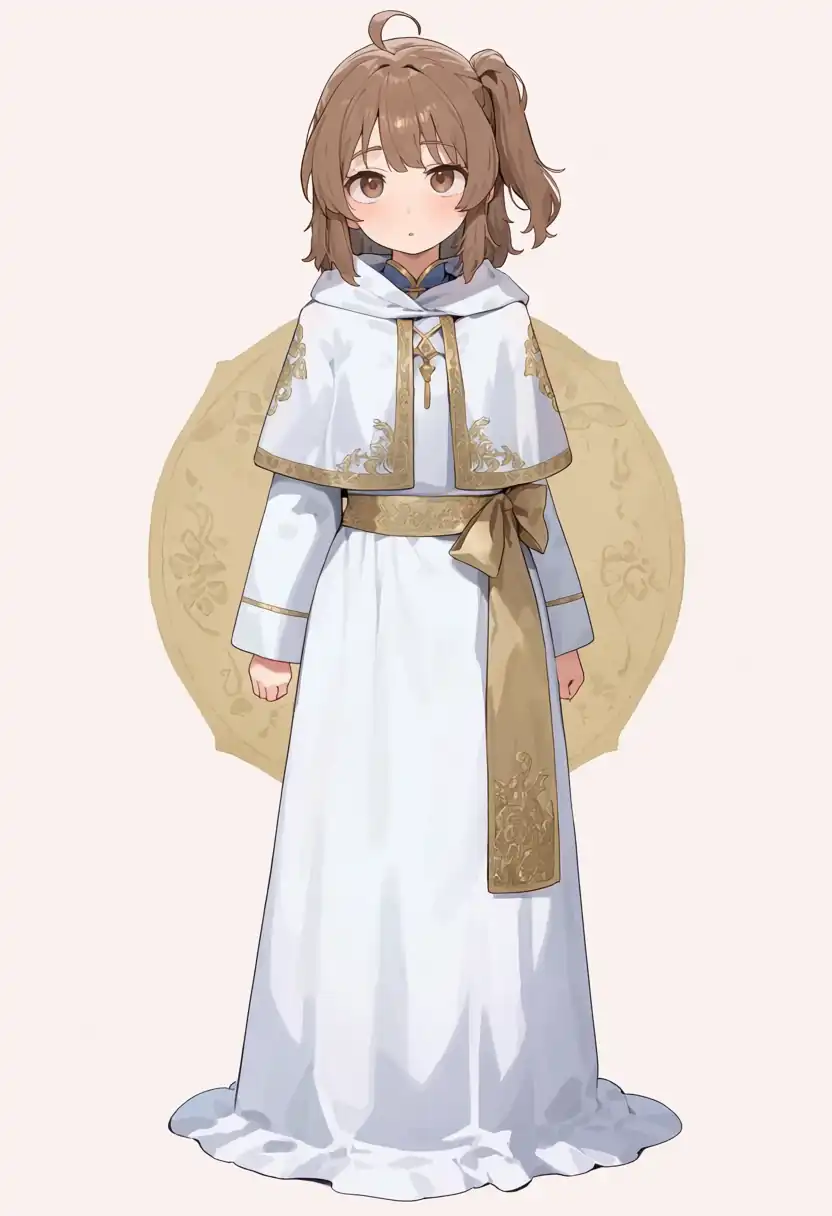
| Model | What I confirmed in the image |
|---|---|
| Base + Turbo LoRA | Composition and gold circle stay, with a flower pattern inside the circle |
| Turbo v1.0 | The circle stays plain. Closest of the five to the source image |
| Turbo v1.1 | A pattern appears in the circle and its outline falls apart |
| Base | A pattern appears inside the circle |
| Aesthetic v1.1 | A pattern appears and the circle’s outline waves slightly |
Because i2i starts from the same source image, these came out much closer to the Mac output than Tests 1 and 2.
Turbo v1.0 alone keeping a plain circle and Turbo v1.1 losing its outline also match last time.
Turbo took 9.41 to 9.42 s and the 30-step models took 65.07 to 65.10 s.
Prompt
masterpiece, best quality, safe, 1girl, solo, brown hair, side ponytail, ahoge, brown eyes, white robe, gold embroidery, capelet, gold sash, long sleeves, long dress, standing, looking at viewer, full bodyThe negative prompt is the same as in the base style section.
Speed by Data Type (dtype)
I had --bf16-unet --bf16-vae on as I did on the Mac, but I did not know whether that helps on a Radeon, so I compared startup options on Turbo v1.1.
The dtype is the number format used to calculate the model weights. Fewer bits mean less memory and less calculation, at lower precision.
| Startup option | Actual dtype | Per step | One image after loading (seed 100) |
|---|---|---|---|
--bf16-unet --bf16-vae | bfloat16 | 1.04 s | 9.01 s |
| None | bfloat16 | 1.04 s | 9.02 s |
--fp16-unet --fp16-vae | float16 | 1.18 s | 10.11 s |
--fp32-unet --fp32-vae | float32 | 9.42 s | 77.79 s |
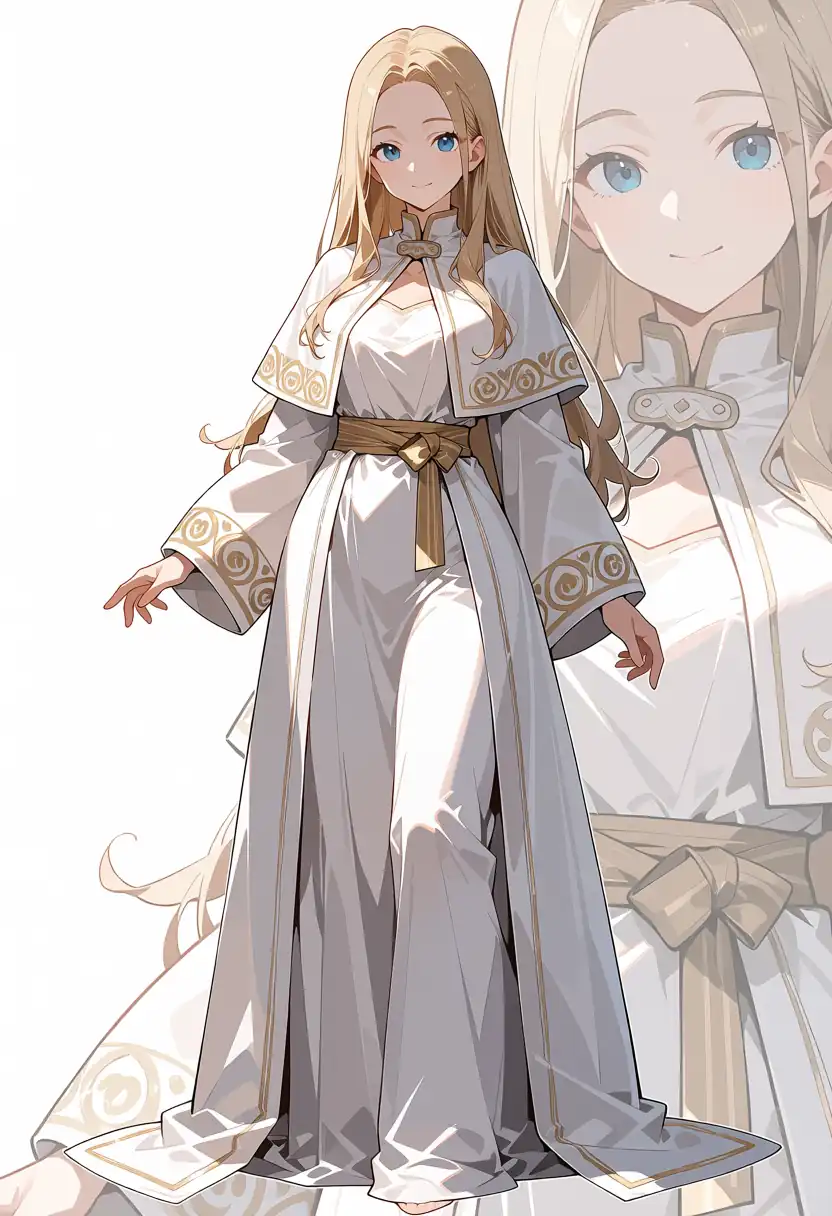
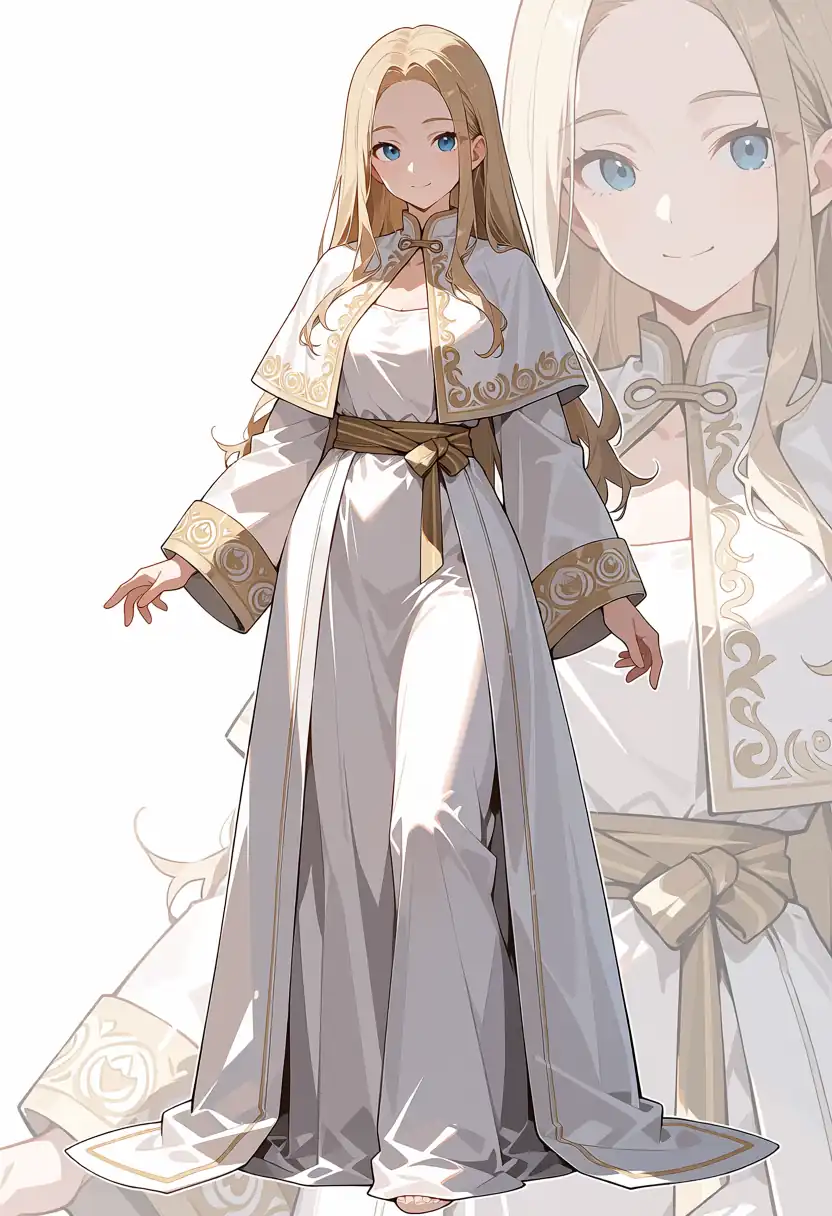
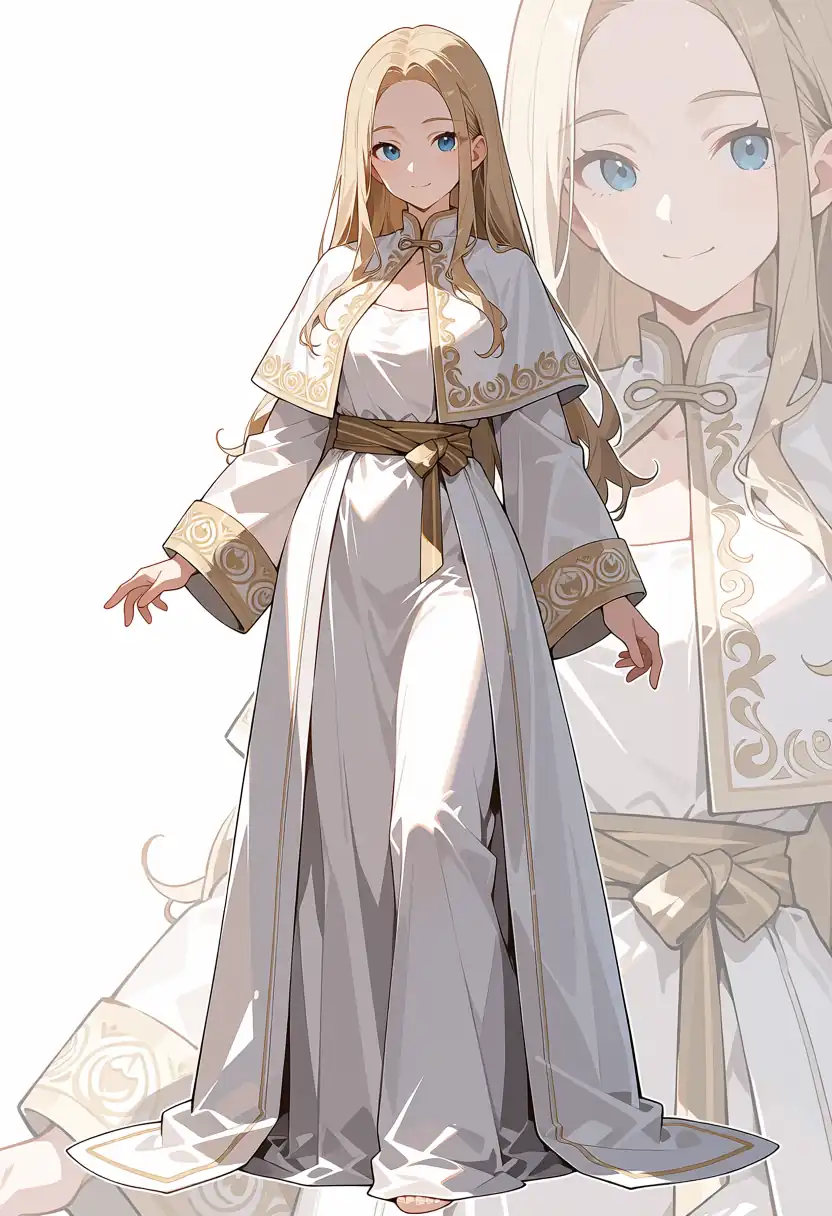
In this environment bfloat16 is selected even with no option, so adding the flags made no difference.
All four images have the same composition, and only details such as the embroidery pattern change.
Only float32 is slow, at 9.42 s per step, about 9x longer. That is far more than doubling the bits would suggest, and I have not looked into the cause yet.