Speeding Up MOSS-Image to 50s on M1 Max and Building a Standalone Model with HaDeS MOSS Suite
 Contents
Update (2026-11-18): Applied the SFT 4-step LoRA, INT8 MPS comparison, and HaDeS bias-check prompts from this post to benchmark the “1111 Asian Utopian R4” derivative against Base and SFT on M1 Max → 1111 Asian Utopian R4 vs MOSS-Image Base and SFT on M1 Max
When I tested MOSS-Image Base and SFT on an M1 Max, generating a single 1024×1024 image at 25 steps took nearly 10 minutes.
MOSS-Image is an open-weights diffusion model with impressive typography and photorealistic rendering capabilities, but running the standard 25 sampling passes on Apple Silicon makes iterative generation impractical.
The primary speedup comes from a 4-step distillation LoRA, which allows the diffusion process to converge in just 4 steps.
On November 3, 2026, HaDeS MOSS Suite was released as a custom node pack for ComfyUI. Rather than generating images directly, it provides tools for inspecting, pruning, and baking MOSS-Image weights and LoRA adapters. The suite includes:
| Node | Functionality |
|---|---|
| MOSS Model Block Merger, Multi-Model Merger | Merges models using block-level ratios or techniques like TIES |
| MOSS LoRA Extractor | Extracts differences from fine-tuned weights as compact LoRA adapters |
| MOSS LoRA Block Weight | Applies LoRAs with custom scaling across 6-layer blocks |
| MOSS LoRA Resize | Shrinks LoRA rank to reduce file size |
| MOSS LoRA Merger | Combines two LoRA adapters into one |
| MOSS Model Saver | Bakes LoRA weights into the base diffusion model and saves as a single safetensors file |
The author evaluated these nodes on an RTX 5090 and published the benchmarks in tools/RESULTS.md.
Among the findings was an analysis of the community 4-step distillation LoRA: out of 42 transformer layers, the adapter acts primarily on layers 24–41. Compressing those layers down to rank 2 preserves the visual quality of the full 4-step LoRA.
Applying this on a Mac cuts generation time from 10 minutes to roughly 50 seconds while dramatically reducing adapter overhead.
I replicated the author’s benchmark conditions on an M1 Max, pruned the LoRA to rank 2, and merged it into an int8 standalone diffusion model file.
Test Procedure
The adapter used is akhaliq’s MOSS-Image-SFT-4-steps (moss_image_sft_4step_v2.0.safetensors, 1.19GB, rank 128, Apache 2.0).
It distills the MOSS-Image SFT model to converge in 4 sampling steps without output degradation.
Following the author’s benchmark workflow, the evaluation proceeded in four stages:
| Stage | Nodes Used | Verification Goal |
|---|---|---|
| 1 | Standard LoRA Loader | Verify whether 4-step LoRA accelerates generation without artifacts |
| 2 | LoRA Block Weight | Confirm whether LoRA activity is concentrated in layers 24–41 |
| 3 | LoRA Resize | Check if reducing rank to 8 or 2 maintains identical imagery and text rendering |
| 4 | LoRA Block Weight, Model Saver | Bake the pruned LoRA into SFT, save as int8, and generate with standard nodes |
Verification Environment
| Item | Details |
|---|---|
| Hardware | MacBook Pro M1 Max, 64GB Unified Memory, macOS 27.0 |
| GPU Backend | MPS (Apple Silicon GPU) |
| ComfyUI | v0.43.0 (MOSS-Image supported from v0.42.0), Python 3.12.12, PyTorch 2.15.0 |
| Custom Nodes | HaDeS MOSS Suite 88839e0 (as of November 5, 2026) |
| Diffusion Model | moss_image_sft_bf16 (Comfy-Org/MOSS-Image, ~10.2GB) |
| Text Encoder | qwen3.5_9b_bf16 (~19.3GB) |
| VAE | flux2-vae |
| Baseline Sampling | 1024×1024, er_sde, simple, 25 steps, CFG 2.5, shift 5.0 |
| 4-step Sampling | 1024×1024, euler, simple, 4 steps, CFG 1 (matching author settings) |
Because my primary ComfyUI installation preceded MOSS-Image support, I set up a clean v0.43.0 environment.
For generation and metric calculation, I used the author’s evaluation script tools/moss_eval.py.
The script sends graph workflows directly to the ComfyUI API, allowing identical prompts, seeds, and image similarity metrics to run locally. I only needed to update the LoRA file path.
Additional tasks not covered by moss_eval.py—such as LoRA Resize and Model Saver serialization—were executed via helper scripts importing the original evaluation functions.
Prompts matched the author’s suite: two photographic portraits (“woman at a cafe”, “fisherman portrait”), one watercolor illustration (“fox under mushroom”), and three typography tests (“bakery wooden sign”, “three-line poster”, “layout JSON poster”).
Seeds 1000–1002 produced 9 photo/illustration samples and 9 typography samples per configuration.
Two environment differences exist compared to the author’s RTX 5090 setup:
The author used an int4 text encoder, whereas I ran bf16.
The author used SageAttention, while I relied on PyTorch’s native SDPA attention since SageAttention does not support MPS.
Image variance was measured using the author’s four metrics: Composition (luminance difference downscaled to 32×32), Edge (Sobel edge cross-correlation), Texture (high-frequency spectrum difference), and Color (mean and variance difference in Lab color space). Zero indicates an identical match.
As a baseline reference, changing only the seed on full-layer LoRA generations yielded an average composition delta of 16.49.
1. Speedup with the 4-Step LoRA
I generated 9 samples across three baseline conditions: 25-step standard SFT, 4-step LoRA, and 4-step generation without LoRA.


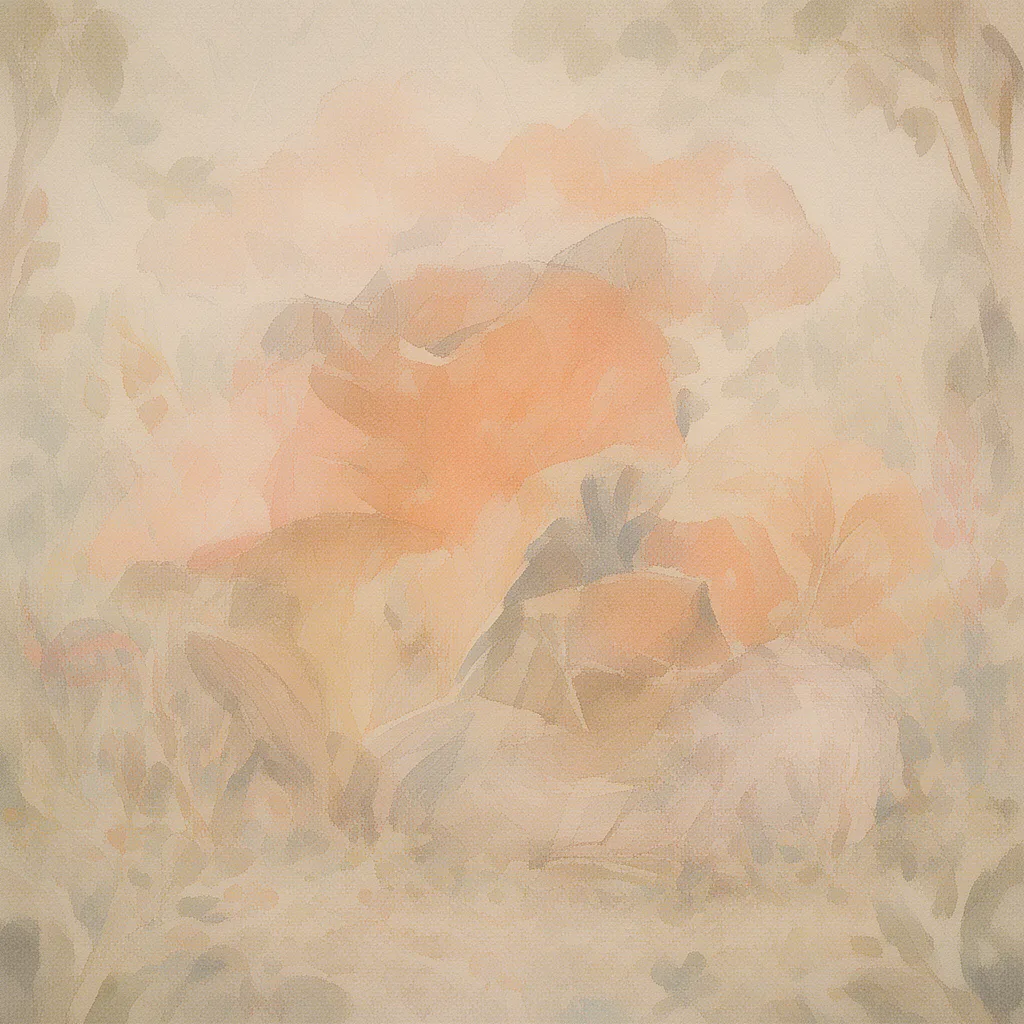
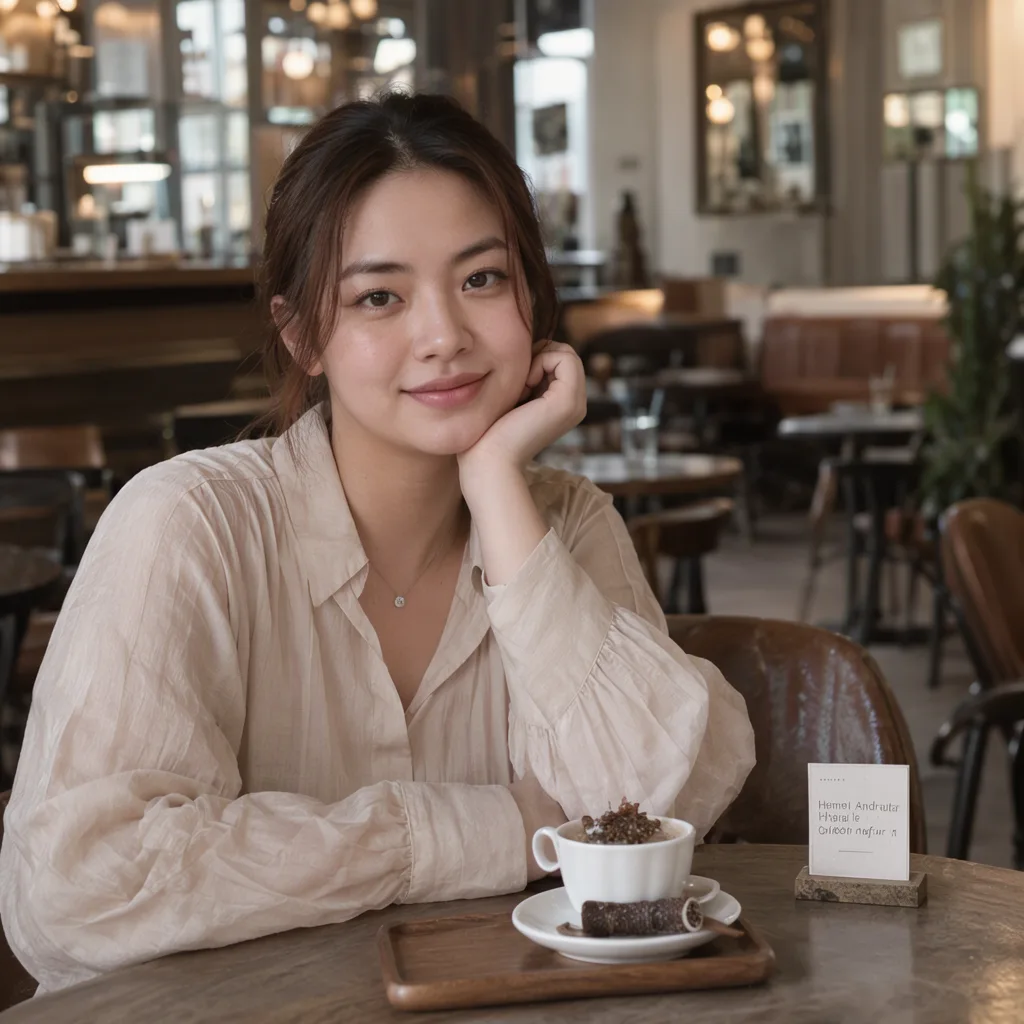

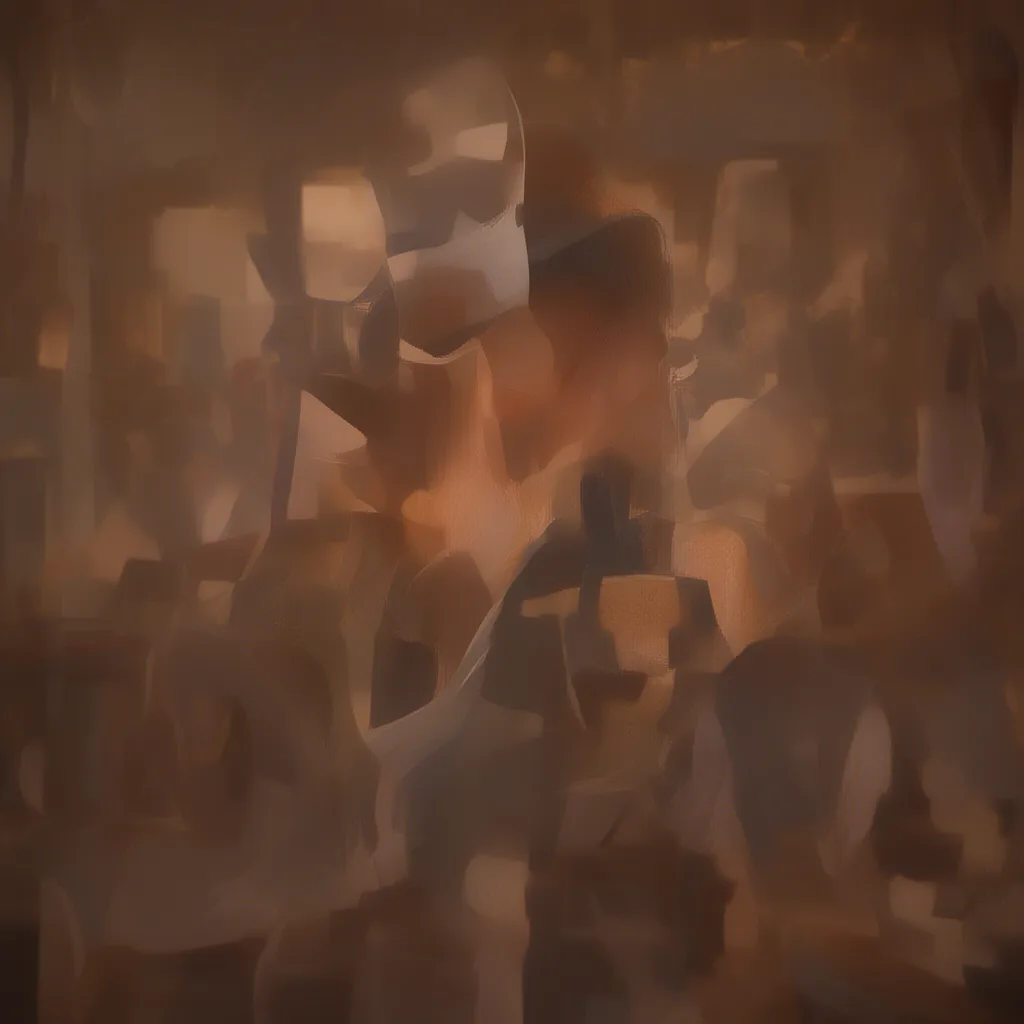
Without the LoRA, 4-step generation completely broke down into blurry noise across all 9 images.
With the 4-step LoRA applied, all 9 outputs rendered cleanly with proper composition and fine texture.
Because the sampler and step count differ from the 25-step baseline, outputs with the same seed yield different compositions.
| Configuration | Time per Image (Median) |
|---|---|
| SFT, 25 steps (Baseline) | 574.65s |
| SFT + 4-step LoRA | 46.93s |
| SFT, 4-step without LoRA | 46.97s |
Times represent the median across 6 warmed-up runs (model and text already cached), including sampling and VAE decode.
The 4-step LoRA accelerated per-image generation from 574.65 seconds to 46.93 seconds—a ~12x speedup.
On the author’s RTX 5090, latency dropped from 15.14s to 1.54s (~9.8x), showing consistent relative scaling.
Beyond reducing steps from 25 to 4, setting CFG to 1 skips negative prompt passes, roughly halving per-step latency from ~23s to ~12s on M1 Max.
In the cafe portrait at seed 1001, a semi-transparent ghost of typography overlapped the foreground.

The author reported an identical double-exposure ghosting artifact with this LoRA, confirming consistent behavior on Apple Silicon.
Physical memory consumption was monitored via macOS footprint every 20 seconds.
Peak memory reached 33GB during 25-step generation and 41GB during 4-step LoRA execution.
2. Identifying Active LoRA Layers
Using the LoRA Block Weight node, I selectively enabled subsets of transformer layers and measured variance against full-layer LoRA outputs.
Matching the author’s test cases, I evaluated layers 24–41, 30–41, 36–41, and 0–23.
| Active Layers | Author (5090): Comp / Edge / Text / Color | M1 Max: Comp / Edge / Text / Color | Visual Assessment |
|---|---|---|---|
| Layers 24–41 | 2.8 / 0.10 / 0.08 / 0.7 | 3.06 / 0.10 / 0.08 / 0.69 | Virtually identical to all layers |
| Layers 30–41 | 6.2 / 0.27 / 0.18 / 2.2 | 5.95 / 0.27 / 0.19 / 2.34 | Intact; minor detail shifts |
| Layers 36–41 | 12.4 / 0.70 / 1.82 / 9.4 | 12.82 / 0.73 / 1.77 / 9.97 | Double outlines and blurring |
| Layers 0–23 | 12.9 / 0.77 / 4.04 / 13.2 | 13.29 / 0.78 / 4.07 / 13.72 | Severe degradation (same as no LoRA) |
The author’s reference data was measured on a compressed variant (moss_image_sft_4_steps_lora_v2_600_avg_rank_72_bf16).
Running the official full v2.0 adapter directly on M1 Max yielded metrics nearly identical to the author’s RTX 5090 numbers across all four criteria.


The effective updates of the 4-step LoRA are concentrated heavily in layers 24–41. The weights in layers 0–23 can be discarded without noticeable impact on output fidelity.
3. LoRA Rank Reduction with LoRA Resize
The LoRA Resize node computes SVD to compress an adapter down to a target rank and exports a new .safetensors file.
I created compressed versions at rank 8 and rank 2 from the original rank 128 adapter.
| File | Size | Processing Time | Retained Variance (Mean) |
|---|---|---|---|
| Original LoRA (Rank 128) | 1.19GB | — | — |
| Rank 8 | 33.1MB | 7.3s | 68.3% |
| Rank 2 | 8.3MB | 6.0s | 56.3% |
Retained variance reflects how much original weight difference is captured in the truncated rank, averaged across all layers. At rank 2, only ~56% of total variance is preserved mathematically.
LoRA Resize does not prune specific layer blocks during export.
To reproduce the author’s layer-filtered benchmark, I passed the 8.3MB rank 2 file through the LoRA Block Weight node, applying it exclusively to layers 24–41.
Image variance was measured against full-layer rank 128 generations:
| Configuration | Photo / Illustration (Comp / Edge / Text / Color) | Typography (Comp / Edge / Text / Color) |
|---|---|---|
| Rank 8, All Layers | 2.71 / 0.10 / 0.06 / 0.64 | — |
| Rank 2, All Layers | 4.03 / 0.15 / 0.15 / 1.30 | 3.59 / 0.08 / 0.19 / 0.94 |
| Rank 2, Layers 24–41 only | 4.22 / 0.17 / 0.16 / 1.33 | 3.77 / 0.10 / 0.19 / 0.99 |
Composition variance remained between 2.7 and 4.2 across all configurations—substantially below the seed variance baseline (16.49).
Visual inspection showed consistent subject placement, lighting, and anatomy. Minor shifts occurred in secondary details, such as the fisherman’s hat style shifting at seed 1002. Ghosting at cafe seed 1001 was faithfully preserved even at rank 2.
In typography tests, all 27 images across the three prompts accurately spelled words such as FRESH BREAD DAILY and NORTHERN LIGHTS.
As the author noted in RESULTS.md, the weight changes in layers 24–38 (v, ffn_up_gate, ffn_down) have over 99% of their variance concentrated along rank 2–5 directions. Because the core dynamics are predominantly low-rank to begin with, compressing to rank 2 retains virtually all task-relevant modifications.
Generation latency remained identical at ~47 seconds for both 1.19GB and 8.3MB files. Because ComfyUI pre-merges LoRA weights into diffusion model parameters prior to sampling, LoRA rank does not alter inference speed.
4. Merging into an int8 Standalone Model
Finally, using the MOSS Model Saver node, I baked the rank 2 LoRA on layers 24–41 directly into the base SFT diffusion weights.
I selected the “int8 ConvRot (Comfy-Org layout)” format, matching official Comfy-Org quantized releases. Linear and attention projections in the diffusion model are converted to 8-bit integers (int8), while remaining components stay in bf16. Note that this creates a standalone diffusion model; the text encoder and VAE remain external standard components loaded alongside it.
Serialization took 3.8 seconds, yielding a single 5.41GB .safetensors file.
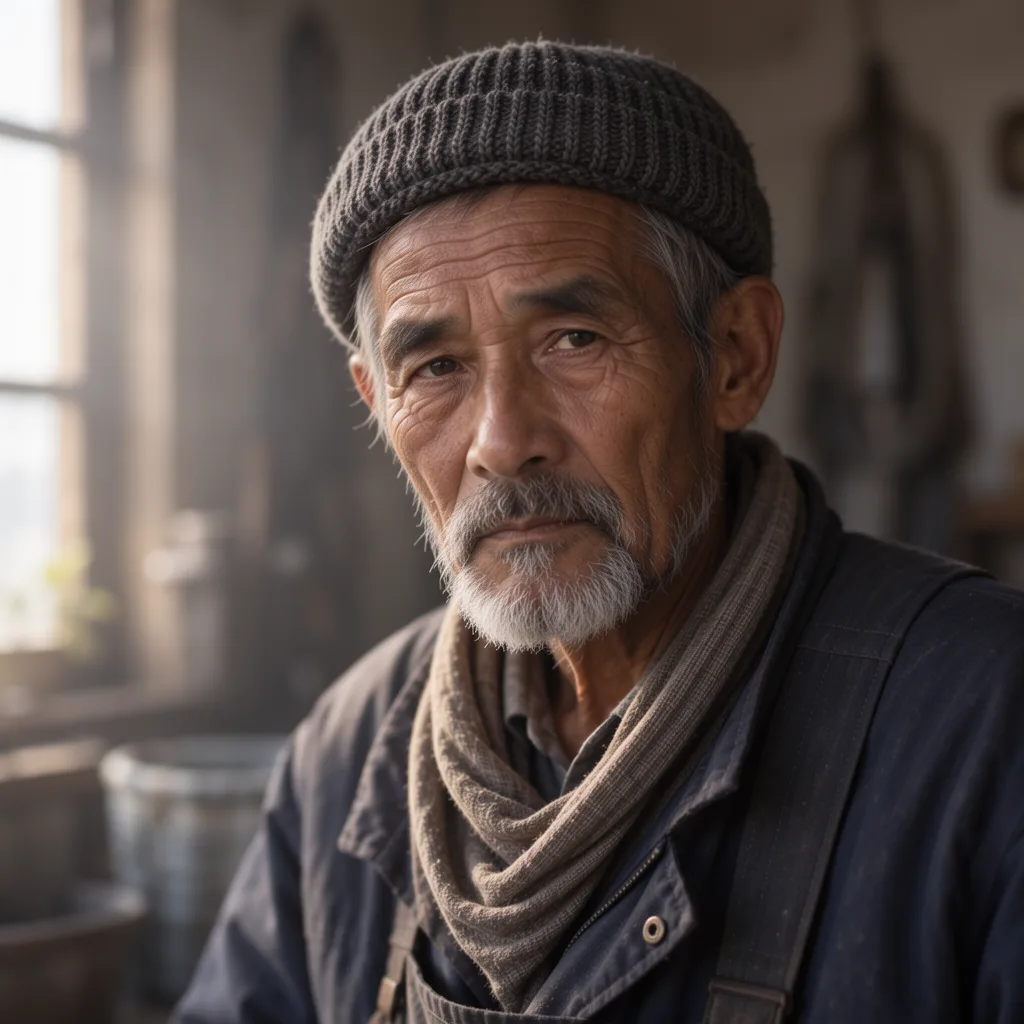
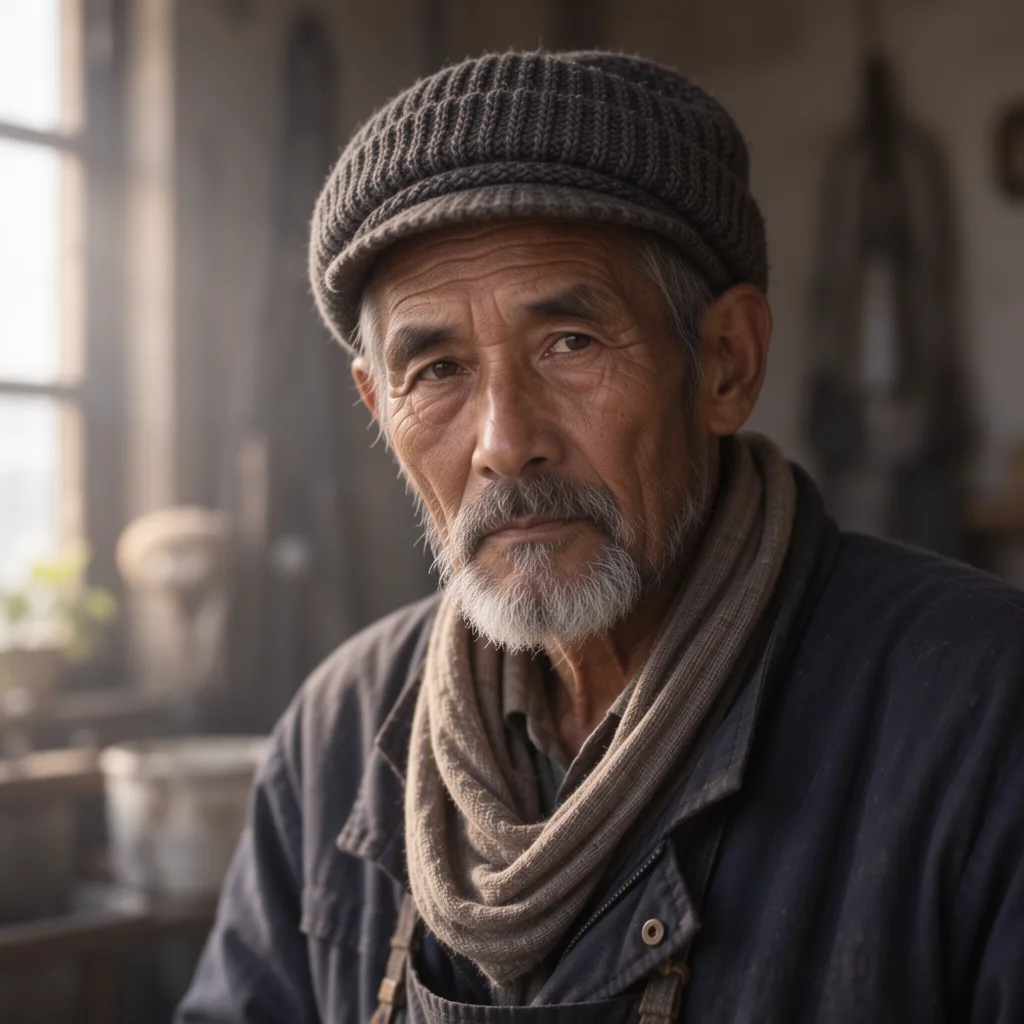
Moving this file to models/diffusion_models allowed standard ComfyUI Load Diffusion Model workflows to load it directly without any LoRA loader nodes. Running the same 18 prompts with euler, simple, 4 steps, and CFG 1 produced:


| Comparison | Photo / Illustration (Comp / Edge / Text / Color) | Typography (Comp / Edge / Text / Color) |
|---|---|---|
| int8 Standalone vs. Rank 2 (Layers 24–41) | 2.62 / 0.10 / 0.11 / 0.70 | 2.28 / 0.03 / 0.12 / 0.67 |
| int8 Standalone vs. Original LoRA | 4.41 / 0.19 / 0.14 / 1.48 | 3.97 / 0.11 / 0.22 / 1.03 |
The int8 standalone model outputs matched the original LoRA compositions closely, and typography in all 9 text images was rendered correctly.
| Metric | SFT + Original LoRA | int8 Standalone Model |
|---|---|---|
| Storage Footprint | SFT 10.2GB + LoRA 1.19GB | 5.41GB (Single File) |
| Model Weight Load Memory | 9693.73MB | 5162.83MB |
| Peak Physical RAM During Sampling | 41GB | 31GB |
| Median Time per Image | 46.93s | 51.14s |
The int8 standalone model reduced peak physical memory by ~10GB.
However, generation time increased by ~9% (46.93s to 51.14s). Checking the ComfyUI console log showed empty Native ops: and emulated ops: int8_tensorwise. On Apple Silicon MPS, int8 matrix operations run via software emulation rather than hardware-accelerated integer tensor cores. The author similarly observed slower int8 inference on RTX 5090 under SageAttention.
Benchmark Summary
| Configuration | Model Setup | Latency (1 Image) | Peak Physical RAM | Key Takeaway |
|---|---|---|---|---|
| SFT, 25 steps | SFT 10.2GB | 574.65s | 33GB | Baseline. Unusable for interactive exploration on Mac |
| SFT + 4-step LoRA | SFT 10.2GB + LoRA 1.19GB | 46.93s | 41GB | ~12x speedup to 47s, but memory reaches 41GB |
| SFT + Rank 2 LoRA (Layers 24–41) | SFT 10.2GB + LoRA 8.3MB | 47.38s | 41GB | 8MB adapter achieves identical quality and speed |
| int8 Standalone Model | 5.41GB single file | 51.14s | 31GB | Saves 10GB RAM at the cost of ~9% slower generation |
HaDeS MOSS Suite enables MOSS-Image to drop from 10 minutes to ~50 seconds per image on an M1 Max.
The author’s findings—that the 4-step LoRA operates predominantly on layers 24–41 and compresses cleanly to rank 2 without image degradation—held true on Apple Silicon.
References
- HaDeS MOSS Suite (GitHub)
- HaDeS MOSS Suite Evaluation: tools/RESULTS.md
- akhaliq/MOSS-Image-SFT-4-steps (Hugging Face)
- Comfy-Org/MOSS-Image (Hugging Face)
- MOSS-Image Official Repository
- Testing MOSS-Image Base and SFT on M1 Max Locally
- Overview of MOSS-Image Derivative Models and Workflows (November 2026)