Antigravity Caps Image Resolution at 1024×1024 Even with Gemini Pro
 Contents
Conclusion
Even with a Gemini Pro subscription, Nano Banana Pro is not yet available in Antigravity.
The high-resolution image generation and editing model “Nano Banana Pro” is being rolled out gradually to Antigravity users. At the time of writing, most users are still on the older “Nano Banana (Gemini 2.5 Flash Image)” model. As a result, image editing is capped at 1024×1024 regardless of the source image size.
Background
While creating LoRA training data (covered in a previous article), I wanted to automate image generation and editing via Antigravity rather than doing it by hand.
I thought “Nano Banana Pro is supposed to be available now — should be fine.” But when I tried to upscale a generated image or fill in missing parts, the resolution actually went down.
“Wait, Nano Banana Pro should output at 2K…” — that prompted me to investigate, and this article is the result.
A Concrete Example
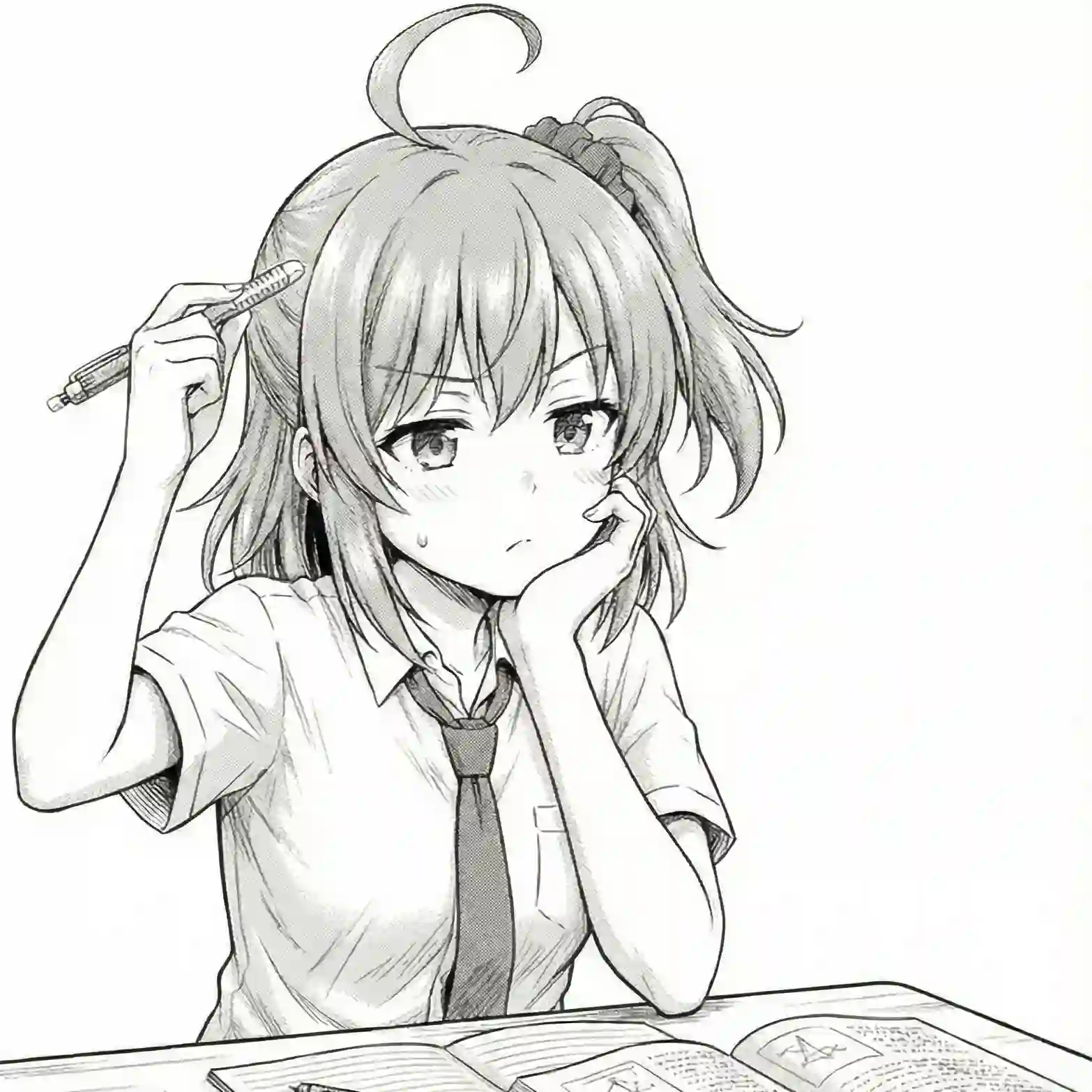
I fed a 1566×1566px source image to Antigravity and asked it to complete the lower half.
Input image (1566×1566px):
Output image (1024×1024px):
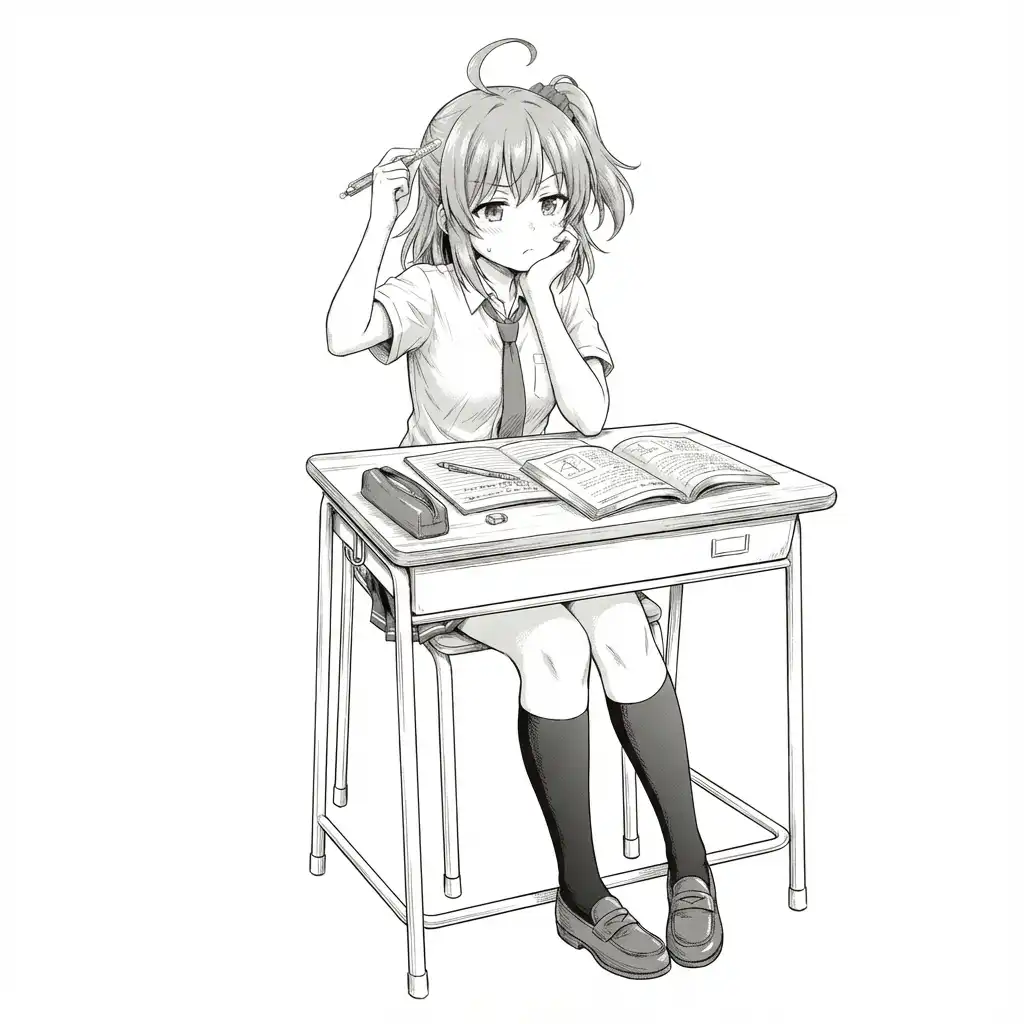
Smaller than the source. Completely unusable.
Gemini Image Model Specs
Gemini’s image generation and editing feature has two models:
| Model | Official name | Max resolution |
|---|---|---|
| Nano Banana | Gemini 2.5 Flash Image | 1024×1024 |
| Nano Banana Pro | Gemini 3 Pro Image | 2048×2048 |
The free tier and default API access use Nano Banana (the Flash version). No matter how large the source image is, it gets downsampled to 1024×1024 before processing.
Prompting “output at high resolution” doesn’t override the model’s hard output limit.
Why Nano Banana Pro Isn’t Available in Antigravity
According to the Antigravity official blog:
Nano Banana Pro is being rolled out gradually to Google Antigravity users. If you haven’t received access yet, the AI assistant will continue to use the original Nano Banana model for image generation.
In other words:
- Access is managed separately from your Gemini Pro subscription
- Even if Nano Banana Pro works at gemini.google.com (2K output), it may not be available in Antigravity
- Some users report that Antigravity doesn’t even recognize the model name when instructed to “use Nano Banana Pro”
Current Workarounds
Unfortunately, there’s currently no way to maintain high resolution while editing images inside Antigravity.
It may improve once the Nano Banana Pro rollout completes, but there’s no timeline for that.
If You Really Need High Resolution
There’s an option to bypass Antigravity and call the API directly.
Get an API key from Google AI Studio and call the gemini-2.0-flash-exp model directly to sidestep Antigravity’s limitations. This Zenn article walks through the process.
That said, it requires writing a script, so it’s not exactly low-friction. Editing directly at gemini.google.com or using a different tool is probably more practical for most cases.