SeaArt LoRA Training — Practical Notes: Getting It to Generate as Intended
 Contents
Overview
In the previous part I covered the basics of training a LoRA with SeaArt. This post is a practical record of actually creating one.
Long story short, the overall results were so-so. Here are the causes and what I learned.
Preparation
Preparing the training data
- Tool: Antigravity
- Processing:
- Auto crop & resize into face close-up, bust-up, and full body
- Started from 1024-square sources → cropped so subjects fit within a 512×512 rectangle
- Auto-generate captions (tags) at the same time
- Then manually revise
File layout
dataset/
├── image001.png  (512x512)
├── image001.txt  (caption)
├── image002.png
├── image002.txt
└── ...
Sample training data
Examples of the data I actually used.
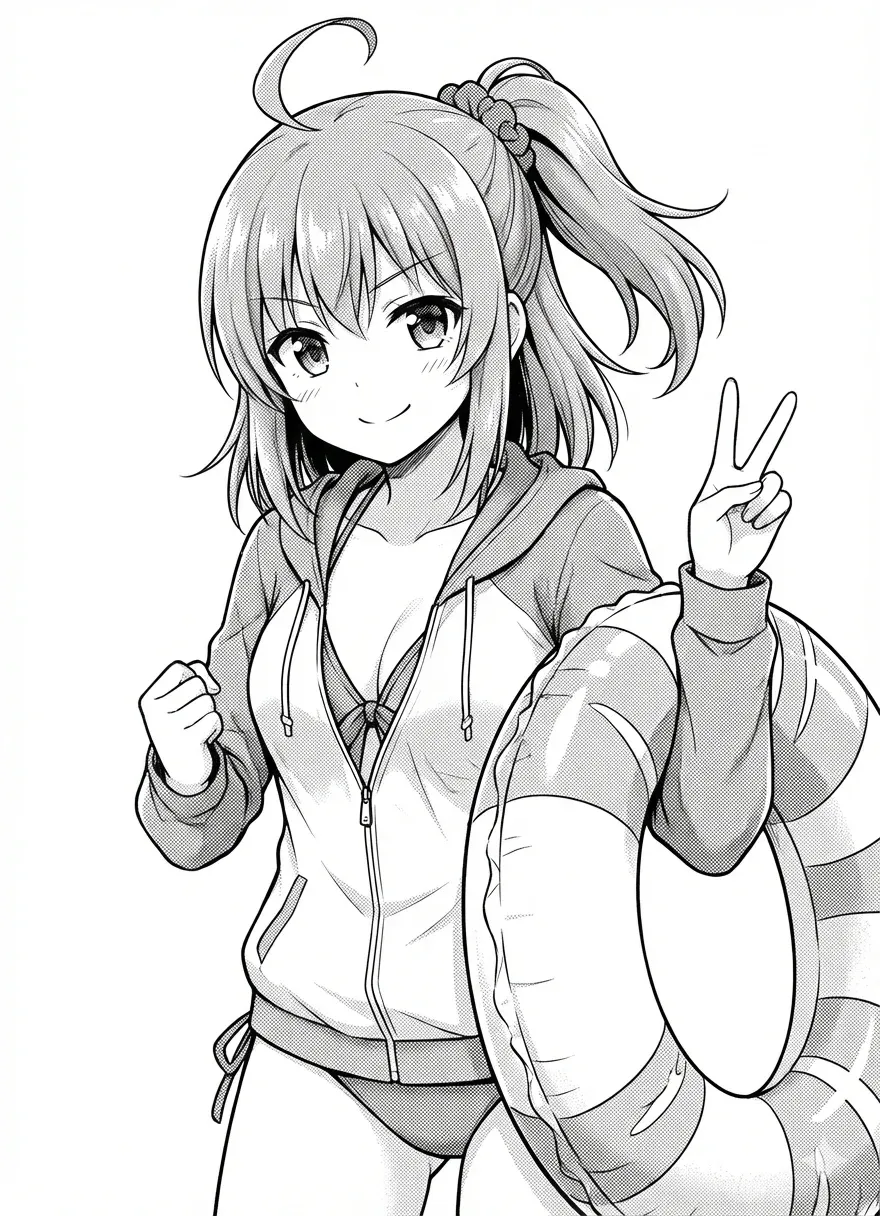
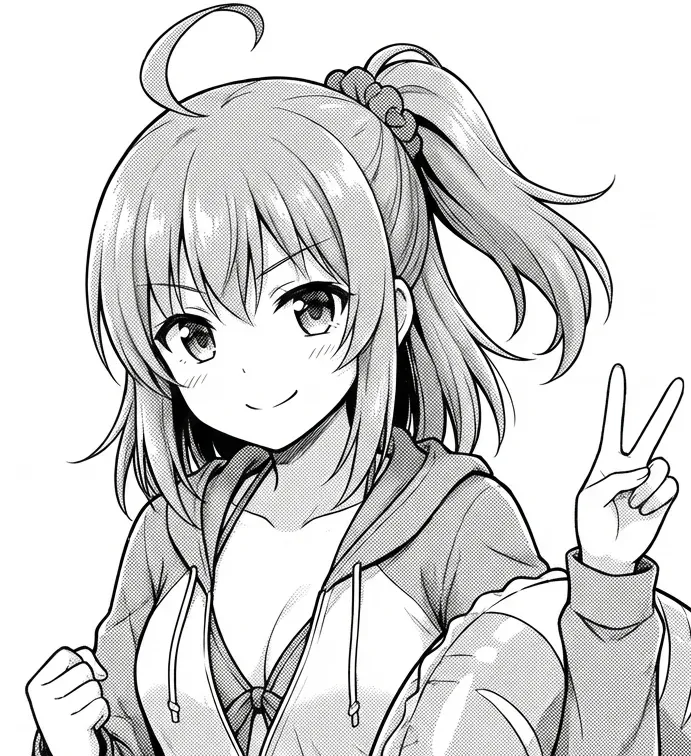
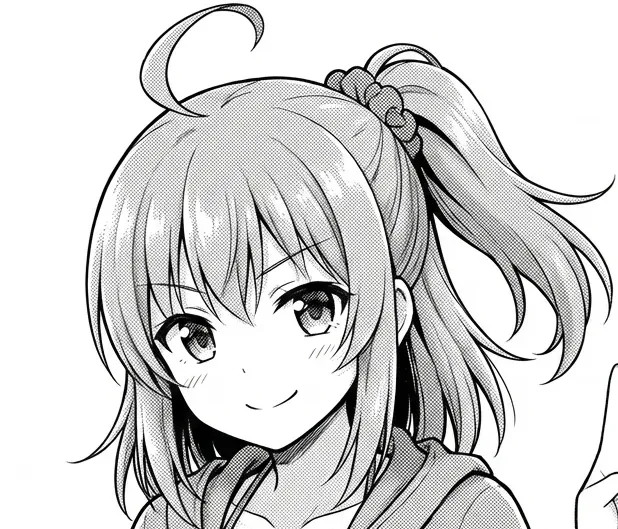
Caption examples
The trigger word is kanachan (a coined token). Captions were auto-generated by Claude, then lightly edited by hand.
Full body:
kanachan, 1girl, hoodie, t-shirt, sweatpants, v sign, smile, looking at viewer, standing, monochrome, greyscale, manga, cowboy shot, white backgroundUpper body:
kanachan, 1girl, hoodie, t-shirt, v sign, smile, looking at viewer, monochrome, greyscale, manga, upper body, white backgroundFace close-up:
kanachan, 1girl, hoodie, smile, looking at viewer, monochrome, greyscale, manga, portrait, close up, white backgroundFinal training dataset
- 104 images
- Monochrome materials
- Variations: face close-up, bust-up, full body, various situations
Plan selection
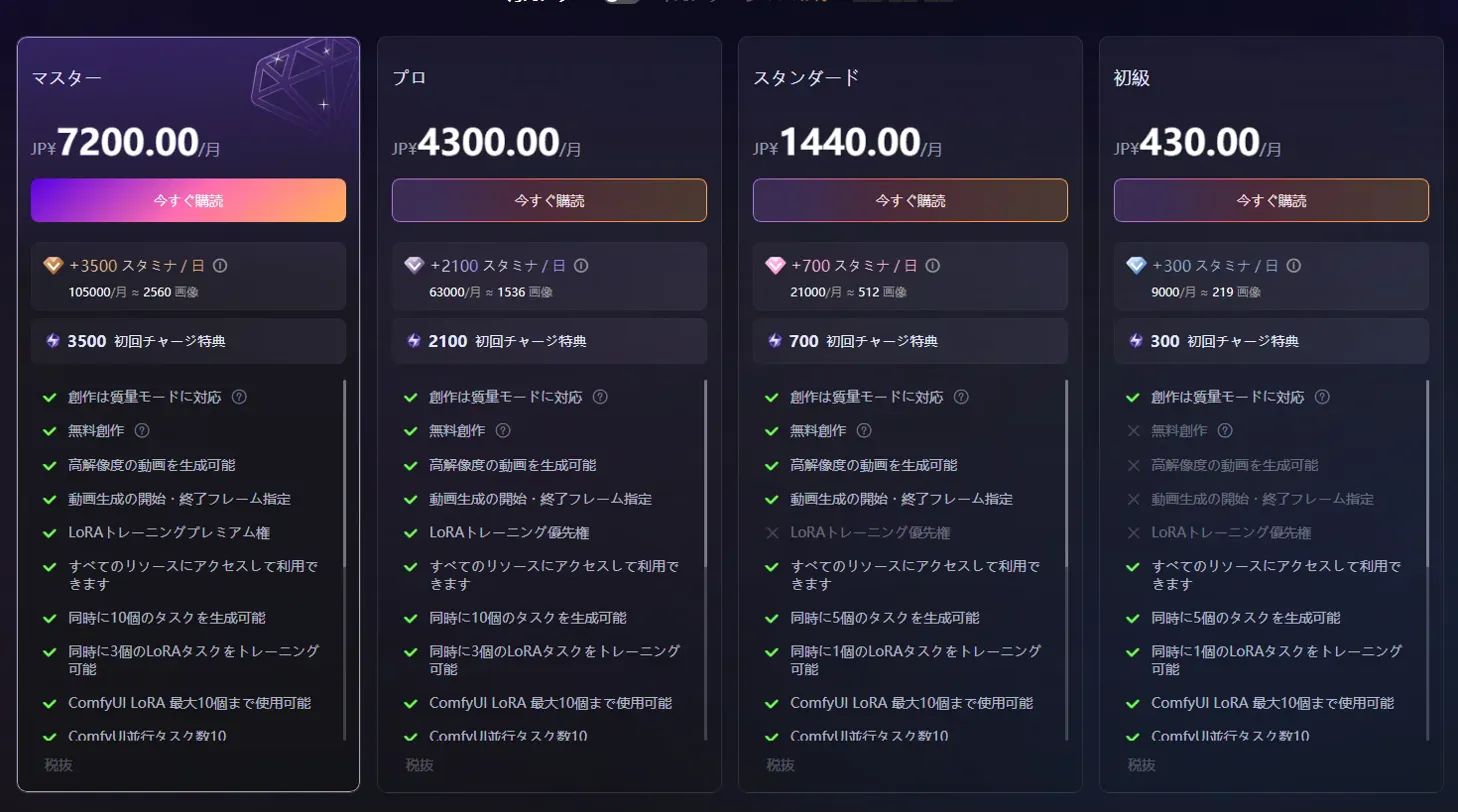
Plans considered
| Plan | Monthly fee | Stamina/day | Notes |
|---|---|---|---|
| Free | Free | 150 | - |
| Beginner | - | 300 | 3-day free trial |
| Standard | ¥1,440 | 700 | No LoRA training priority; 1 concurrent task |
| Pro | ¥4,300 | 2,100 | Multiple LoRA jobs concurrently |
Initial choice: Standard
- LoRA training entitlement (fast when the queue is empty)
- With 700 stamina/day, training 104 images looked feasible
- Can train one LoRA task at a time
Attempt 1 — Failed with Illustrious

Settings
| Item | Value |
|---|---|
| Base model | Illustrious v0.1 |
| Trigger word | kanachan |
| Repeat | 4 |
| Epoch | 10 |
| Total steps | 4,160 |
FLUX was initially selected, but that was tough on an RTX 4060 8 GB, so I switched to Illustrious v0.1. v1.0 exists, but v0.1 had more reports of being stable, so I chose that.
Preview prompt
For checking during training:
kanachan, 1girl, cardigan, shirt, necktie, smile, upper body, monochrome, greyscaleTuning stamina consumption
- Repeat 5, Epoch 10: estimated 786.47 → with stamina 758 it didn’t fit
- Repeat 4, Epoch 10: estimated ~600 → fit within the daily stamina
Result: failed
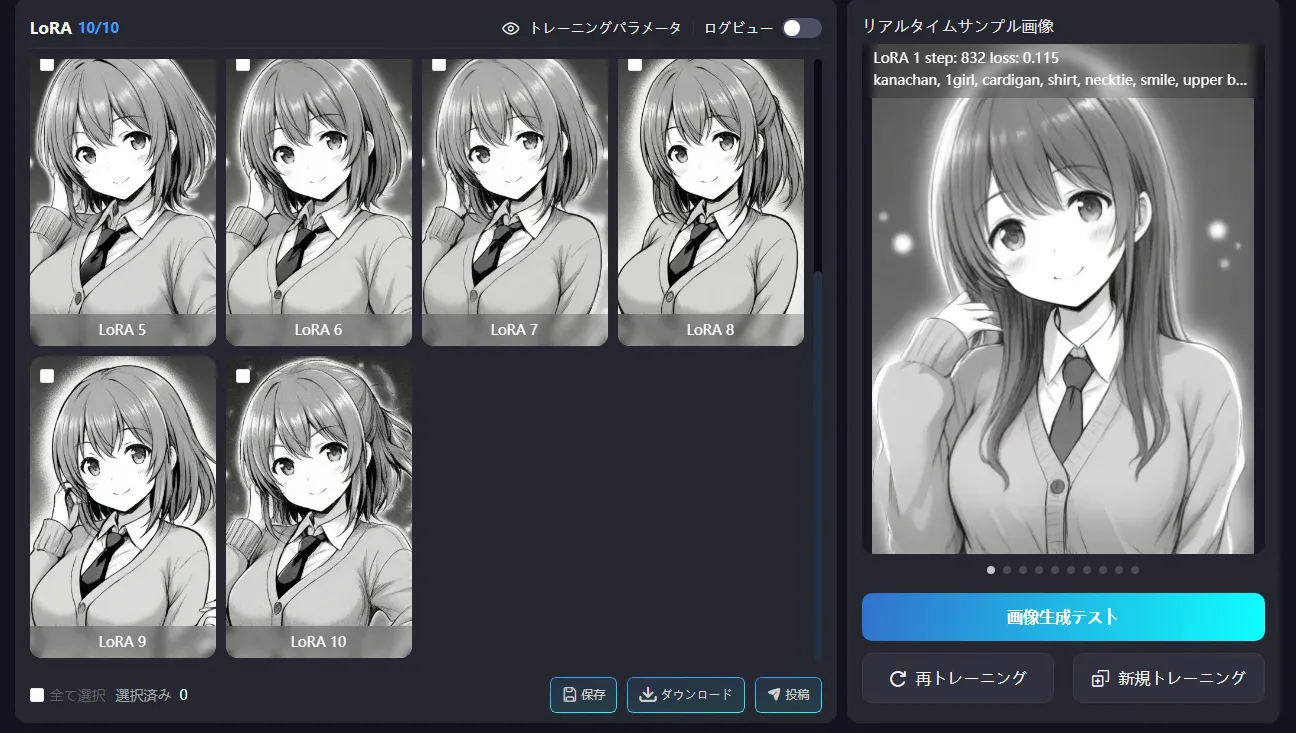
- The side-ponytail hairstyle didn’t appear at all
- LoRA 1–5: facial features were far from the source
- LoRA 7–8: it finally started tying the hair (too late)
- LoRA 9–10: a bit better but still insufficient
- Despite specifying monochrome, outputs looked slightly colorized/greyish
- The body build didn’t resemble the source
Why it failed
- Repeat 4 was too shallow — 104 images × Repeat 4 = only ~40 passes per image
- Illustrious v0.1 pairs poorly with monochrome manga
- Actual stamina usage exceeded the estimate (estimated in the 600s → actually ~700)
Understanding loss and Epoch/Repeat
How to read the loss
| loss value | State |
|---|---|
| 0.2–0.3 or higher | Barely learning yet |
| Around 0.1 | Mid-training |
| 0.05 or lower | Well learned (too low risks overfitting) |
During the first run, loss went from 0.106 → 0.112 at the halfway point, meaning it ended while still mid-learning.
What Epoch and Repeat mean
- Epoch: Snapshot count at which LoRA files are saved. If Epoch is 10, you get LoRA 1–10.
- Repeat: How many times each image is repeated within an epoch.
Typical pattern:
- LoRA 1–3 → too shallow, weak characteristics
- LoRA 5–7 → just right
- LoRA 8–10 → likely to overfit
Upgrading to Pro
Problems
- Standard plan’s 700 stamina/day wasn’t enough
- Increasing Repeat drives stamina usage up further
- Tough to iterate many times
- Training priority is available (not sure how different it is)
Decision: Pro plan (¥4,300/month)
Cheaper than buying a PC. An RTX 4090 costs ¥250–300k, needs 24 GB VRAM, and adds power costs. Compared to that, paying ¥4,300 to iterate many times is cost‑effective.
Attempt 2 — Improved with Anything
Settings
| Item | Value |
|---|---|
| Base model | Anything (万象熔炉), SD1.5 family |
| Repeat | 10 (up from 4) |
| Epoch | 15 |
| Total steps | 15,600 (about 4× the first run) |
| Estimated stamina | 603 |
Why choose SD1.5
- Works well with monochrome manga
- Lighter to train
- Tends to capture characteristics easily
- Easy local generation on an RTX 4060
Result: much better
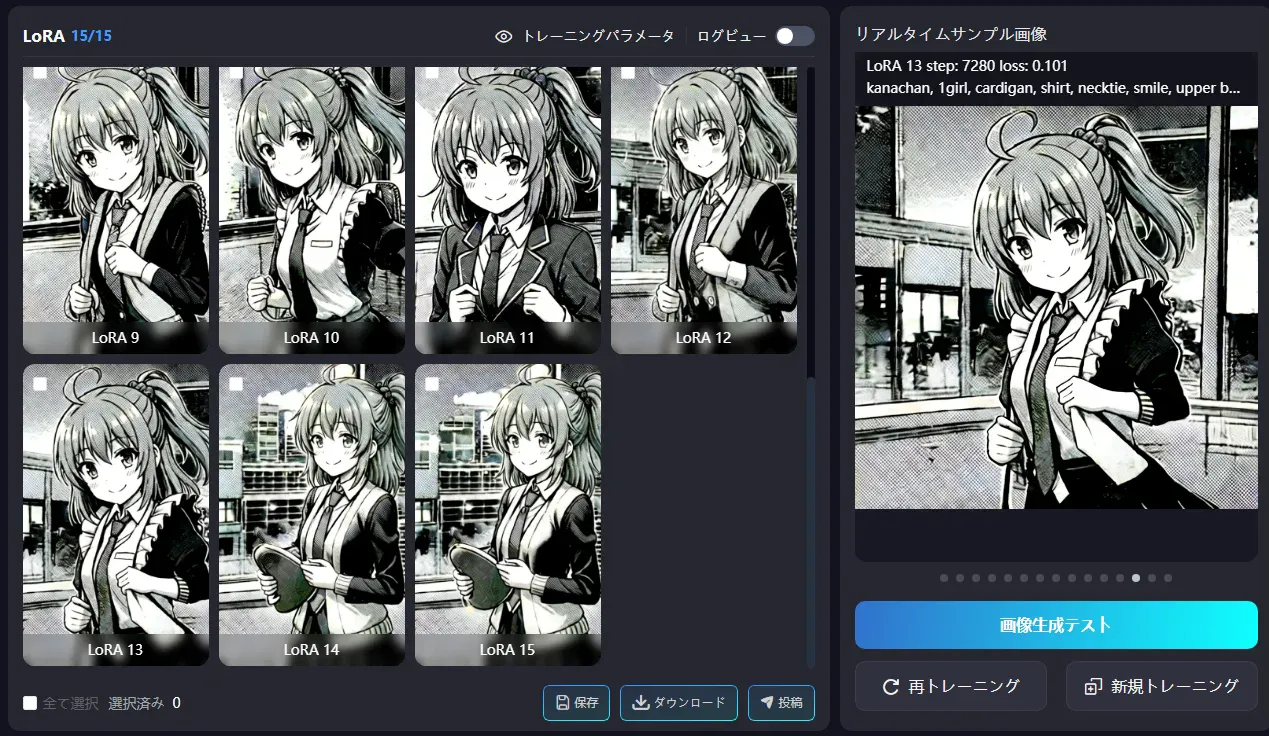
- The side ponytail shows up from LoRA 1
- With Illustrious it only started around LoRA 9–10, but Anything captured it from the start
- Effect of raising Repeat to 10 + better pairing with SD1.5
Generation tests
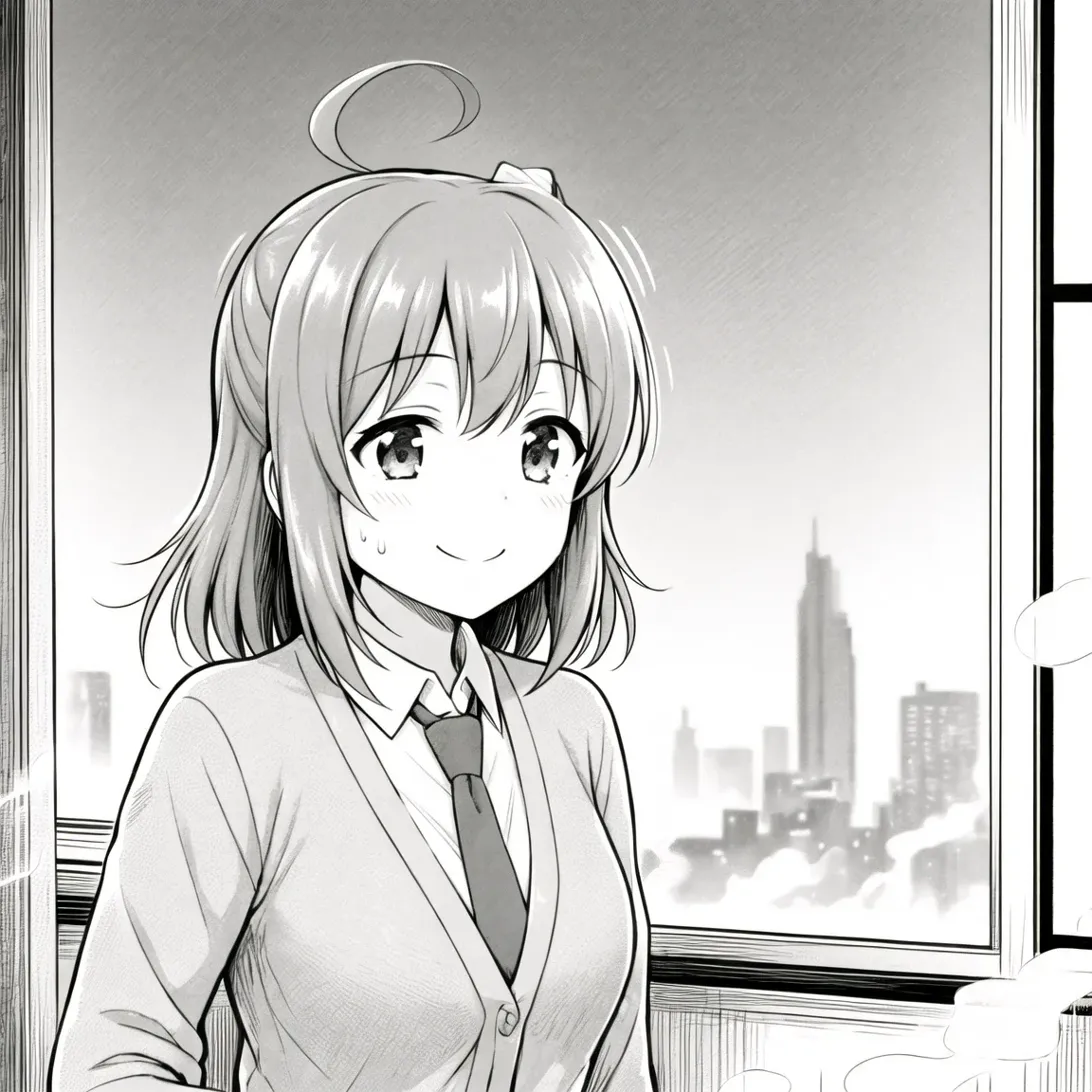
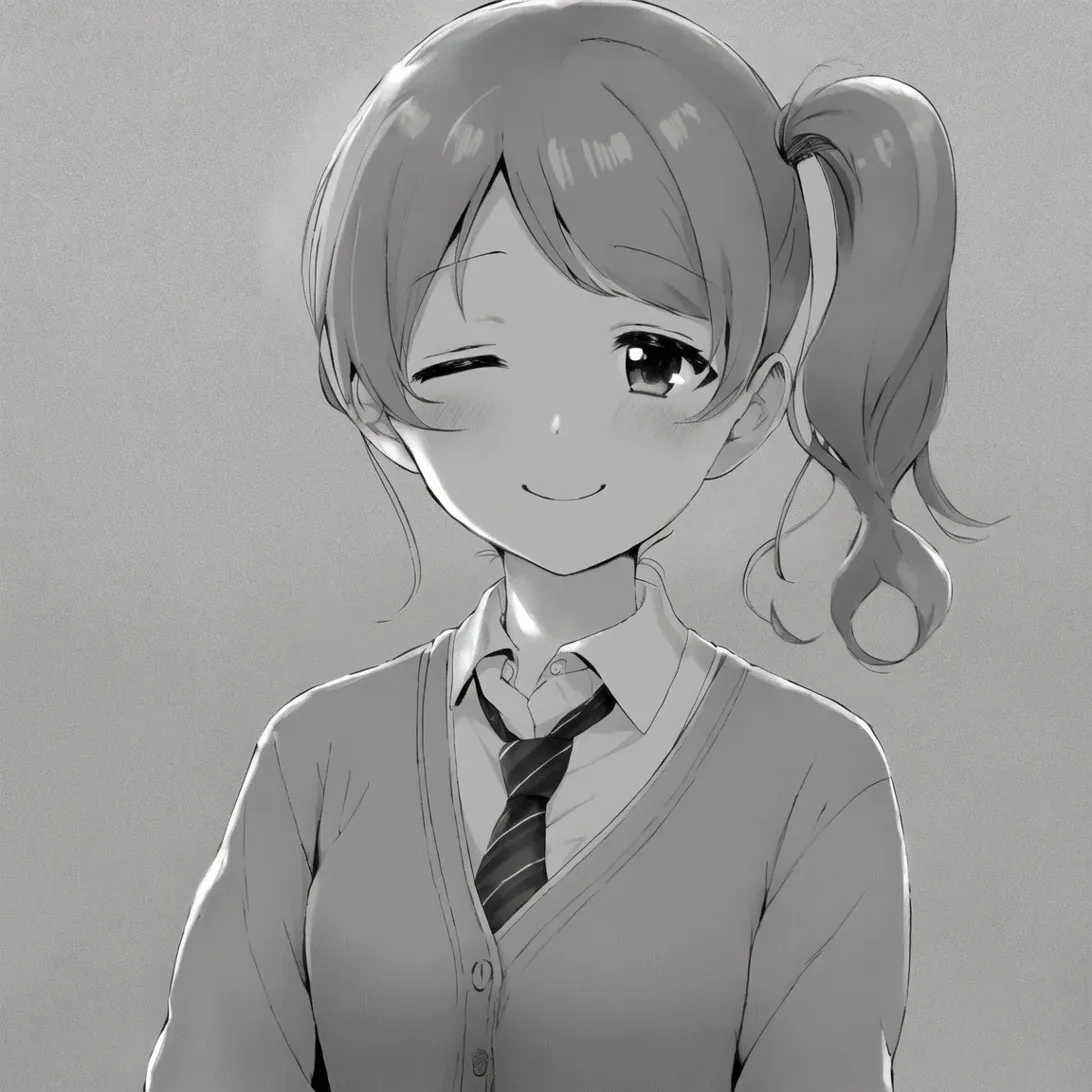
Prompt:
kanachan, かなちゃん, 1girl, カーディガン, シャツ, ネクタイ, スマイル, アッパーボディ, モノクローム, グレースケールRemaining issues
- Tends to get too dark toward the later LoRAs (13–15)
- Clothing geometry is a bit off (e.g., boundary between cardigan and shirt)
Attempt 3 — Tweaked
Settings
| Item | Value |
|---|---|
| Base model | Anything (万象熔炉) |
| Repeat | 10 |
| Epoch | 12 (reduced from 15 to avoid overfitting) |
| Estimated stamina | 492.48 |
Result: stable
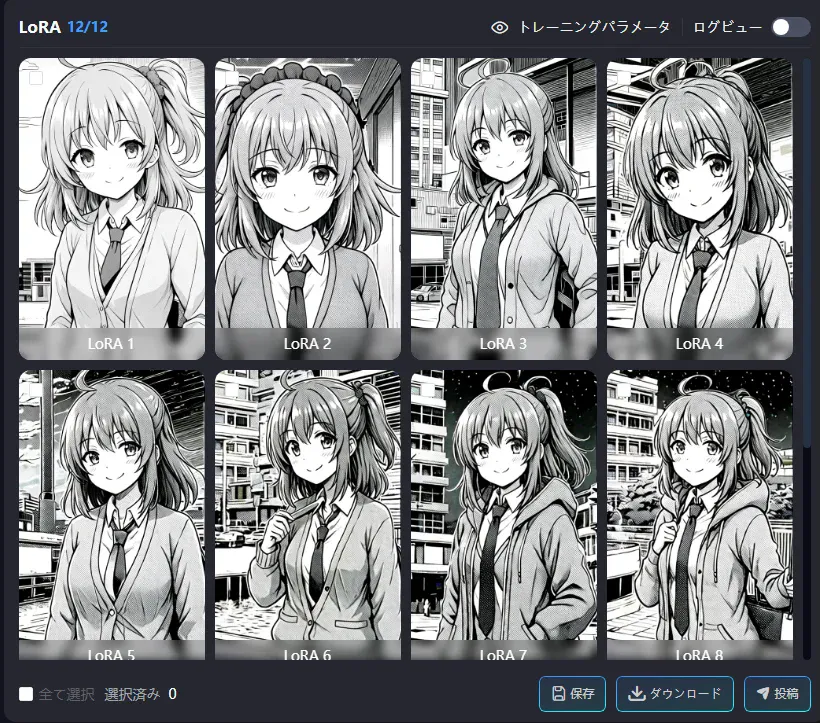
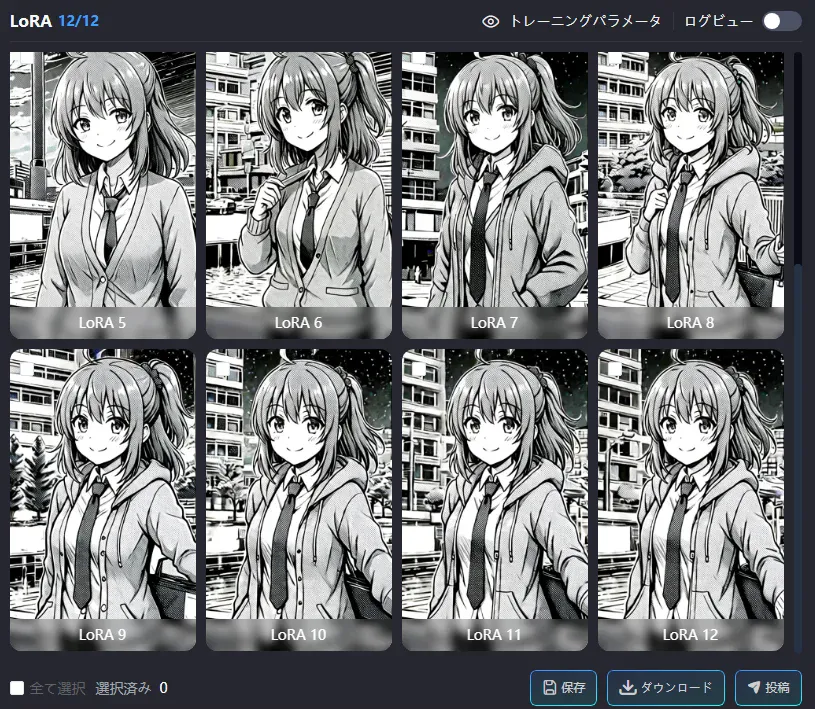
- Outputs are stable overall
- LoRA 9–10 feel well-balanced
- The side ponytail appears correctly
- Facial features are consistent
- LoRA 11–12 look slightly overfit (tends to lock the outfit into a hoodie)
Online generation tests

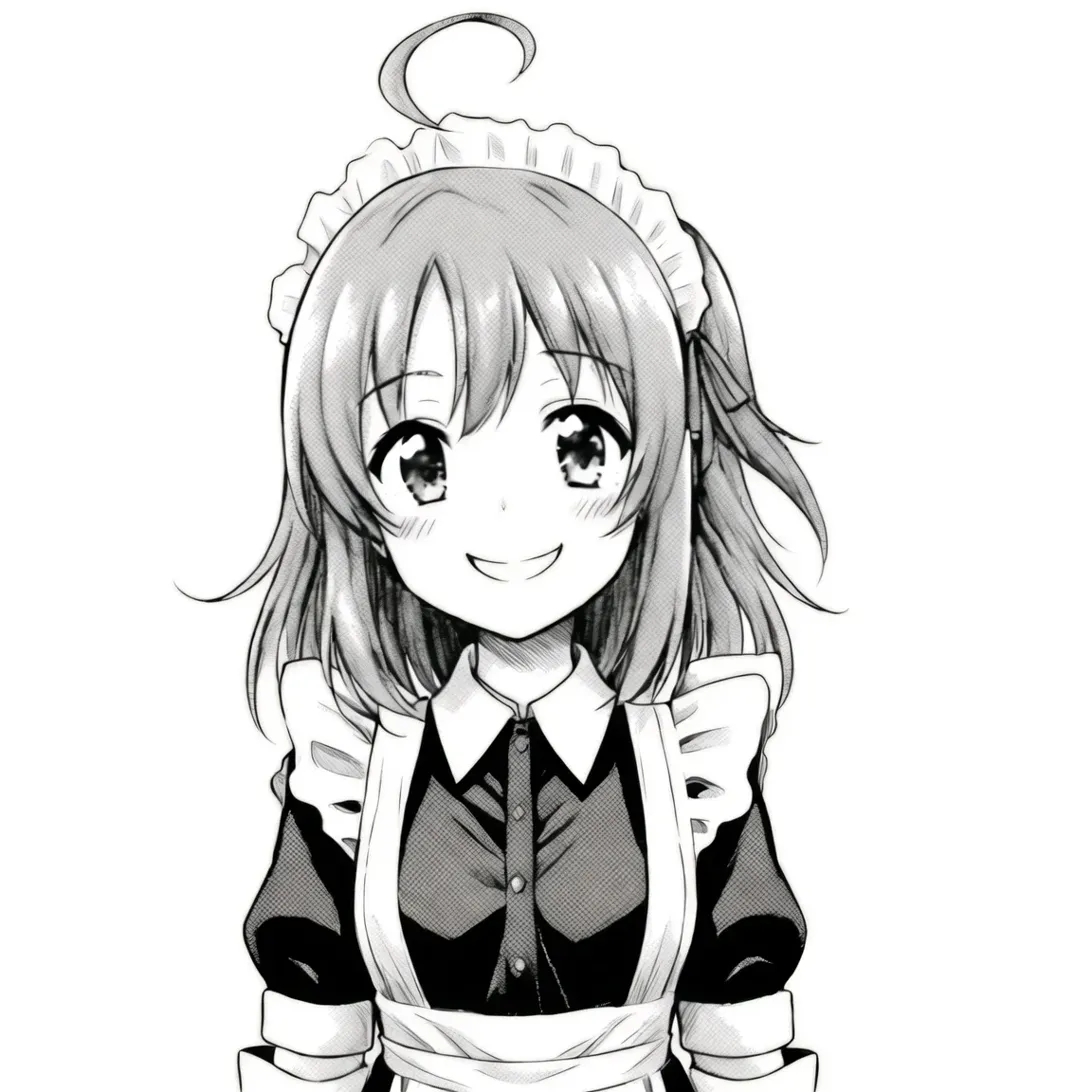
Upper body: good
Prompt:
kanachan, 1girl, cardigan, shirt, necktie, smile, upper body, monochrome, greyscale, white background, simple backgroundNegative:
dark, high contrast, black background, shadow, colorfulResult:
- Side ponytail ✓
- Ahoge ✓
- Cardigan + shirt + necktie ✓
- White background ✓
- Good brightness
One concern: the face looks a bit different from the source (eye shape, outline, etc.).
Full body: not good
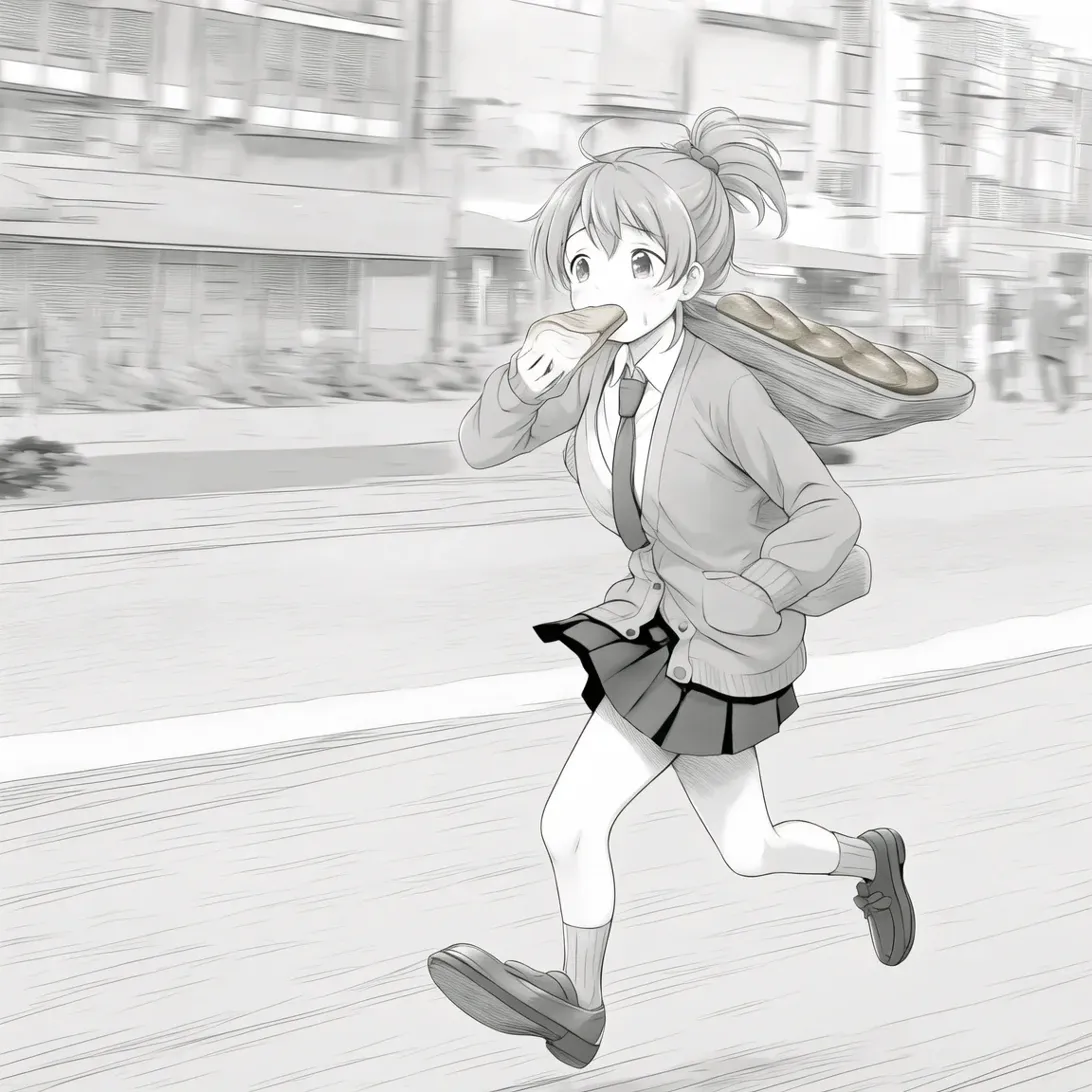
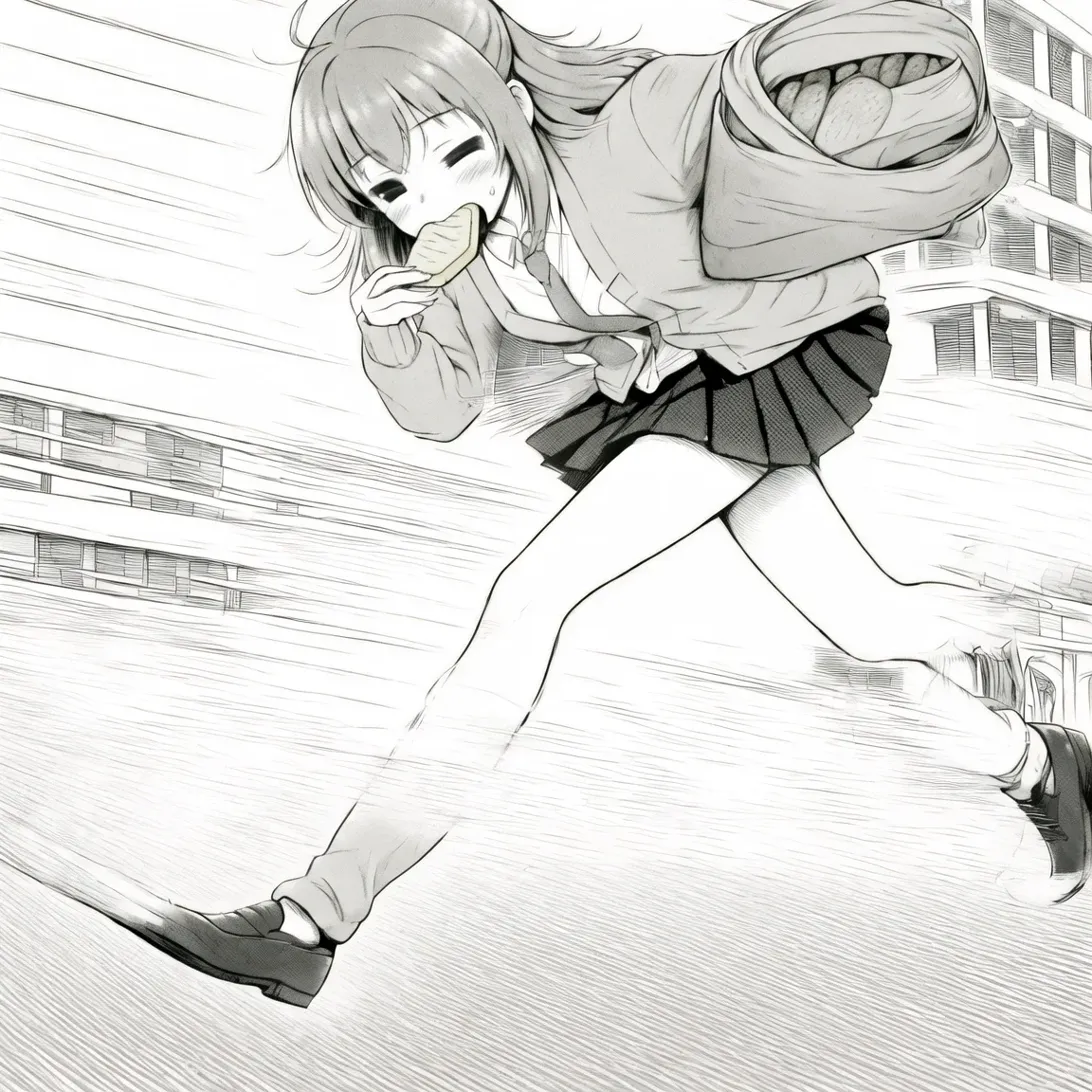
Tested prompt (running late scene with toast in mouth):
kanachan, 1girl, cardigan, shirt, necktie, running, bread in mouth, toast, late for school, street, motion blur, monochrome, greyscale, full bodyResult: Turned into a completely different character
- Neither the face nor hairstyle look like kanachan
- The LoRA effect weakens at full body
- Because the dataset had more bust-up images, full-body outputs dilute the features
Maid outfit: good
Prompt:
kanachan, 1girl, maid, maid headdress, maid apron, smile, upper body, monochrome, greyscale, white background, simple backgroundNegative:
dark, high contrast, shadow, colorfulTroubleshooting
Upgrade-ad modal problem
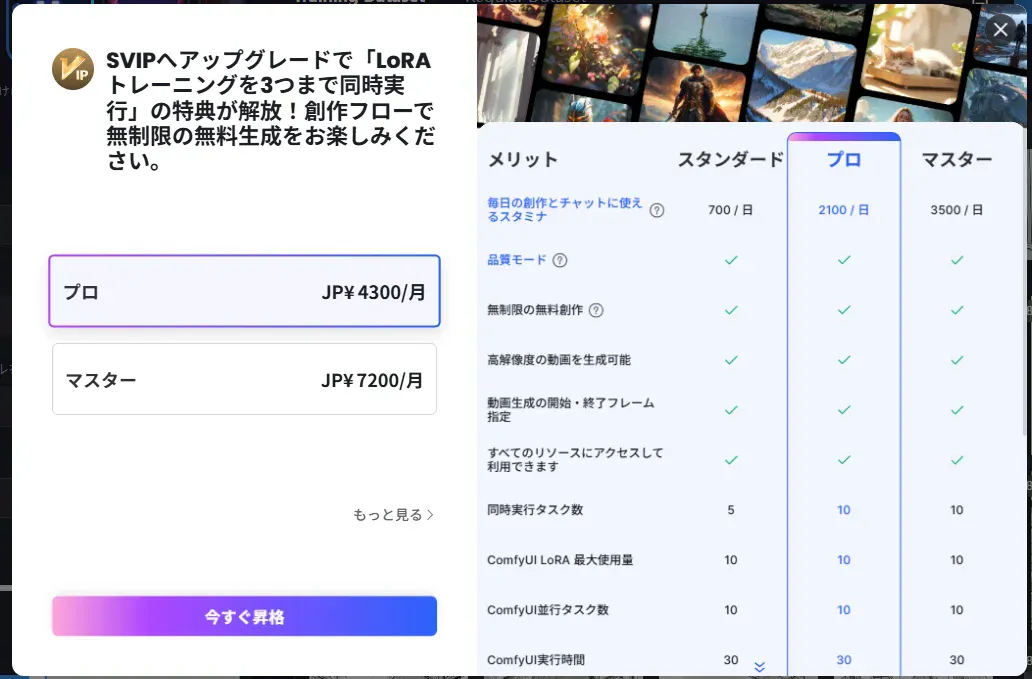
When I clicked “Train now”, an upgrade-to-Pro modal appeared and I couldn’t proceed.
Tried:
- Clicking the × in the top-right → no effect
- Clicking the dark backdrop → no effect
- Esc key → no effect
Solution: Reload the browser
Side effect: After reloading, as many training tasks were registered as the number of clicks I’d made (five). I deleted the extras from the training history page.
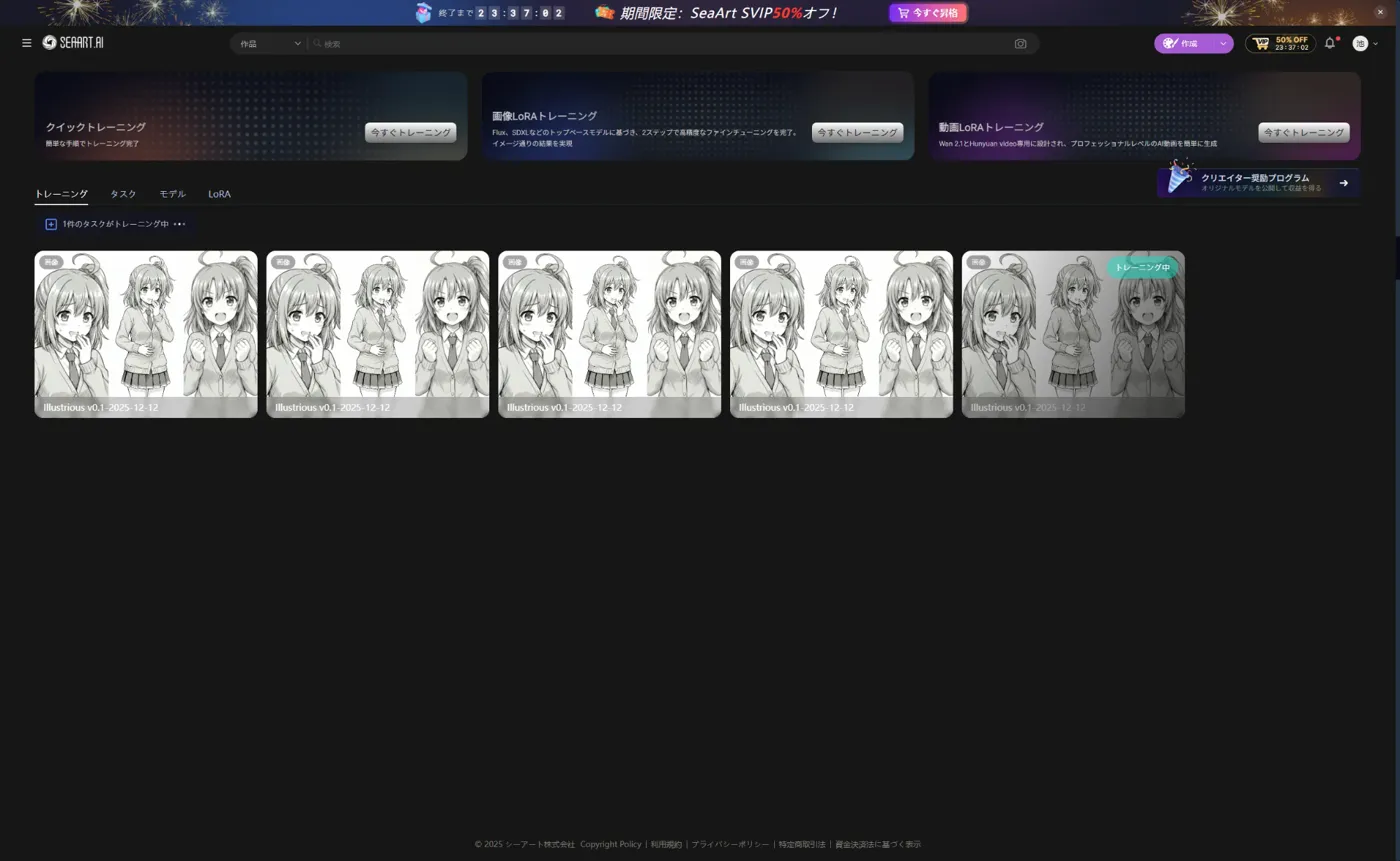
LoRA selection mistake
During generation I got an error, “The LoRA and base model don’t match.” I meant to use the LoRA trained on Anything, but I had mistakenly selected an older one trained on Illustrious.
Although the UI looked correctly updated, internally it behaved as if the previous settings were still in effect.
Lessons:
- Give LoRAs clear names (e.g.,
kanachan_anything_mono) - LoRA trained on Anything (SD1.5) → use with SD1.5 models
- LoRA trained on Illustrious (SDXL) → use with SDXL models
- Don’t trust the UI state or carry over previous settings; starting fresh reduces mistakes
Wrap-up
Iteration summary
| Run | Model | Repeat | Epoch | Result |
|---|---|---|---|---|
| 1 | Illustrious v0.1 | 4 | 10 | ❌ Failed (features didn’t appear) |
| 2 | Anything | 10 | 15 | △ Good, but overfits toward the end |
| 3 | Anything | 10 | 12 | ✓ LoRA 9–10 are stable |
Conclusion: overall so-so
The cause seems to be resolution, not the number of images.
- Recommended 512-square, but the dataset actually mixed in 1024/2048-square images
- I just threw the data at SeaArt and let it ingest them → I should have unified the resolution up front
- I also left captions (tags) entirely to the AI and didn’t curate them enough
- Curation gets tough as the numbers grow
- Since generated images do capture the characteristics, the issue doesn’t seem to be the count
Next
I’ll try again when I have time, but as it stands I don’t have the energy to produce a color version.
Bonus
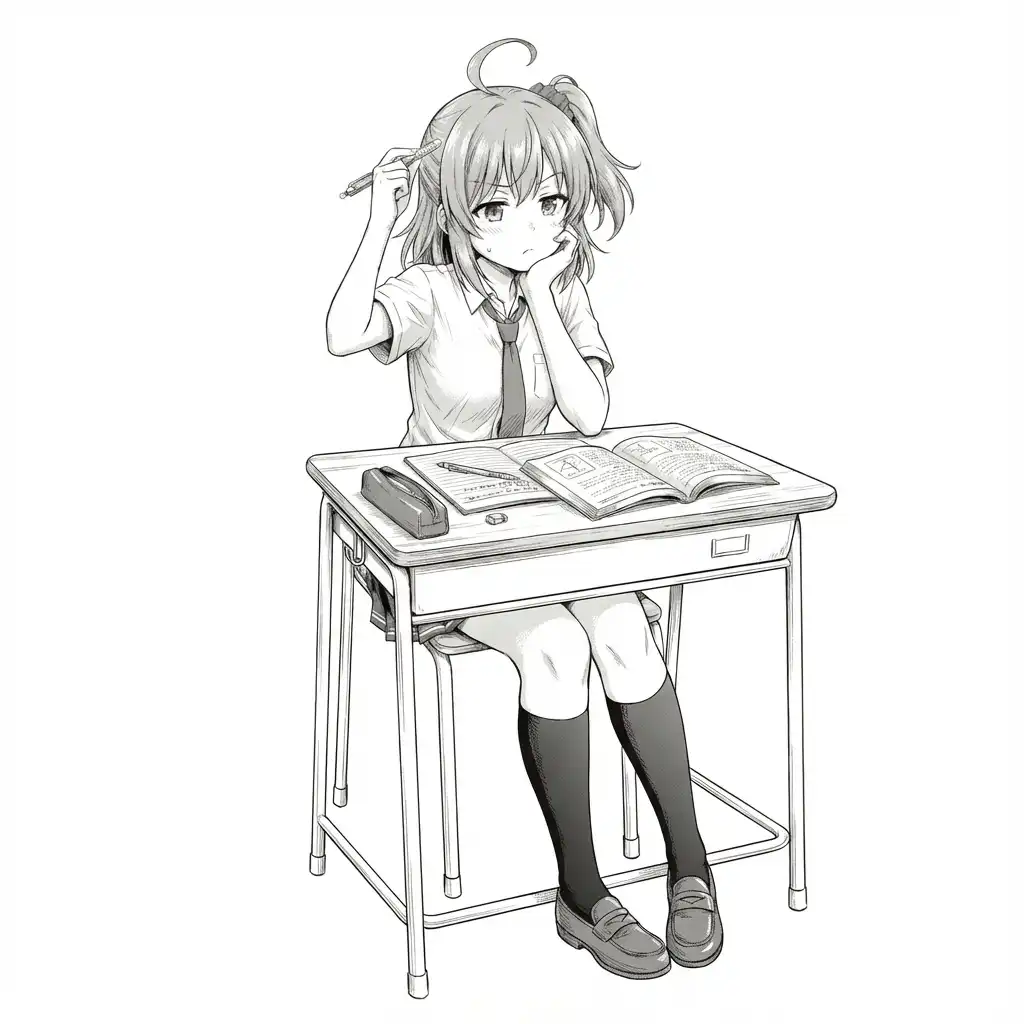
Edited with Gemini 3.0 Pro on Antigravity.
Getting it to this point takes quite a bit of work…