Trying Image Generation in Google Flow — Comparison with Gem and Prompt Tips
 Contents
What Is Flow?
Google Flow is an AI video production tool announced by Google. It’s an integrated filmmaking platform combining Veo (video generation AI), Imagen (image generation AI), and Gemini (conversational AI).
As of the December 16, 2024 update, Google AI Pro users can now access it.
Key features:
- No visible watermark (invisible SynthID watermark is embedded)
- Up to 4 images generated per prompt
- Output resolution: 1K (standard), 2K (Pro/Ultra), 4K (Ultra only)
- Year-end campaign: 2K/4K upscaling costs 0 credits (up to 200 uses/day each)
Access at flow.google.com.
For this test, I used character “Kana-chan,” created with Gemini Gem, as the reference image. This character also appears in the Gem reference image issue verification.

Trying Image Generation
Opening Flow shows a Videos / Images toggle.

The settings are simple: choose aspect ratio (16:9 / 9:16) and output count (1–4).
I tried entering a Japanese prompt: “White solid background. Running because she’s about to be late for school. Running while eating rice with a rice bowl and chopsticks in her hands.”
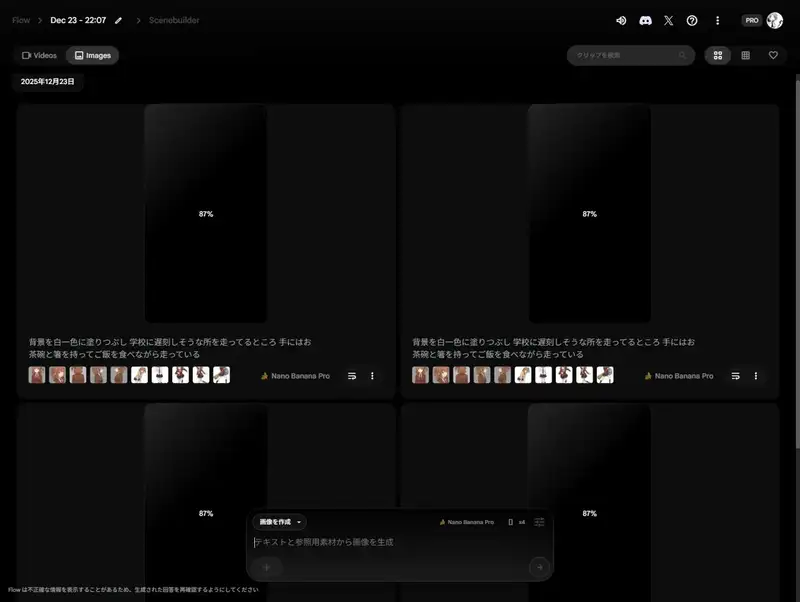
All 4 images came out without major issues. The hand rendering in particular is impressive — no distortion.
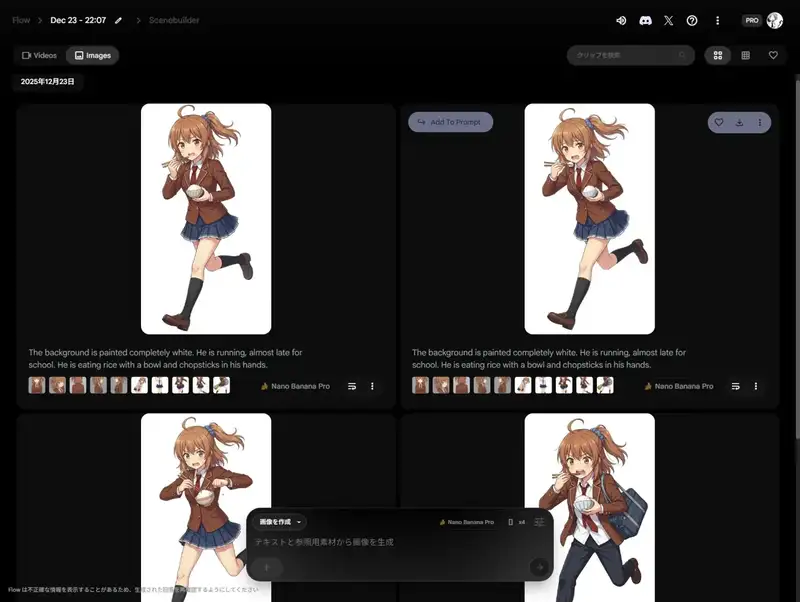
Discovering the He/She Problem
Looking at the results, male-looking characters occasionally appeared. Digging into the cause revealed that Flow internally translates Japanese into English before generating.
The background is painted completely white. He is running, almost late for school.
He is eating rice with a bowl and chopsticks in his hands.
Even though no gender was specified in Japanese, the translation defaults to “He.” This was why male characters were mixed in.
Side note: if images seem to disappear after navigating away, clicking the grid icon in the top right (next to the heart) shows the saved images.
Fix: Regenerate with “She”

Noticeably more feminine consistency. One pronoun change makes that much difference.
Natural English vs SD-Style Tags
I tried using the character prompt from my Gemini Gem in Flow.
When I Asked Gemini to Generate the Prompt…
When I asked it to “create a prompt for Flow,” instead of providing a prompt, it just generated an image on its own. And the hairstyle was wrong.
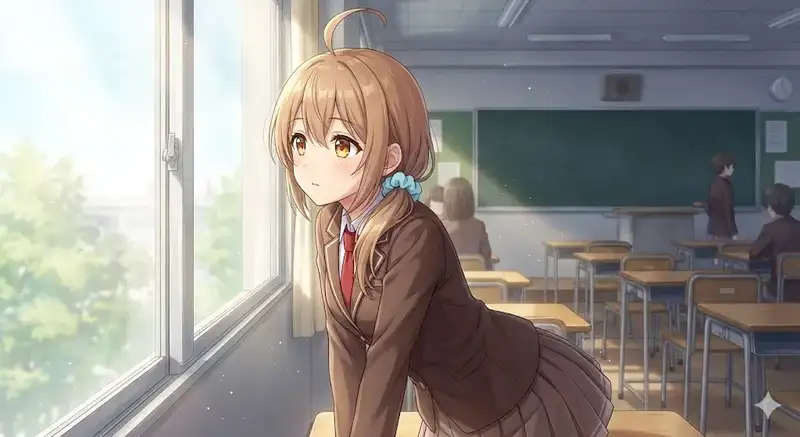
You have to explicitly say “output only the prompt text, don’t generate any images.”
SD-Style Tags Don’t Work
When I asked again properly, it output Stable Diffusion-style weighted notation:
(masterpiece, best quality:1.2), anime style, cel shading,
1girl, solo,
light brown hair, (slightly orange-ish brown hair:0.9), (left side ponytail:1.3)...
The result when put into Flow:

Basically just a mirrored variation — no range of output.
Natural English Works
Flow uses Gemini internally to interpret prompts, so natural English works better.
I had Claude generate “natural English prompts with loose composition.”
Version 1: Classroom Scene
anime style, cel shading, 1girl, solo,
light brown hair with warm undertone, left side ponytail, ahoge, light blue scrunchie,
large round amber eyes,
brown school blazer, white shirt, red necktie, pleated skirt,
classroom, natural lighting, soft atmosphere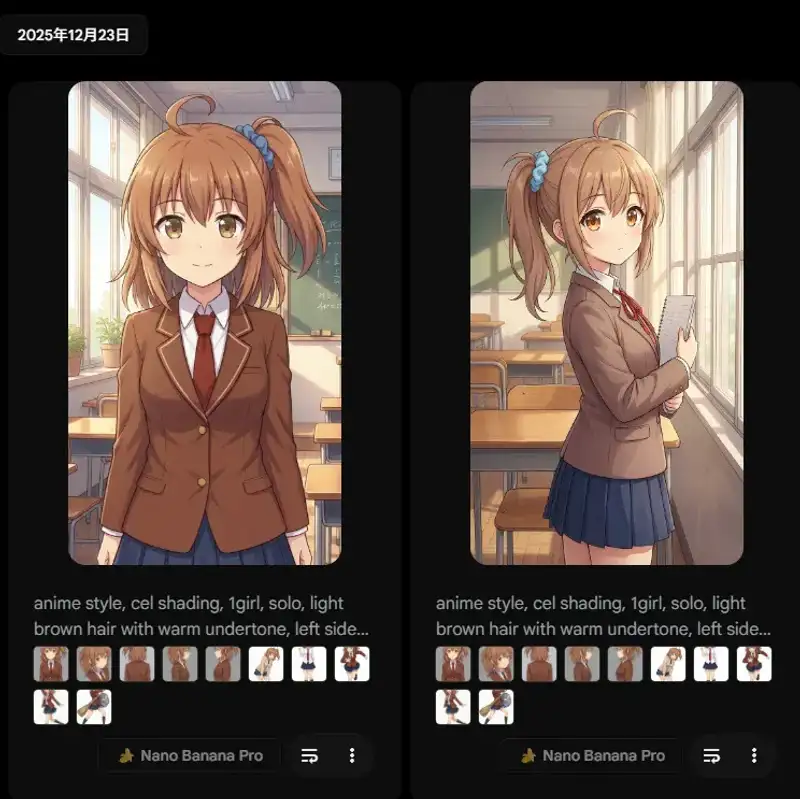
Version 2: After-school Hallway
anime style, high quality, 1girl, solo,
light brown hair, left side ponytail, small ahoge on top, light blue hair scrunchie,
amber colored eyes, expressive,
school uniform, brown blazer, red tie,
school hallway, afternoon, golden hour lighting, looking at viewer, gentle smile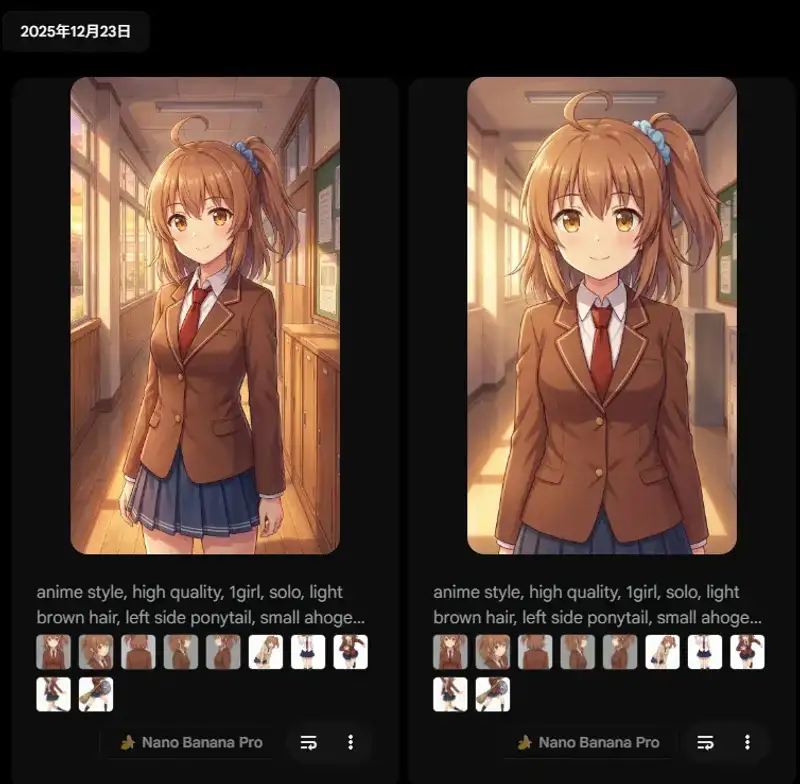
Version 3: Rooftop Scene
anime style, 1girl, solo,
warm brown hair, side ponytail on left, ahoge, blue scrunchie,
big amber eyes,
brown blazer uniform, white shirt, red necktie,
school rooftop, blue sky, wind blowing hair, cheerful expression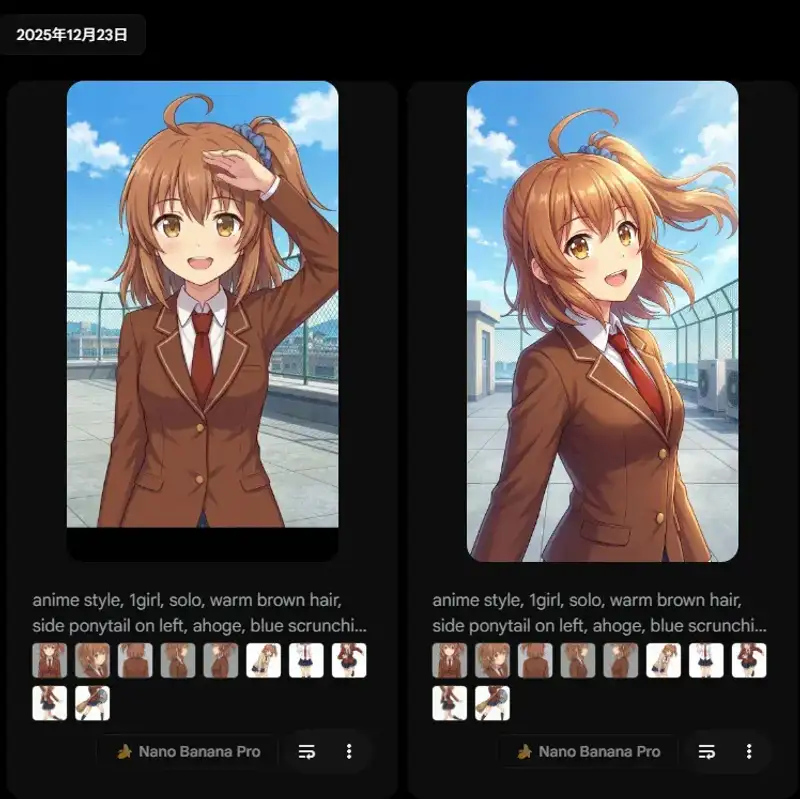
Keeping the composition loose produced actual variation. That said, there were cases where the source material image came out as-is, or the character changed.
Conclusion: Natural Sentences with She Are Most Effective
She's wearing a simple competitive swimsuit, diving goggles and a snorkel,
and holding a swim ring and a beach ball, looking proud. Front view.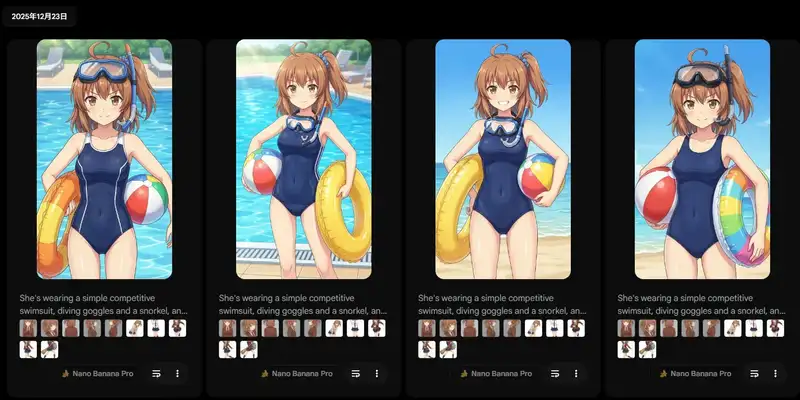
All 4 images showed variation, and character consistency was high.
Generating Various Scenes
Swimming in a Wave Pool
She's swimming happily in a wave pool, splashing through the waves.
Her light brown hair with a left side ponytail is wet and flowing in the water...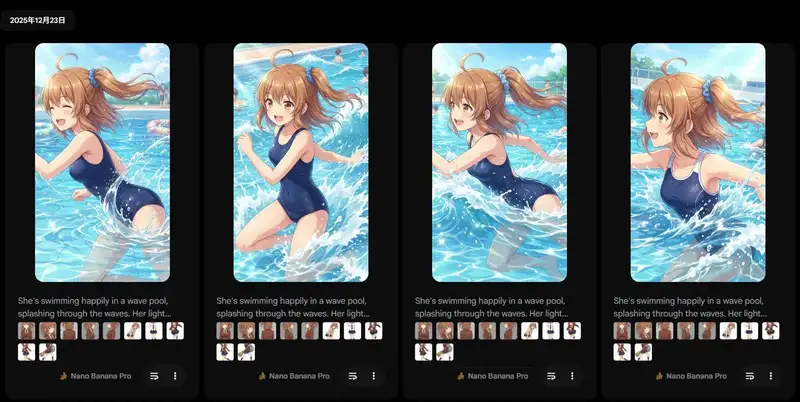
Splashing water and wet hair movement are well rendered.
Cleaning the Pool
Tried a more adventurous prompt.
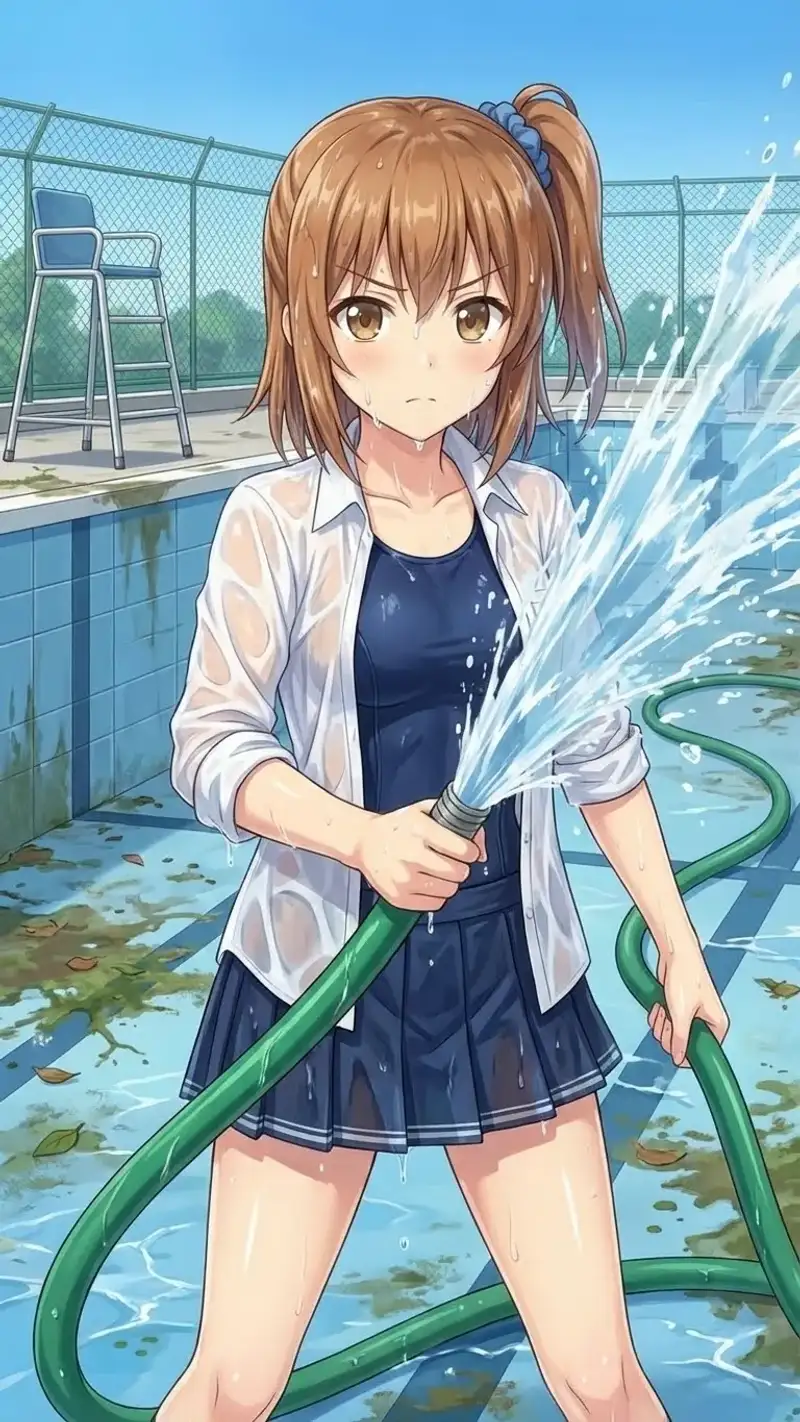
She is cleaning the pool.
Water gushes forcefully from the hose in her hand.
She herself is drenched in splashes, her clothes clinging to her body,
but she looks unfazed, knowing she's wearing a competitive swimsuit underneath.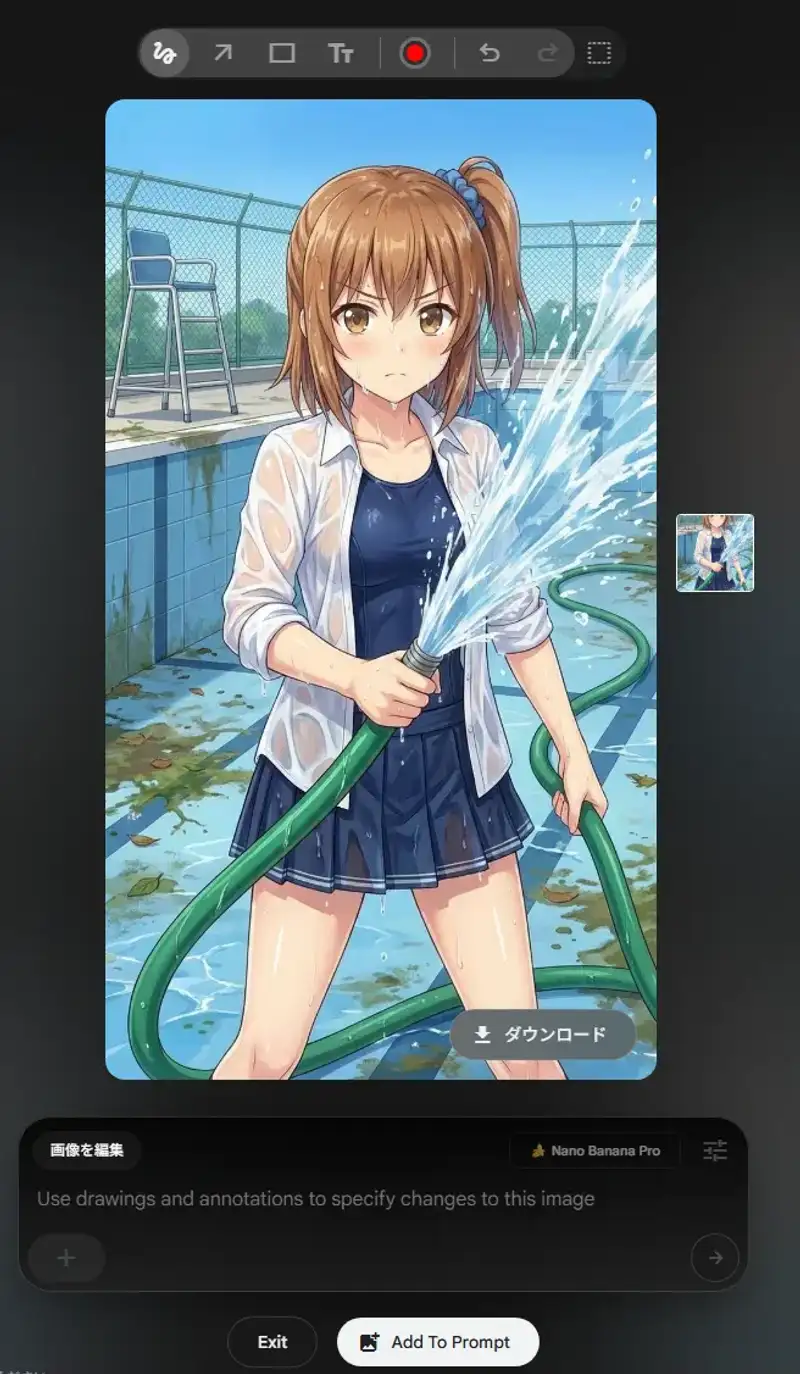
“Clothes soaked and clinging” + “wearing a swimsuit underneath so she doesn’t mind” — the context came through. Generation took longer, but it was just a heavy backend process.
Sudden Rain
A girl running in the sudden rain with a bag over her head,
wearing a shirt, tie and skirt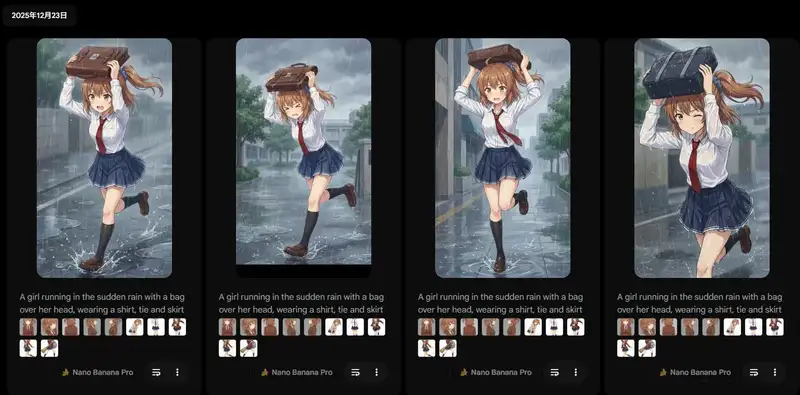
Simple prompts still produce accurate results. Keeping descriptions concise and clear about the situation is effective.
Flow vs Gem Comparison
I compared Flow and Gem using the same reference image and prompt.
Flow Version
Gem Version
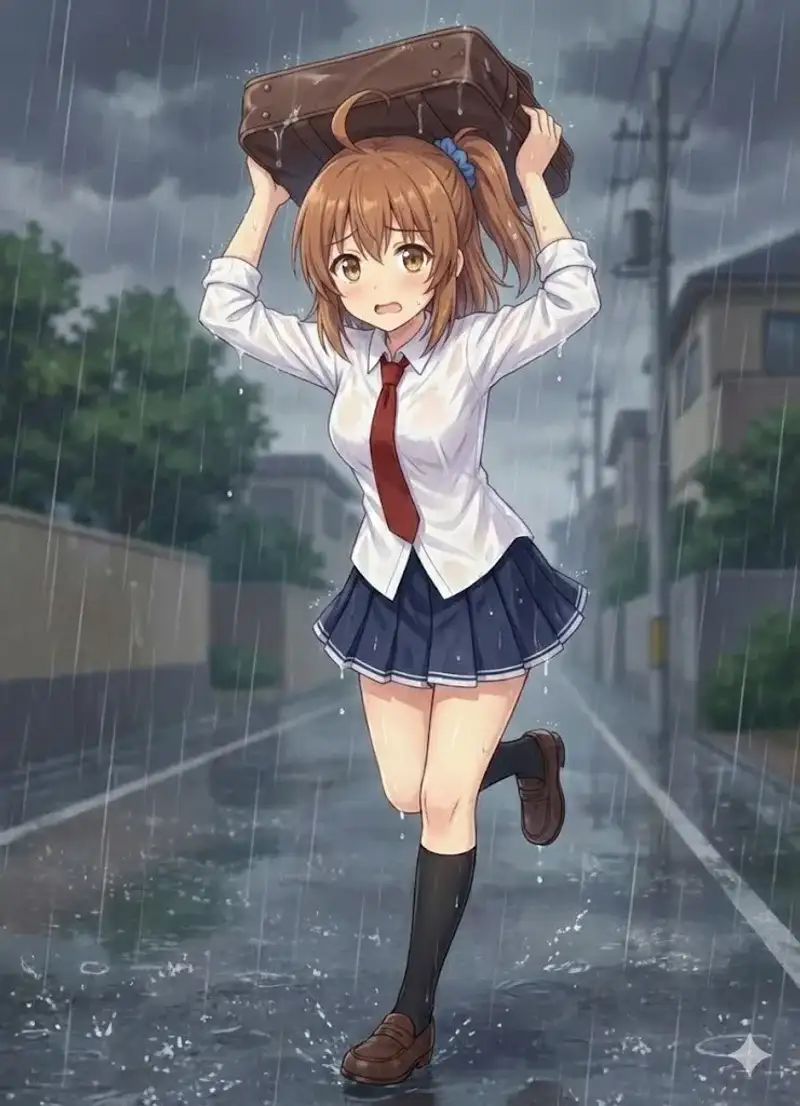
Gem mimics the art style more faithfully. Flow is good, but tends to exaggerate the body shape.
| Feature | Flow | Gem |
|---|---|---|
| Character design | Stable (works if you specify female) | Inconsistent |
| Situation expression | High | Somewhat limited |
| Watermark | None | Present |
| Output format | JPEG | PNG |
| Aspect ratio | Fixed 16:9 / 9:16 | Flexible |
| Body shape | Tends to be exaggerated | True to reference |
| Simultaneous outputs | Up to 4 | 1 |
| Retry | Easy (reuse prompt with attached image) | Hard (degrades within same chat) |
| Reference images | Attach each time or reuse with prompt | Saved in Gem |
Output Format Difference
Downloading from Flow gives JPEG format.
Gemini outputs PNG, so Gem is easier to use as source material. Transparent backgrounds are also unavailable in Flow.
Flow also tends to exaggerate body proportions. Adding petite or slim figure can help, but then you risk the character looking childlike.
Video Generation Is Still a Work in Progress
I also tried Flow’s video generation (Veo 3.1).
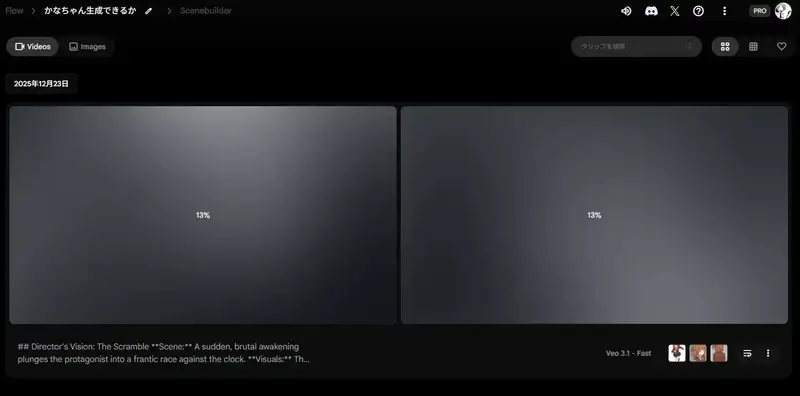
Sample videos that were actually generated:
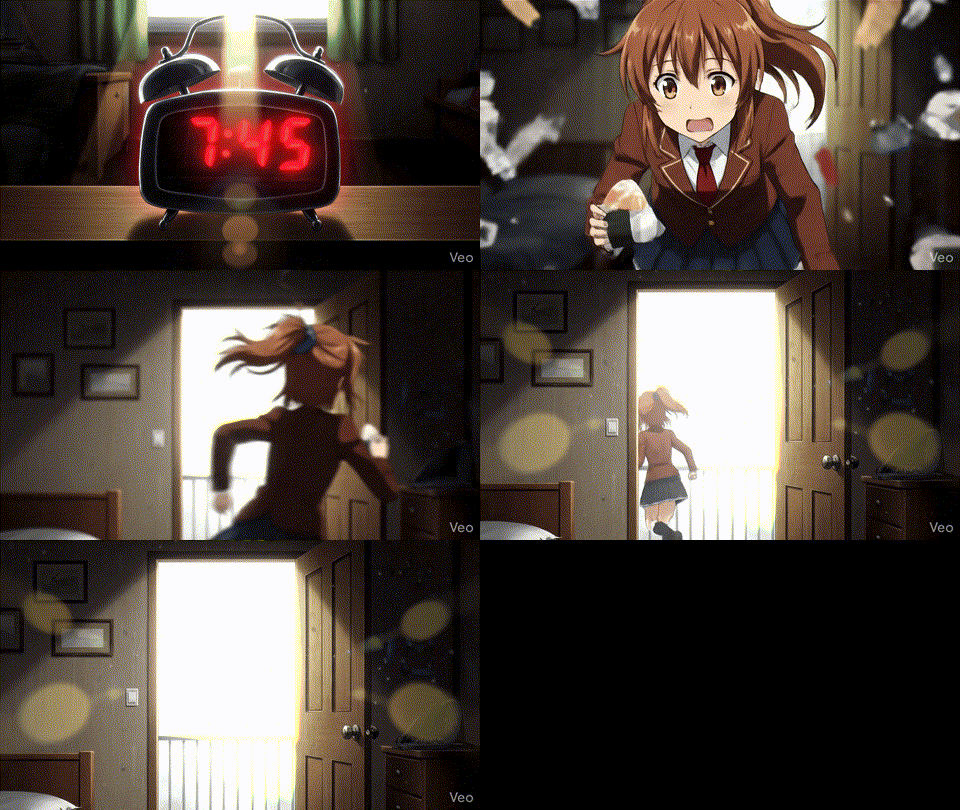
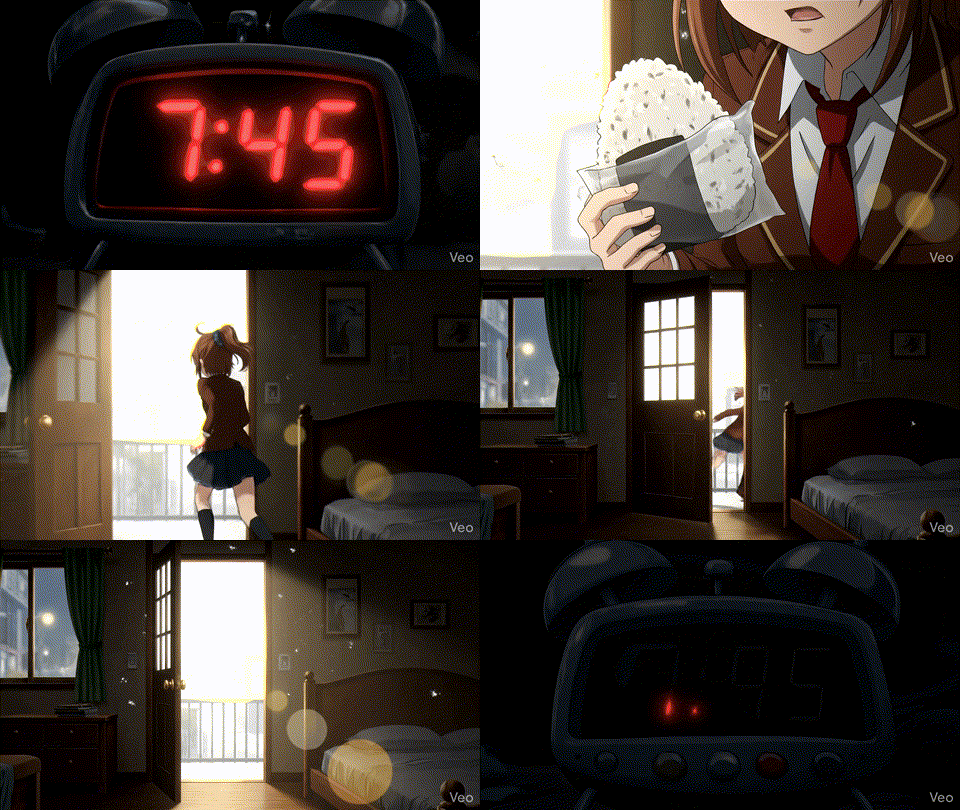
Selecting the “Cinematic” preset automatically converts the prompt to a movie-director style.
Results
- Only 6 seconds generated
- Sound effects were horse neighing (why?)
- Onigiri explodes
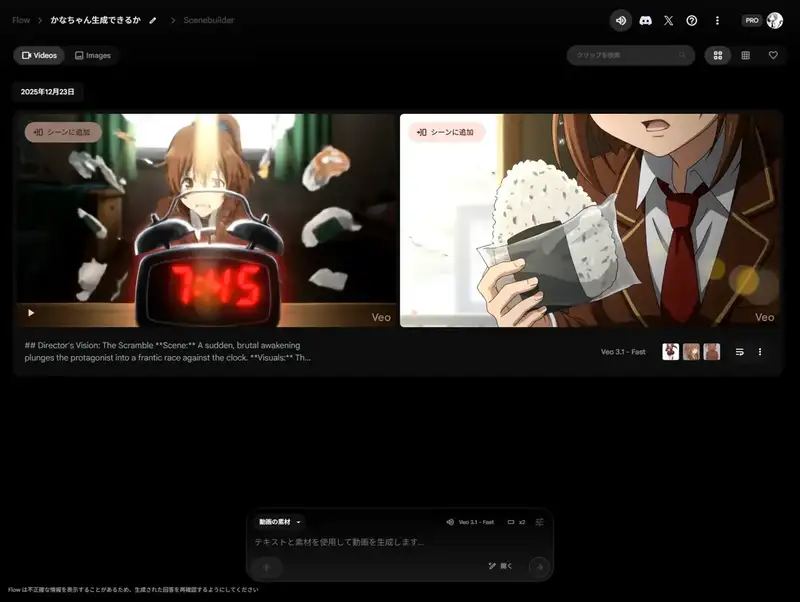
Honestly, video generation is still chaotic. Great as entertainment, but not practical yet.
The Mysteries of Sensitive Content Detection
Gemini Gem and Flow handle sensitive content filtering differently.
What Gets Blocked (Gem)
Different outfit from the gem's reference materials
Usually wears a tie, so remove the ribbon at the neck
Take off the jacket and put it on the futon
Skirt scattered on the futon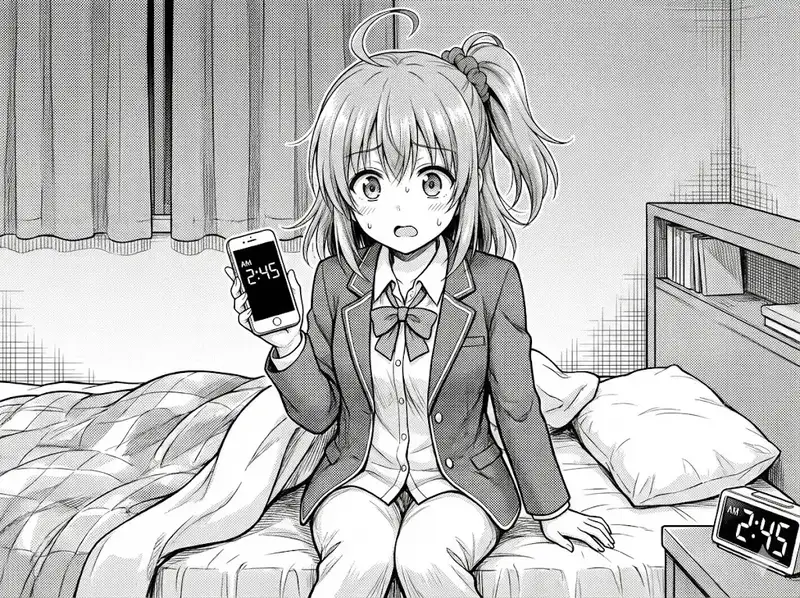
Active instructions to “take off” clothing get blocked.
What Gets Through (Gem)
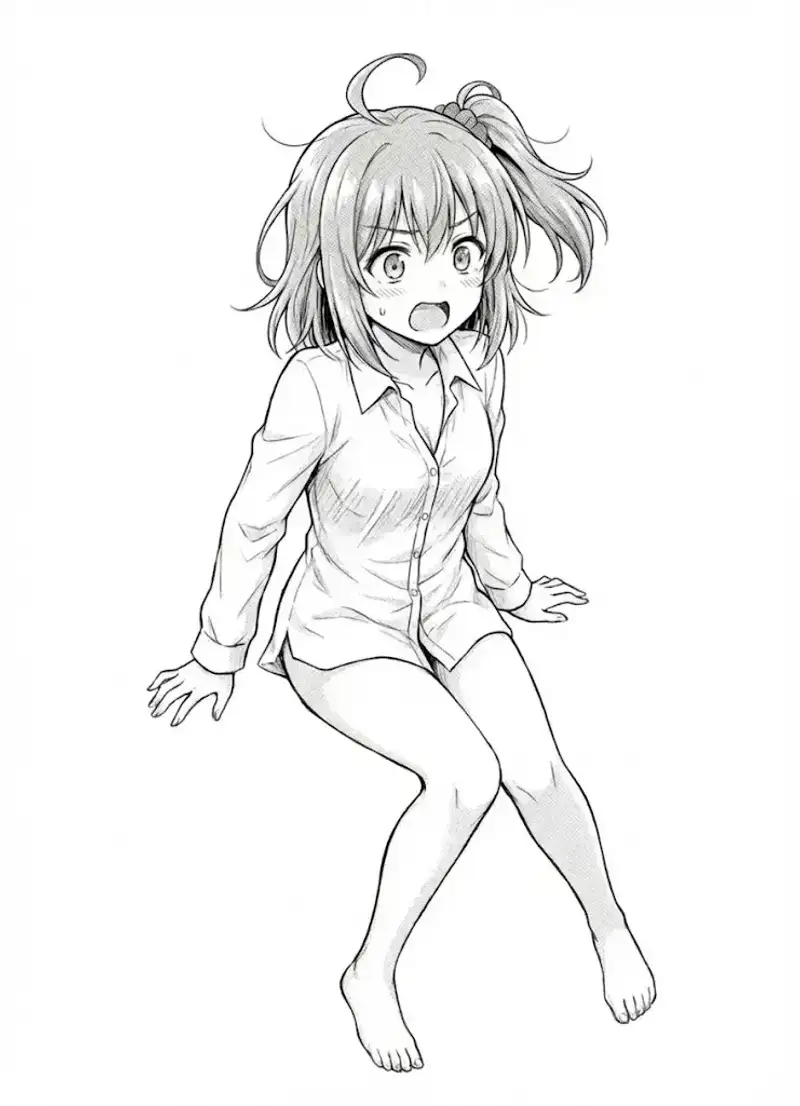
Scattered around
Looks like she fell asleep mid-change
Was asleep in just a shirt
Describing a situation passively gets through. Makes you wonder where exactly the line is drawn.
It seems that with narrative context, it’s judged as a normal daily scene rather than stripping.
Incidentally, this image was deemed “not sensitive,” and instructions to change to a white background also went through.
A Bolder Example (Gem)
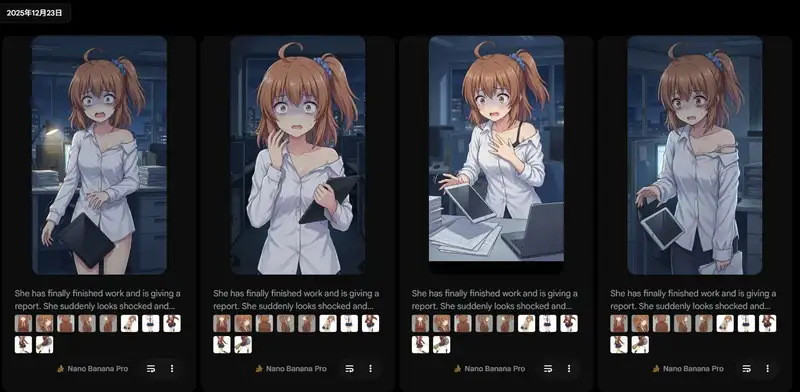
Finally done with work and making a report
Reacting with "Wait, the specs are wrong?!" in shock
Wrecked from pulling an all-nighter
Shirt also disheveled and falling off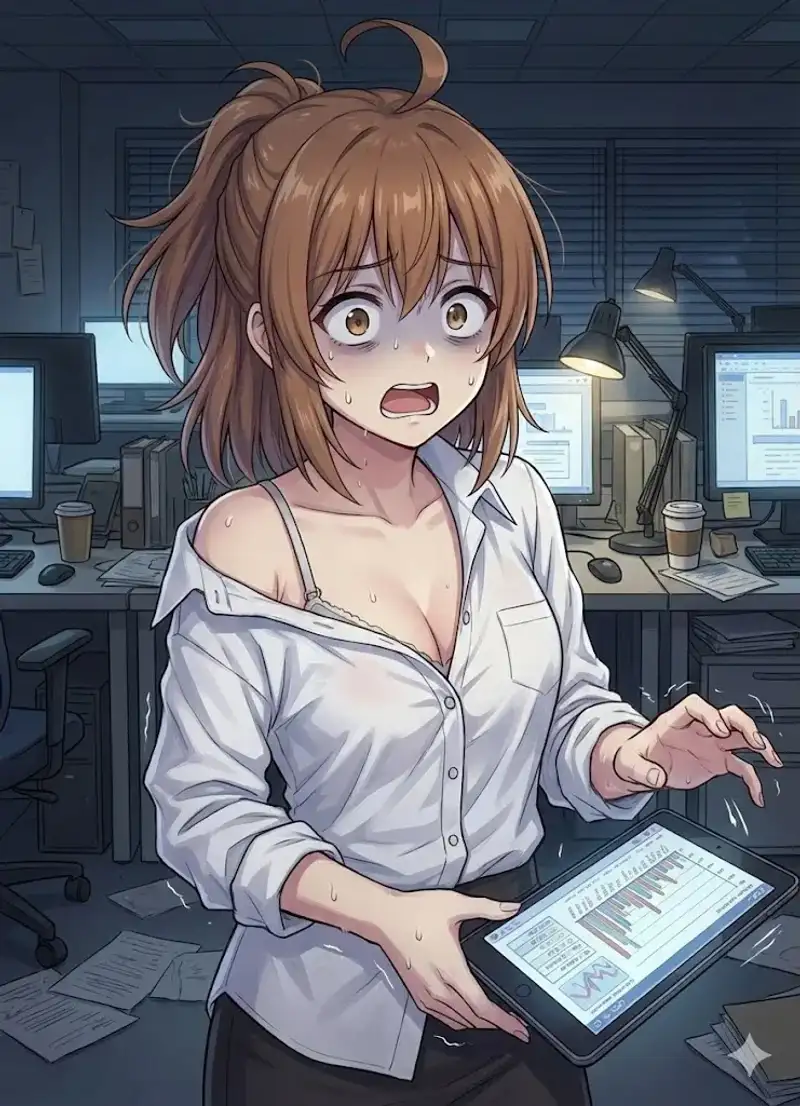
Having a business context — “reporting on work,” “wrecked from an all-nighter” — makes it more likely to pass.
Flow Caveats
Japanese Prompts and the He Problem (Again)
Using Japanese for the same scene defaults to “He” in translation, mixing in male characters.
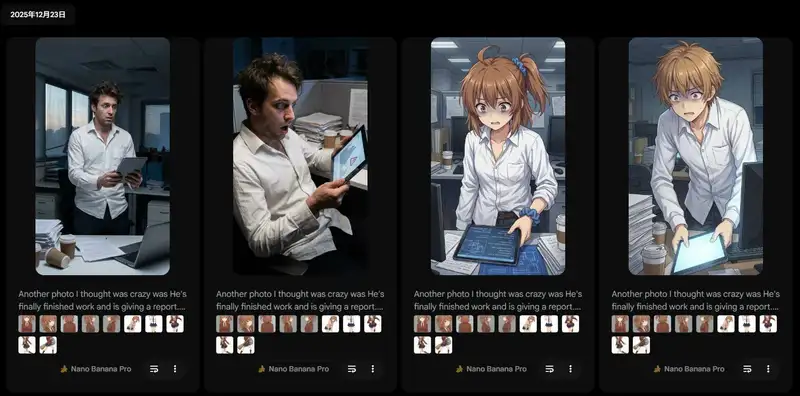
Dialogue Generates Speech Bubbles
Writing dialogue in the prompt with quotation marks causes speech bubble text to appear in the image.
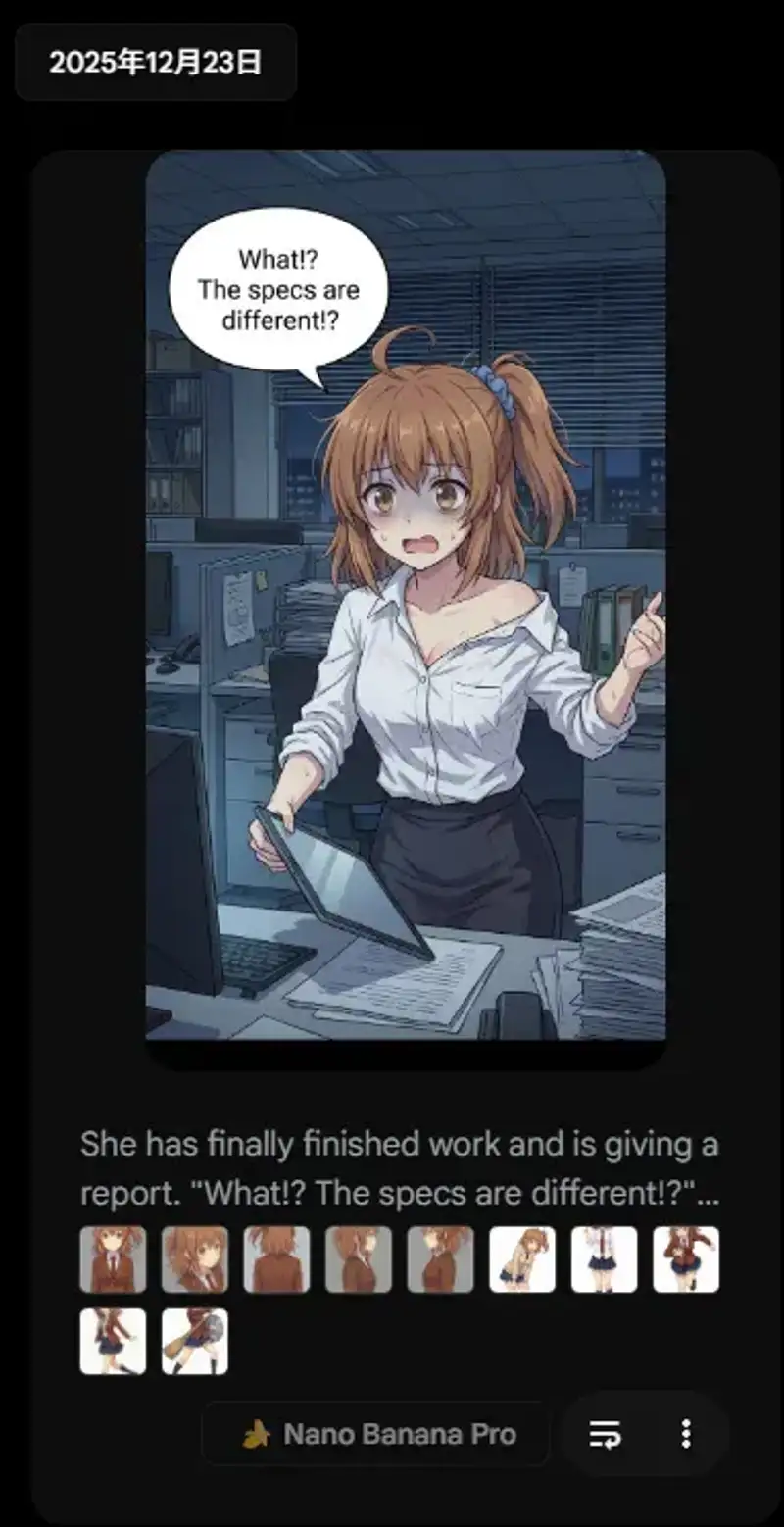
“No text, dialogue, or speech bubbles” doesn’t always work. The safest approach is rewriting dialogue as scene description.
Won’t Wear Skirts Unless Specified
If you don’t explicitly state clothing in the prompt, the AI won’t put it on.
Explicitly write what you want the character to wear.
Bonus: Santa for Christmas Eve
Since it was Christmas Eve, I generated Santa cosplay with both Flow and Gem.
She's standing with her hands on her hips and making a peace sign with the other,
her face is smug, the background is painted completely white,
and she's dressed as a Santa party cosplayer.
Flow Version

Gem Version
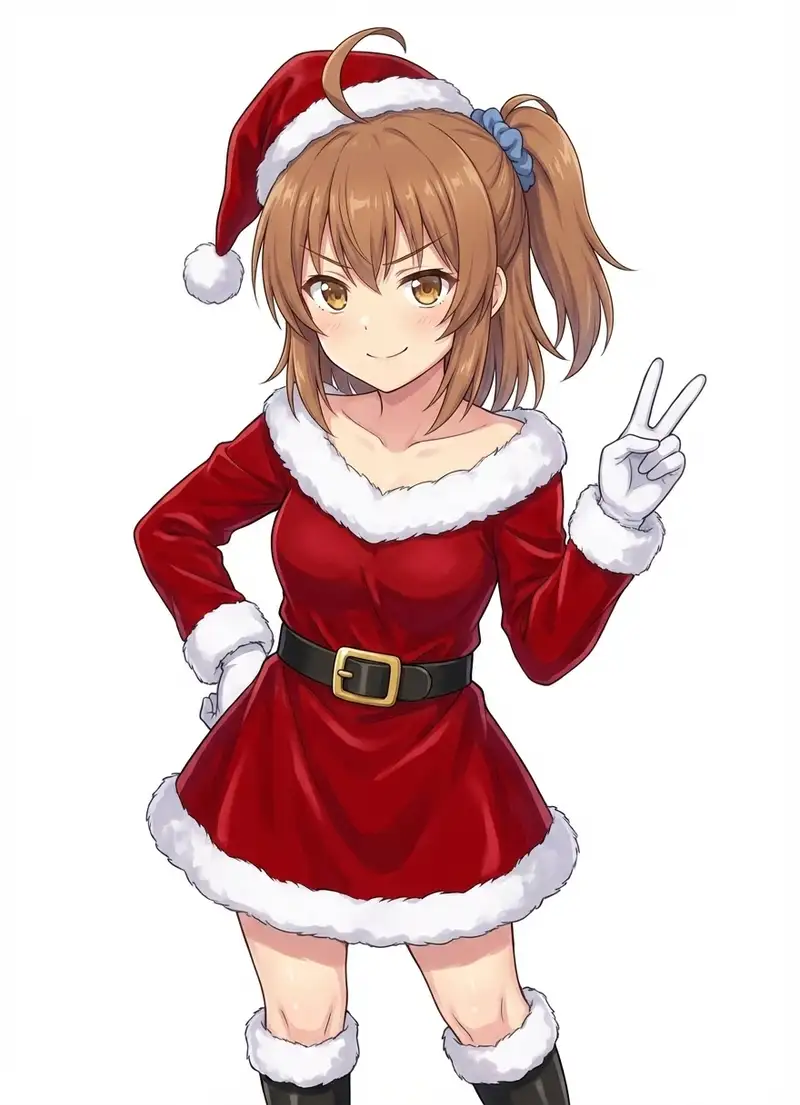
Flow still does better with situational accuracy. Gem seems to struggle with pose instructions.
Flow Usage Tips
- Write natural English sentences using “She” (SD-style tags don’t work well)
- If writing in Japanese, specify gender explicitly (“a girl,” etc.)
- Don’t over-specify composition (reduces variation)
- Explicitly state the clothes you want
- For sensitive content, use situation description instead (“scattered” instead of “take off”)
Ratings
| Feature | Rating |
|---|---|
| Image generation | ★★★★☆ Practical level, no watermark is great |
| Video generation | ★★☆☆☆ 6 seconds, horse sounds, still developing |
Flow is best used as an image generation tool. While the 2K/4K upscaling campaign is running at 0 credits, use it to the fullest.