Generating 3D Models from Images with Blender MCP
 Contents
After completing the Blender MCP setup in the previous article, I tried actually generating 3D models.
The tool this time is Hyper3D Rodin — a service that generates 3D models from text prompts or images, integrated with Blender MCP.
First: Verify the Connection
Before using Hyper3D, confirmed that Blender and Claude are properly connected.
Instructed it to “create a white silhouette.”
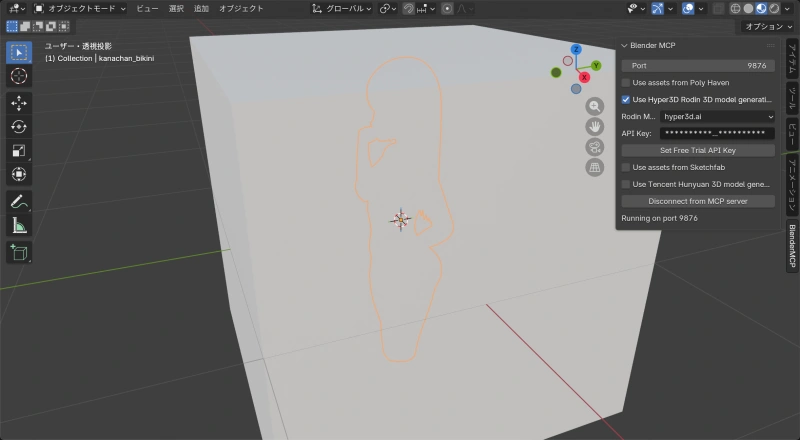
Works fine. Confirmed that Claude can operate Blender.
Side note: if you don’t delete the default cube that appears when Blender starts, it gets buried inside your generated model. Didn’t know that as a Blender beginner.
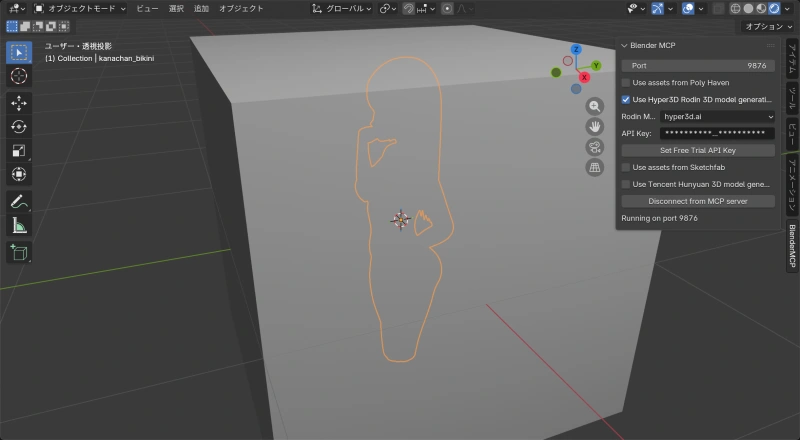
Text Prompt Generation
Next, used Hyper3D Rodin to generate a 3D model.
Told Claude “turn ‘anime girl with bikini’ into a 3D model,” and Hyper3D Rodin kicked off and generated one.
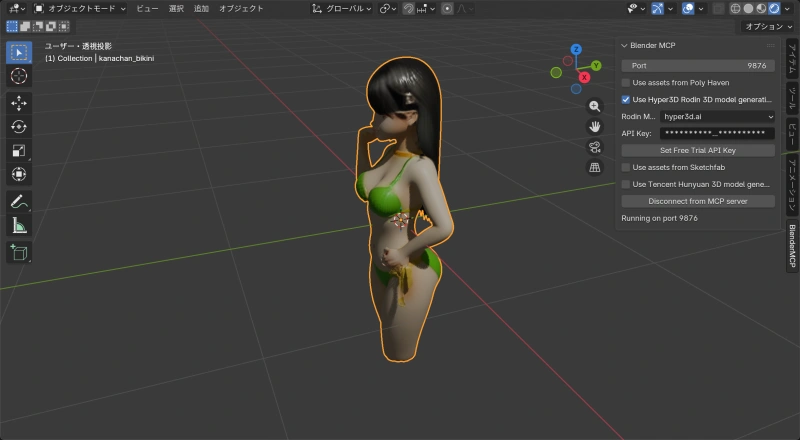
Generation result:
| Item | Value |
|---|---|
| Vertices | 22,890 |
| Polygons | 23,332 |
| Material | model |
| Textures | diffuse, metallic-roughness, normal (512×512 each) |
An anime-style character in a green bikini was generated in tens of seconds, textures included.
Image-to-3D: Battling Errors
Next, tried generating a 3D model from an existing image. That’s where the trouble started.
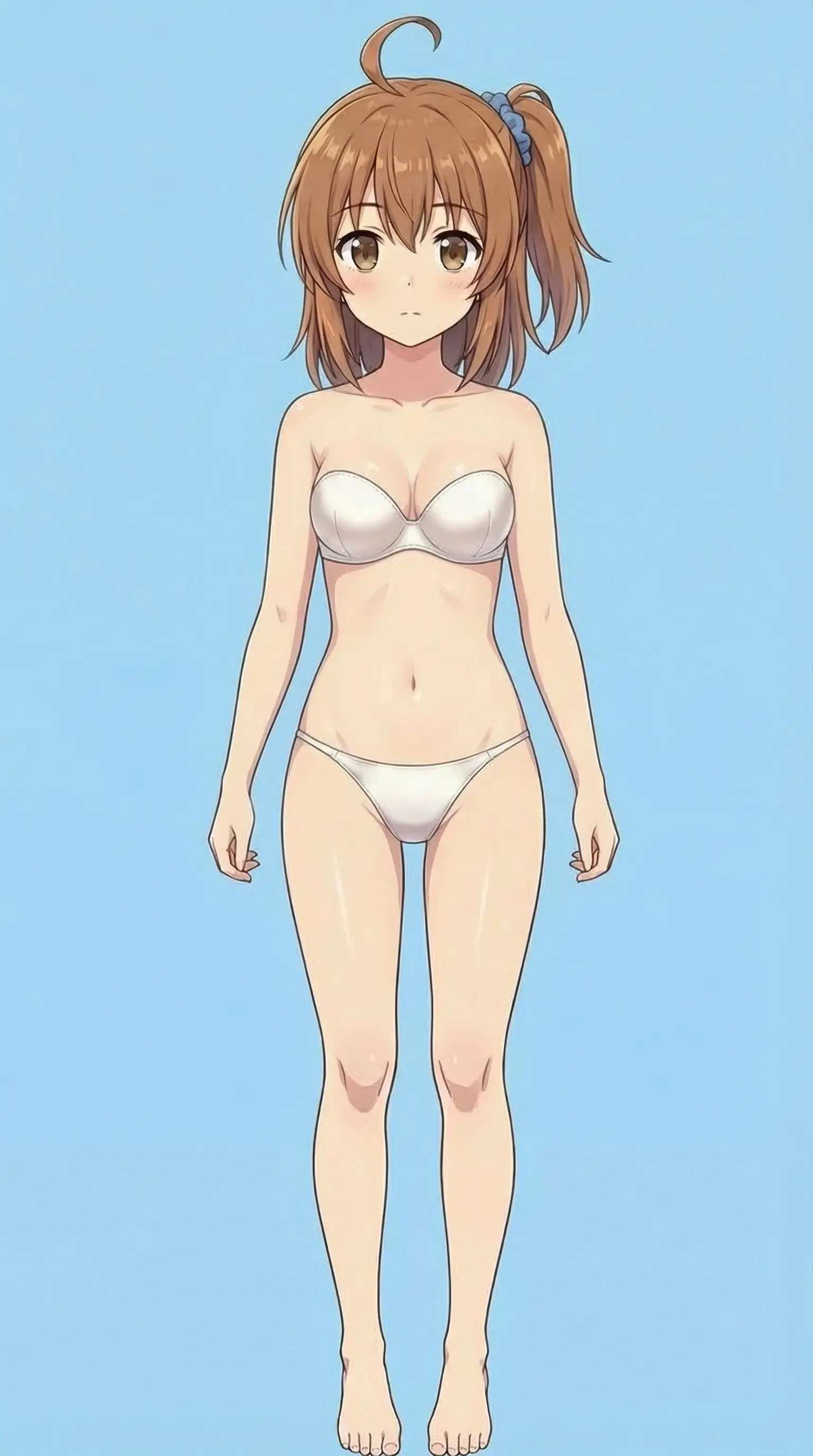
Wanted to turn this into a 3D model.
The reason for the swimsuit: figure detail in 3D is hard, so something close to the base body seemed like a better starting point. Gemini was finicky about it, so used SuperGrok instead.
The error
Specifying the image path and starting generation returned this:
Error: Input buffer contains unsupported image format
at Sharp.toBuffer (/app/node_modules/sharp/lib/output.js:163:17)
at TaskService.rodinPrompting (/app/dist/src/task/task.service.js:968:14)
The Sharp library on the Hyper3D server couldn’t recognize the image format.
Everything I tried (all failed)
| Attempt | What | Result |
|---|---|---|
| 1 | Resize to 1024×1024 | Aspect ratio broken (rejected) |
| 2 | Convert to JPG preserving aspect ratio | Same error |
| 3 | Convert to PNG | Same error |
| 4 | Convert to PNG with sips | Same error |
| 5 | Convert to PNG via Pillow RGB | Same error |
| 6 | Convert to JPEG via Pillow RGB | Same error |
Not a format or size issue — something more fundamental.
Root cause analysis
The problem was happening when the MCP tool sent the file to the API. Traced through the source code.
MCP server (server.py) processing:
# server.py lines 800-802
images.append(
    (Path(path).suffix, base64.b64encode(f.read()).decode("ascii"))
)
Reads the image file and converts it to a Base64 string. Correct, since binary can’t go through JSON directly.
Blender addon (addon.py) processing:
# addon.py lines 1174-1175
files = [
    *[("images", (f"{i:04d}{img_suffix}", img)) for i, (img_suffix, img) in enumerate(images)],
]
# passed to requests.post's files parameter
This was the bug. The files parameter in requests.post expects raw binary data. But img is still a Base64 string.
What was happening:
- MCP server converts the image to a Base64 string
- Blender addon passes that string directly to
requests.post’sfiles - requests sends the Base64 string as-is, expecting binary
- Hyper3D’s Sharp tries to parse a Base64 string as an image and fails
With text-prompt-only requests, images is an empty list, so this bug never triggered.
Fix
Modified the create_rodin_job_main_site function in addon.py:
# Before (buggy)
files = [
    *[("images", (f"{i:04d}{img_suffix}", img)) for ...],
]

# After
files = [
    *[("images", (f"{i:04d}{img_suffix}", base64.b64decode(img))) for ...],
]
Added Base64 decoding so binary data gets sent instead.
Result after fix
Sent the source image (1536×2752px) without resizing, and 3D model generation succeeded.
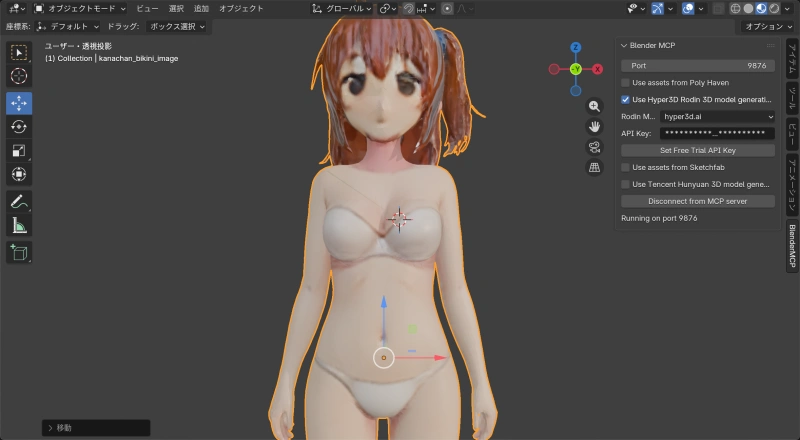
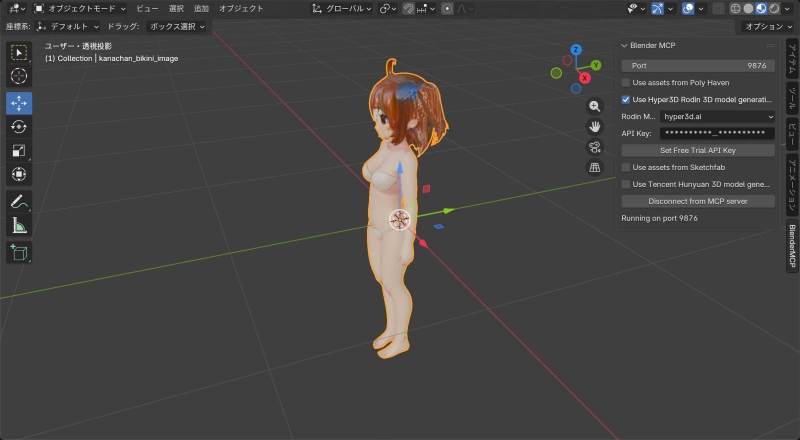
Generated model:
| Item | Value |
|---|---|
| Vertices | 23,273 |
| Polygons | 23,332 |
| Material | model |
| Textures | diffuse, metallic-roughness, normal (512×512 each) |
Tip: Improve Accuracy with Multiple Images
Hyper3D Rodin accepts up to 5 images at once. With a single image, the back and sides are missing — hair and the body’s reverse side don’t reconstruct well.
Multiple angles improve accuracy (probably):
# Multi-image generation example
input_image_paths = [
    "/path/to/front.png",   # front
    "/path/to/back.png",    # back
    "/path/to/side.png"     # side
]
Tips:
- Use the same character and outfit across all images
- T-pose is ideal if possible
- Simple backgrounds work better
- The first image becomes the base for texture generation
Blender MCP + Hyper3D Rodin can generate 3D models from text or images. Hit an error with image-based generation, but tracking it down to a missing Base64 decode in the MCP tool was the kind of thing that’s only possible because it’s open source.
Next up: trying multiple images to get higher-quality model generation.
Related Files
Files that needed modification (macOS):
- MCP server:
~/.cache/uv/archive-v0/.../lib/python3.10/site-packages/blender_mcp/server.py - Blender addon:
~/Library/Application Support/Blender/5.0/scripts/addons/blender_mcp.py