Generating 3D Models from Multiple Images with Blender MCP
 Contents
In the previous article, I generated a 3D model from a single image.
The problem with one image is that there’s no information about the back or sides — hair from behind and the back of the body get poorly reconstructed. This time I tried using multiple images to improve quality.
Hyper3D’s Multi-Image Support
Hyper3D Rodin accepts up to 5 images simultaneously.
The output polygon count is fixed at 23,332 polygons regardless of how many images you send. More images improve fidelity, not polygon density.
Test 1: Realistic Proportions × T-Pose, 4 Images
First, I generated a realistically proportioned character in T-pose from 4 angles.
Input images
Front, back, left side, and face close-up — 4 images at 1760×2432px. The horizontal dimension is wide because T-pose arms are spread out.
As a side note: the swimsuit is a racing swimsuit rather than a bikini because Gemini blocked the bikini for “sexual content” when generating the 3-direction images. The racing suit went through fine.
| Front | Back | Left side | Face |
|---|---|---|---|
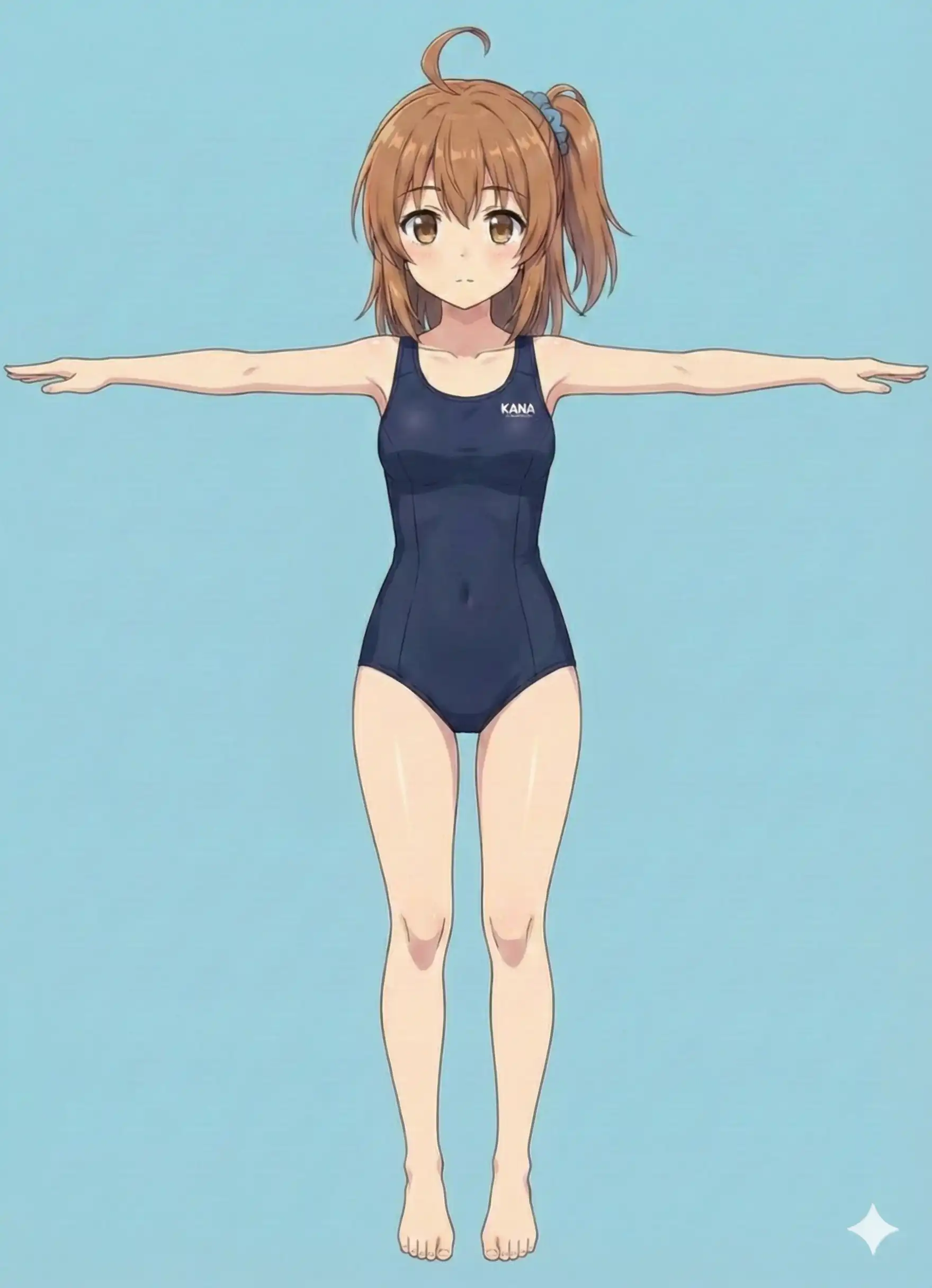 | 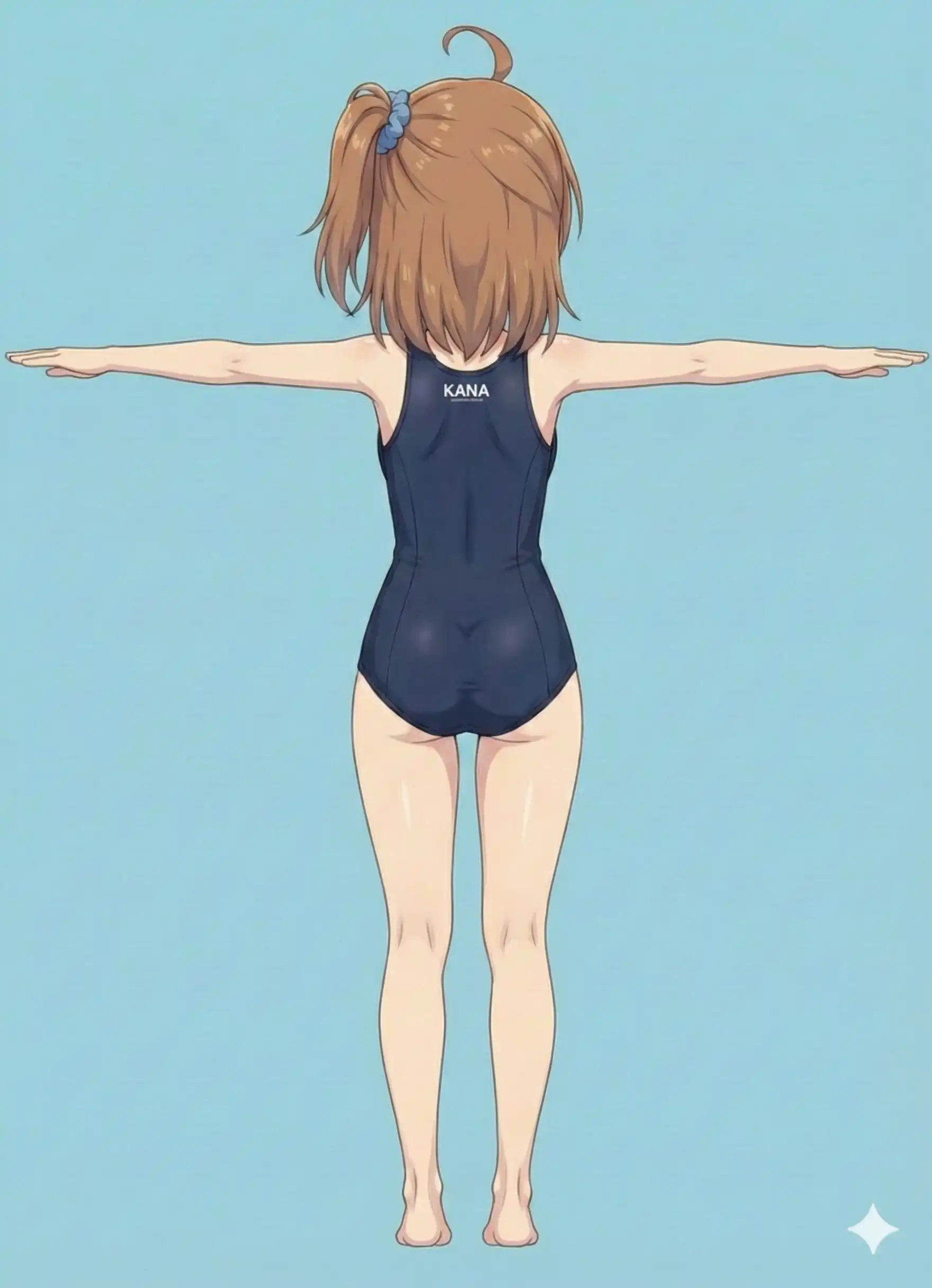 | 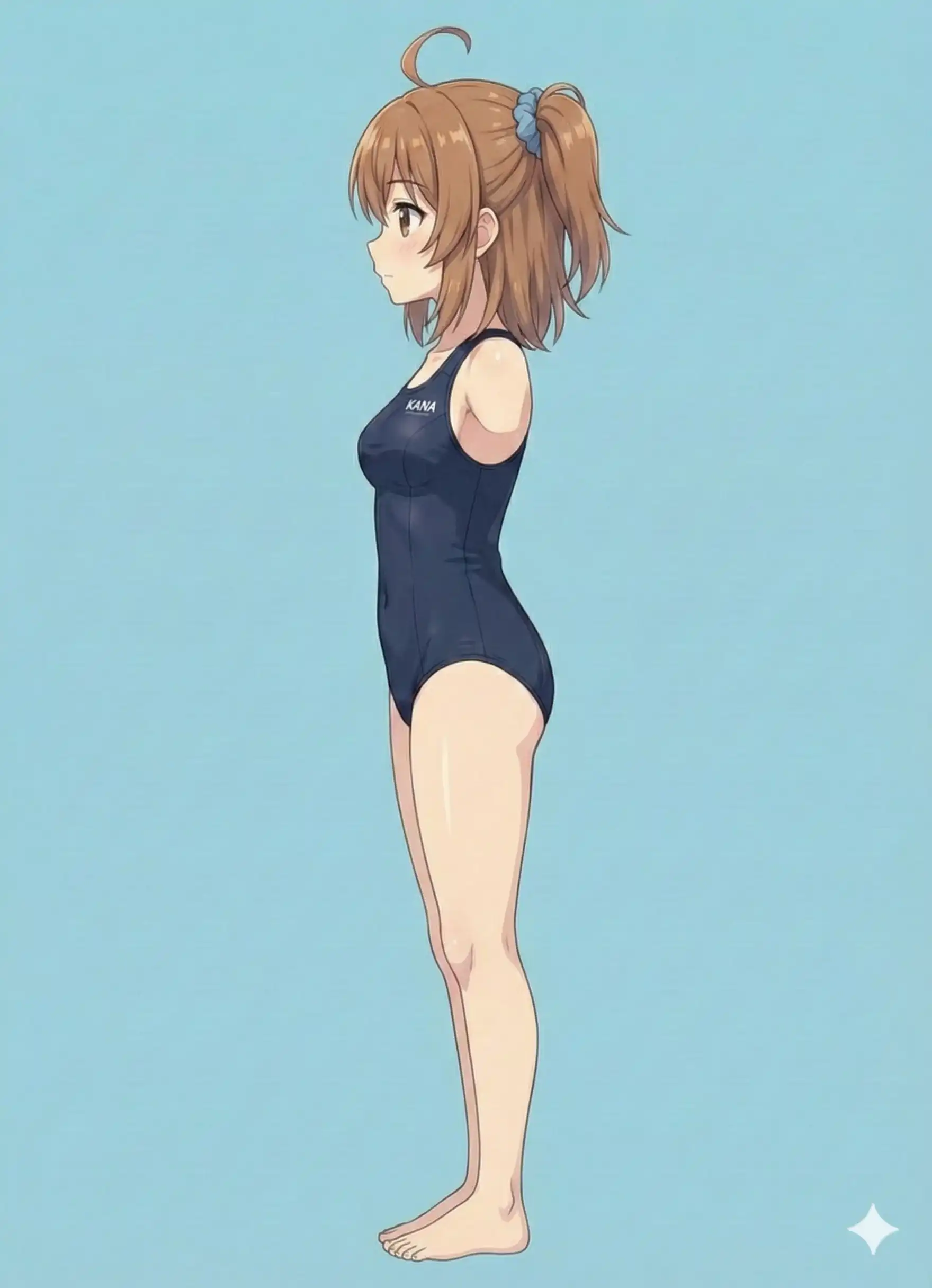 | 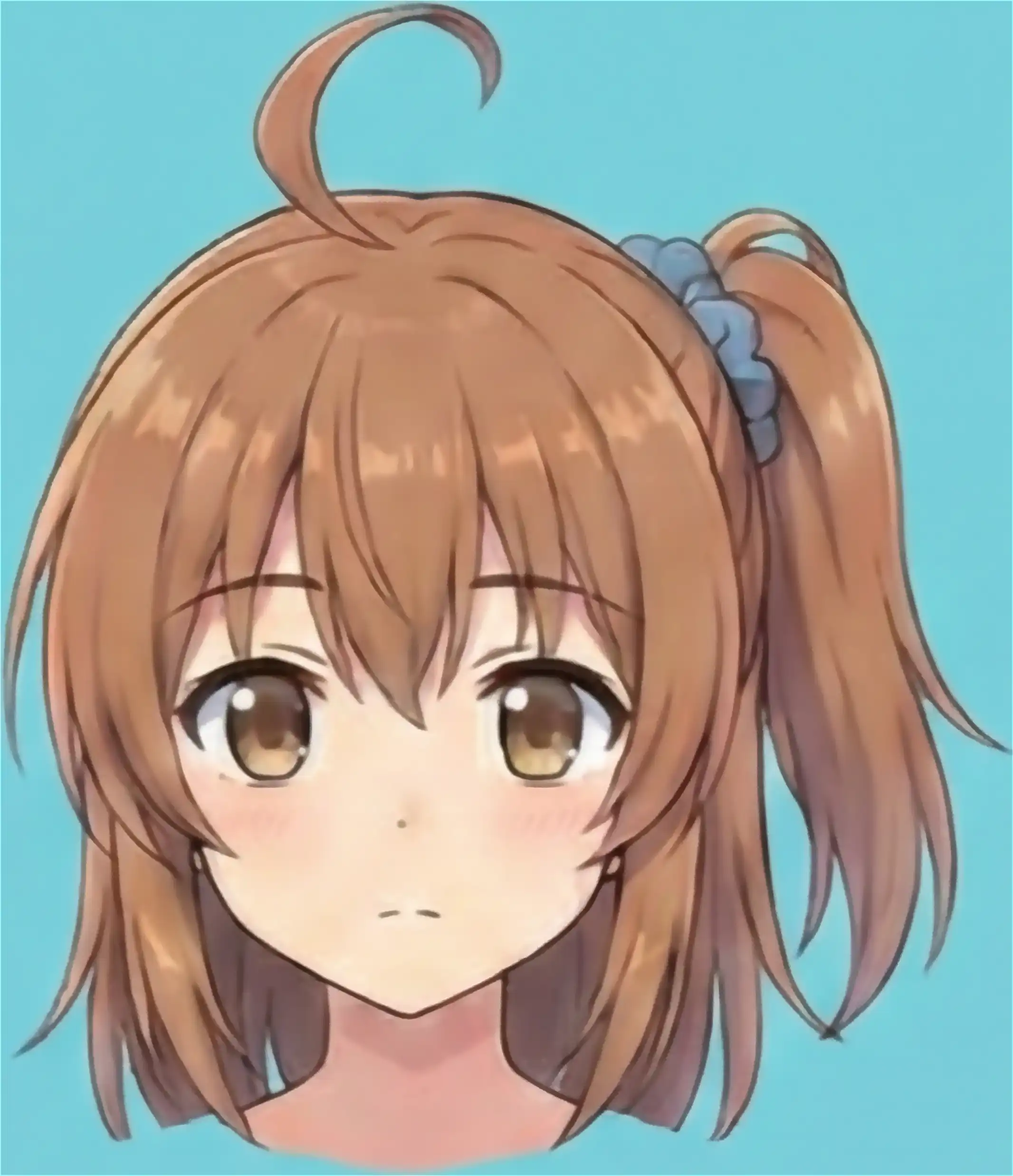 |
Results
| Front | Side | Back |
|---|---|---|
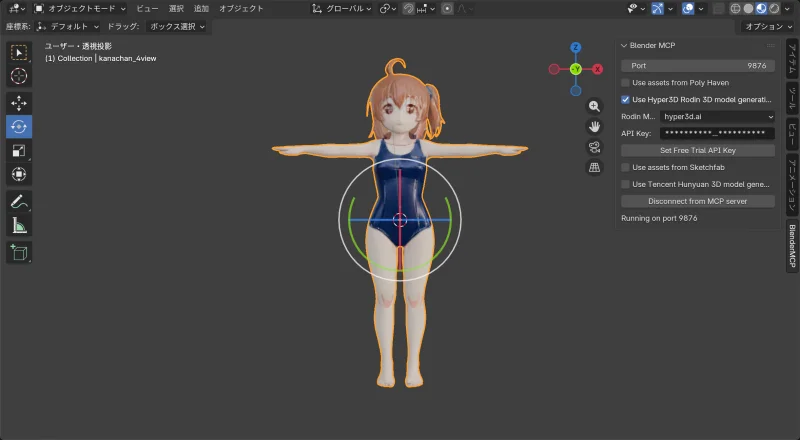 | 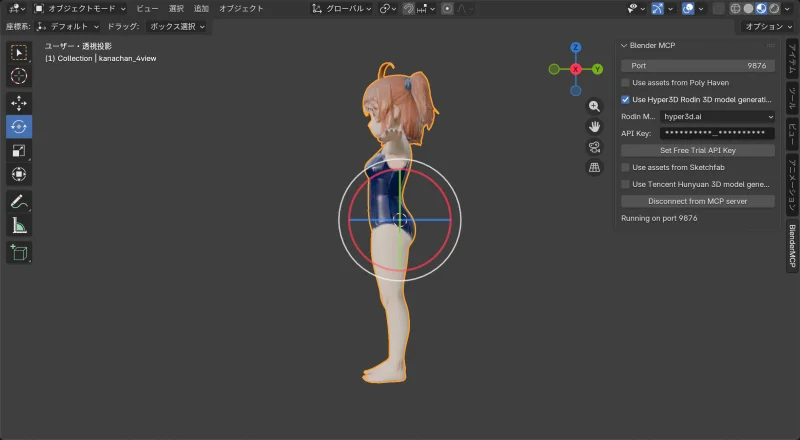 | 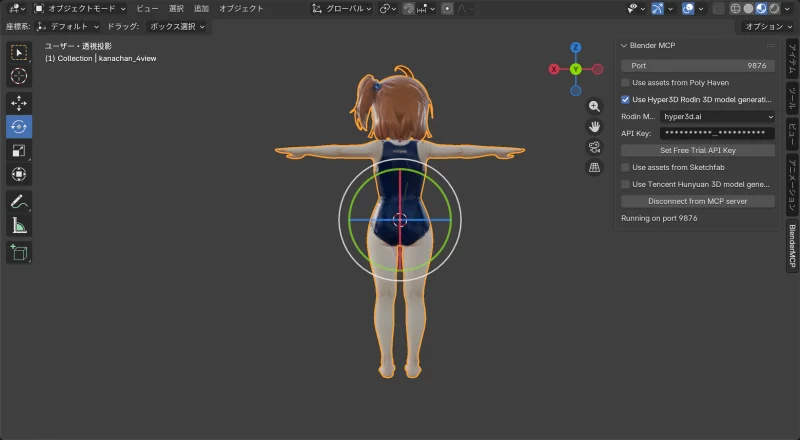 |
Model info:
| Item | Value |
|---|---|
| Vertices | 22,991 |
| Polygons | 23,332 |
Problem
Hair quality improved and the back is now properly reconstructed. The face is… recognizable.
But the proportions are wrong. The input was realistically proportioned, but the result came out more chibi-like (bigger head).
Hypothesis:
- T-pose spreads the arms, making the image wide (1760px)
- Hyper3D’s polygon count is fixed
- Fitting a wide image into the same polygon budget compresses the whole body
- The result looks squished, making the head appear proportionally larger
Test 2: Chibi Character × Standing Pose, 4 Images
Next, I generated a chibi character in a natural standing pose from 4 angles, this time with consistent image sizes.
Input images
Front, back, left, and right — 4 images all at 1536×2752px. Generated with Flow (Nanobanana Pro under the hood). Came out pretty normally, better than expected.
| Front | Back | Left | Right |
|---|---|---|---|
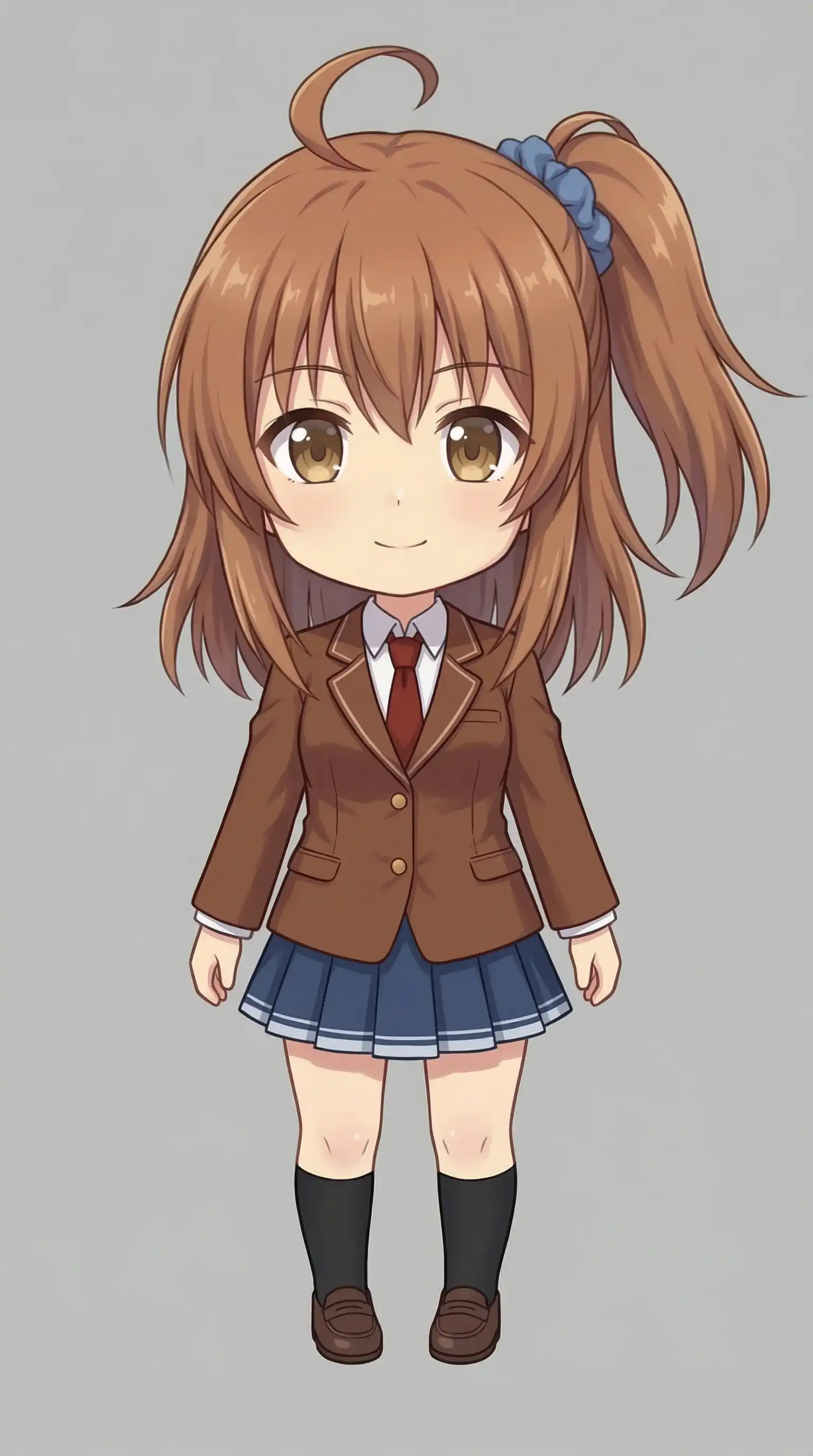 | 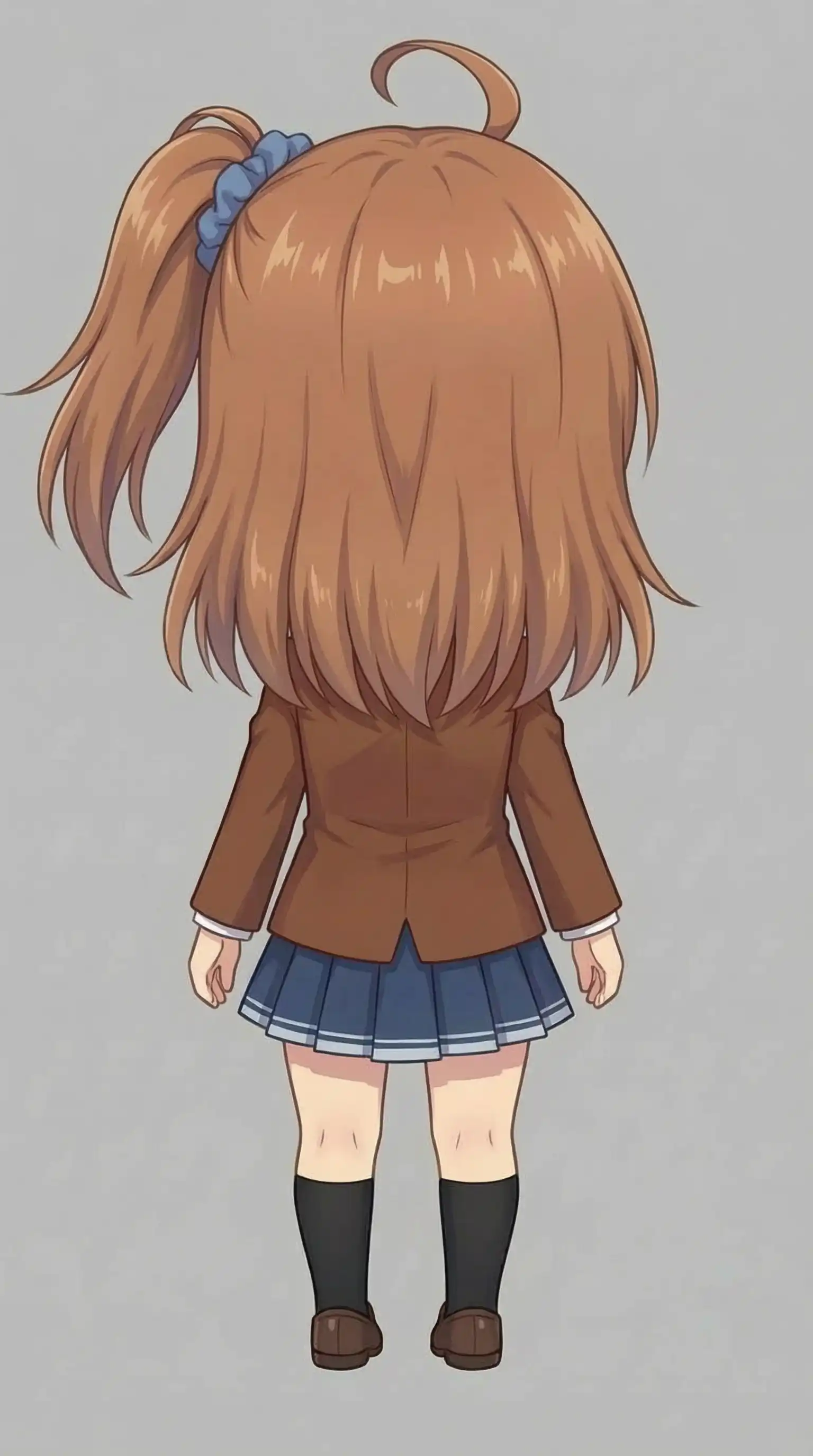 | 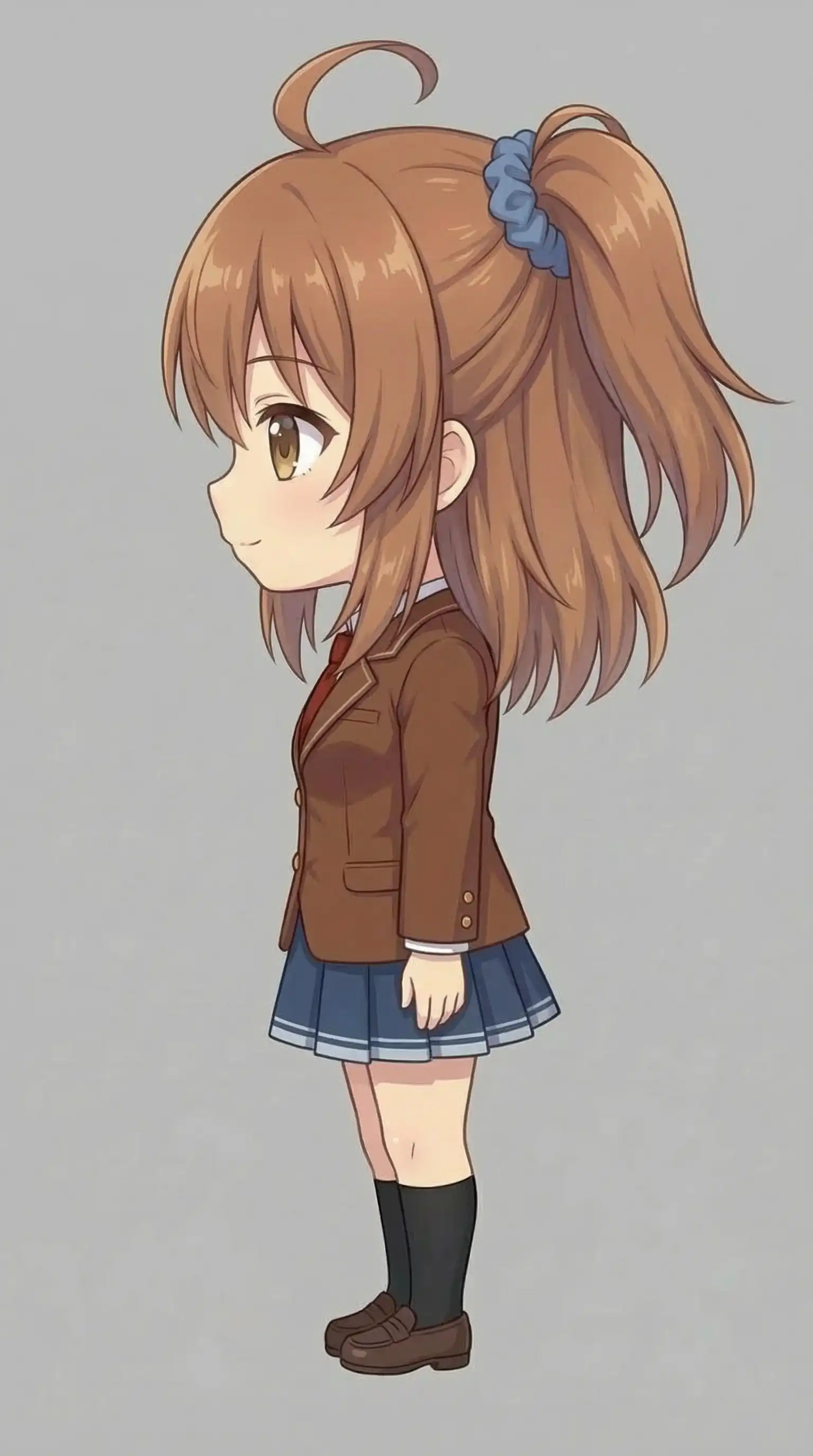 | 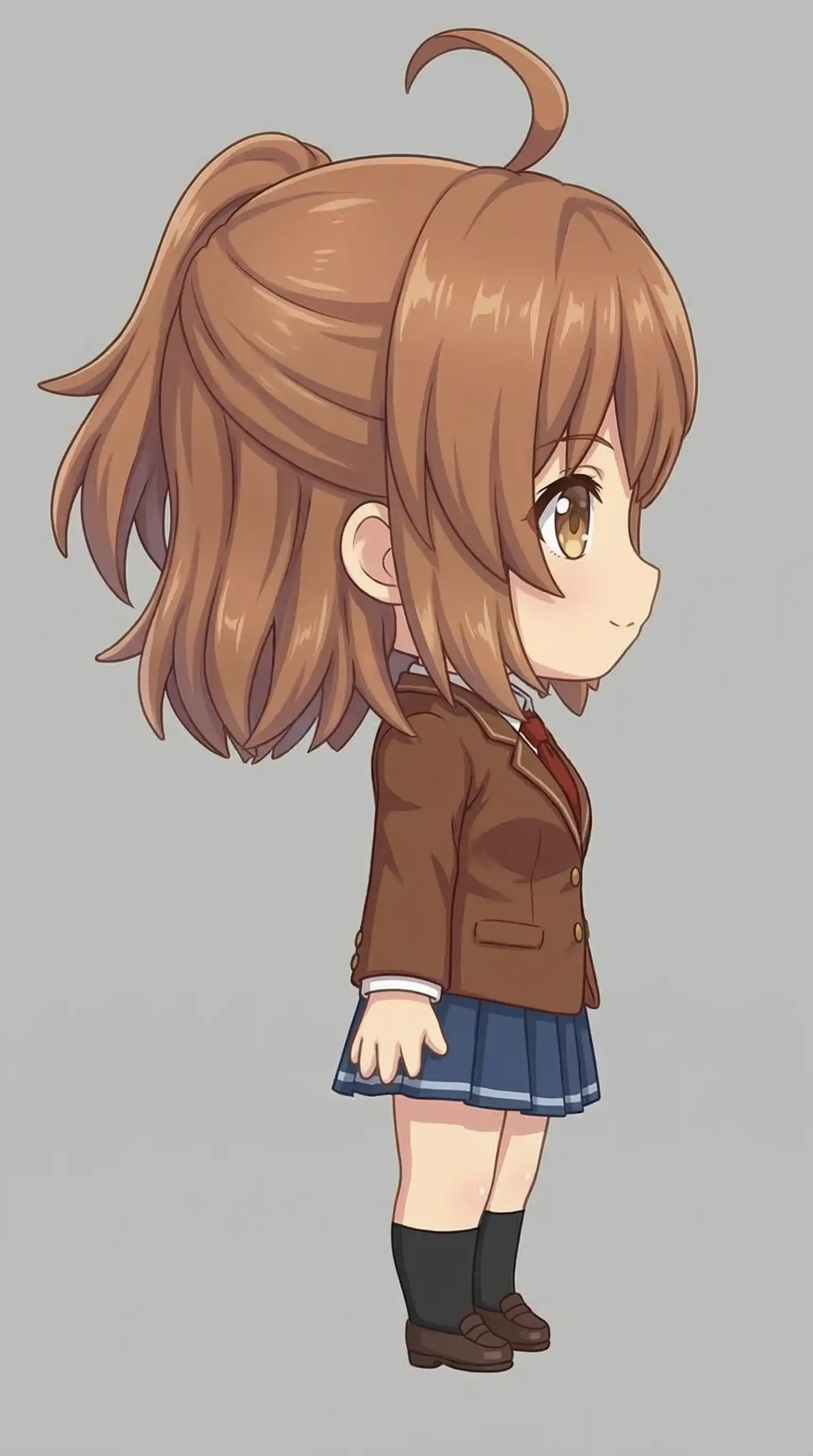 |
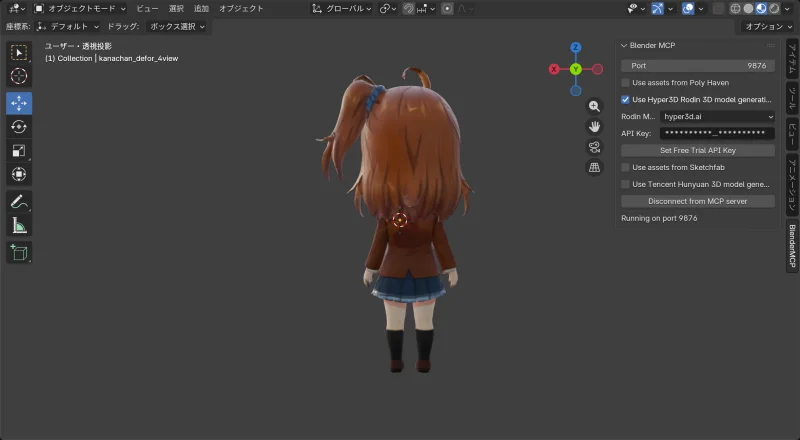
Results
| Front | Back |
|---|---|
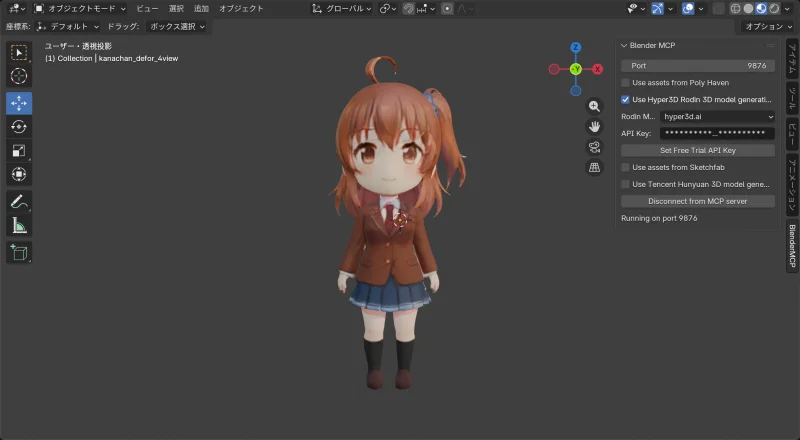 |  |
Model info:
| Item | Value |
|---|---|
| Vertices | 26,917 |
| Polygons | 23,332 |
Success
This time, proportions matched the source images. Clothing, hair front and back — all good quality. The face also came out more convincing than the realistic-proportion test.
Why it worked:
- All images were the same size (1536×2752)
- Standing pose keeps the image narrow (portrait orientation)
- The fixed polygon budget can spend more detail on the body
Comparison
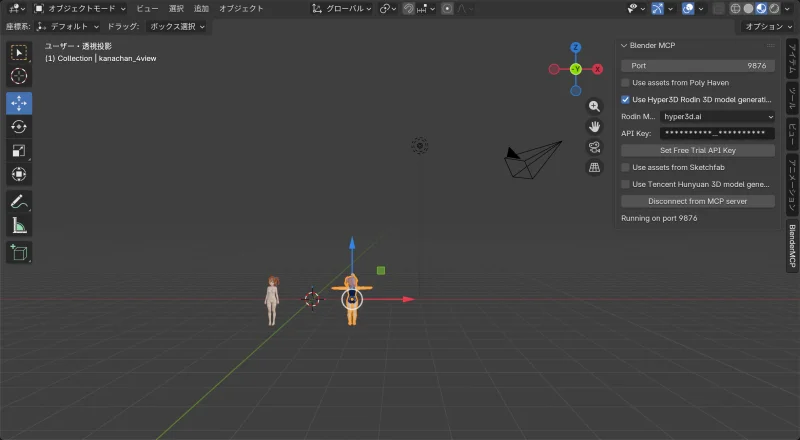
1 image vs. 4 images
| Item | 1 image (front only) | 4 images (front/back/sides) |
|---|---|---|
| Face quality | Rough | Recognizable |
| Hair quality | Back side rough | Front and back both good |
| Back side | Guessed from insufficient info | Reconstructed from input |
Multiple images reliably improve quality.
T-pose vs. standing pose
| Item | T-pose | Standing pose |
|---|---|---|
| Image width | 1760px | 1536px |
| Vertices | 22,991 | 26,917 |
| Proportion accuracy | Distorted | Matches source |
Standing pose is more stable.
Tips: Preparing Images
- Make all image sizes identical (most important)
- Standing pose preserves proportions better than T-pose
- T-pose requires extra horizontal space for the arms, which compresses the body
- Use the same character and the same outfit across all images
- Simple backgrounds work better
- The first image becomes the base for texture generation
Multiple images meaningfully improve 3D generation quality — especially for the back side and hair. That said, image dimensions and pose both affect the outcome. Standing pose beats T-pose, and consistent image sizes are key.