Qwen + Kuramoto oscillators: a training-free, abstract image generator (M1 Max)
 Contents
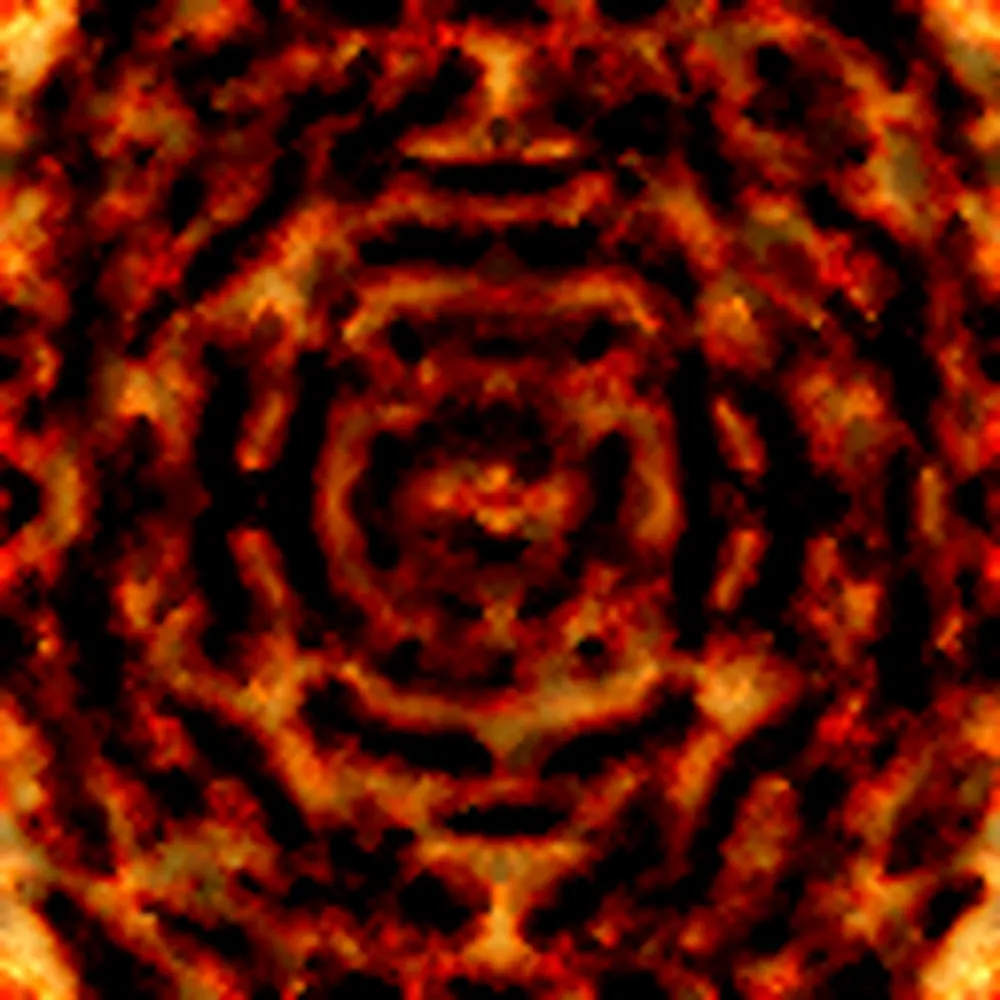
I earlier wrote about Un-0, which generates images from Kuramoto-model synchrony. That is a real generative model with a learned coupling matrix and a learned decoder — its largest ImageNet-64 model took 640 B200-hours to train. Training the same thing myself is, by any measure, impossible on a machine at hand.
But the core idea of Un-0 — “couple oscillators, let them synchronize, and read the phase field out as an image” — felt like something I could touch with a training-free toy. So I wrote a little generator that has Qwen turn a natural-language prompt into JSON, runs a 2D Kuramoto oscillator lattice, and colors the phase field. NumPy only, on an M1 Max.
With zero training, does changing the prompt actually change the output? If it does, which parameters matter and which don’t? That’s what I wanted to check by hand.
This is not an image-generation model. Ask it for a cat and you get no cat. All it produces are abstract patterns and backgrounds.
Test environment
| Item | Detail |
|---|---|
| Machine | Apple M1 Max / 64GB (CPU only, no GPU) |
| Language | Python 3.13 |
| Main libraries | NumPy, SciPy, Pillow, imageio |
| LLM | Qwen3.7 (Plus/Max) via an OpenAI-compatible API |
| Grid size | 128×128 oscillators |
| Time evolution | 200 steps, 8-neighbor coupling, torus boundary |
| Output | upscaled to 512–1000px PNG / animation as webp |
The Kuramoto model itself doesn’t need a GPU. It’s just a 128×128 phase field run for 200 steps, so one image takes well under a second locally.
The overall flow
The division of labor looks like this.
flowchart TD
  A[Natural-language prompt] --> B[Qwen<br/>intent parser]
  B --> C[Generation Spec<br/>JSON]
  C --> D[2D Kuramoto model<br/>phase-field evolution]
  D --> E[phase / order / edge<br/>maps]
  E --> F[palette coloring]
  F --> G[PNG / webp]
Qwen is not emitting an image latent. All it does is translate free text into “control parameters for the generator.” In Un-0’s terms, I’m using it less as a text encoder and more as an encoder that turns meaning into generation parameters.
Making Qwen parameterize the prompt
The system prompt handed to Qwen is just this. It states up front that “this generator cannot draw objects; it only makes abstract images from oscillator fields, phase maps, waves, palettes, turbulence, and radial bias,” then pins down the schema.
You are a parameter generator for a tiny procedural image generator
based on Kuramoto oscillators.
Convert the user's visual prompt into a compact JSON object.

The generator cannot draw realistic objects.
It can only create abstract images using oscillator fields, phase maps,
wave patterns, color palettes, turbulence, radial bias, and rendering.

Return JSON only. Do not include explanations.

Schema:
{
  "palette": "sunset" | "ocean" | "forest" | "fire" | "mono" | "pastel" | "cyberpunk" | "random",
  "mood": "calm" | "energetic" | "dark" | "bright" | "dreamy" | "chaotic",
  "composition": "horizontal" | "vertical" | "radial" | "diagonal" | "centered" | "random",
  "motion": "still" | "slow_wave" | "spiral" | "vortex" | "burst" | "flow",
  "symmetry": "none" | "low" | "medium" | "high",
  "turbulence": number between 0 and 1,
  "coupling": number between 0 and 1,
  "frequency_scale": number between 0 and 1,
  "radial_bias": number between 0 and 1,
  "edge_strength": number between 0 and 1,
  "contrast": number between 0 and 1,
  "saturation": number between 0 and 1,
  "brightness": number between 0 and 1,
  "abstraction": number between 0 and 1,
  "seed_hint": short English phrase
}
The caller uses an OpenAI-compatible SDK and reads the endpoint and model from environment variables. The endpoint I used is an OpenAI-compatible API served through ModelScope.
from openai import OpenAI

client = OpenAI(
    api_key=os.environ["QWEN_API_KEY"],
    base_url=os.environ["QWEN_BASE_URL"],
)
resp = client.chat.completions.create(
    model=os.environ["QWEN_MODEL"],
    messages=[
        {"role": "system", "content": SYSTEM_PROMPT},
        {"role": "user", "content": prompt},
    ],
    temperature=0.4,
)
spec = validate(json.loads(extract_json(resp.choices[0].message.content)))
The returned JSON always passes through validate().
Enum values outside the allowed set fall back to a default, and numbers are clamped to 0–1.
This keeps the generator from breaking when the LLM occasionally returns an out-of-range value or an extra key.
For example, passing “a sunset lake, still water, pale and abstract” returns JSON like this.
{
  "palette": "sunset",
  "mood": "calm",
  "composition": "horizontal",
  "motion": "slow_wave",
  "symmetry": "low",
  "turbulence": 0.15,
  "coupling": 0.75,
  "frequency_scale": 0.25,
  "radial_bias": 0.1,
  "edge_strength": 0.2,
  "contrast": 0.3,
  "saturation": 0.45,
  "brightness": 0.65,
  "abstraction": 0.85,
  "seed_hint": "sunset lake calm water pale abstract"
}
“Sunset” lands on the sunset palette, “still” becomes calm with low turbulence, and “pale” drops saturation to 0.45 and contrast to 0.3.
This JSON is just settings for the generator, not strict semantics.
The 2D Kuramoto lattice
I covered the Kuramoto model itself in the earlier post, so here it’s just the implementation. Each pixel is one oscillator, and its phase evolves through coupling with its neighbors.
is the natural frequency, the coupling strength, and the neighbor weight.
There’s no all-to-all coupling — just the 8 neighbors up/down/left/right and diagonal.
Shifting the phase field with np.roll and taking the difference gives a torus with wrapped edges.
For abstract patterns that’s actually convenient.
NEIGHBORS = [(-1,0,1.0),(1,0,1.0),(0,-1,1.0),(0,1,1.0),
             (-1,-1,0.7),(-1,1,0.7),(1,-1,0.7),(1,1,0.7)]

def step(theta, omega, K, dt=0.1):
    term = np.zeros_like(theta)
    wsum = 0.0
    for dy, dx, w in NEIGHBORS:
        shifted = np.roll(np.roll(theta, dy, axis=0), dx, axis=1)
        term += w * np.sin(shifted - theta)
        wsum += w
    term /= wsum
    return (theta + dt * (omega + K * term)) % (2*np.pi)
Here’s where I got stuck the most. At first I wrote the composition (horizontal, radial, vortex, and so on) into the initial phase . But under strong local coupling the phase gets smoothed out within a few steps, and every prompt collapses into the same isotropic blobs. Large-scale structure written into the initial phase gets flattened by the coupling almost immediately.
What survived was the natural-frequency field . Since keeps driving the phases every step, putting a spatial gradient there makes the structure persist as traveling waves or stripes. So I moved the composition out of the initial phase and into . Horizontal means a y-direction gradient in , radial means a fast center, and so on.
The exceptions are spirals and vortices: seed a phase winding (a phase singularity) into the initial phase and it’s topologically protected, surviving to the end. This behaves just like the spiral waves familiar from reaction-diffusion systems.
Turning the phase field into color
Mapping the phase straight to hue gives you a plain rainbow. The left image below is exactly that — the phase pushed through into HSV hue. There’s structure, but the saturation is blown out and the information is lost.
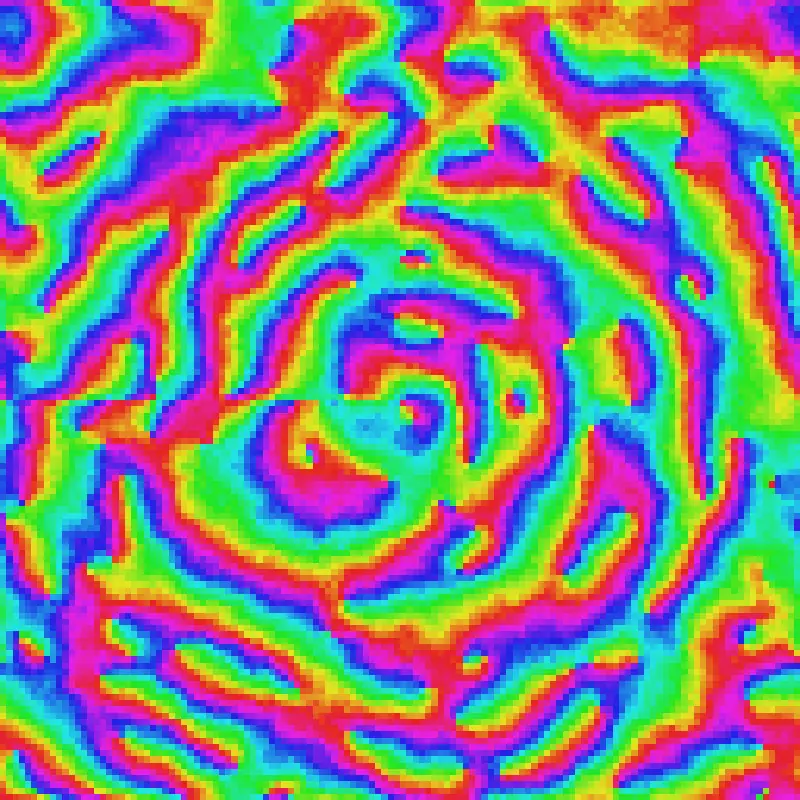
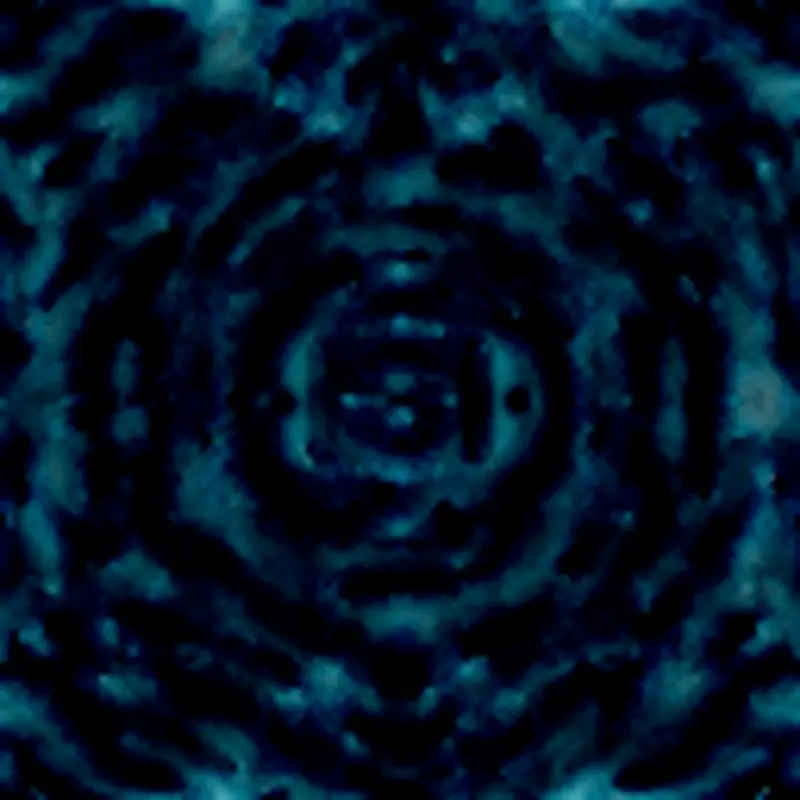
The right image is the final renderer’s output, made from the same phase field. These are the maps it uses.
- Local order … how well phases line up in the neighborhood. drives brightness. Synchronized regions are bright; boundaries (domain walls) become dark filaments
- Edge … the gradient of the order map, added as an outline. Boundaries become glowing filaments
- Palette … a phase-derived scalar indexes a 5-color interpolation table. Instead of cycling hue once, it sweeps back and forth across the palette to make bands
The key is using local order for light and dark; that’s what turns the rainbow into a pattern with depth.
Output examples
Same seed (initial randomness), varying only the prompt. You can see that the difference in Qwen’s JSON changes not just the color but the composition and motion too.
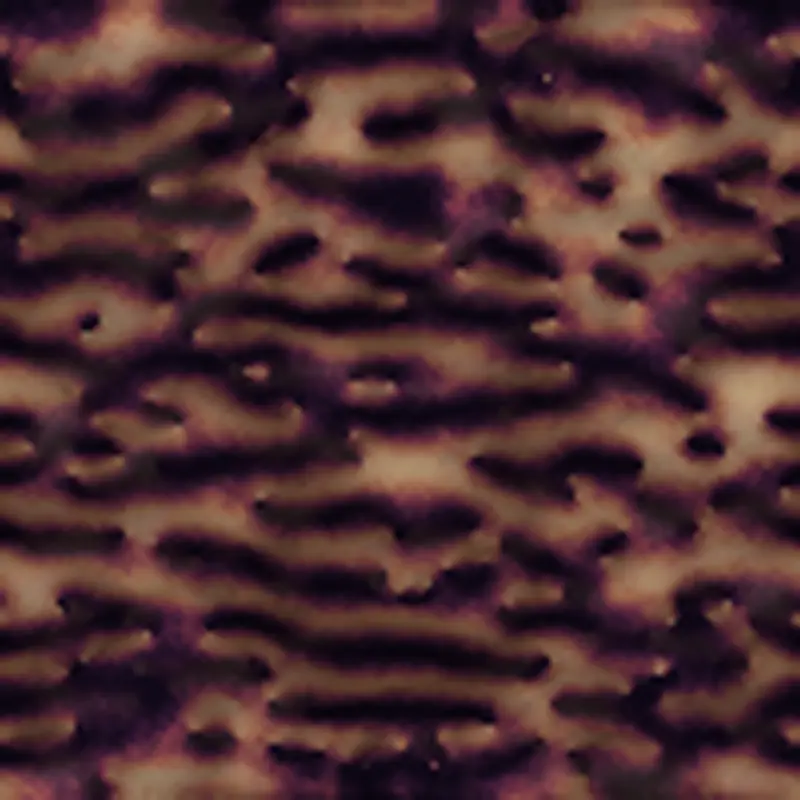
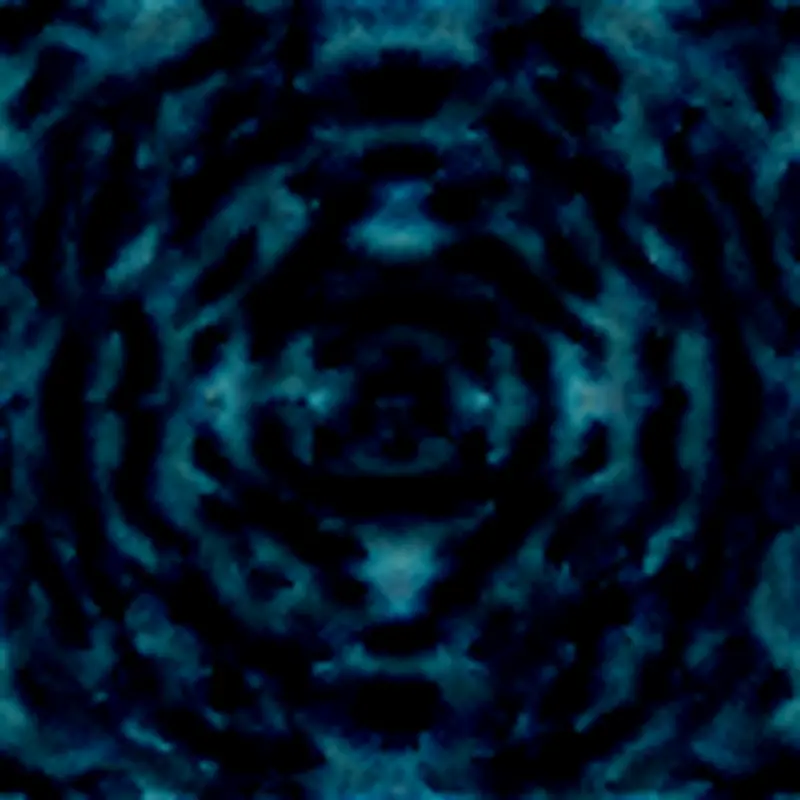
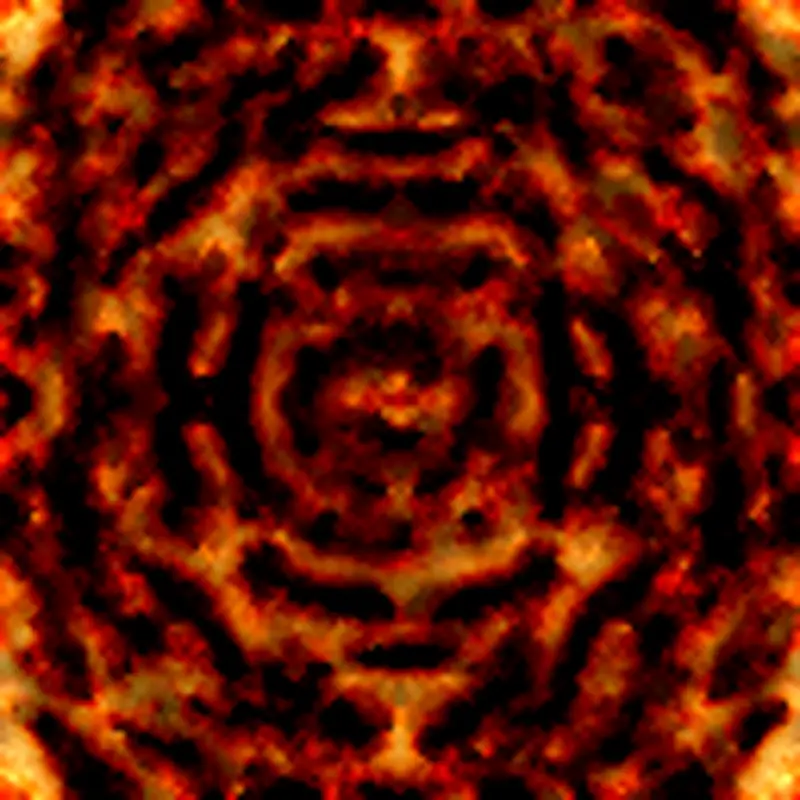
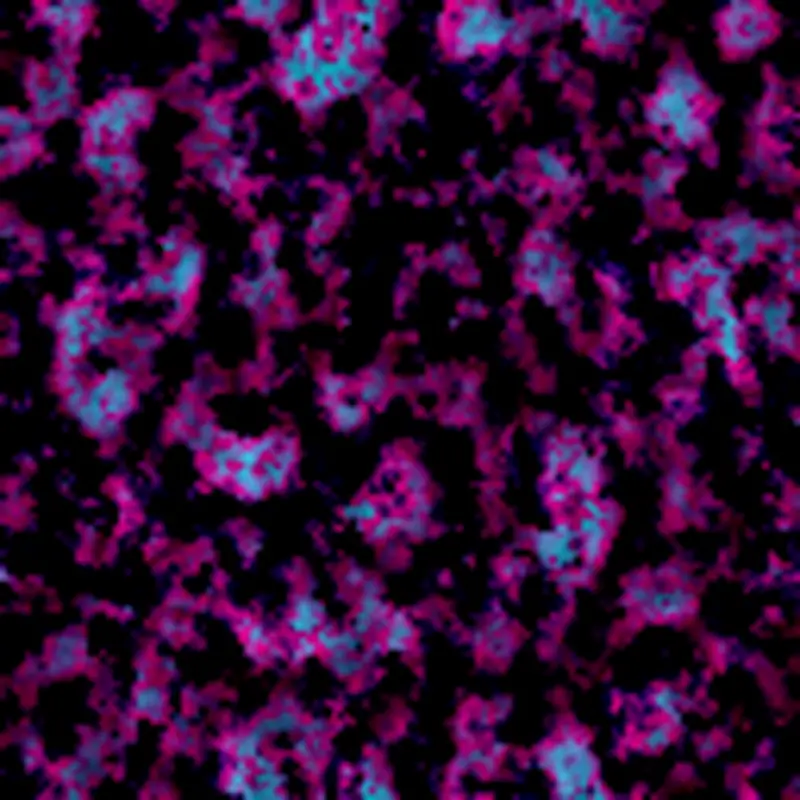
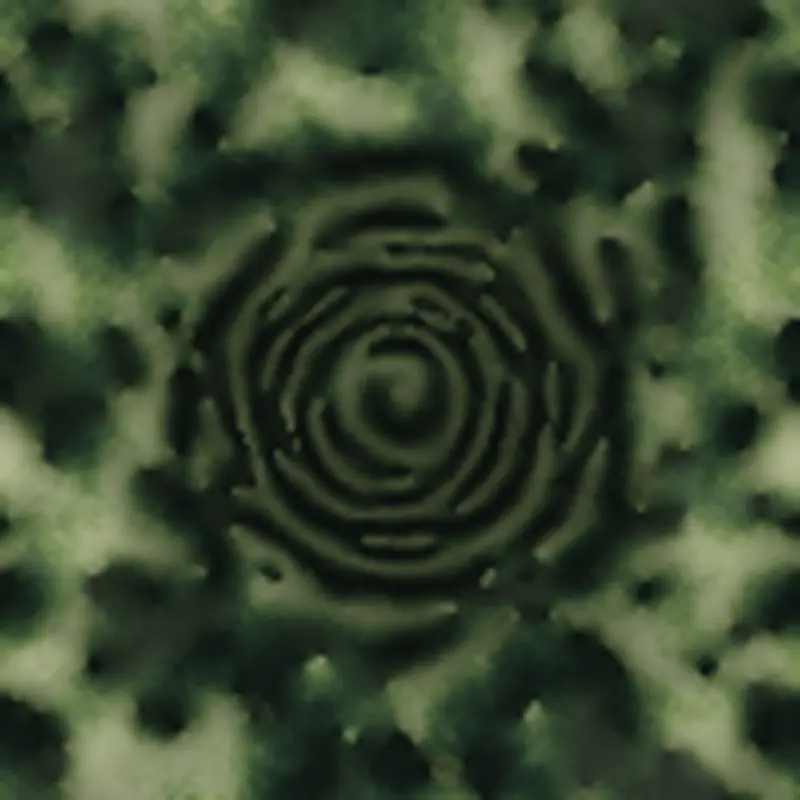
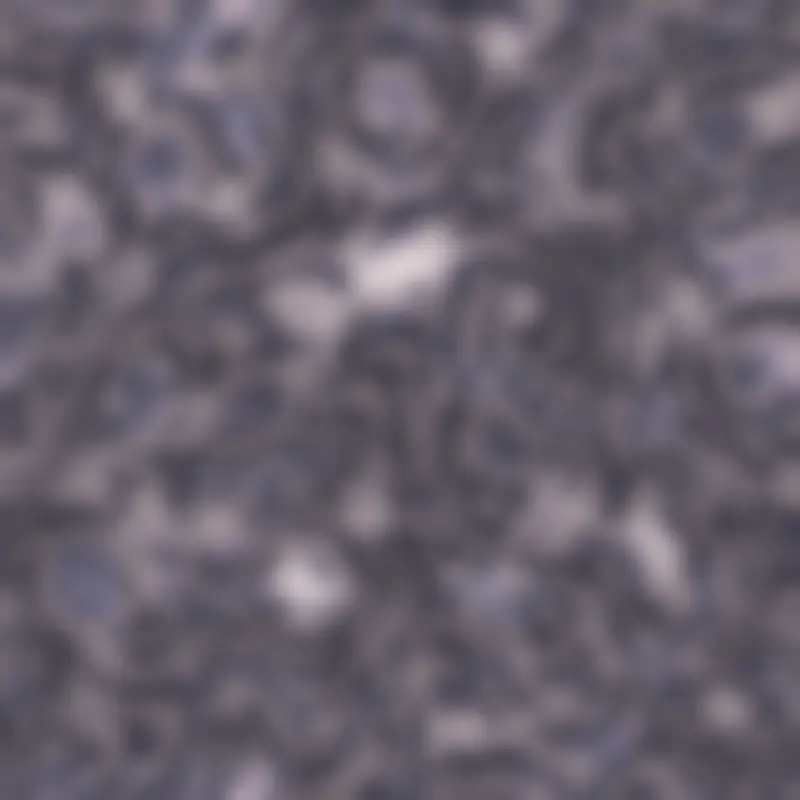
From top-left: sunset lake, deep-sea vortex, burning flower, cyberpunk night, forest morning, and pale dream. Radial prompts turn into concentric rings or spirals; horizontal prompts turn into horizontal ripples. Say “noisy” and turbulence goes up and it scatters. Only the pale dream, as intended, has dissolving outlines — and it’s the least striking image of the set.
With Qwen vs. without
What happens if you drop Qwen and use keyword matching as a fallback? Same prompt: “a sunset lake, still water, pale and abstract.”
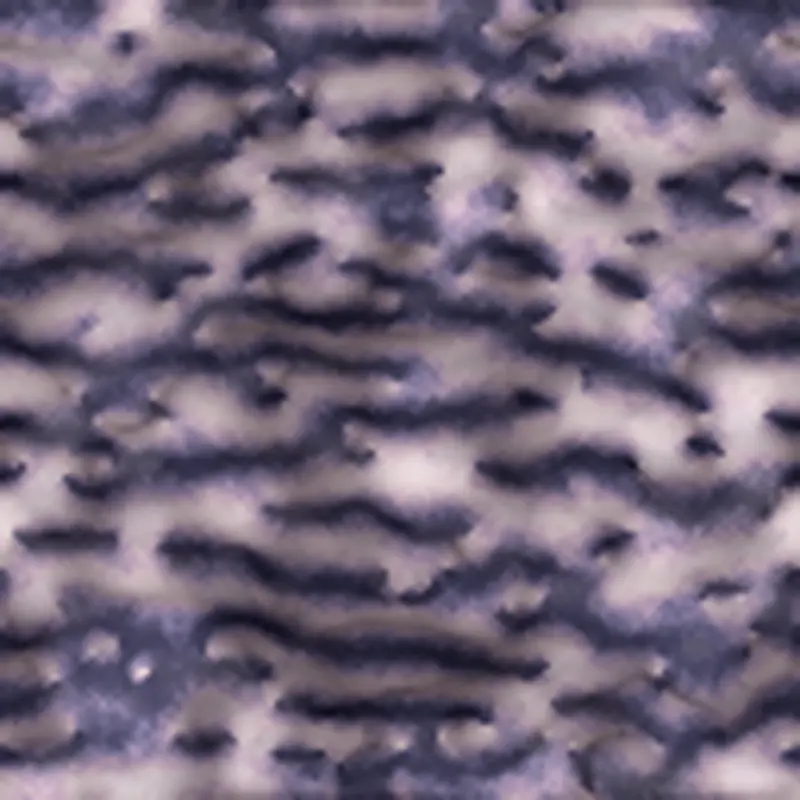
The Qwen version on the left uses the sunset palette, lowering saturation and contrast to get the pale-sunset feel.
The fallback on the right reacts to the keyword “pale” via a pastel rule, so the palette flips to pastel.
As a result the warm sunset colors vanish entirely.
Keyword matching only grabs a single word and overwrites, so it can’t hold “sunset” and “pale” at the same time.
Turning the nuance of the whole sentence into parameters is where putting an LLM in the loop earns its place.
Changing the seed
Fixing the spec and varying only the initial-randomness seed (the burning-flower spec).
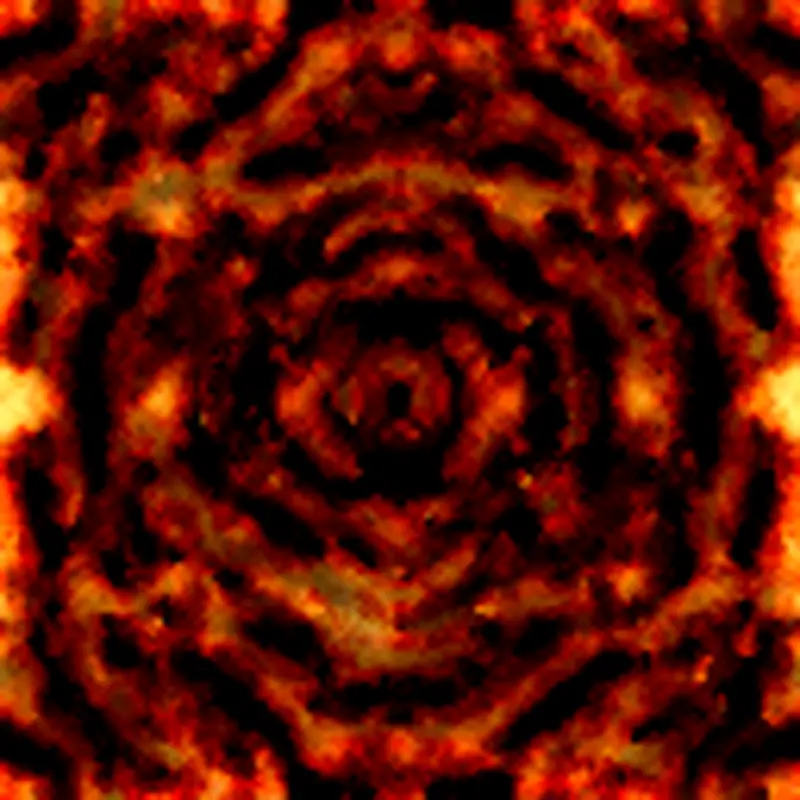
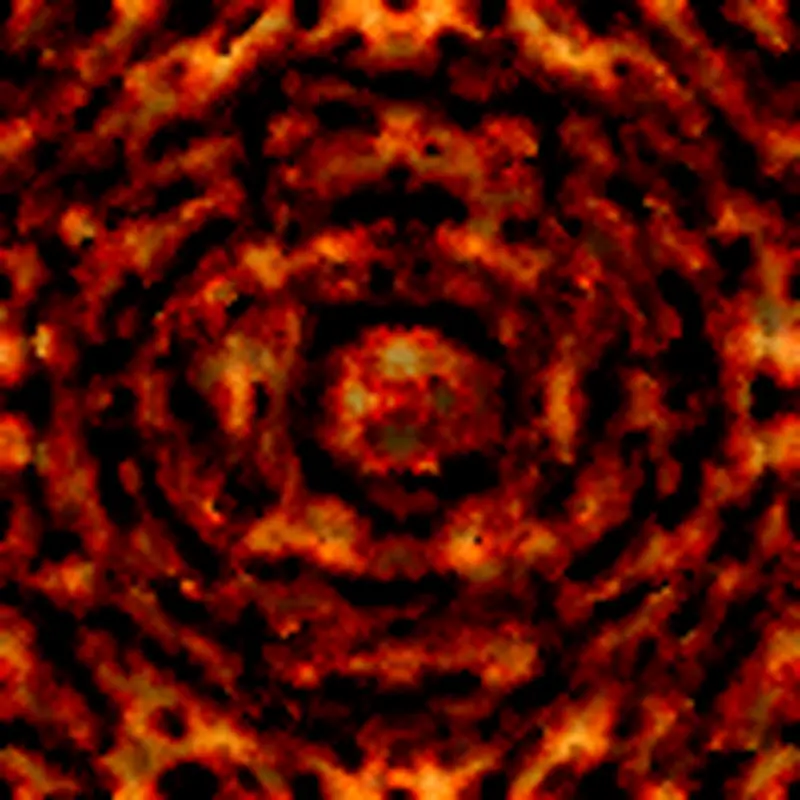
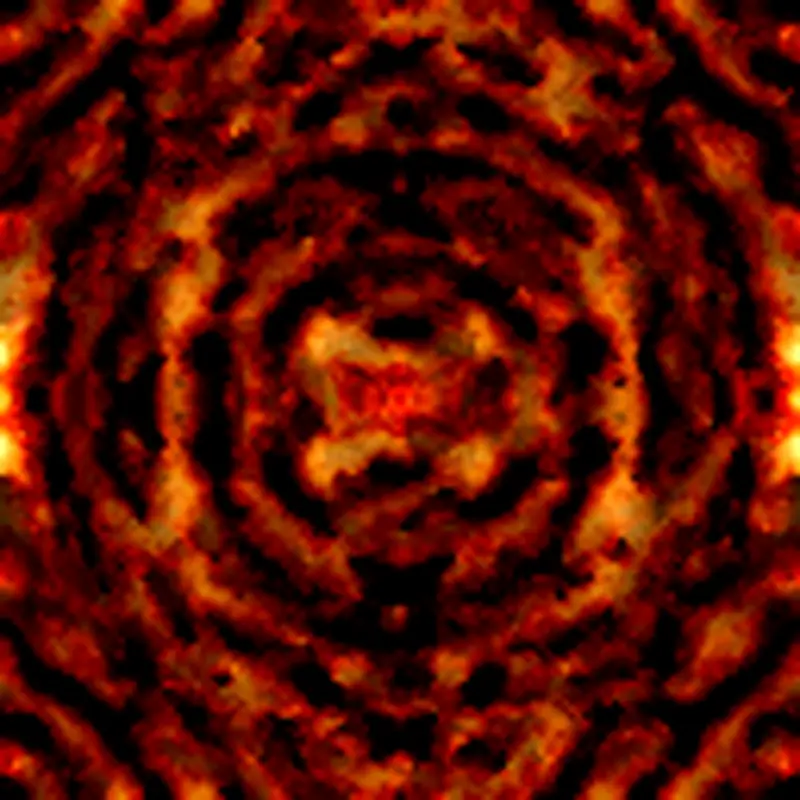
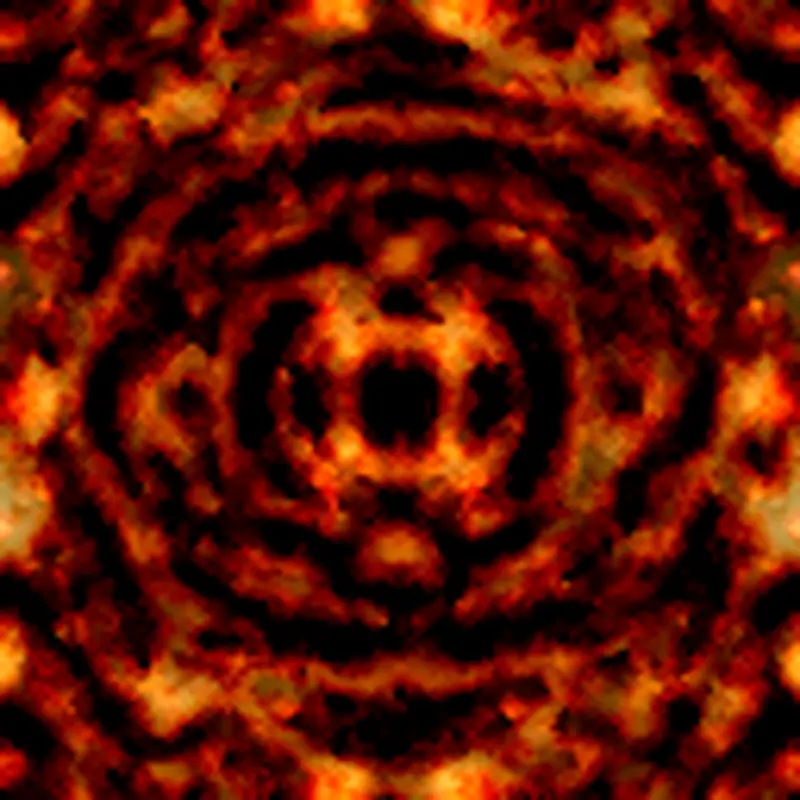
All of them keep the character of concentric fire rings; only how the rings break and where the grains sit changes. The spec decides the character of the image, and the seed decides its particular realization. The role is similar to a diffusion model’s seed, but here — with zero training — the seed is nothing more than the random initial phase.
Showing the synchronization itself
The most Un-0-like part isn’t the still image, it’s the time evolution. Below is the burning-flower spec, with the 200-step synchronization turned into an animation.
At t=0 it’s just random noise. From there the phases start aligning locally, the domains coarsen, and it finally settles into concentric rings radiating from the center. Scattered oscillators pulled into order by their coupling — that process itself becomes the image-generation process. It’s a very different way for an image to come out than a diffusion model running a sequential denoising schedule.
Limits
It’s obviously a different thing from Un-0 itself. Un-0 learns both a coupling matrix and a decoder and paints dogs and cars apart by class conditioning. This one has zero training, so all it can produce is synchronization patterns, and a meaningful composition never comes out. That was never the goal. Even so, changing the prompt did change composition and color, and the process of synchronization becoming a pattern was something I could follow by hand. That’s exactly what I wanted to check at the start.