Translated from the original Japanese article
Doujin & Games
Soba-Eating Game Prototype — Progress Update
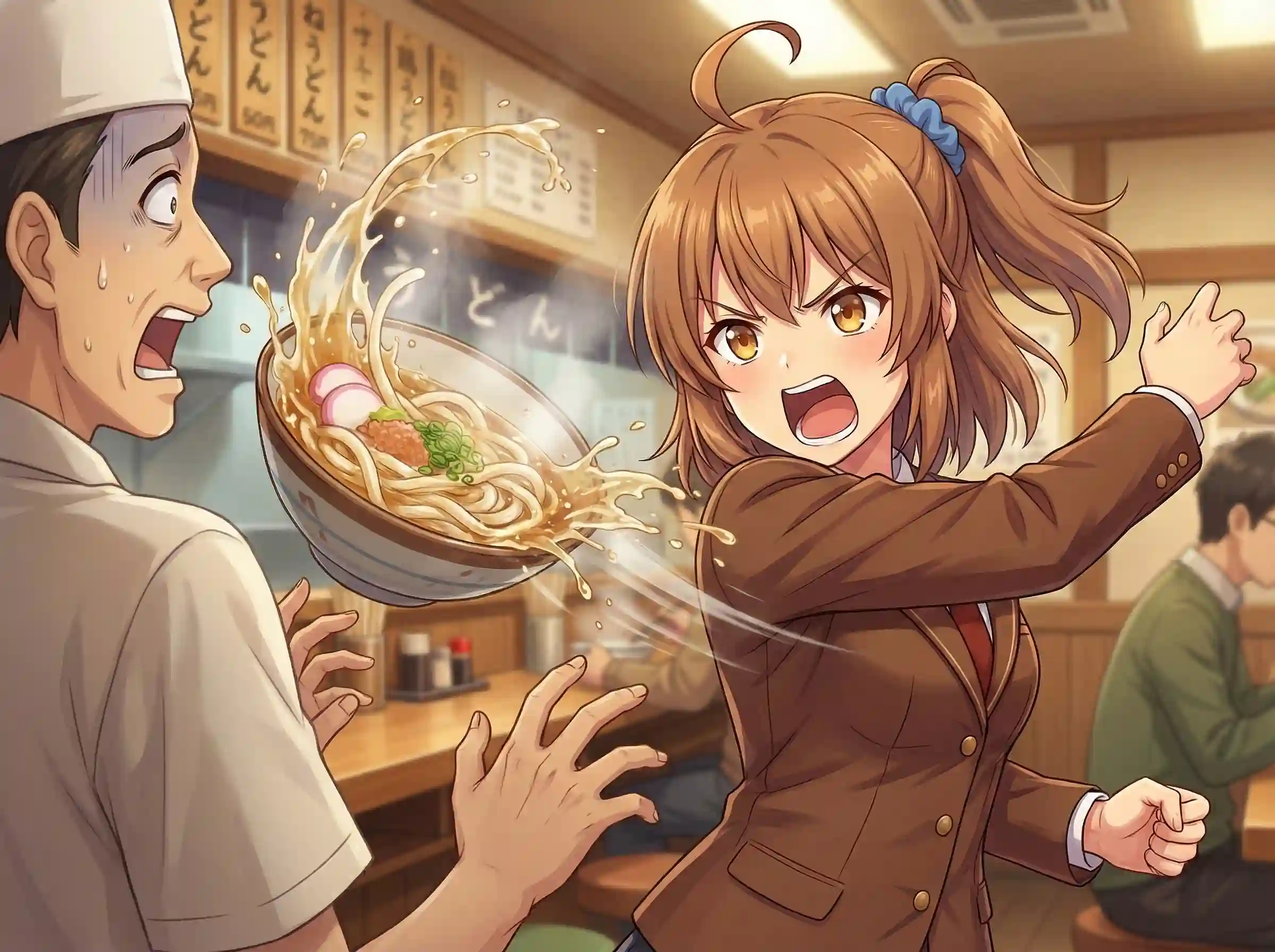
Last Time
In the previous article, I wrote about wanting to make a soba-eating game in the style of “菜織のはいぱぁ う・ドォン”.
This time, continuing from that, I actually built a prototype.
Prototype
Before preparing images, I first made it possible to verify behavior using rectangles only.
I built it for the web, so you can play it right away in your browser.
Controls:
- SPACE: Start game
- Arrow keys: Move
- Z: Eat
- X: Discard / Cancel while eating
- R: Restart
Specifications
I’ll summarize the current specs while I’m at it.
Basics
| Item | Value |
|---|---|
| Screen size | 640 x 480 px |
| Time limit | 60 s |
| Clear condition | Eat 5 bowls of soba |
Player
- Size: 32 x 48 px
- Move speed: 4 px/frame
Food
| Type | Spawn rate | Time to eat | Count | After-eating stun |
|---|---|---|---|---|
| Soba (Regular) | 40% | 1 s | 1 bowl | 1 s (“Gochisousama”) |
| Soba (Large) | 25% | 2 s | 2 bowls | 1 s (“Gochisousama”) |
| Soba (Extra Large) | 15% | 3 s | 3 bowls | 1 s (“Gochisousama”) |
| Udon | 20% | 2 s | 0 | 2 s (“That’s the wrong one!”) |
- Spawn location: On the counter (3 slots)
- Spawn interval: 3 s
- Despawn: retracts 3 s after appearing
- Discard: Press X in front of the counter to discard immediately
Cancel While Eating
- Press X while eating to attempt a cancel
- Success rate: first half (up to 50%) → 80%; second half → 30%
- On failure, you’re forced to finish eating
Enemies
- Size: 32 x 48 px
- Move speed: 1.5 px/frame
- Max count: 2
- Spawn interval: 2.5 s
- Movement: straight from left edge → right edge or right → left (avoids obstacles by moving up/down)
- Hitbox: toward the center (collision checked 8 px in from left/right, 12 px up/down)
- On contact: player stunned for 0.6 s
Obstacles (Tables)
- 3 placed (left, right, lower center)
- Size: 80 x 60 px
- Neither player nor enemies can pass through
Counter
- Size: 300 x 40 px
- Placed at the top-center of the screen
- Eating detection area: around the counter (+20 px left/right, +80 px downward)
State Transitions
normal → eating(Z押下)→ success/fail → normal
       → stunned(敵接触)→ normal
Not Implemented / Next
- Preview of what’s next (NEXT indicator)
- Clock display (a “until 1 p.m.”-style presentation)
- Remaining amount indicator (stomach gauge)
- Replace images
- Stage system (adjust clear amount, enemy count, time)
I’ll probably start by adding graphics and tidying up the visuals.