Six essential resources for building a design system
 Contents
I came across a thread on X by Abraham John (@Abmankendrick) introducing six design system resources for UI/UX designers. They all looked useful, so I went through each one and summarized what stood out.
1. The Design System Guide (Guide and Learning Platform)
URL: https://thedesignsystem.guide
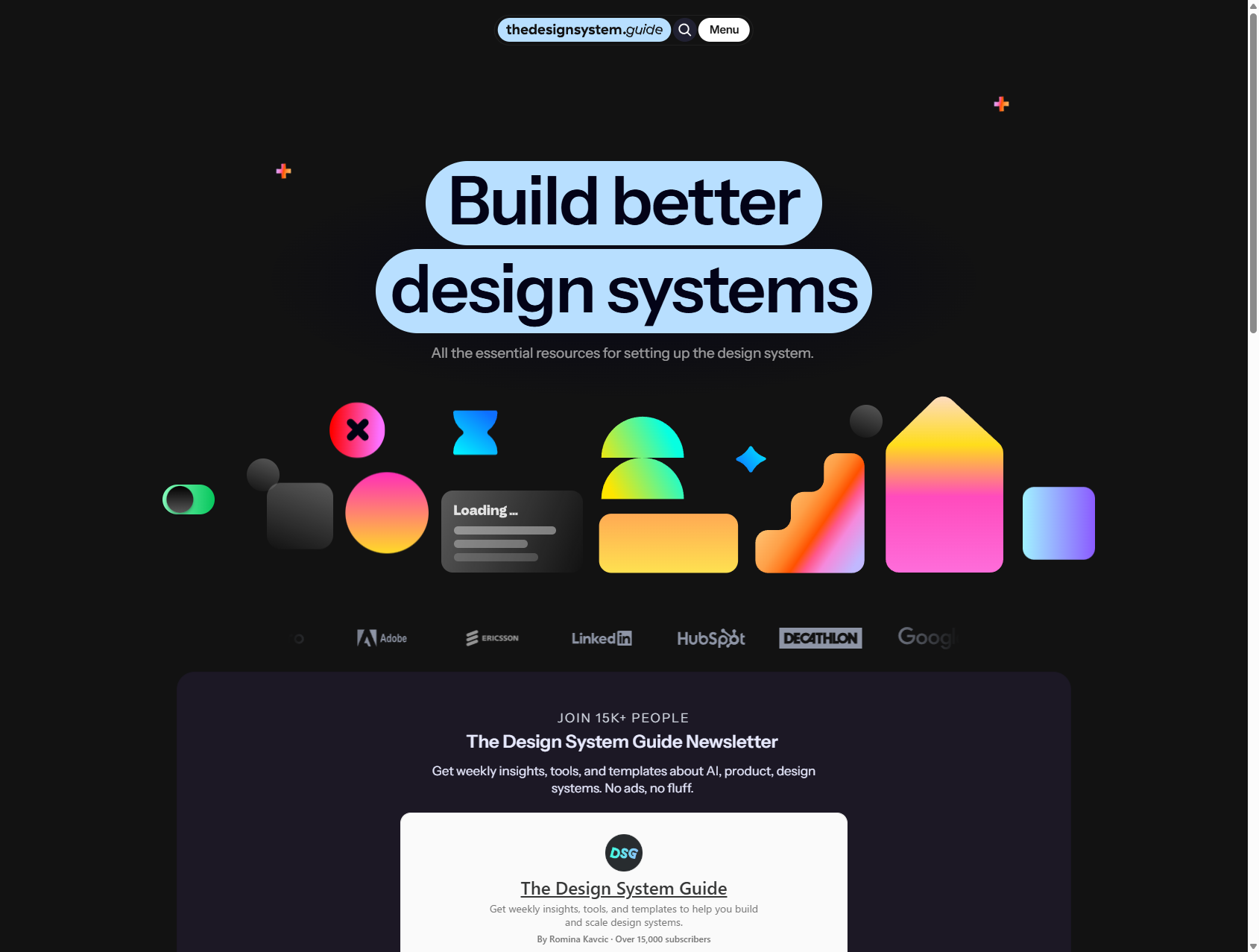
This is a comprehensive resource hub for everyone from design-system beginners to experienced practitioners. It is independently run, but it has strong credibility in the field.
Main features
- Newsletter: Weekly updates on AI, product work, and design systems, with more than 15,000 subscribers
- Courses: Topics such as Design Tokens Mastery, Agentic Design Systems, and Airtable workflows
- Knowledge base: Metrics for design systems and interview question sets for research
- Podcast: The DSG Podcast, featuring interviews with people in the industry
It looks especially good for keeping up with newer topics like AI-based component audits and documentation automation.
2. Componly Collection (Comparing implementations across design systems)
URL: https://collection.componly.co
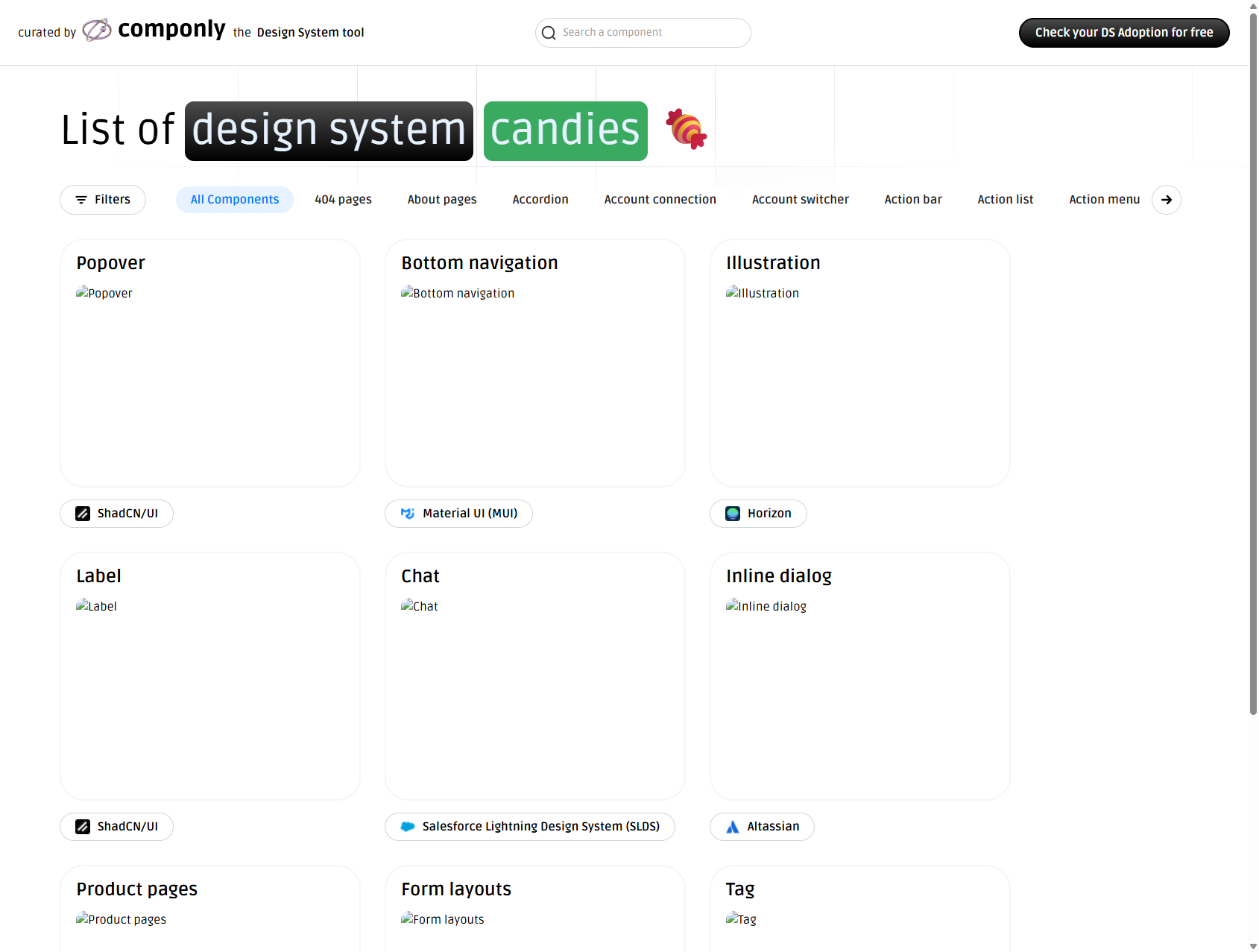
With the concept of a “candy store for design systems,” this platform lets you search and browse UI component implementations collected from multiple design systems.
Highlights
- 400+ pages of implementation examples
- Cross-system comparison: You can compare the same component across systems like ShadCN/UI, Material UI, and Salesforce Lightning Design System
- Free tool:
Check your DS Adoption, which diagnoses how far a team has adopted design systems
Being able to compare how different systems implement the same component is useful when you are deciding how to build your own.
3. Design System Checklist
URL: https://designsystemchecklist.com
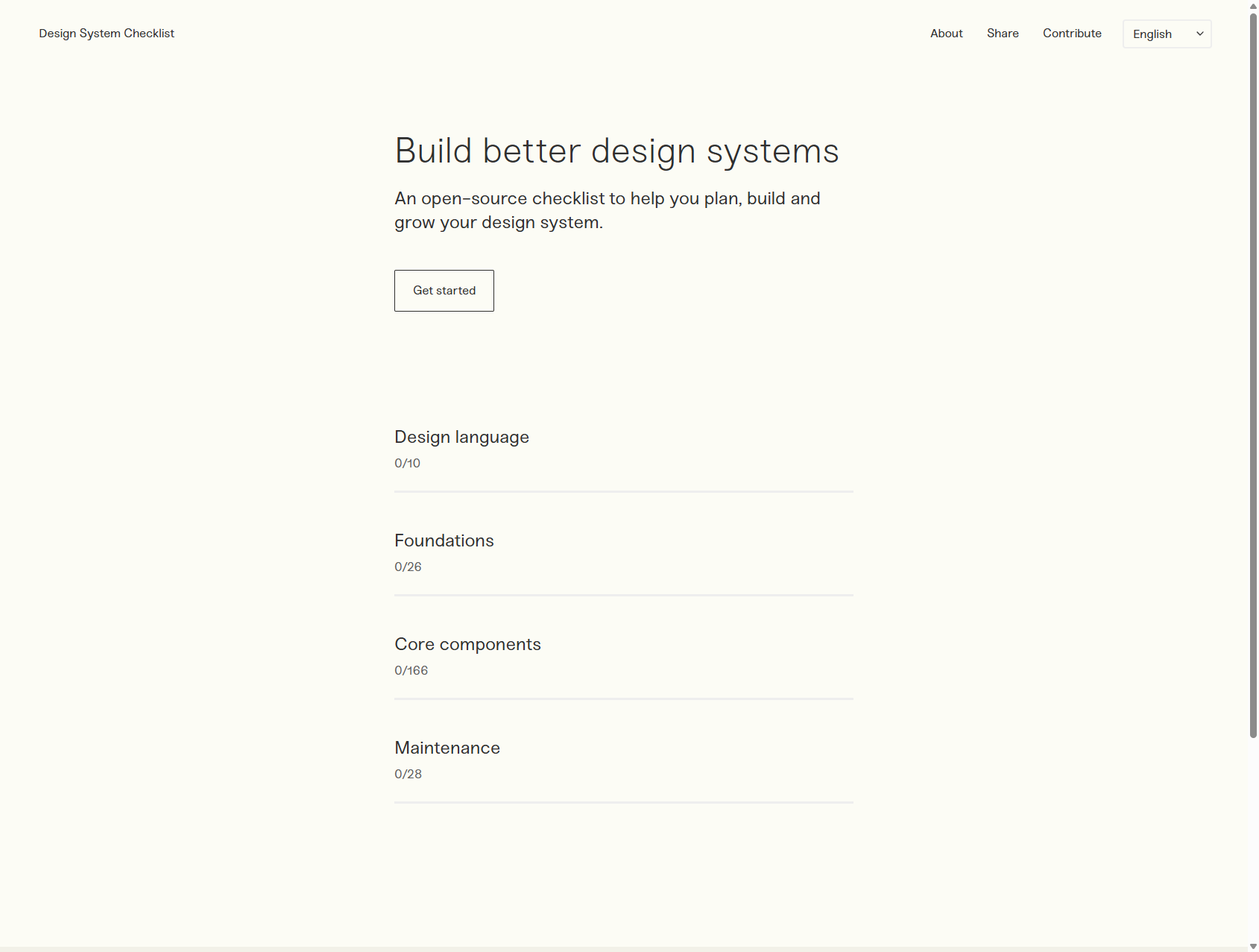
An open-source checklist that supports both the initial build-out of a design system and its later growth.
Four categories
- Design language (10 items)
- Foundations (26 items)
- Core components (166 items)
- Maintenance (28 items)
As you check items off, you can visualize how mature your system actually is. It also supports multiple languages, including English, Korean, and Portuguese.
4. Design Systems Surf (Design system database)
URL: https://designsystems.surf
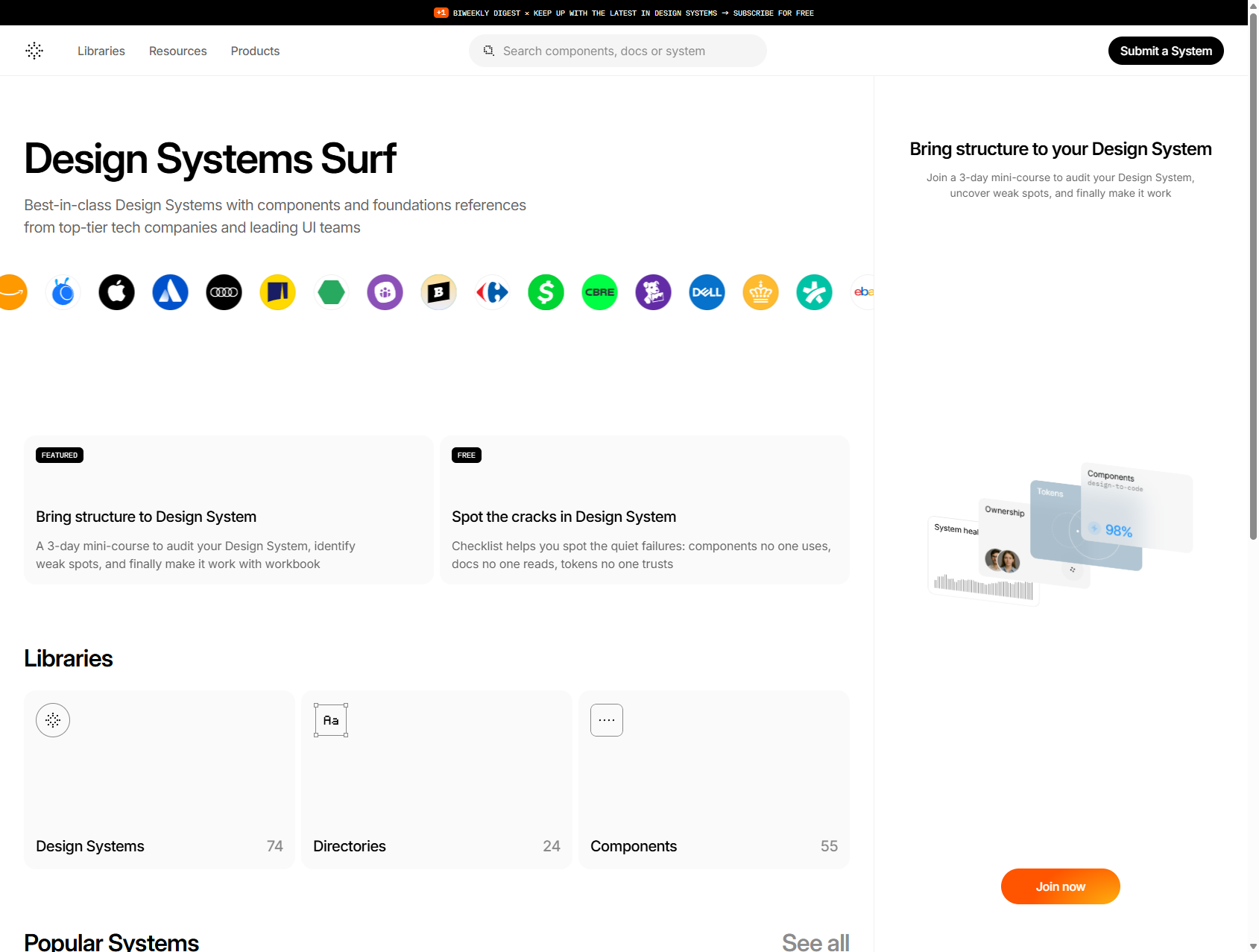
One of the largest galleries of design systems from major tech companies around the world.
Scale
- 74 design systems, including Adobe Spectrum, Apple HIG, Google Material Design, and Microsoft Fluent
- 24 directories
- 55 components
It organizes implementation examples, the tech stack each system uses, such as React, Vue, or Web Components, and links to the original docs. If you want to study best practices, this is worth bookmarking.
5. Design Systems Repo (Resource aggregation site)
URL: https://designsystemsrepo.com
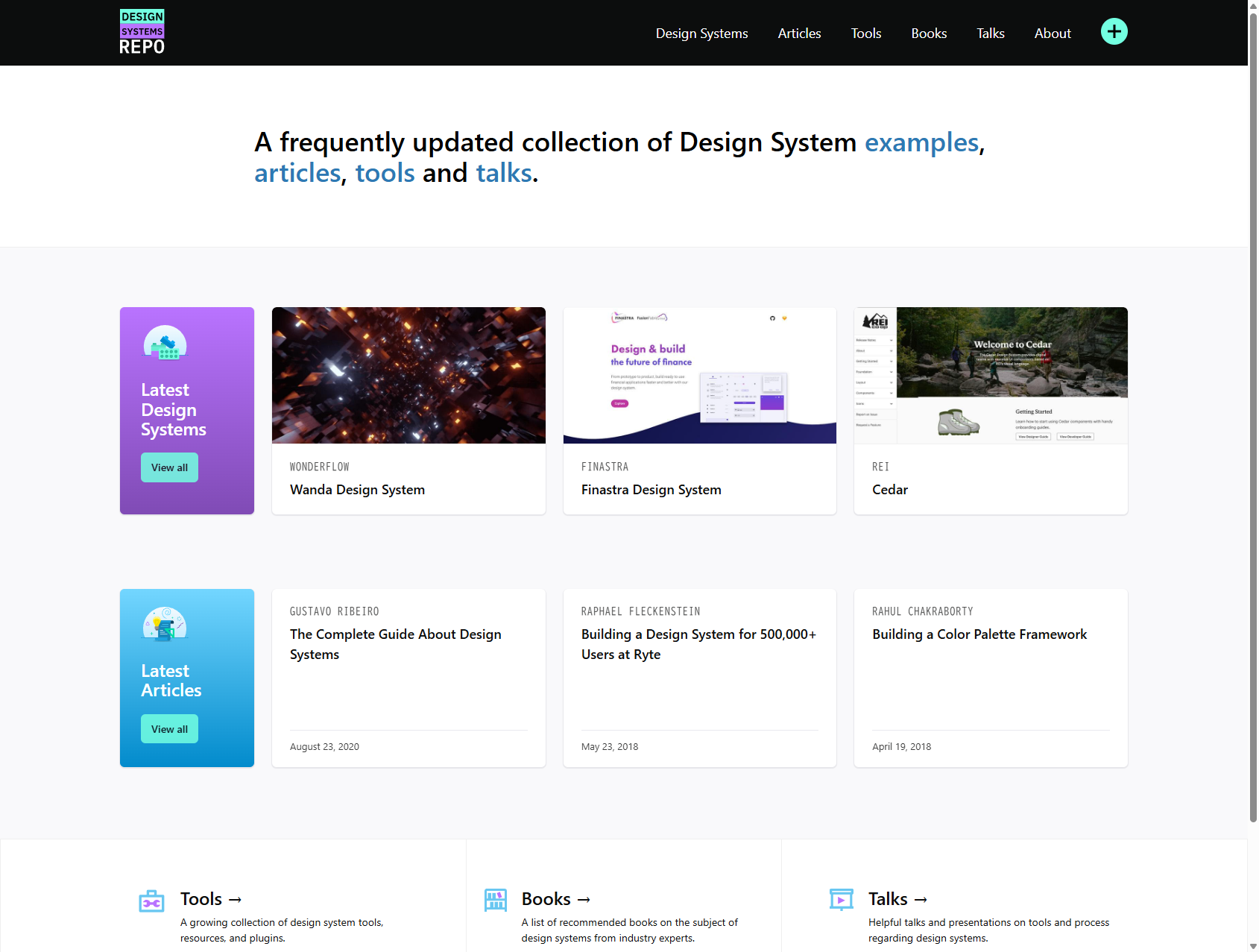
This site collects design-system resources in one place across four major categories.
Content
- Design Systems: Real-world system examples
- Articles: Practical write-ups such as
The Complete Guide About Design Systems - Tools: Software for building and managing design systems
- Books: Learning resources in book form
- Talks: Presentations from people in the field
It advertises itself as “frequently updated,” which makes it useful as a running discovery source.
6. The Component Gallery
URL: https://component.gallery
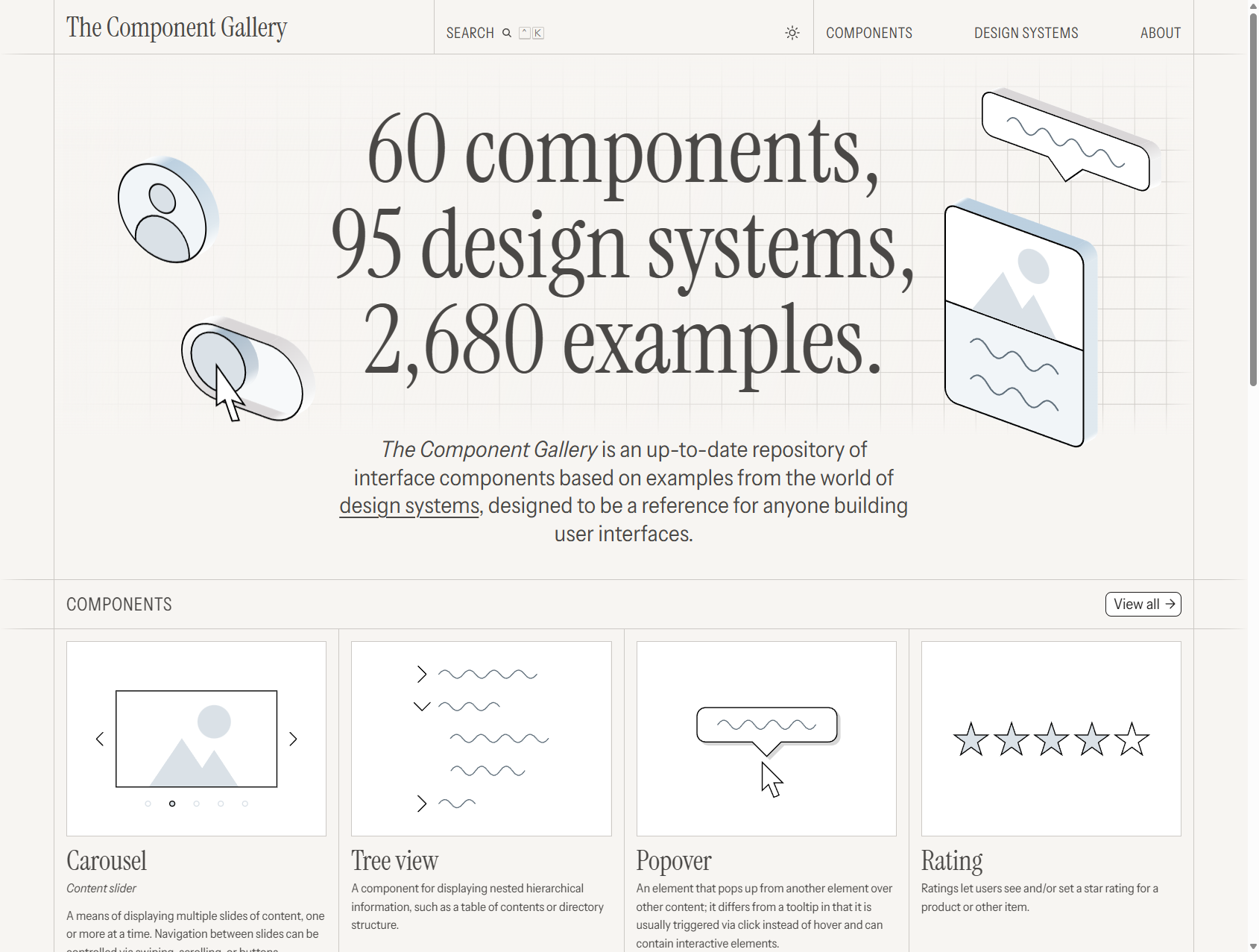
This one catalogs 60 component types and 95 design systems, for a total of 2,680 implementation examples. As a reference for UI component design, it is excellent.
Structure
- 60 component types: Carousel, Tree view, Popover, Rating, Accordion, Quote, Pagination, Tabs, and more
- 95 design systems: Elastic UI, Sainsbury’s, Ariakit, SubZero, Web Awesome, Red Hat, and others
- Search: Site-wide search powered by Pagefind
It is built with Astro, Airtable, and Netlify, so even its open-source approach is interesting as a reference.
How to Use Them Differently
| Resource | Best use |
|---|---|
| The Design System Guide | Learning and courses: When you want broad coverage from basics to advanced topics |
| Componly Collection | Implementation comparison: When you want to compare patterns across multiple systems |
| Design System Checklist | Progress tracking: When you want to visualize how mature your own system is |
| Design Systems Surf | Best practices: When you want to learn from major companies |
| Design Systems Repo | Resource discovery: When you want articles, tools, and books in one place |
| The Component Gallery | Implementation reference: When you want examples of a specific component |
The best approach is to combine them depending on the stage and goal of your design system work.
This article is mostly about the visible layer, the component shell side of things. For the UX side, I also wrote about UI/UX rework pain from the field and, if you want better AI-generated UI, three resources that dramatically improve Claude Code’s UI output. Reading those together may be more useful.