How to Fix the "Project Has Been Deleted" Error in Gemini Gems
 Contents
Symptoms
When trying to use a custom Gem in the Gemini app, the following error appears:
The project used to create this conversation has been deleted. To continue, please create a new project or start a new chat.
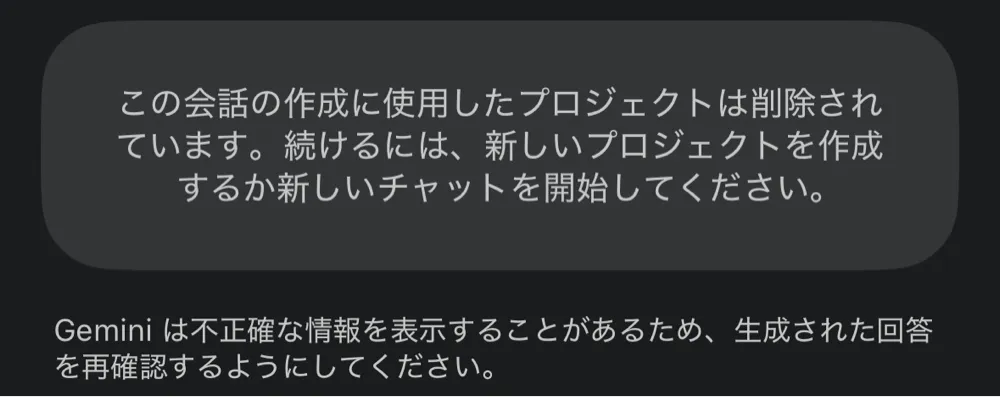
This occurred with a Gem created for character image generation. The error shows up on the very first message in the app.
What makes it worse is that the PC version (browser) is also affected:
- Can’t continue conversations
- Can’t download generated images
- Images aren’t saved to My Stuff
The Fix Gemini Suggested (Didn’t Work)
When I asked Gemini itself about this error, it gave me this answer:
Open the Gem’s “Edit” screen, change nothing, and hit “Save” — the backend project will be regenerated and it’ll be fixed.
First, I checked the state before any fix by generating an image with this prompt:
Relaxing on a beach chair in an aloha shirt, drinking tropical juice, wearing sunglasses, wearing a lei, surrounded by hula dancers
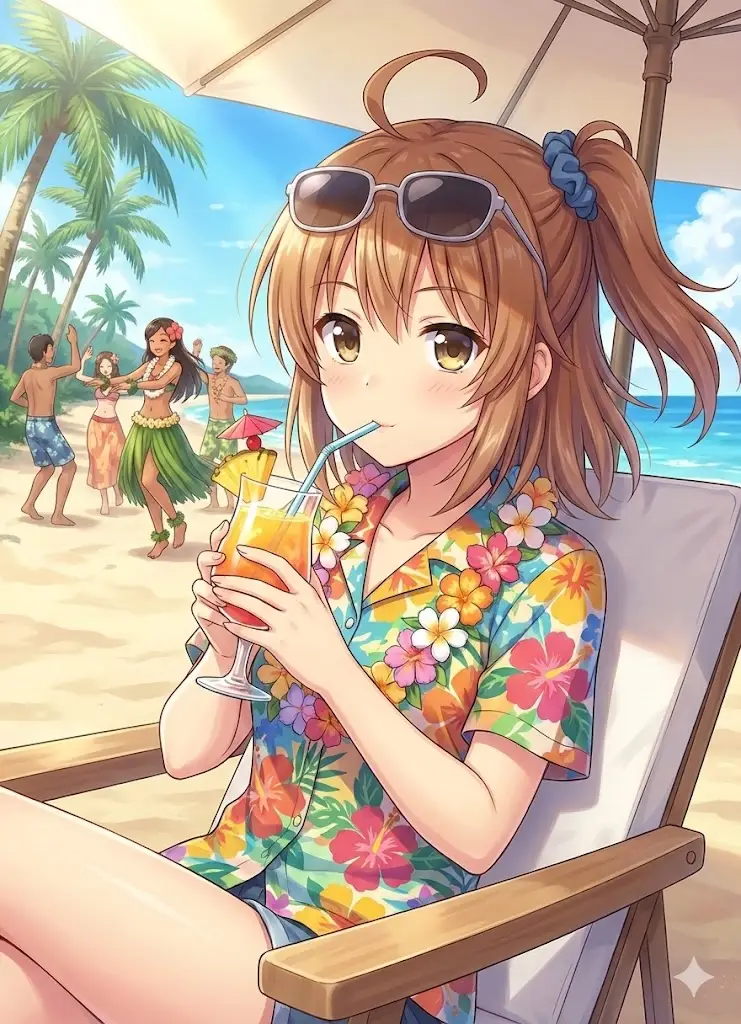
Then I followed Gemini’s instructions. The Save button wasn’t clickable without changes, so I made a small edit to the instructions and saved.
After that, I tested with the same prompt. An image was generated, but the problem persisted.
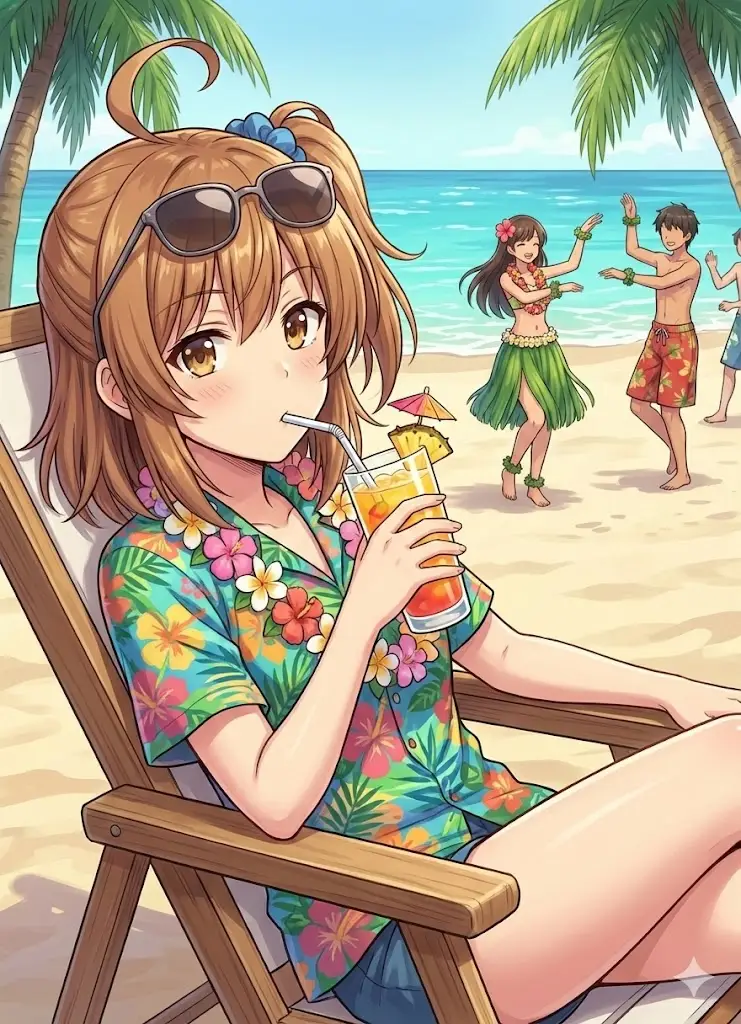
- Not saved to My Stuff
- Can’t download
Same result when using the Gem directly from a chat instead of preview mode.
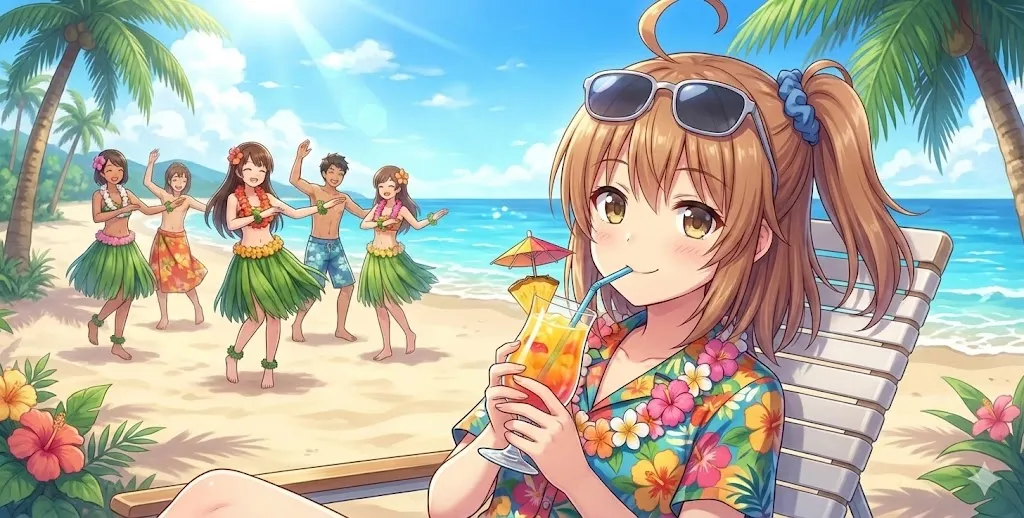
Doing exactly what Gemini said didn’t fix it.
Workaround: Export to Google Docs
When generating from the app, you can retrieve the image by exporting the conversation to a Google Doc.
Even if the download button doesn’t work, this method lets you rescue the image.
Root Fix: Recreate the Gem
Saving over the existing Gem doesn’t fix it.
The only real solution is to copy the prompt (instruction text) and create a new Gem from scratch.
Open the broken Gem’s edit screen, copy the instructions, create a new Gem, and paste them in. It’s a hassle, but there’s no other way.
After recreating the Gem, the same prompt worked fine.
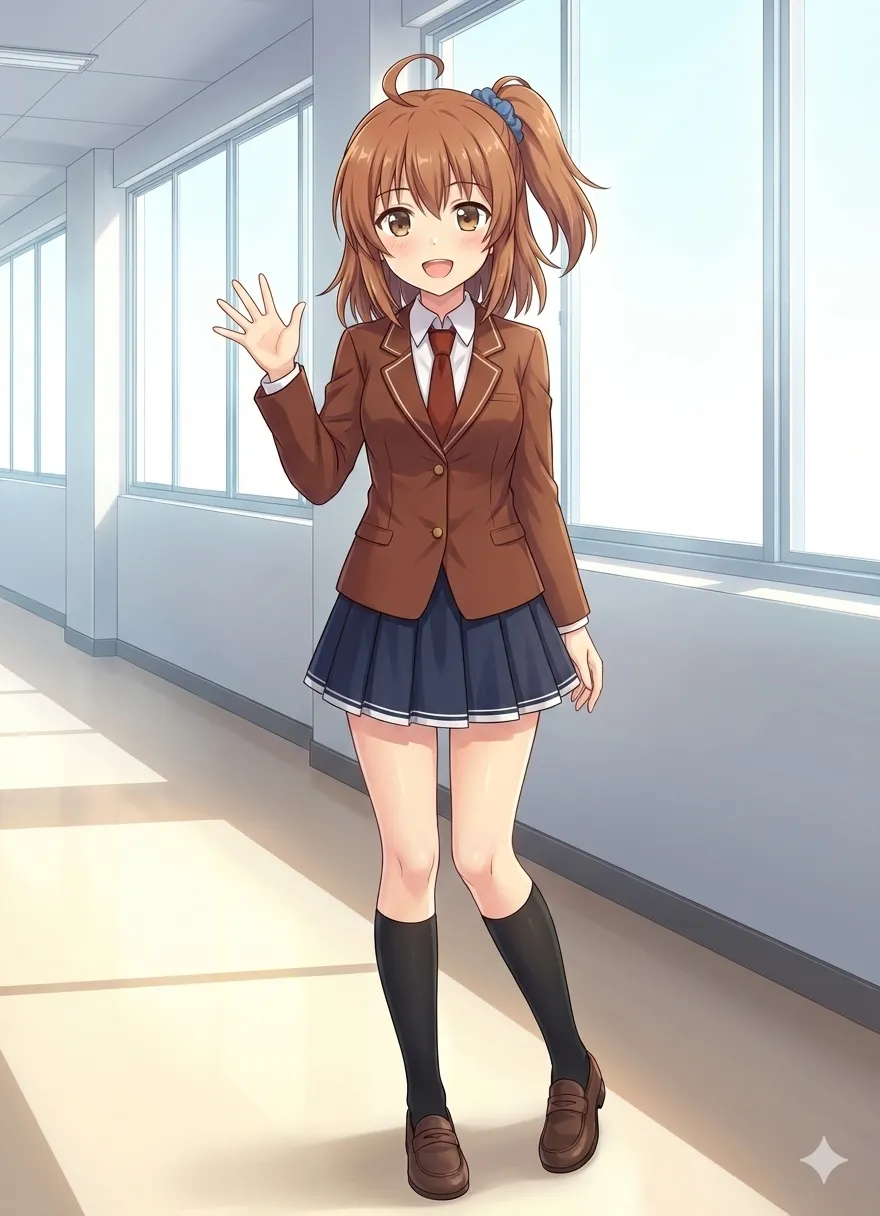
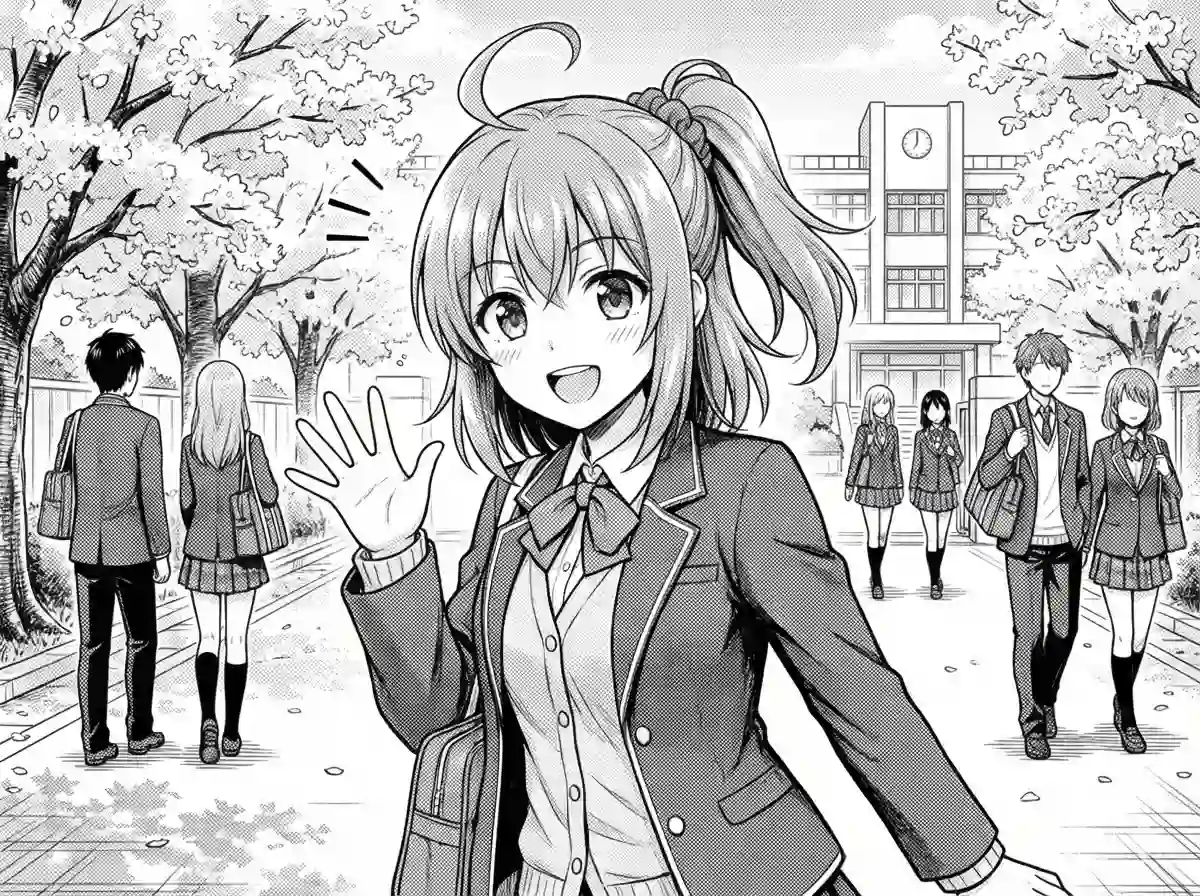
For reference: when I normally generate images, I add more detailed instructions and do some local editing. These examples are unedited outputs for demonstration purposes.